
Home Gallery Guide: Building Your Private Photo Library
What is HomeGallery?
HomeGallery is a self-hosted, open-source web photo gallery for browsing personal photos and videos. It features tagging, mobile-friendliness, and AI-powered image and facial discovery.
The unique features of HomeGallery are its automatic similar image/reverse image search capability and its database-less architecture (all search and filtering are performed quickly within the client's browser). This results in a highly responsive user experience, allowing for seamless navigation and exploration of your archive without any manual steps.
https://appstore.lazycat.cloud/#/shop/detail/cloud.lazycat.app.homegallery
User Experience
After installing the application and opening it, I can immediately see the photos from my cloud storage.
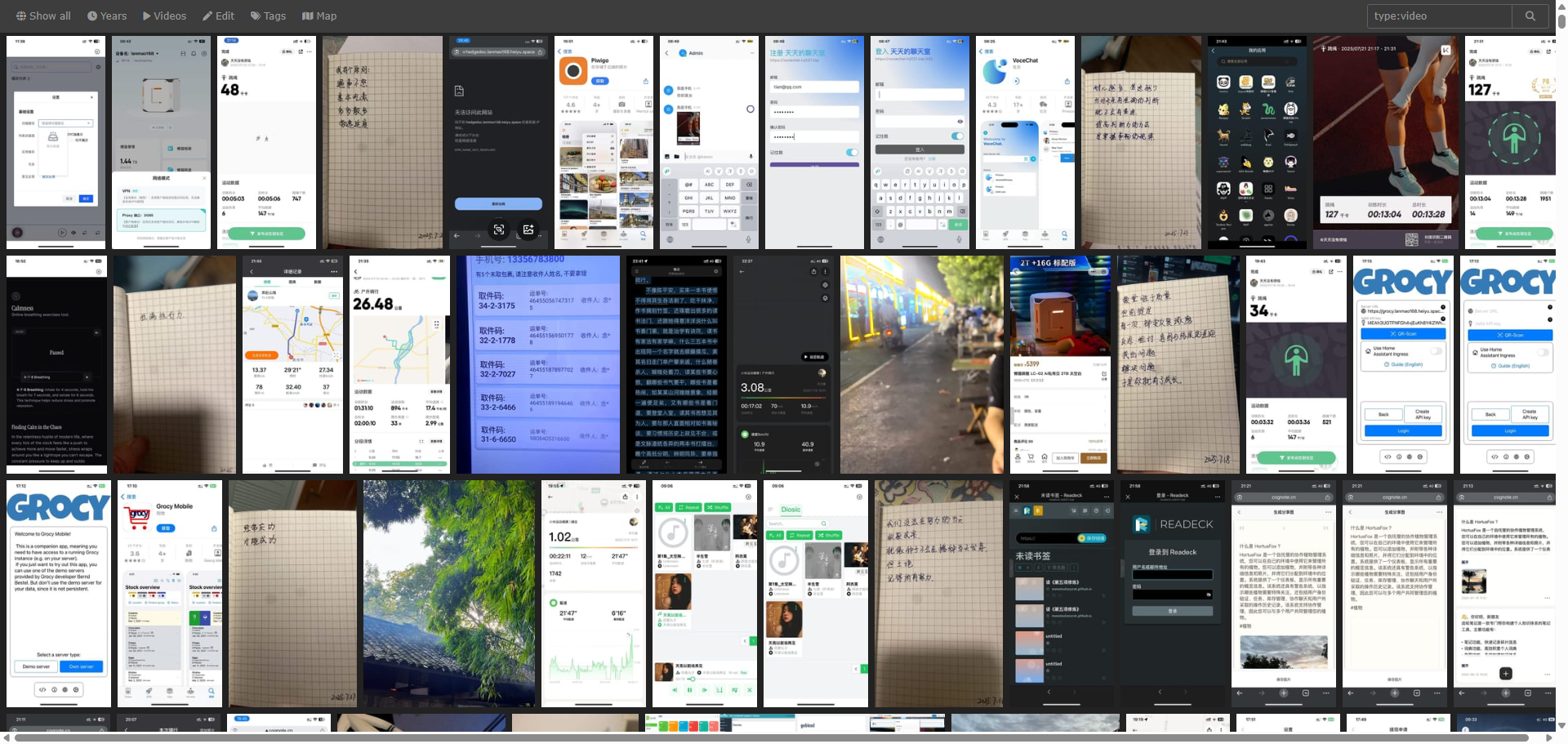
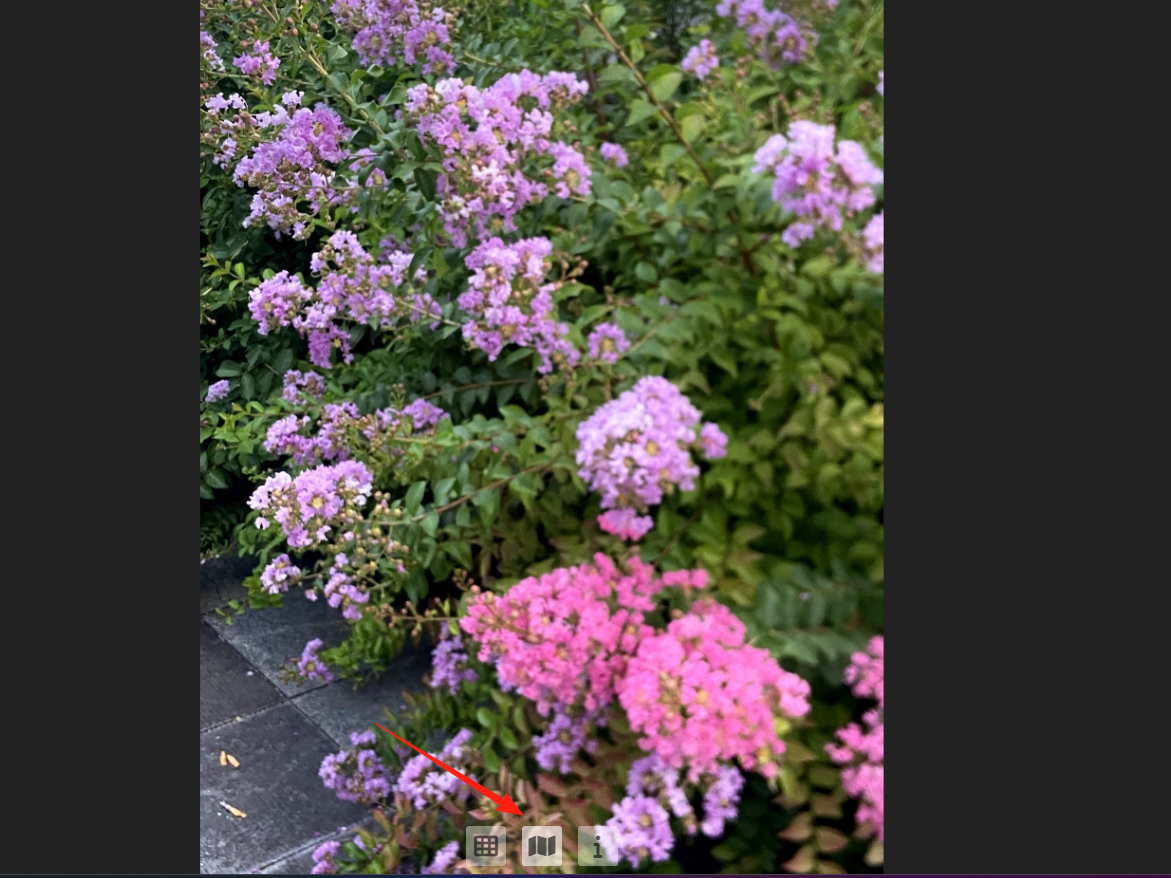
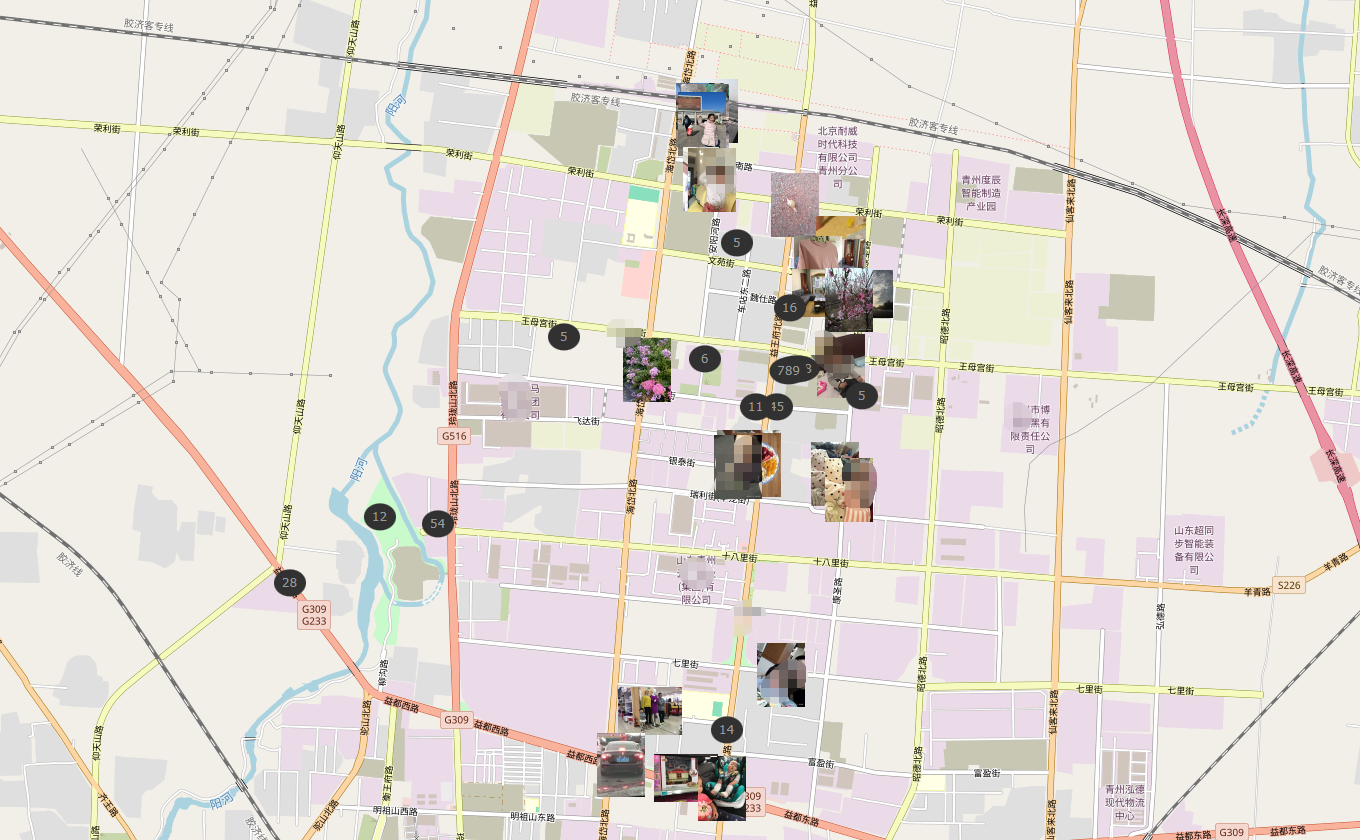
HomeGallery supports tagging and search, and you can also view pictures by year. Let's open one randomly. The button on the left returns to the home page. The button in the middle allows you to view the location where the photo was taken on a map.
The map display effect:
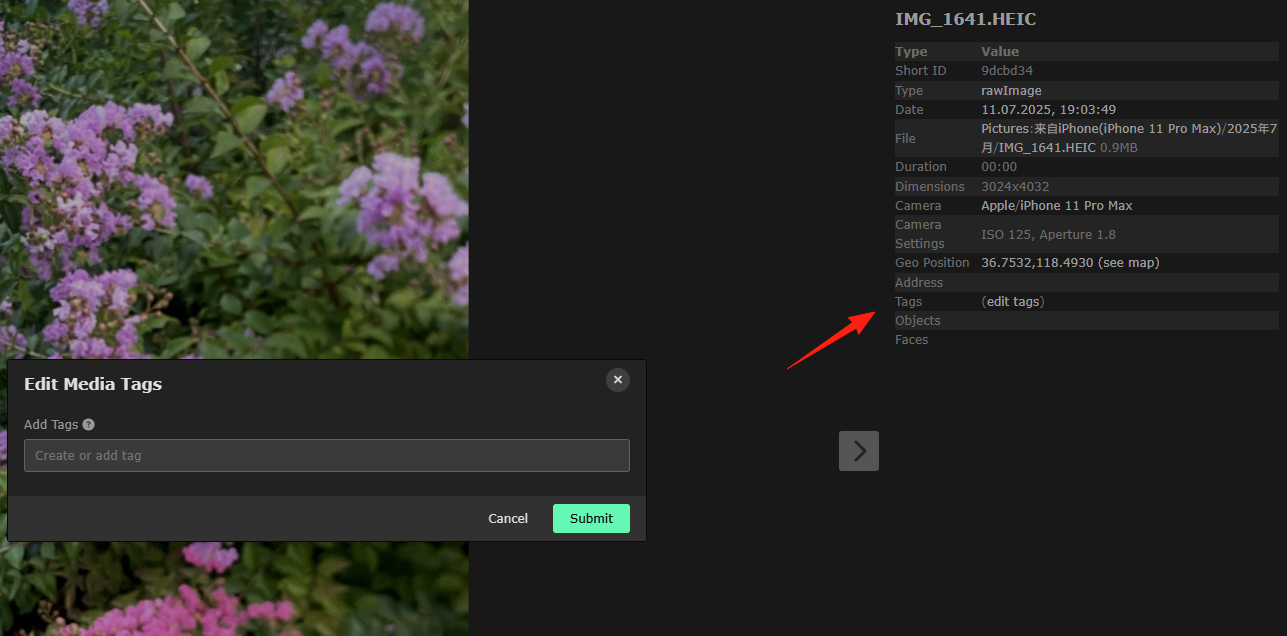
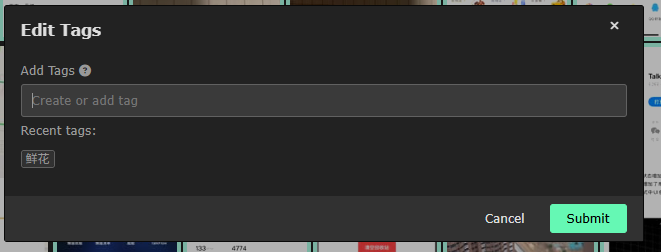
You can add tags to each photo for easy categorization.
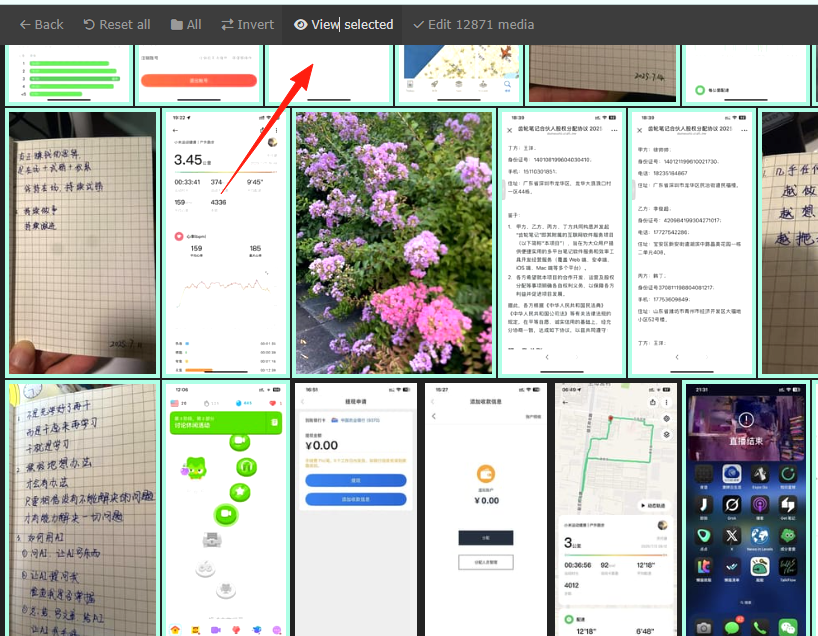
You can click here to batch-select photos and add tags.
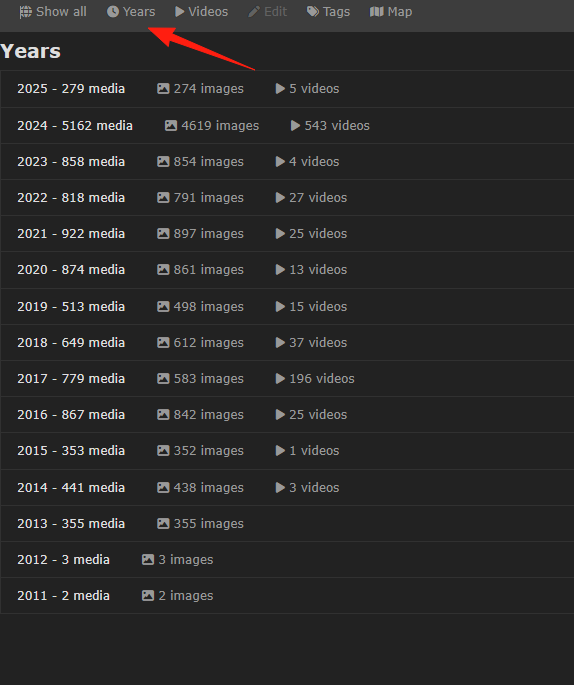
Clicking on 'Years' shows photos and videos categorized by year.
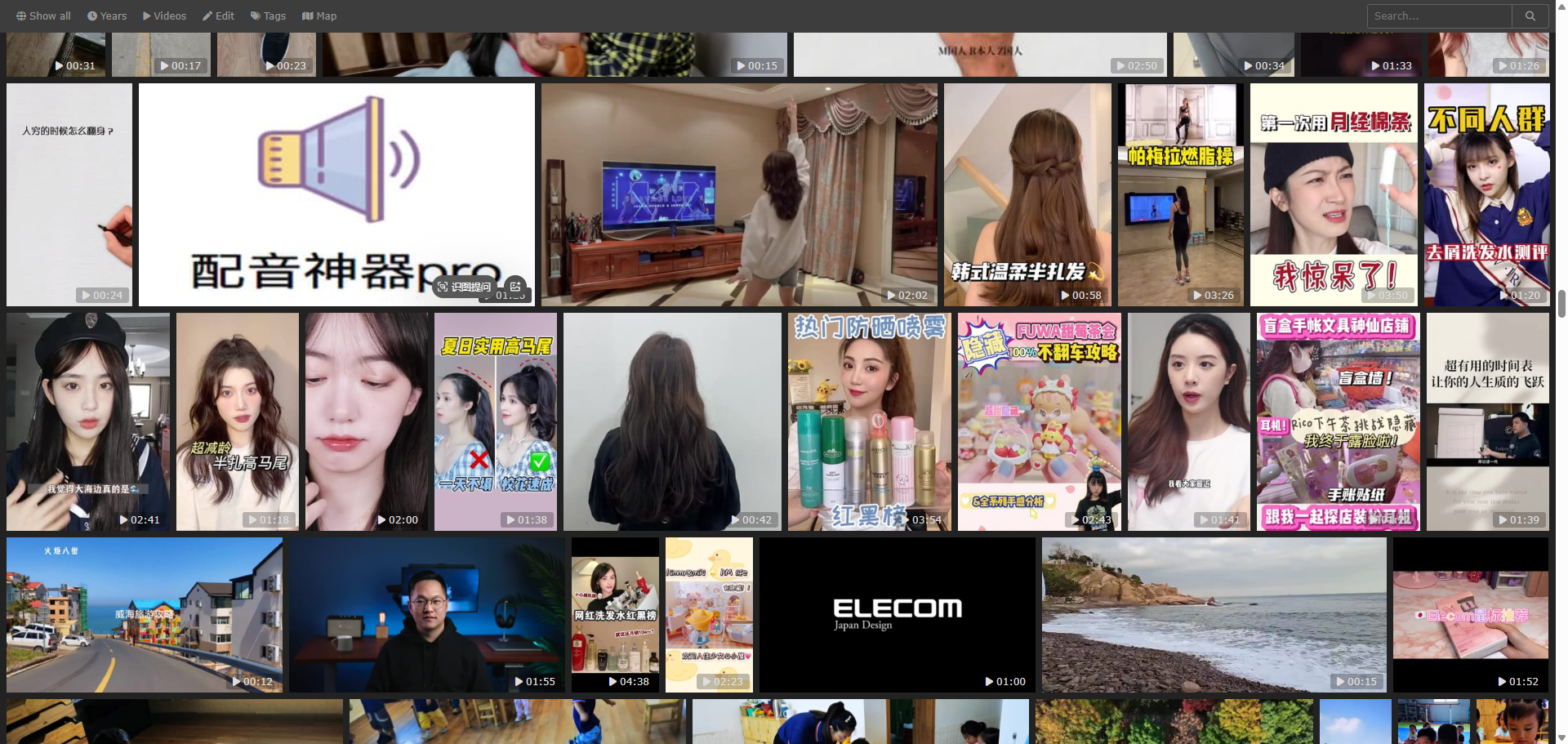
The video browsing experience for 'Videos' is also quite good.
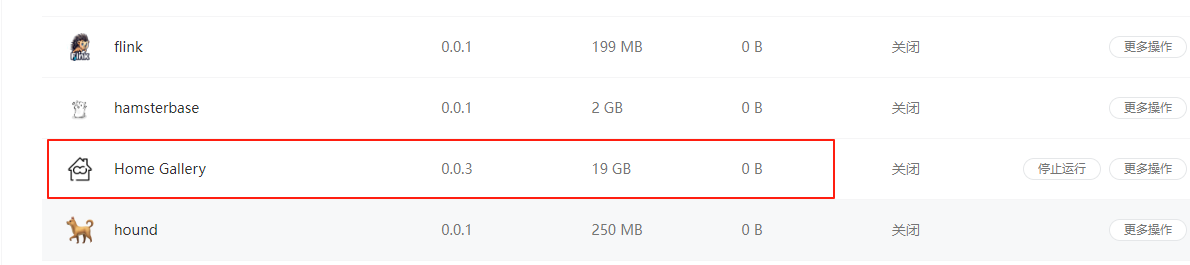
Perhaps because I have too many images, the AI is still processing, so it fails to recognize many of my pictures. Additionally, this application consumes a significant amount of memory/storage space.
Summary
Home Gallery is like a lightweight, private Google Photos. It lacks fancy features, but its core photo management and search capabilities are very solid.
It is well-suited for users who want to control their own photo data, don't require complex features, and just want to browse their photos quickly.