
LinkAce: Self-Hosted Bookmark Manager
What is LinkAce?
LinkAce is a self-hosted archive for collecting links to your favorite websites and saving articles for later reading.
LinkAce provides a long-term archive to store links to websites, media files, or anything else with a valid URL.
Users can categorize added links to find them later and share link lists with friends, family, or colleagues. However, LinkAce does not provide a solution for synchronizing browser bookmarks.
https://appstore.lazycat.cloud/#/shop/detail/cloud.lazycat.app.linkace
How to Use
After the application is installed, go to the main page.
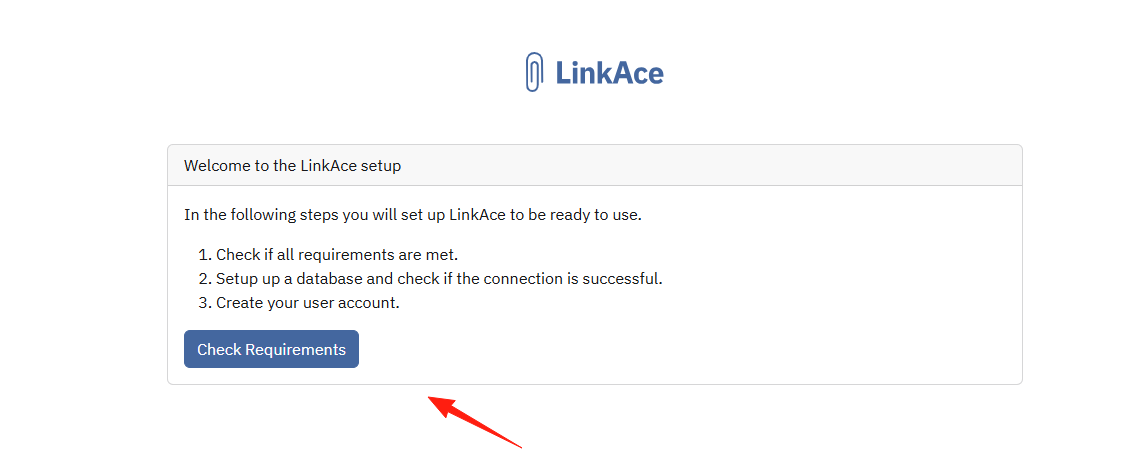
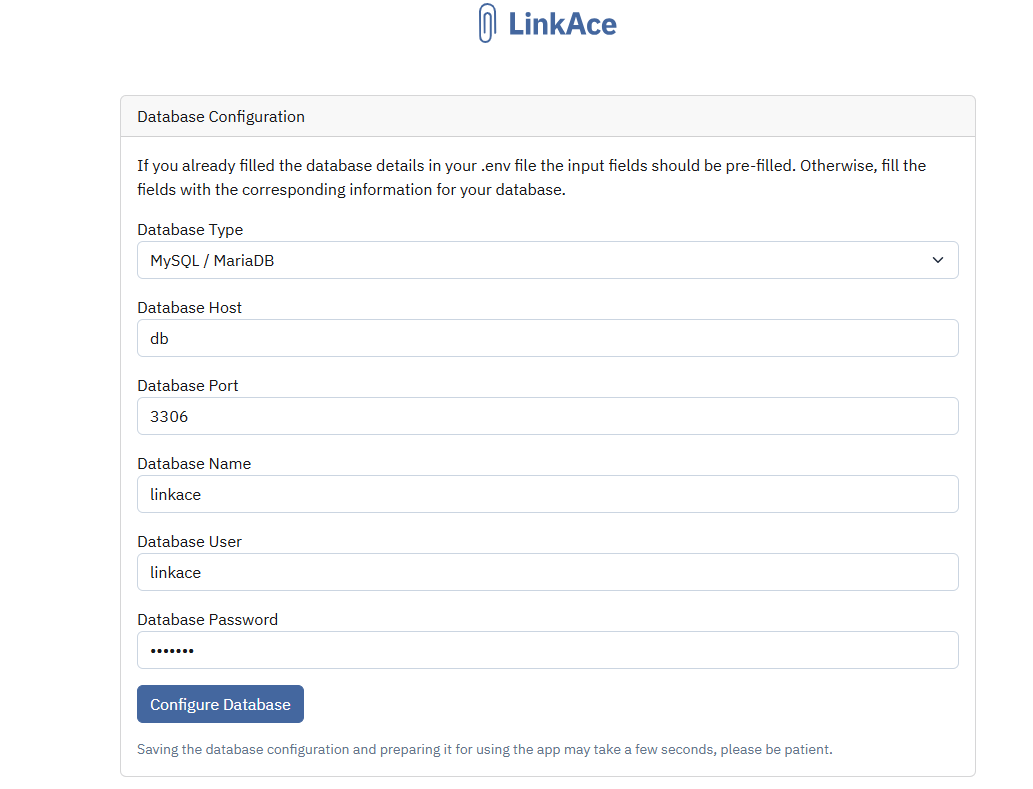
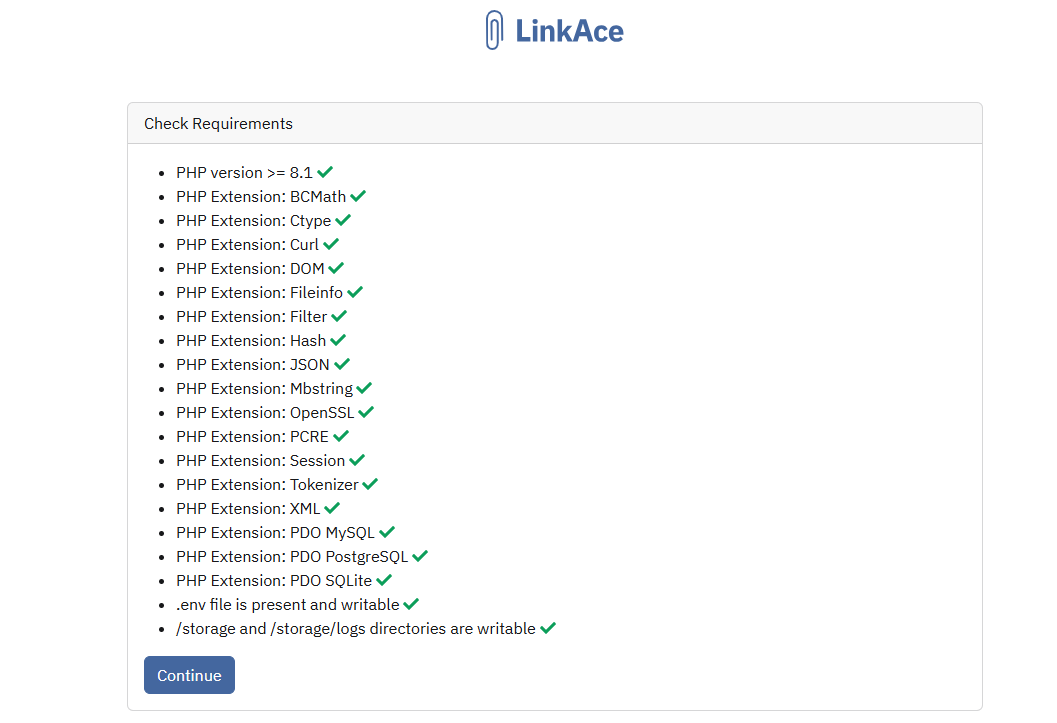 Configure the database by simply clicking "Configure Database".
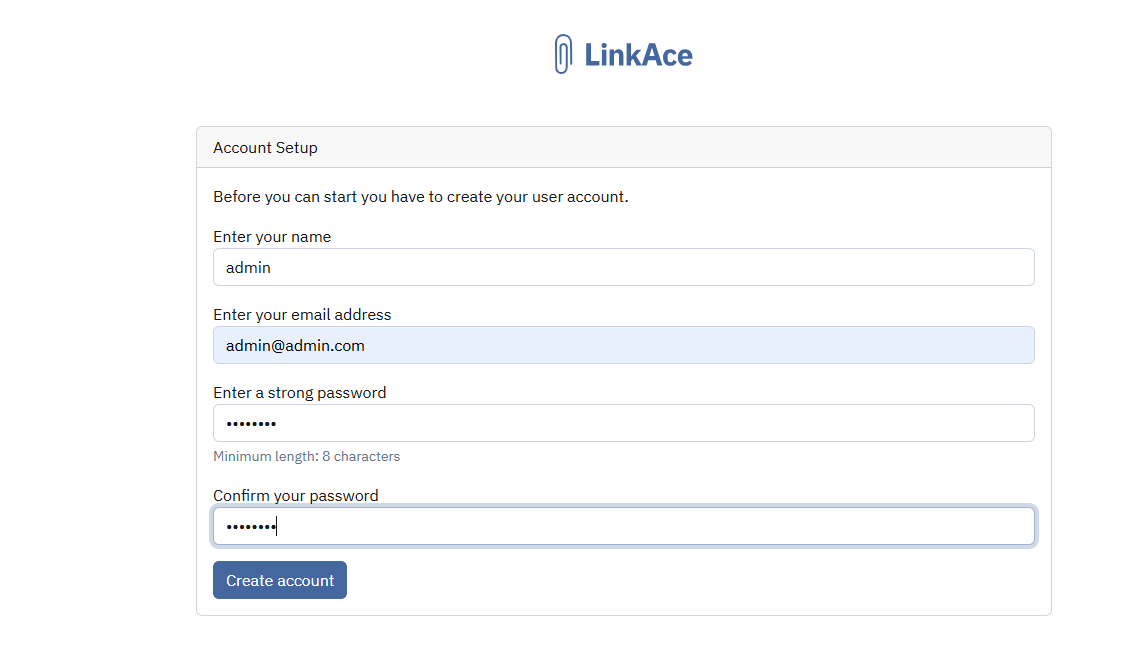
 Create an administrator account.
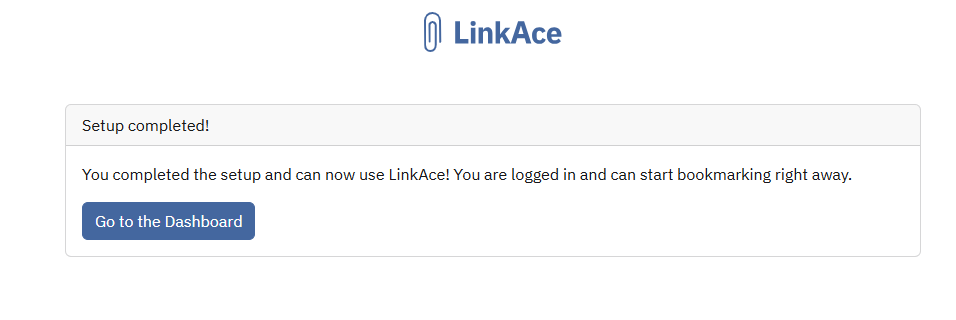
After setup is complete, click "Go to the Dashboard".
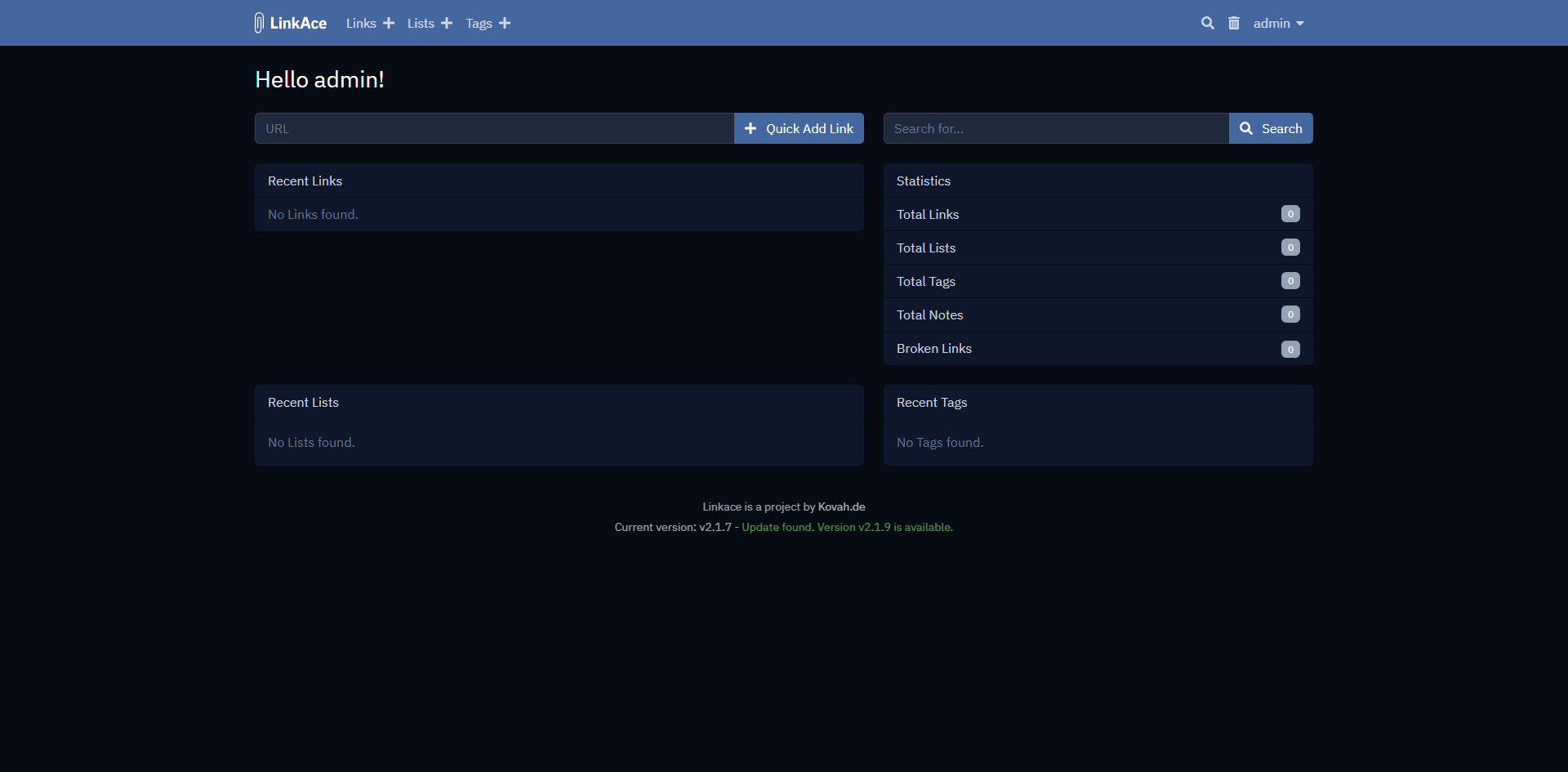
 Enter the main interface.
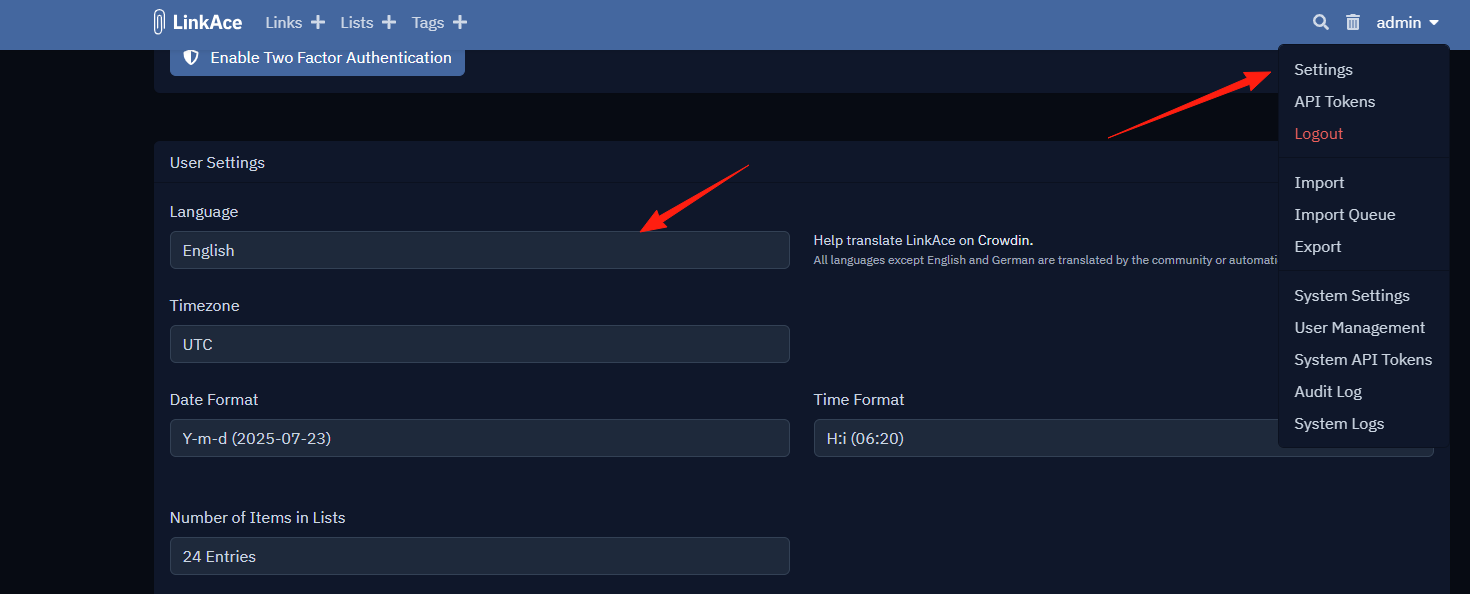
Now, go to Settings and change the language to Chinese.
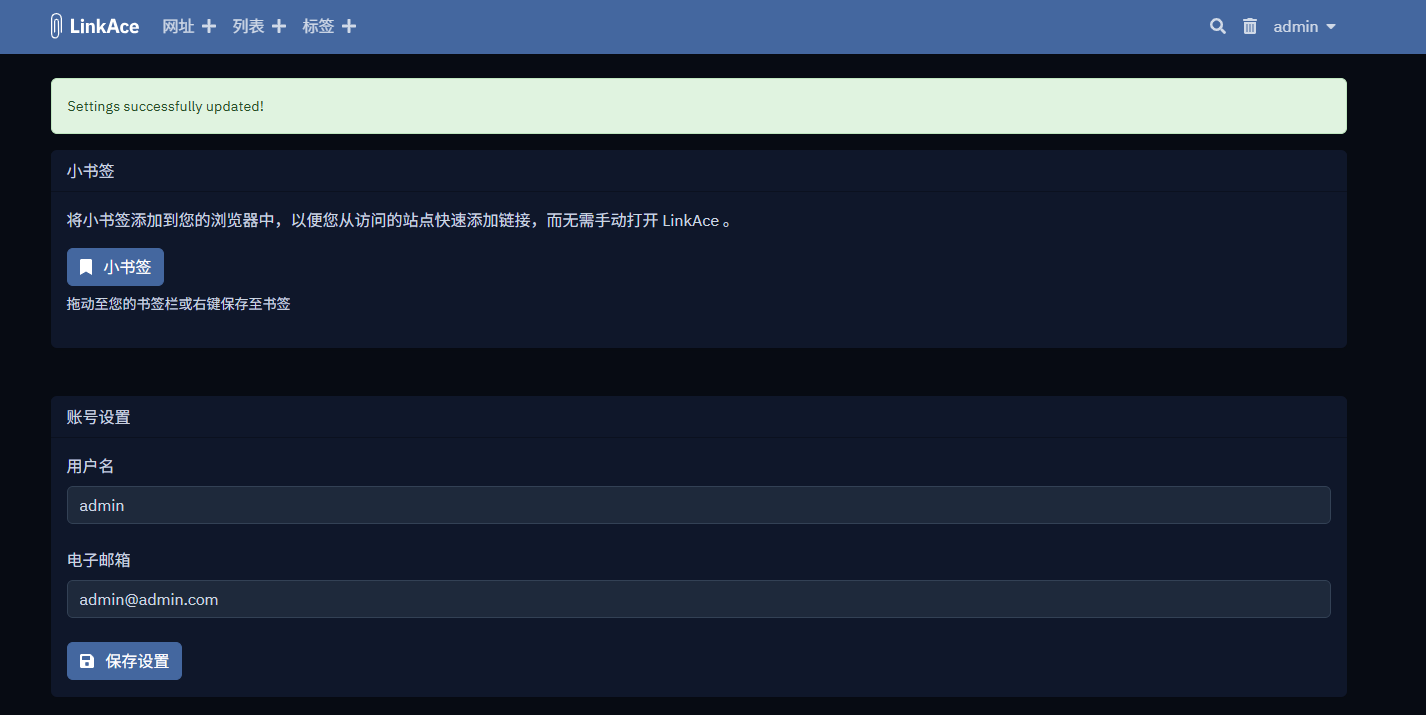
After saving the settings, the page will refresh and display in Chinese.
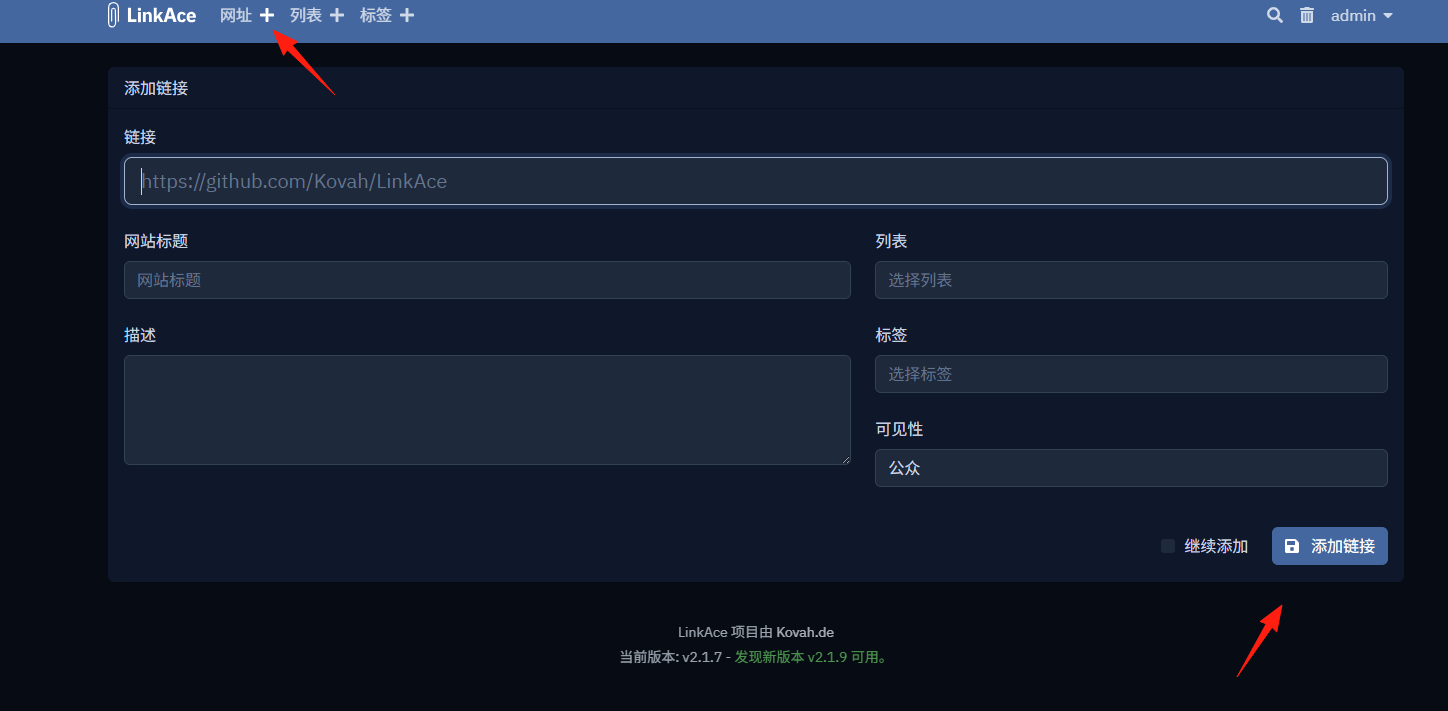
 Add a link.
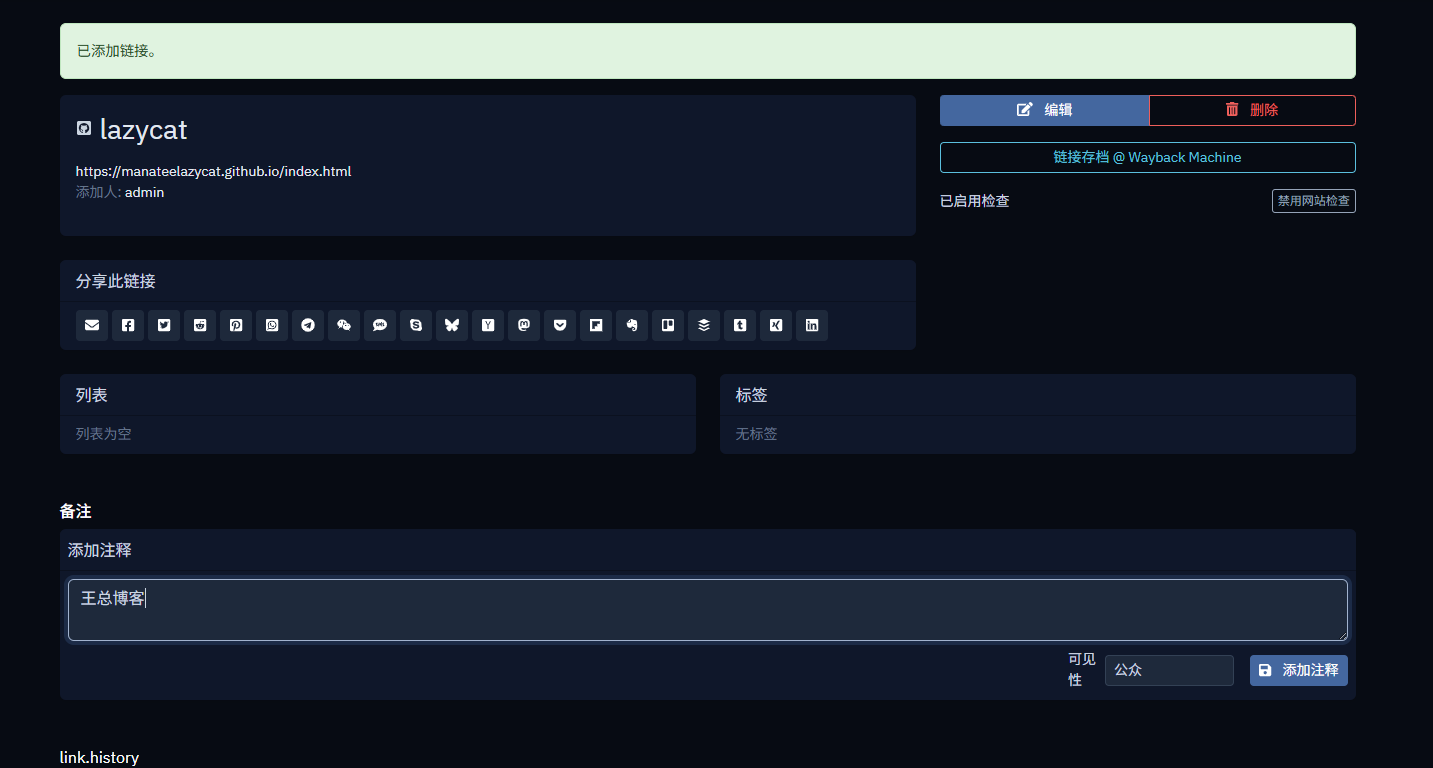
Add notes.
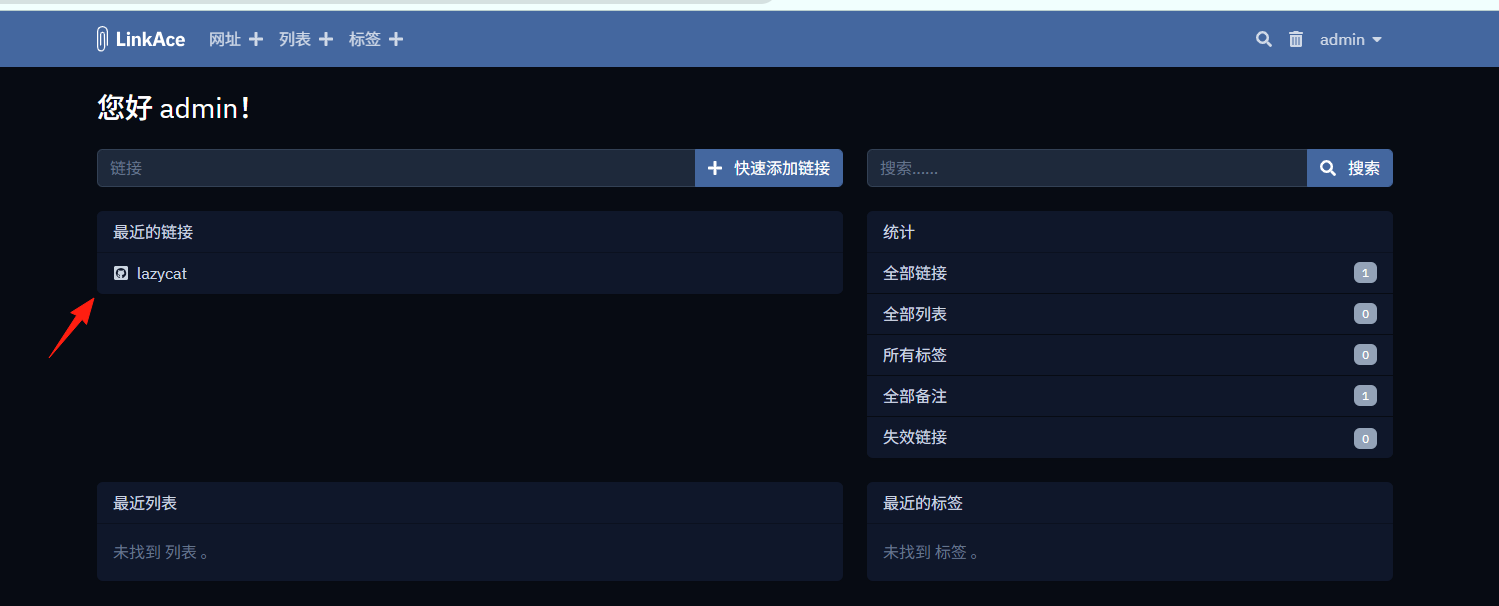
 Return to the homepage.
Supports the function to import bookmarks.
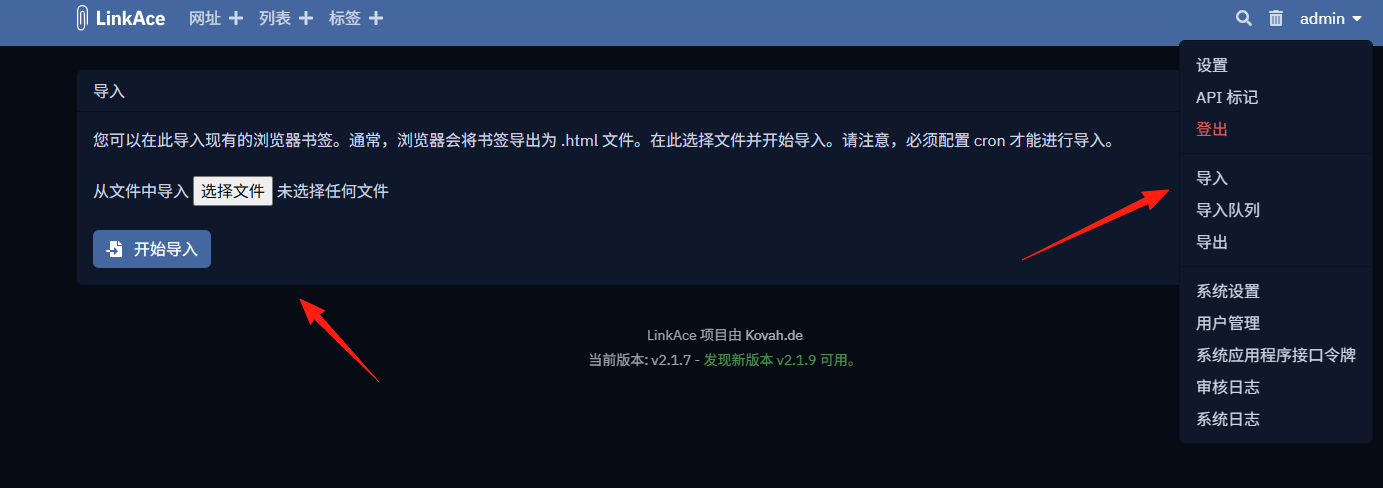
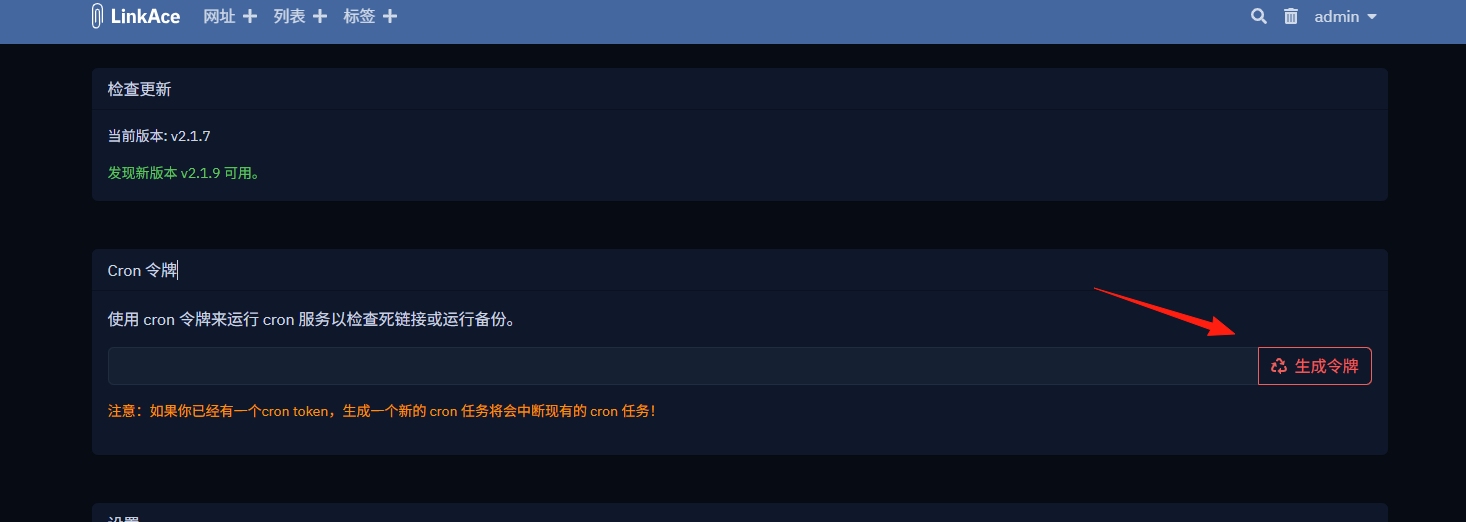
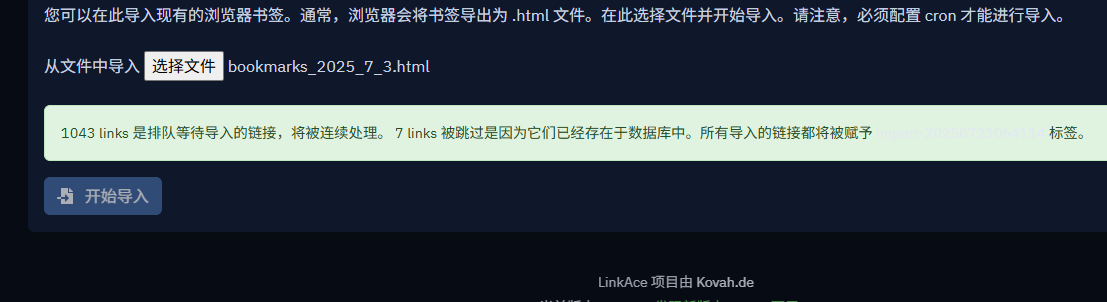
However, I tried importing twice, and both failed. According to the prompt, you should first generate a cron token in Settings -> System Settings.
 There will be a queued prompt.
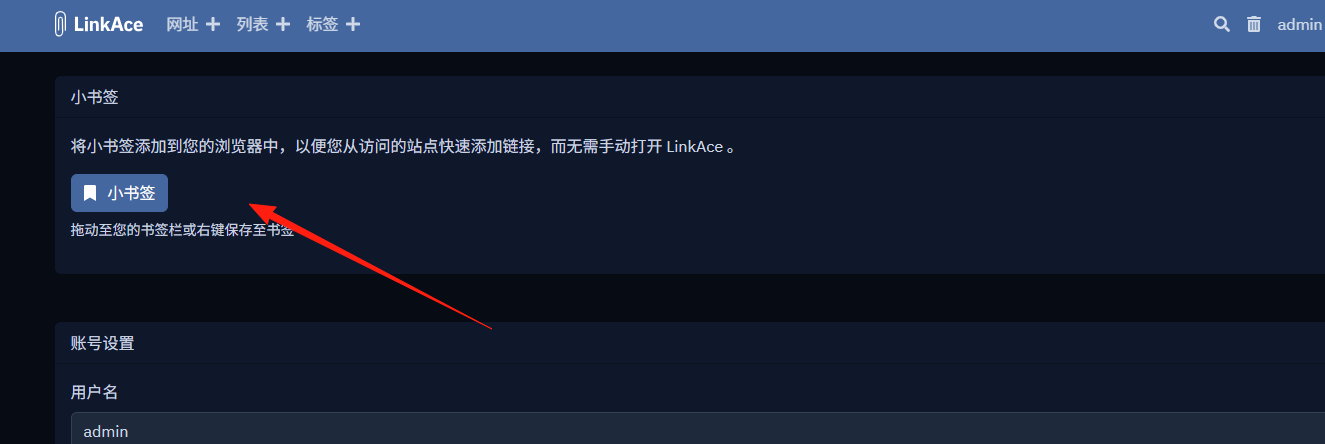
In the settings, you can drag this to your browser's bookmarks bar.
When you want to use it later, simply click it to conveniently add the current page.
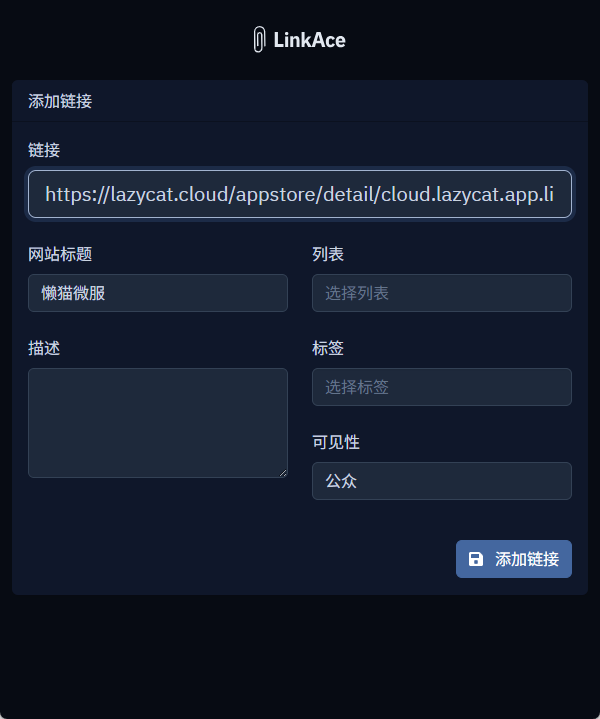
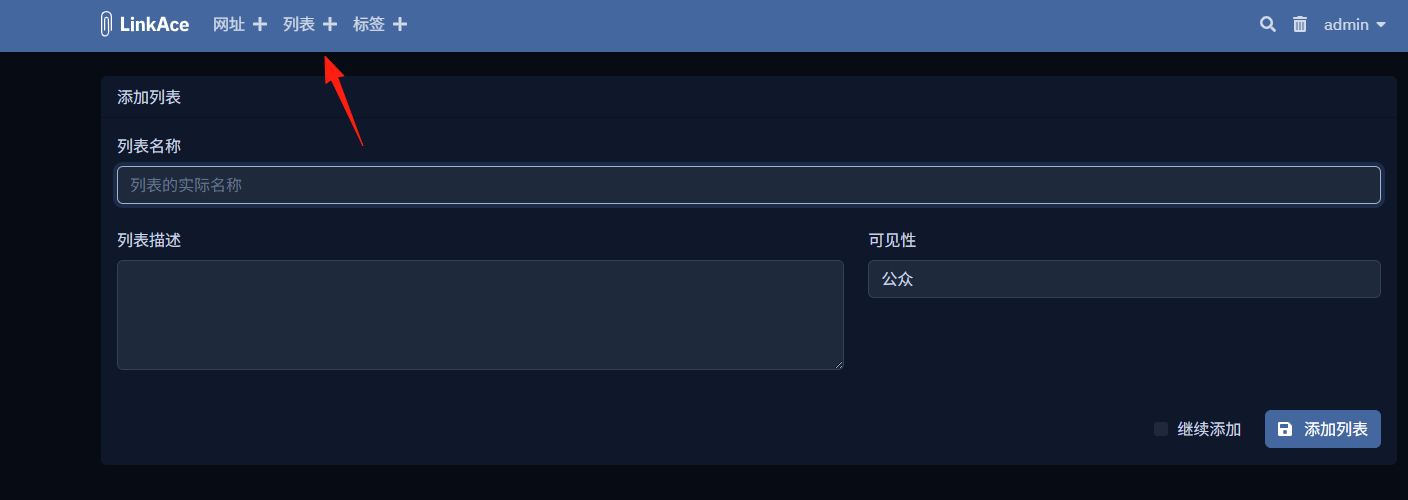
The lists here are equivalent to the concept of folders, allowing you to group bookmarks.
Overall, it's relatively simple to use. The above covers the basic usage.