
Statping-ng: Making Service Monitoring Simple and Beautiful
What is Statping-ng?
Have you ever experienced your website going down, only to find out from your users first? Or discovered server issues the next morning that caused chaos overnight?
Statping-ng is a feature-rich, aesthetically pleasing open-source monitoring tool.
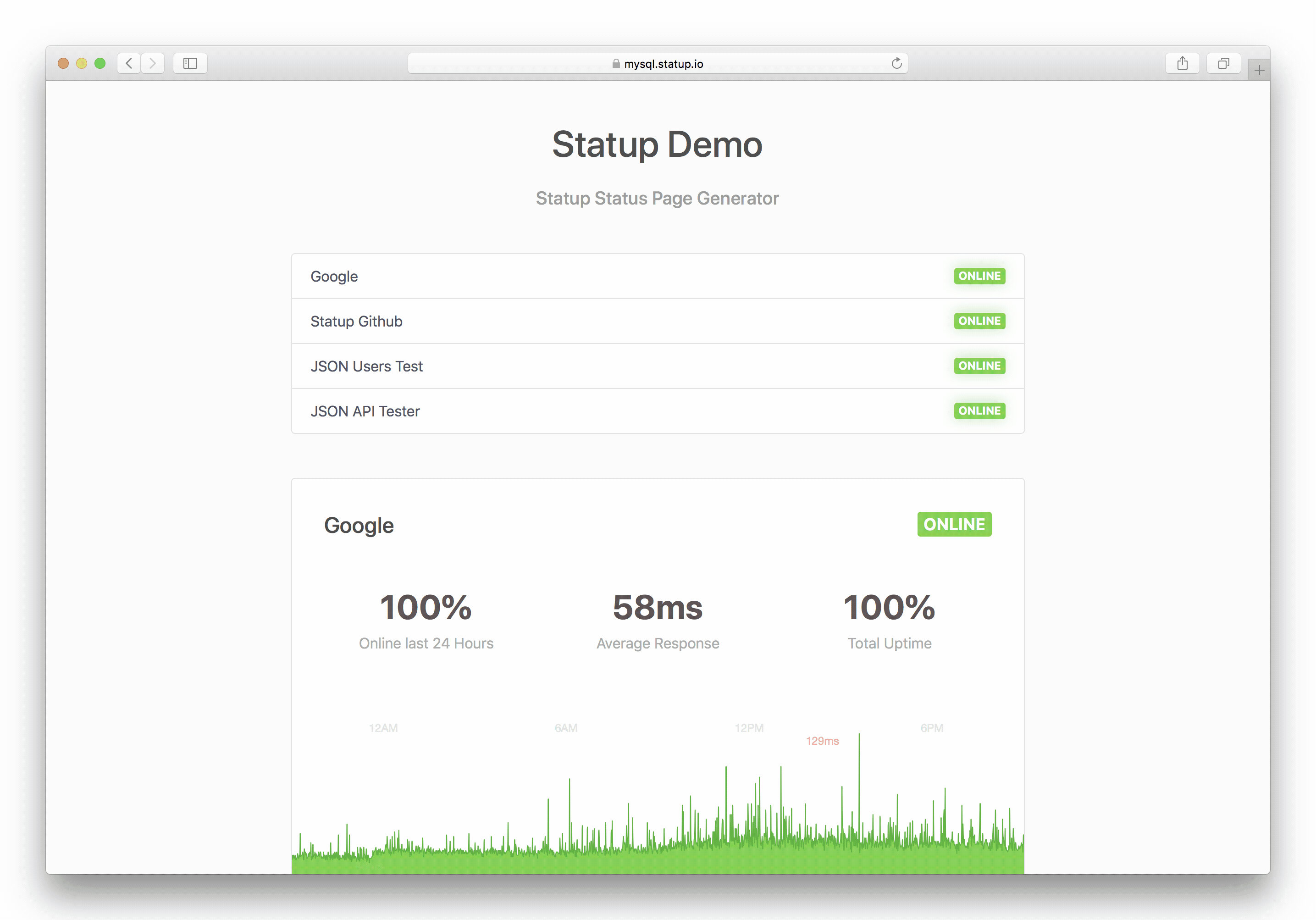
It helps you keep an eye on your websites and services, notifying you immediately when problems arise, and can generate beautiful status pages for your users.
https://appstore.lazycat.cloud/#/shop/detail/dev.beiyu.statping-ng
How to Use
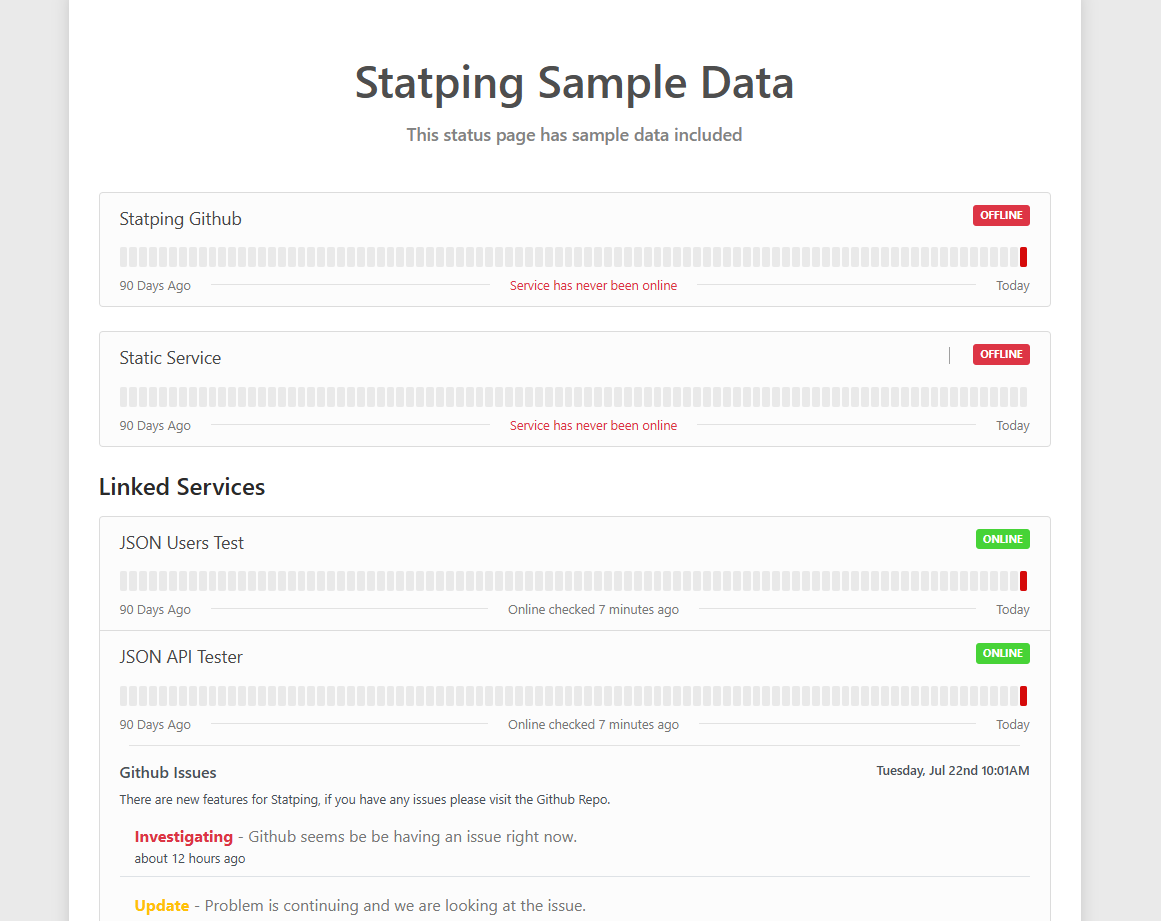
After installing the application, open the homepage to see some demo effects.
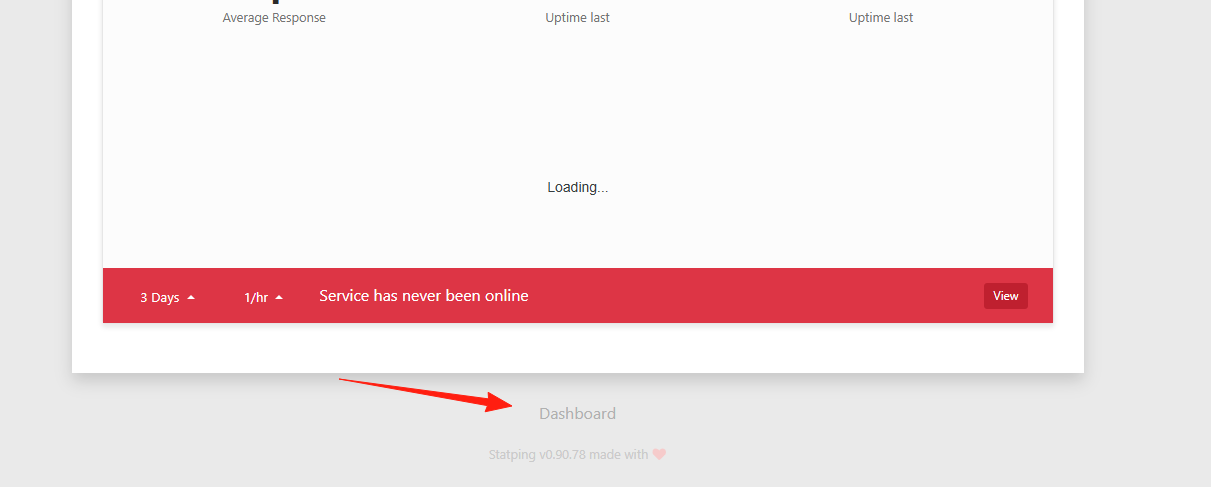
Scroll to the bottom and click on Dashboard.
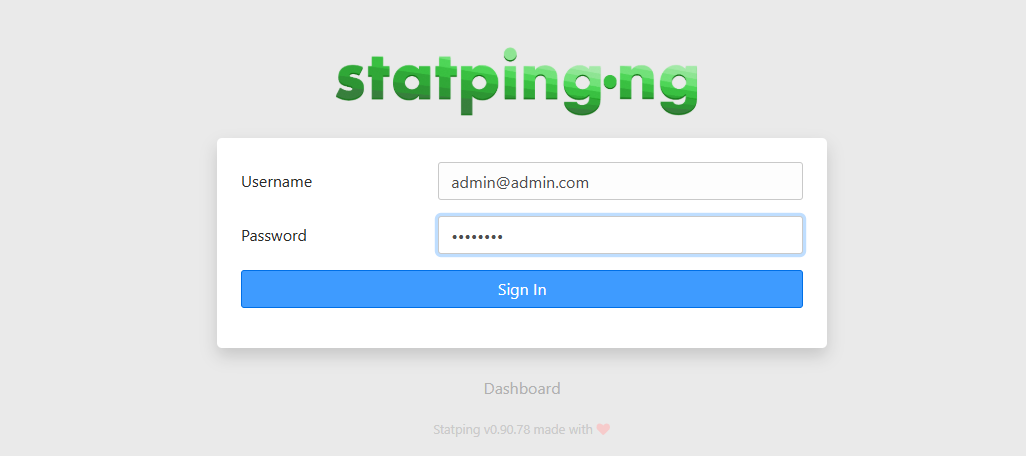
Credentials: admin@admin.com / password
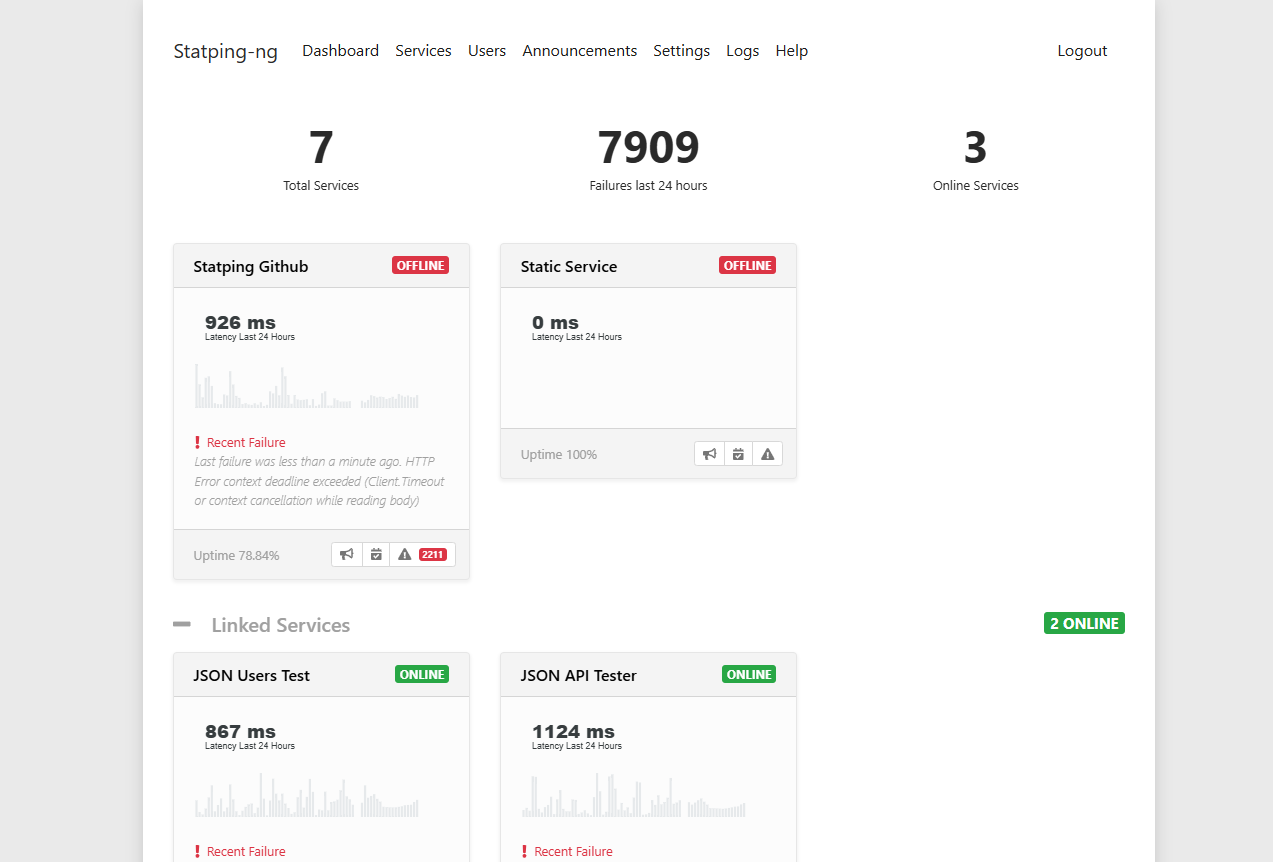
The main page after logging in.
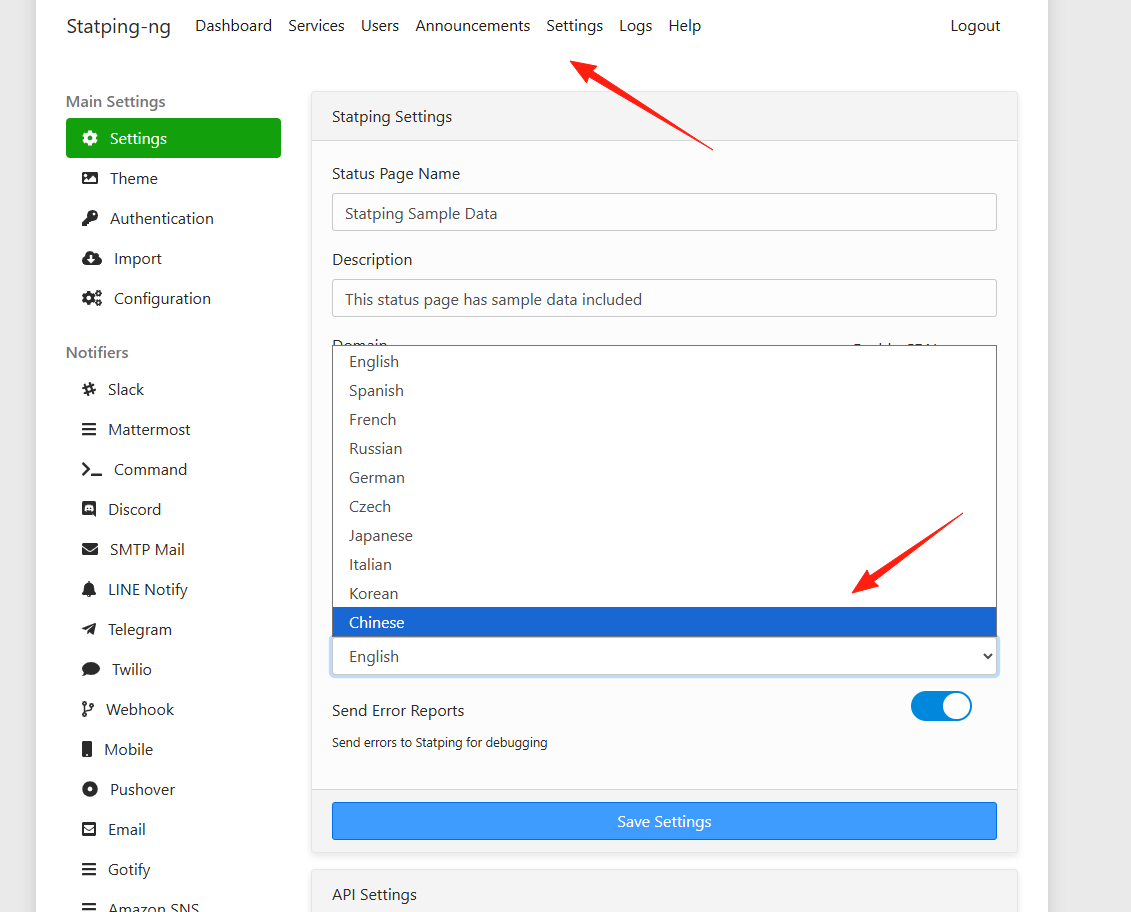
 Change the language to Chinese in the settings.
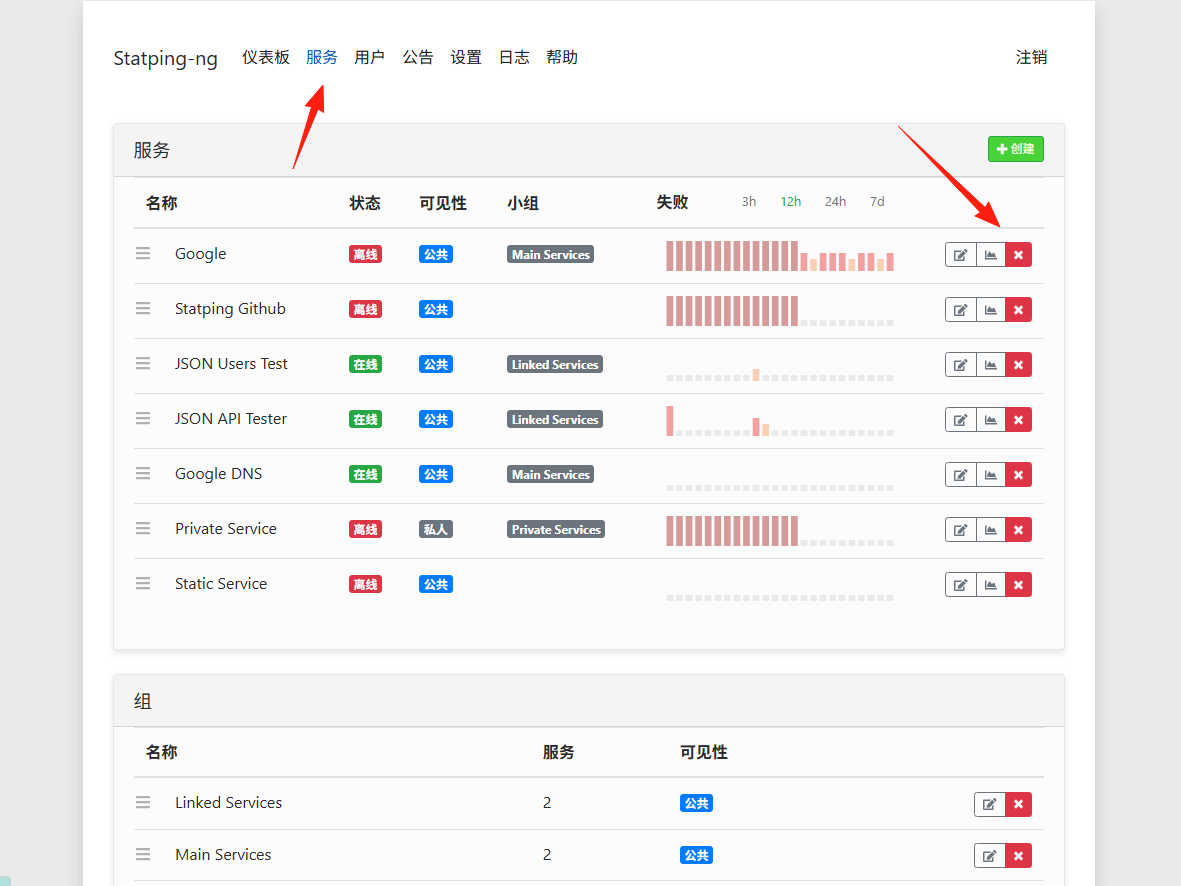
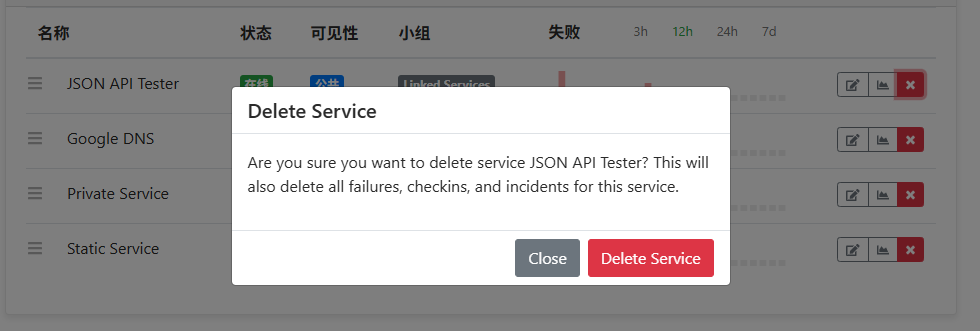
Go to Services, you can delete all the built-in ones.
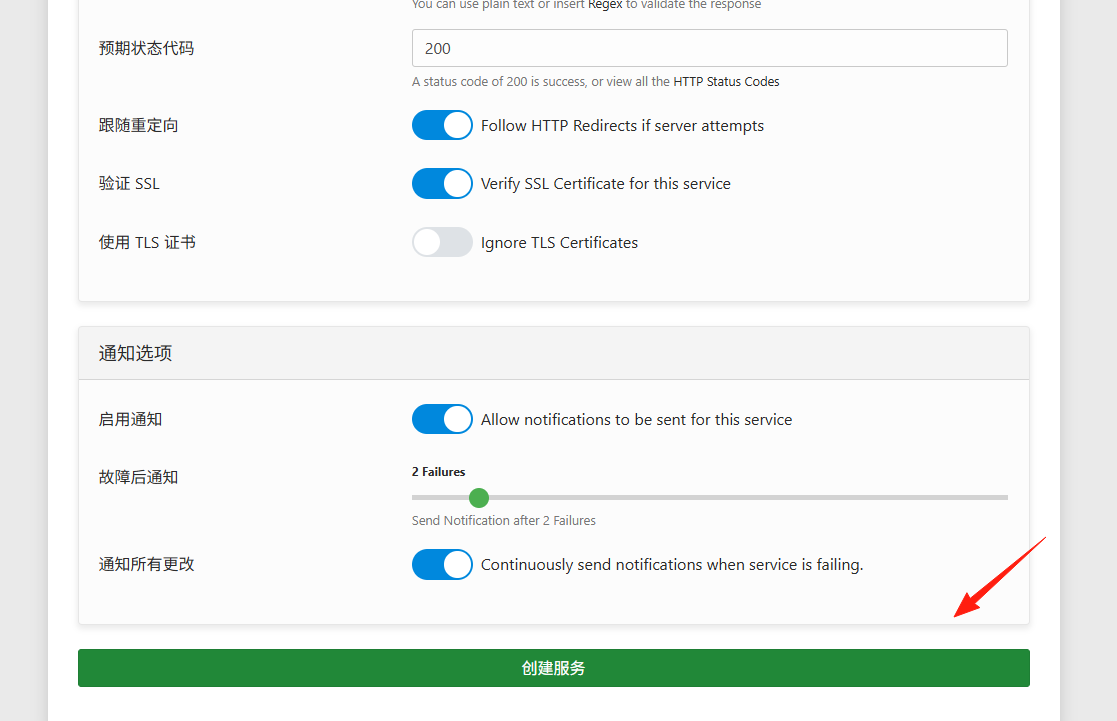
Click "Create" to add a service.
Website Monitoring Example:
- Name: Main Website
- Type: HTTP
- Address: https://yourwebsite.com
- Check Interval: 30 seconds
- Timeout: 10 seconds
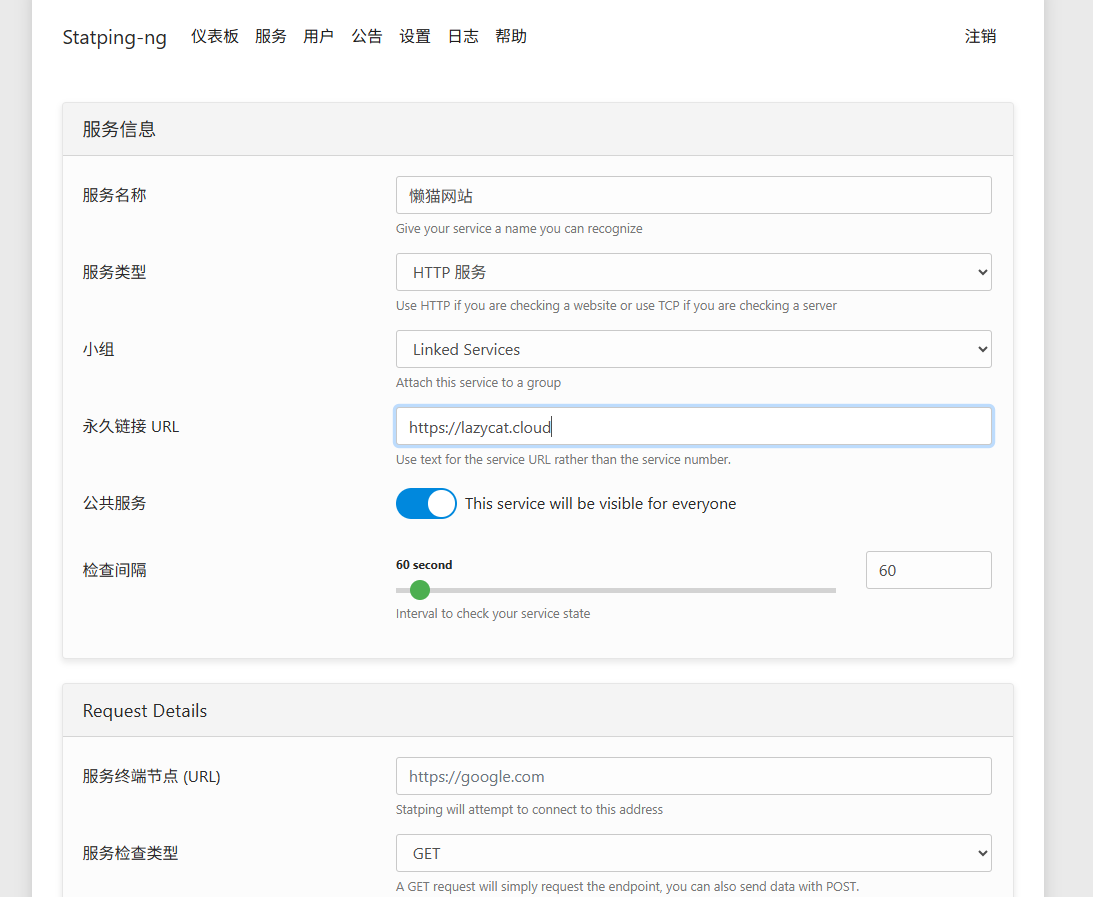
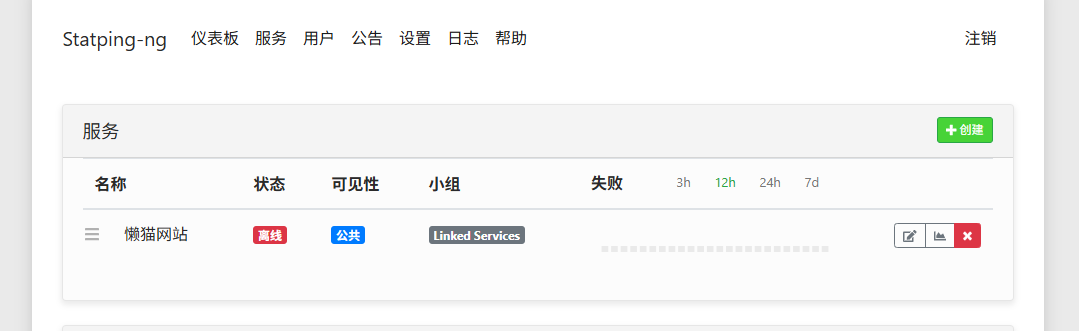
It will initially show as Offline because the first check hasn't occurred yet.
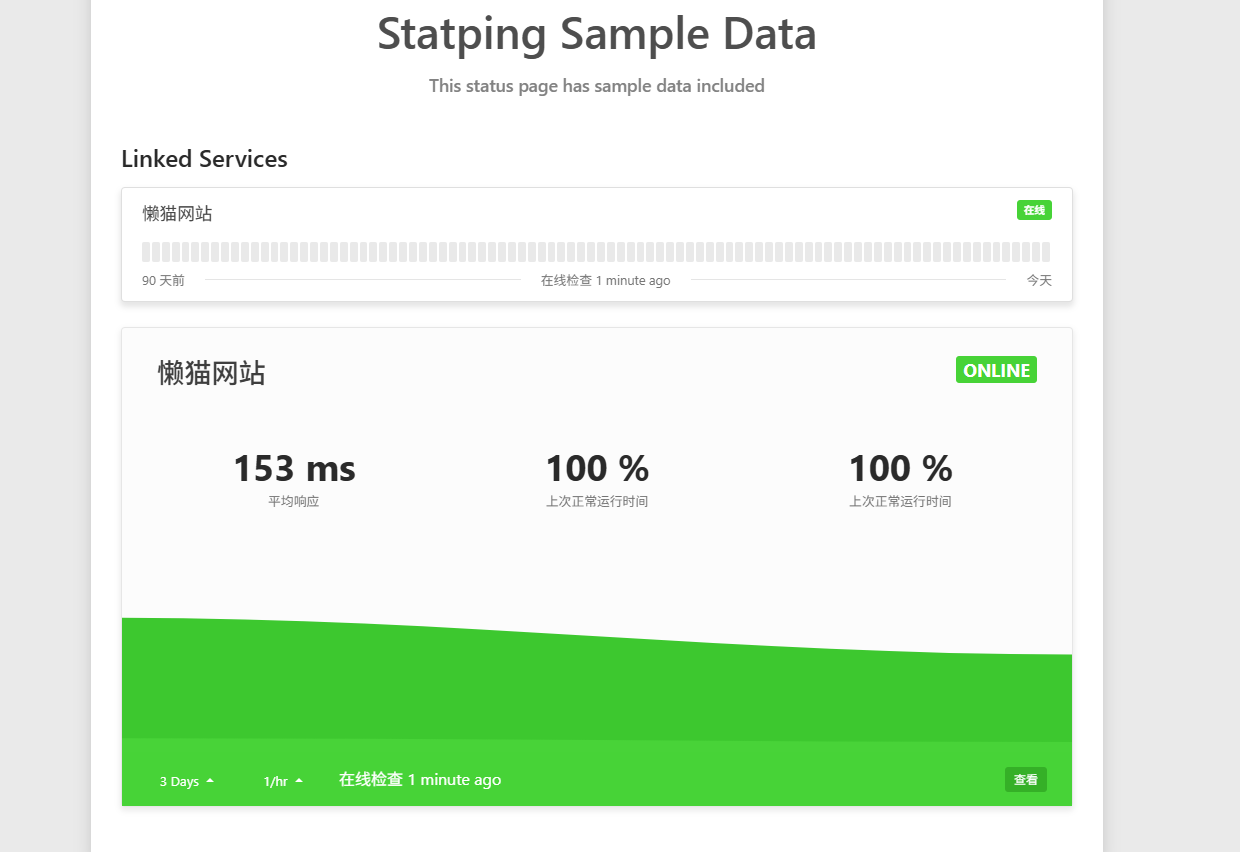
 Check again after a few minutes, and it should be normal.
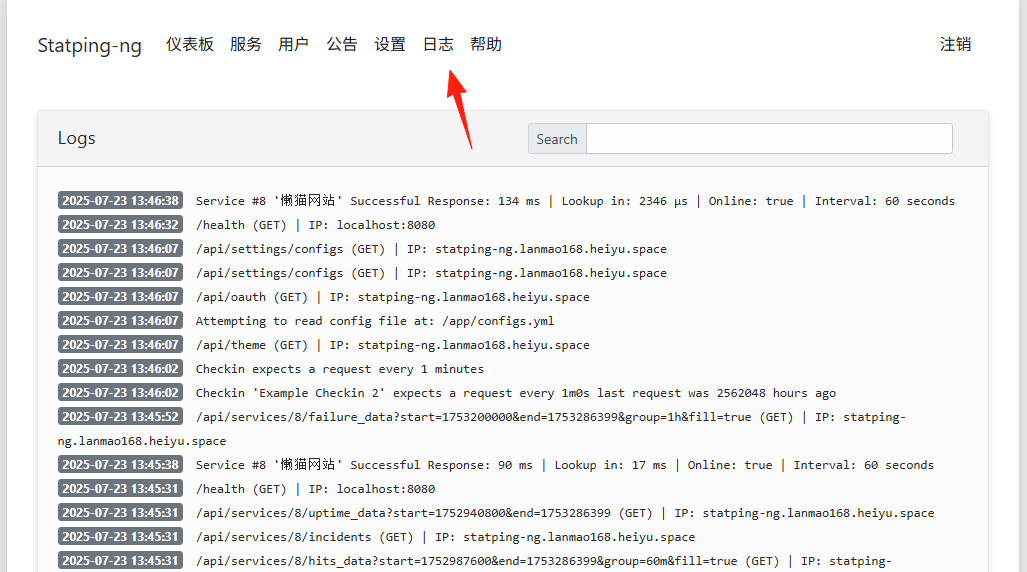
You can see successful requests in the logs.
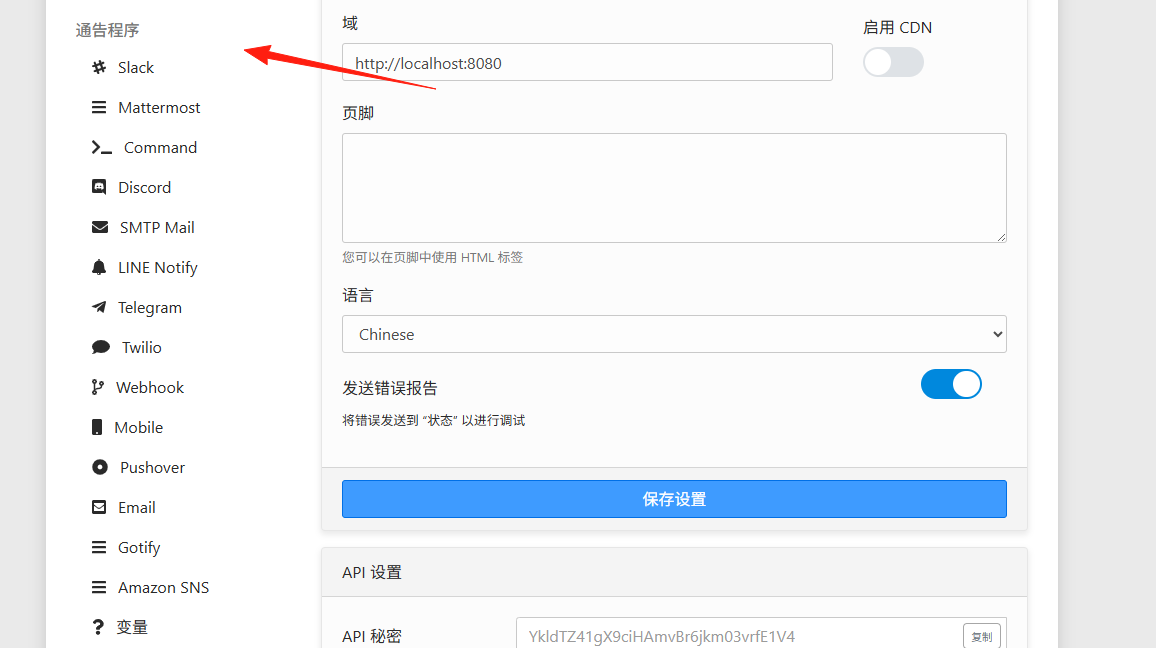
Go to Settings to configure notification methods. Email Notifications:
SMTP Server: smtp.gmail.com
Port: 587
Username: your-email@gmail.com
Password: App-specific password (not your login password)
Slack Notifications: Create a Slack Webhook URL and paste it into the notification settings.
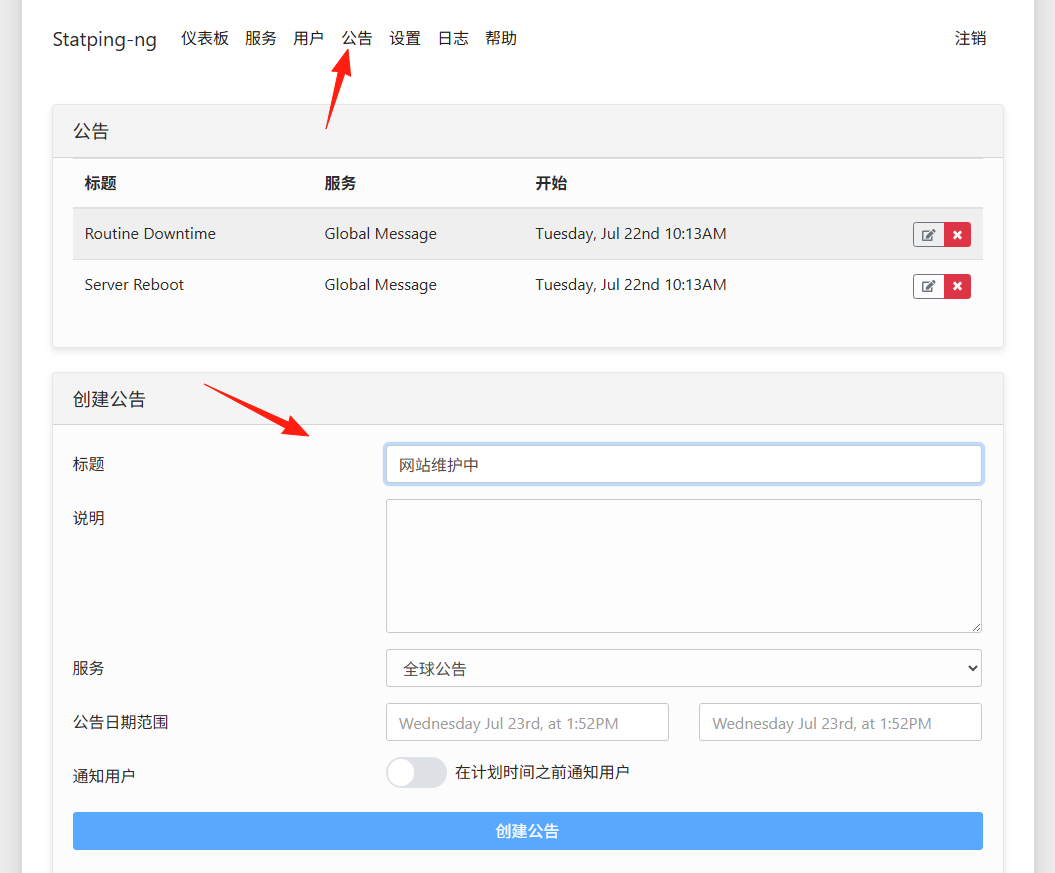
You can publish announcements during maintenance periods to inform users about the current status.
Summary
Statping-ng features a user-friendly interface and comprehensive functionality. Whether you're an individual developer monitoring a small project or an enterprise user needing a professional status page, it's up to the task.
Give it a try now, and make service monitoring a hassle-free experience