
NeuraPress: Professional Content Conversion Tool
What is NeuraPress?
Simply put, NeuraPress is a Markdown editor specifically designed for WeChat Official Accounts and Xiaohongshu (Little Red Book) notes.
You can think of it as a "lazy" way of writing – you only need to focus on the content itself, and let the tool handle the formatting.
https://appstore.lazycat.cloud/#/shop/detail/dev.beiyu.neurapress
User Experience
After installing the app, open the home page.
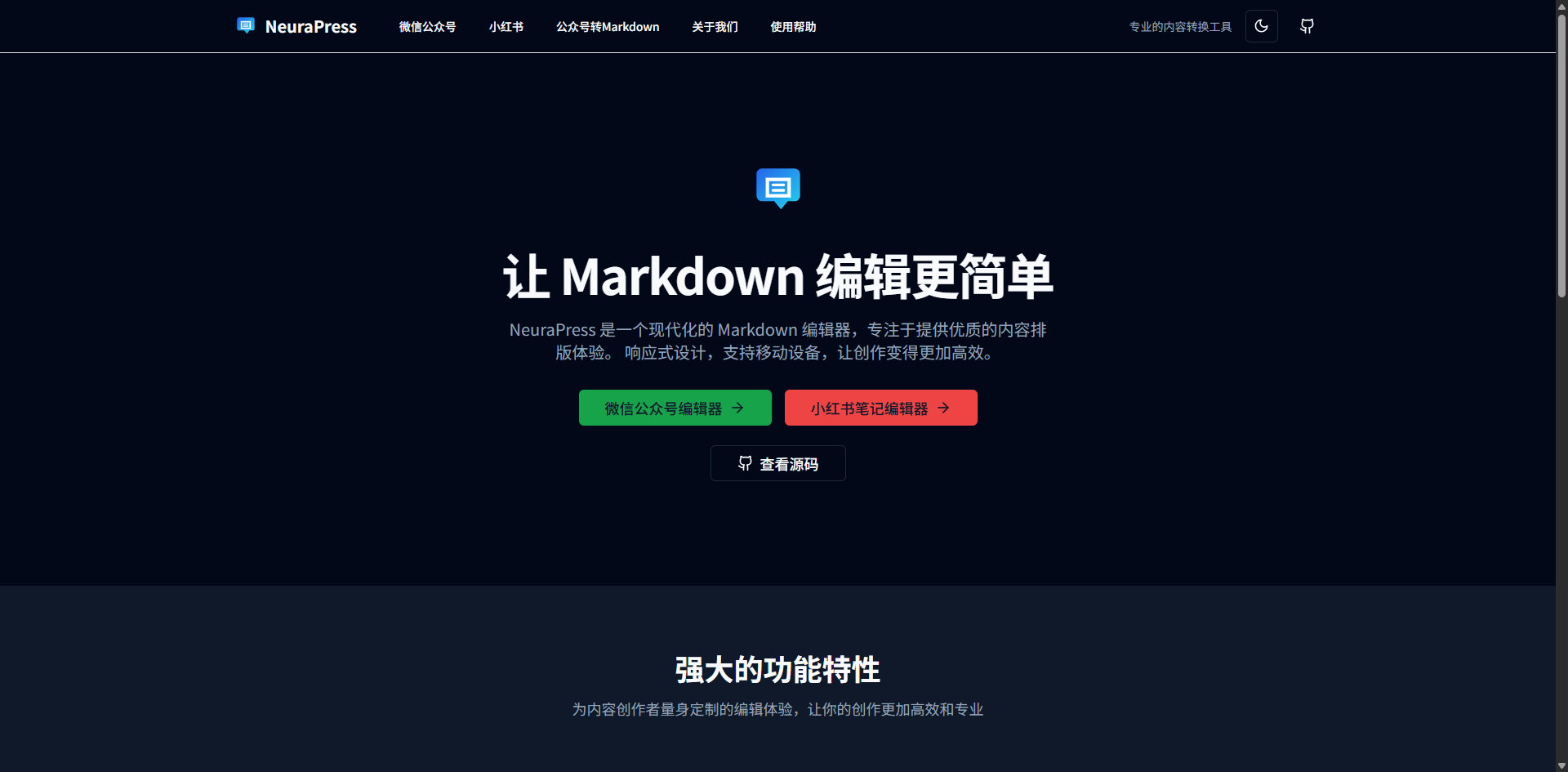
Click on "Official Account Editor".
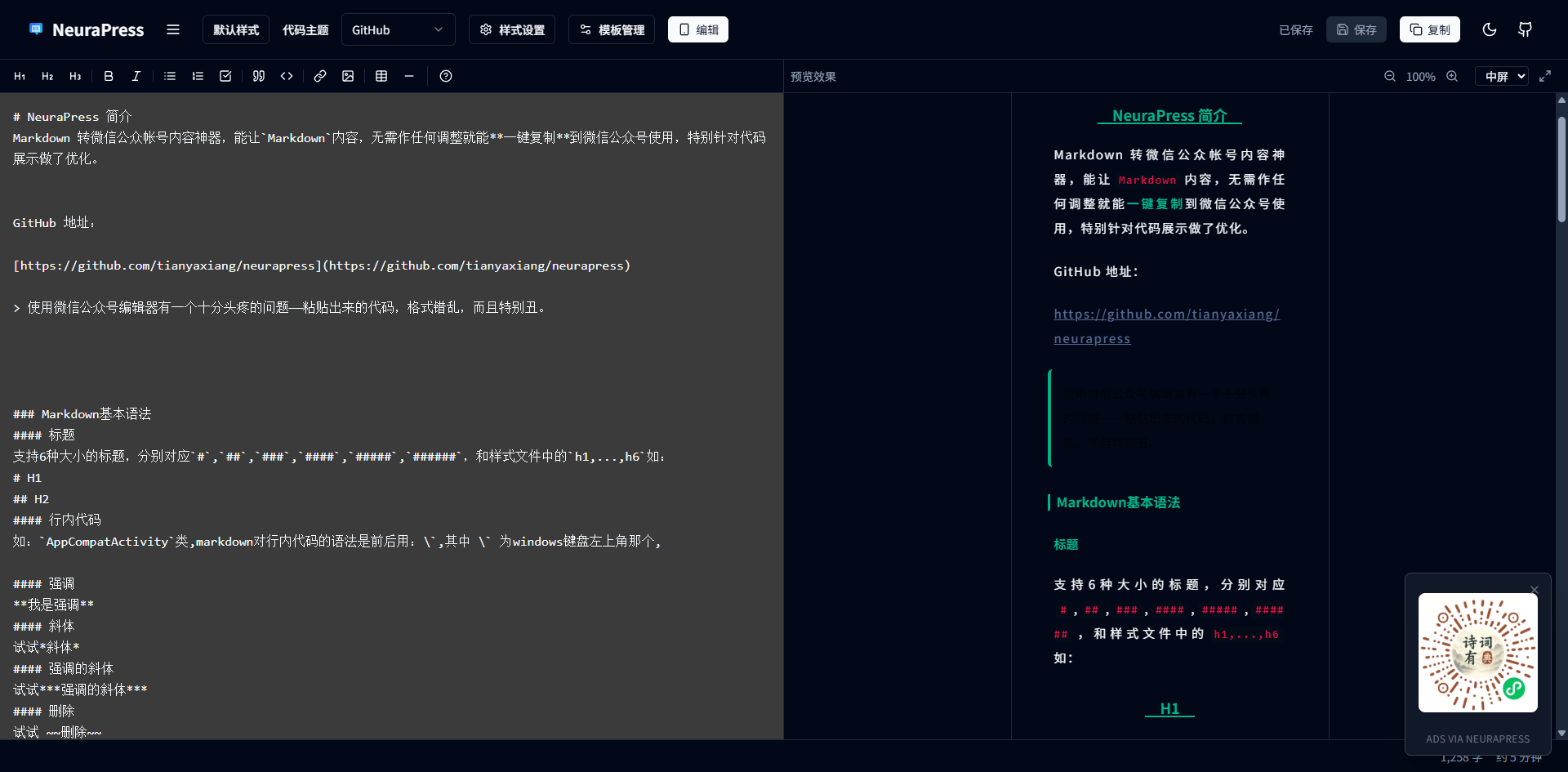
You write Markdown on the left, and you can immediately see the final result as it would appear in a WeChat Official Account on the right. It feels like having a little assistant helping you with typesetting in real-time while you write.
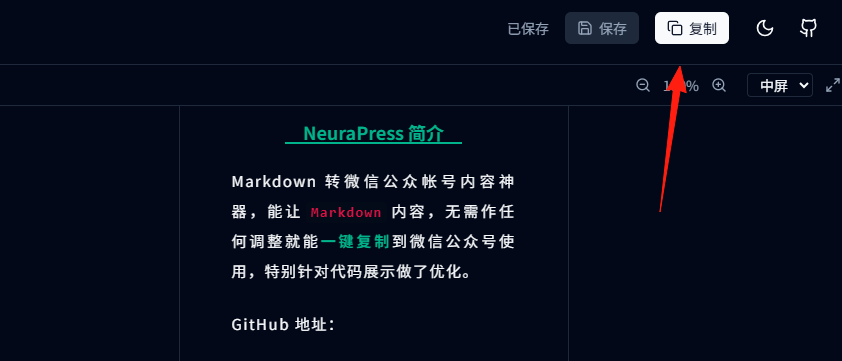
After writing, simply click the "Copy" button in the top right corner and paste it into the WeChat Official Account editor.
Supports multiple style templates.
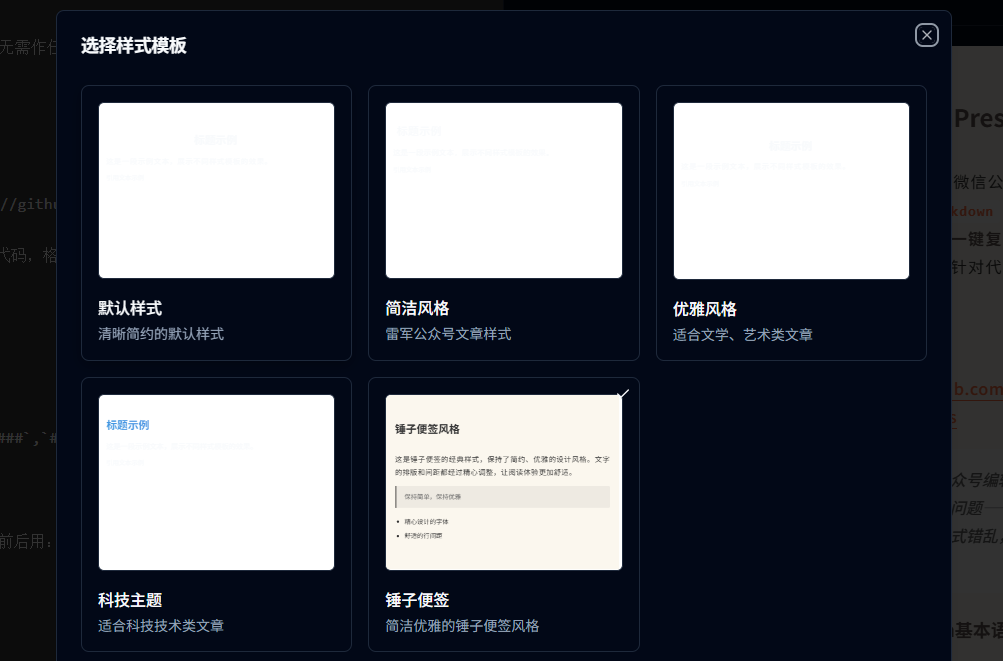
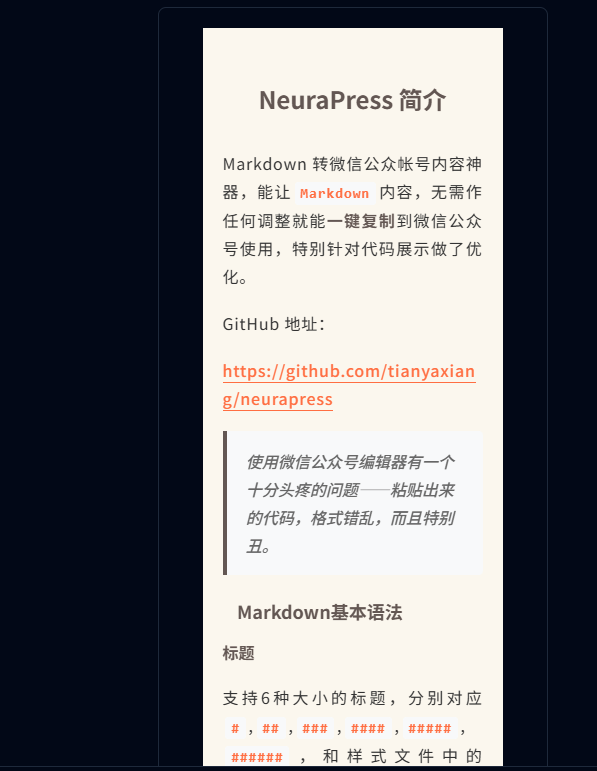
Smartisan Notes style effect:
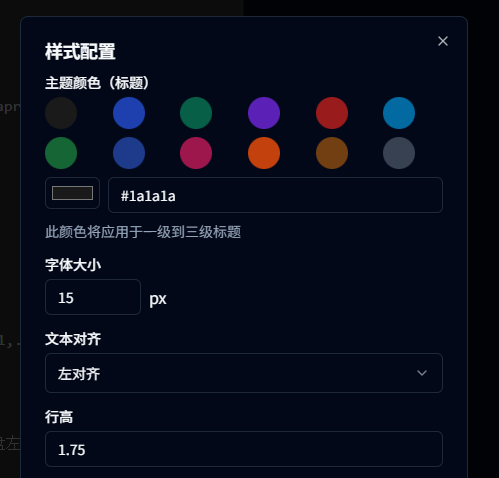
You can make fine-tuning in the style settings.
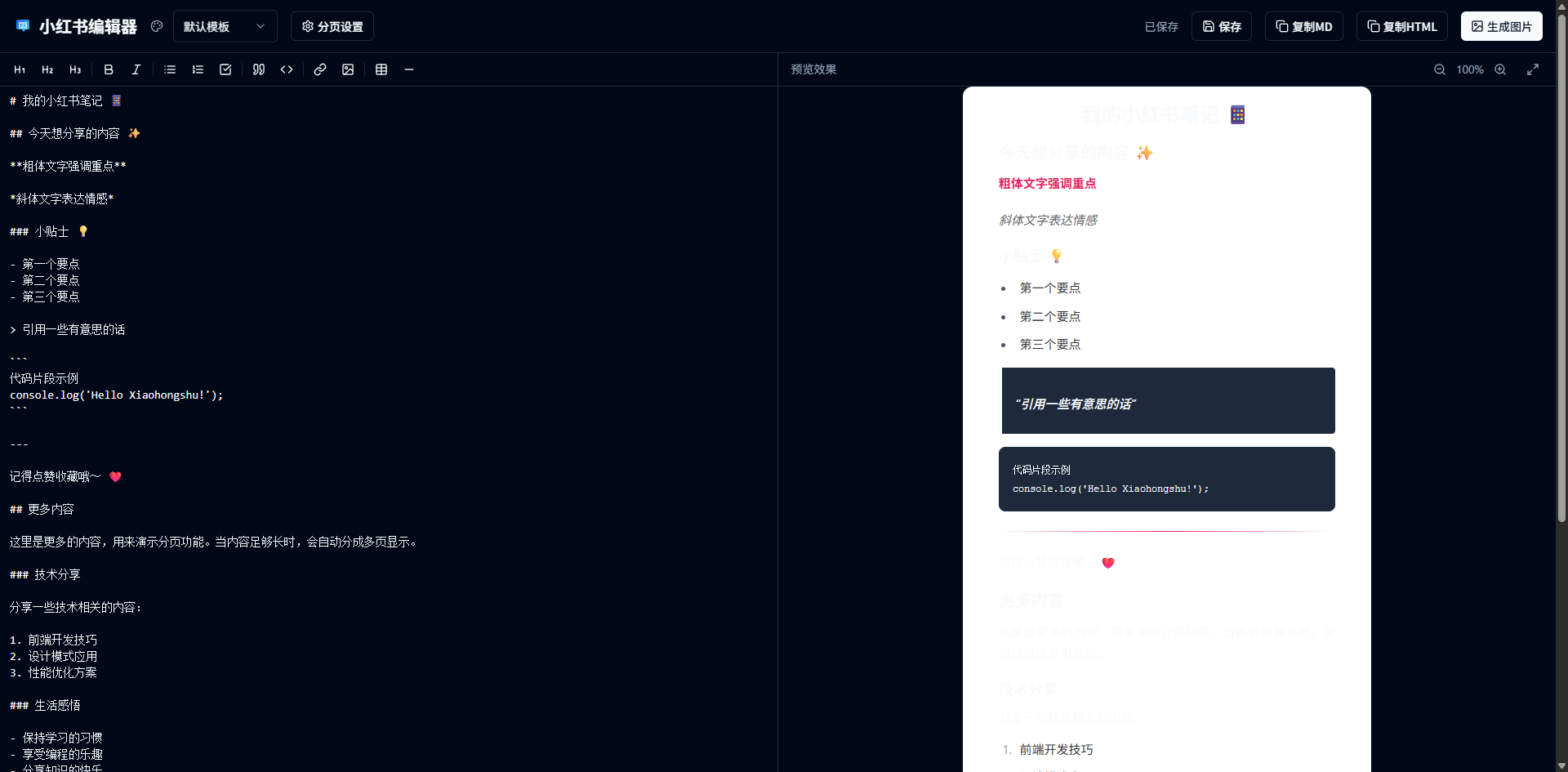
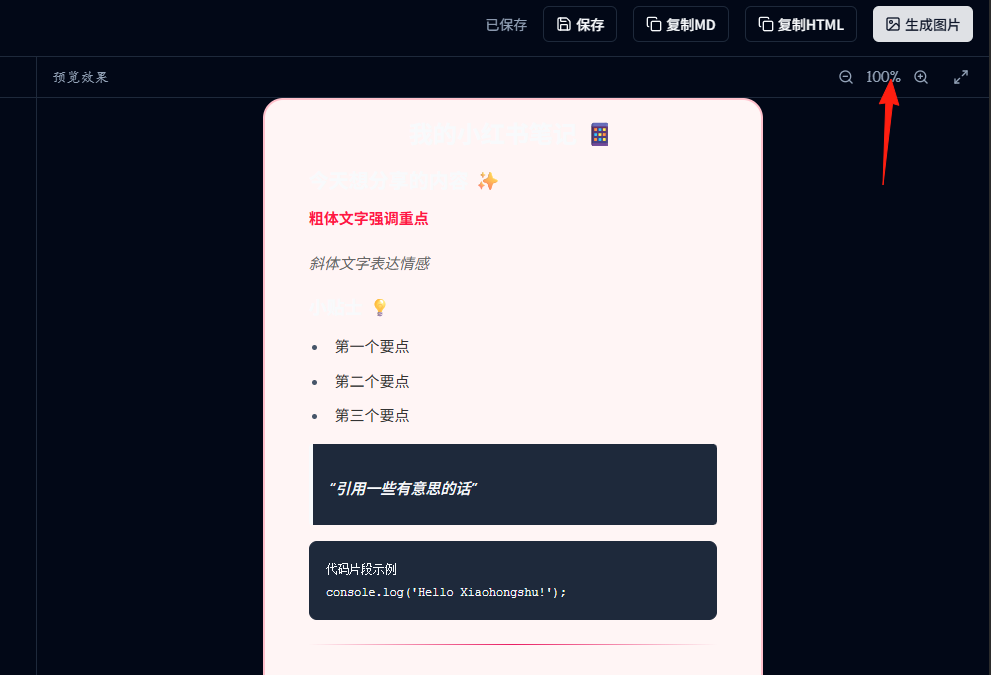
Return to the home page and click on the "Xiaohongshu Editor".
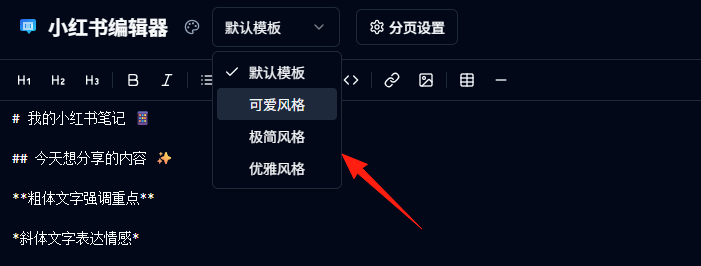
You can switch styles in the templates.
You can directly copy the Markdown or generate an image.
Summary
My WeChat Official Account article publishing workflow changed from the original:
Write content → Copy to Official Account → Adjust formatting → Preview → Adjust formatting again → Publish
To:
Write content → Copy and Paste → Publish
This saves at least 50% of the time, and the visual effect of the articles is more consistent and professional.
If you also struggle with formatting for WeChat Official Accounts or Xiaohongshu, why not give NeuraPress a try.