
HedgeDoc: A Web-Based Markdown Editor
What is HedgeDoc?
HedgeDoc is an open-source, web-based, self-hosted, collaborative markdown editor. You can use it to easily collaborate in real-time on notes, diagrams, and even presentations. All you need to do is share your note link with colleagues, and they can get started immediately.
https://appstore.lazycat.cloud/#/shop/detail/io.zeroc.app.hedgedoc
How to Use
After the application is installed, open the login interface.

Click the login button. First-time users need to register an account.

After successful login, you will enter the main page.
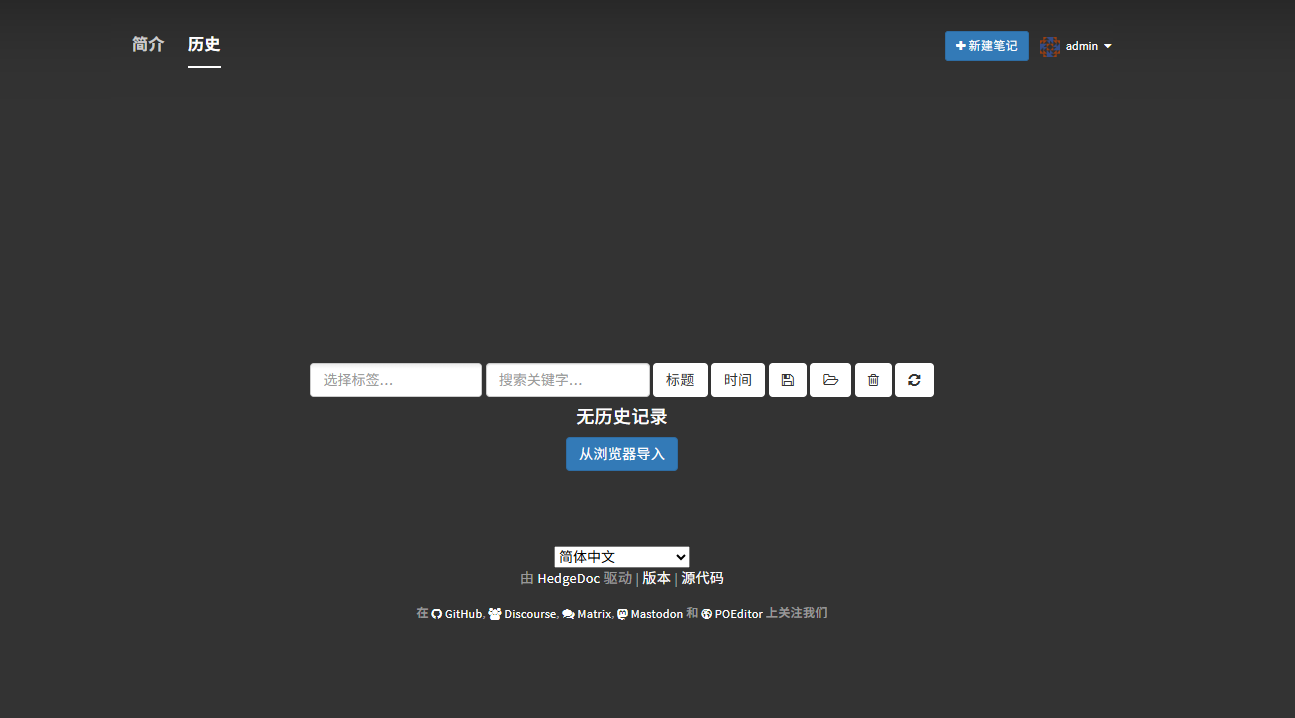
Click "New Note".
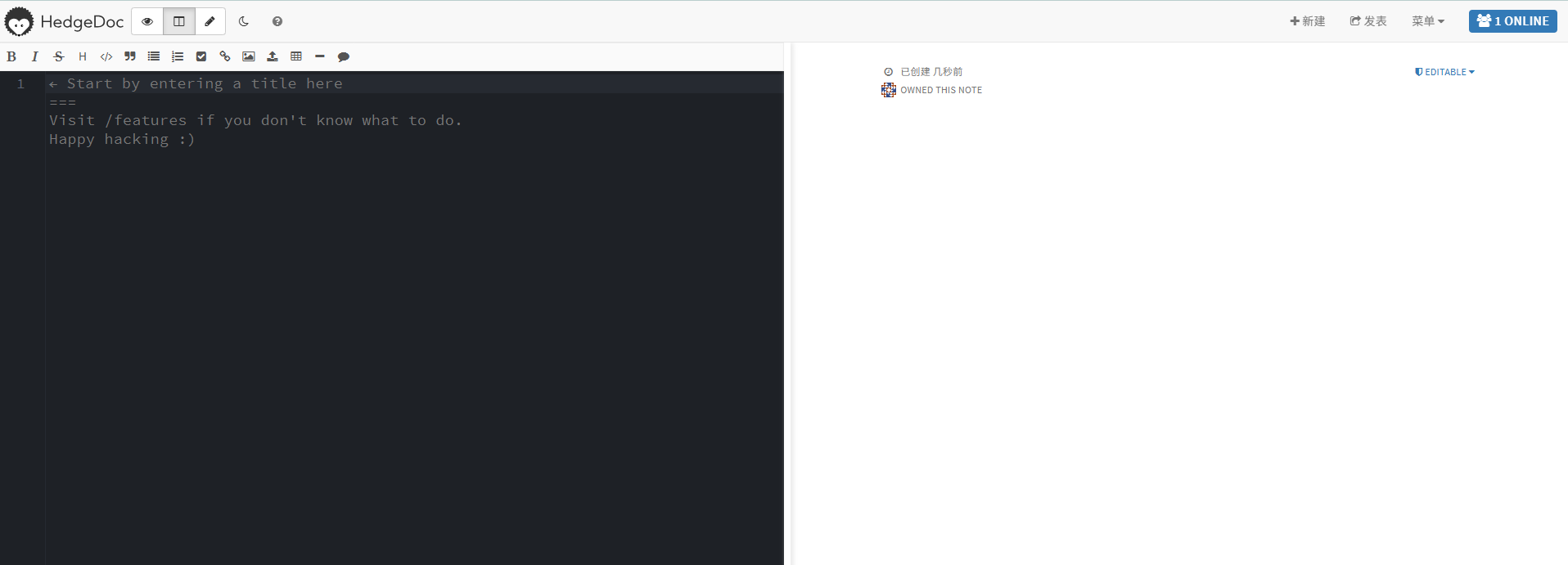
Edit on the left, with real-time preview on the right.
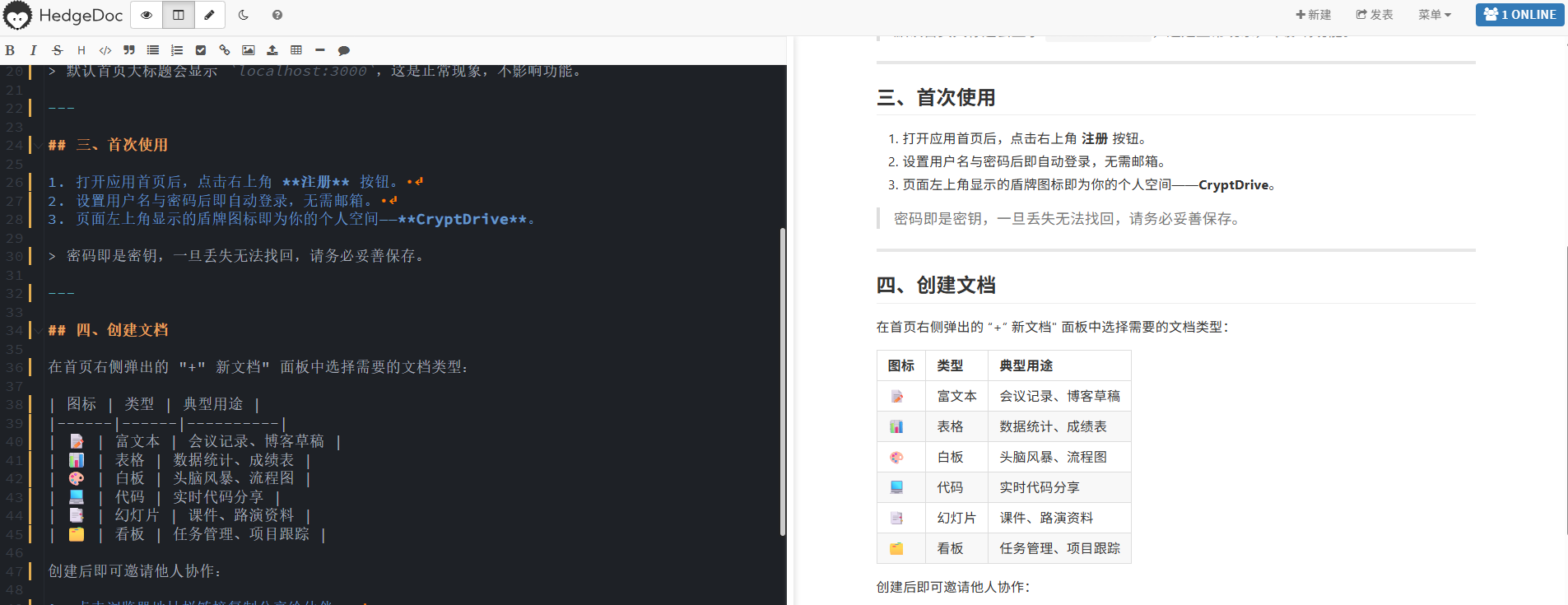
Share the note link with others: https://hedgedoc.lanmao168.heiyu.space/Syw7ZvKPRYWpcL2TqLvAcQ?both
As seen from the top right corner, there is currently the creator 'admin' and a user 'Guest'.
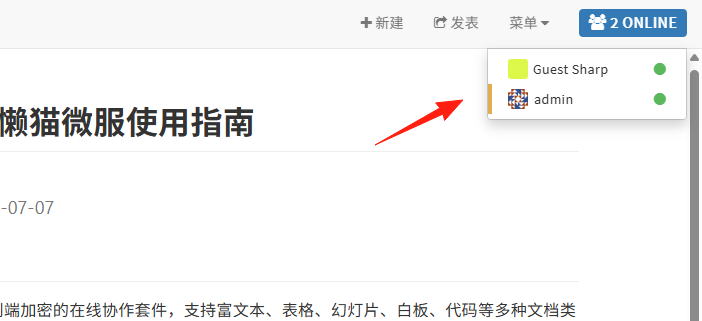 When one person edits the content, other users can see the changes in real-time, which is the multi-user collaboration feature.
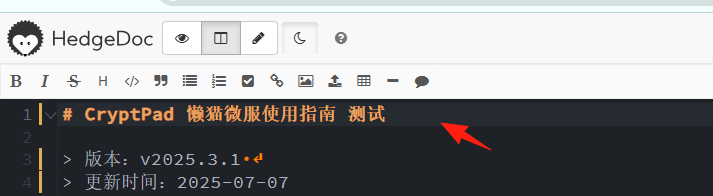
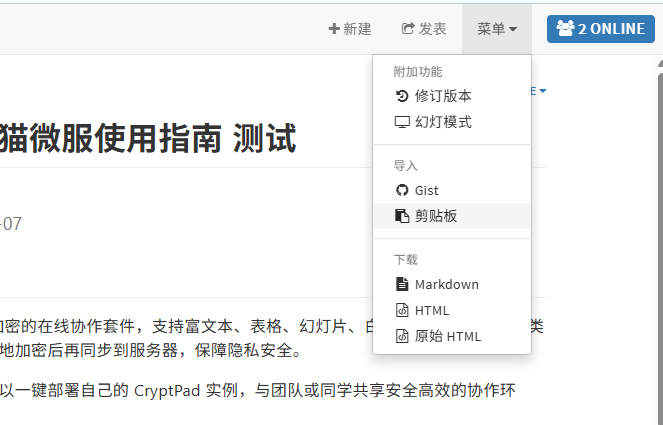
The menu in the top right corner provides import and download functions.
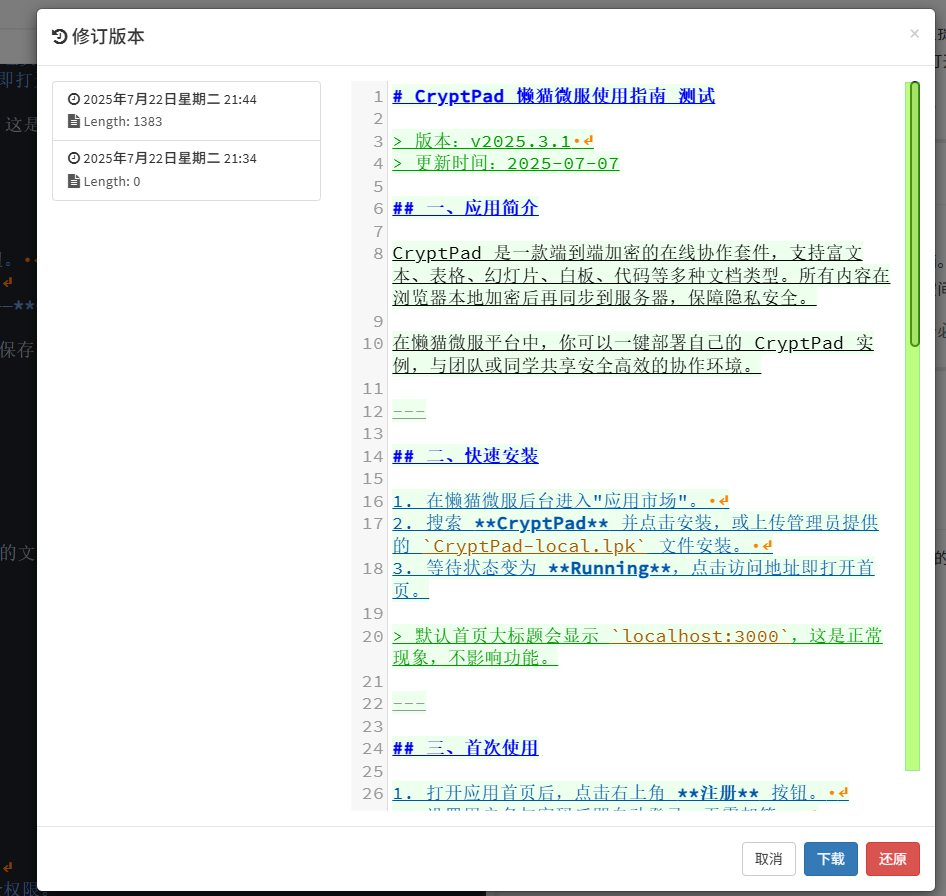
The "Revision History" in the top right corner shows your edit history, so you don't have to worry about making mistakes.
If you accidentally delete something, you can click the "Restore" button at the bottom right.
You can use Mermaid syntax to draw flowcharts, which is very practical.
graph TD
   A[Wake Up] --> B{Write Document}
   B --> C[Share HedgeDoc Link]
The effect is as shown:

The "Slide Mode" in the top-right menu is suitable for team meetings and presenting slides.
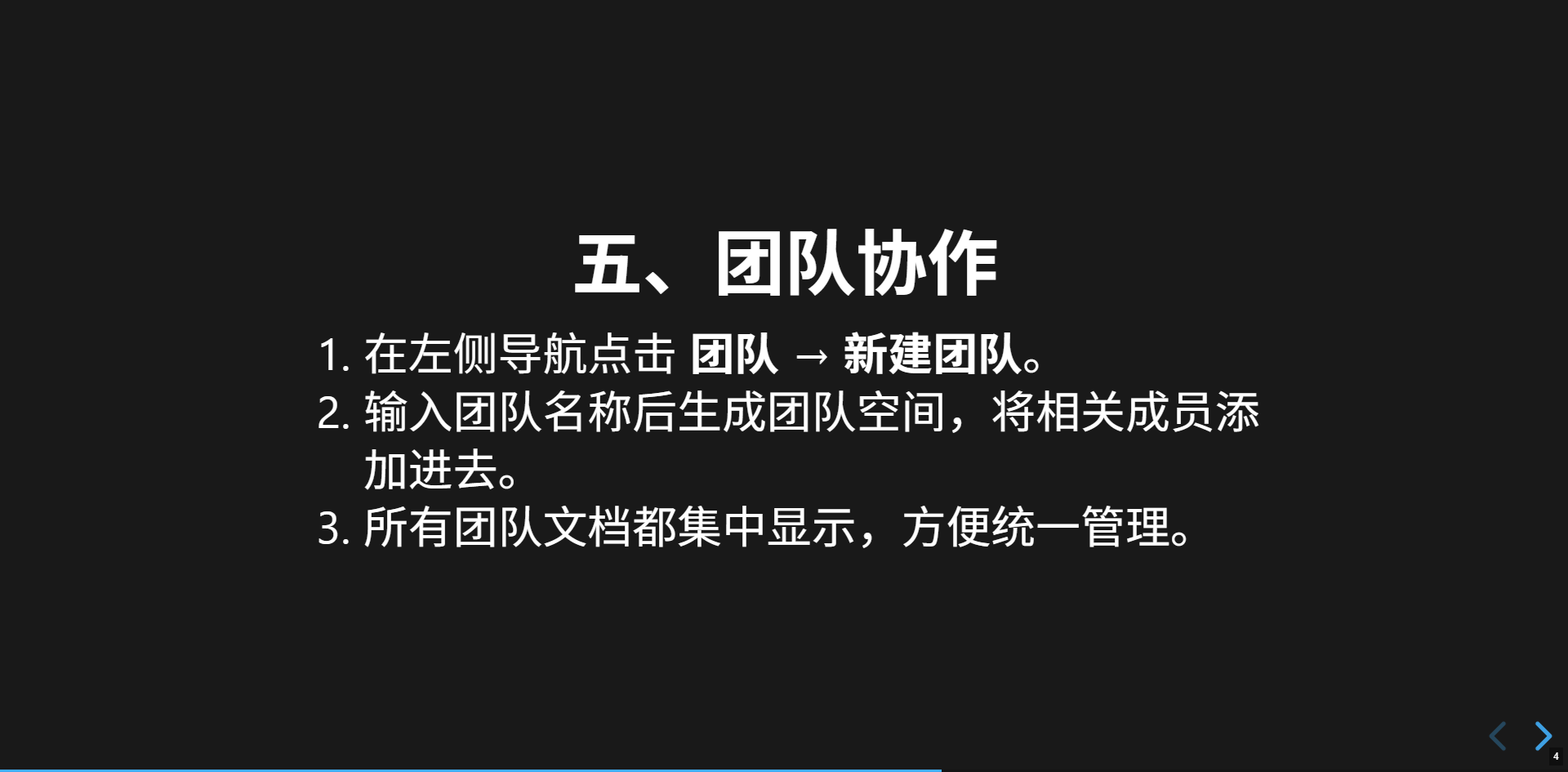
In summary, HedgeDoc is a real-time collaborative document tool. You can handle notes, flowcharts, and slides using simple Markdown syntax. It's a great application.