
Piwigo: Say Goodbye to Photo Management Headaches
What is Piwigo?
Piwigo is a web-based open-source photo management system. It features a very simple installation interface and management panel. In simple terms, it's a photo gallery program that runs on the web.
You can think of it as your self-hosted "Baidu Netdisk + WeChat Moments" – it can both store and manage photos, and share them with family and friends.
https://appstore.lazycat.cloud/#/shop/detail/top.j0k3r.piwigo
Getting Started
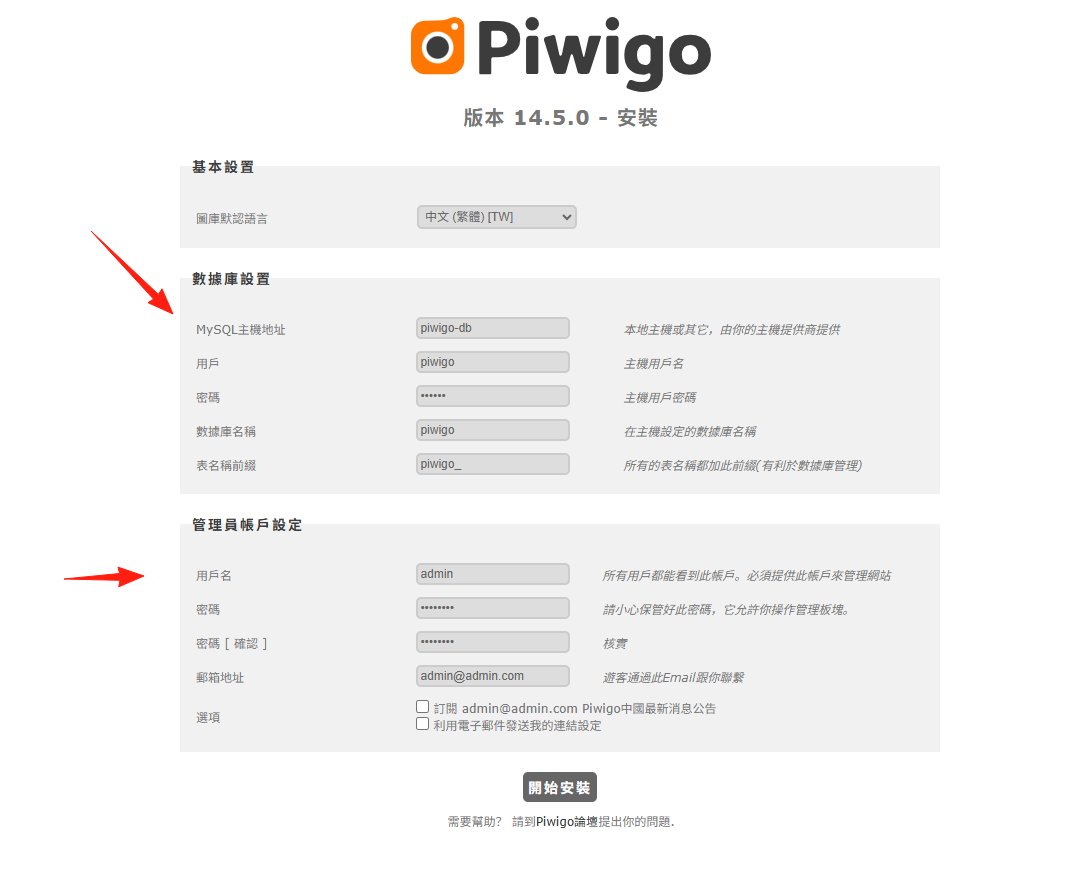
After the application is installed, you need to perform initial setup upon first opening it. Fill in the database information as follows: MySQL Host: piwigo-db Username: piwigo Password: piwigo Database Name: piwigo
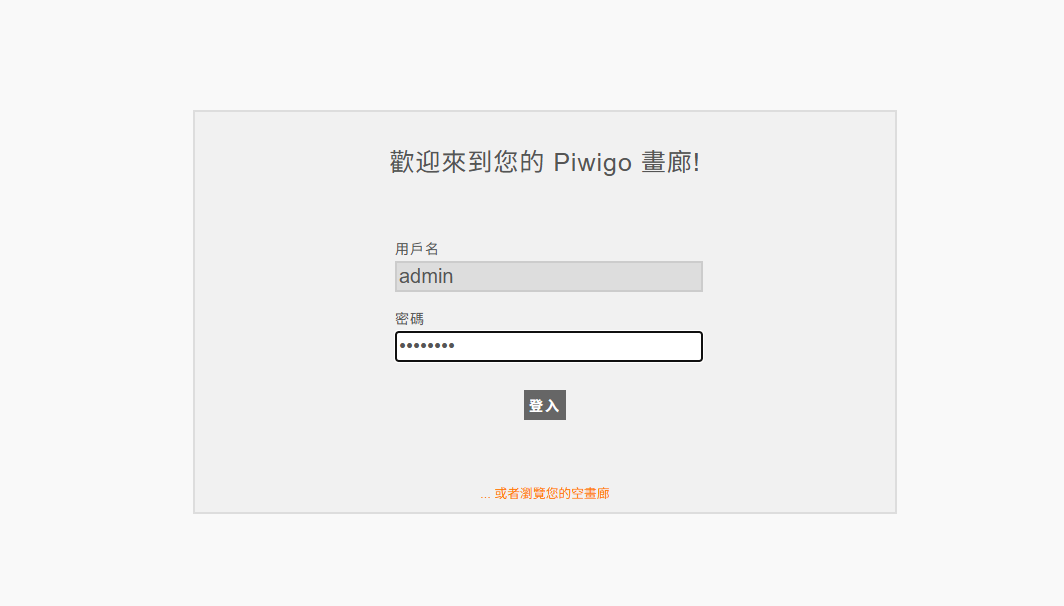
Log in with the username you just created
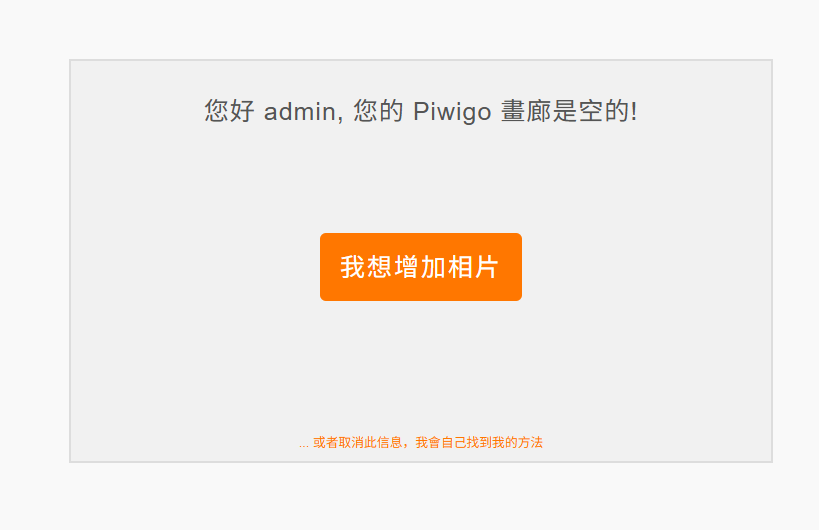
Start adding photos
Enter the main page
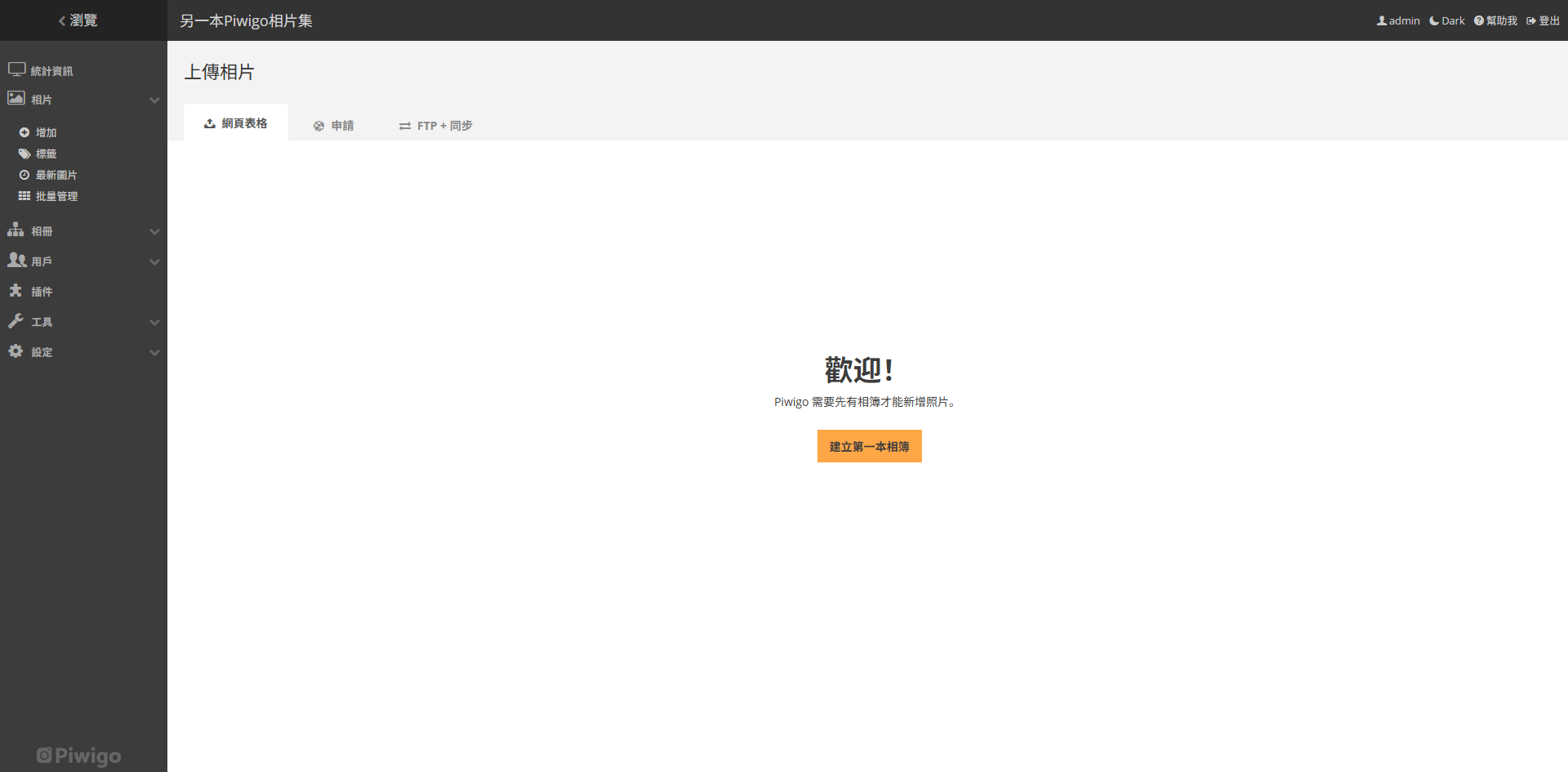
I initially selected the wrong language; change it to Simplified Chinese in the settings
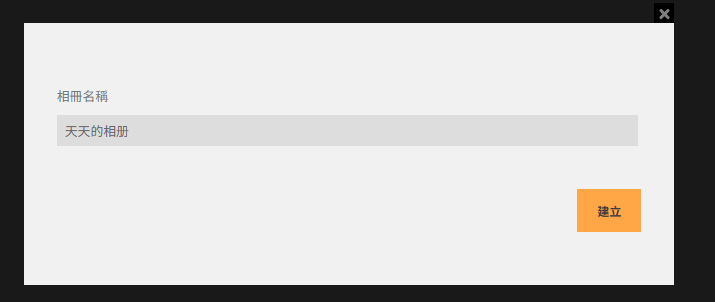
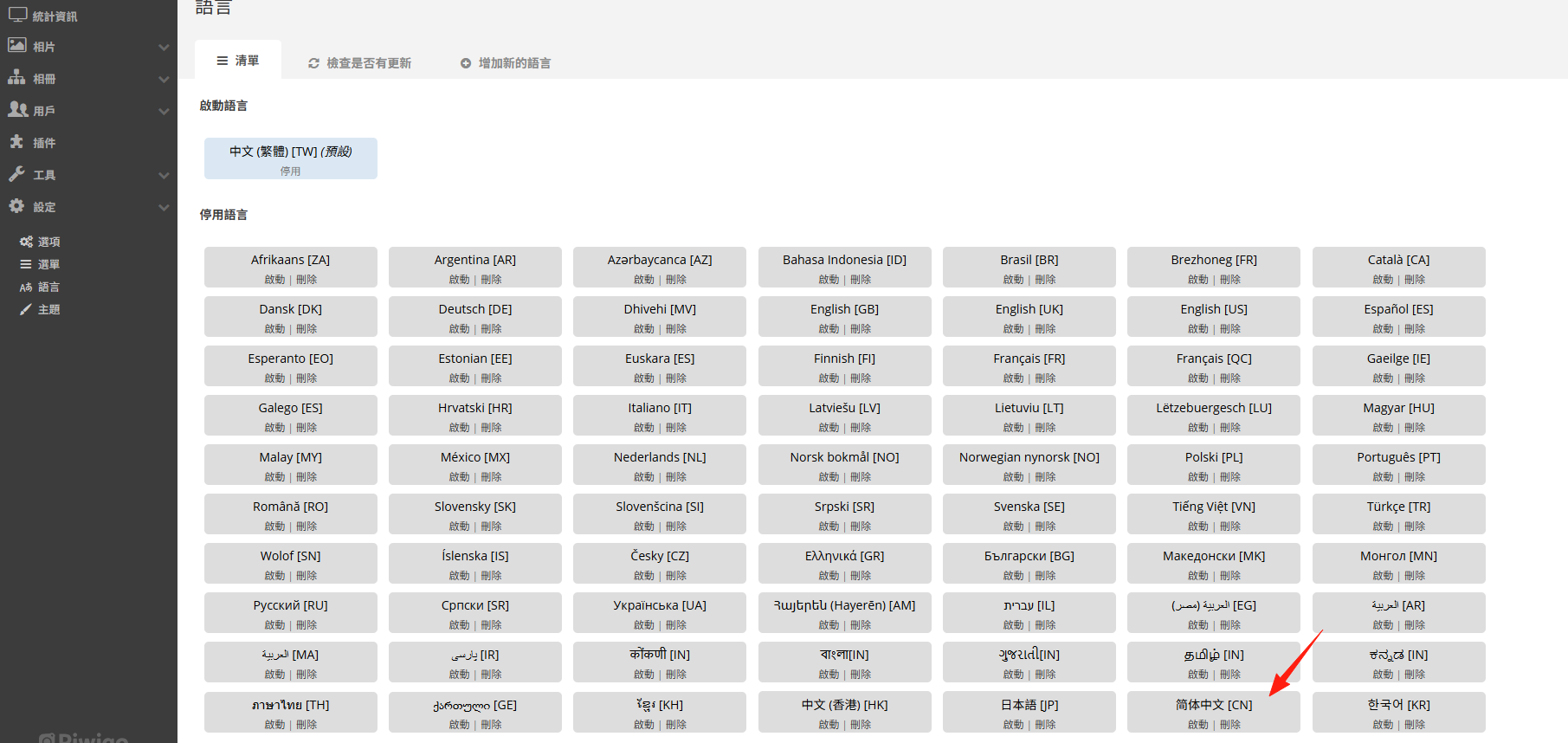 First, you need to create an album
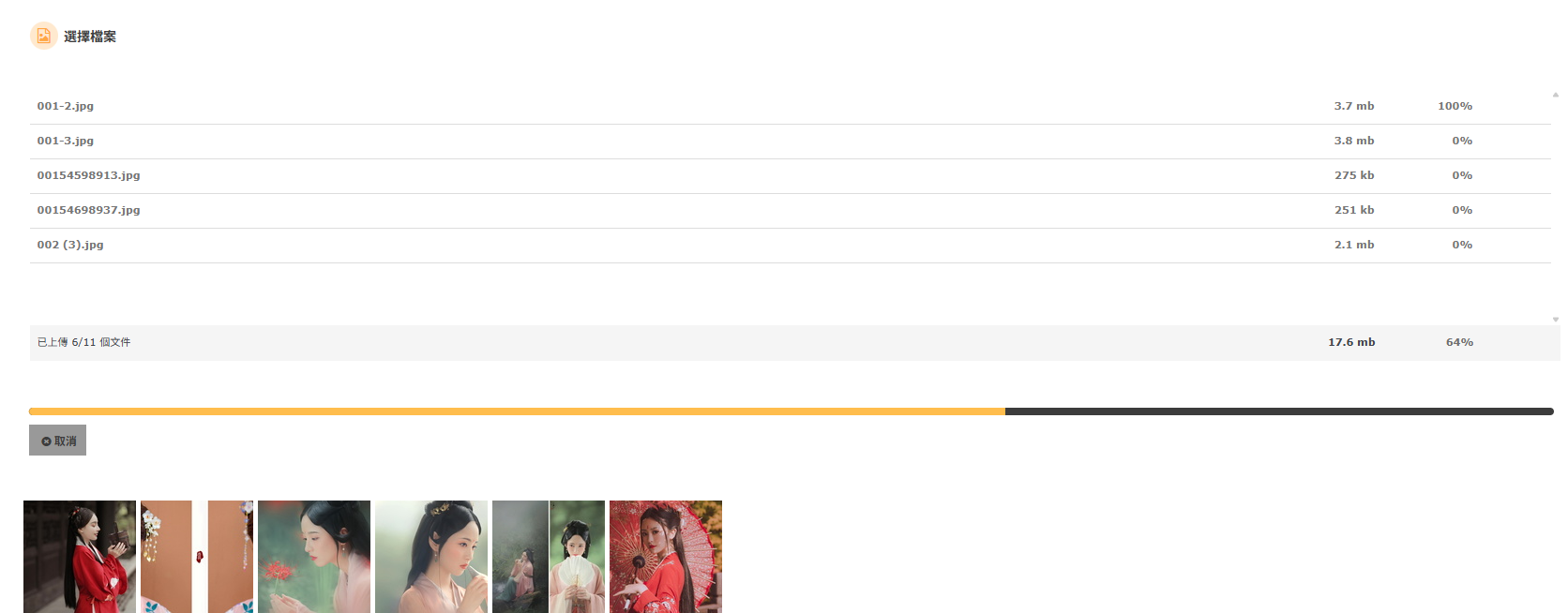
Upload photos or simply drag and drop them in
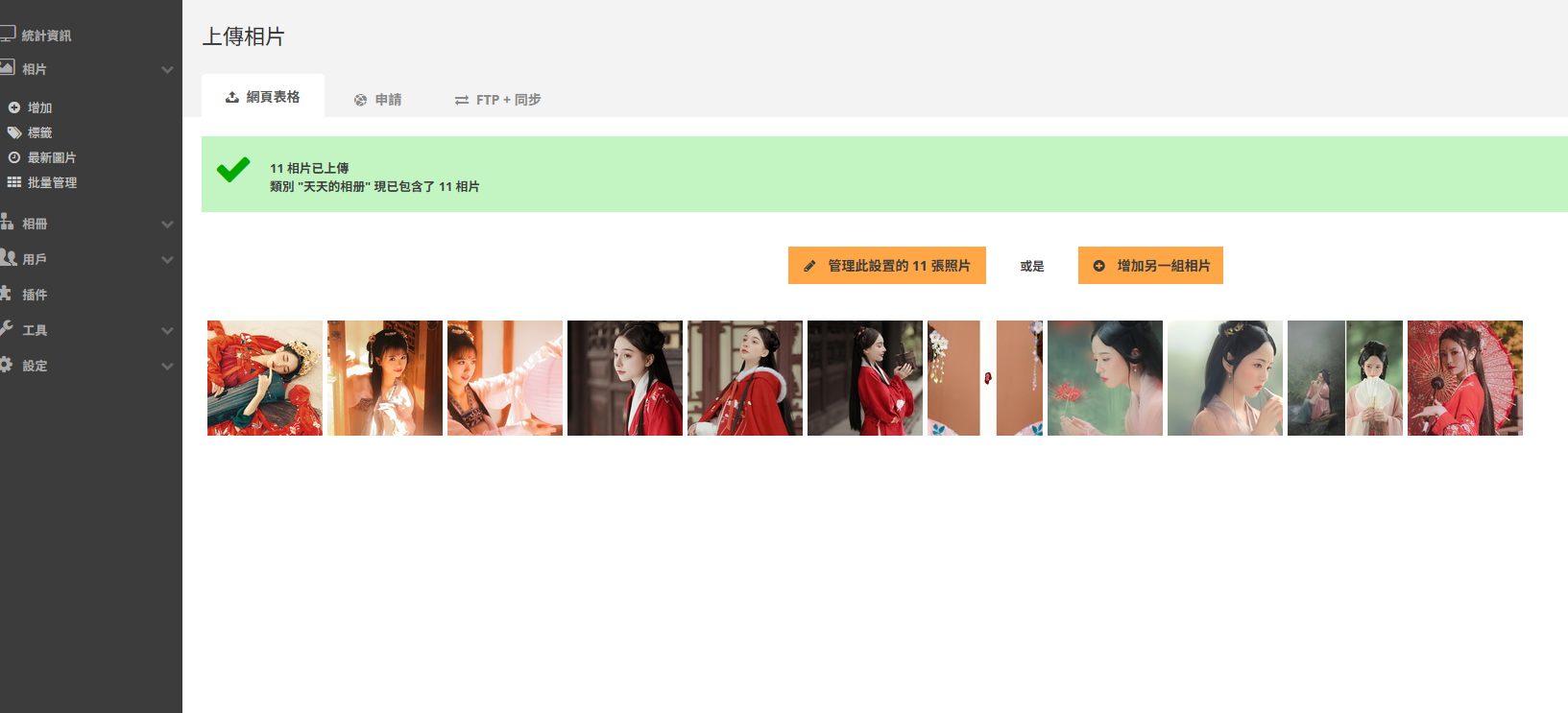
Upload completed
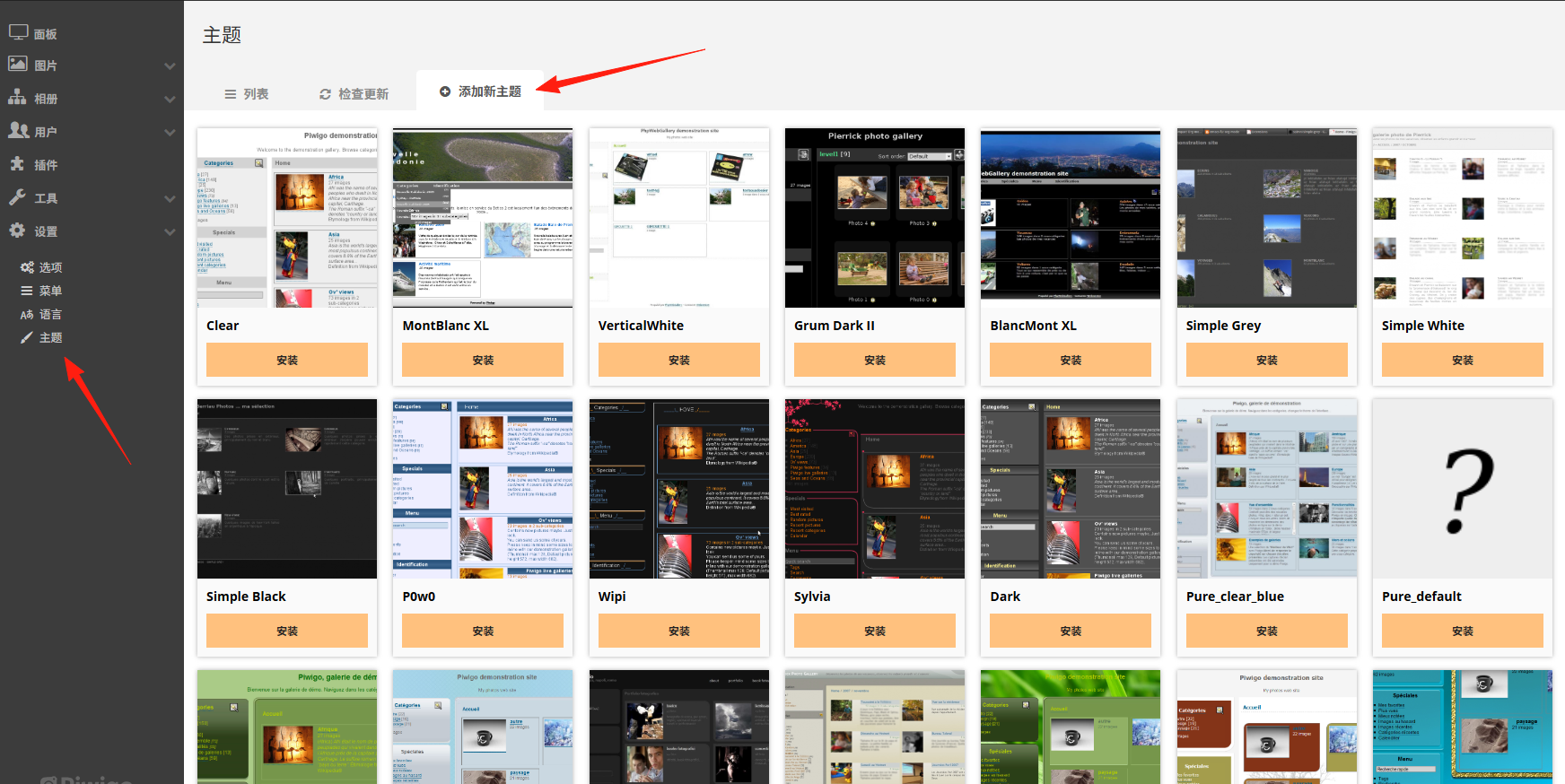
It supports many themes, which can be installed from here
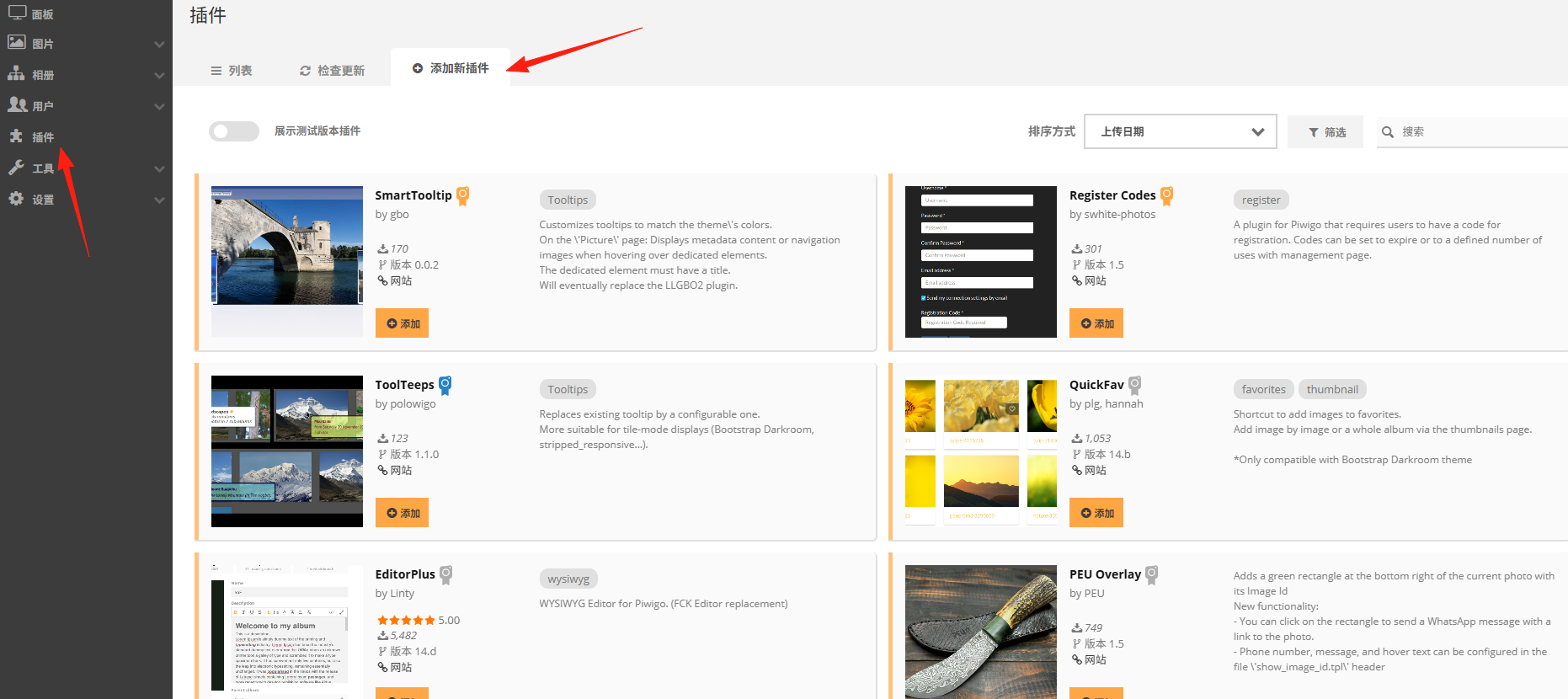
Many plugins can be added on the left side
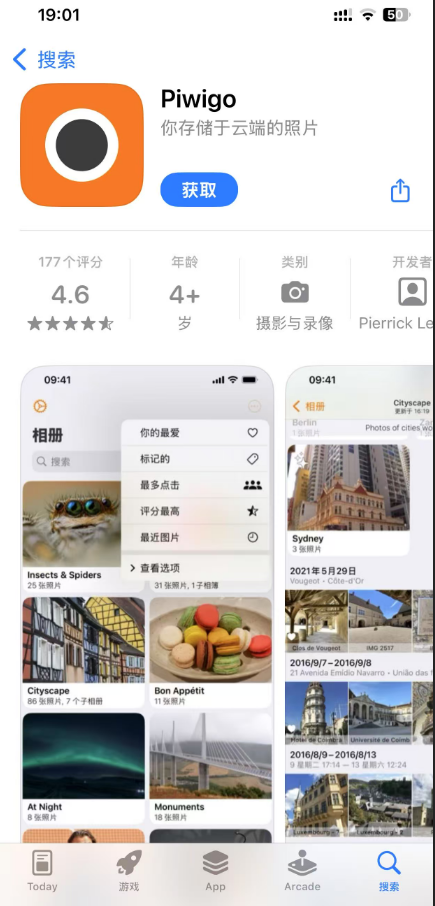
Official iOS and Android clients are available; search for "Piwigo" to download them. The mobile app is mainly used for:
- Uploading photos on the go
- Quickly browsing albums
- Sharing photos with friends
The server address requires port forwarding for use.
Browsing the gallery in the album, you can see the image effects and it supports slideshow playback.

Summary
If you don't require AI search functionality, Piwigo is indeed an excellent choice for convenient image management.