
Shiori: A Web Bookmark and "Read It Later" Application
What is Shiori?
Shiori (meaning "bookmark" in Japanese, written as "栞") is an open-source, self-hostable bookmark manager built with Go.
Simply put, it's like your own private version of Pocket or Instapaper, but with several key differences:
- Completely Free: No worries about subscription fees
- Data Ownership: Your bookmarks are entirely under your control
- Powerful Features: Not only saves links but also archives entire web pages
- Beautiful Interface: The design directly mimics Pocket, offering a comfortable user experience
https://appstore.lazycat.cloud/#/shop/detail/io.zeroc.app.shiori
Usage Guide
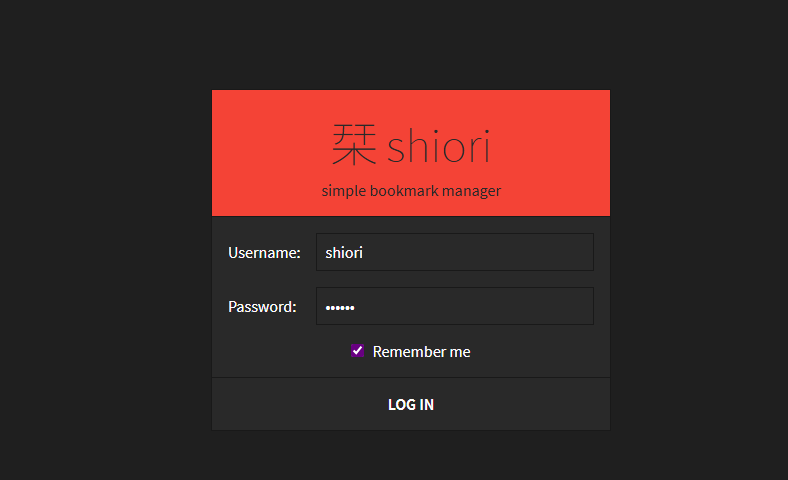
After installing the application, the login page opens by default. The default username/password is: shiori/gopher
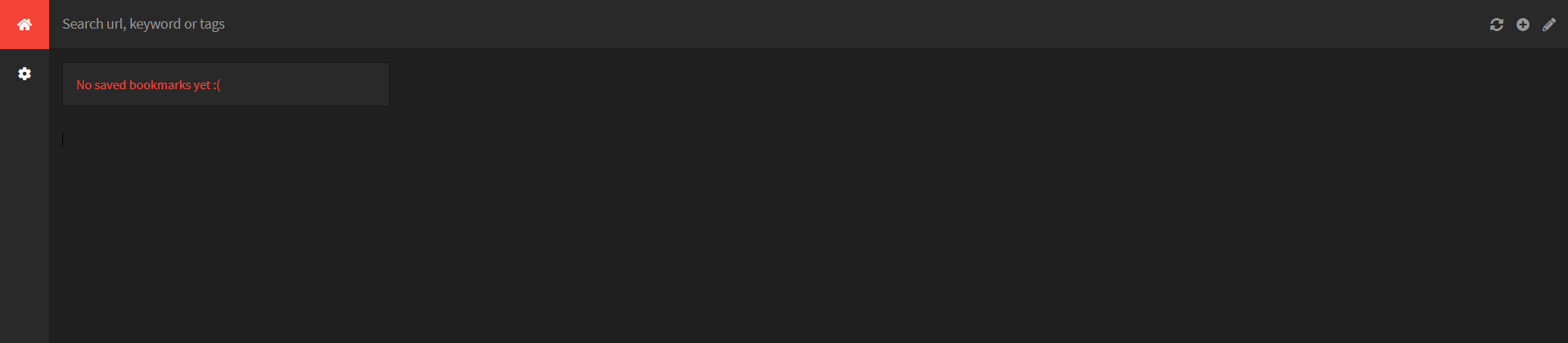
After logging in, you'll enter the homepage. Initially, there's no data, so the page appears blank.
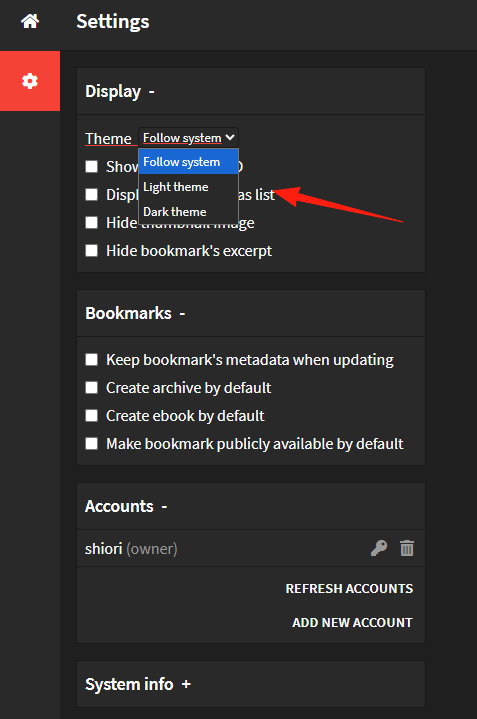
Click on Settings on the left and change the theme to Day Mode.
Click the '+' icon in the top right corner to create a new bookmark.
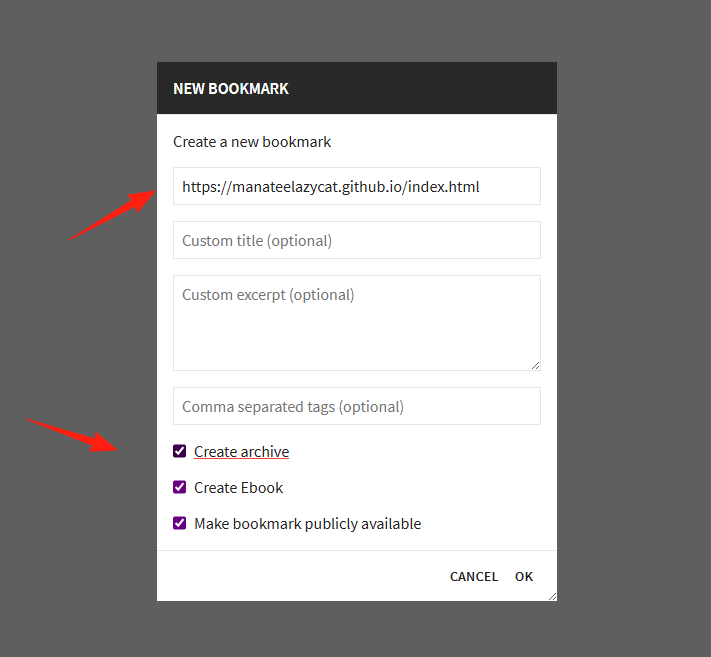 The result after creation.
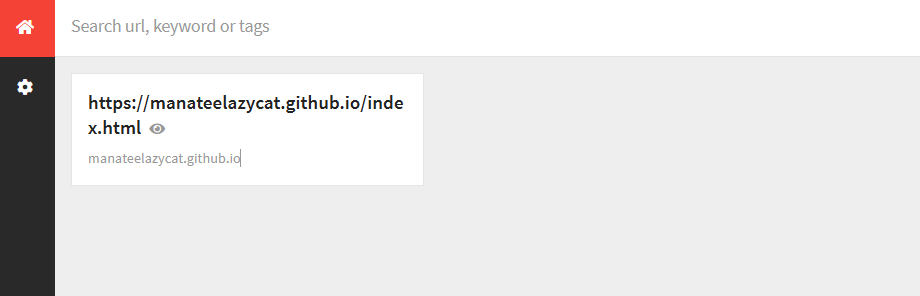
At this point, it's fetching data. After a short wait, it will look like this.
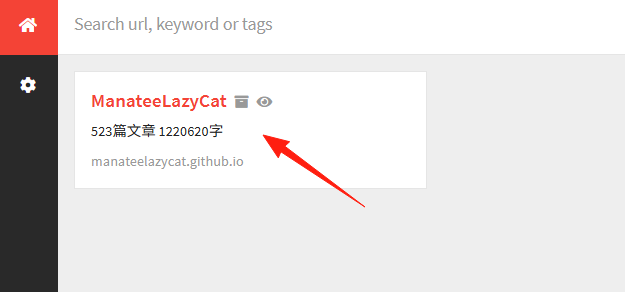
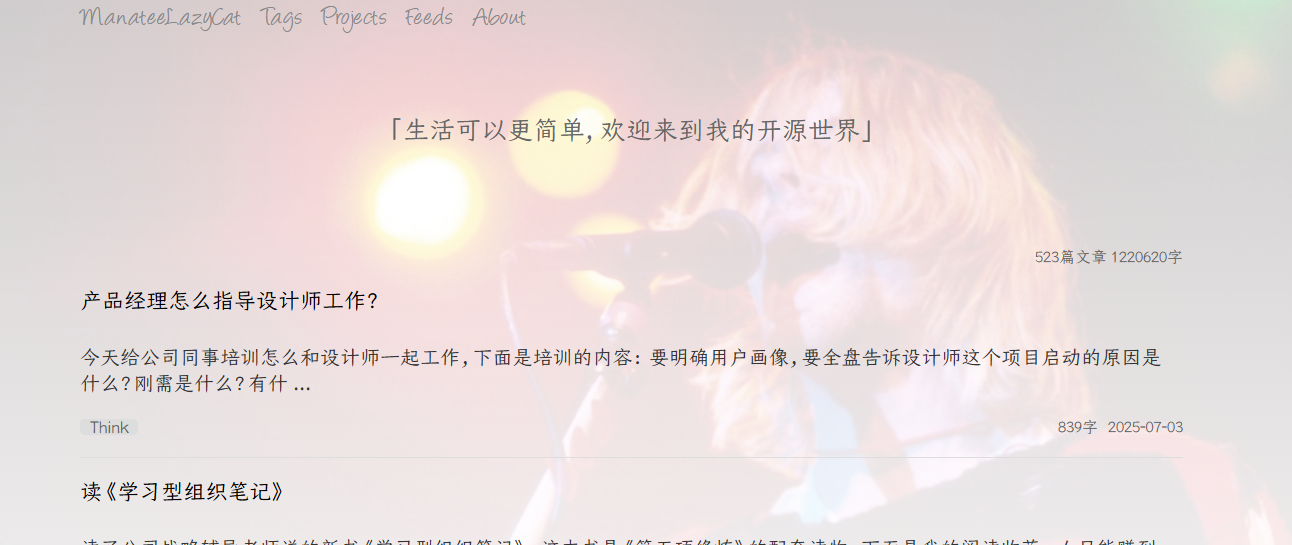
Clicking on it directly navigates to the bookmarked page.
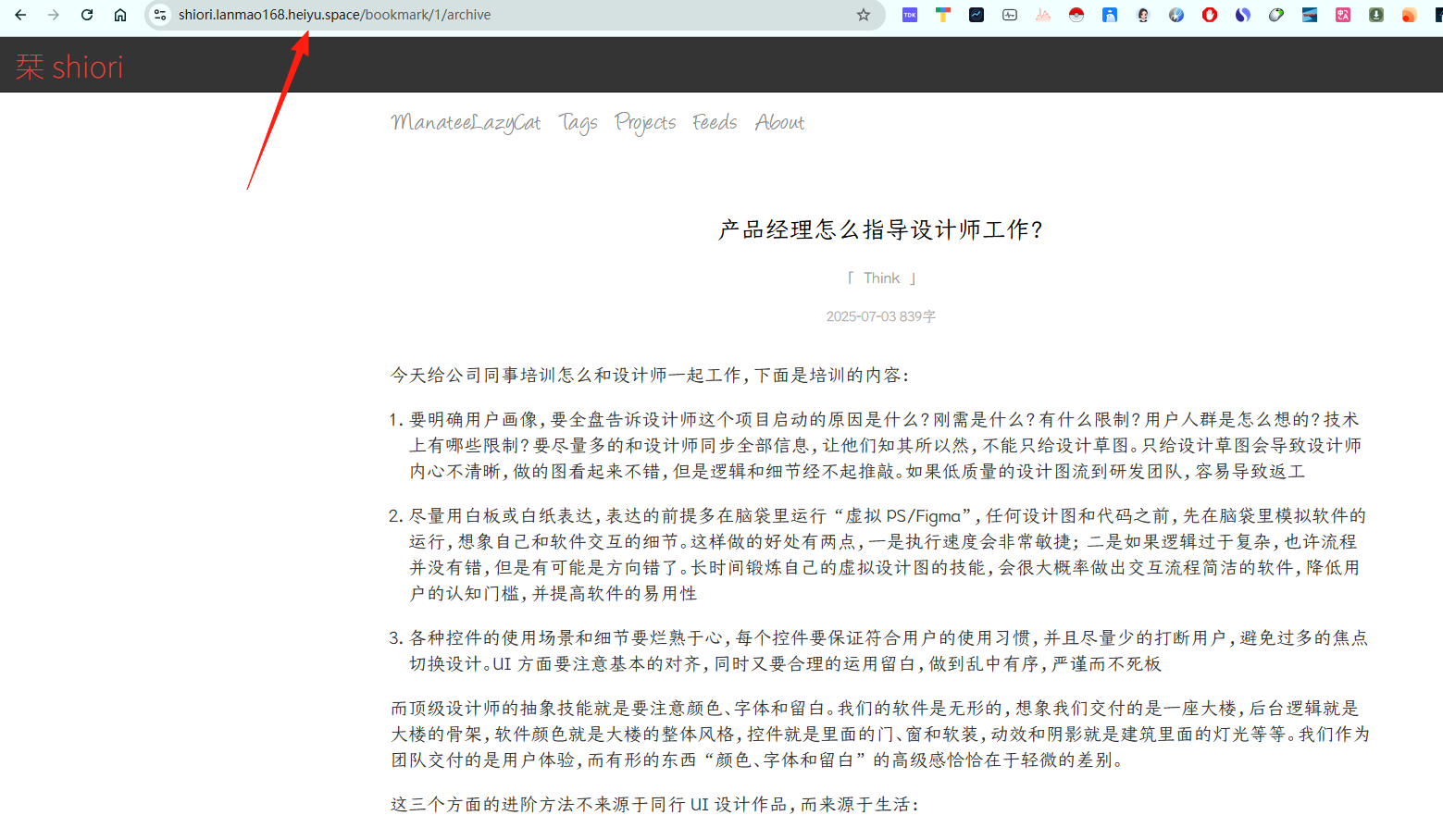
 As you can see from the address bar, it has fetched and saved the entire content, which looks almost identical to the original page.
It supports a browser extension. You need to download the installation package from https://github.com/go-shiori/shiori-web-ext.
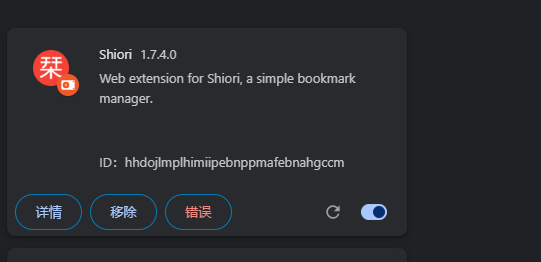
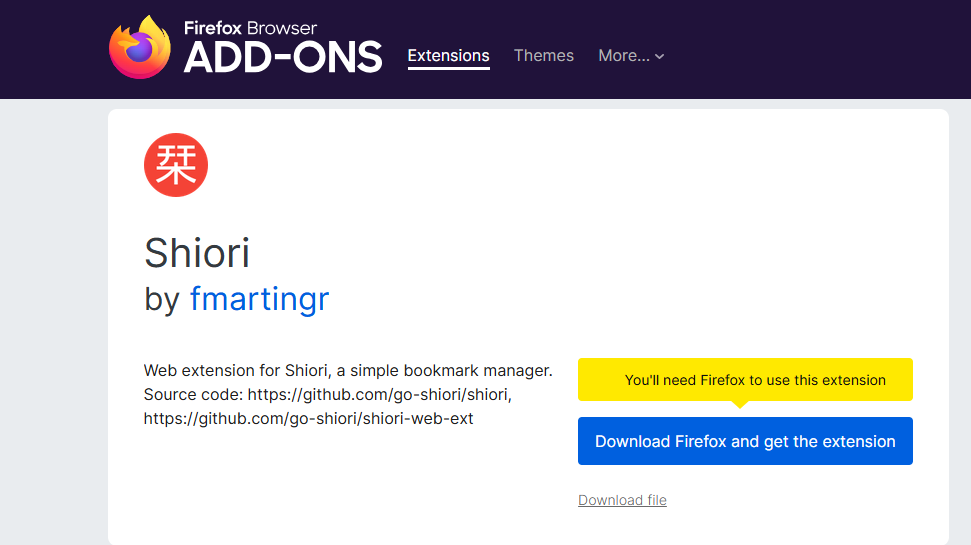 After extracting it, load it into your browser.
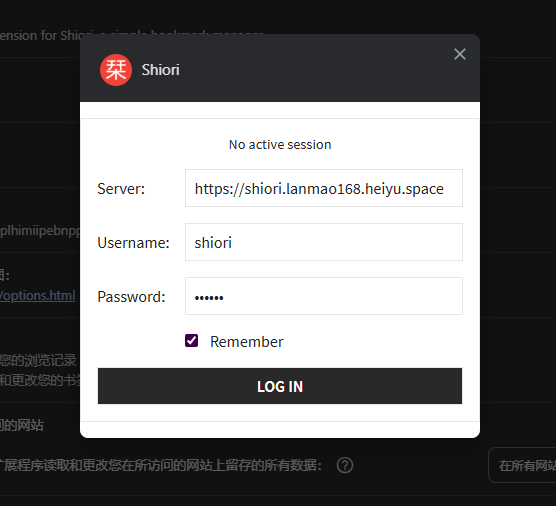
Configure it with your username and password.
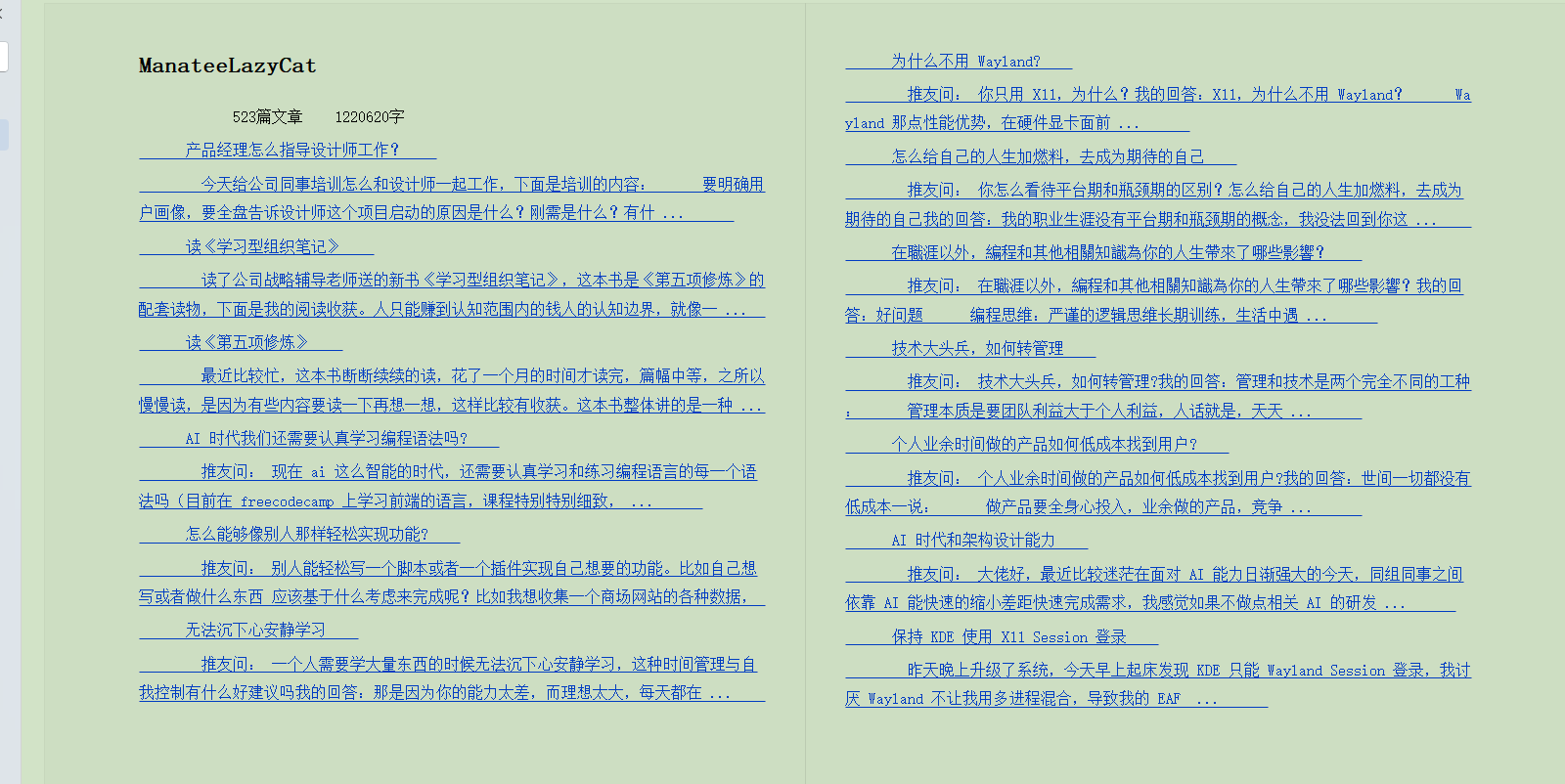
It also supports exporting eBooks in EPUB format.
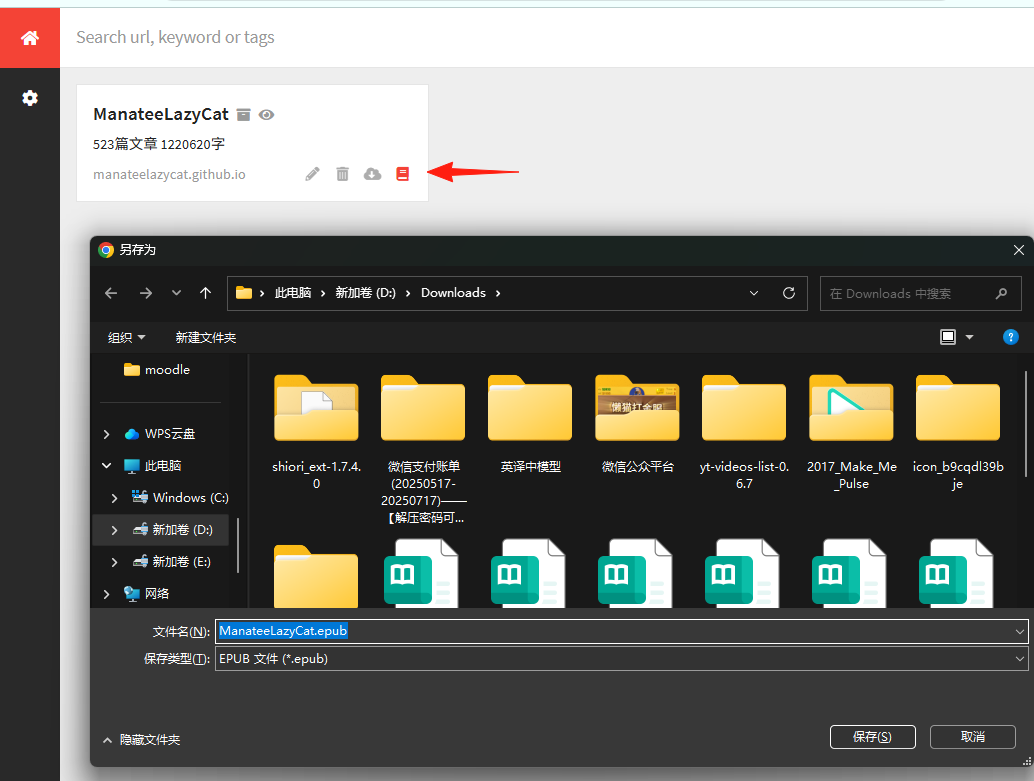
There's a default underline, but the content itself is fine.
Summary
Shiori not only helps you save links but also ensures that this content is never lost.
If you're looking for a truly self-owned bookmark management solution, Shiori is worth a try