
FlatNotes Practical Guide: A Minimalist App That Returns to the Essence of Note-Taking
What is FlatNotes?
To be honest, note-taking apps have become incredibly competitive. Notion feels like a database, Obsidian has an overwhelming number of plugins, and Evernote shows more and more ads... Every time I open these apps, I feel like I'm not taking notes but learning a new system.
FlatNotes, just like its name suggests, is "flat." It has no hierarchical structure (like folders), features a clean and simple interface, and focuses purely on the content itself. You open it to find a search box, ready for you to start writing immediately. It's that simple.
https://appstore.lazycat.cloud/#/shop/detail/in.zhaoj.flatnotes
Practical Usage Tips
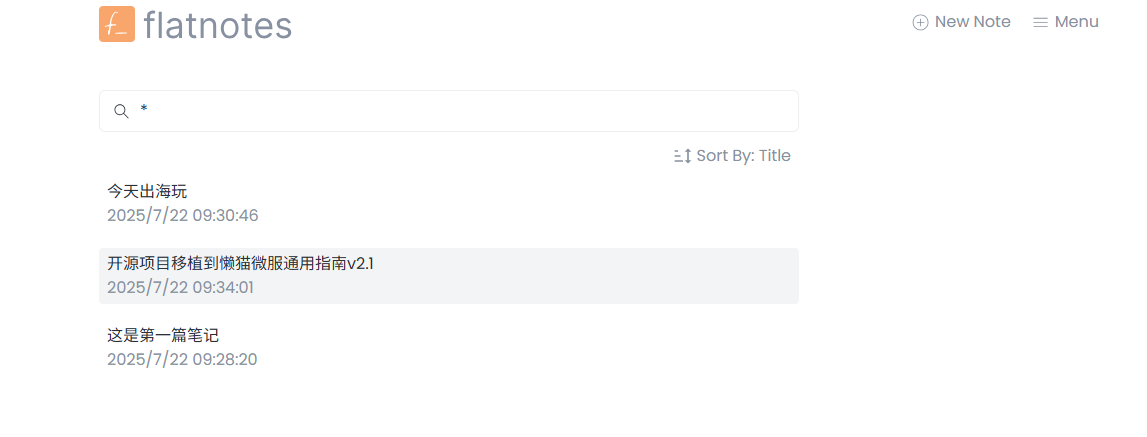
After installing the app, the home screen opens directly, with a search box in the middle.
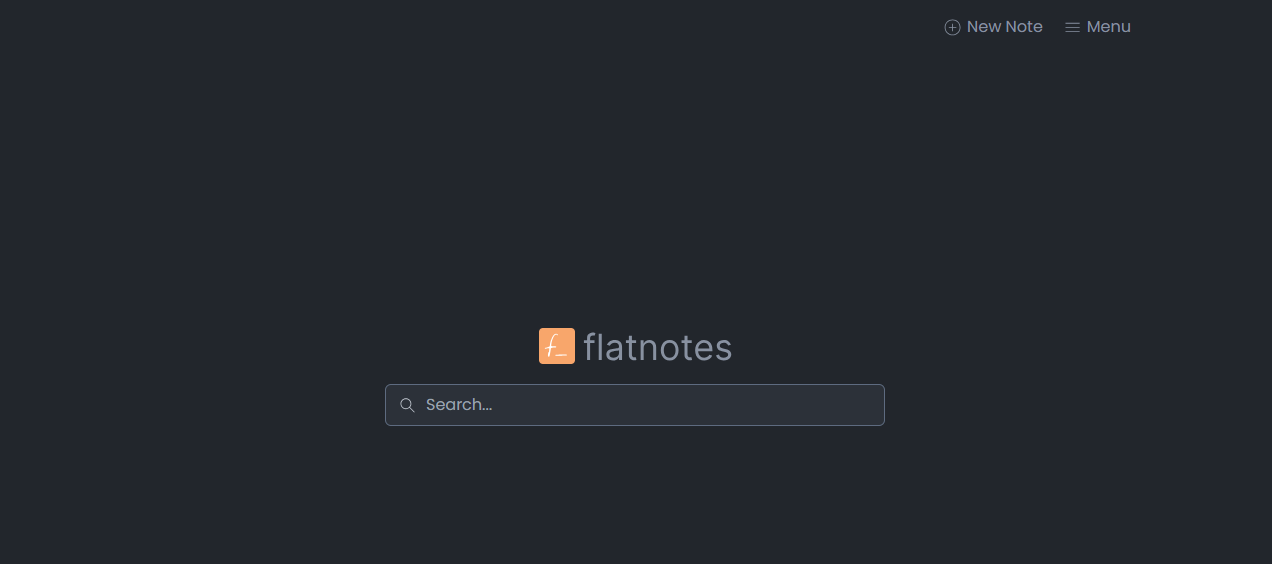
In the top-right Menu, change the theme to Light mode. Click 'New note' to create a new note.
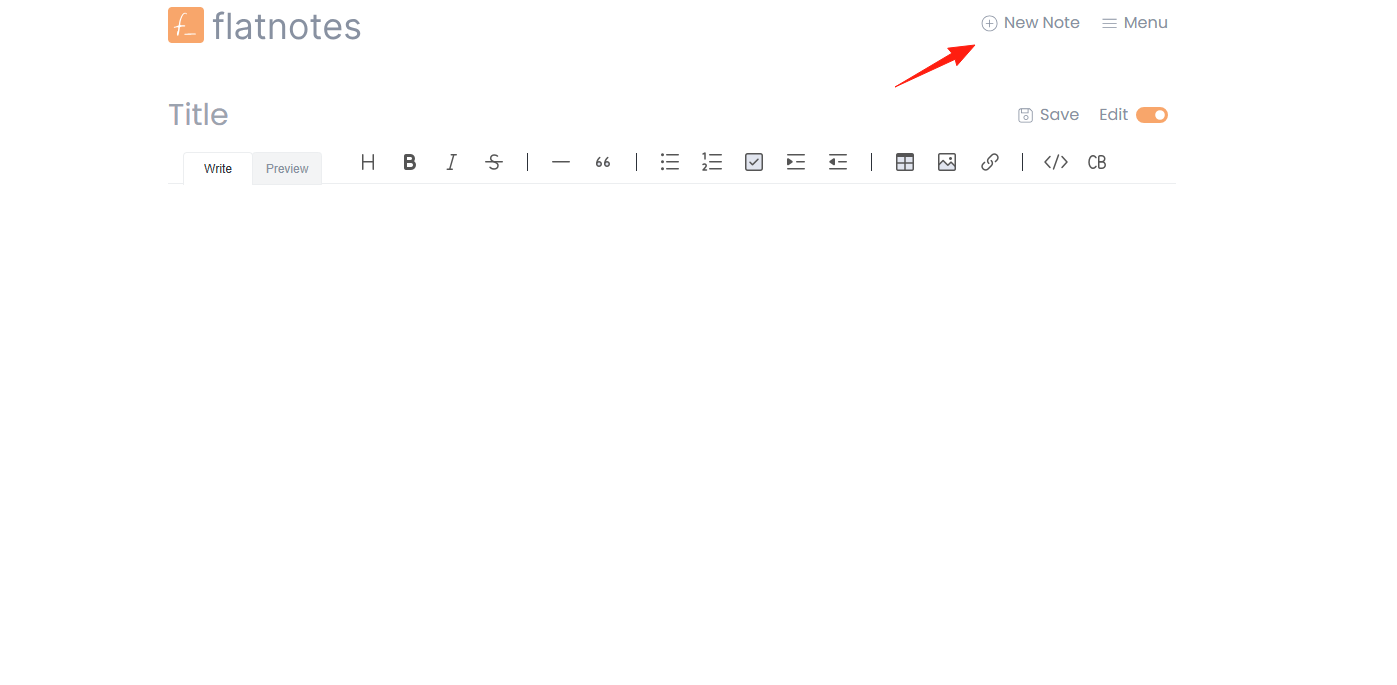
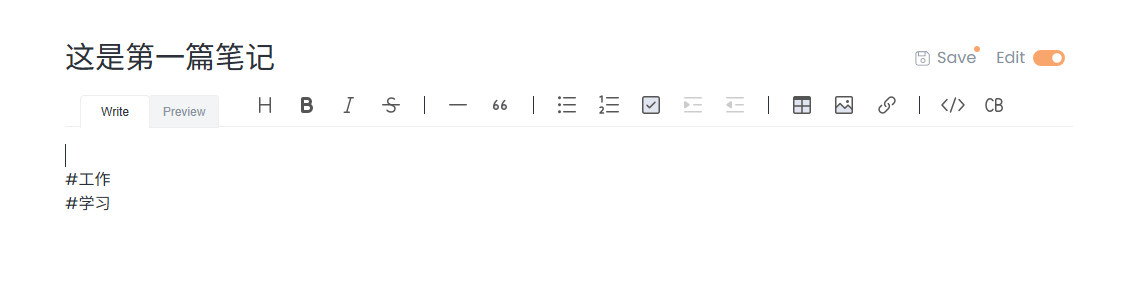
FlatNotes has powerful tagging features. Here's how we recommend using them:
- Categorize by Type:
#Work#Life#Study - Categorize by Project:
#ProjectA#ProjectB - Categorize by Status:
#TODO#InProgress#Done - Categorize by Priority:
#Important#Urgent
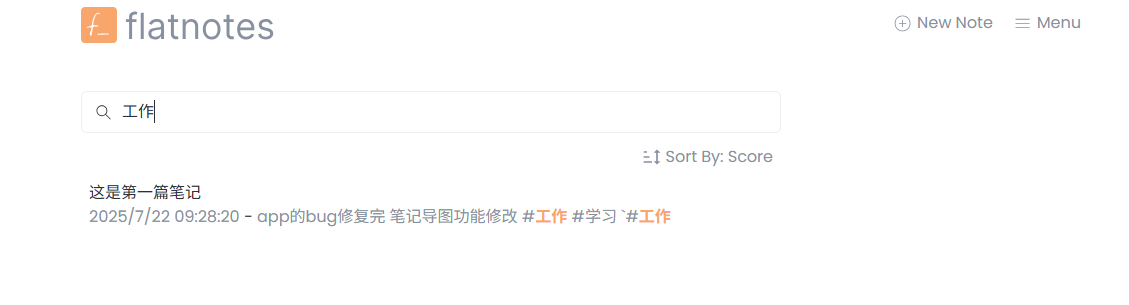
FlatNotes has a powerful search function:
- Search directly for keywords
- Search for tags:
#TagName - Combined search:
Keyword #TagName
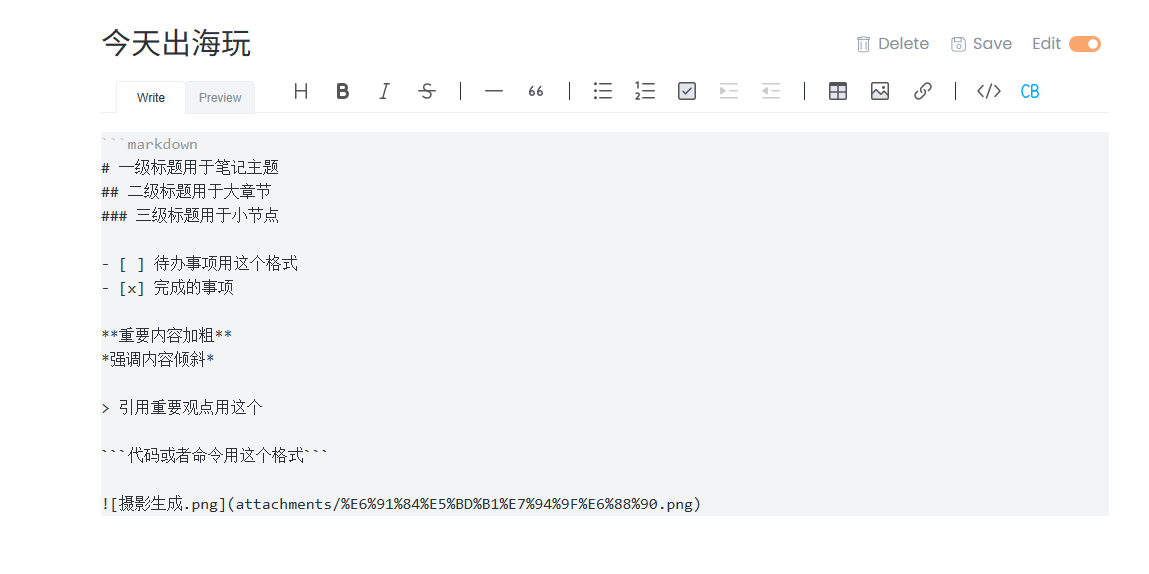
Since it uses Markdown, make the most of it:
# Use H1 for the note title
## Use H2 for major sections
### Use H3 for smaller subsections

- [ ] Use this format for todo items
- [x] For completed items

**Bold important content**
*Italicize for emphasis*

> Use this for quoting important points
All notes are .md files. Simply copying the data folder serves as a backup.
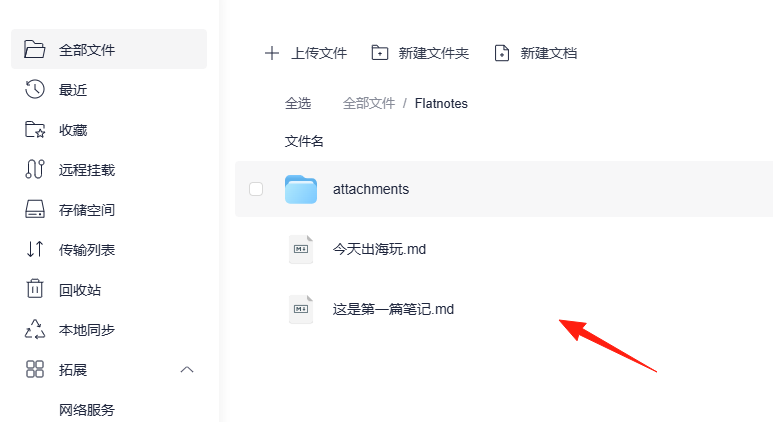
If you already have markdown documents, you can copy them directly into this directory. Refresh the page, and they will appear.
Summary
When I used Notion before, I always spent time adjusting formats and setting up templates, and ended up writing less actual content. Now, when I open FlatNotes, it's just a search box and an editor, allowing me to focus solely on writing.
Furthermore, because all the data is in Markdown files, I don't worry at all about switching apps in the future. This feeling of "data freedom" is something you can't go back from once you've experienced it.