
SilverBullet Usage Experience - The Ultimate Note-Taking Tool for Programmers
What is SilverBullet?
SilverBullet is a tool that helps you develop, organize, and build a personal knowledge base, making your content accessible across all your devices.
Simply put, it's a Markdown-based note-taking system, but far more powerful than ordinary Markdown editors.
It's an open-source personal knowledge management system specifically designed for programmers.
https://appstore.lazycat.cloud/#/shop/detail/silverbullet
Detailed Practical Features
After installation, the homepage presents a very retro-looking interface.
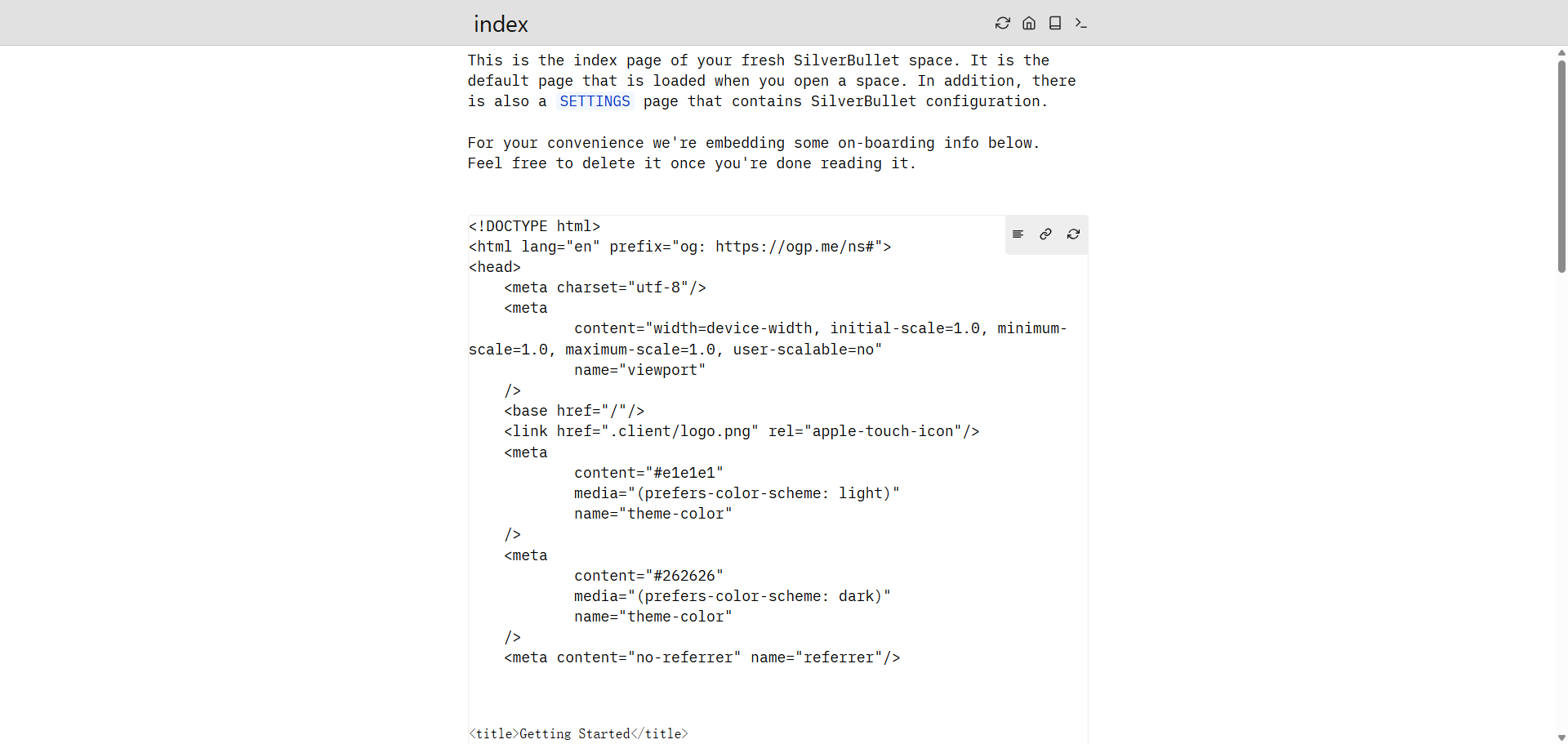
SilverBullet organizes your content into individual Markdown pages, called "Spaces". You can:
- Use
Ctrl+K(orCmd+K) to open the page picker - Type a page name directly to create a new page
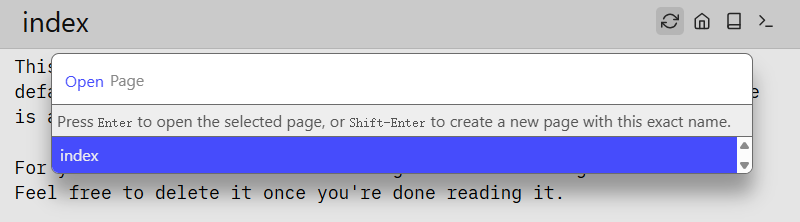
- Use the
[[Page Name]]syntax to create page links - Supports page names in Chinese

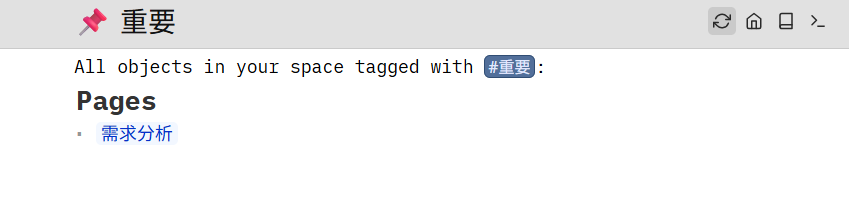
The system supports hashtag functionality. You can tag content by using #tagname within your text.
Tag Usage Tips:
#ProjectA- Tag a page with a project label#Important- Mark important content#TODO- Mark to-do items#<complex tag>- Use angle brackets for tags containing special characters

Clicking on a tag shows all documents containing that tag.
SilverBullet's task list feature is very powerful:
- [ ] Incomplete task
- [x] Completed task
- [~] Cancelled task
- [!] Important task
Task Management Tips:
- Add
@2024-01-15after a task to set a deadline - Use
#ProjectAto categorize tasks - Use
[[Page Link]]within tasks to associate related documents

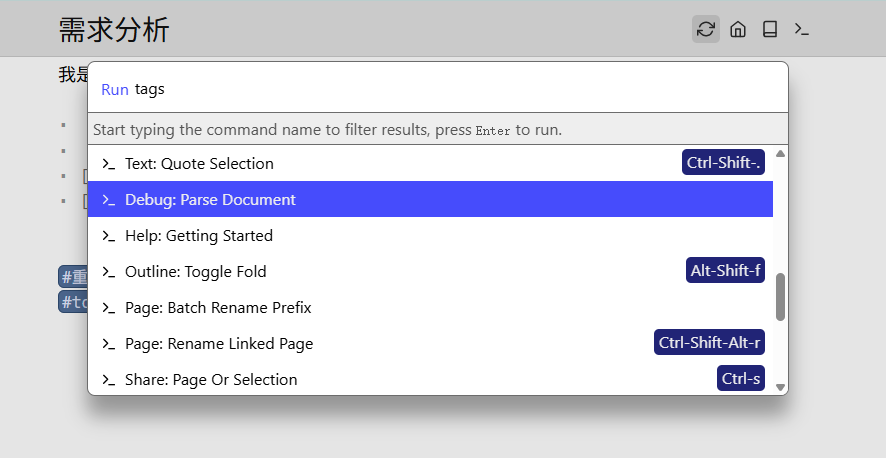
The command palette in the top-right corner lets you input commands for desired actions, a feature programmers should be familiar with.
SilverBullet supports plugin extensions. The official documentation lists some core and third-party plugins: https://silverbullet.md/Plugs
Some useful plugins:
- TreeView Plugin: Provides a folder tree view
- Calendar Plugin: Displays tasks and events in a calendar view
- Mermaid Plugin: Supports flowcharts and diagrams
- Git Plugin: Version control integration
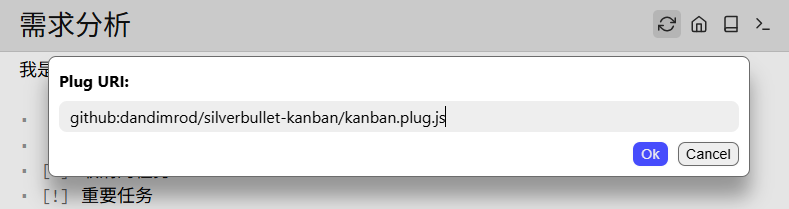
Find the plugs:Add command and enter the plugin URL.
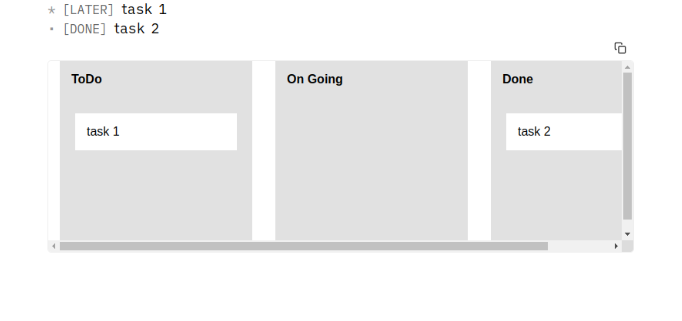
 A Kanban plugin is now installed.
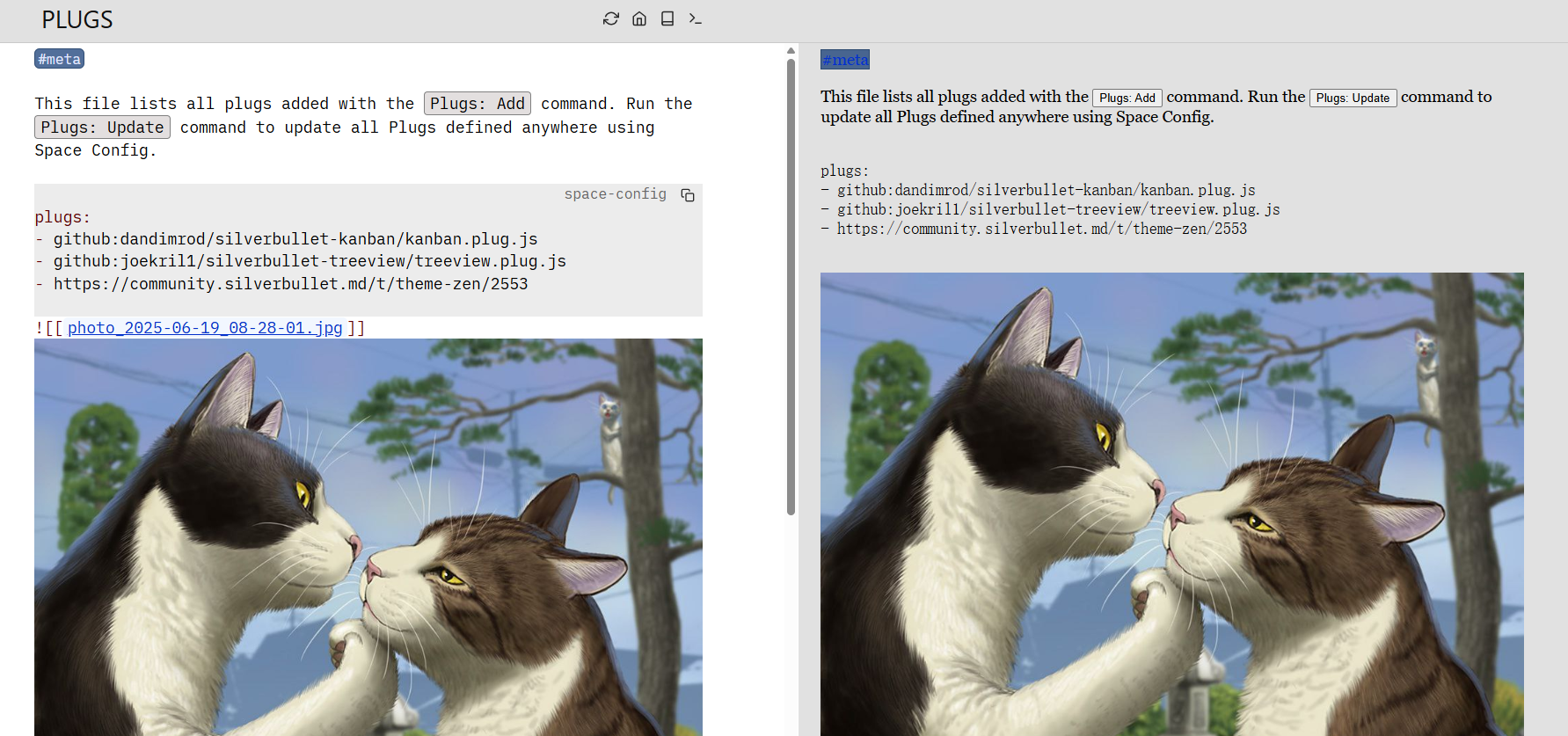
It is currently the closest solution to addressing the separation between "Write" and "Read" modes for Markdown in the browser, eliminating the need for a split-screen view. You see the final result as you write, without needing to switch modes back and forth.
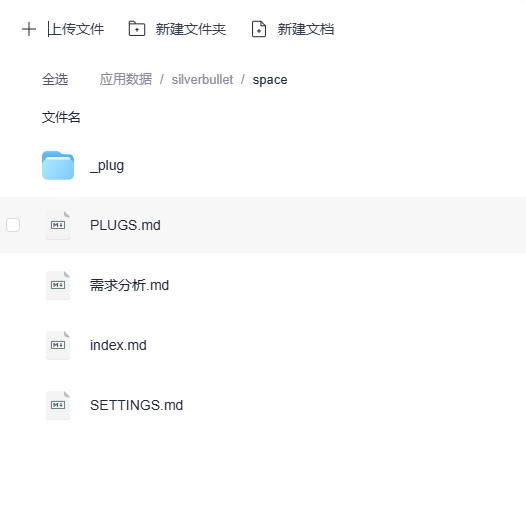
All data is stored in the /space directory; simply back up this directory regularly.
You can drag and drop images directly into the editor; the system will automatically upload them and generate links. External image hosting can also be used.
Summary
SilverBullet is particularly well-suited for programmers and knowledge workers. It pushes the potential of Markdown to the limit, maintaining the simplicity of plain text while offering powerful extensibility.
If you are looking for a flexible and controllable note-taking tool, SilverBullet is definitely worth trying.
Project Repository: https://github.com/silverbulletmd/silverbullet Official Documentation: https://silverbullet.md/ Online Demo: https://play.silverbullet.md/