
DailyTxT: An Encrypted Diary Application
What is DailyTxT?
DailyTxT is an encrypted web diary application for recording your daily stories and easily finding them again. It is written in Python Flask (backend) and Vue.JS (frontend), and is designed to run via Docker.
https://appstore.lazycat.cloud/#/shop/detail/xyz.mxue.dailytxt
How to Use
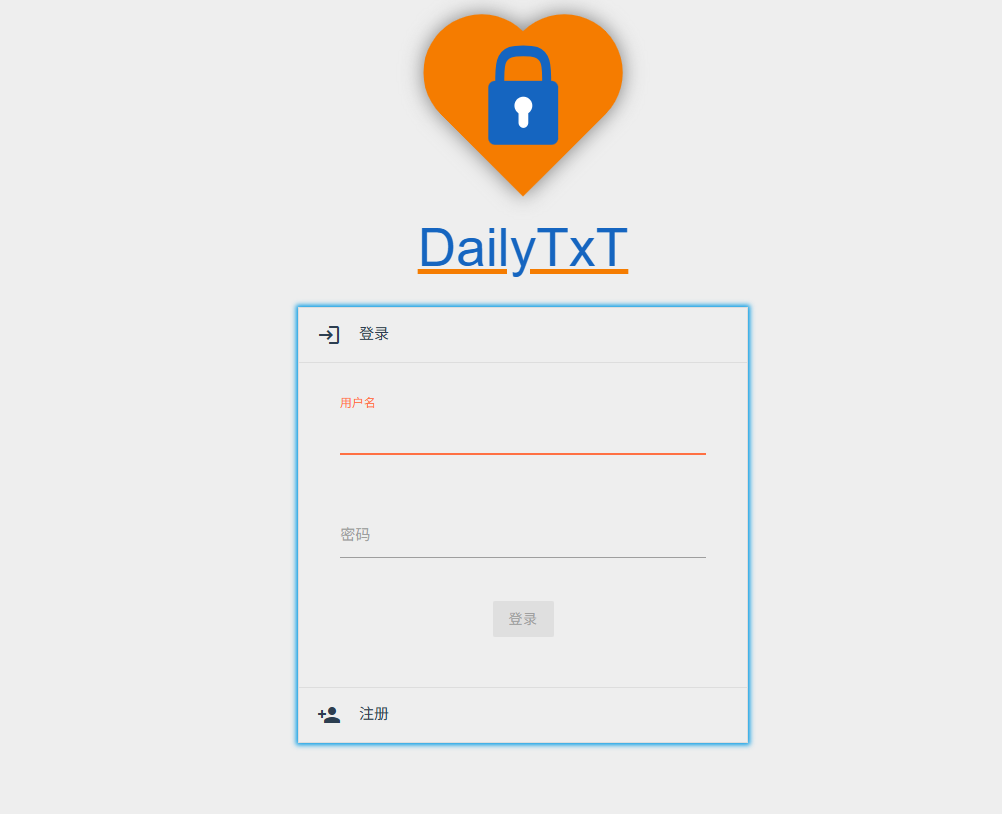
After the application is installed, the login page opens by default. You need to register a user first.
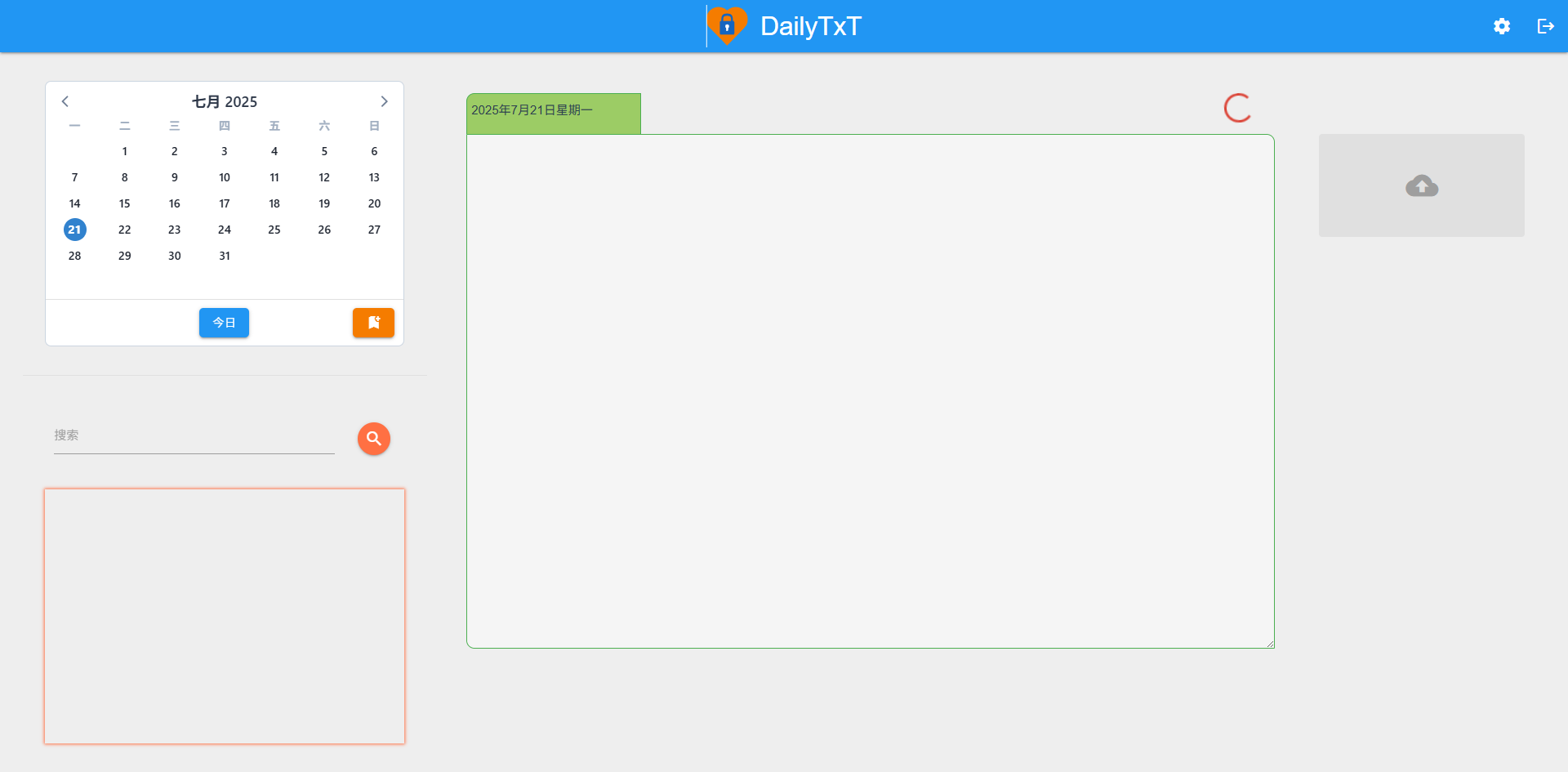
The homepage after logging in.
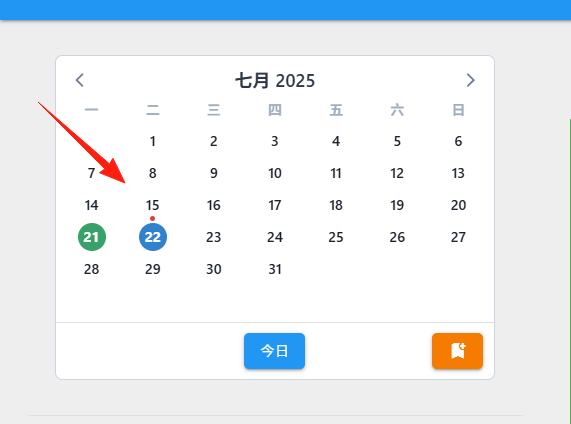
Top-left area: Used to select a specific day, where:
- Blue: The currently selected day.
- Green: Indicates a saved diary entry for that day.
- Red dot: Indicates files were uploaded on that day.
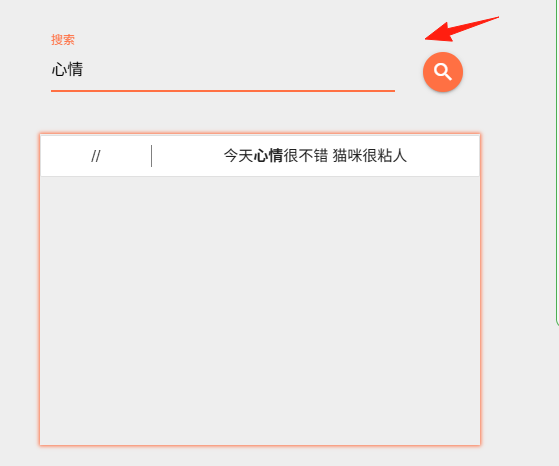
Bottom-left area: The search area. You can use the pipe symbol | to represent OR.
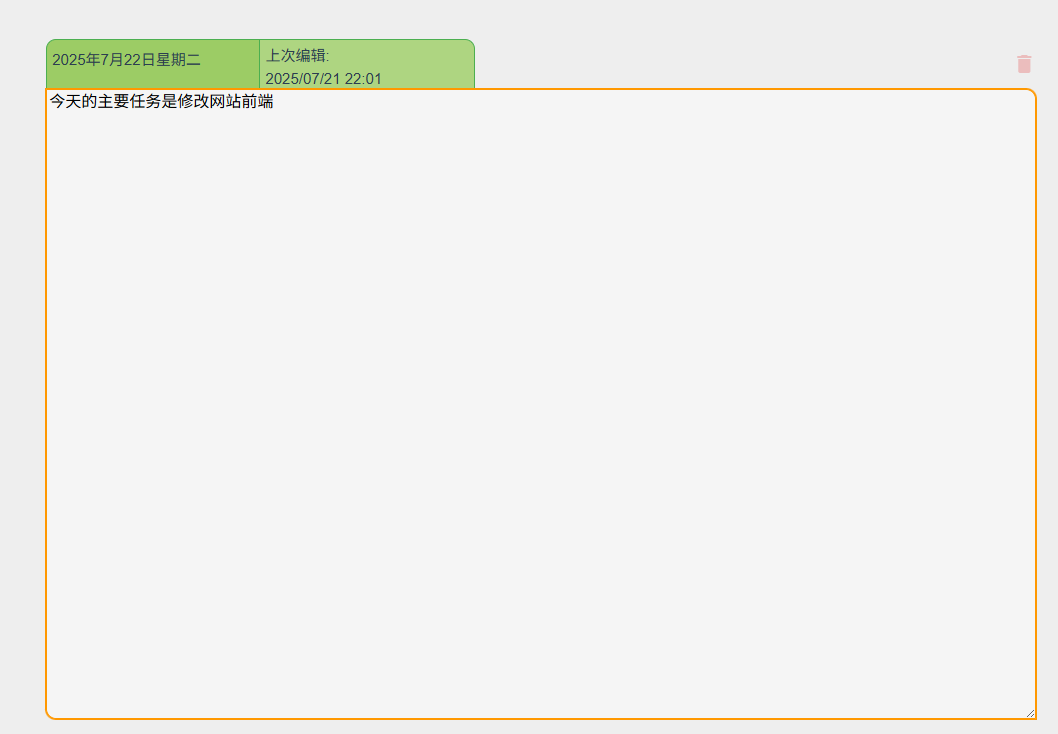
Center area: The writing area, which displays and allows input for the diary entry of the selected date. It features auto-save.
- Orange border: Indicates not yet saved.
- Green border: Indicates saved.
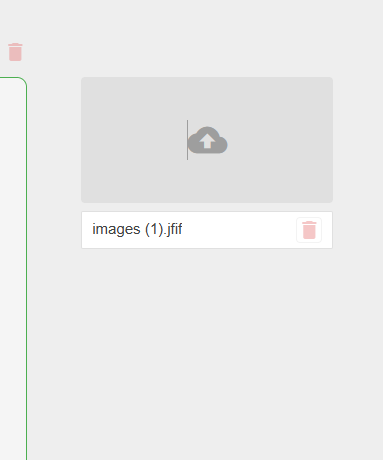
Top-right area: The upload area for files associated with the selected date.
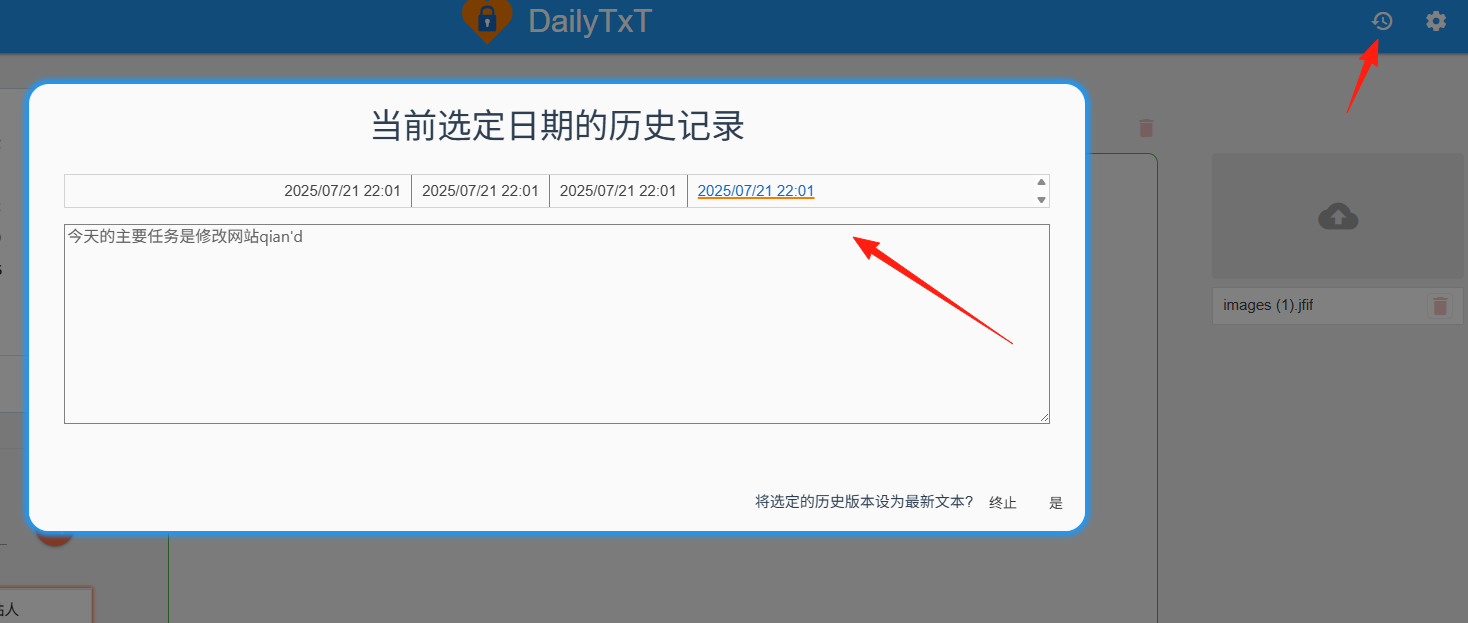
The clock icon in the top-right corner shows the document's modification history.
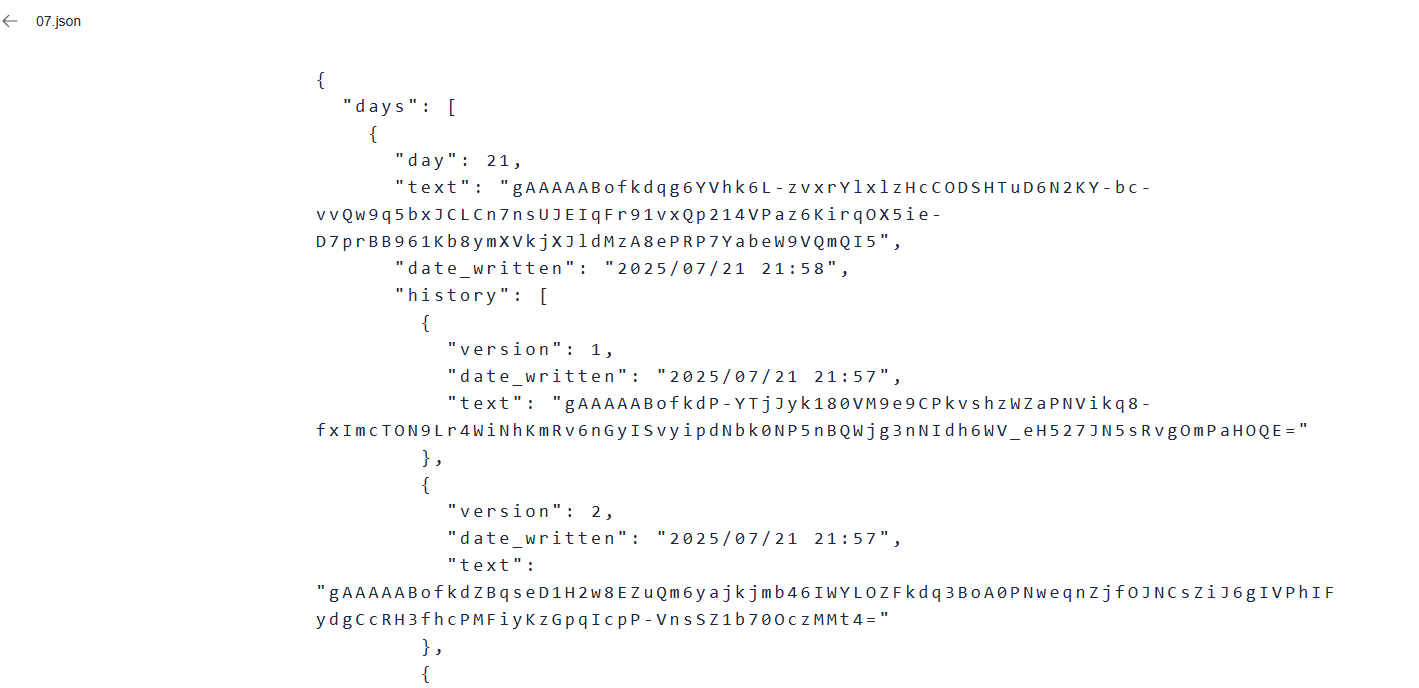
Within the application data, you can view the source files, but they are all encrypted.
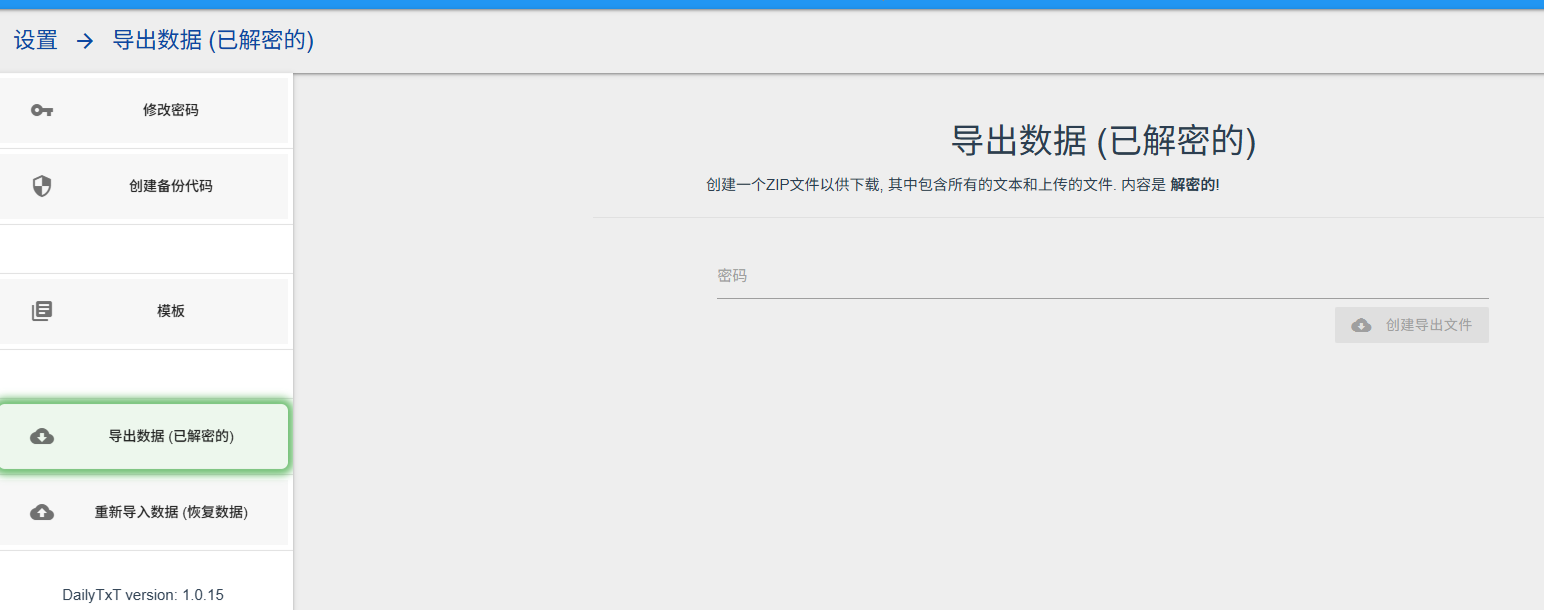
If you want to export the source files, you can export the decrypted data in the Settings.
As a diary application, this is quite convenient to use.
Storing data on your own Lazycat also offers good privacy, resulting in a positive user experience.