
Homebox Guide: Home Inventory Management System
What is Homebox?
Have you ever experienced this: you clearly remember having a charger at home, but just can't find it no matter how hard you search the entire house? Or you bought a bunch of warranty cards and instruction manuals, but when you need them, you have no idea which drawer they're stuffed in?
Homebox is an inventory and organization system specifically designed for home users. Simply put, it's about creating a digital archive for all your household items. You can think of it as a super smart home管家 that helps you remember where each item is located, when it was purchased, and when its warranty expires.
https://appstore.lazycat.cloud/#/shop/detail/shiina.lzcapp.homebox
How to Use
After installing the app, open the login page. You need to register a user first.

Homepage after logging in
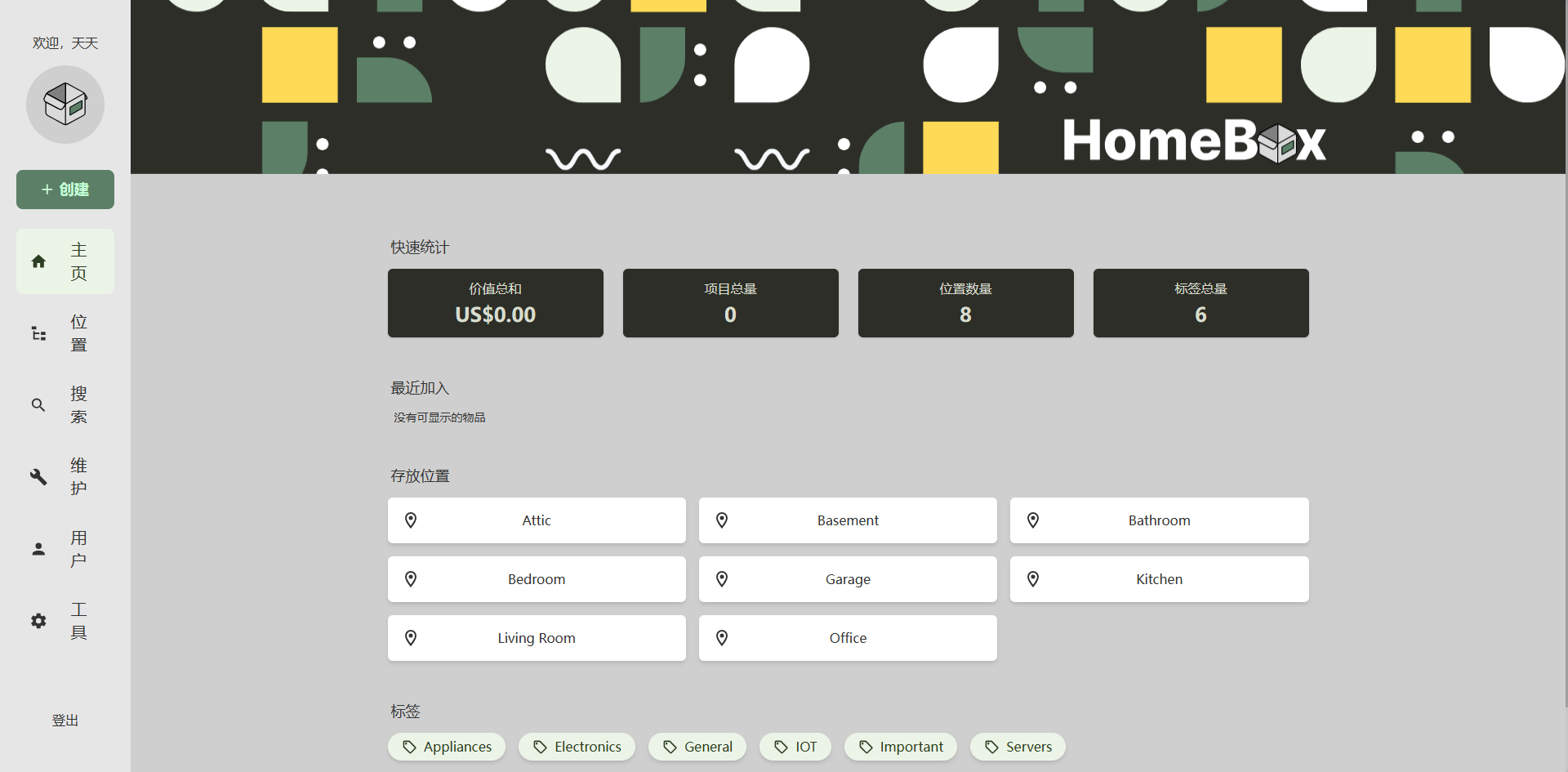
From the homepage, you can see that this application is managed through two main categories: Storage Locations and Tags.
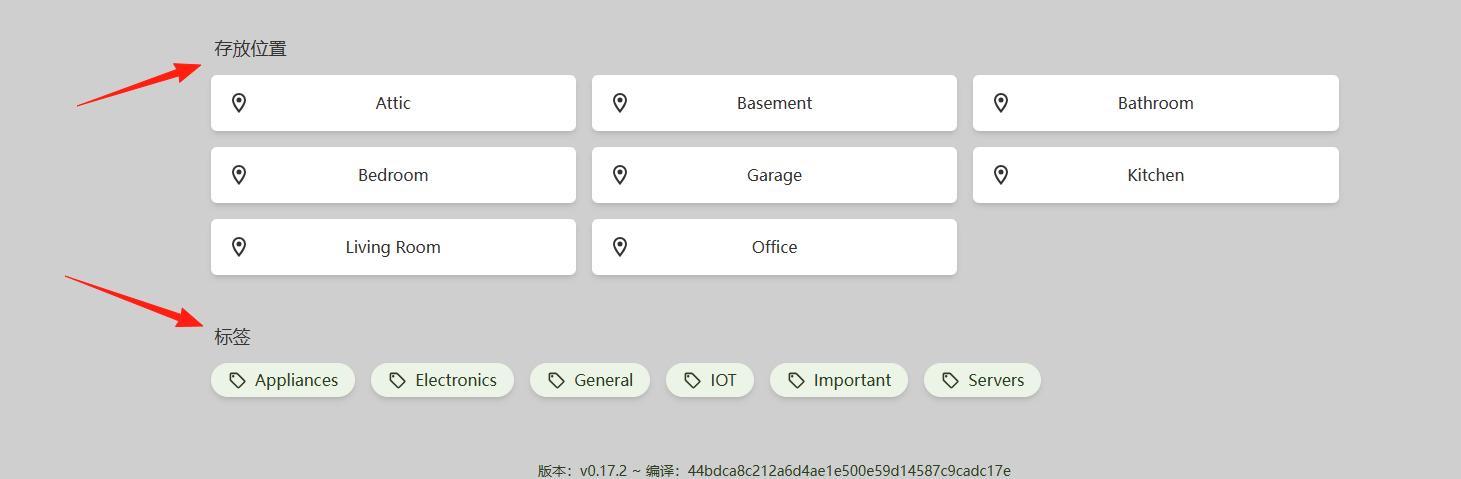
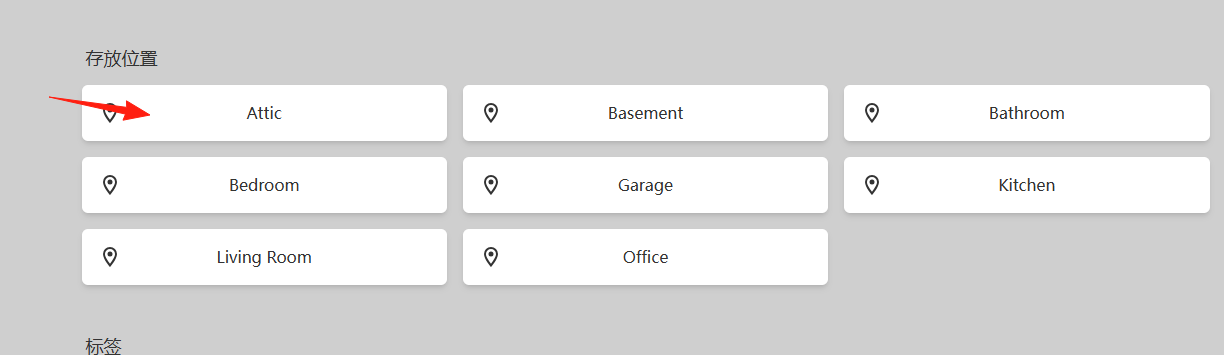
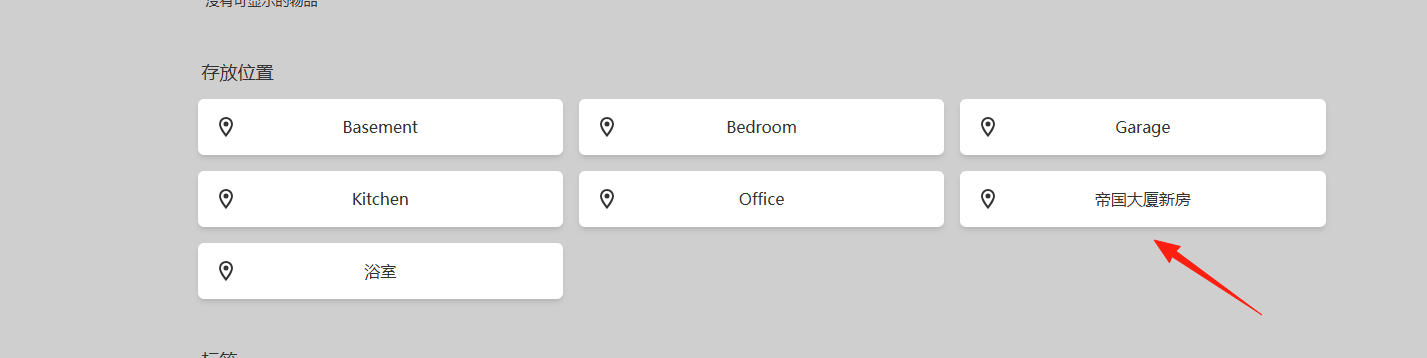
Create Locations: First, input the locations in your home into the system, such as rooms, cabinets, drawers, etc. Click on an item to view its details.
You can edit the content.
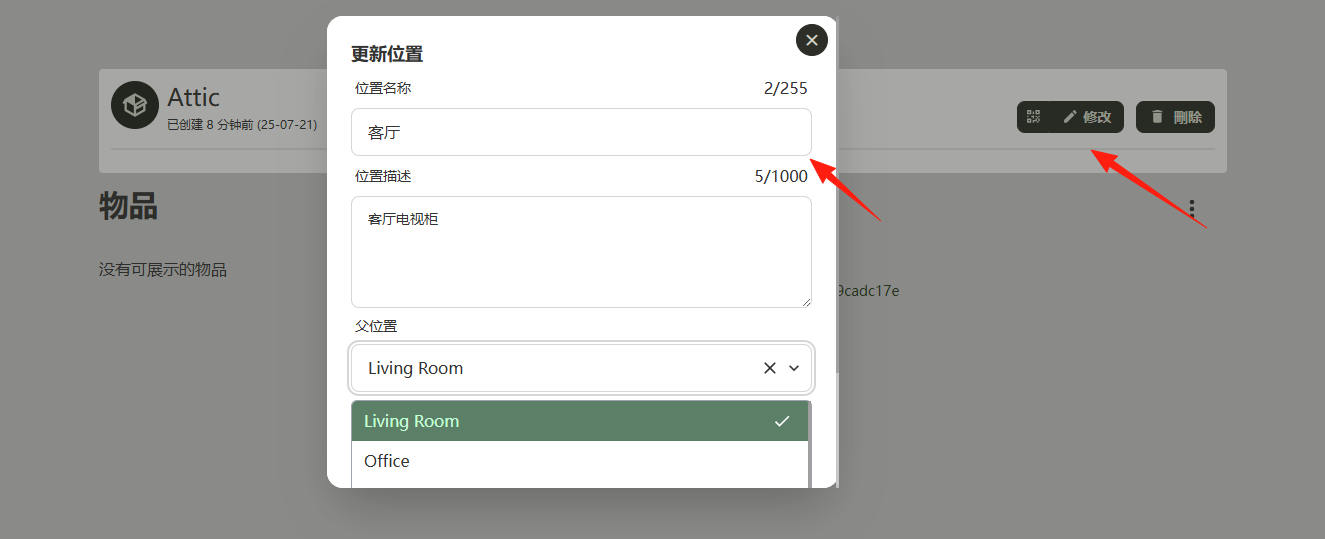
If you're not comfortable with English, you can change these default locations to Chinese.
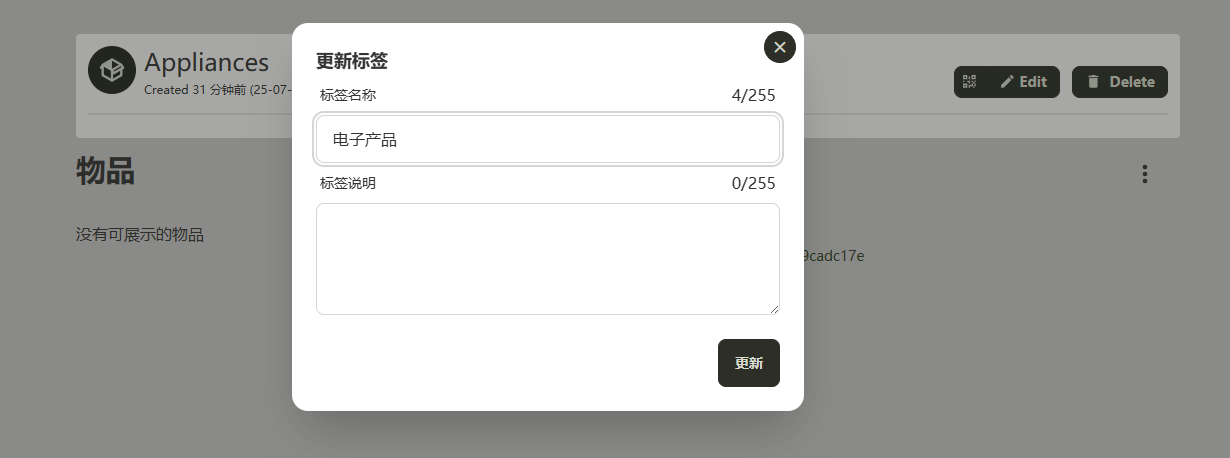
Set Tags: Plan a set of classification tags, such as "Electronics", "Kitchenware", "Documents", etc.
Don't try to input everything at once; that would be exhausting. Here's the recommended approach:
Start with valuable items: First, input items that are easy to lose and have high value, like computers, cameras, phones, etc.
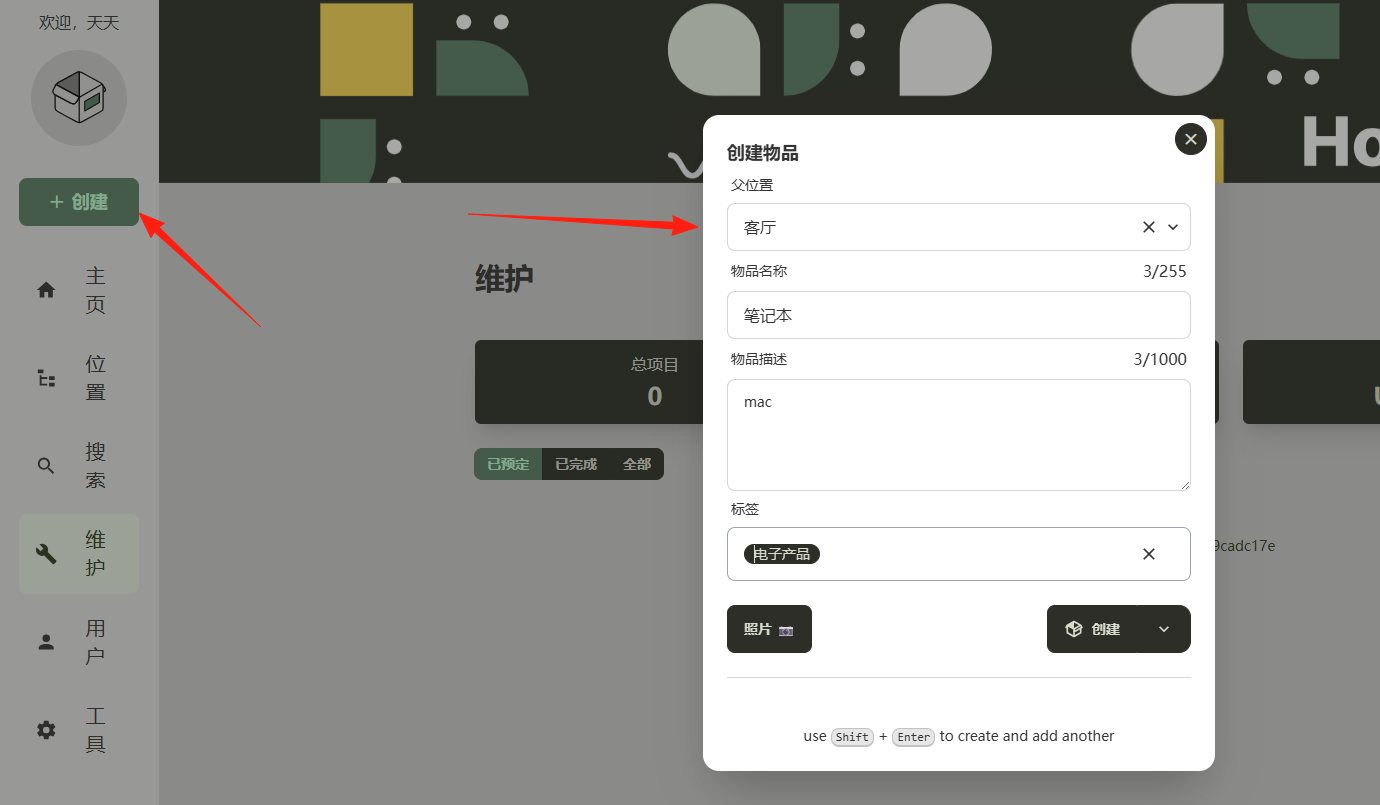 Input as you encounter them: Whenever you're looking for something, take a moment to input the found item into the system.
Take photos: Take a picture of each item for easy identification.
Input as you encounter them: Whenever you're looking for something, take a moment to input the found item into the system.
Take photos: Take a picture of each item for easy identification.
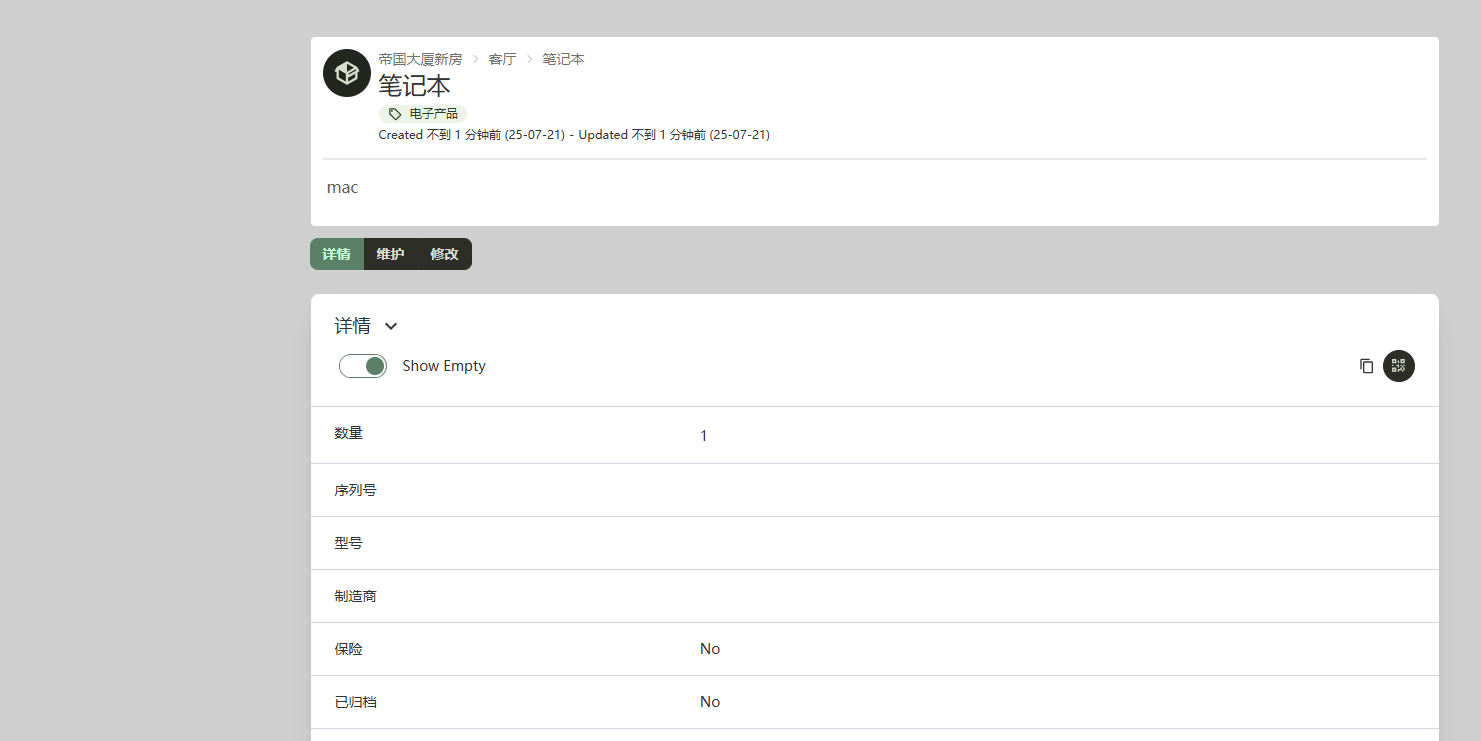
Don't just write "Bedroom"; write "Bedroom - Nightstand - Second Drawer" so it's immediately clear when searching.
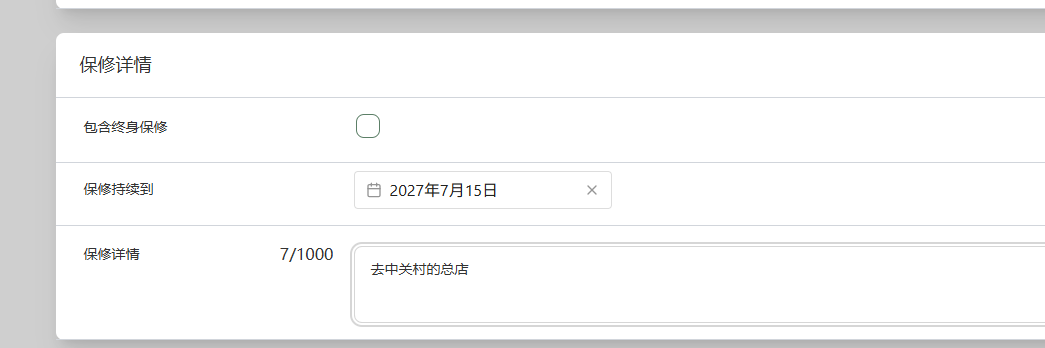
Input the purchase date and warranty period. The system will remind you when the warranty is about to expire.
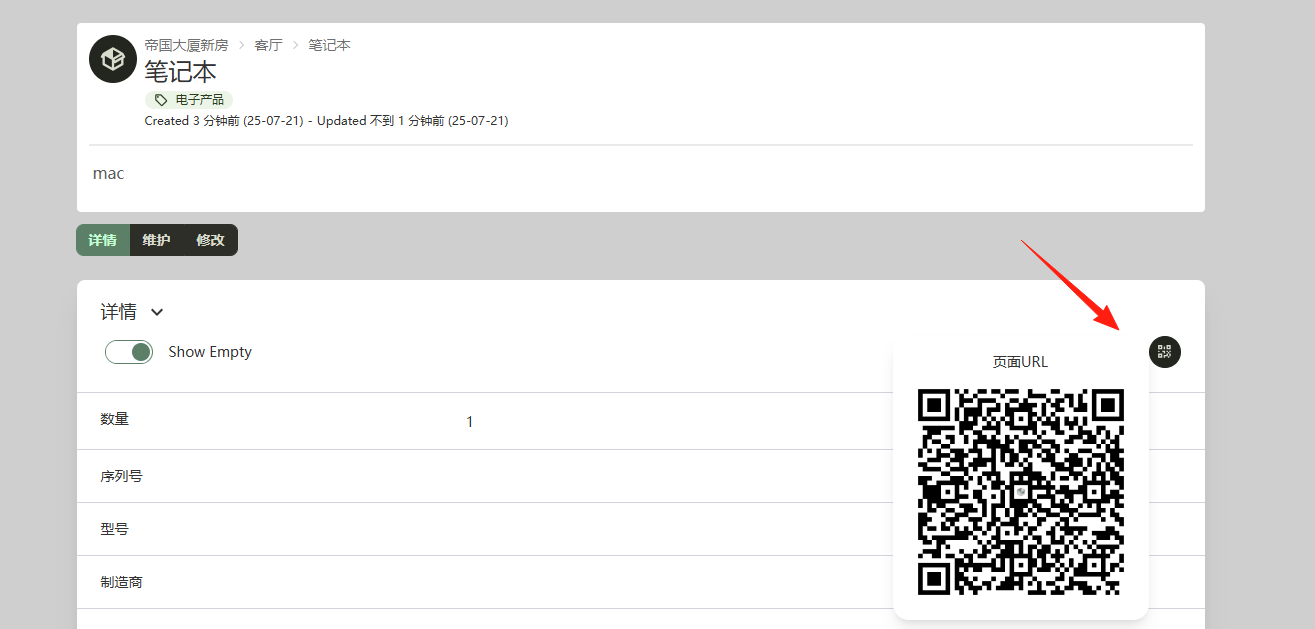
Homebox can generate a QR code for each item. You can print it out and stick it on the item. This way, you can scan it with your phone to see detailed information, which is especially useful for items frequently lent to others.
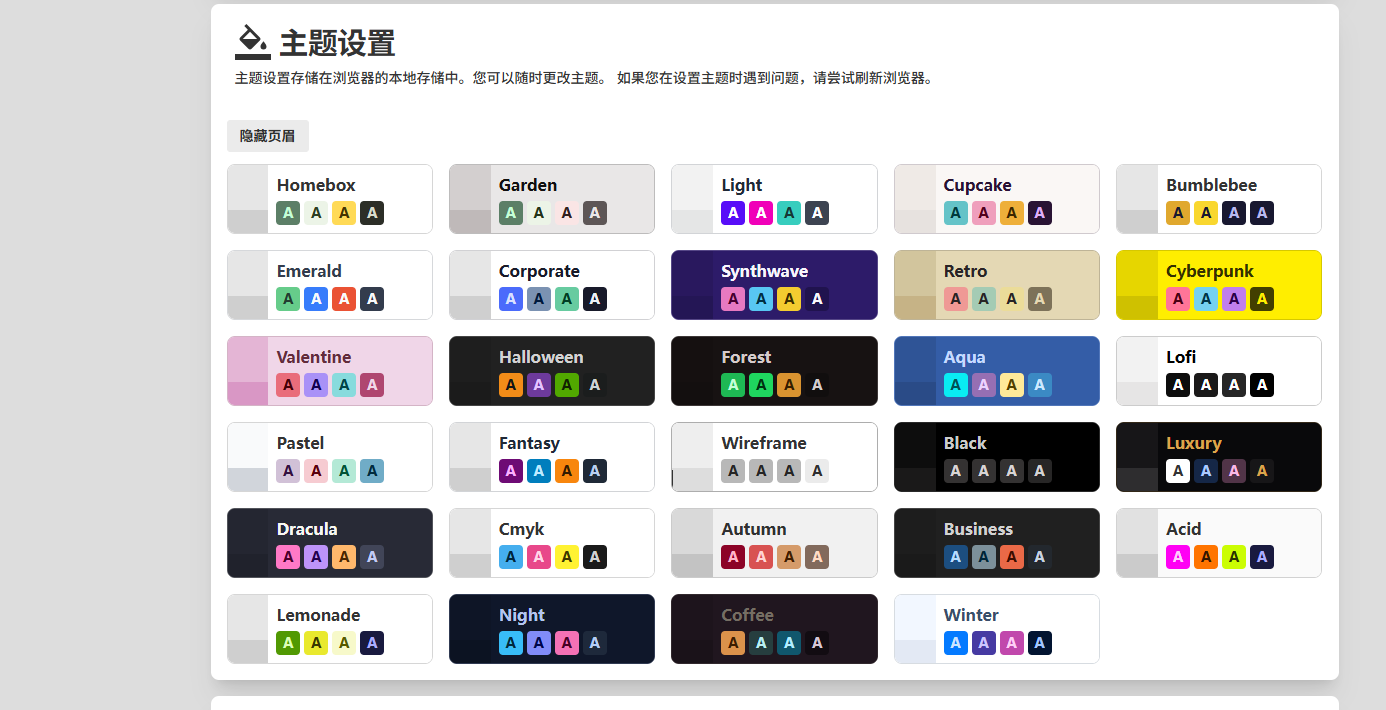
You can set different themes in the settings.
Final Thoughts
Instead of rummaging through corners and cabinets, why not manage things directly with a system! Homebox isn't some advanced technology; it's just a practical tool.
It won't radically transform your life, but it can definitely reduce those "Where did my stuff go?" frustrations.