
Nanote: A Lightweight and Practical Markdown Note-Taking Tool
What is Nanote?
Nanote is a lightweight, self-hosted note-taking application.
Its primary goal is to make your notes 100% portable—you can open your notes with any tool because they are simply regular folders and Markdown files, with no database dependencies.
Key Features
📂 Notebook-based organization - Folders as notebooks, Markdown files as notes 🔍 Global Search - Quickly search the content of all notes (OS optimized) 📄 Markdown Support - Native .md file handling with correct MIME types 🔒 Local Storage - No database required - Uses your existing file system 🐳 Docker Support - Full container support with example Compose file 🔧 Type-Safe API - Fully typed REST endpoints with validation 🚀 Performance - Optimized file operations and platform-specific search 📱 Mobile Friendly - Mobile-optimized layout for viewing and editing notes
https://appstore.lazycat.cloud/#/shop/detail/xyz.mxue.nanote
User Experience
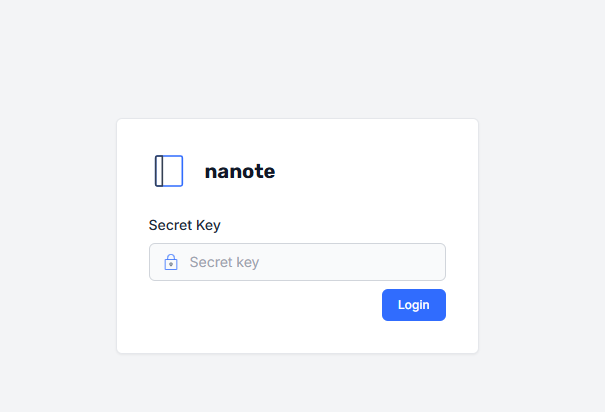
After installing the application, the login key is your Lazycat username.
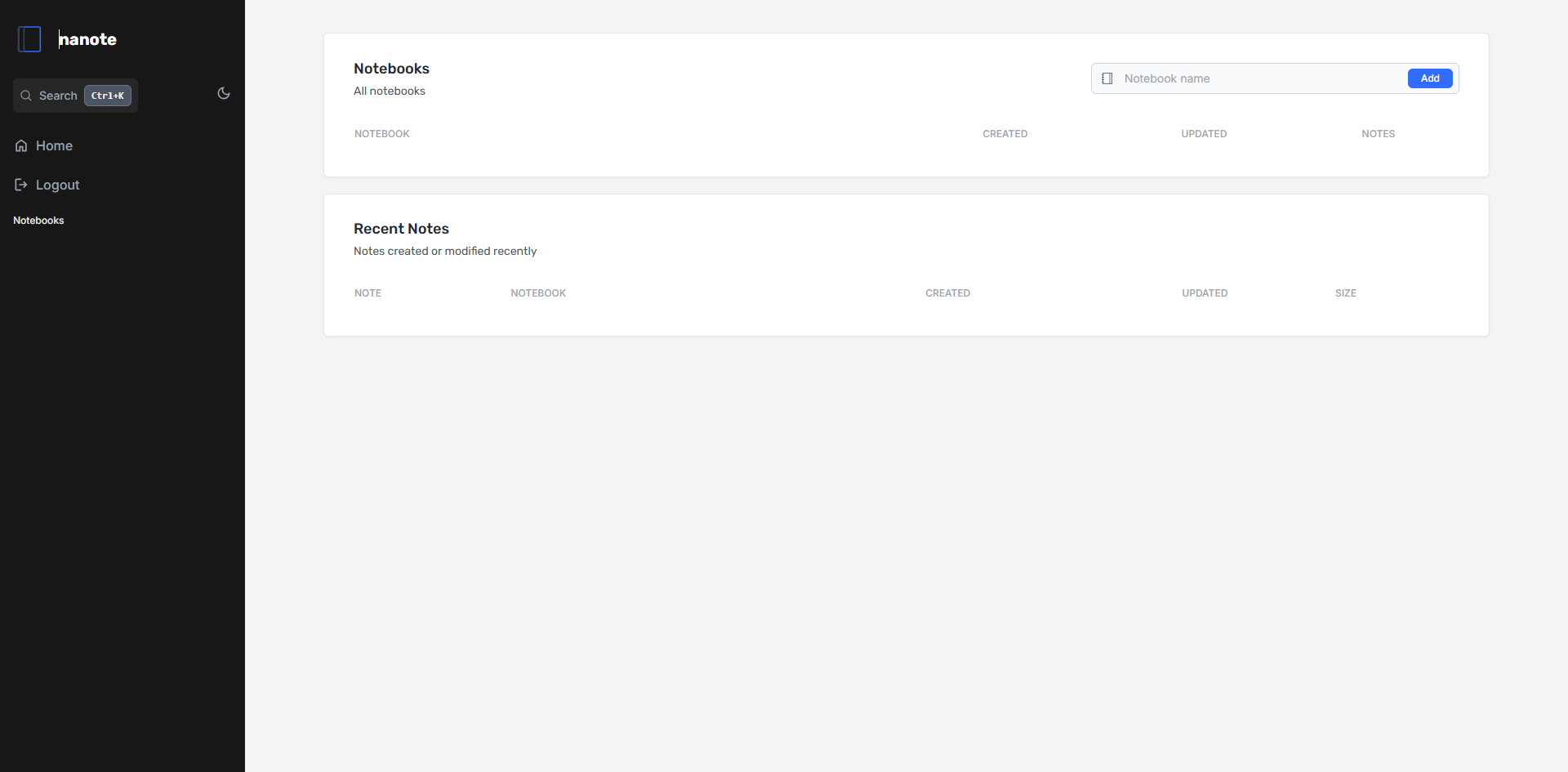
Enter the homepage.
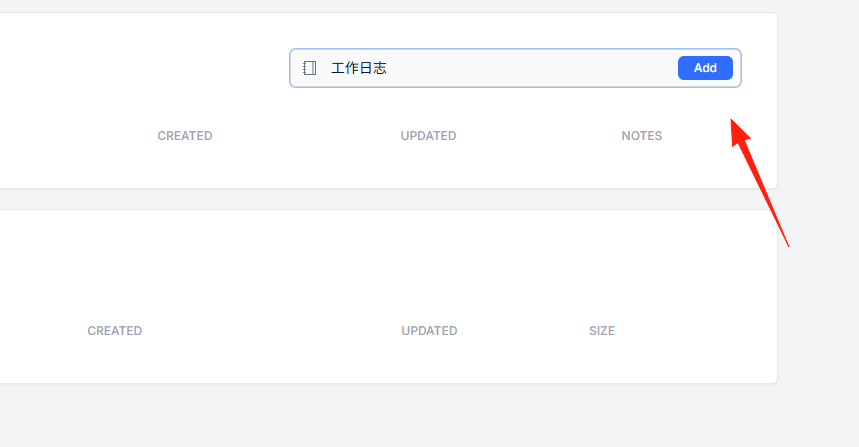
Create a new notebook.
 The result is as shown.
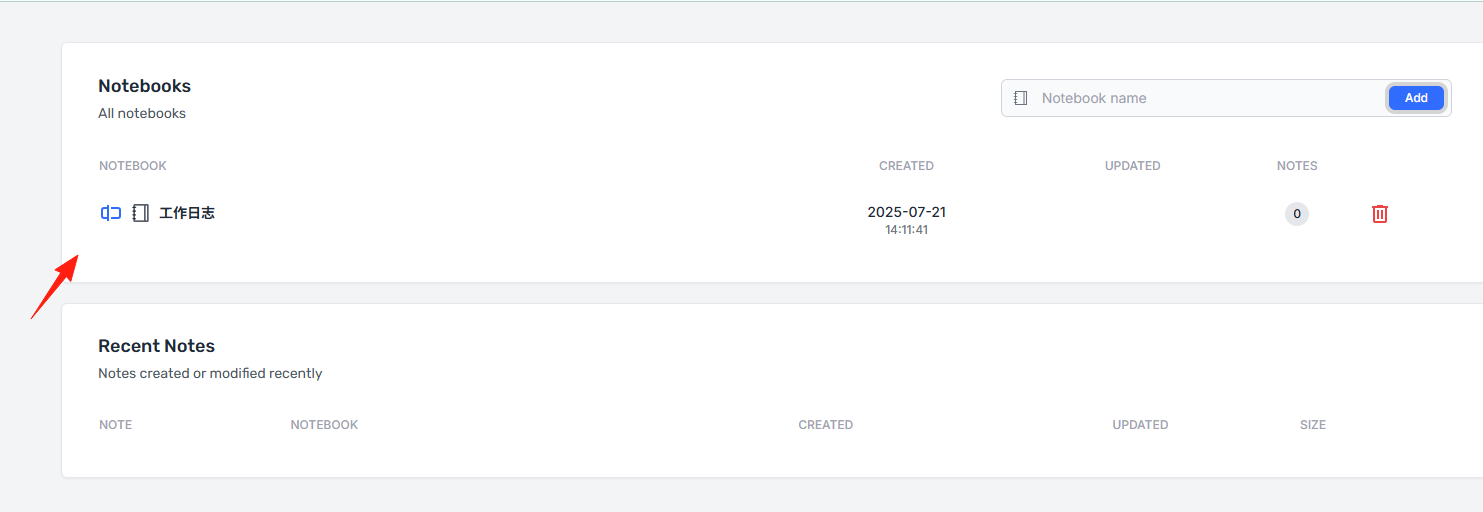 Click on the notebook to start adding notes.
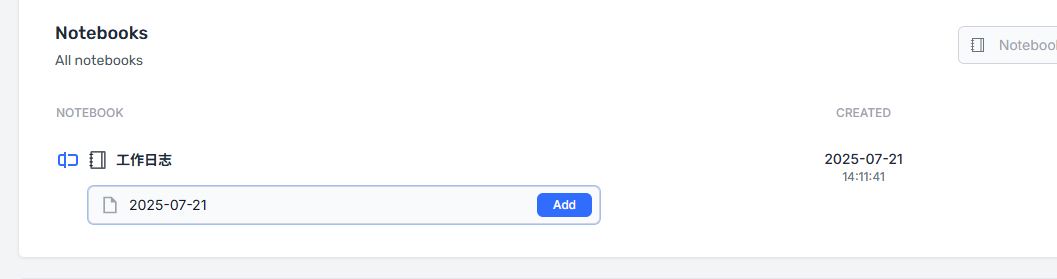
Click on a note to enter edit mode.
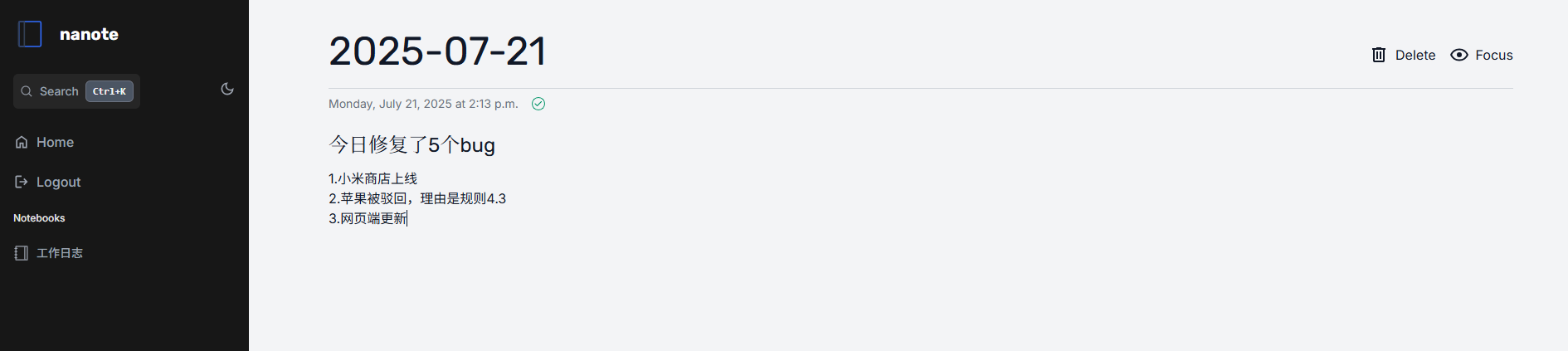
Click 'focus' for full-screen focus mode.

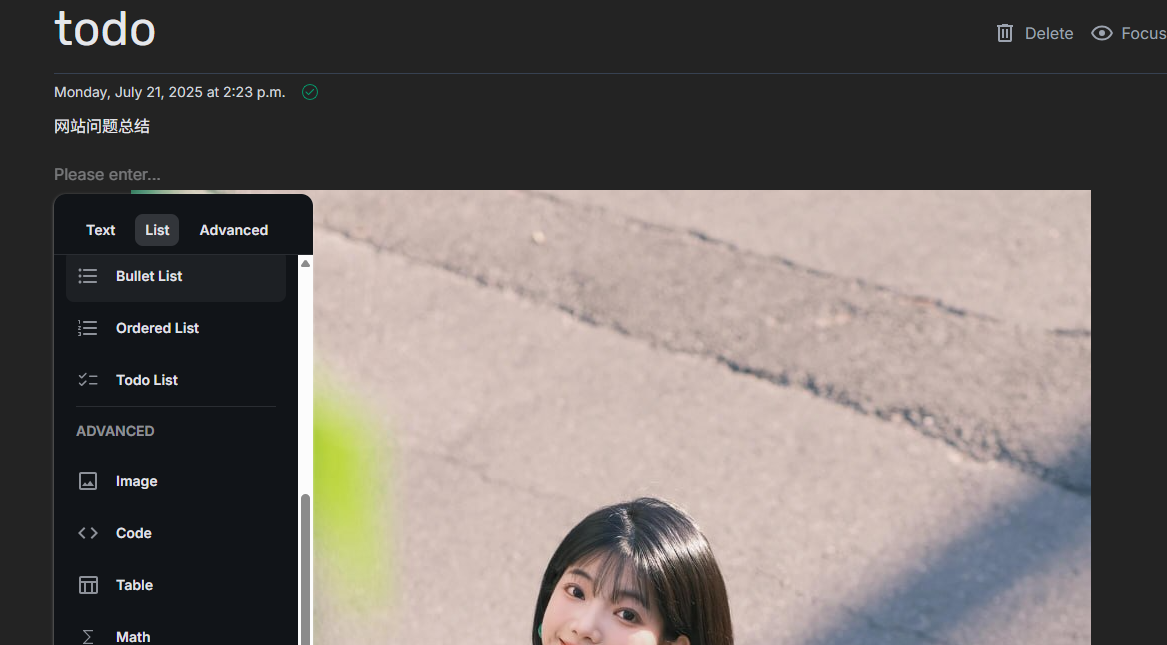
Click the '+' on the left to bring up the menu, which includes functions like uploading images and inserting formulas.
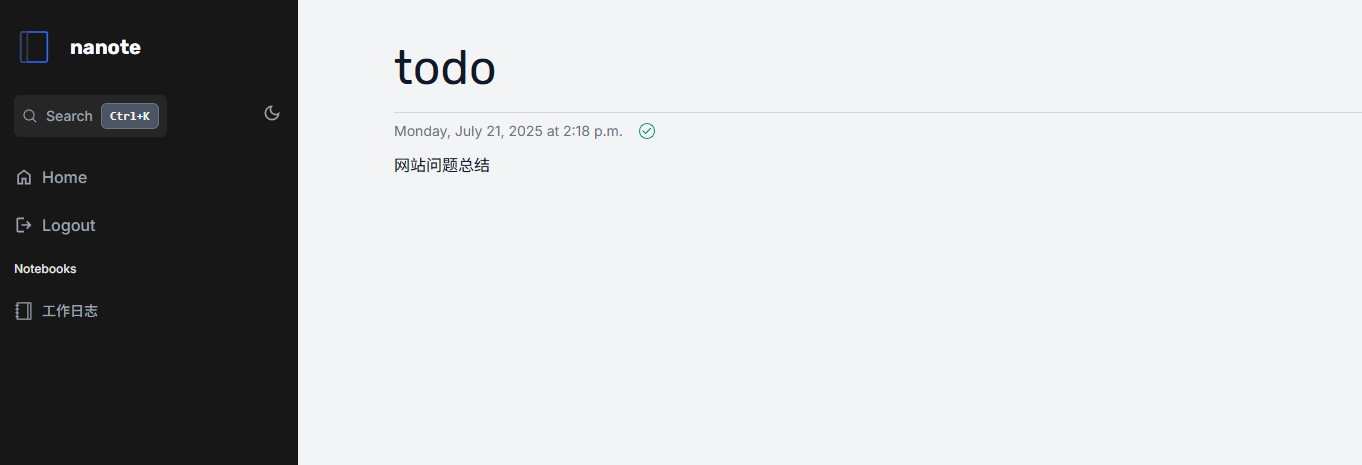
One issue is that note names do not support Chinese characters; using them will cause errors and prevent editing.

Using English letters and numbers works fine.
All note data is stored in the App Data/notes folder.
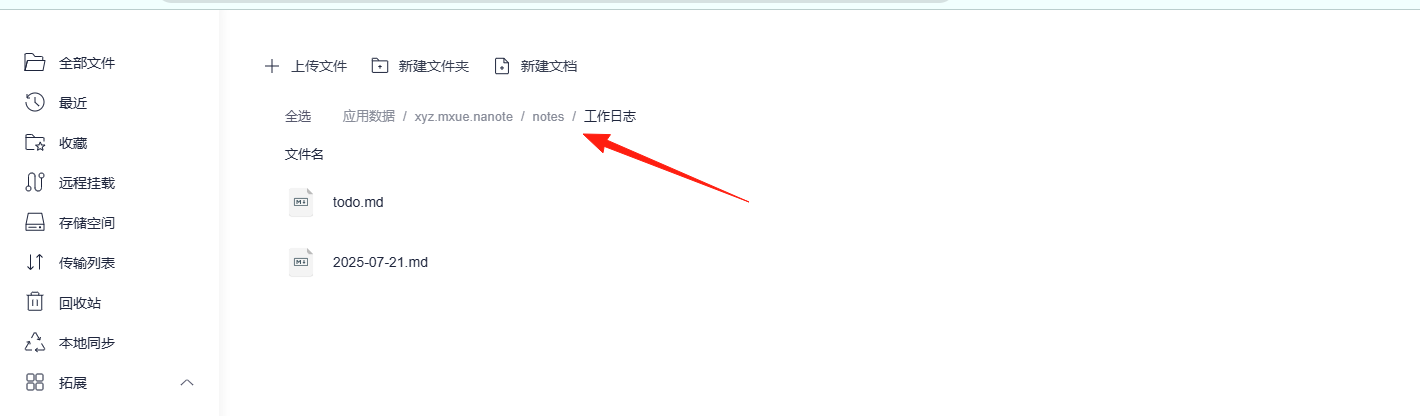
Remember to back up your data. When uninstalling the application, you can choose not to delete the data.
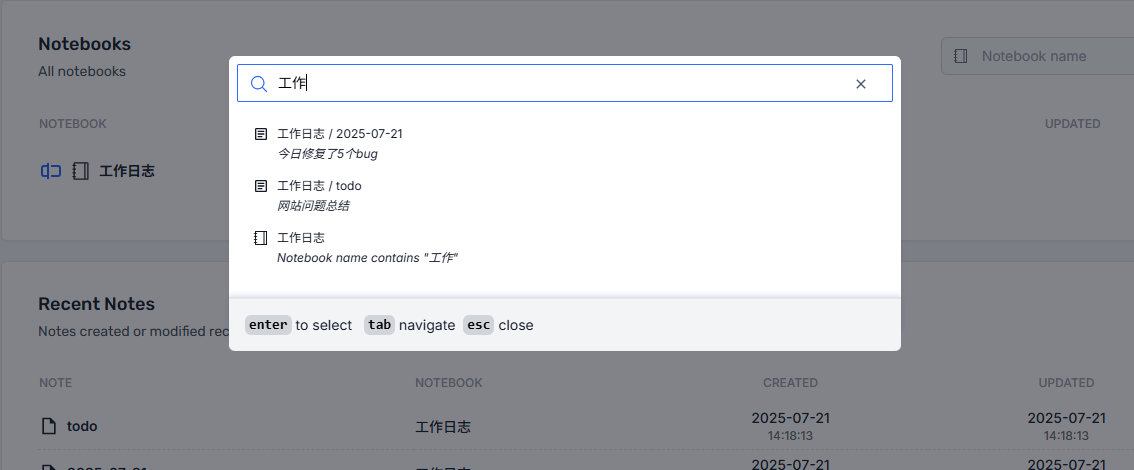
Global Search: Just search directly for any note you want to find.
Of course, Nanote is not perfect, and there are some things to be aware of:
- The project is relatively new: The author states the application is still in its early stages, and features may change.
- Functionality is relatively simple: If you need complex database features or team collaboration, it might not be sufficient.
Summary
Modern note-taking applications are becoming increasingly complex. While Notion is powerful, it has a high learning curve. Evernote is feature-rich, but its interface is becoming bloated.
Nanote is a note-taking tool that returns to the basics—simple, pure, and controllable.
If you are also tired of complex note-taking apps and want a tool that is truly your own, why not give Nanote a try.