
Warracker User Guide: Product Warranty Tracker
What is Warracker?
We've all had similar experiences: you buy an appliance, toss the warranty card aside, and only remember to look for it when something actually goes wrong. Then you end up rummaging through everything only to find it's missing, or finally locate it and discover it expired long ago.
Simply put, Warracker is a digital warranty manager.
Think of it as a little assistant dedicated to managing warranty information. It helps you remember all your product warranty periods and even reminds you before they expire.
https://appstore.lazycat.cloud/#/shop/detail/in.zhaoj.warracker
How to Use?
After installing the app, the home screen opens by default.
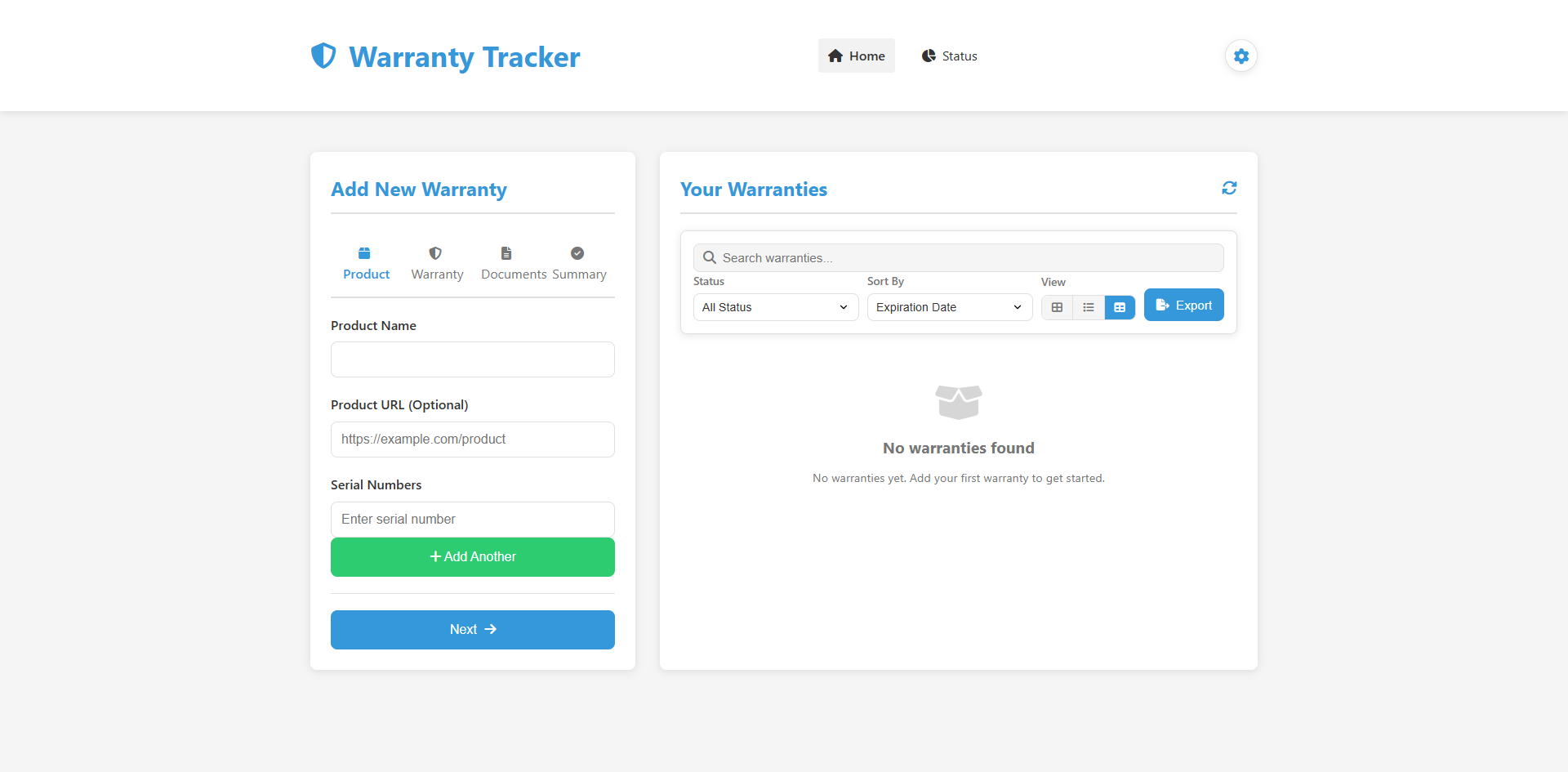
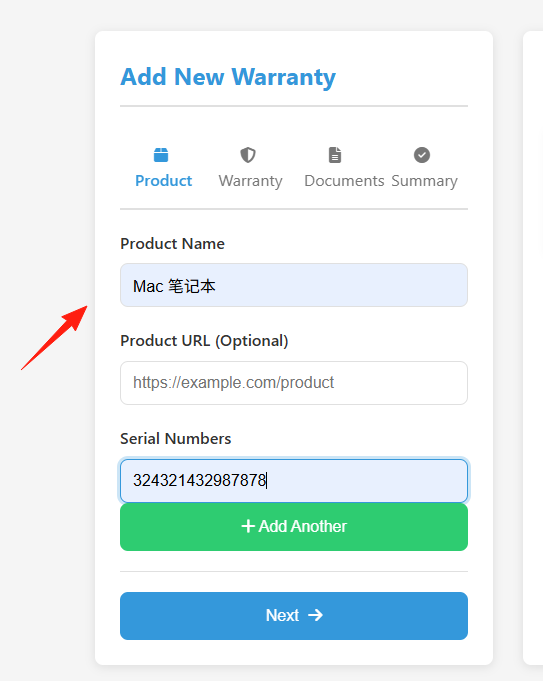
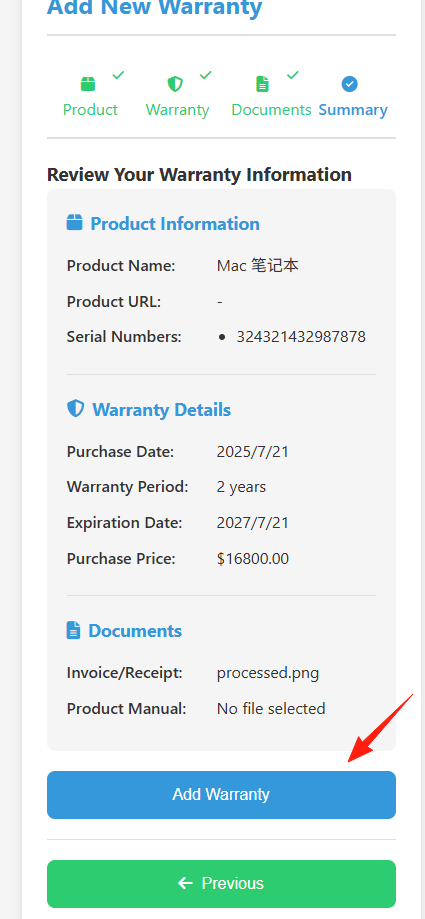
Add a product on the left side.
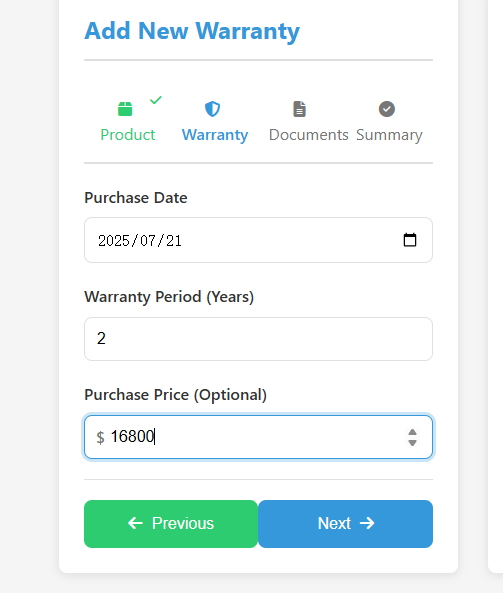
Click next, then enter the purchase date and warranty duration in years.
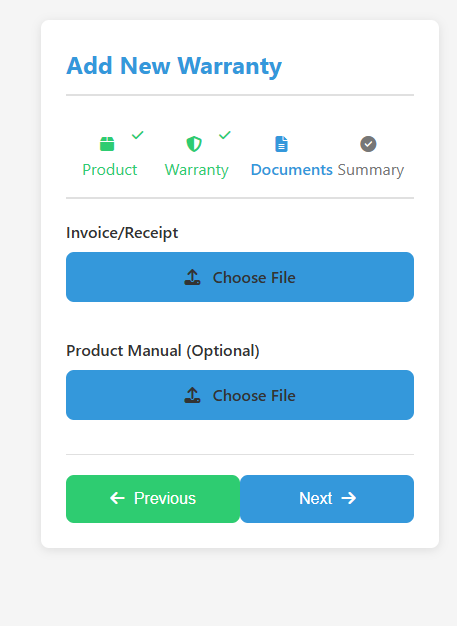
Click next, and upload the invoice information.
Final step: review the summary information and click Add to complete the addition.
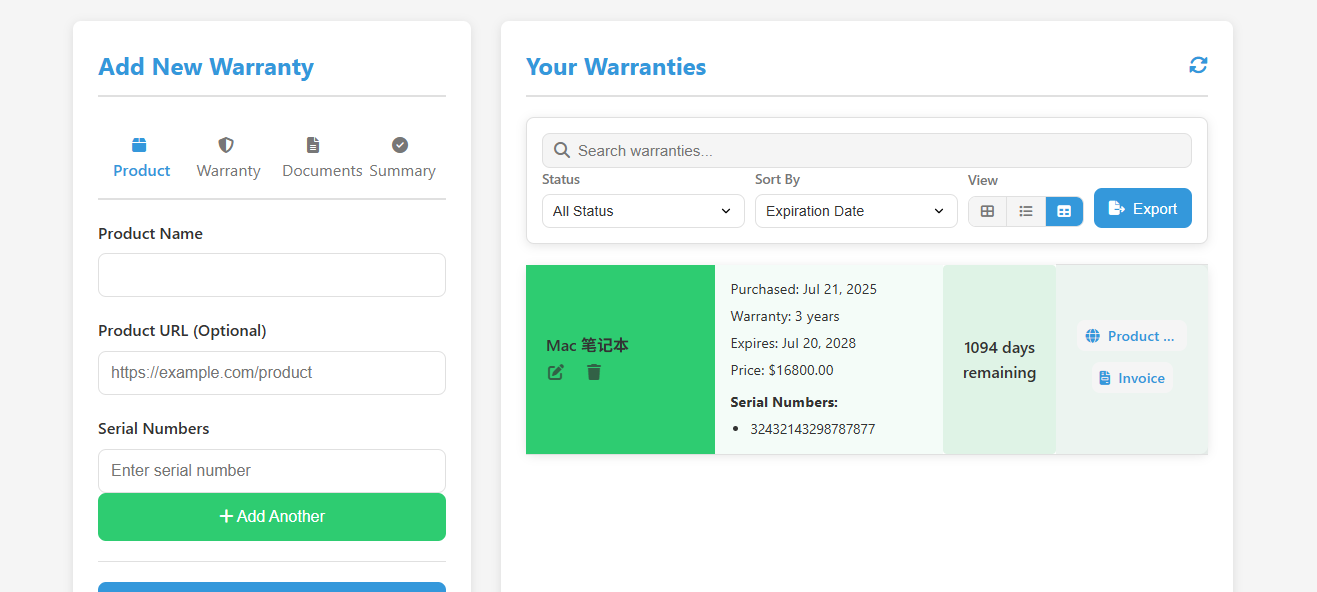
The data can be viewed on the right side.
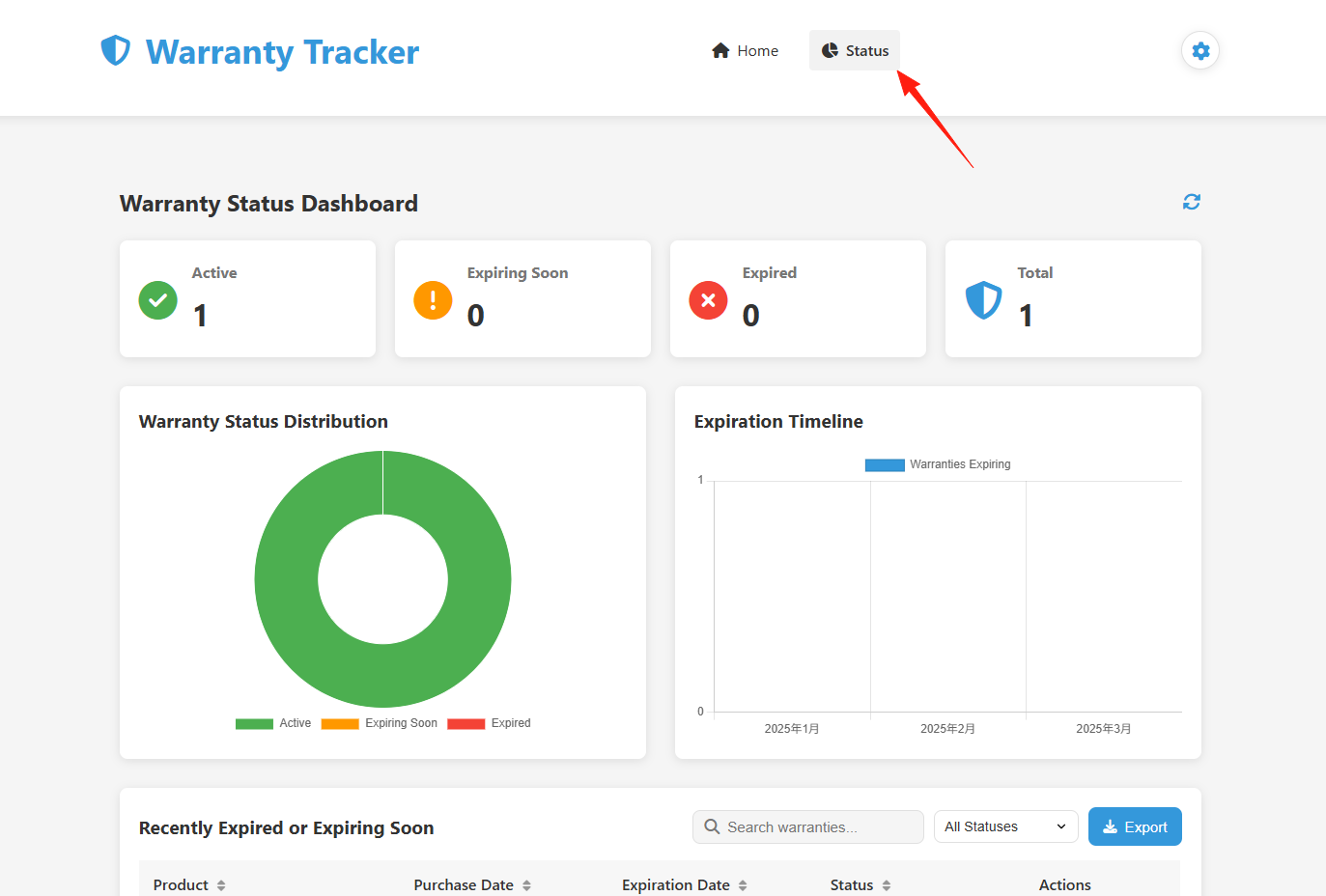
The Status on the right side is displayed in a chart format, making it more intuitive to read.
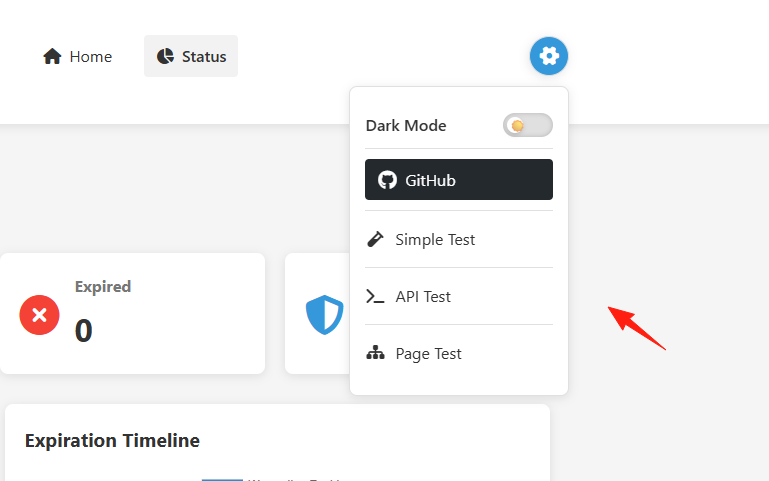
In the settings on the right, some API interfaces are integrated. You can test them directly – these are essentially different styles of pop-up reminders.
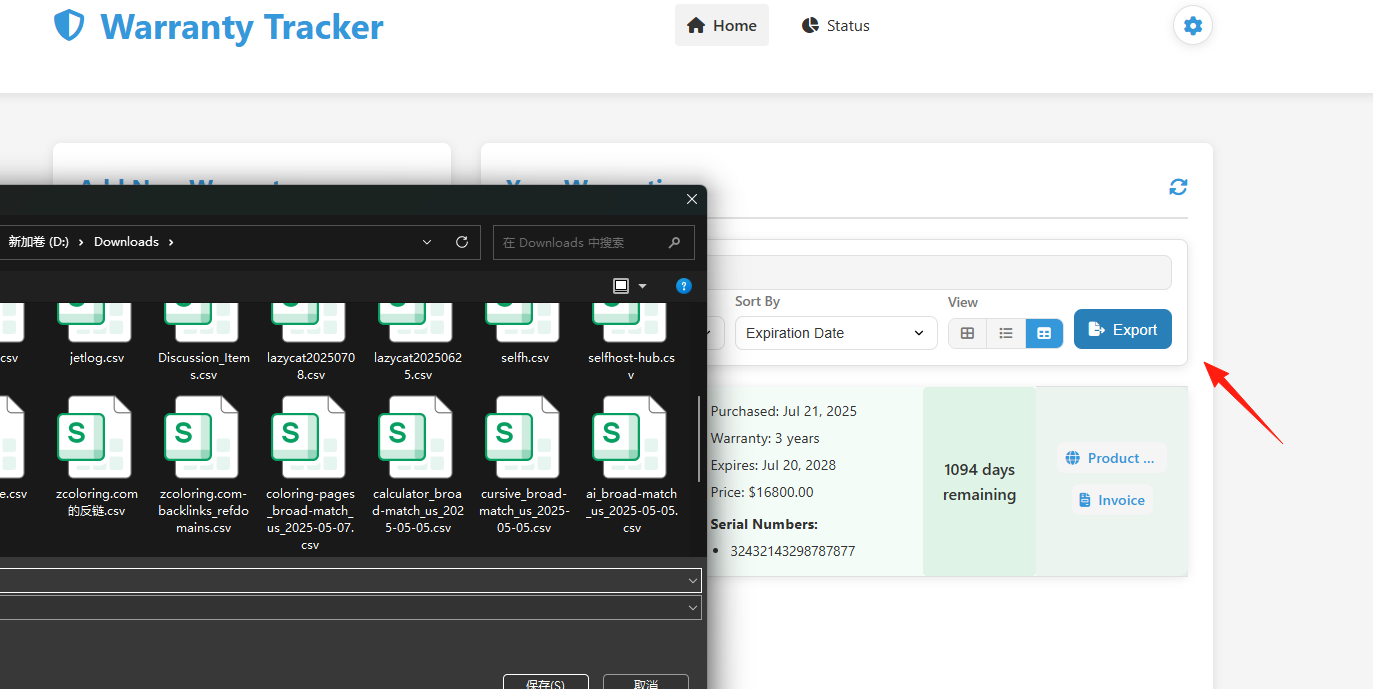
Data Import/Export: Supports CSV format, making data migration very convenient.
Those enterprise-grade warranty management software solutions on the market often cost tens of thousands and come with overwhelmingly complex features. But for the average household user, what we actually need is quite simple:
- Remember what items we bought
- Know when the warranty expires
- Know where the related documents are stored
- Get a reminder before the warranty expires
Warracker is built specifically for these tasks. It avoids flashy, unnecessary features and focuses on solving the practical needs of everyday users.