
PlantUML: A Tool for Creating Diagrams with Text
What is PlantUML?
PlantUML allows users to create diagrams from a plain text language.
In addition to various UML diagrams, PlantUML also supports various other software development-related formats, as well as the visualization of JSON and YAML files. The PlantUML language is an example of a domain-specific language.
https://appstore.lazycat.cloud/#/shop/detail/xyz.mxue.plantuml
With PlantUML, you can create well-structured UML diagrams, including but not limited to the following:
Sequence diagram Use case diagram Class diagram Object diagram Activity diagram (find legacy syntax here) Component diagram Deployment diagram State diagram Timing diagram
User Experience
After the application is installed, you can see the main page upon opening it. Note that this cannot be used normally in a browser; it works within the Lazycat client.
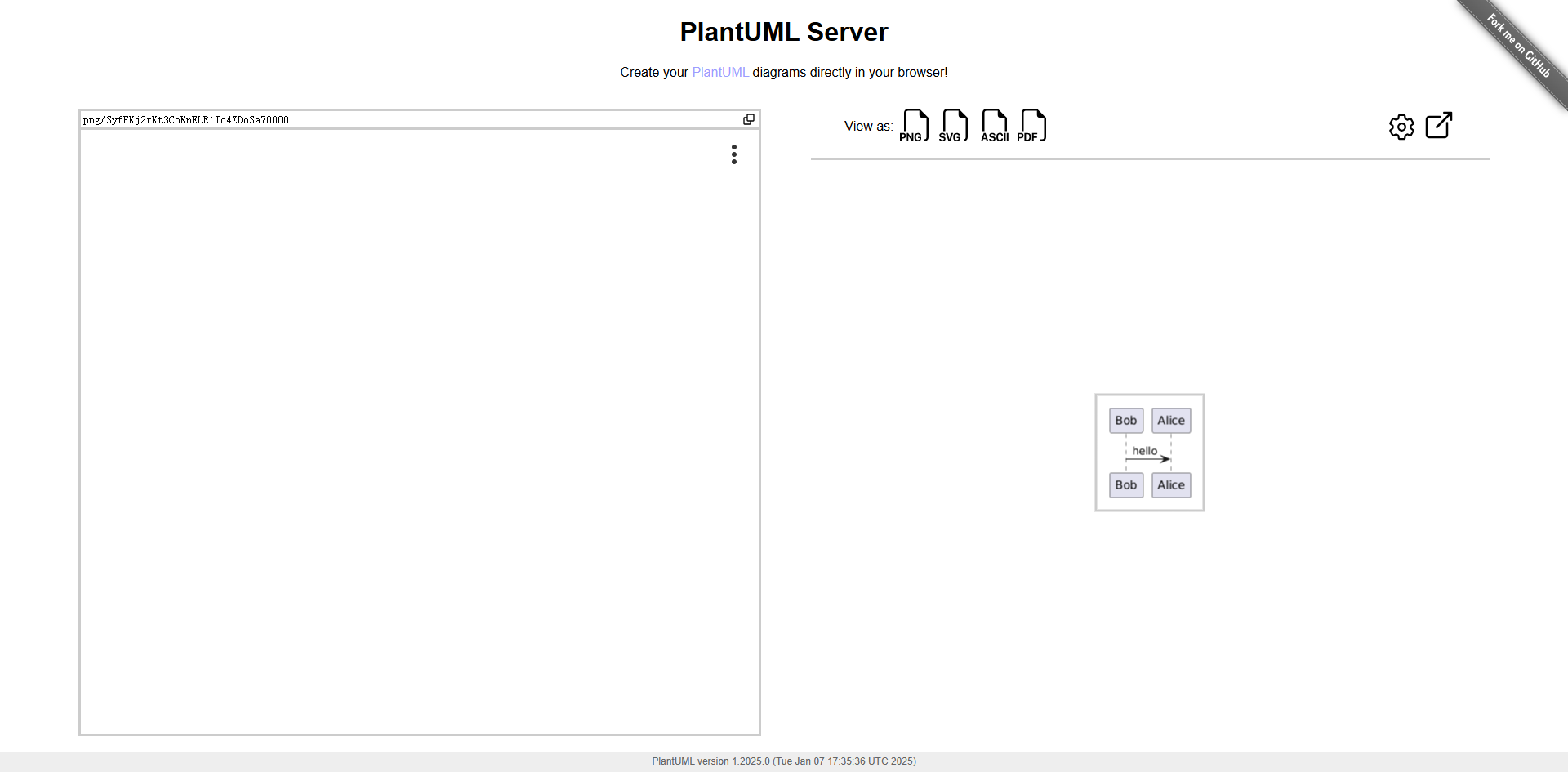
Enter text on the left side, and you can select the preview type on the right side.

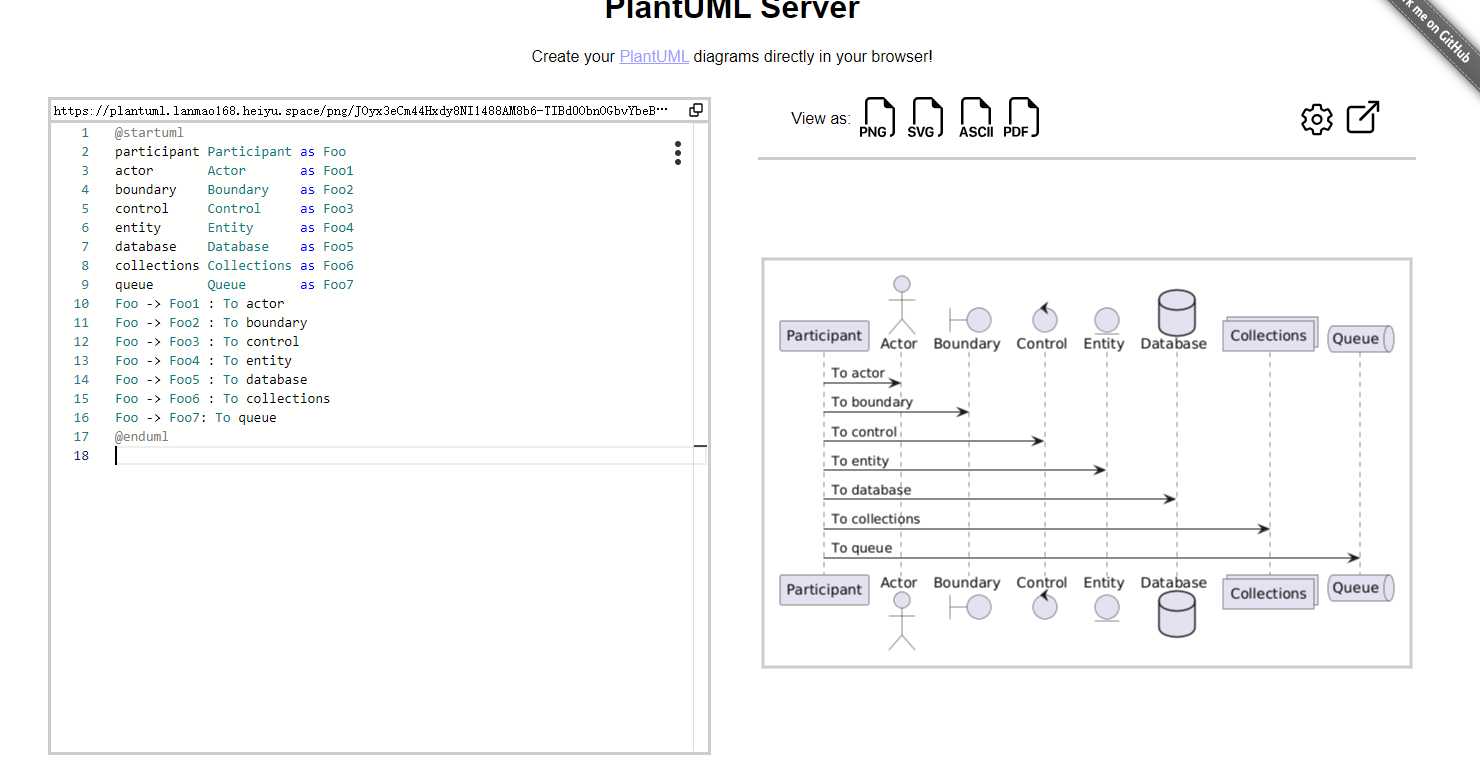
For example, if I want to draw a sequence diagram, I enter the following on the left:
@startuml participant Participant as Foo actor Actor as Foo1 boundary Boundary as Foo2 control Control as Foo3 entity Entity as Foo4 database Database as Foo5 collections Collections as Foo6 queue Queue as Foo7 Foo -> Foo1 : To actor Foo -> Foo2 : To boundary Foo -> Foo3 : To control Foo -> Foo4 : To entity Foo -> Foo5 : To database Foo -> Foo6 : To collections Foo -> Foo7: To queue @enduml
The effect can be seen on the right side.
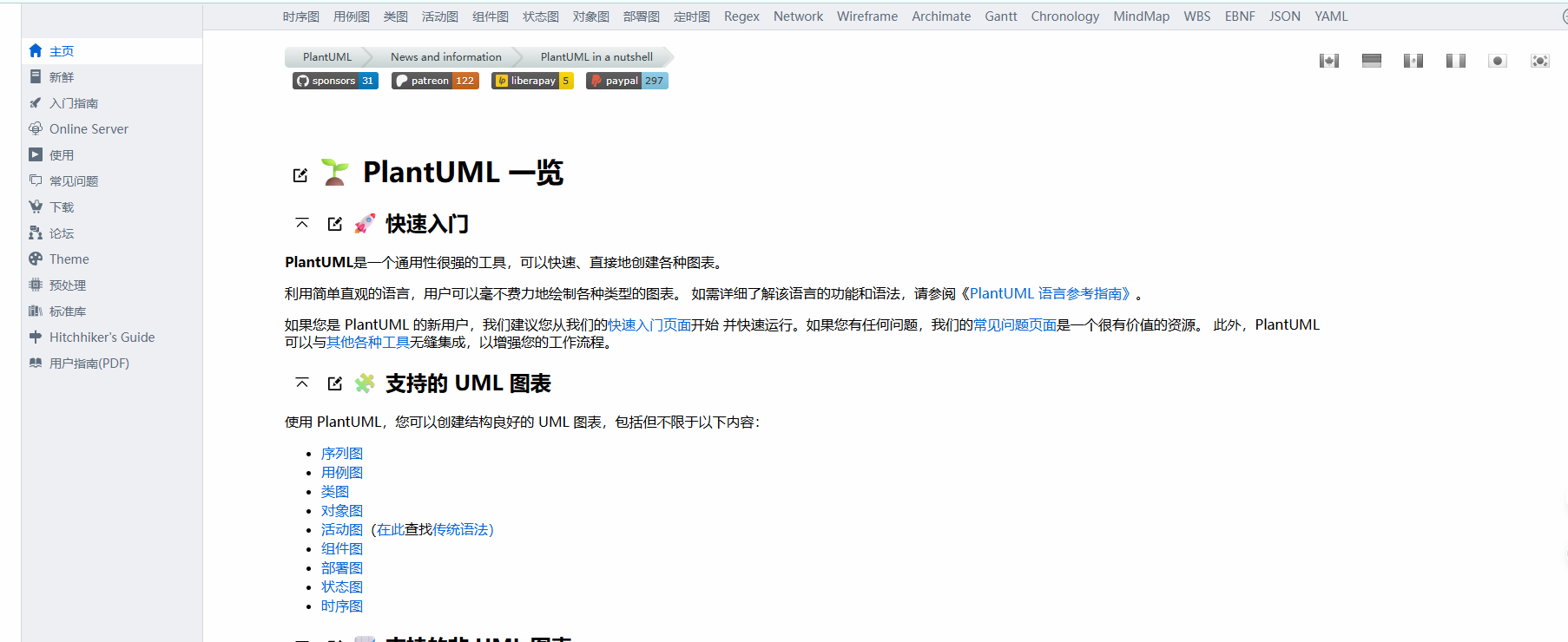
The official documentation details how the syntax should be written: https://plantuml.com/zh
PlantUML can be integrated into external tools, such as Visual Studio Code. Simply install the PlantUML extension.
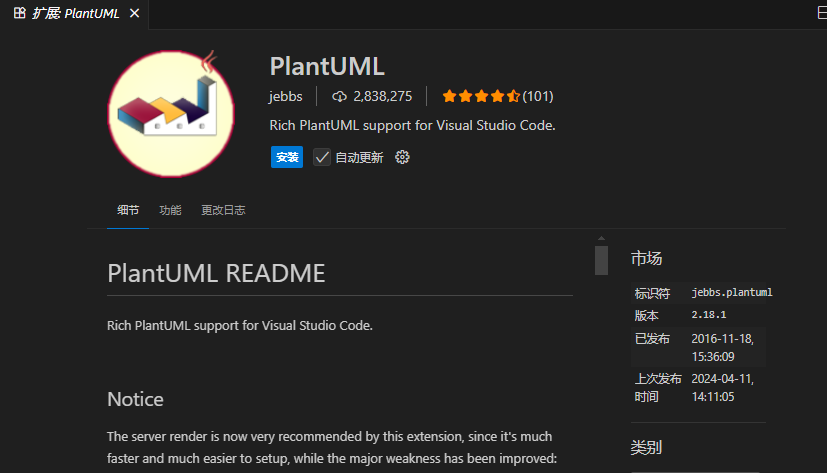
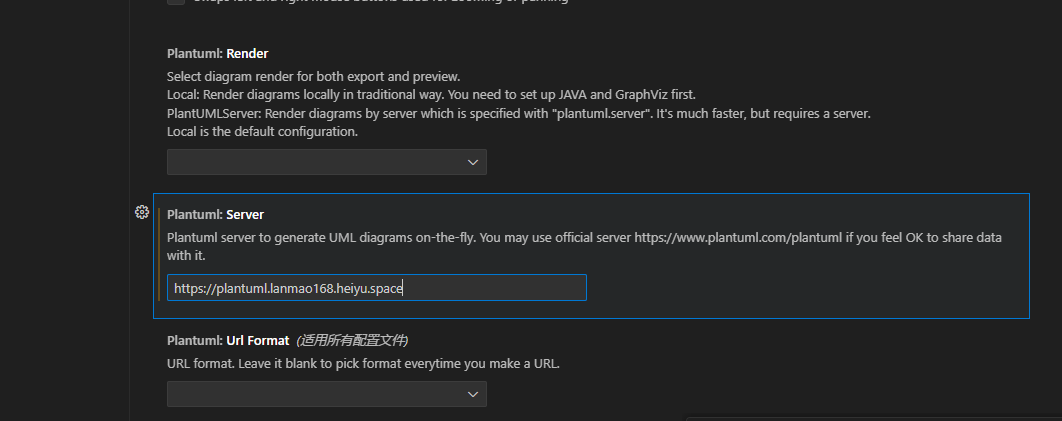
After installation is complete, set the server address.
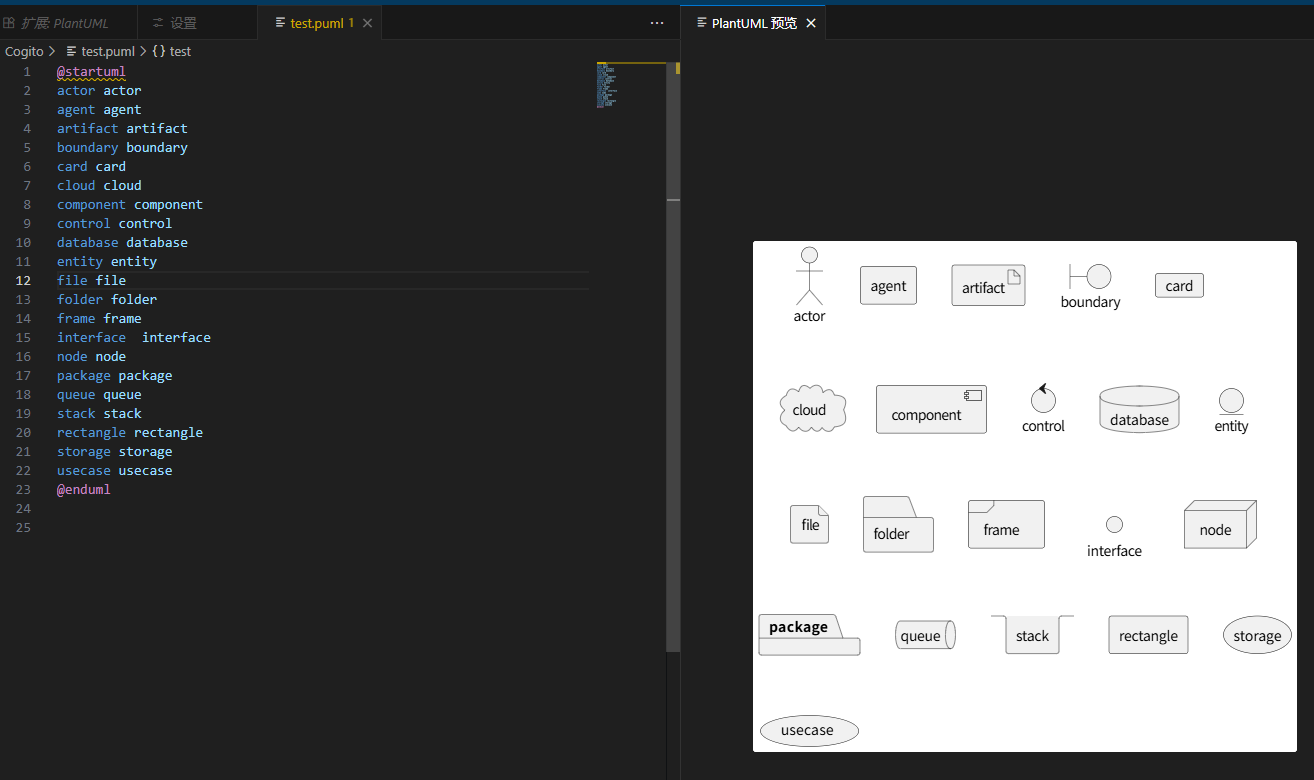
Create a new test.puml file:
@startuml actor actor agent agent artifact artifact boundary boundary card card cloud cloud component component control control database database entity entity file file folder folder frame frame interface interface node node package package queue queue stack stack rectangle rectangle storage storage usecase usecase @enduml
Open the preview interface directly with Alt+D.
For product managers and programmers, PlantUML is a very practical diagramming tool.
Using a simple and intuitive language, you can effortlessly draw various types of diagrams.