
Huntly Practical Guide - Double Your Information Collection and Management Efficiency
What is Huntly?
Huntly is an information management tool that can be self-hosted or run locally via a client. Simply put, it acts like your personal information butler, centrally managing all the content you come across online.
Core features include:
- RSS feed management
- Automatic saving of browsed web pages
- Automatic Twitter content fetching
- GitHub Stars management
- Full-text search
- AI content processing (summarization, translation, etc.)
https://appstore.lazycat.cloud/#/shop/detail/mcloud.mg.app.huntly
How to Use
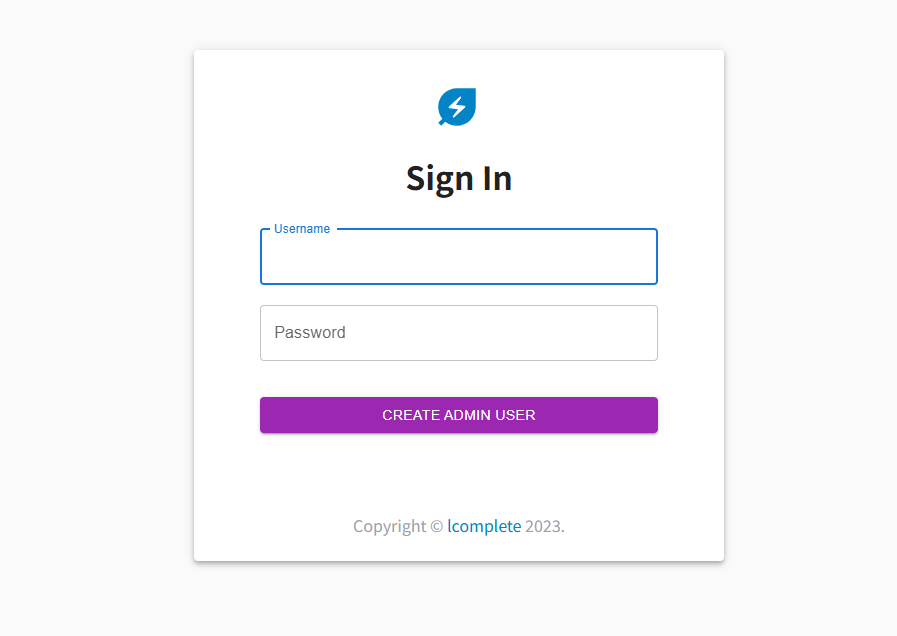
After installing the application, you first need to create an administrator account.
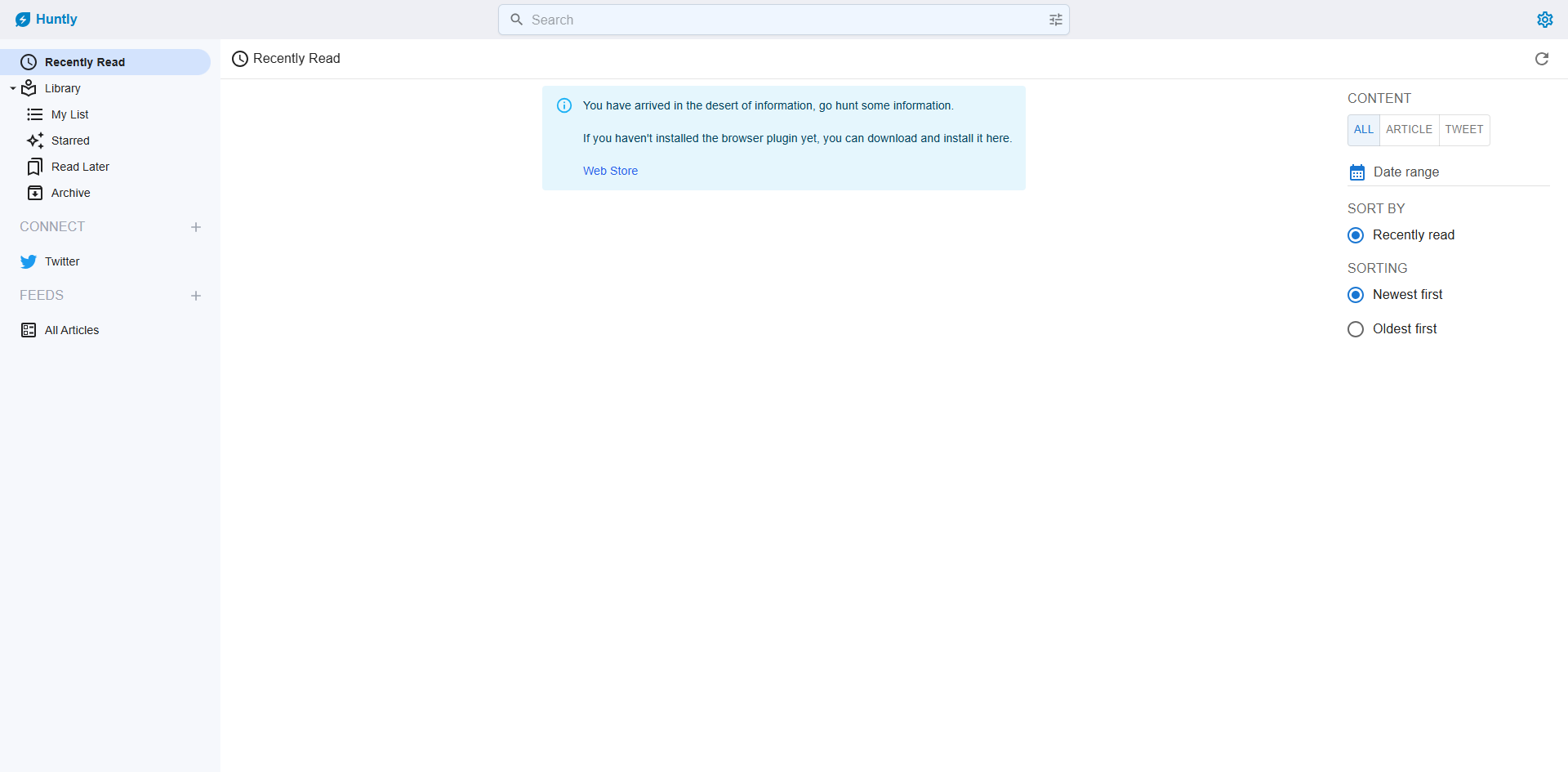
After successful registration, you will be automatically redirected to the admin homepage.
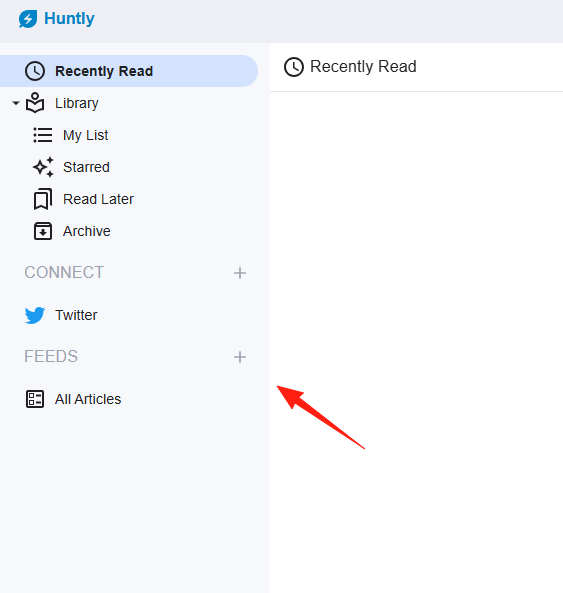
Add an information source.
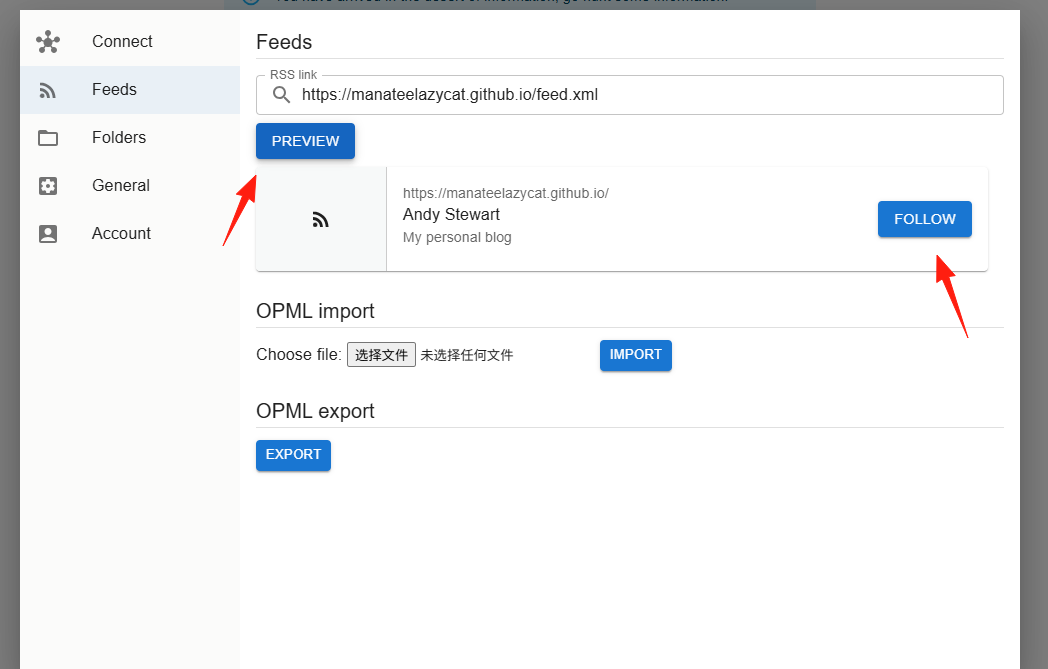
Click 'Preview'. If the link is valid, a 'Follow' button will appear.
The result after adding.
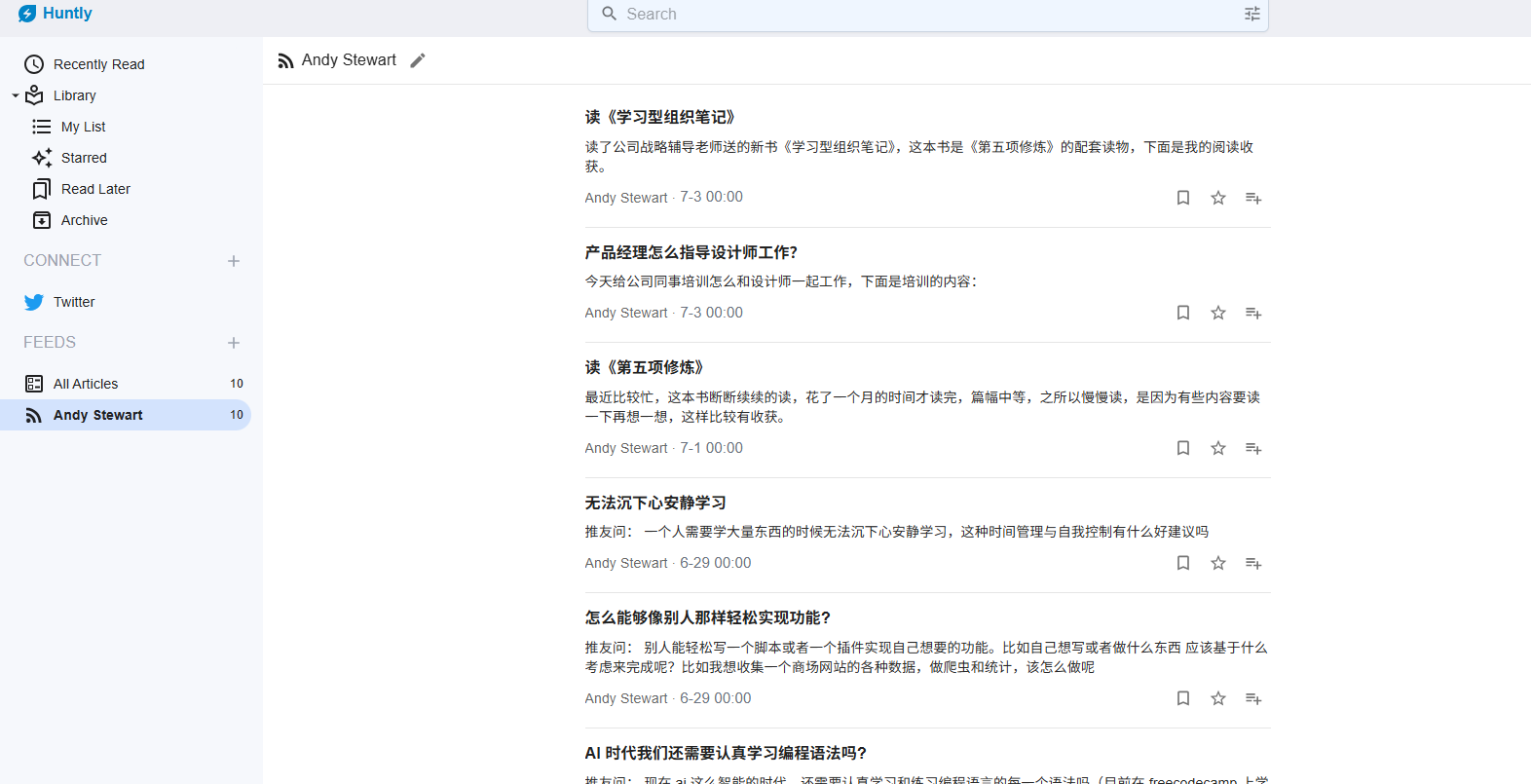
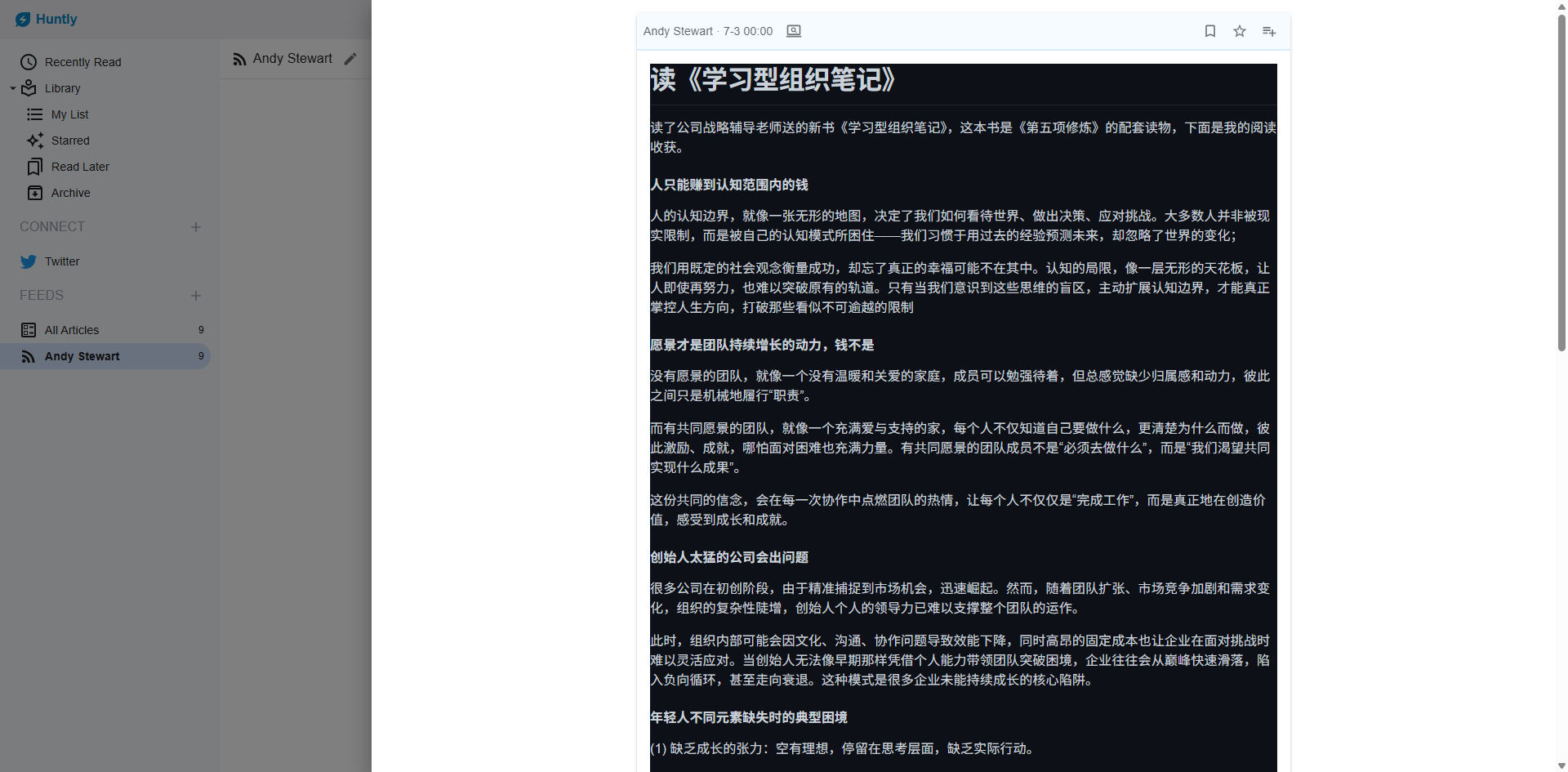
Open an article.
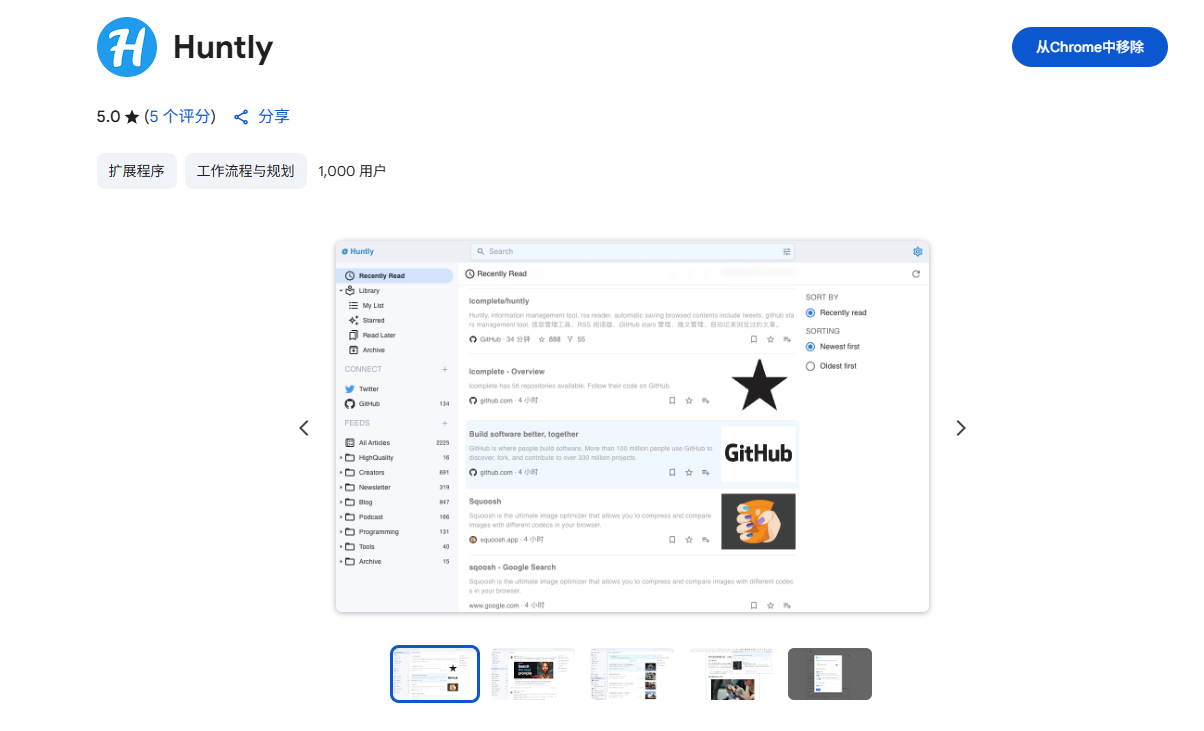
Huntly also supports a browser extension.
https://chromewebstore.google.com/detail/huntly/cphlcmmpbdkadofgcedjgfblmiklbokm
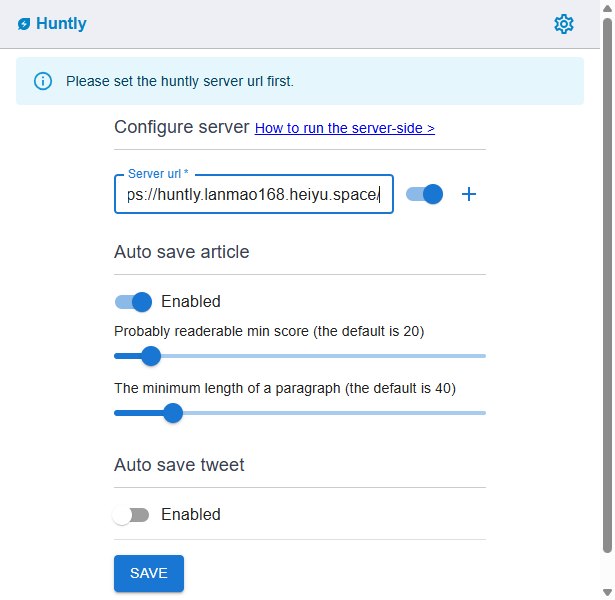
Click the extension icon and set your Huntly server address.
When you encounter a new article, simply click the icon to capture it. However, this is not 100% successful.
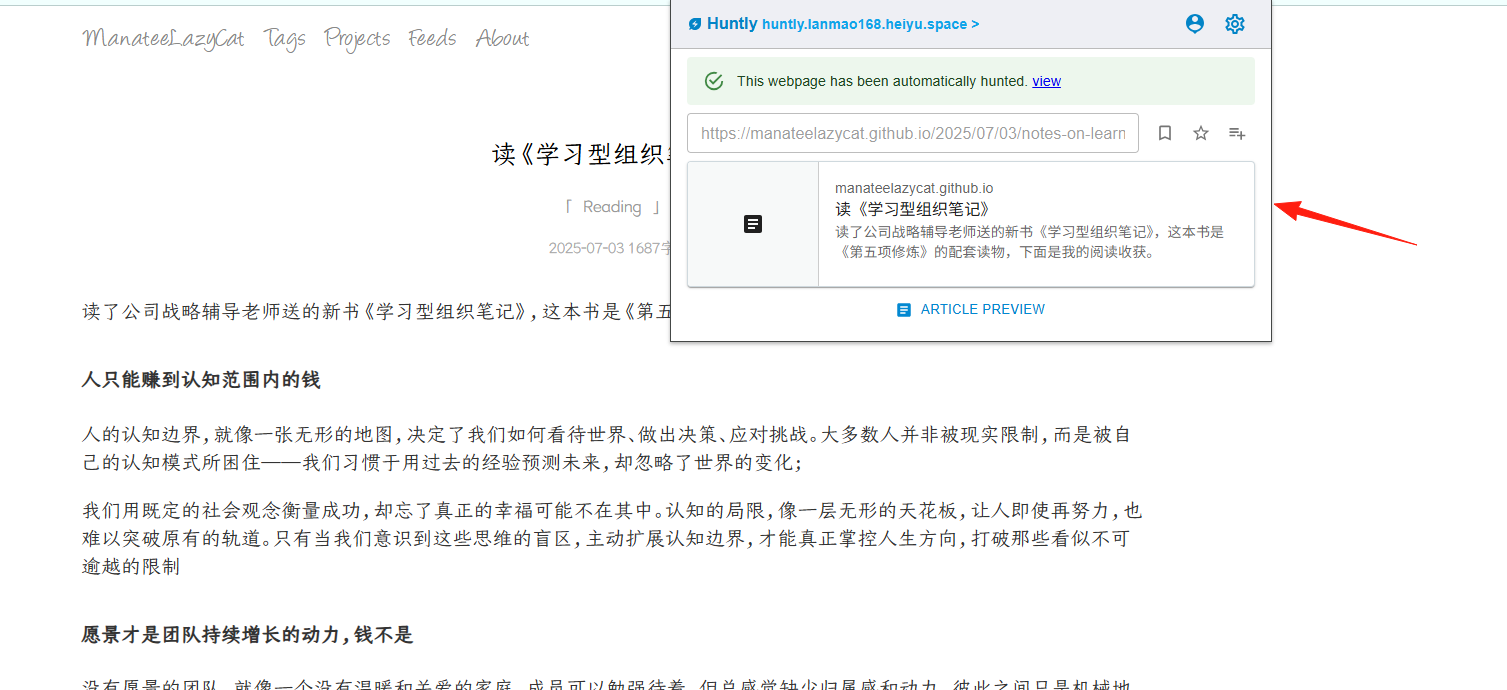
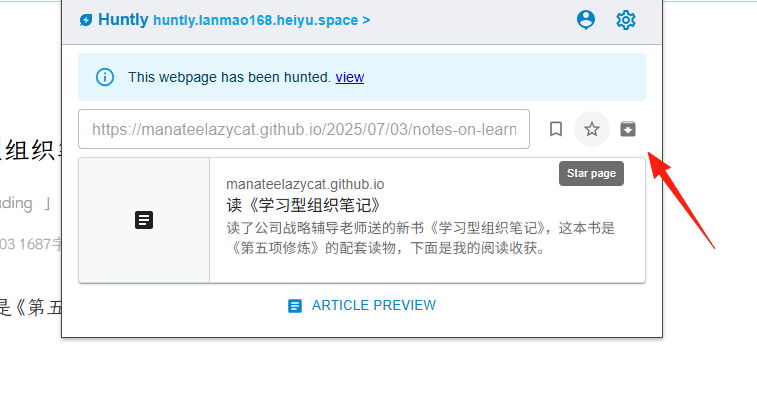
Mark automatically saved content as "Favorite", "Read Later", or "Archived".
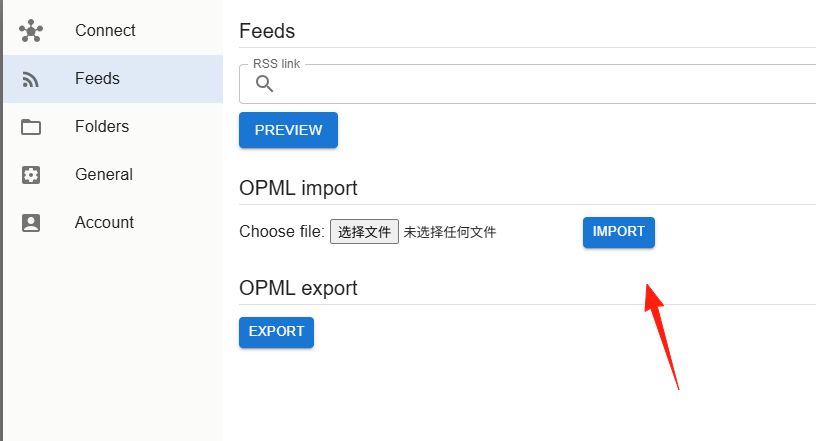
If you have used other RSS readers before, you can export an OPML file and import it into Huntly.
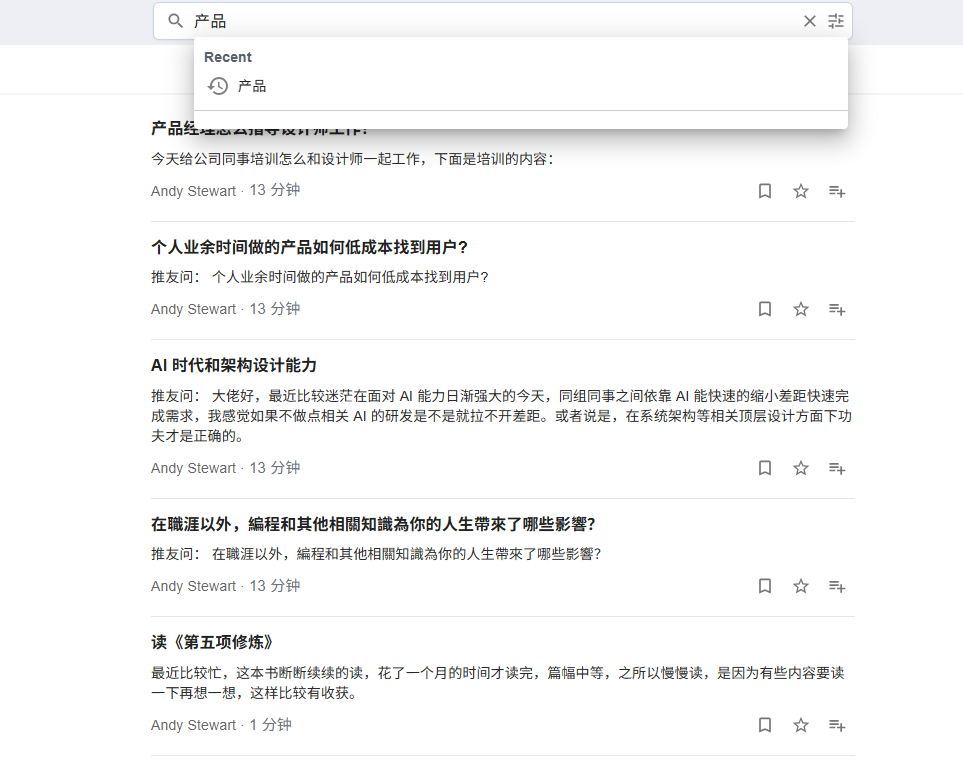
It not only allows subscription but also works with full-text search, enabling you to quickly locate the content you want.
Full-text content search allows you to search across dimensions like title, content, type, and favorite status. This means:
- When searching for keywords, it searches both the title and the article body.
- You can filter by content type (RSS articles, web pages, tweets, etc.).
- You can filter by favorite status (Favorited, Read Later, Archived, etc.).
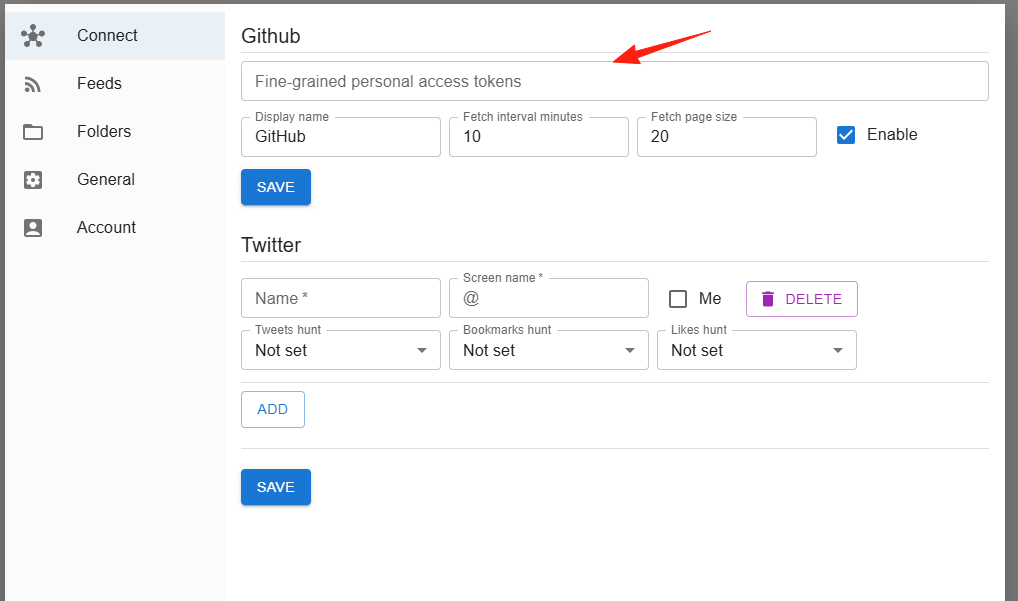
After connecting your GitHub account, you can:
- View your stars categorized by language.
- Add personal notes to record why you starred a project.
- Periodically review and delete projects you no longer need.
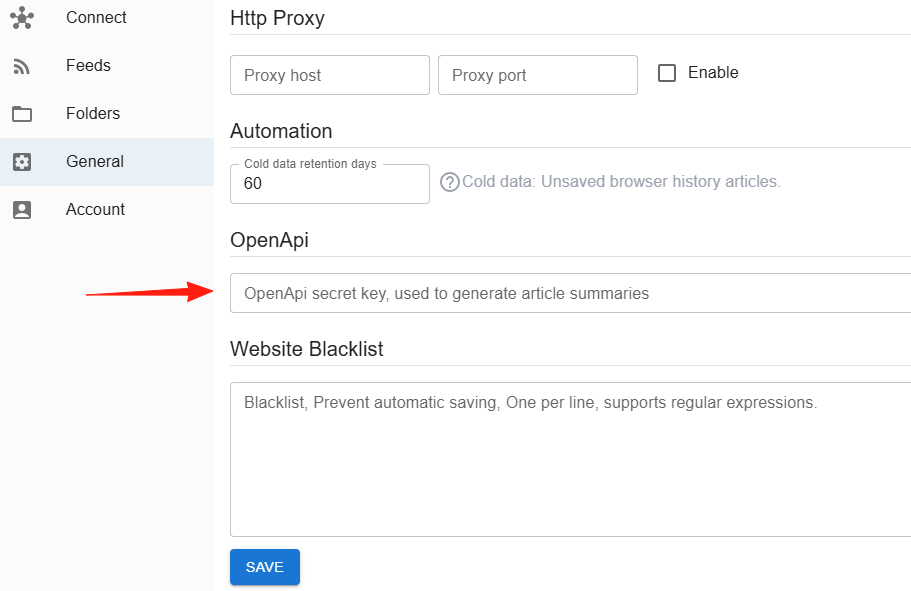
Huntly's new AI features are particularly practical:
- Article Summarization: Generate summaries for long articles with one click.
- Bilingual Comparison: Automatically translate English articles for side-by-side reading.
- Key Point Extraction: Extract key information from lengthy content.
Summary
Huntly is indeed a great information management tool, especially suitable for those who frequently collect information online. It is highly automated and not complicated to configure. Although the interface might not be as polished as some commercial products, its features are practical and sufficient.
If you are looking for a tool to centrally manage various types of online information, give Huntly a try.