
HamsterBase Practical Guide: Your Personal Web Clipping Power Tool
What is HamsterBase?
In simple terms, it's a fully offline, no-account-required "read-it-later" tool. You can save web pages entirely; even if the original website goes down or the article gets deleted, you can still view the complete content.
Key Features:
Supports all platforms, including Docker, Linux, Android, Windows, macOS, iOS, and Chrome extensions. Each platform can be used independently and supports peer-to-peer synchronization. Provides an API, giving you full control over your data. Based on web page snapshots, allowing you to perfectly preserve most web pages.
https://appstore.lazycat.cloud/#/shop/detail/cloud.lazycat.app.hamsterbase
Step-by-Step Guide
After installing the application, the default password is: 123
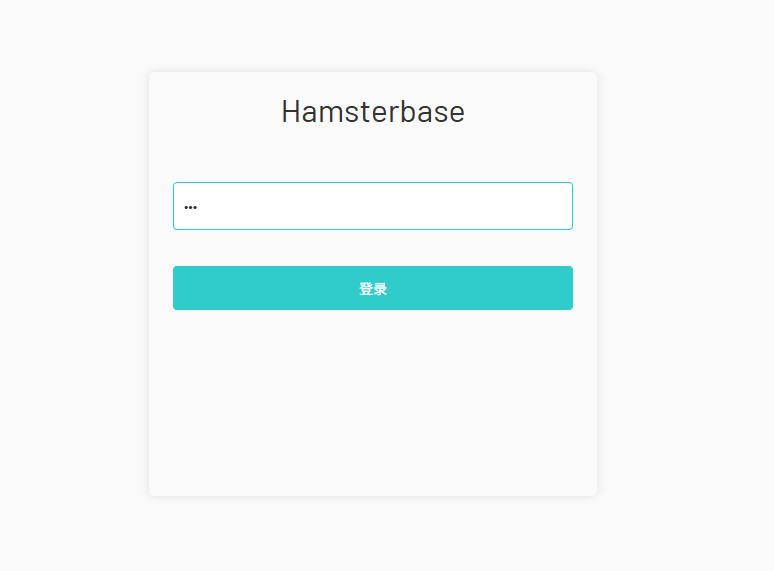
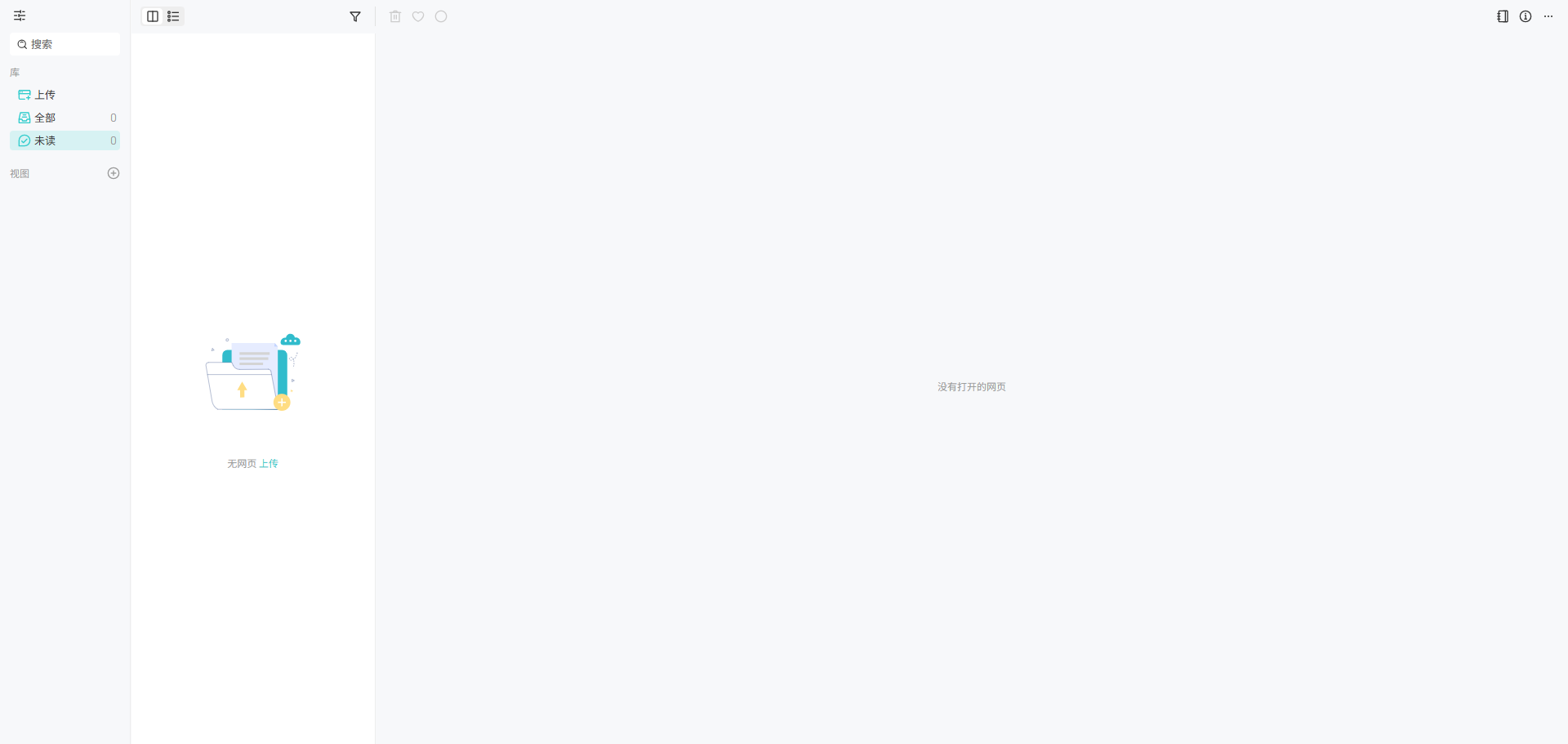
The homepage after logging in
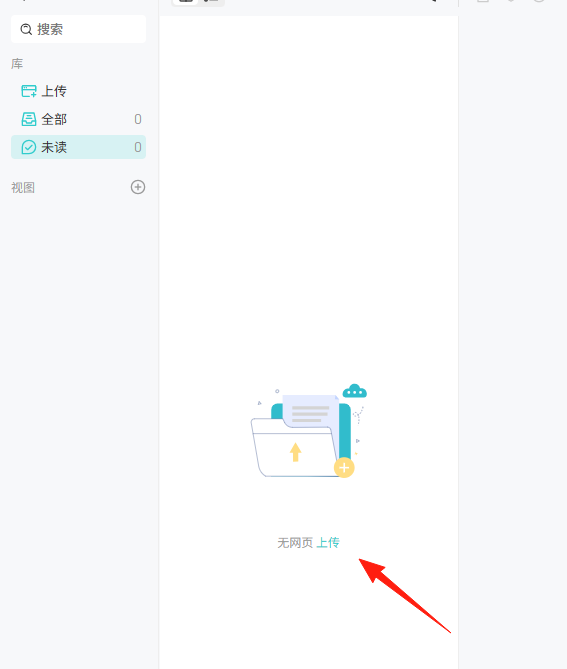
Upload files from here
First, manually enter a URL

Click [Import Snapshot], and you will see the imported webpage in [All]
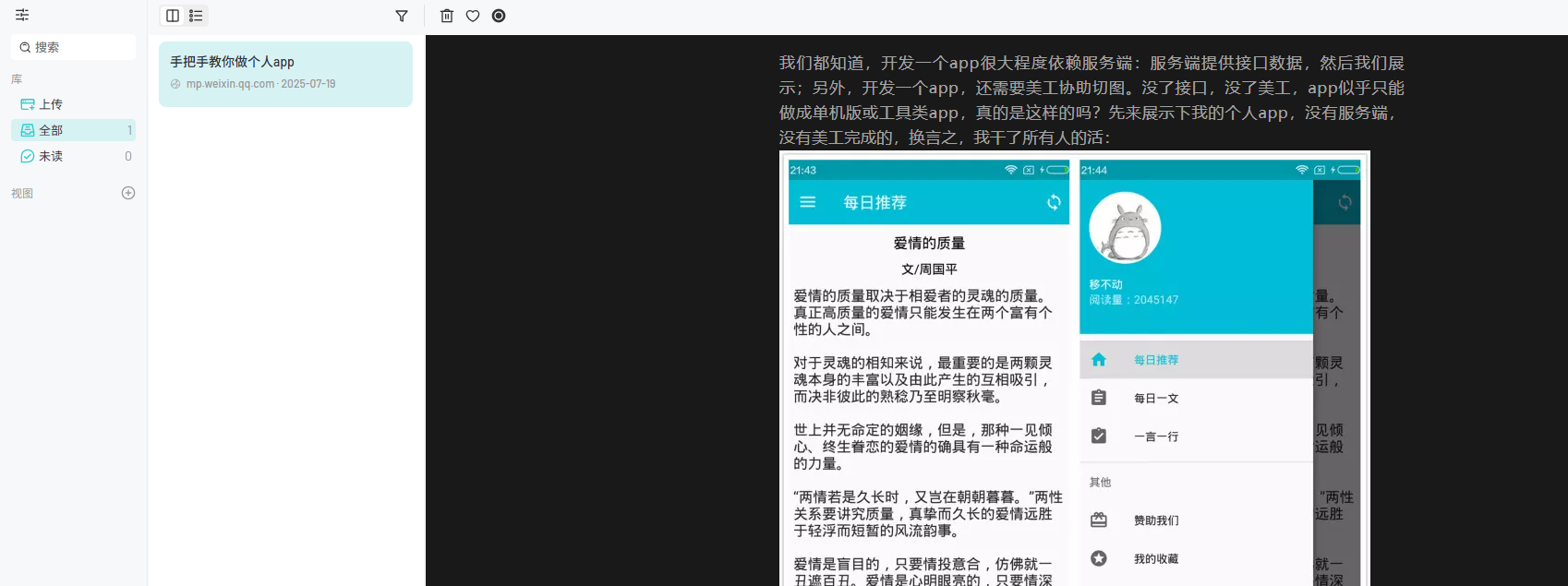
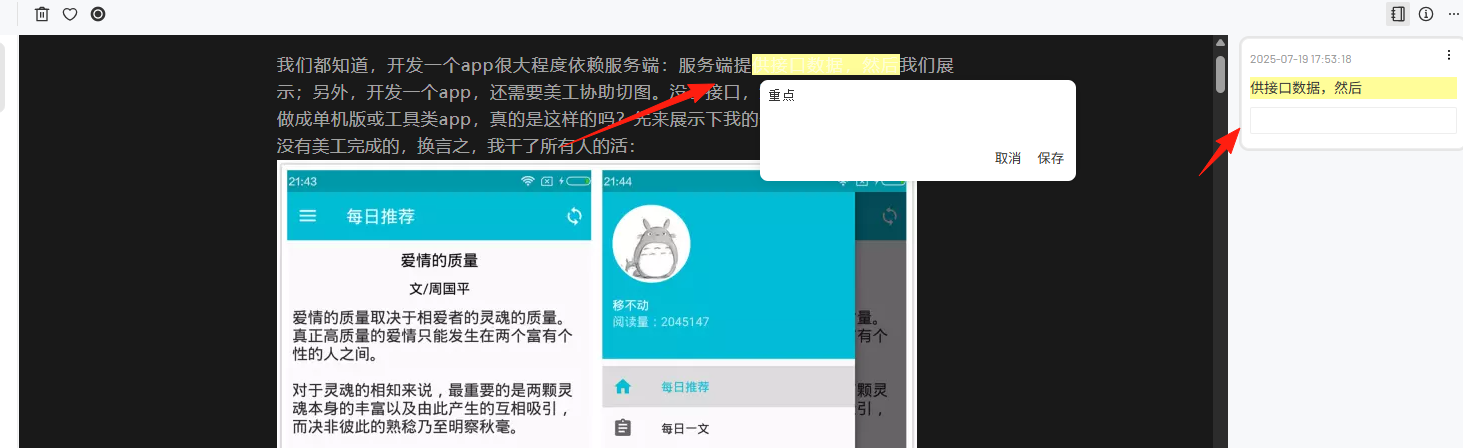
A very convenient feature: you can directly select text to take notes. While reading articles, you can highlight key points and write notes, just like annotating a physical book. These annotations are permanently saved.
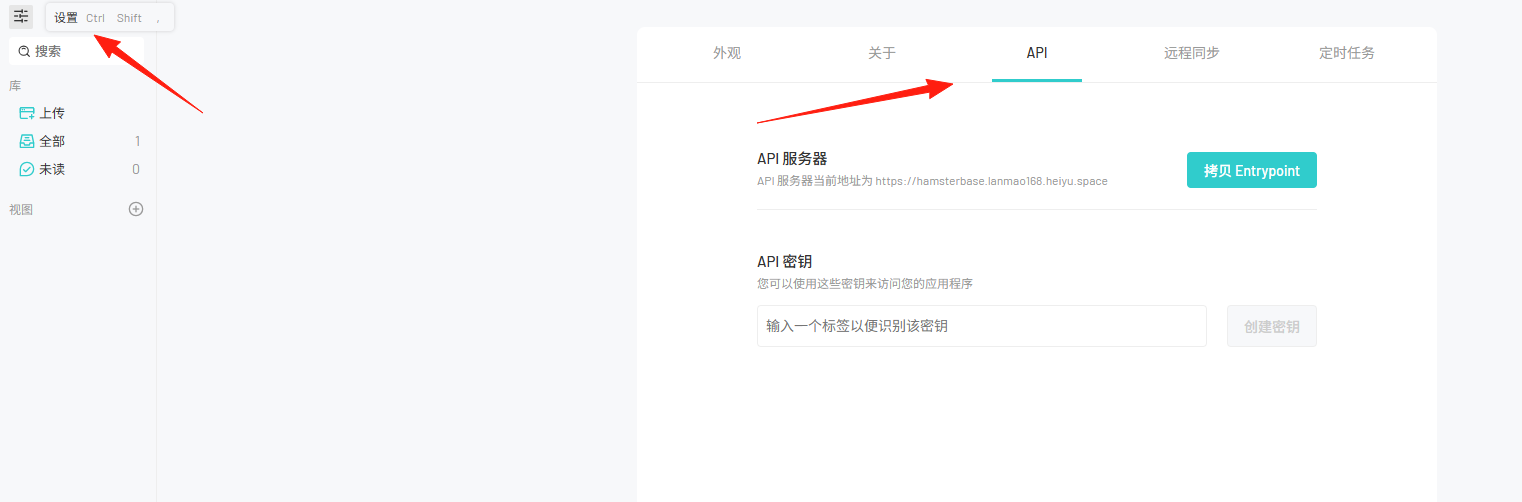
It also supports API functionality. Click Settings in the top left corner -> API
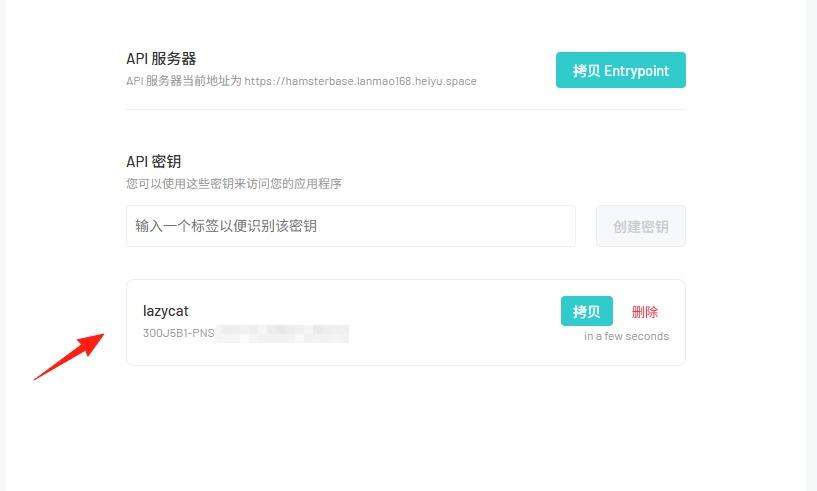
Enter a name and click Create Key
Search for the extension in your browser. I use Chrome; the address is: https://chromewebstore.google.com/detail/hamsterbase-highlighter/mlcjehmgjhkjejbhbpfejgeeolahhnhc
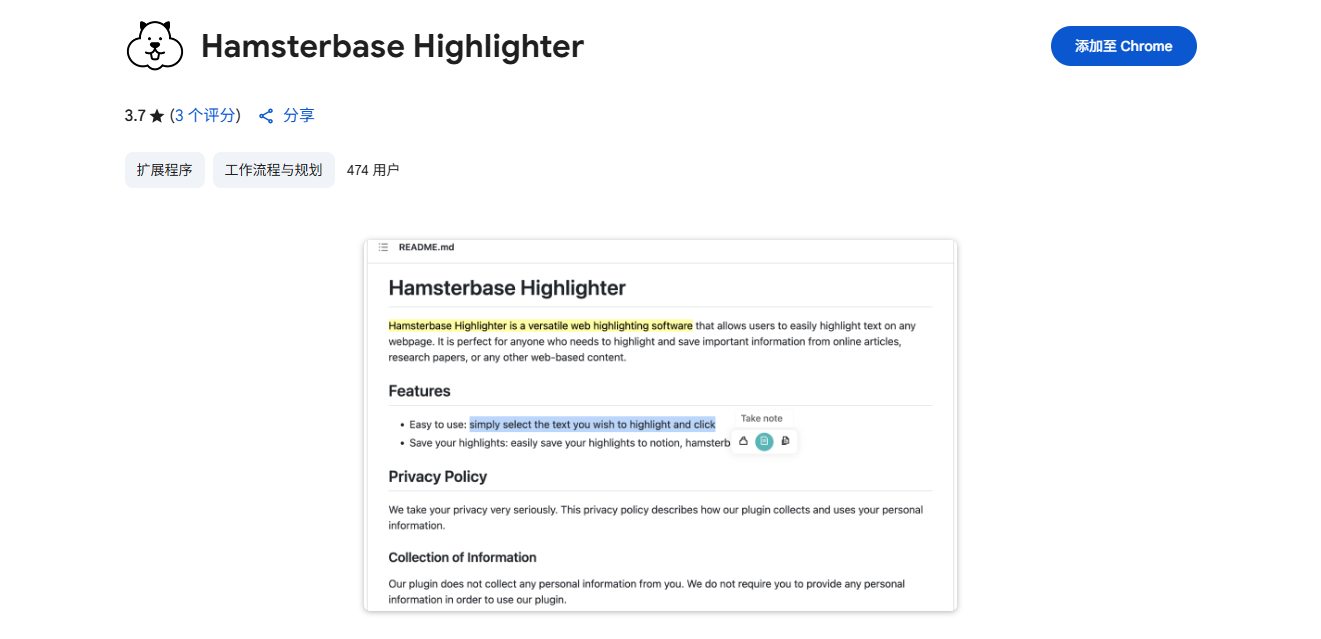
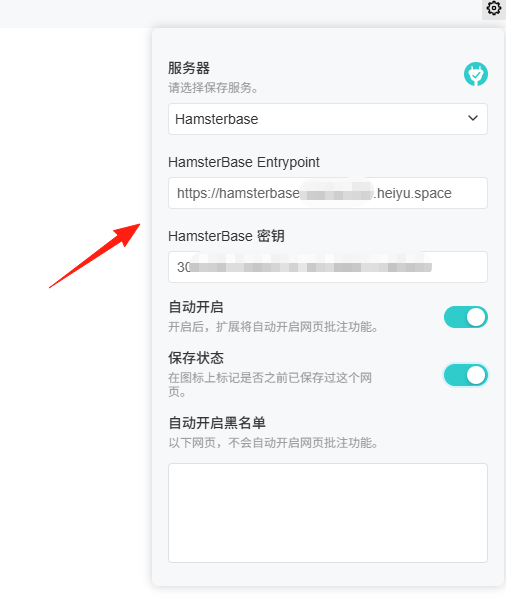
After installation, configure the address and key in the extension settings
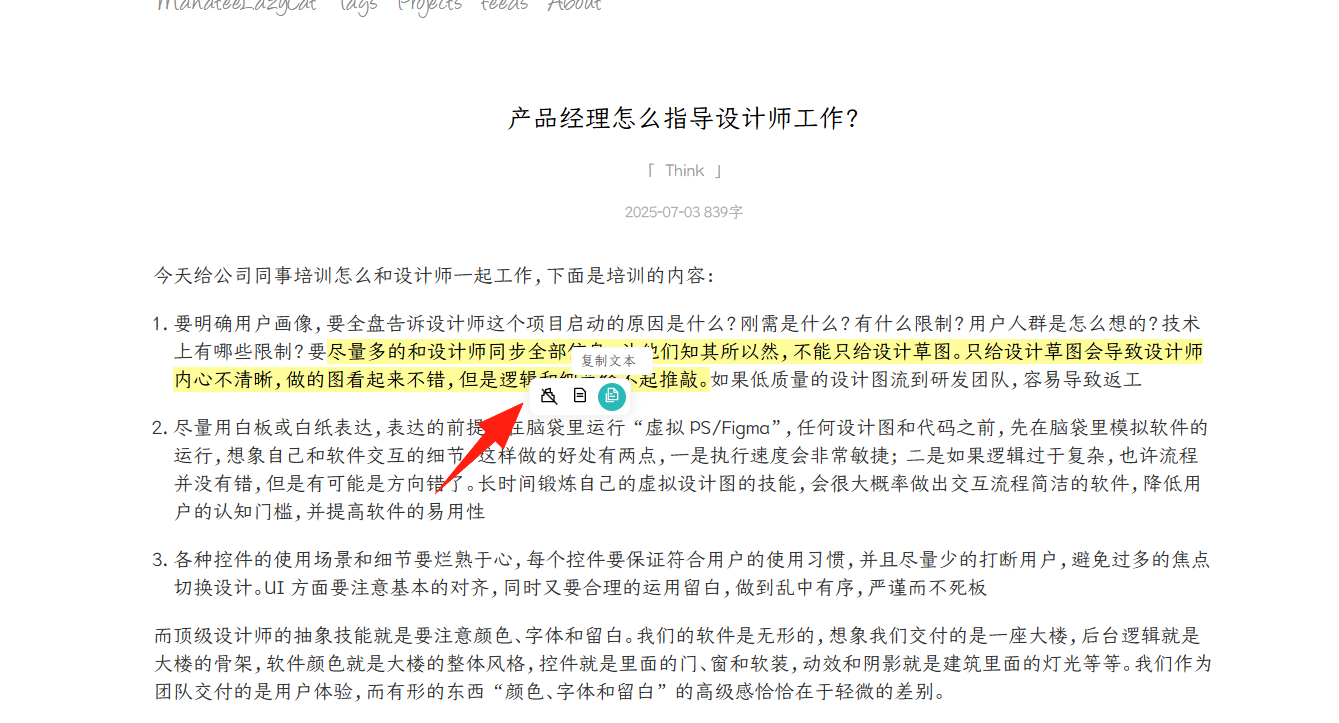
When you come across a webpage you like, you can highlight, take notes, and copy text
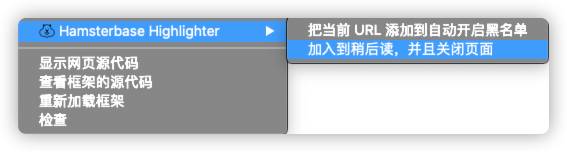
Right-click, select Hamsterbase-Highlighter –> Add to Read Later, and close the page
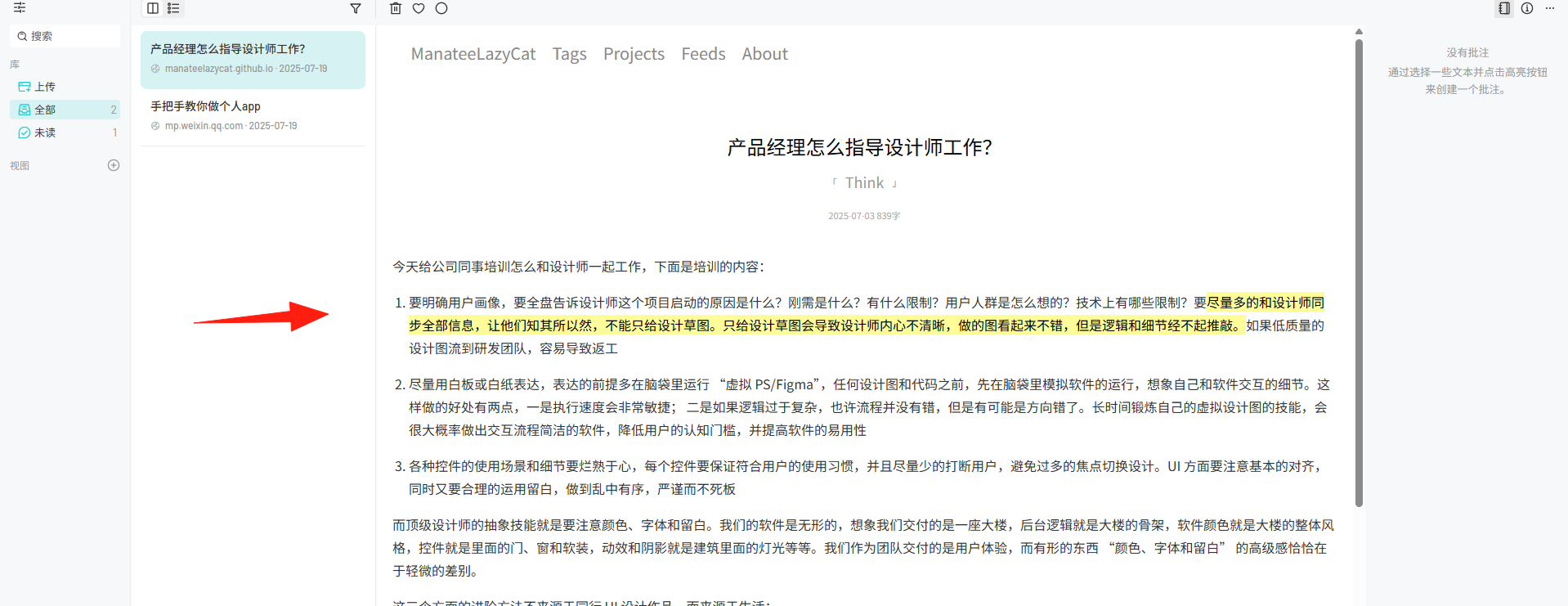
Return to the application homepage, and you'll find the highlights and notes have been synced
It also supports desktop and mobile apps. Surprisingly, it's developed by an individual developer.
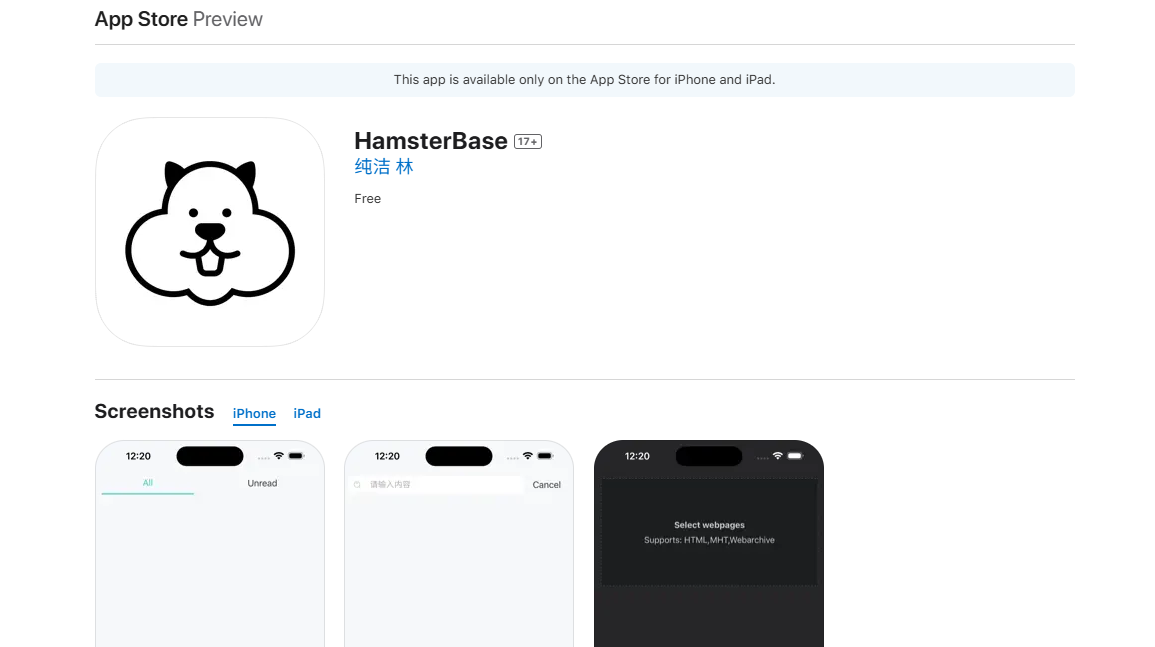
You can add server configuration in the Sync settings

Note: The Lazycat application address needs port forwarding. Feel free to message me if you don't know how.
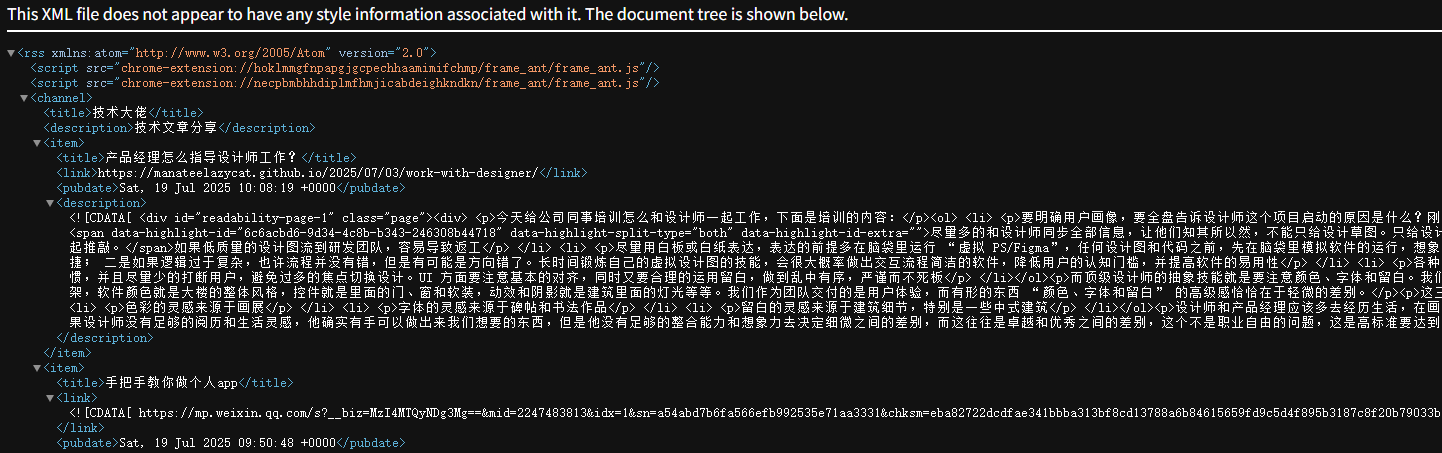
For articles, you can create Views
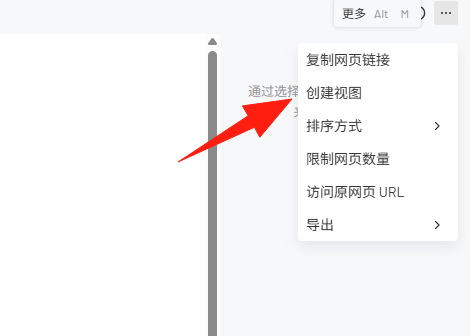
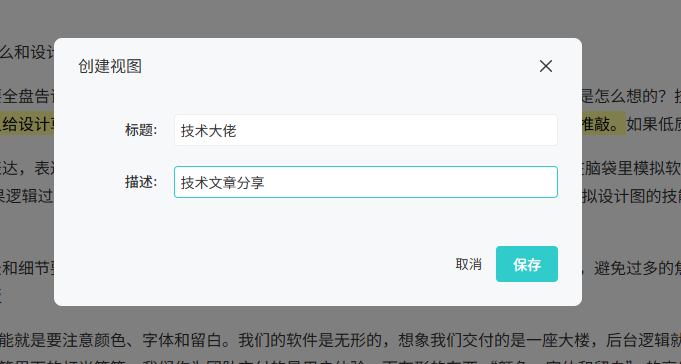
Inside a View, enable the RSS subscription
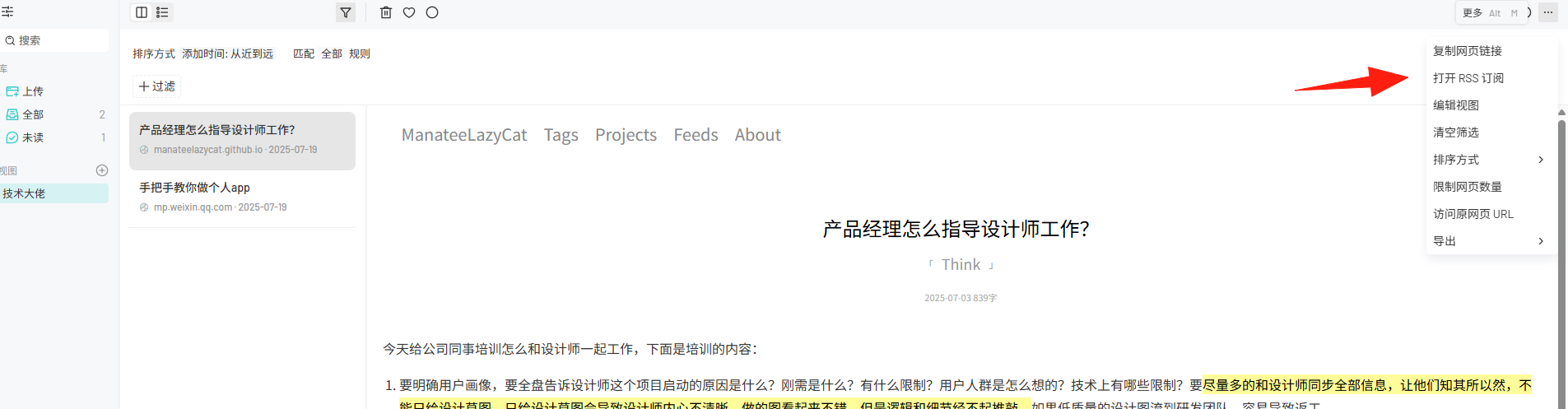
Summary
HamsterBase is like building a private bookmark system for your information collection. You don't need to worry about articles being deleted, websites shutting down, or privacy leaks.
The interface is clean, the features are practical, and the learning curve is minimal. If you also have a need to collect web content, I highly recommend giving it a try.