
NeonLink Practical Guide: A Bookmark Manager That Combines Aesthetics and Functionality
What is NeonLink?
NeonLink is a self-hosted bookmark management service.
Its features include tag management, search functionality, automatic website icon and description fetching, customizable backgrounds, lightweight design, and more.
The interface design is genuinely comfortable, featuring a modern card layout. Each bookmark automatically fetches the website's icon and description, making everything look neat and organized. The background is also customizable, allowing you to change it to any style you prefer.
https://appstore.lazycat.cloud/#/shop/detail/wcloud.gblw.app.neonlink
User Experience
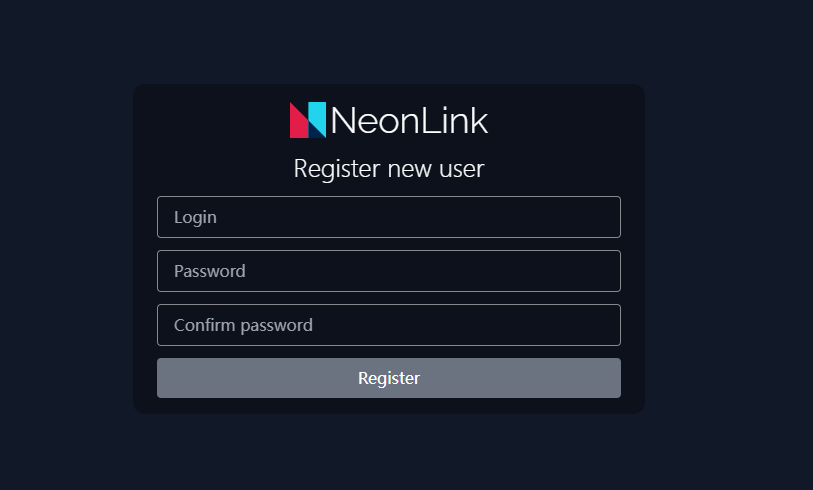
After installing the application, you need to register a user account for the first use.
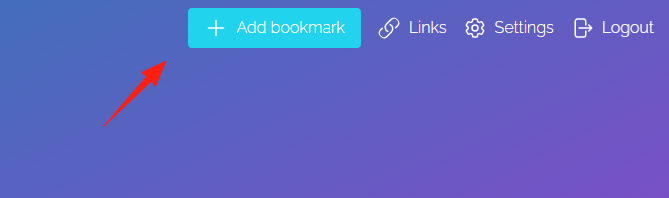
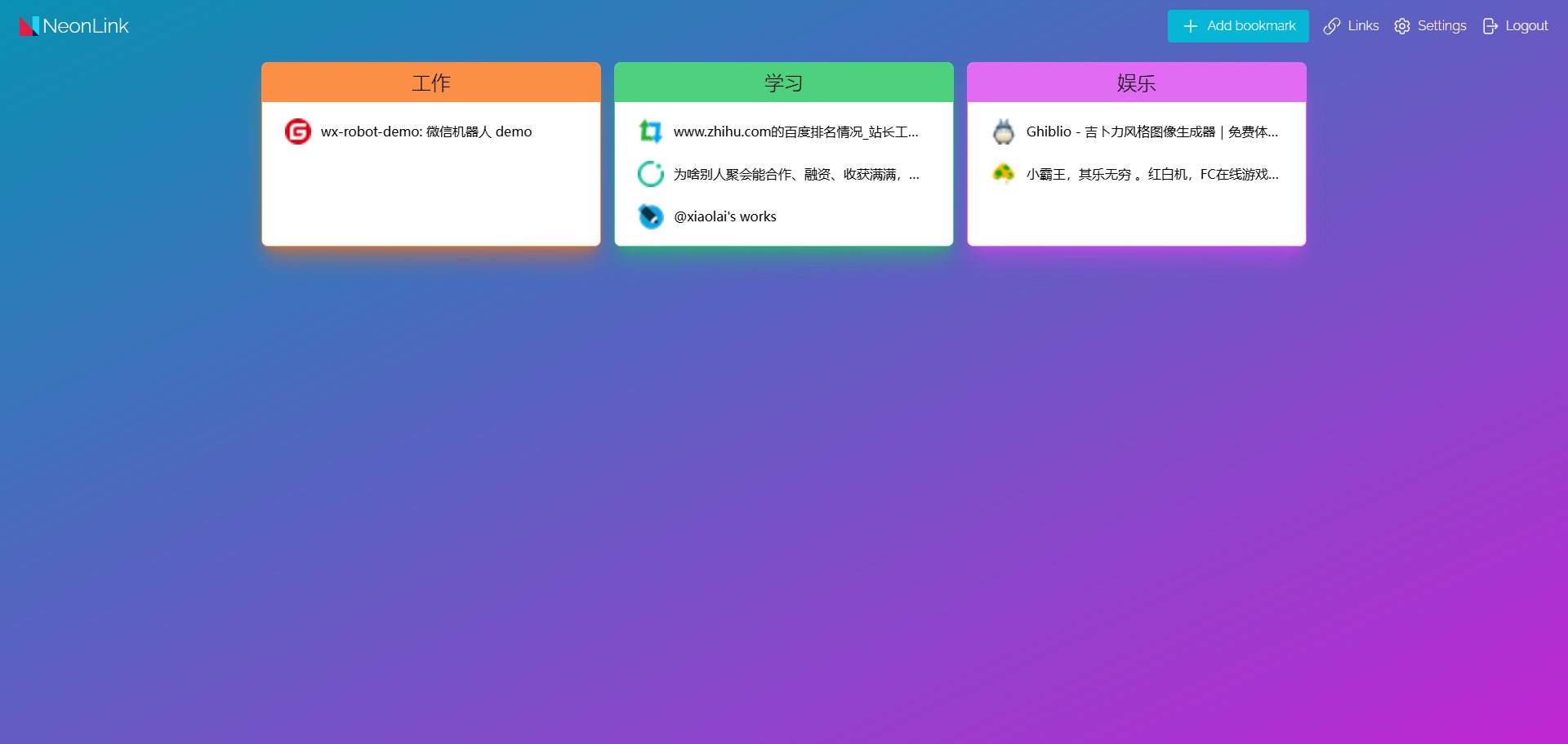
After successful login, the interface is very clean.

Click "Add Bookmark" to add a new bookmark.
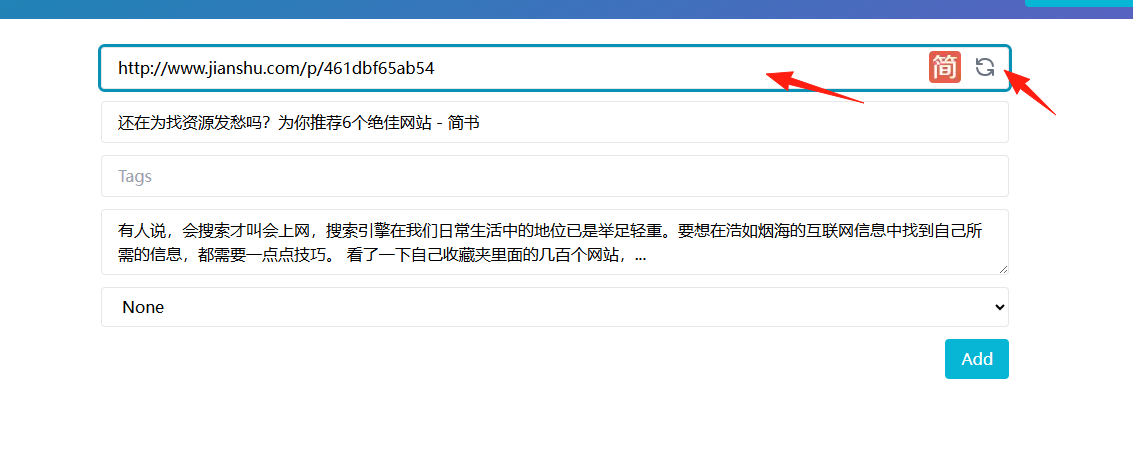
A convenient feature here is that after you enter the URL, it automatically fetches the title and description, so you don't have to type them manually.
The result after adding.
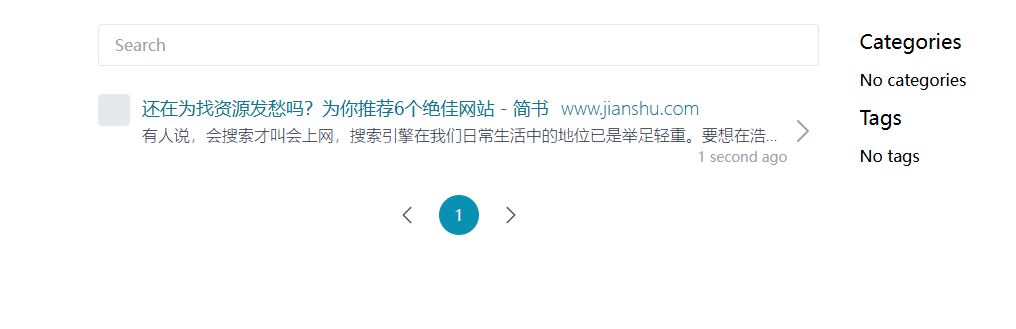
However, the auto-fetching doesn't work for every link. Sometimes it fails, and you need to fill in the details manually.
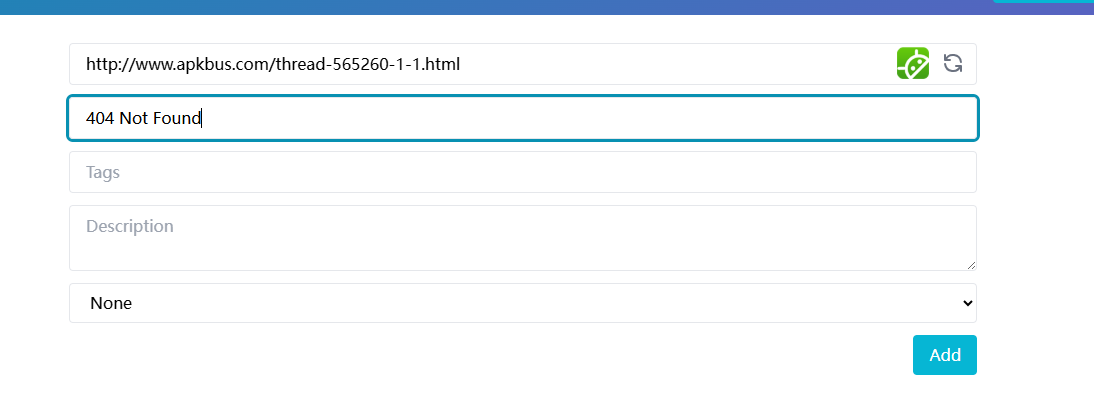
Don't create too many tags initially. It's recommended to start with these basic categories:
- Work-related
- Learning Resources
- Entertainment & Leisure
- Tool Websites
- News & Information
When adding bookmarks, you can include some keywords in the title or description to make them easier to find during searches. For example, when bookmarking a GitHub project, you could add terms like "development tools" or "frontend" in the description.
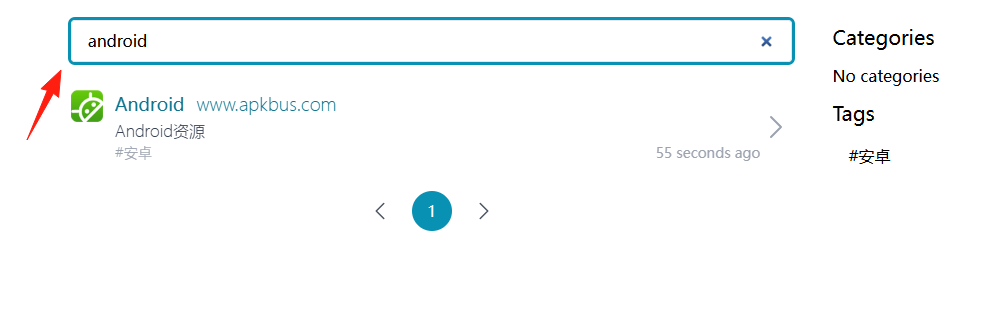
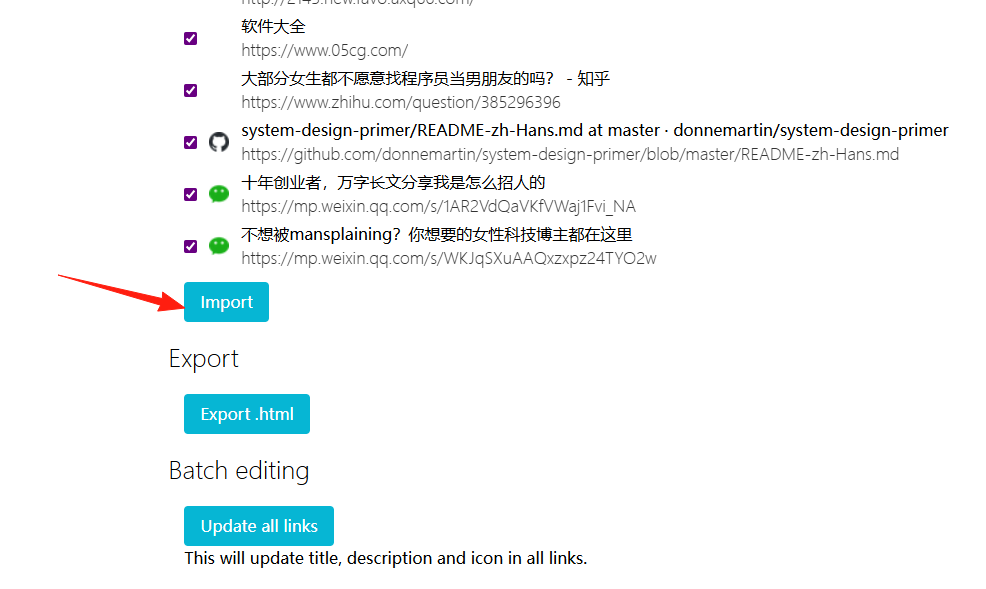
Adding them one by one is still too slow. In the settings, there is an import function.
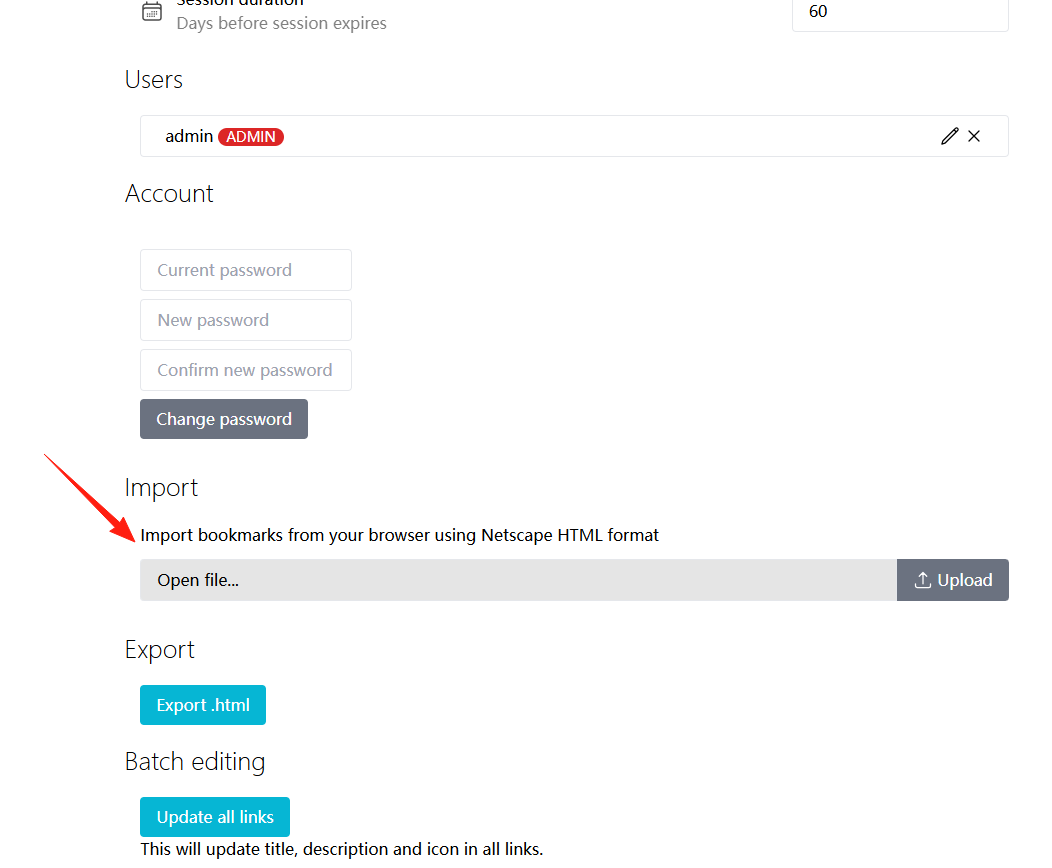
I first exported an HTML file from Chrome, then imported it. The result is as follows:
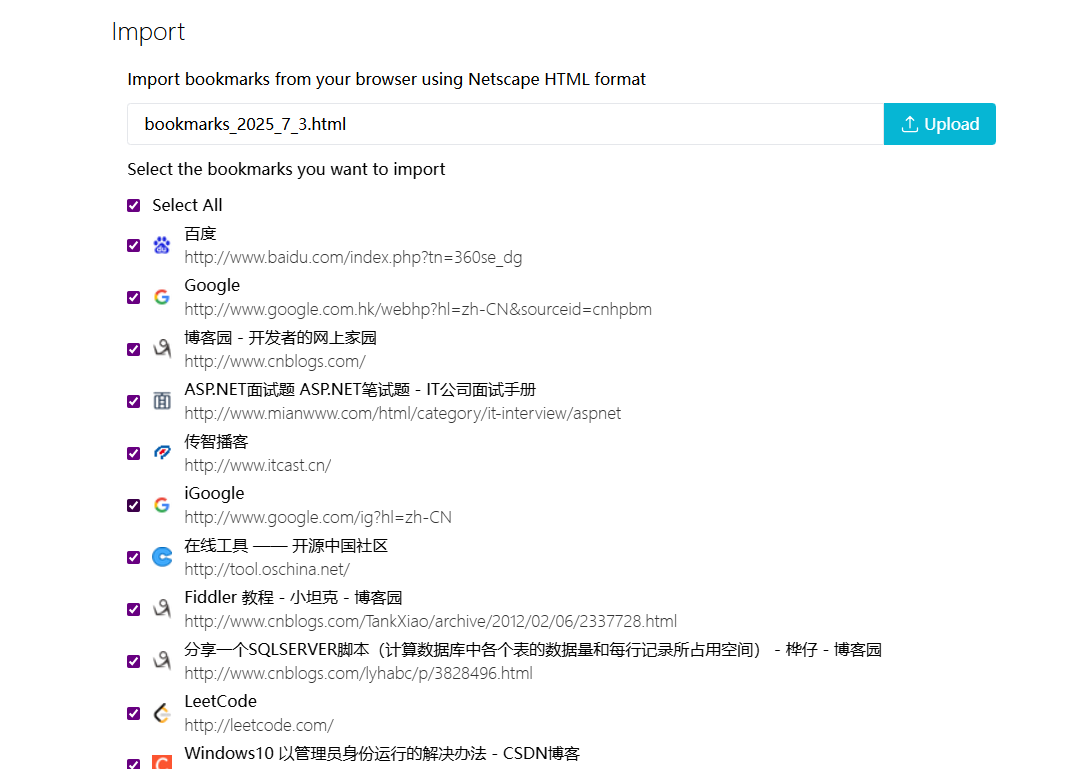
All items are selected by default. Click "import".
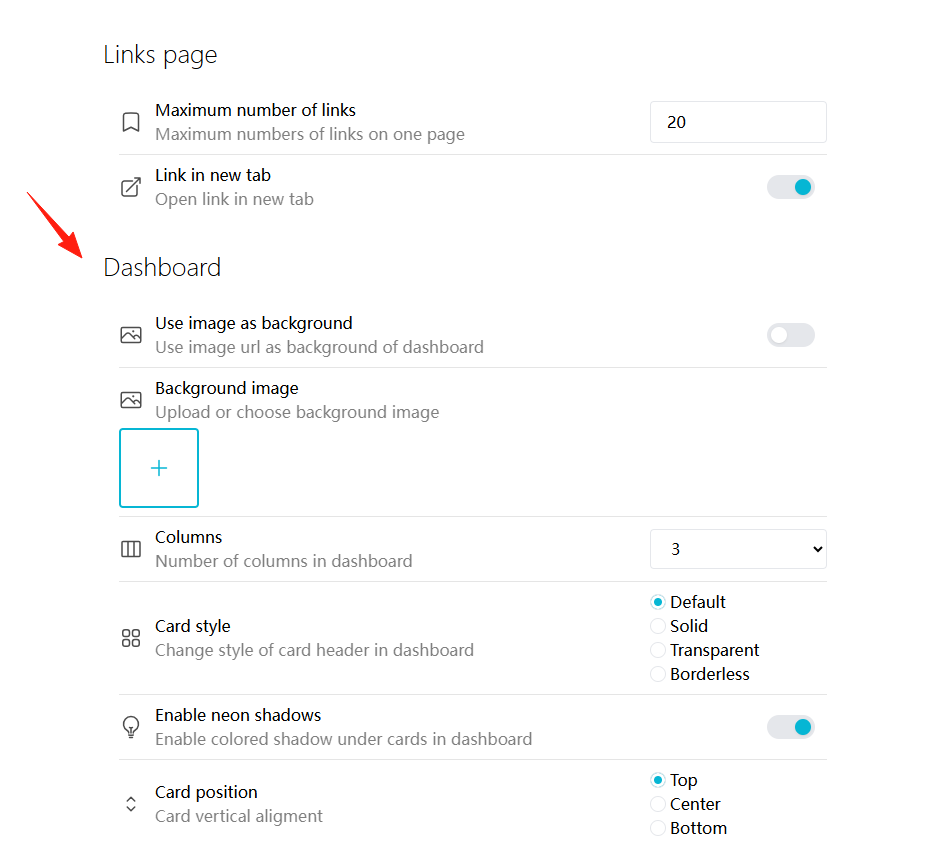
Place your favorite images in the backgrounds folder, and you can then select them for use in the settings. It's recommended to use images with moderate resolution for faster loading.
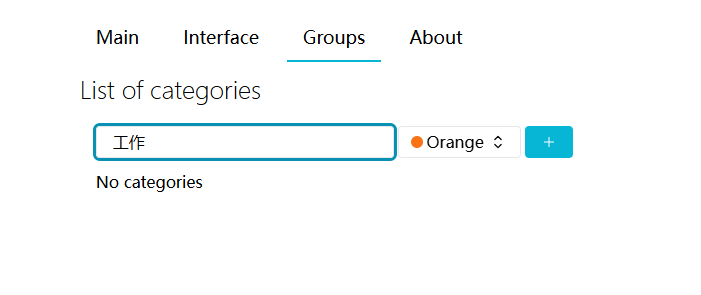
Add groups in the settings.
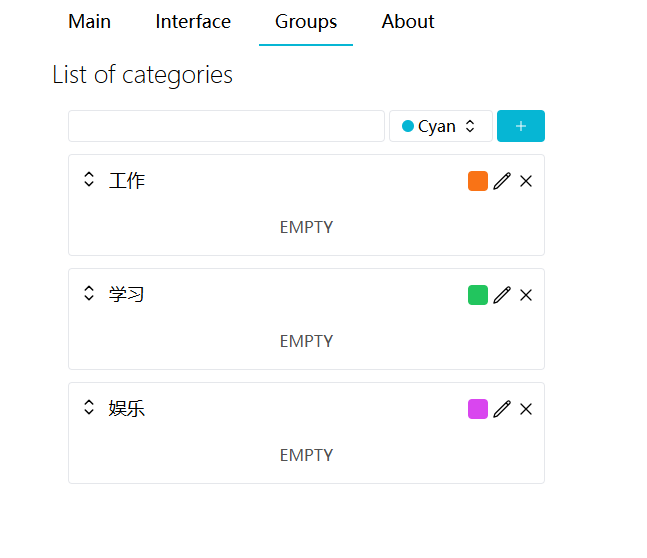
They can be marked with different colors.
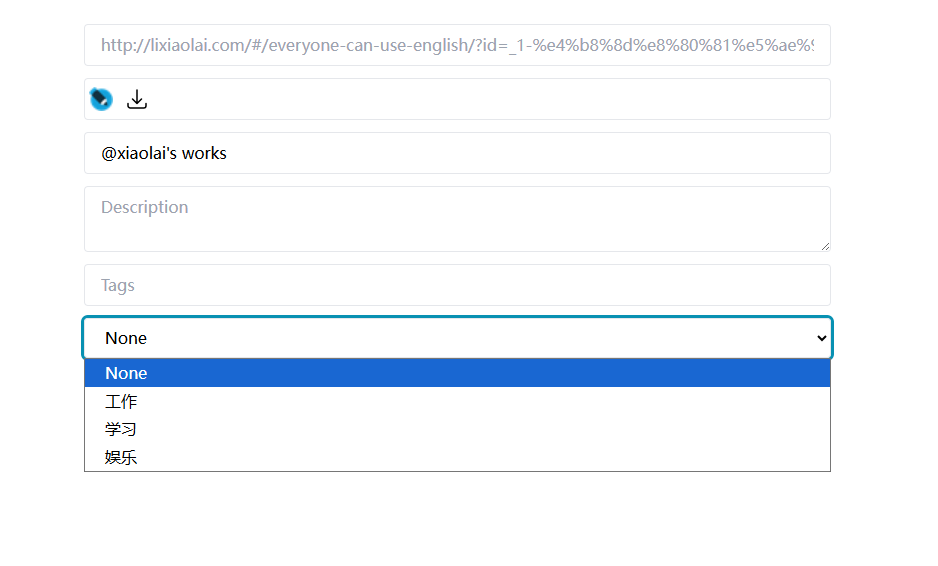
Click to edit a specific bookmark and assign it to different groups.
Finally, return to the home page to see the result.
Summary
NeonLink is a very practical bookmark management tool. Compared to more complex bookmark managers like Bookstack or LinkWarden, NeonLink's advantages are:
Lightweight: Low resource consumption. Clean Interface: No overly complex features, focused on bookmark management.
Of course, if you need more advanced features (like full-text webpage search, team collaboration, etc.), you might need to consider other solutions.