
Koillection Guide: A Universal Collection Manager
What is Koillection?
Koillection is a self-hosted collection manager designed to track any type of physical (primarily) collection, such as books, DVDs, stamps, and games.
Since Koillection is designed for any type of collection, it does not support automatic metadata downloading. However, it offers the possibility to freely add your own metadata.
https://appstore.lazycat.cloud/#/shop/detail/io.zeroc.app.koillection
User Experience
After installing the application, open the registration page and change the language to Chinese.
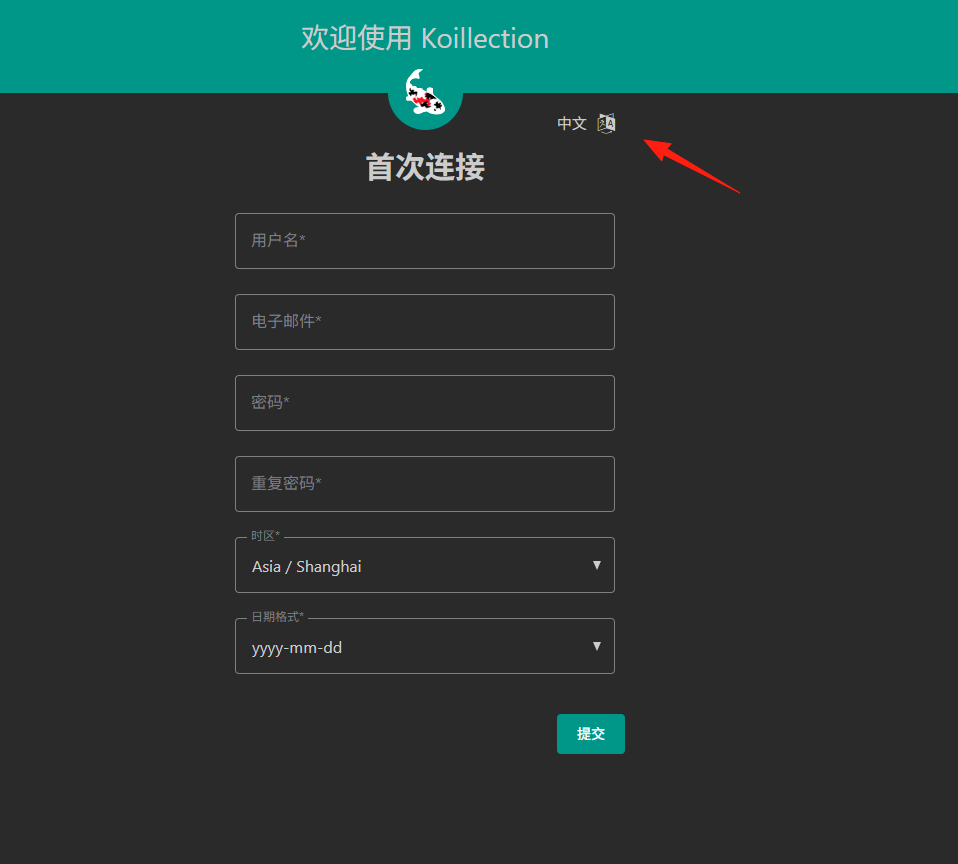 Your password must contain at least 8 characters (at least 1 letter and 1 number).
After successful registration, you will enter the main page.
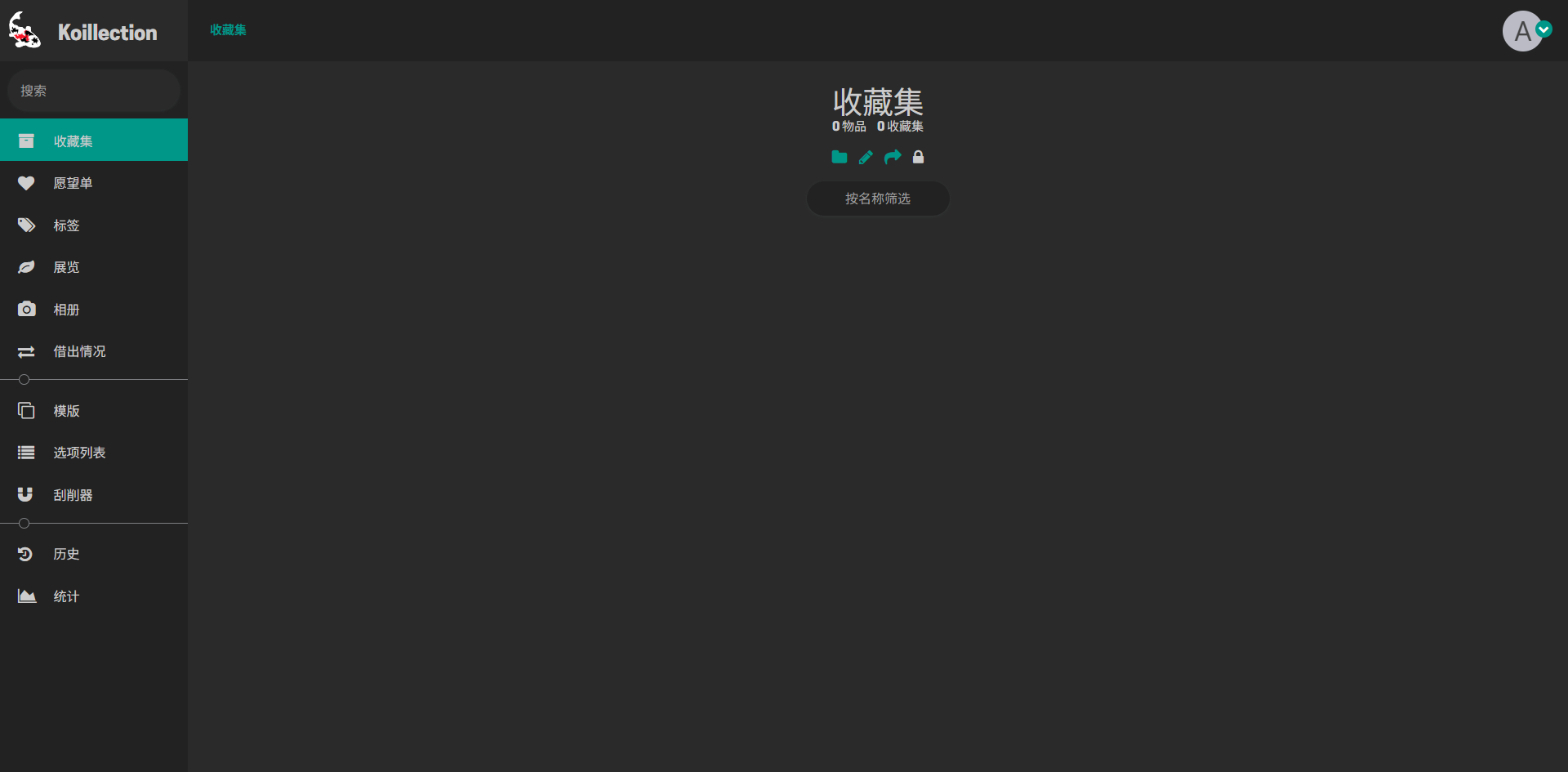
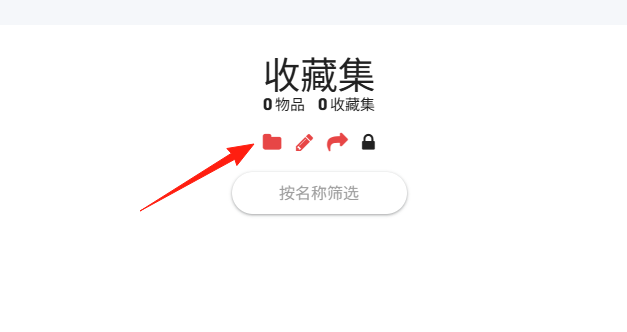
Click here to create a new collection.
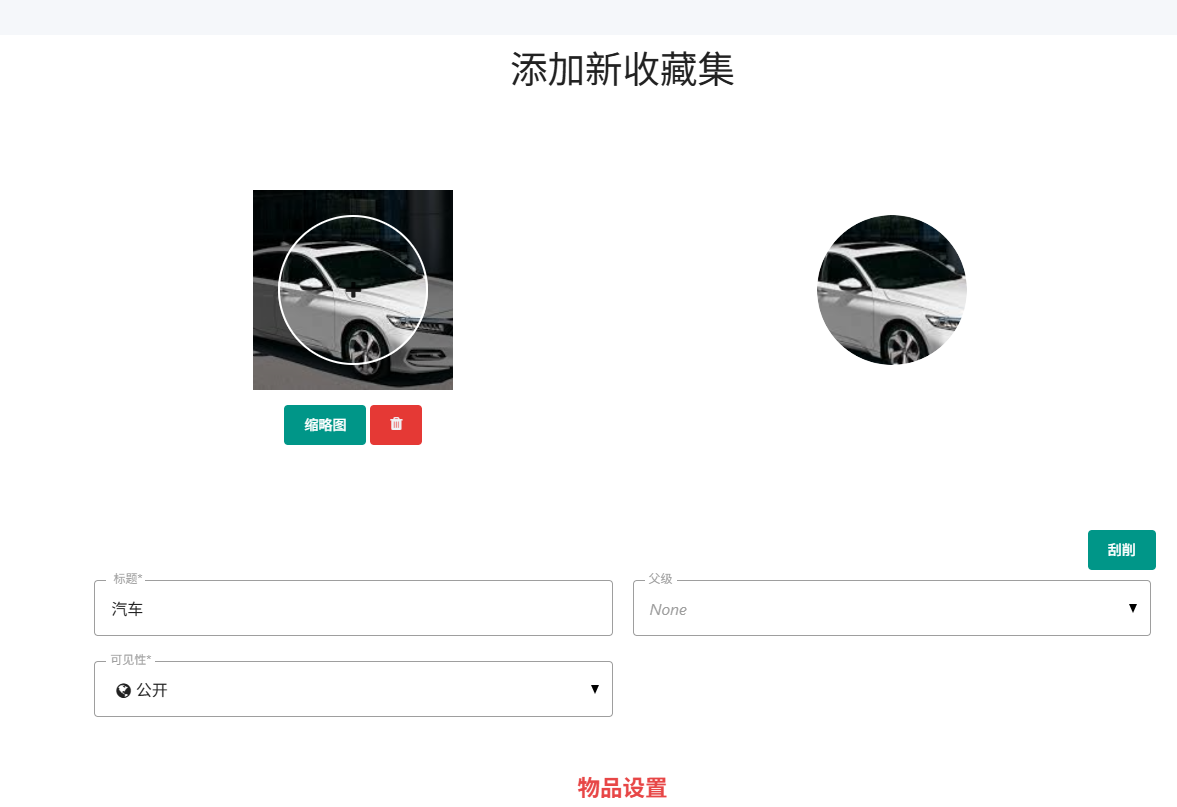
I'll create a car collection.
Click to add an item.
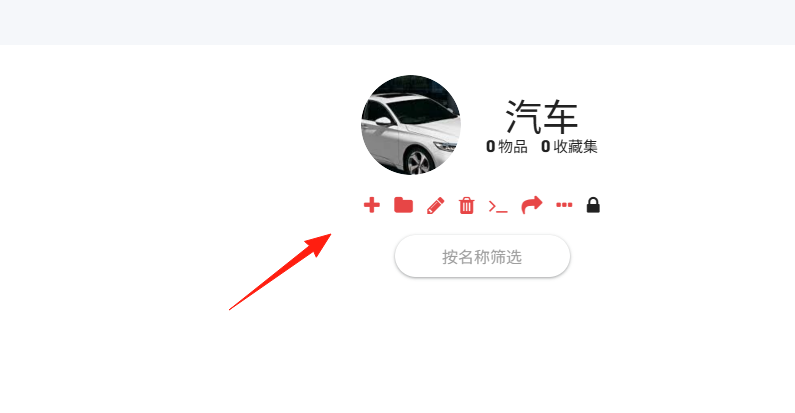
It also supports scraping functionality, but a scraper must be configured first.
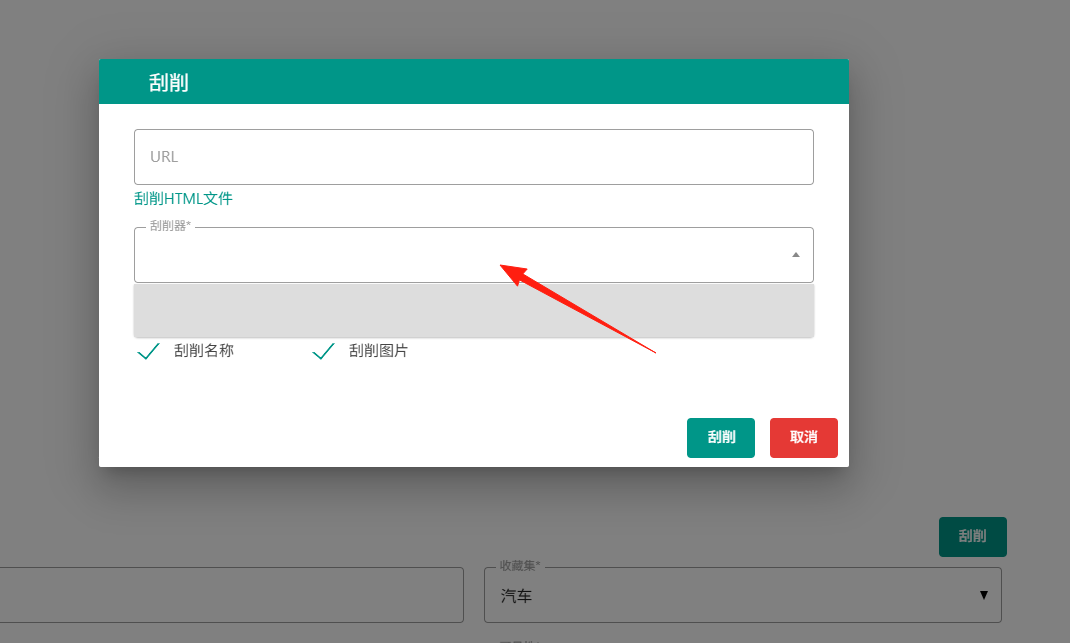
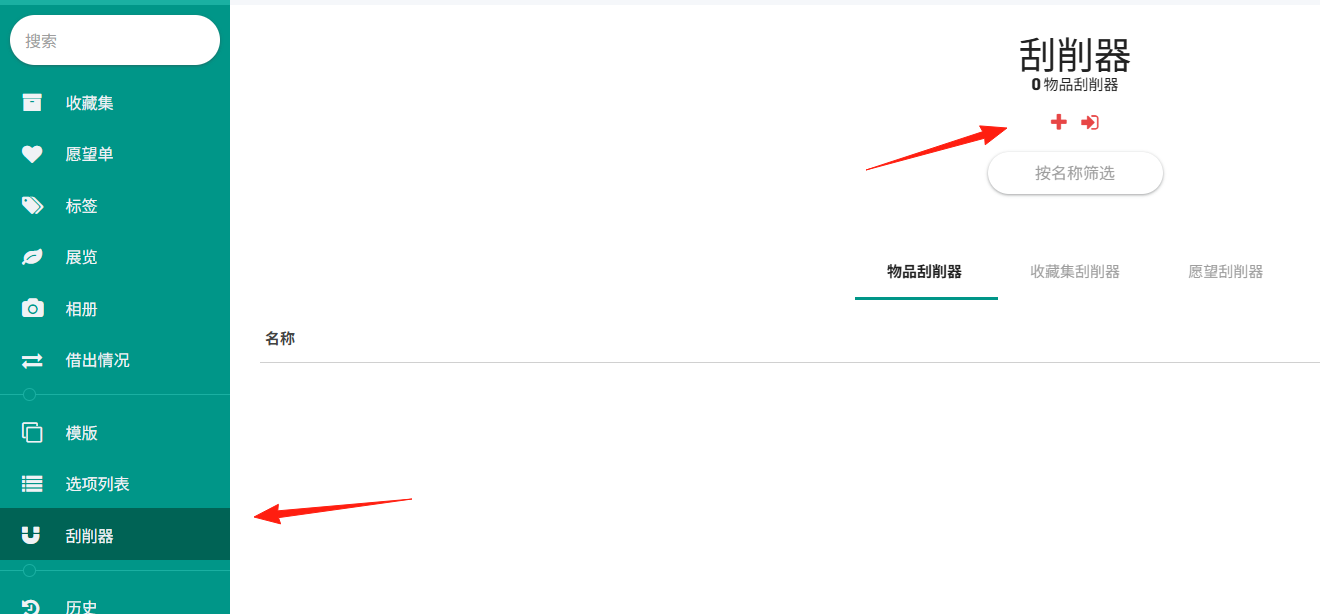
Click on the left side to create a new scraper.
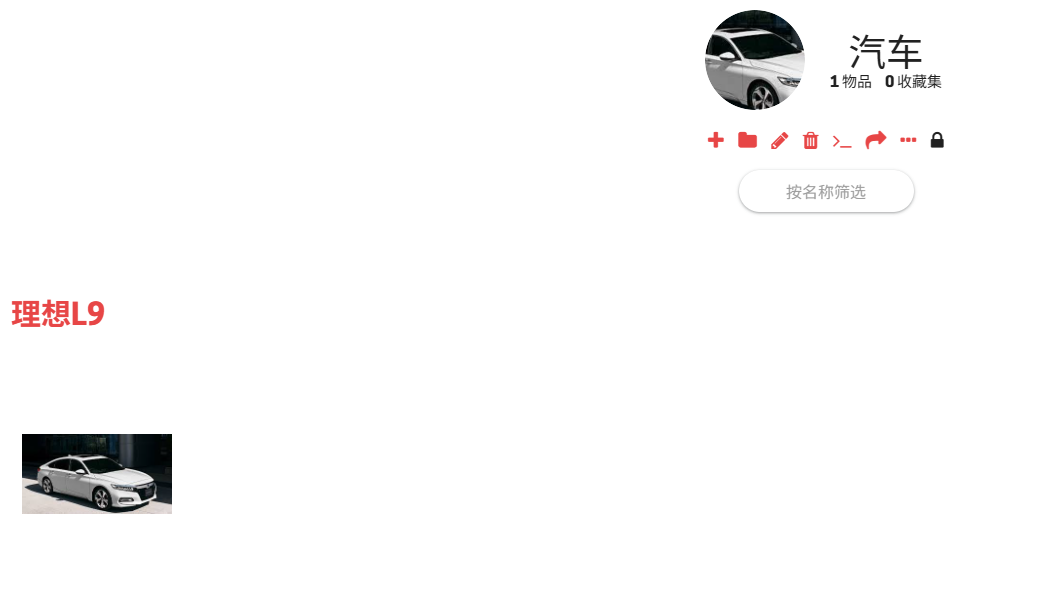
The result after adding an item.
Because it is a generic tool, you need to define the specific fields yourself. It provides these predefined types that you can add.
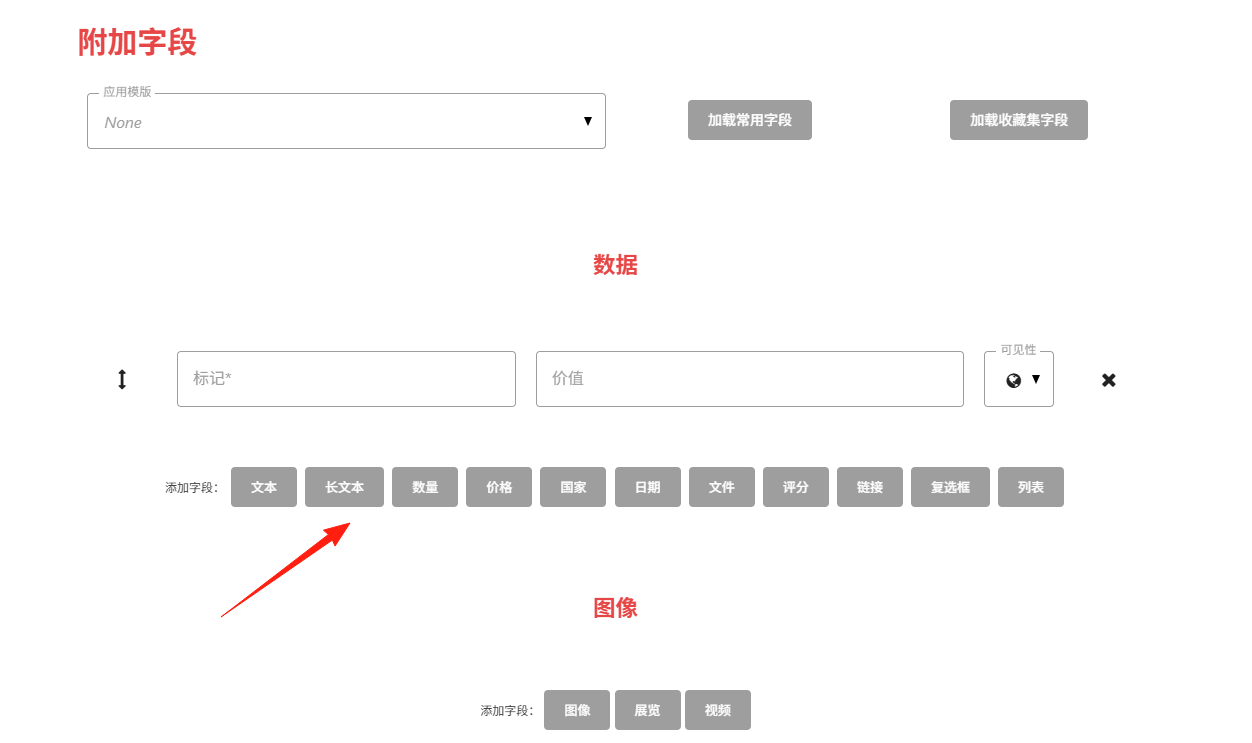
For items like books, you can add book-related fields.
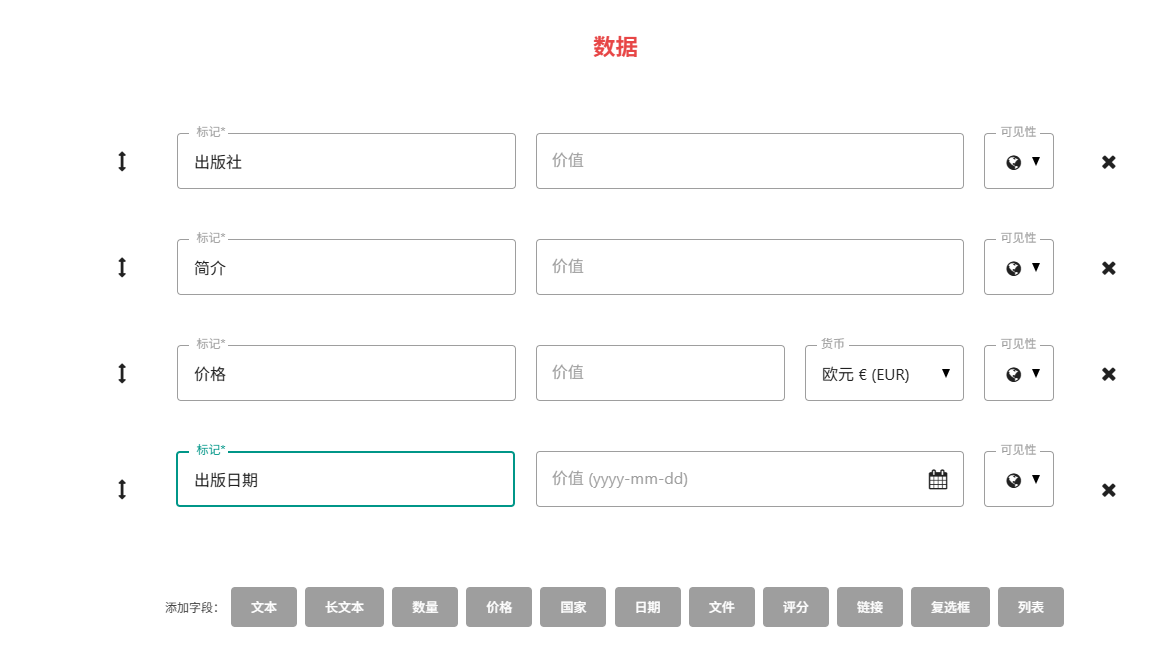
For cars, you can add fields like: model, color, price, and other car-related information.
The functions on the left sidebar are quite similar.
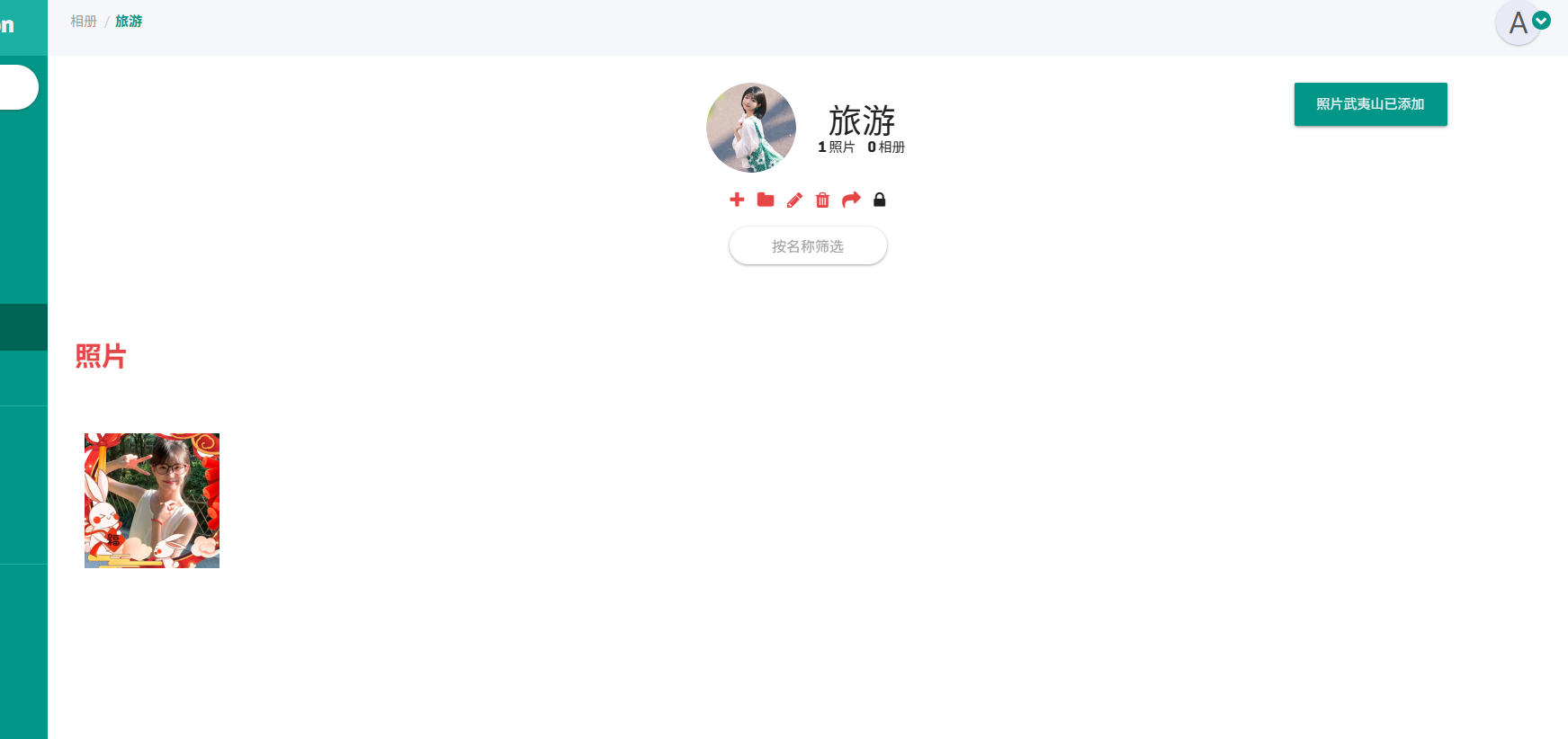
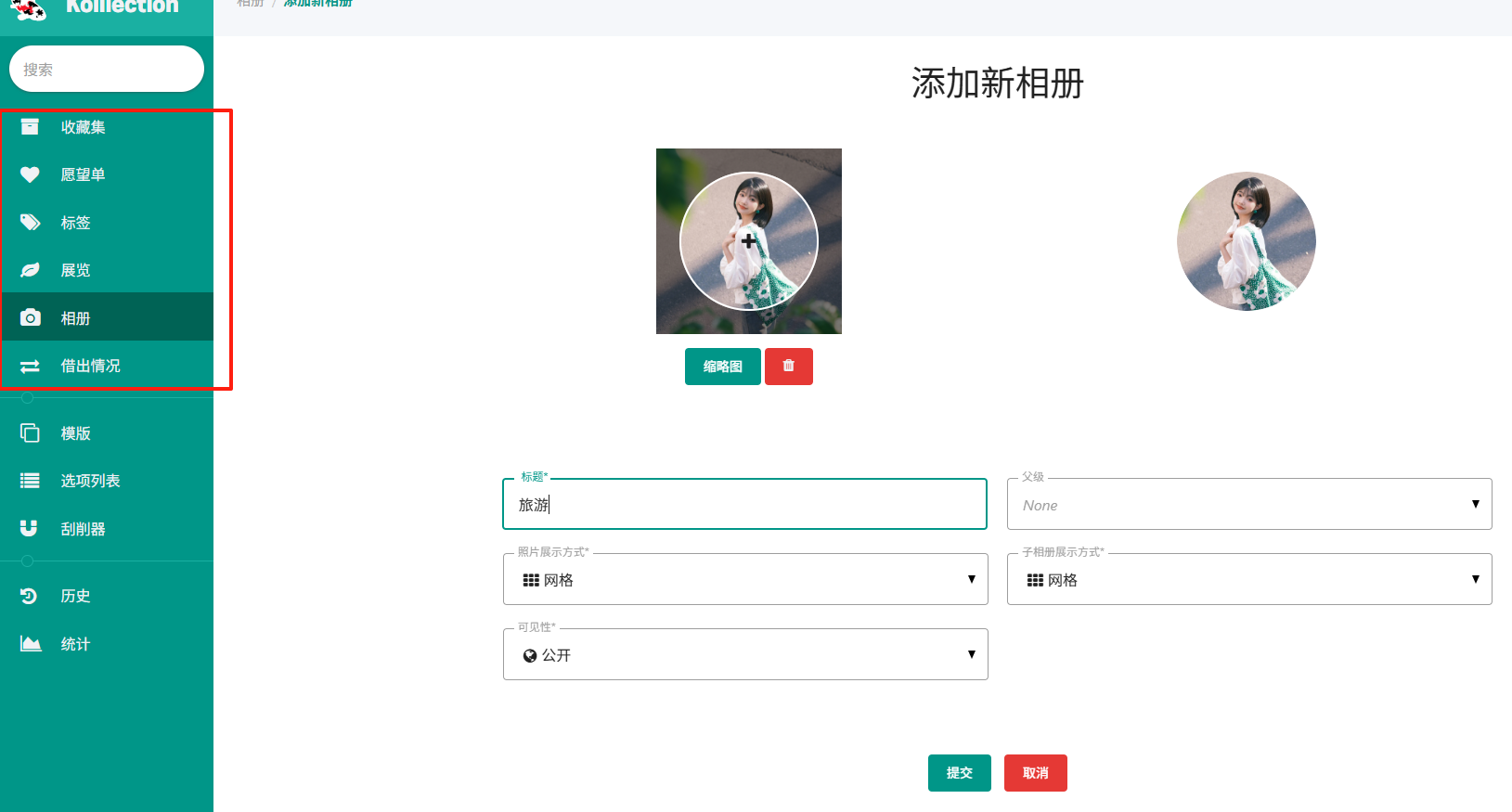 Add photos.
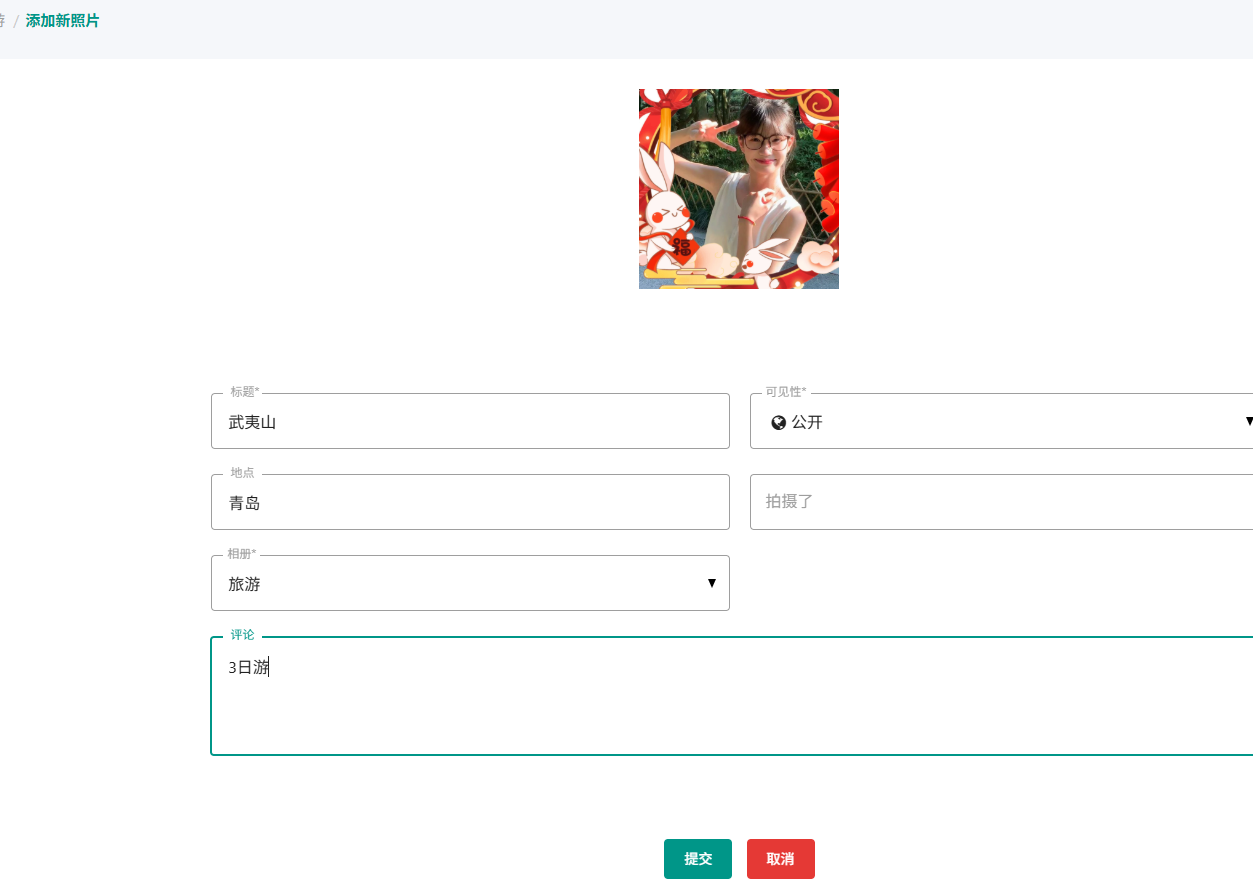
Main page view:
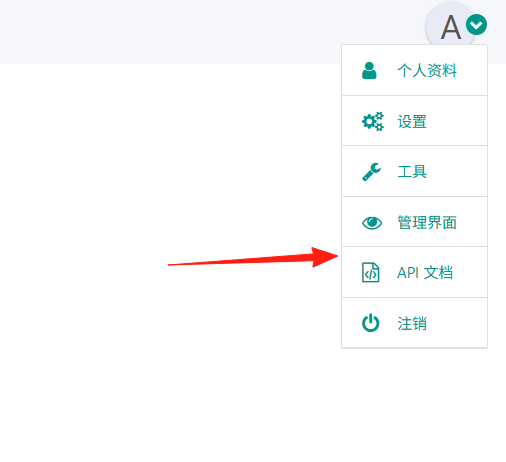
If you have development skills, you can use it as a server and connect via the API documentation.
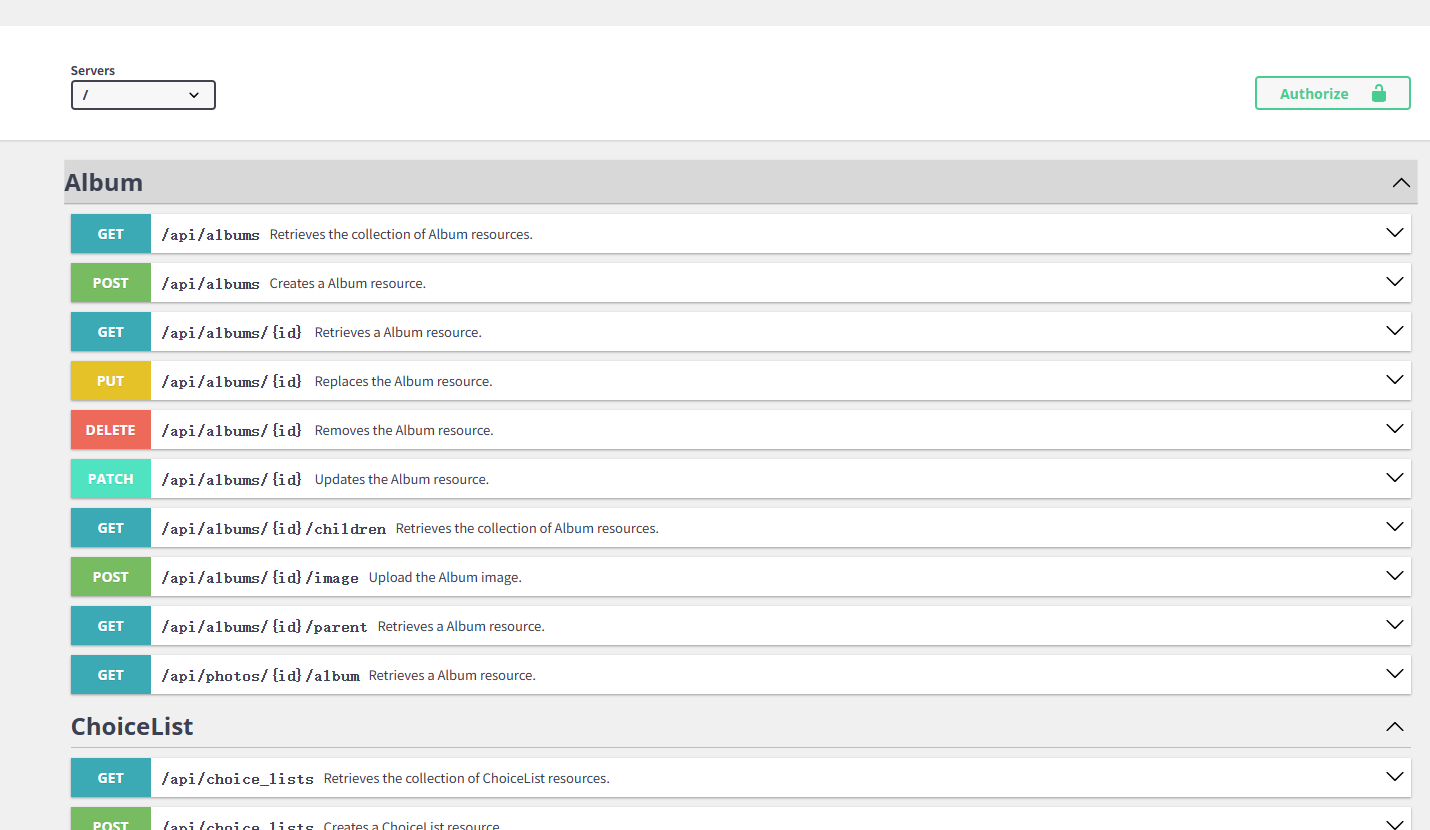
The internal functions are mostly covered by the APIs.
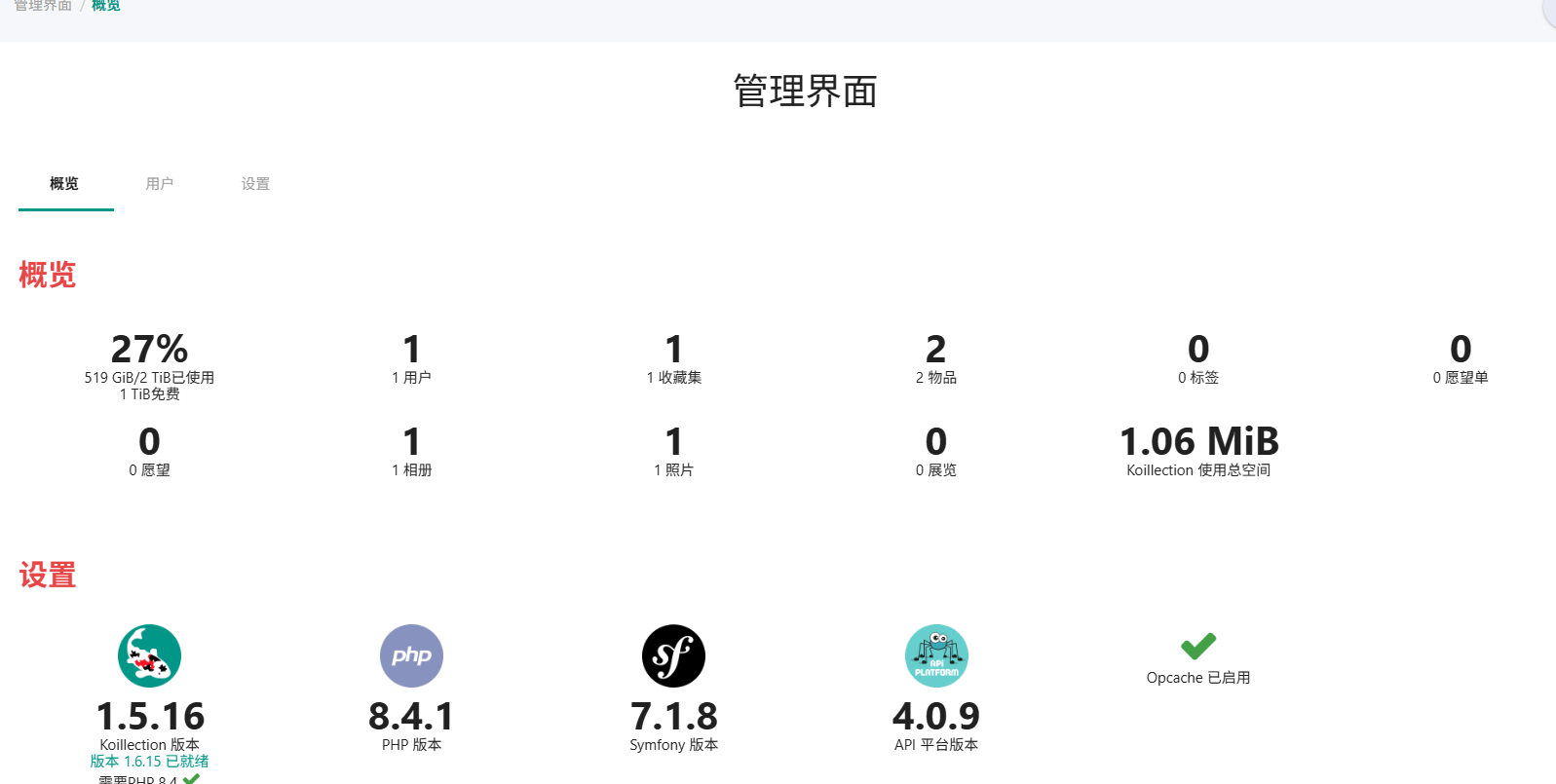
The admin interface provides an overview of the entire collection.
Summary
This software is suitable for friends who enjoy collecting. It has many detailed features, but the data entry process can be time-consuming.
For more usage information, please refer to the official Wiki. https://github.com/benjaminjonard/koillection/wiki