
Pswd: Simple and Secure Password Generator
Let me ask a tough question: How many of your accounts are still using passwords like "123456", "password", or "birthday + name"?
Don't be embarrassed to admit it – we've all been there. However, using simple passwords like "12345" or easily identifiable information like birthdays and pet names is unsafe for protecting important accounts containing personal information. Weak passwords are essentially handing your account over to hackers.
What is Pswd?
Pswd is a simple and secure password generator.
Simply put, it's a small tool that helps you generate complex passwords. What makes it special is its extreme simplicity – no flashy features, just focused on doing one thing well: helping you generate secure passwords.
https://appstore.lazycat.cloud/#/shop/detail/in.zhaoj.pswd
What Exactly Makes a Strong Password?
According to cybersecurity experts, a strong password should be at least 12 characters long and include uppercase letters, lowercase letters, numbers, and special symbols.
More specifically:
- At least 12 characters long (the longer, the more secure)
- Include uppercase letters, lowercase letters, numbers, and special symbols
- Avoid personal information (birthdays, names, phone numbers, etc.)
- Unique for each account
As you can see, manually creating such passwords is not only troublesome but also difficult to remember. That's why we need password generators.
How to Use Pswd?
After installing the app, the functional page opens directly.
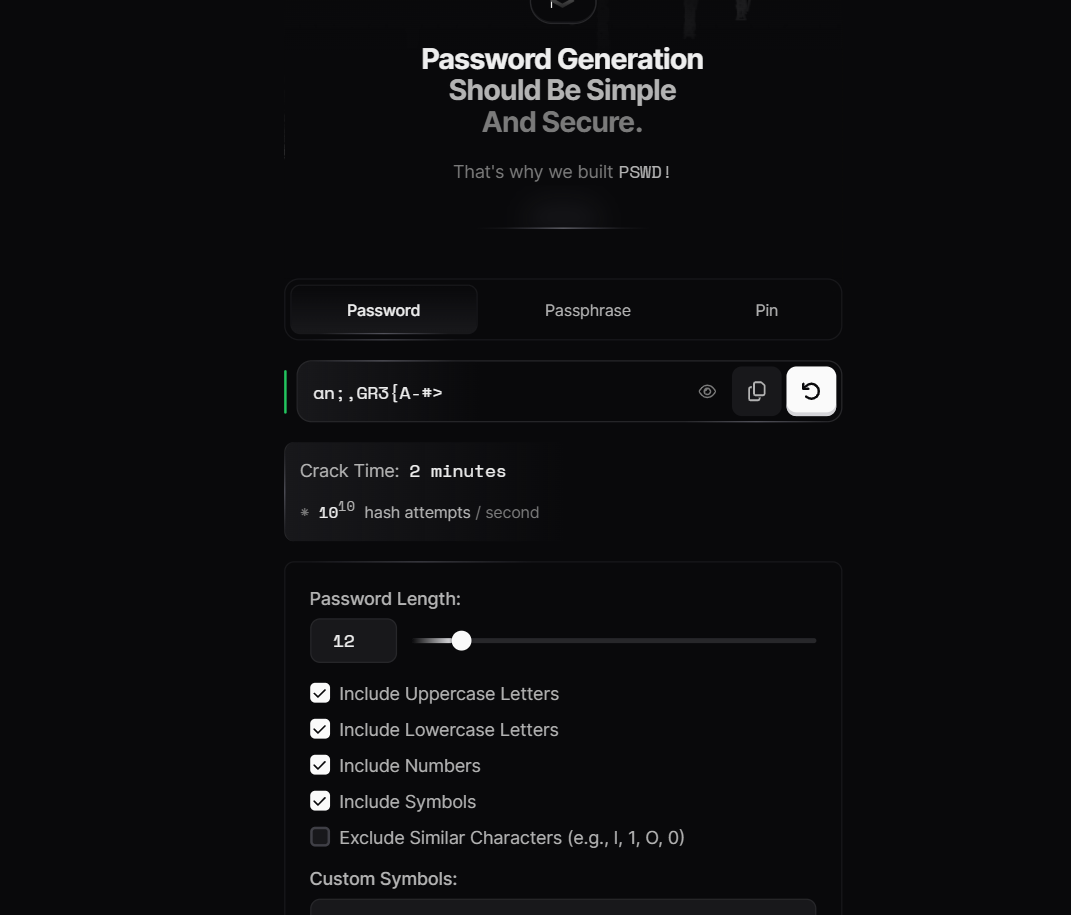
It doesn't support Chinese. The specific meanings are as follows: Password Length: The length of the password. When the password changes, the Crack Time also changes. The longer the password, the longer the cracking time. Include Uppercase Letters: Include uppercase letters in the password. Include Lowercase Letters: Include lowercase letters in the password. Include Numbers: Include numbers in the password. Include Symbols: Include symbols in the password. Exclude Similar Characters (e.g., l, 1, O, 0): Exclude similar characters (e.g., l, 1, O, 0). Custom Symbols: Custom symbols, for example, only using @#$%. Exclude Symbols: Excluded symbols, meaning symbols not to be used, for example: /?.
- Select Password Length: Recommended at least 12 characters, can be set longer for important accounts.
- Check Character Types:
- Uppercase Letters: A-Z
- Lowercase Letters: a-z
- Numbers: 0-9
- Special Characters: !@#$%^&*, etc.
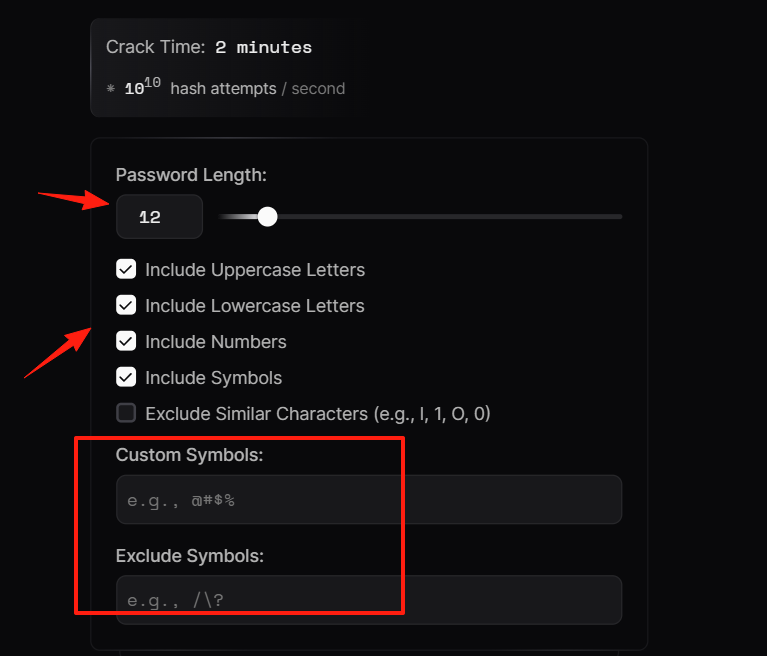
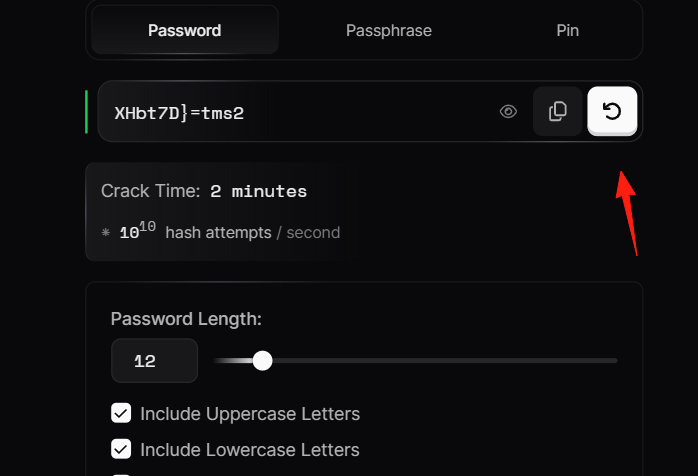
Click the "Generate" button, and a strong password will appear.
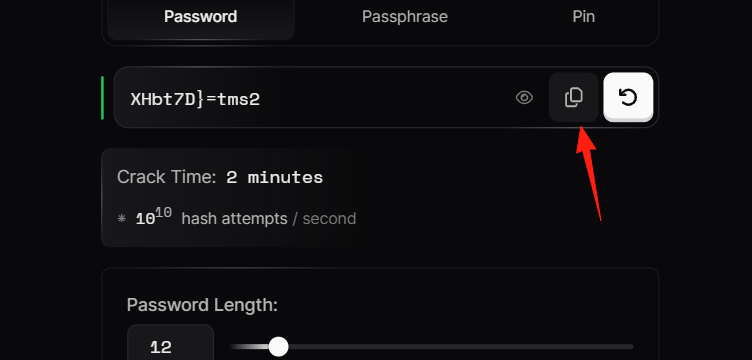
Click the copy button, then paste it where you need to set the password.
On the right side is the Passphrase function.
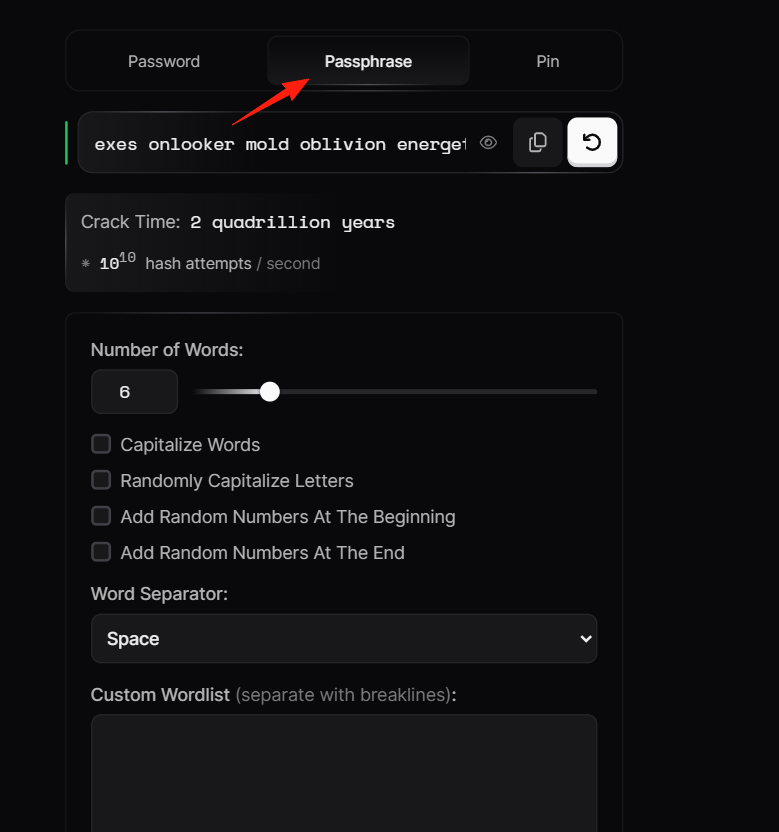
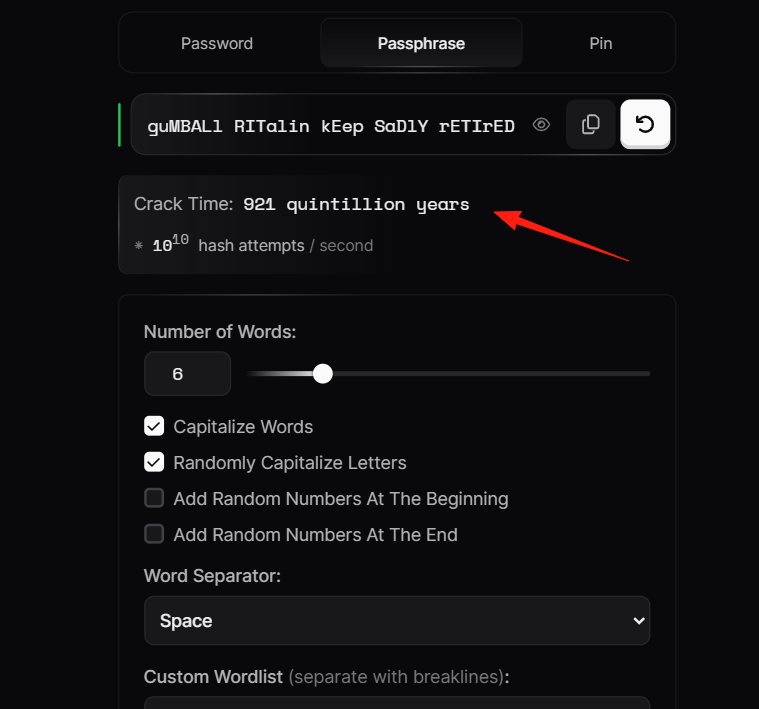
Number of Words: The number of words. Capitalize Words: Capitalize the words. Word Separator: The separator between words. Custom Wordlist (separate with breaklines): Custom word list (separated by line breaks).
This displays the time required for a brute-force attack to crack the password. As the name suggests, the longer the time, the more secure it is.
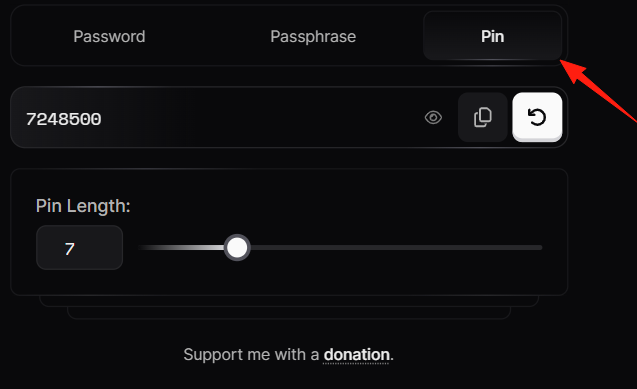
Pin generates a random number.
Points to Note:
- You need to save the password yourself: You must record or save it after generation.
- Relatively simple functionality: If you need password management features, you'll need to use other tools in conjunction.
Summary
Cybersecurity starts with strong passwords. If you're still using weak passwords, why not try Pswd to add an extra layer of security to your accounts.