
TaleBook User Experience: Building a Private Library and Personal Book Manager
TaleBook Introduction
TaleBook is an open-source project meticulously designed for book lovers; it's a simple yet powerful private book management system. Built upon the calibre project, it features book management, online reading and pushing, user management, SSO login, and the ability to fetch book information from Baidu/Douban.
TaleBook Features
🍉 Beautiful Interface: Dissatisfied with the unattractive and hard-to-use default Calibre web interface, a new interface was independently developed based on Vue, supporting both PC access and mobile browsing. 🍠 Supports Online Reading: Utilizing the epub.js library, it supports reading e-books online via the web browser (chapter comment feature under development). 🍵 Supports Batch Scanning and Book Import. 🎪 Supports Email Pushing: Easily push books to Kindle. 🎏 Supports OPDS: Read conveniently using apps like KyBooks. 🍾 Supports Quick Book Information Updates: Allows searching and importing basic book information from Baidu Baike and Douban.
https://appstore.lazycat.cloud/#/shop/detail/cloud.lazycat.app.talebook
User Experience
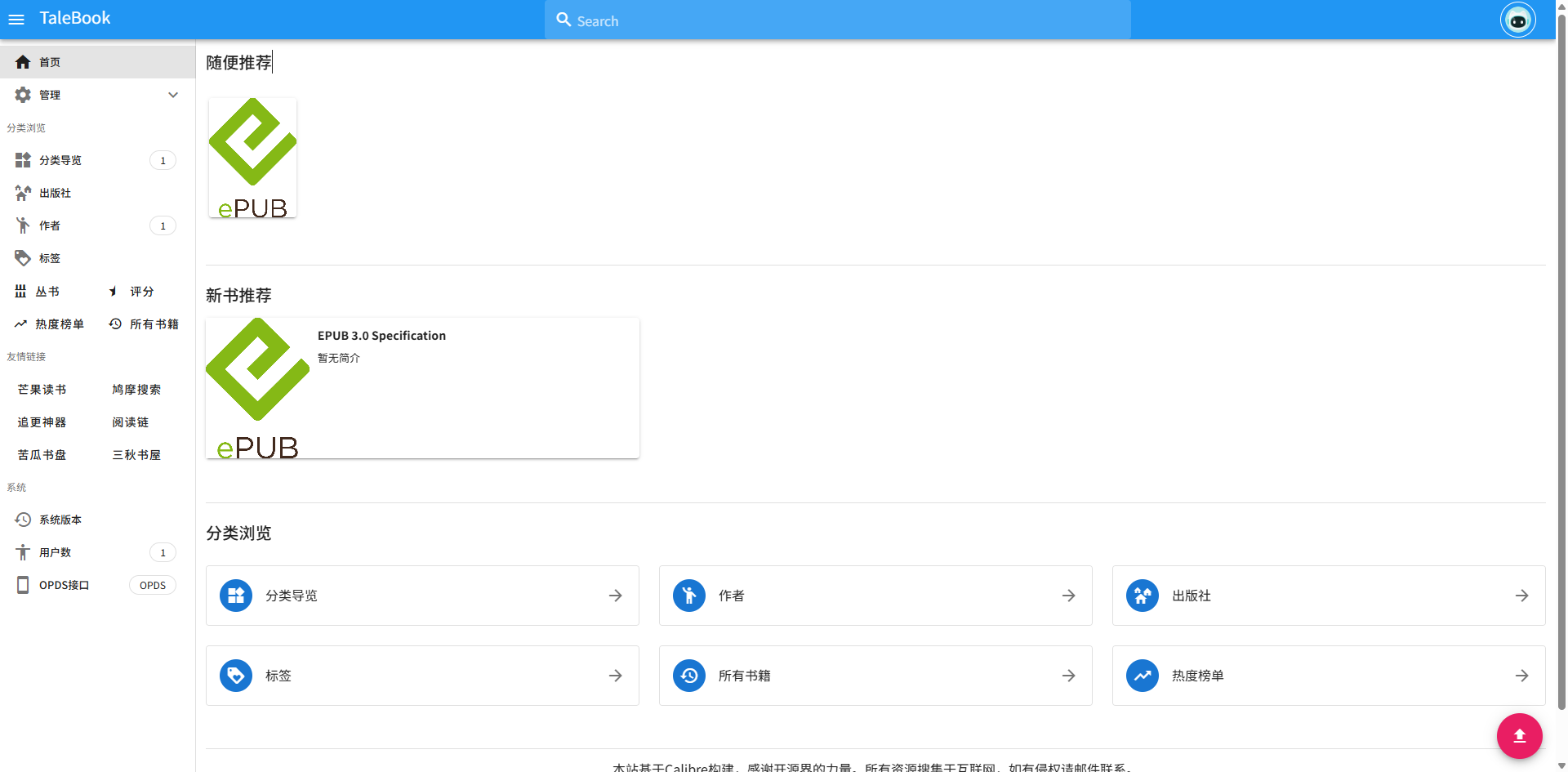
After the application is installed, the homepage opens directly. It should come pre-configured with a LazyCat account, so no login or registration is required.
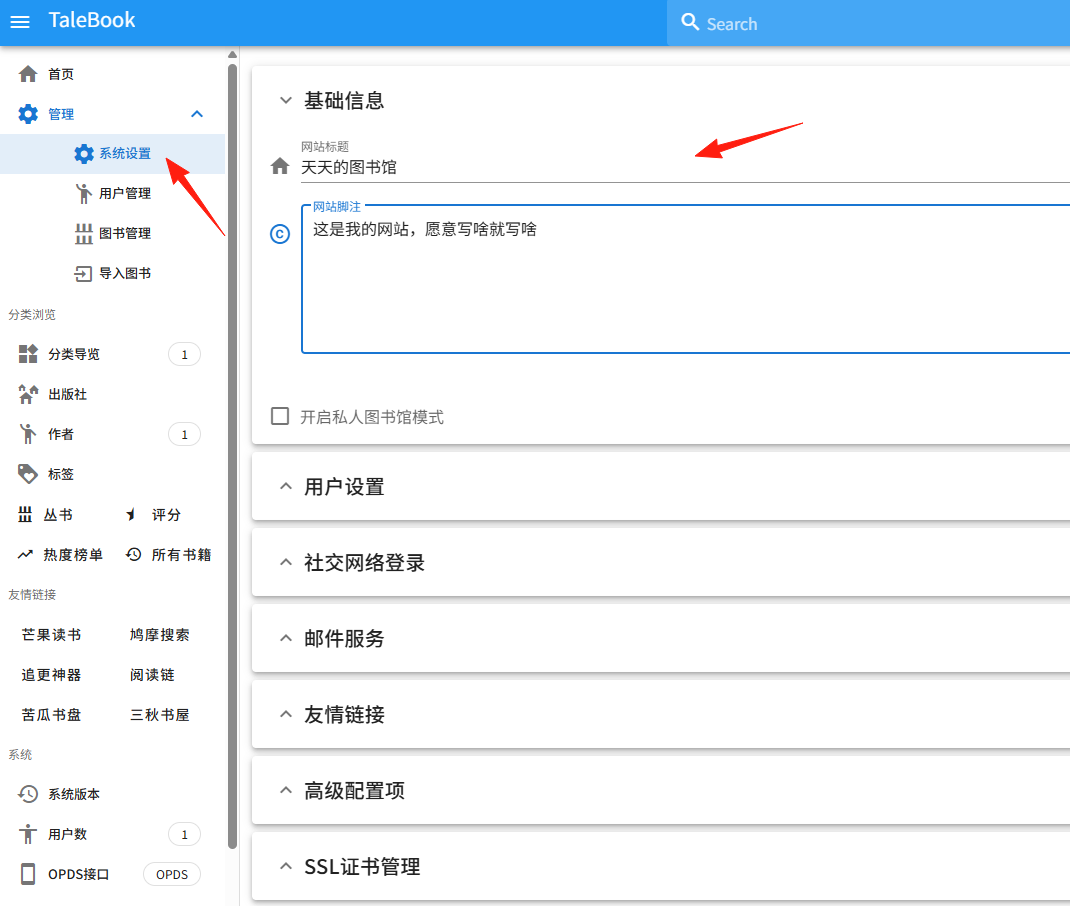
In the System Settings, you can modify some basic information.
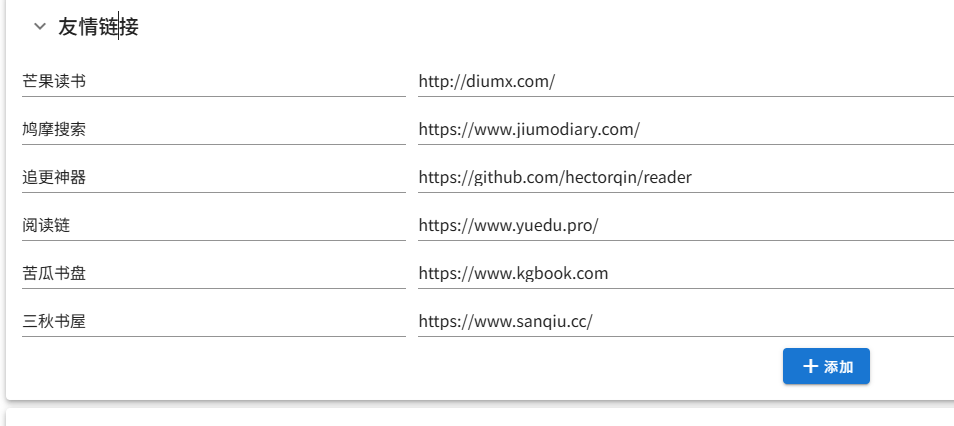
In the Friendly Links section, you can add and manage links.
 Recommendations for some available book libraries:
Night Reader https://www.yeduk.com Wanderer https://www.chinjua.com Wenyuan Pavilion https://wenyuange.org Kindle Push Station https://www.azw3.tk Hugh's Report https://www.hughlib.cn BookFere https://bookfere.com/books Neikuw http://neikuw.com ePUBw https://epubw.xyz Elegant Reading http://www.aiyadu.com Elegant Books https://yabook.org
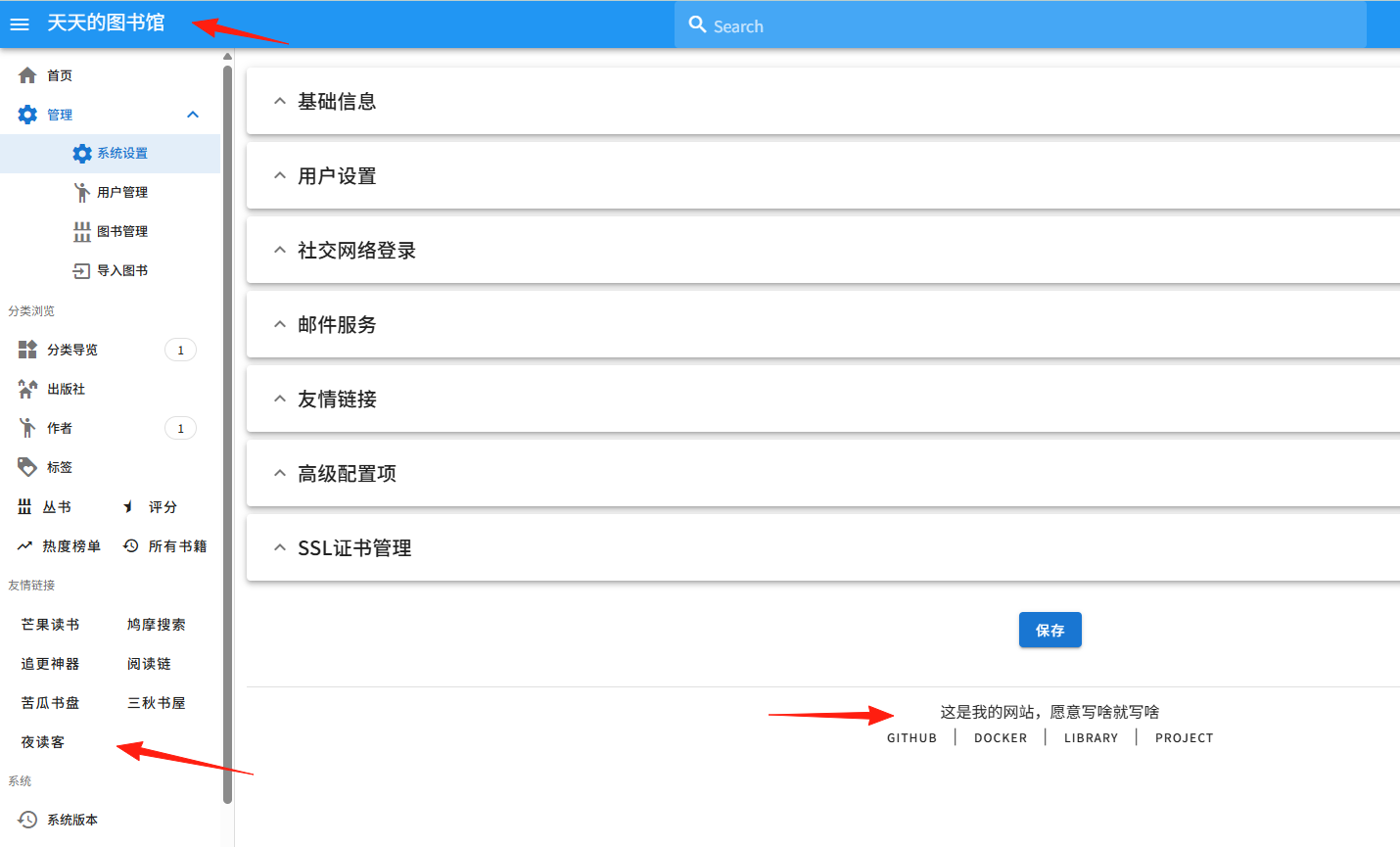
Finally, click Save, refresh the page, and you can see the results.
To import books, click Scan and select the directory in LazyCat Cloud Drive where you store your e-books.
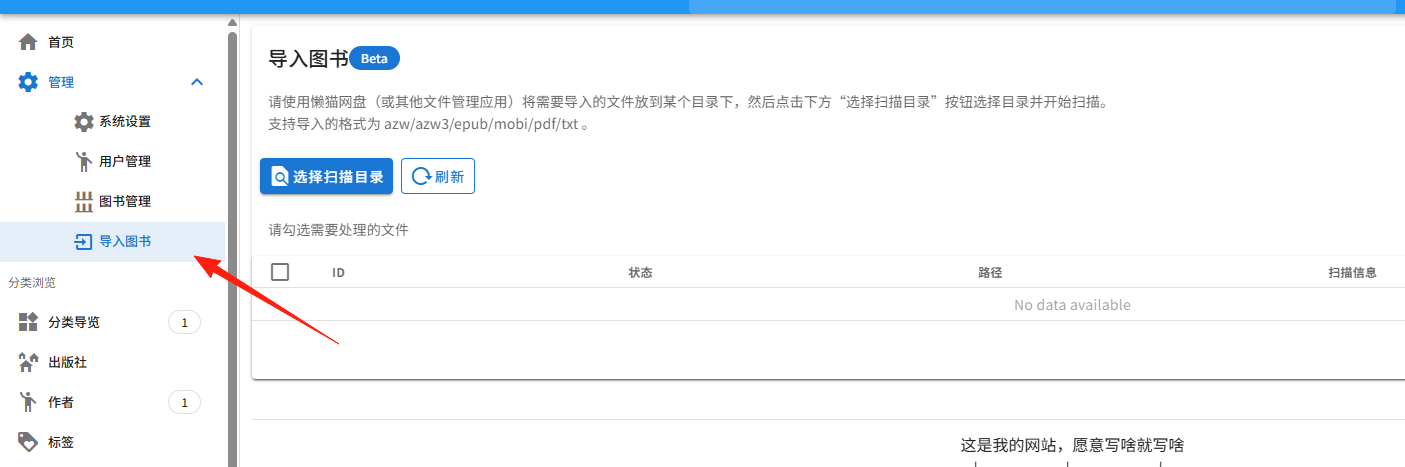
The scanning process is quite slow; it kept showing a loading spinner. I refreshed the page and found the books had already been detected.
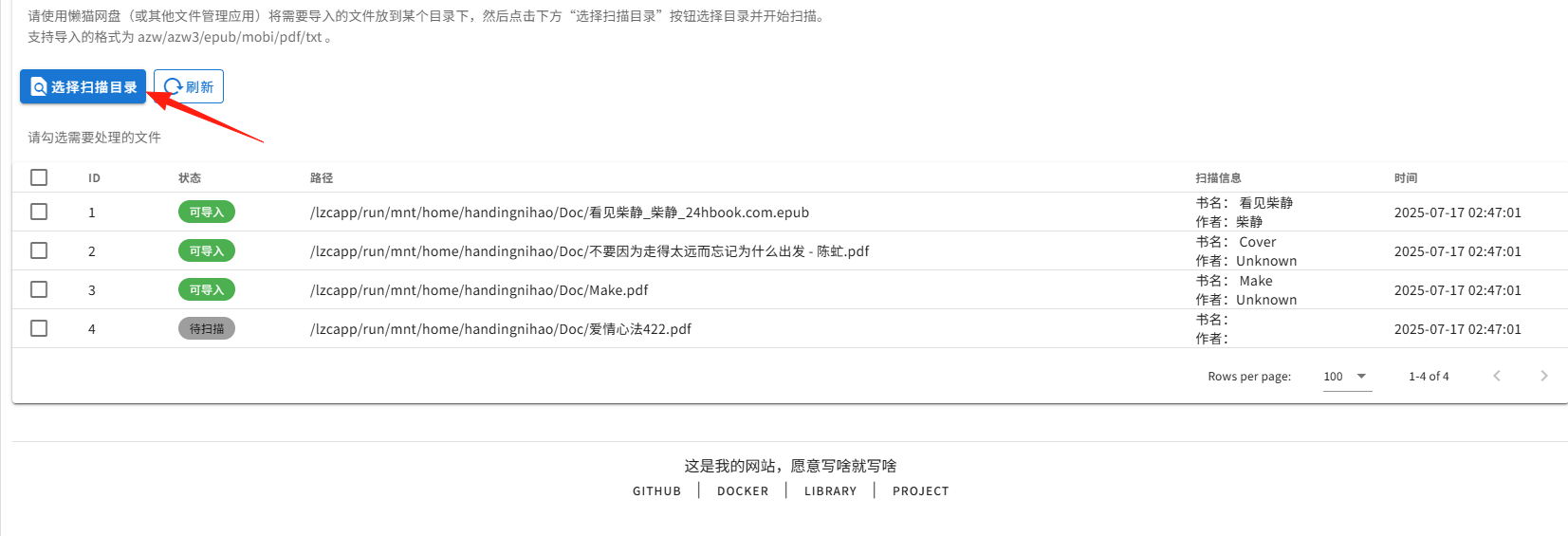
A notification appears when the scan is complete.

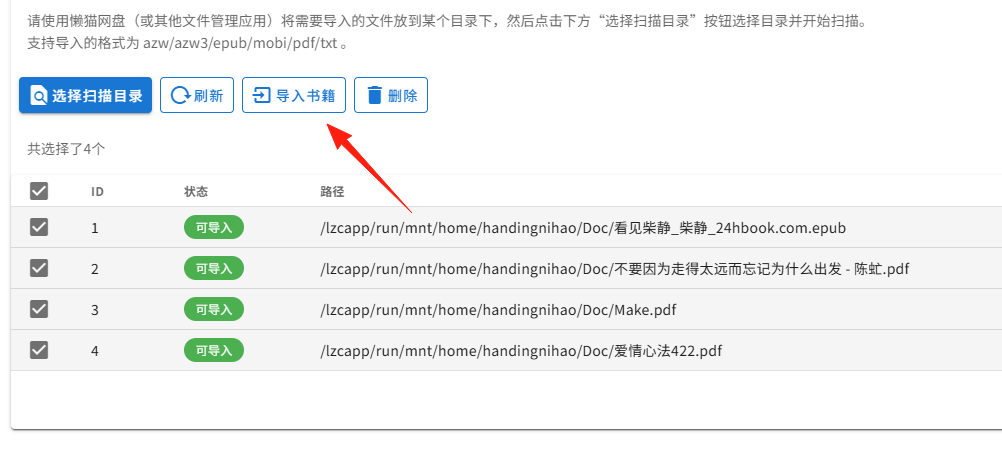
At this point, the books are not yet in the library. Select the books and click ["Import Books"] to add them to your database.
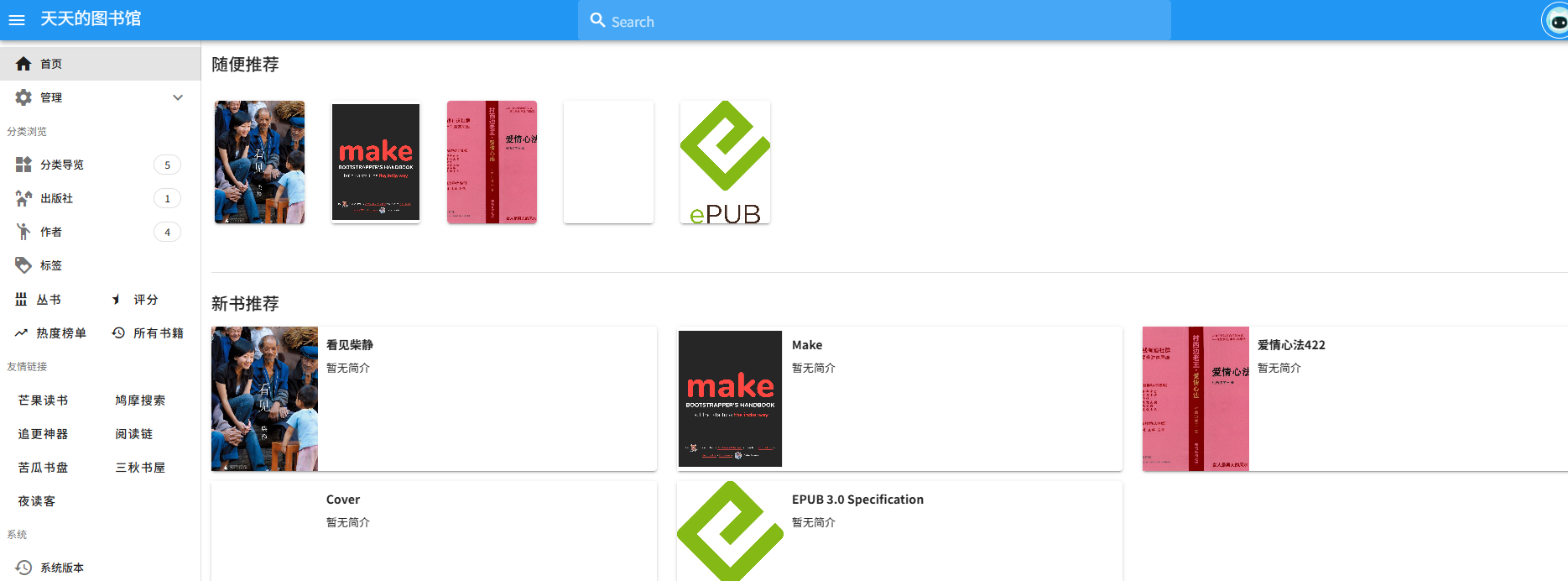
Returning to the homepage, you can see the data has been imported.
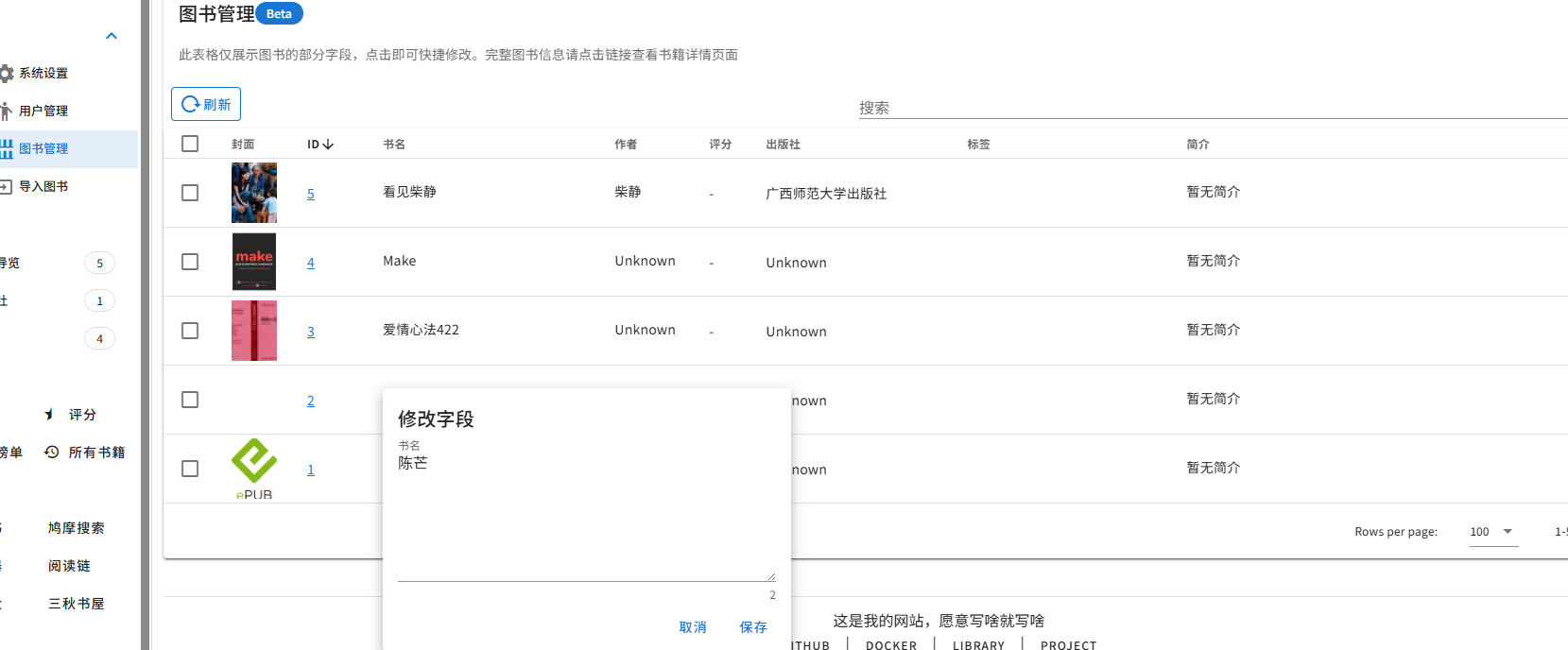
For books where the metadata wasn't recognized correctly, you can manually edit it in the Book Management section.
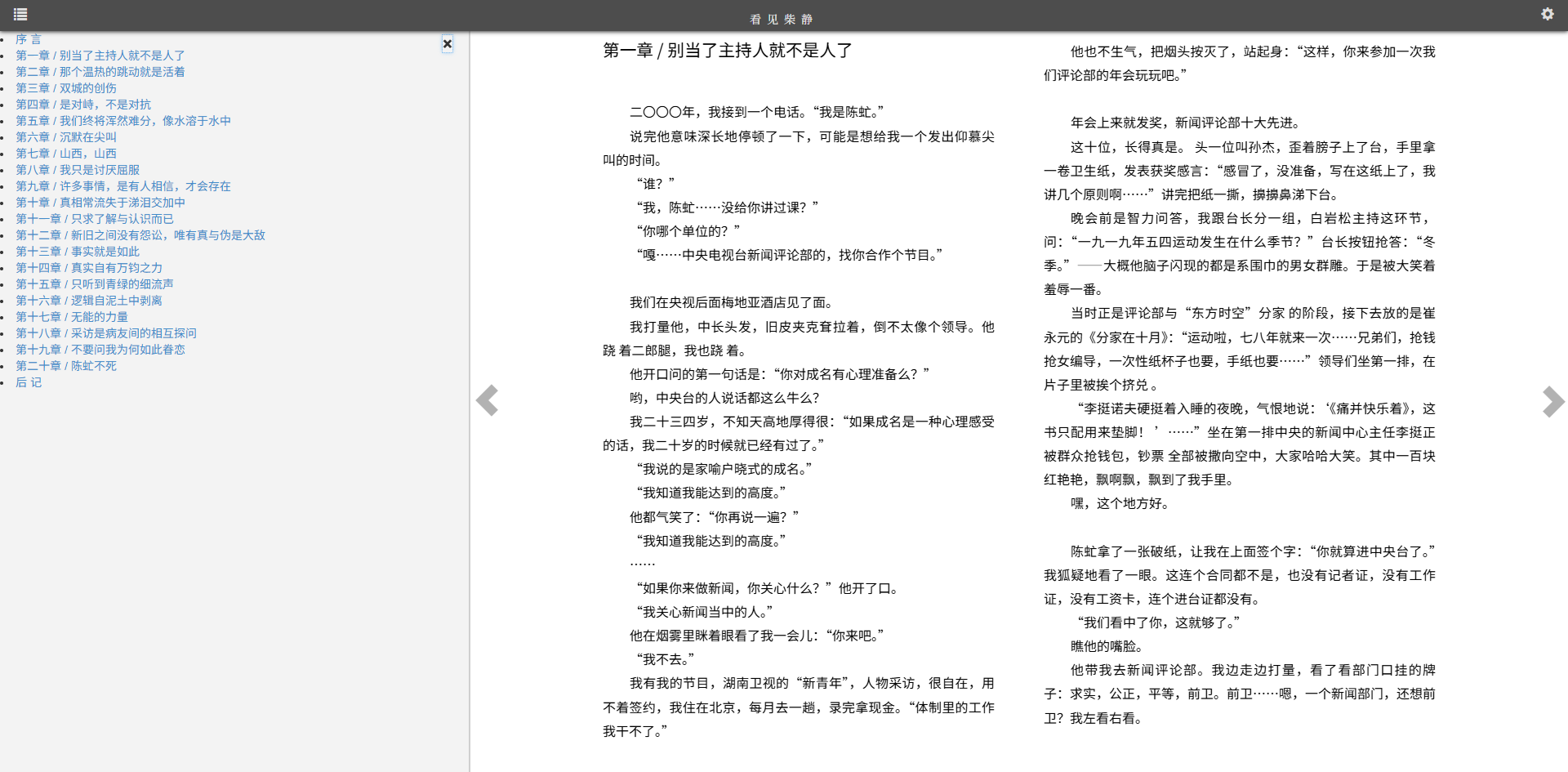
The online reading experience is also quite good.
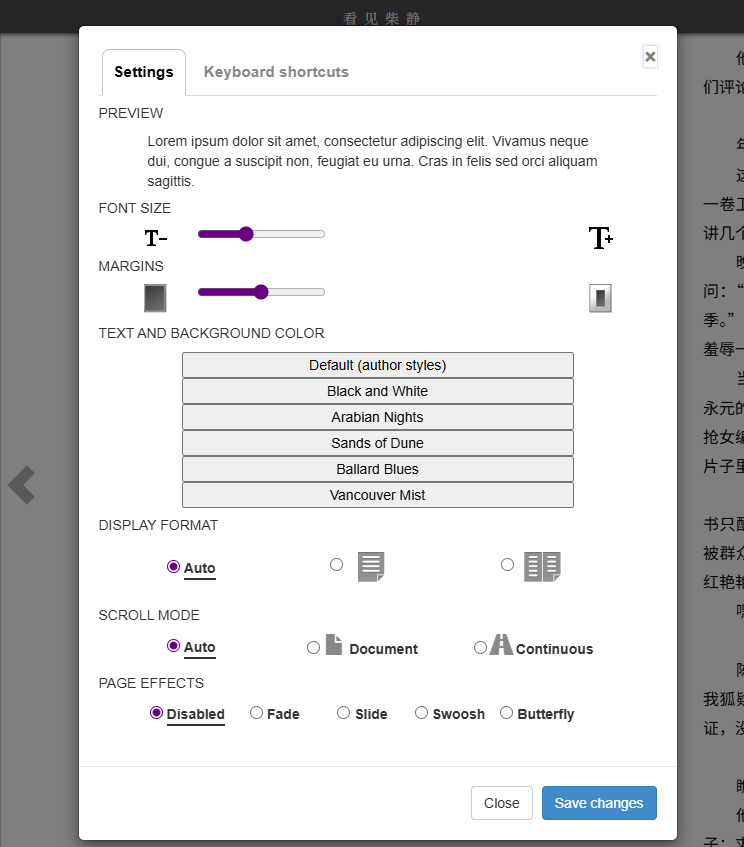
In the settings, you can change the font size, background, etc.
Summary
TaleBook makes it very convenient to manage your e-books. Furthermore, it's officially adapted to directly scan files in LazyCat Cloud Drive, which is extremely handy. Highly recommended for use.