
tududi - A Simple and Easy-to-Use Task Management Tool
When it comes to task management software, most people probably think of major products like Notion and Todoist first.
But today, I want to recommend this niche gem—tududi—which might make you rethink what "simple yet powerful" truly means.
What is tududi?
tududi is a task and project management web application that enables users to efficiently manage tasks and projects, categorize them into different areas, and track deadlines.
Sounds pretty standard, right? But the devil is in the details.
https://appstore.lazycat.cloud/#/shop/detail/xyz.mxue.tududi
Core Features Usage
After installing the app, open the login page. Use the following credentials: username@tududi.com / username
Note: The username here is your Lazycat login username, not your device name.
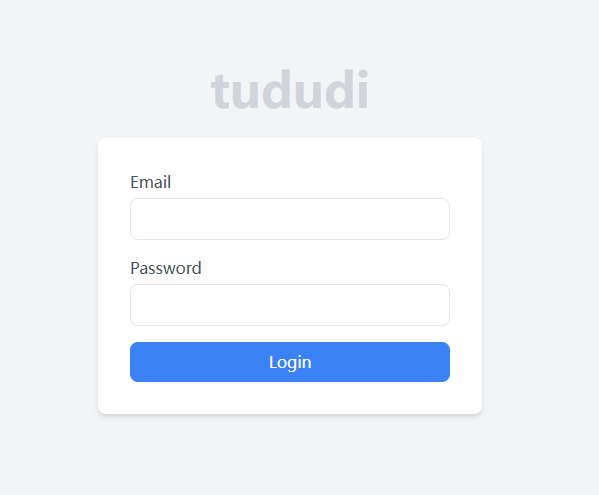
After successful login, you will enter the home page.

The default language is English; Chinese is not supported. However, the features are relatively simple, so English should suffice.
tududi handles the most basic task management functions very well:
- Create Tasks: Click to create a new task, supports setting deadlines.
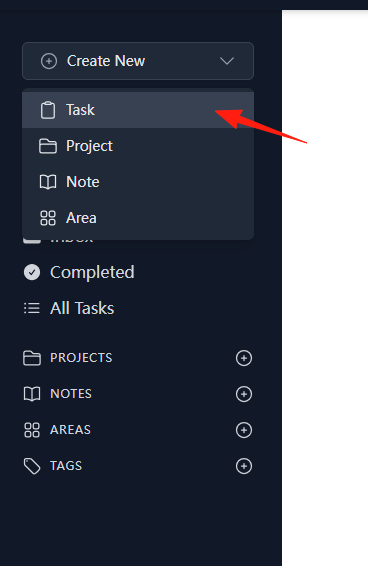
- Status Management: Completed, pending statuses are clear at a glance.
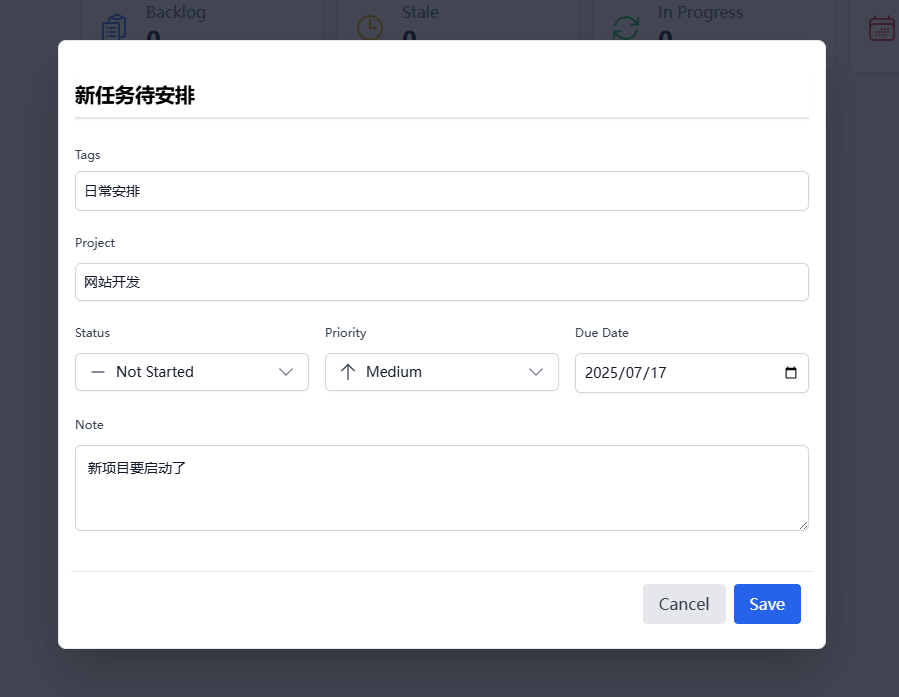
These features might seem basic, but you'll appreciate how smooth they are in practice. You won't face the awkward situation of "I just want to note a task, but the interface is so complicated I don't know how to proceed."
Users can organize tasks into projects. Each project can contain multiple tasks and/or multiple notes. This design is very thoughtful. For example, if you're working on a website project, you can group all related tasks under this project and also add notes to record ideas.
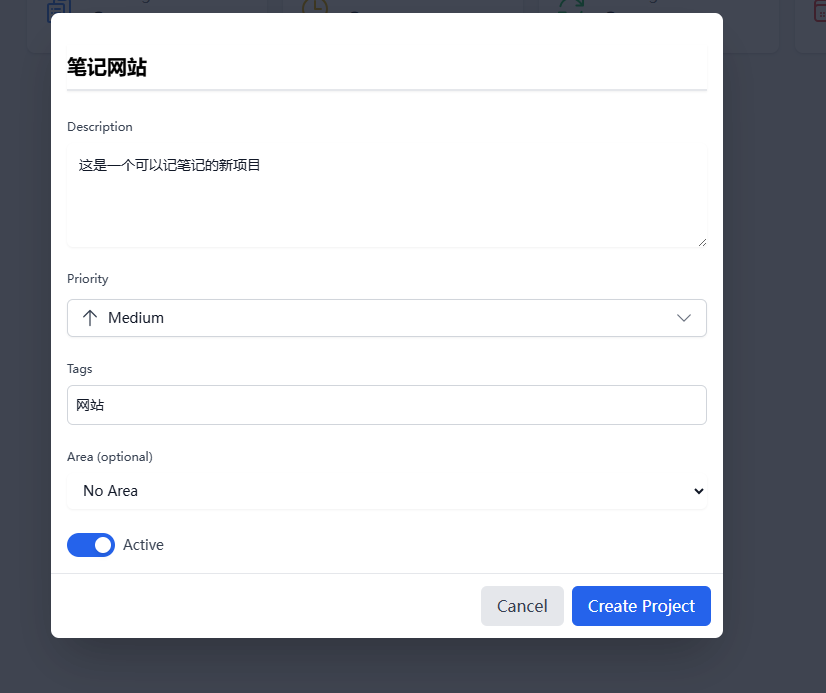
There's also the Areas feature, which allows you to group projects further. For instance, you can create areas like "Work", "Personal", "Study" to make your entire task system more organized.
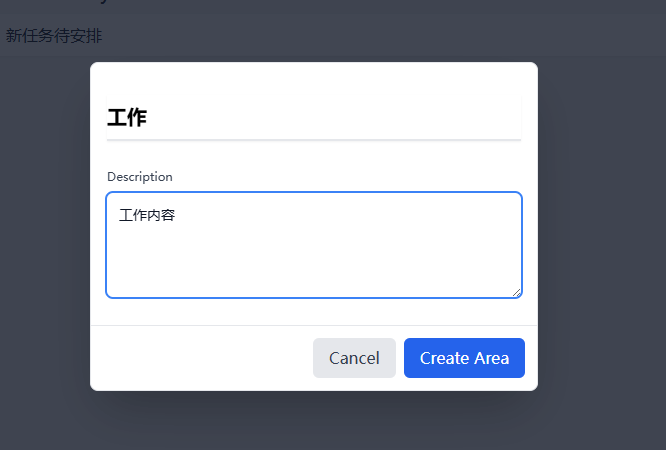
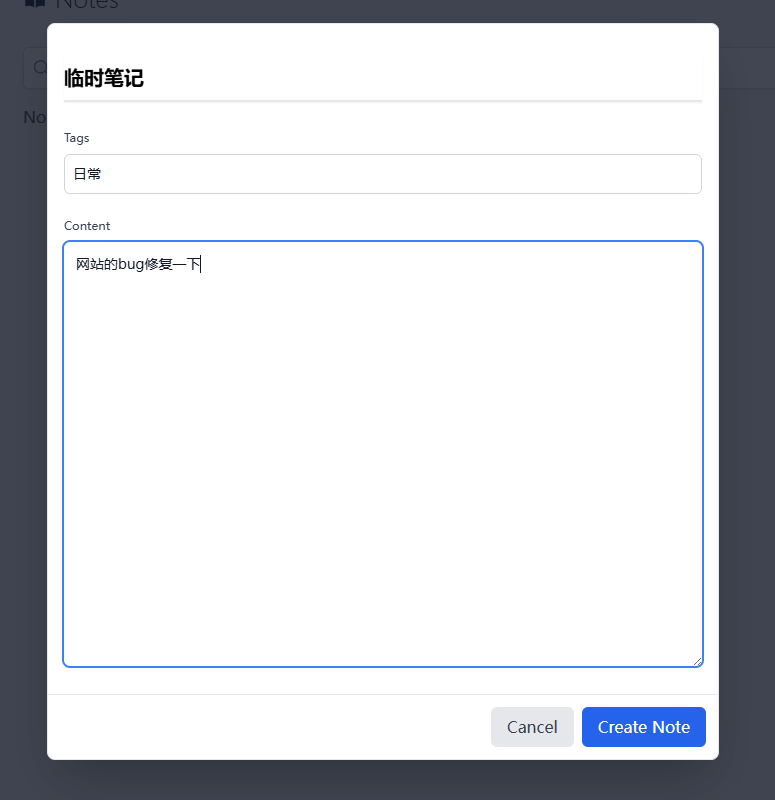
Sometimes when you suddenly have an idea or need to jot down some project-related information, tududi's quick note feature comes in handy.
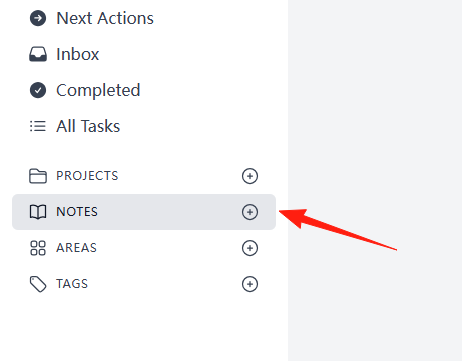 You can create notes independently or associate them with specific projects, offering high flexibility.
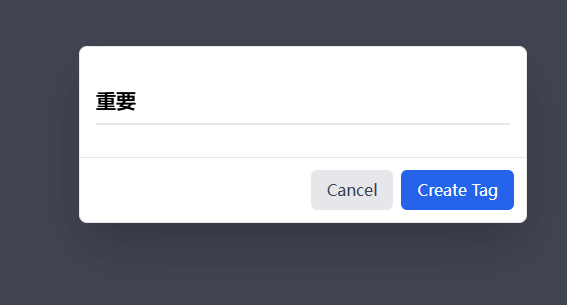
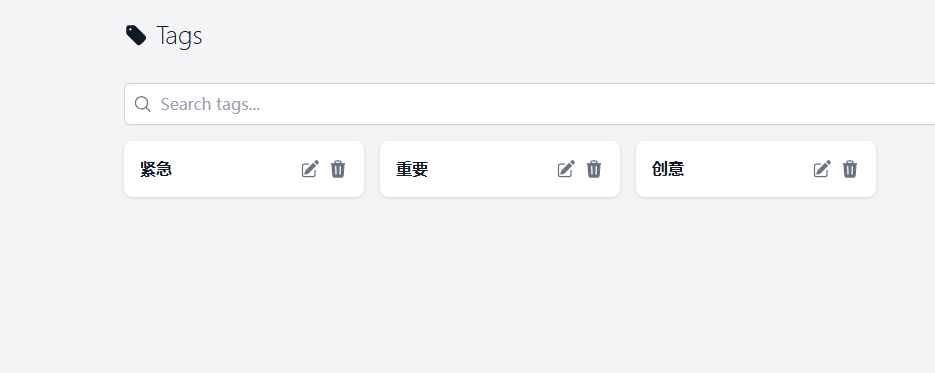
The tagging feature lets you add tags to tasks and notes, such as "Important", "Urgent", "Idea", etc. This makes finding things later much easier, especially as the number of tasks grows.
It is recommended to organize using the following hierarchy:
Work Area
├── Project A (e.g., New Product Development)
│   ├── Task 1: Market Research
│   ├── Task 2: Prototype Design
│   └── Note: Meeting Notes
├── Project B (e.g., Website Maintenance)
│   ├── Task 1: Bug Fixes
│   └── Task 2: Content Updates
└── Daily Work
    ├── Task 1: Email Processing
    └── Task 2: Weekly Report Writing
Summary
tududi is just like its name: simple and straightforward.
If you are looking for a simple and easy-to-use task management tool, or if you are tired of overly complex software, give tududi a try.