
PasswordPusher: A tool to securely transmit passwords via URLs
What is Password Pusher?
Password Pusher is an open-source application for securely transmitting passwords over the internet. The link to the password expires after a certain number of views and/or a specific period of time.
Configure the content you want to share via Password Pusher, then set a series of security parameters such as password, access count, and access duration. This allows you to maximize control over the distribution scope of private content. Password Pusher will automatically generate a URL, which you can then share directly.
https://appstore.lazycat.cloud/#/shop/detail/cloud.lazycat.app.password-pusher
How to Use
After installing the application, the feature page opens directly.
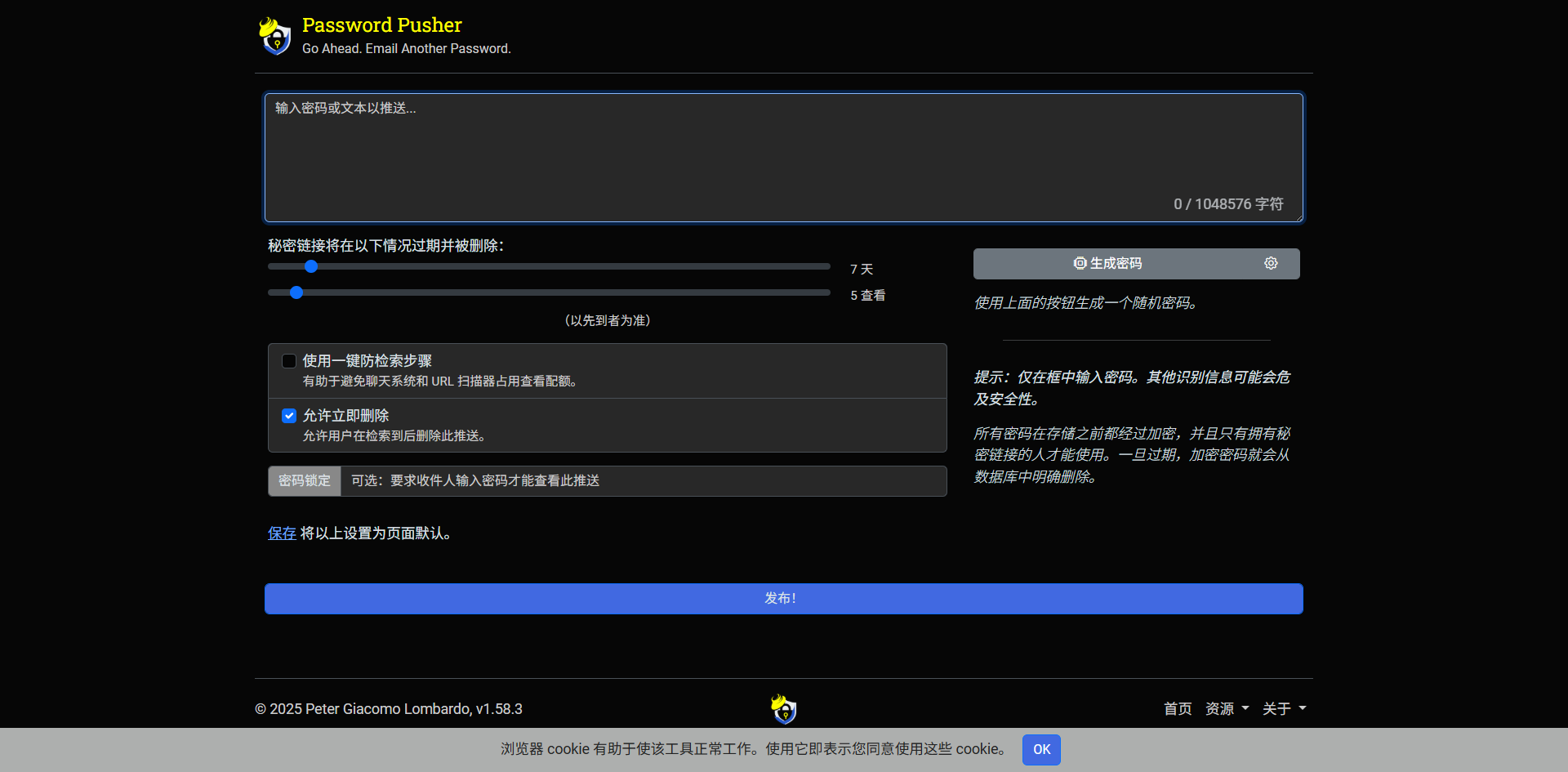
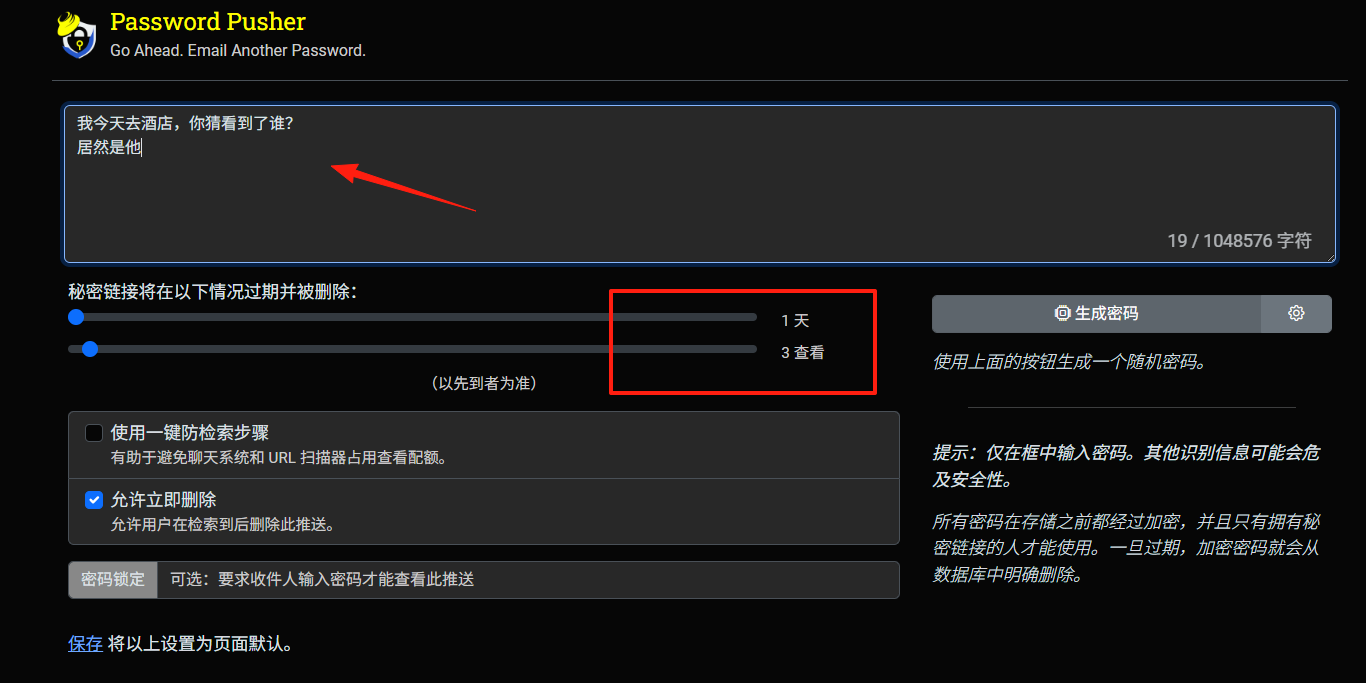
Enter the content you need to encrypt and transmit, such as a password, into the text box. Then select the number of days or views, and you can publish it.
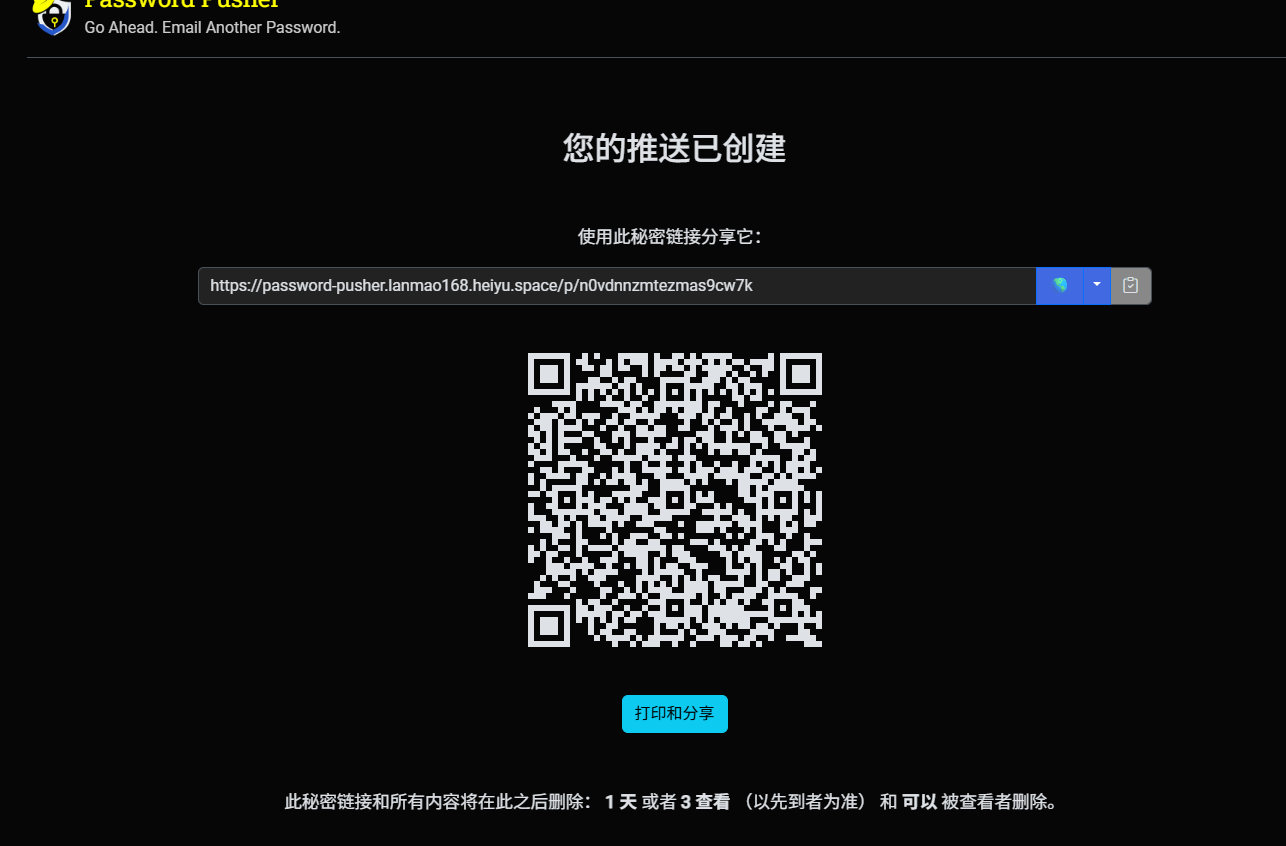
After clicking publish, a URL and a QR code are generated.
When someone opens the link, a blur effect is displayed.

Click on the blurred area to reveal the content.
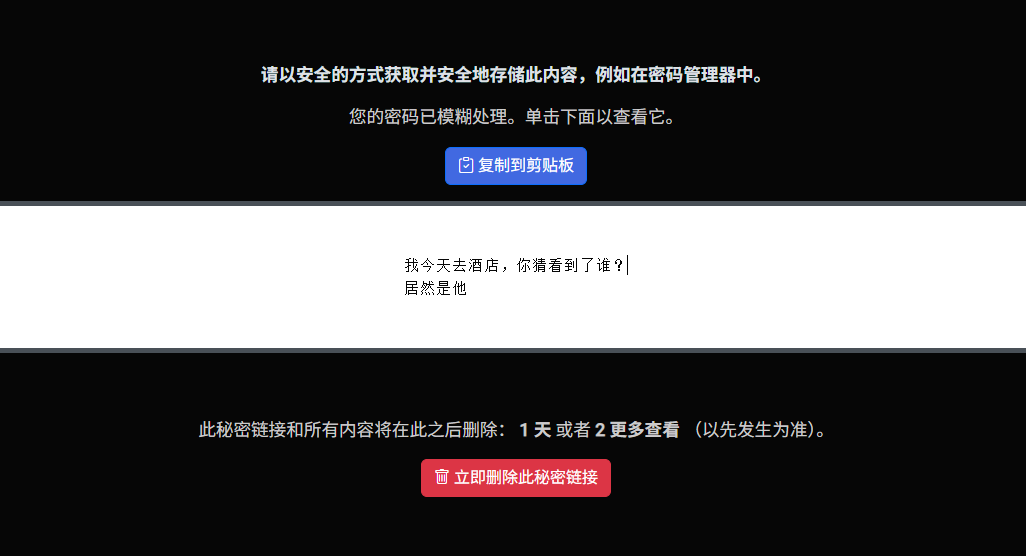
I set the view count to 3. Manually refreshing the page counts as one view, reducing the remaining count.
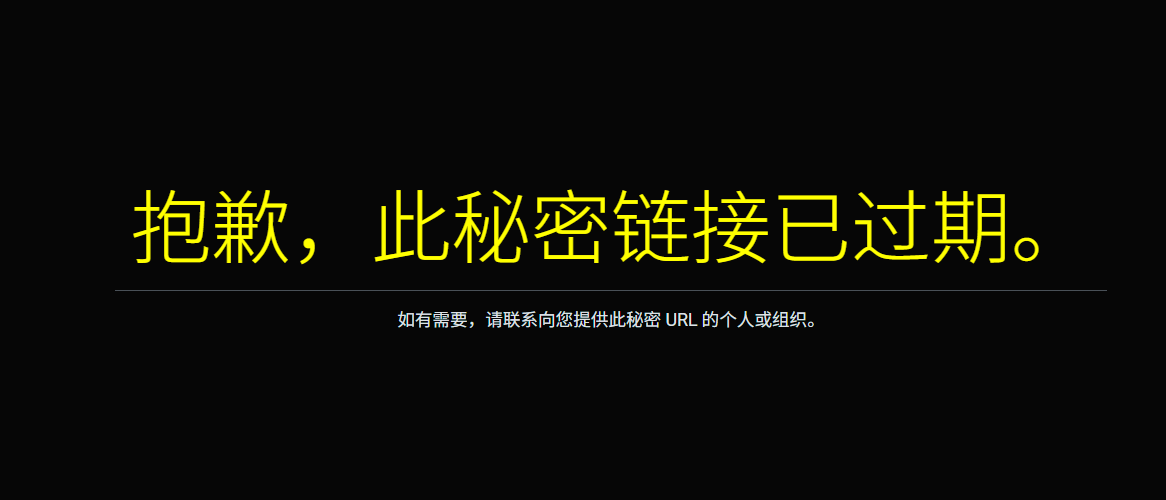
When the count reaches 3, the page content becomes inaccessible.
However, the application description mentions the ability to transfer files, which seems to be a misstatement. Files cannot be transferred; only text content is supported.
Summary
This tool can be used to temporarily send private keys or similar sensitive information to friends, with a self-destruct effect after reading, eliminating concerns about privacy leaks.