
HortusFox: Simple Plant Management Tool
What is HortusFox?
HortusFox is a self-hosted, collaborative plant management system that helps plant enthusiasts efficiently manage and track plant growth, care, and related tasks in a local environment. It supports multi-user collaboration and offers extensive feature expansion.
Software Features:
Manage plants and assign them to locations Includes extensive plant details, a tagging system, and photo upload functionality Task functionality: Track tasks required for plant care Inventory management system: Track plant-related inventory Search functionality: Search text tags or plant IDs Plant history: Track plants that are no longer present Group chat: Communicate important plant-related information Admin dashboard: Manage the system, users, locations, and media User dashboard: View locations and other important information
https://appstore.lazycat.cloud/#/shop/detail/cloud.lazycat.app.hortusfox
User Experience
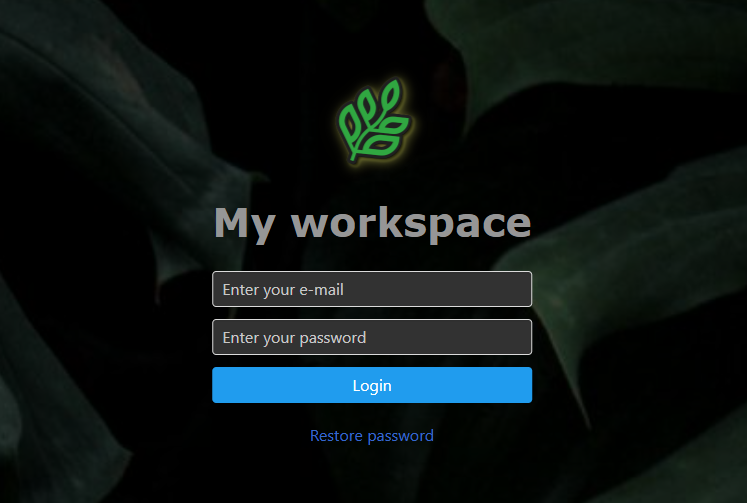
After installing the application and opening the login page, use the following credentials: Username: admin@example.com Password: admin123
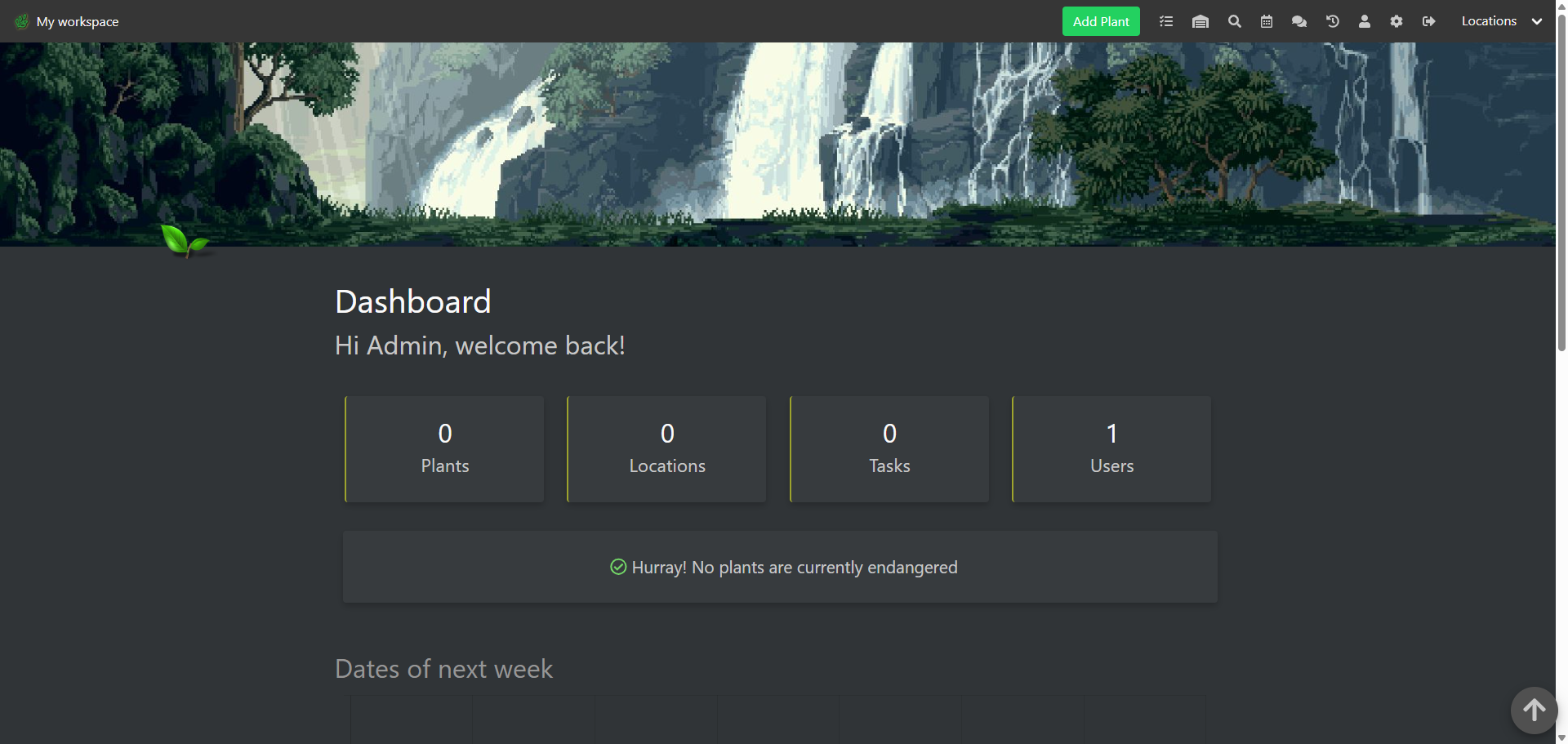
You are redirected to the home page.
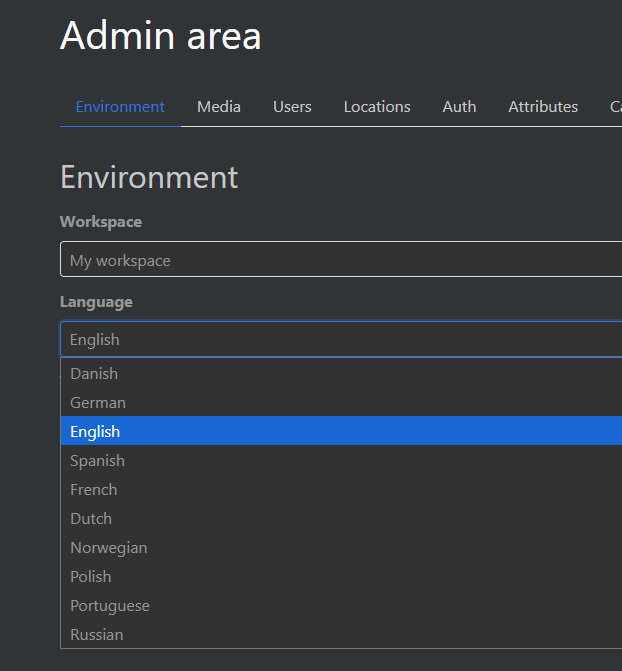
In the settings, I noticed that Chinese is not yet supported, so we'll use English for now.
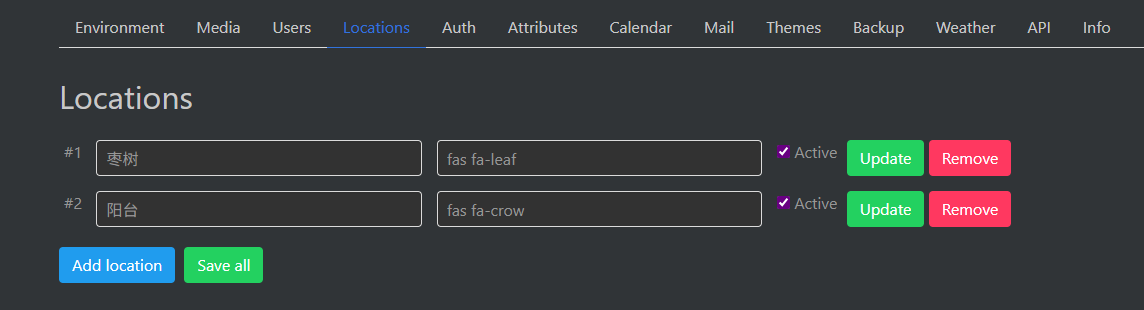
You can add locations here.
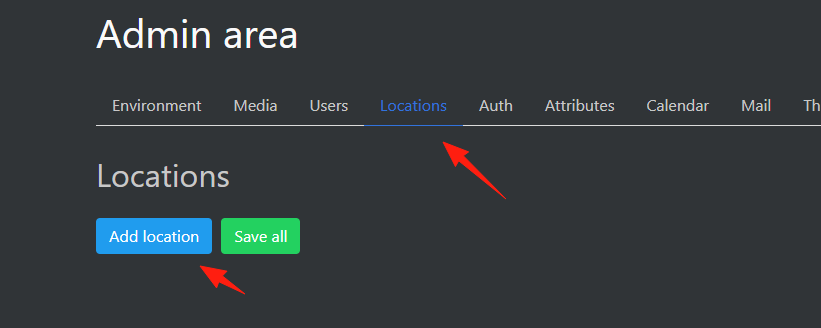
Icons can be obtained from here: https://fontawesome.com/v5/search?q=leaf&o=r
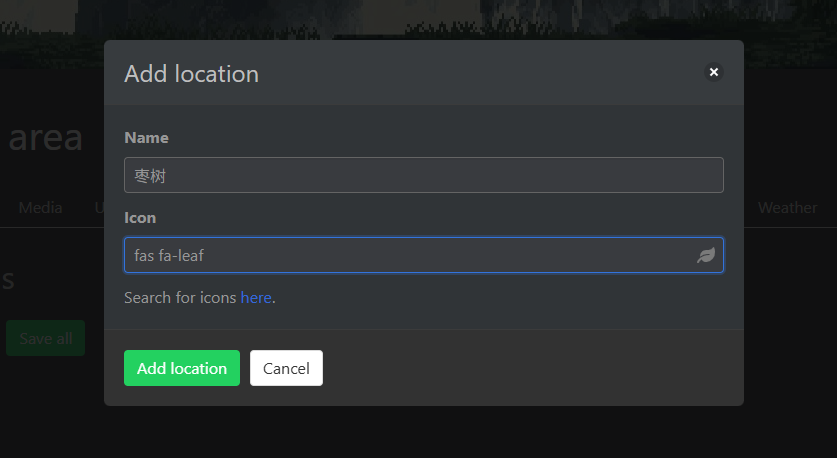
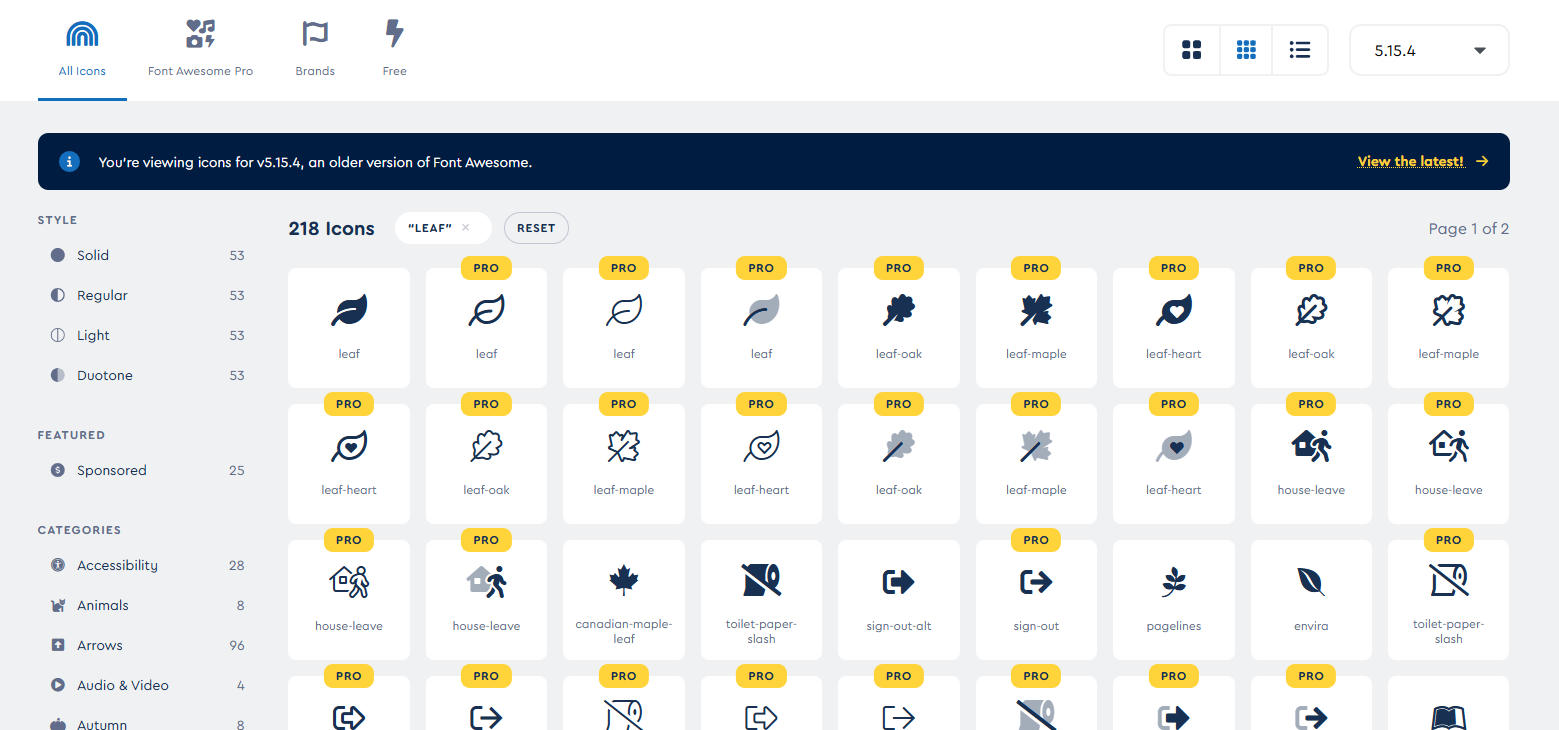
Garden: fas fa-leaf
Balcony: fas fa-crow
Bedroom: fas fa-bed
Game Room: fas fa-gamepad
Kitchen: fas fa-utensils
Living Room: fas fa-couch
Bathroom: fas fa-bath
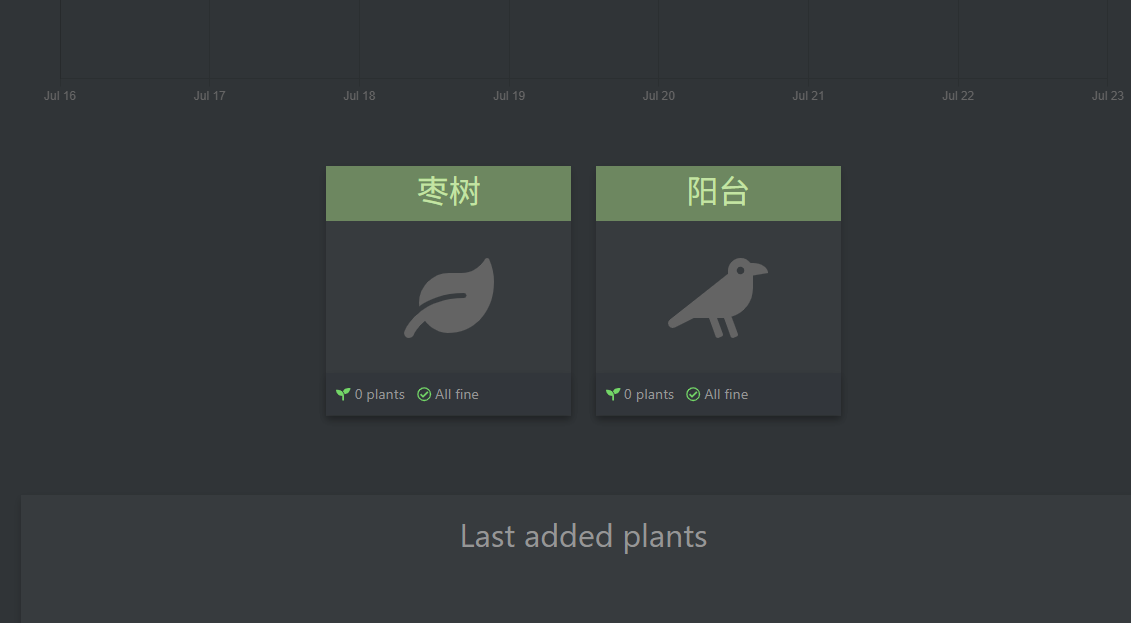
Returning to the home page, you can see:
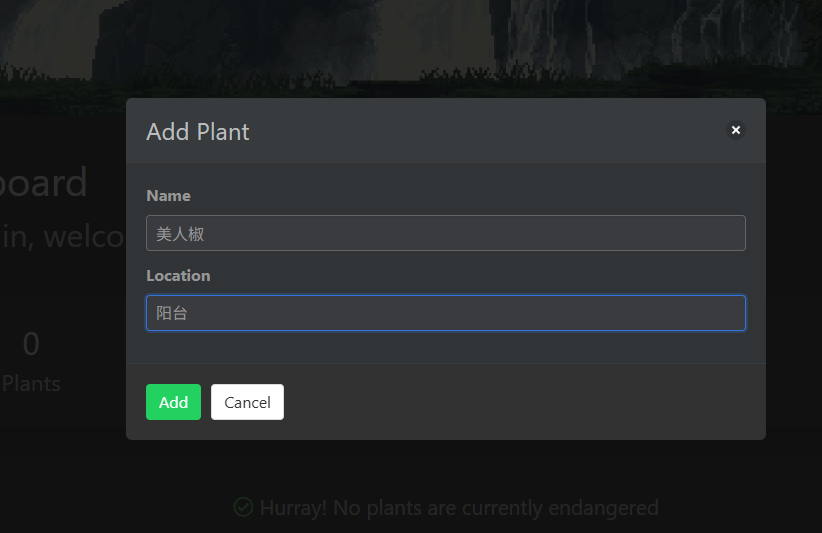
Add a plant using 'Add Plant'.
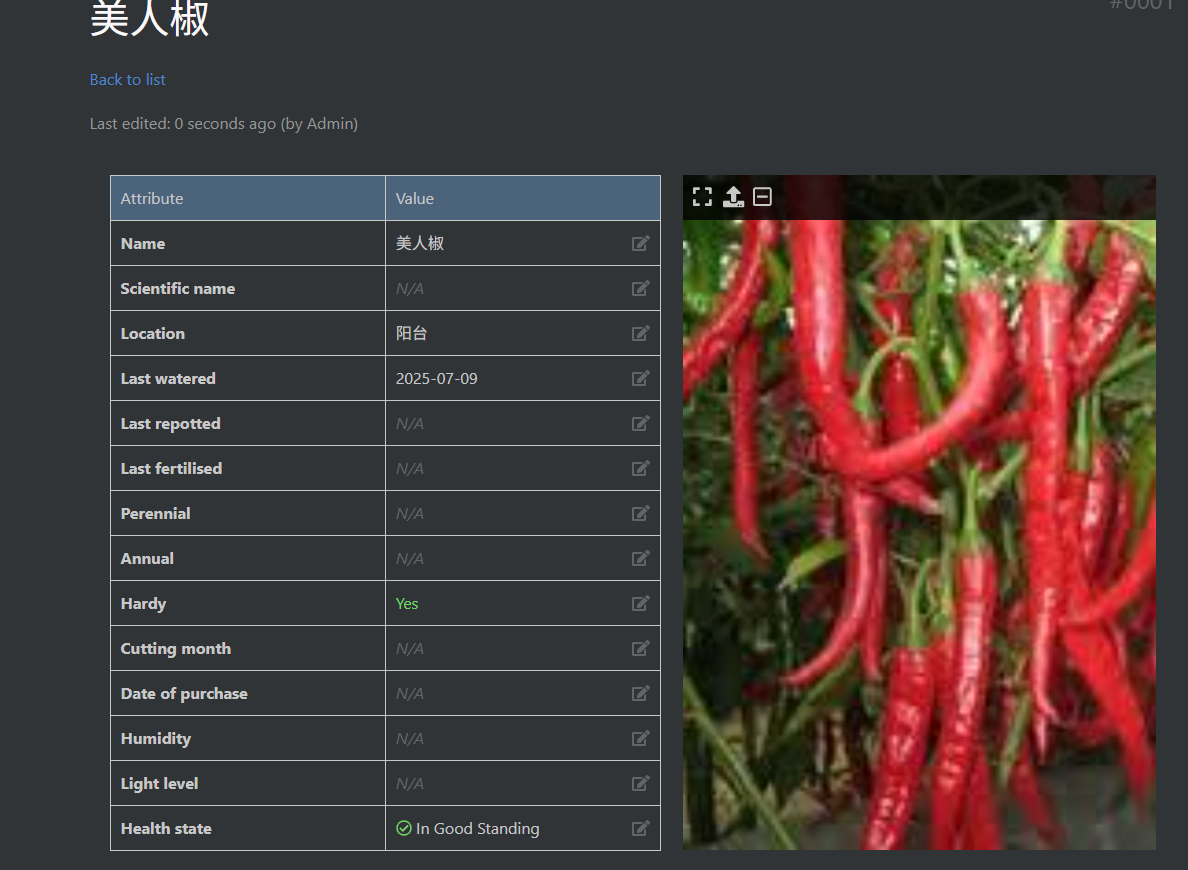
The left panel allows you to maintain more information and upload plant pictures.
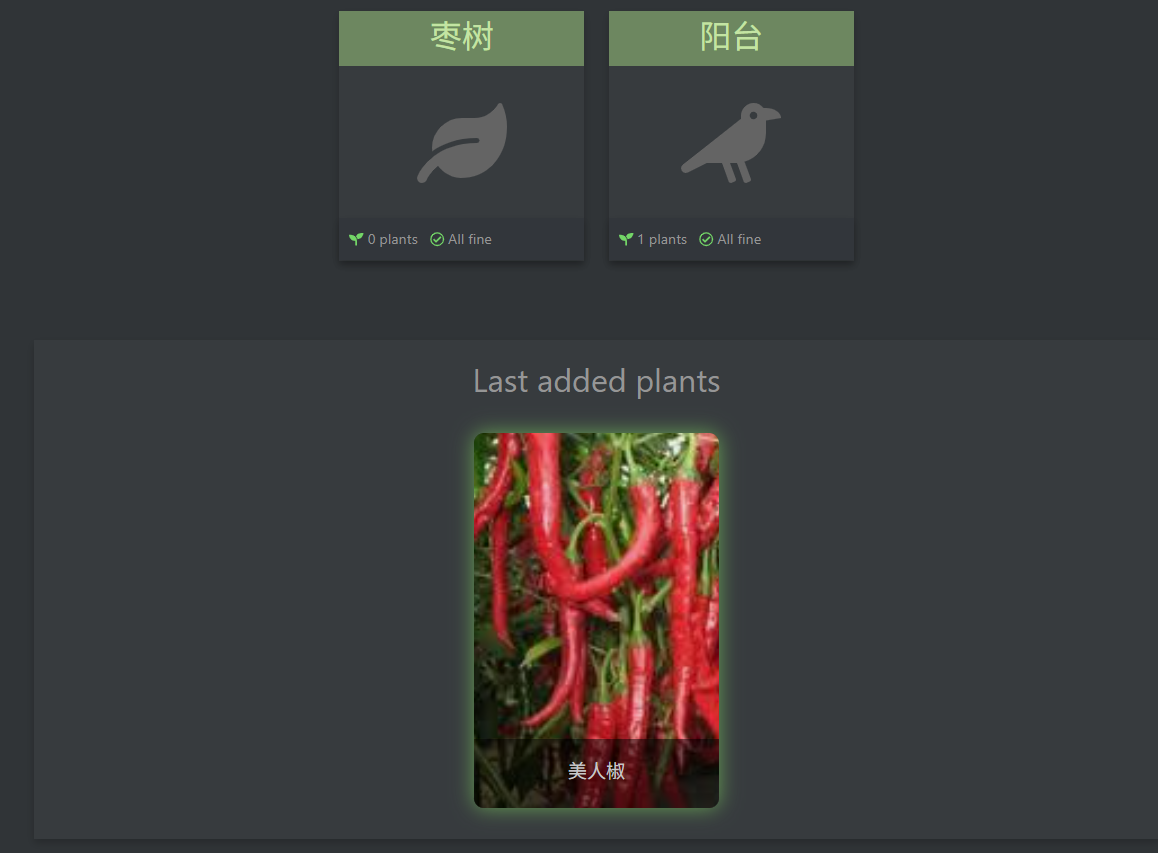
Returning to the home page, you can see:
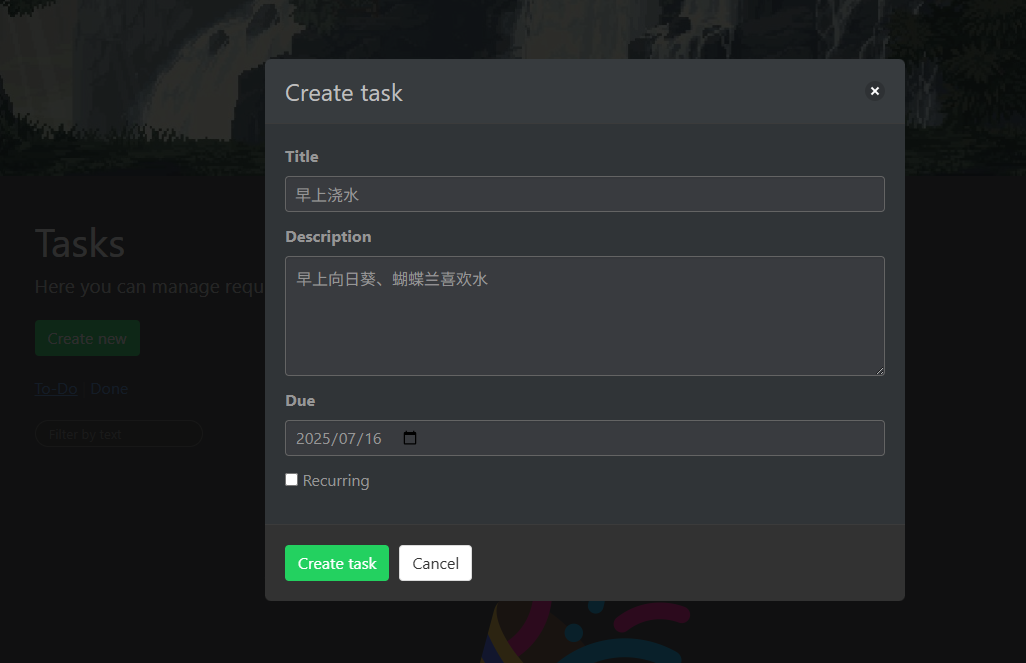
Click 'Create new' to create a new task.
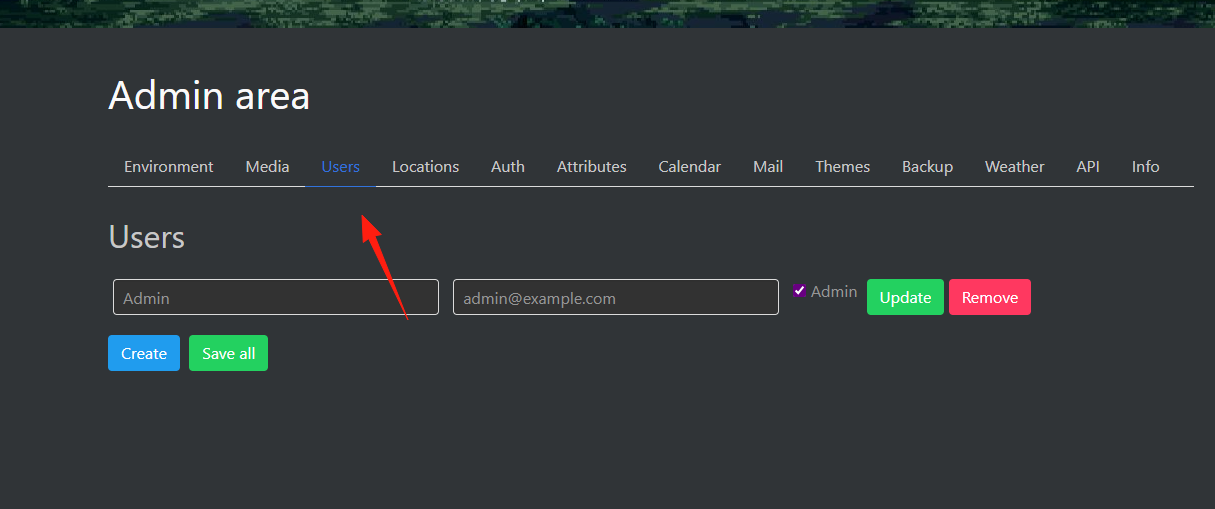
In the settings panel, you can add users for multi-user collaboration.
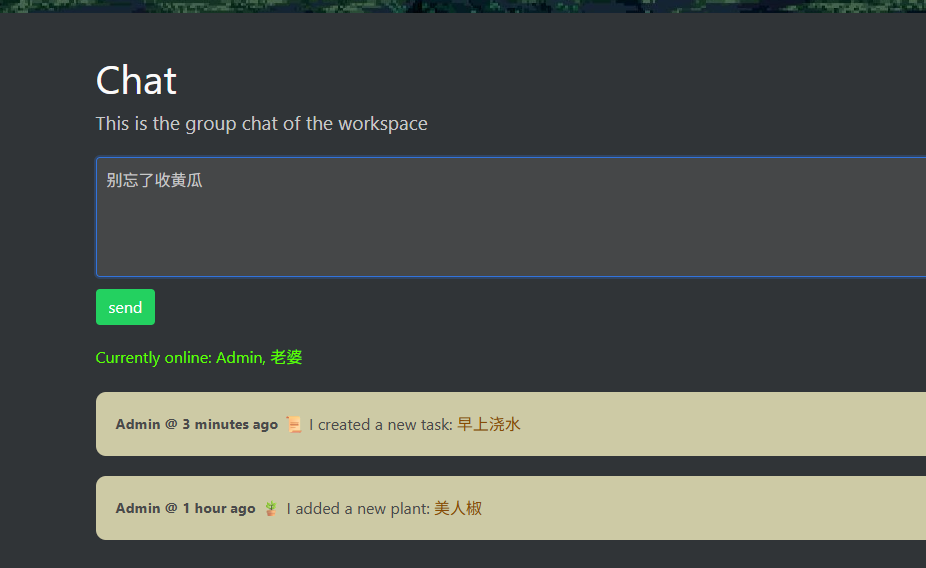
This way, you can send messages in the Chat feature for others to see.
Feel free to explore other detailed features on your own.