
Booksonic-Air: Audiobook Management Tool
What is Booksonic-Air?
Booksonic-Air is a server for streaming audiobooks and is the successor to the original Booksonic server.
It is not built from scratch but is a new Booksonic server based on Airsonic.
Simply put, it is a platform for managing audiobooks.
https://appstore.lazycat.cloud/#/shop/detail/com.popeen.booksonicair
How to Use
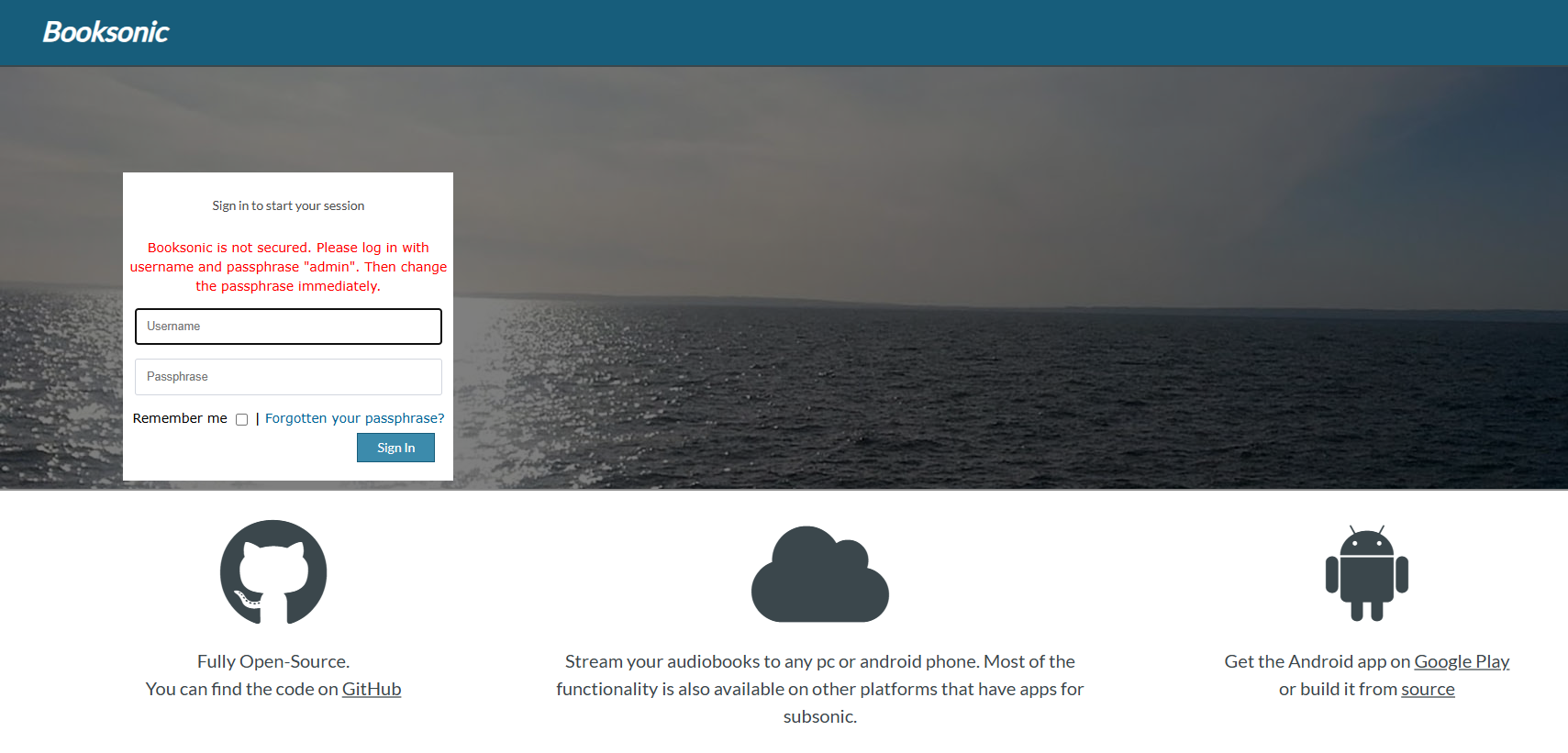
After the application is installed, the first time you open the login page, both the account and password are admin.
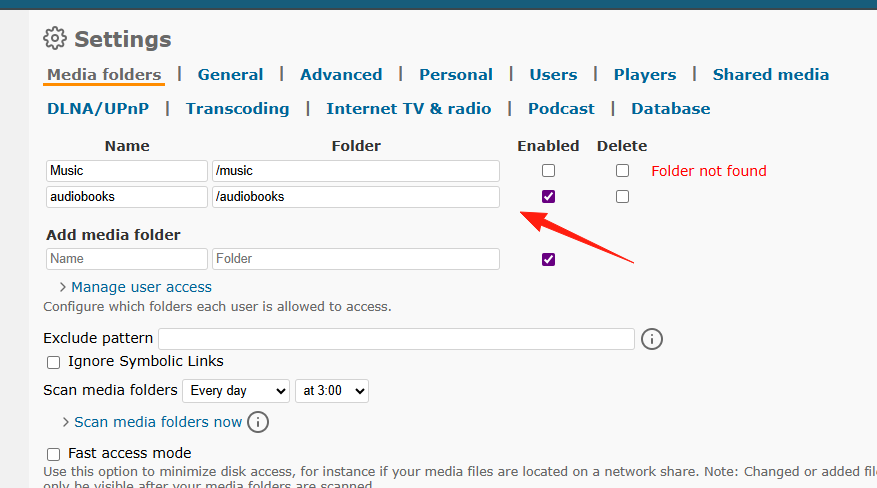
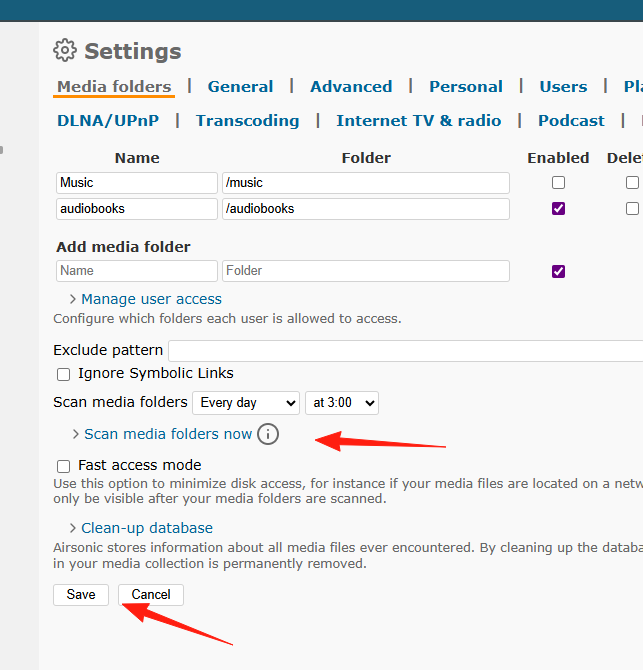
After successful login, first go to Setting -> Set up media folders to configure the media directories.
Deselect the default Music directory, add the /audiobooks directory, and select it.
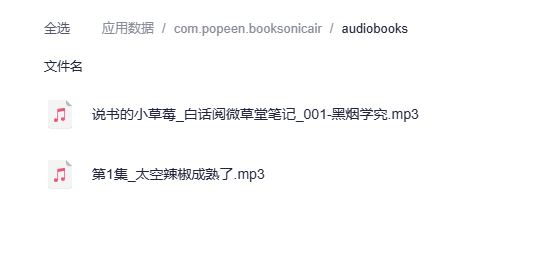
The corresponding directories are located here:
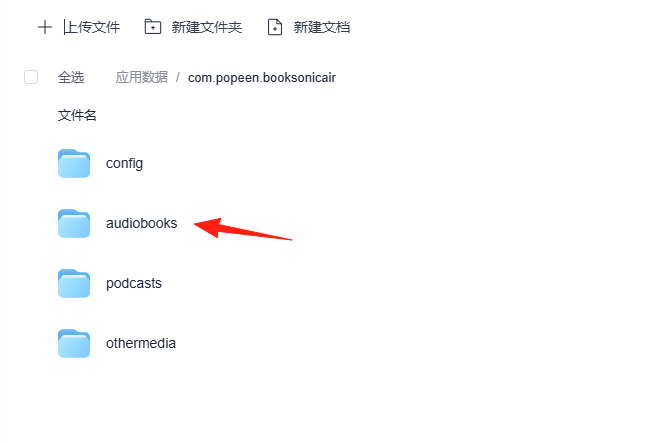
Podcasts corresponds to podcast resources, and othermedia corresponds to other media files.
Recommended website for downloading audiobooks: https://www.yigushi.com/
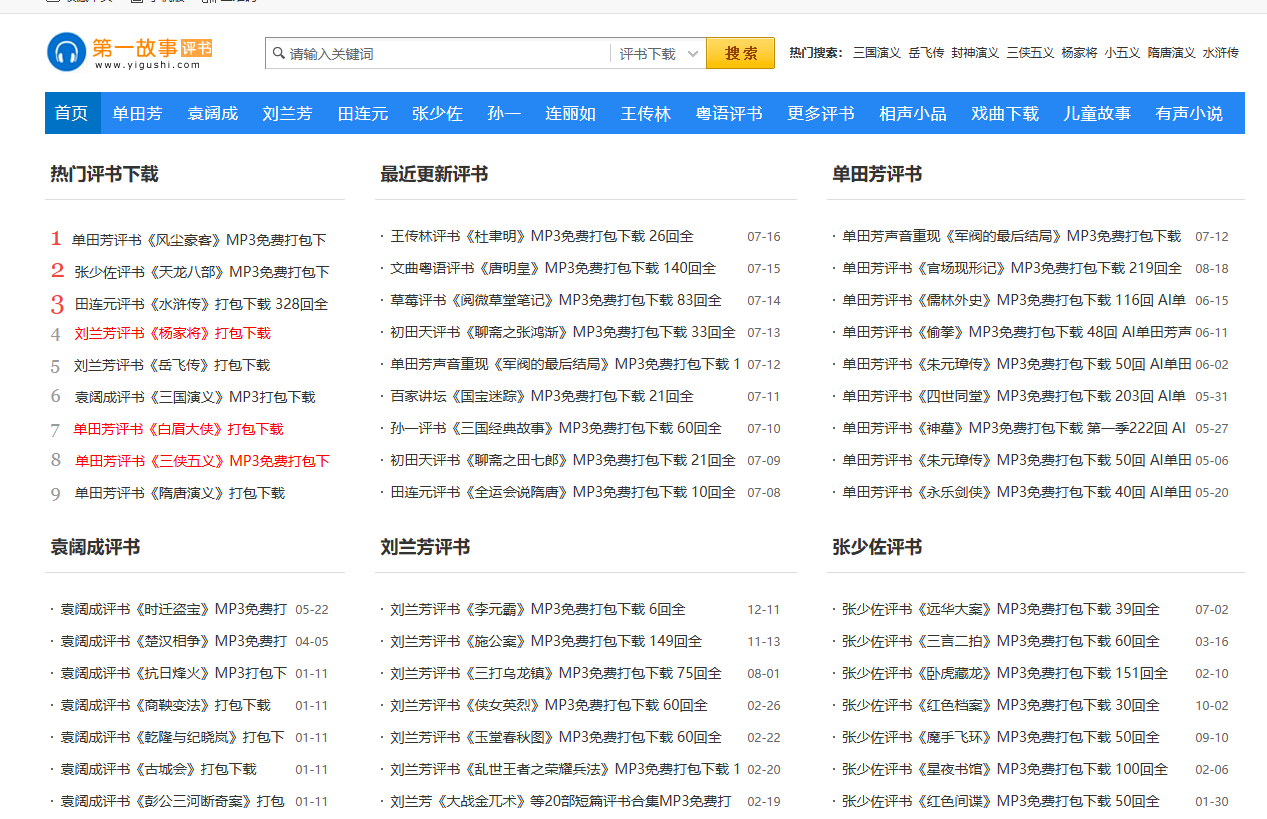
I downloaded two files and placed them in this directory.
Click Scan, then Save.
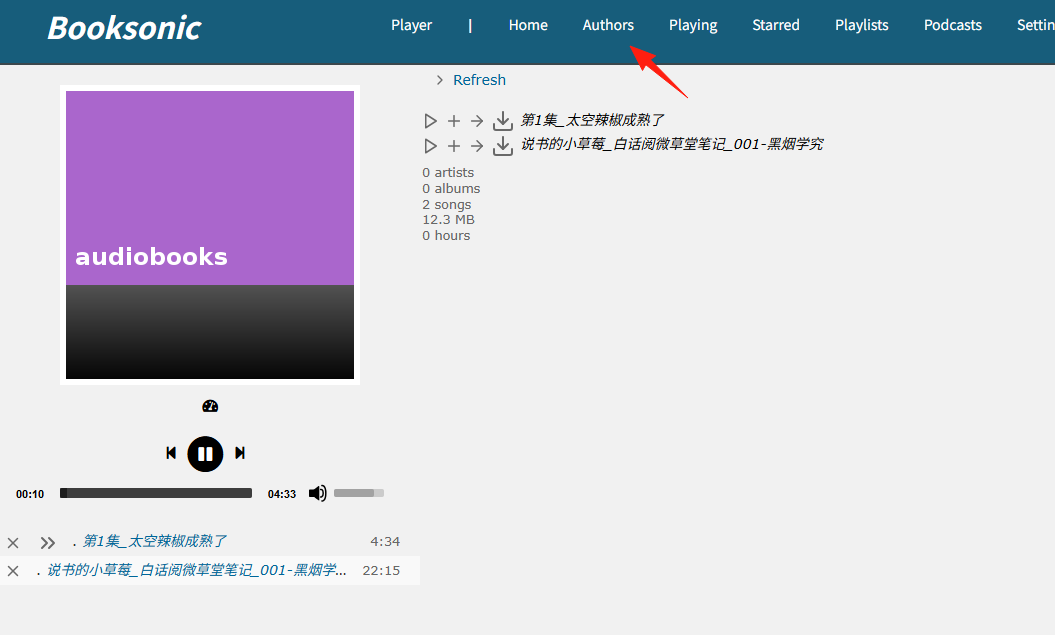
You can now see the files under Author.
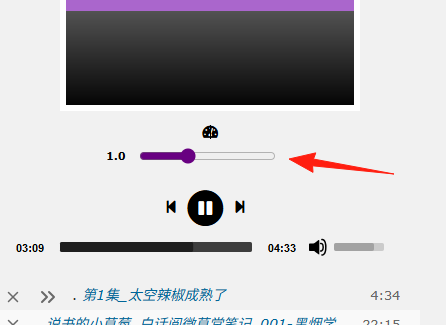
You can adjust the playback speed from here.
MP3 files can be played normally; other file formats might have encoding issues and not be recognized.
It can serve as a simple audiobook management tool.