
farmOS Experience: A Simple Farm Management System
What is farmOS?
farmOS is a web-based application for farm management, planning, and record keeping. It is developed by a community of volunteers and aims to provide a standard platform for farmers, developers, and researchers.
https://appstore.lazycat.cloud/#/shop/detail/cloud.lazycat.app.farmos
Usage Guide
After installing the application, open the guide page. You need to install the database first.
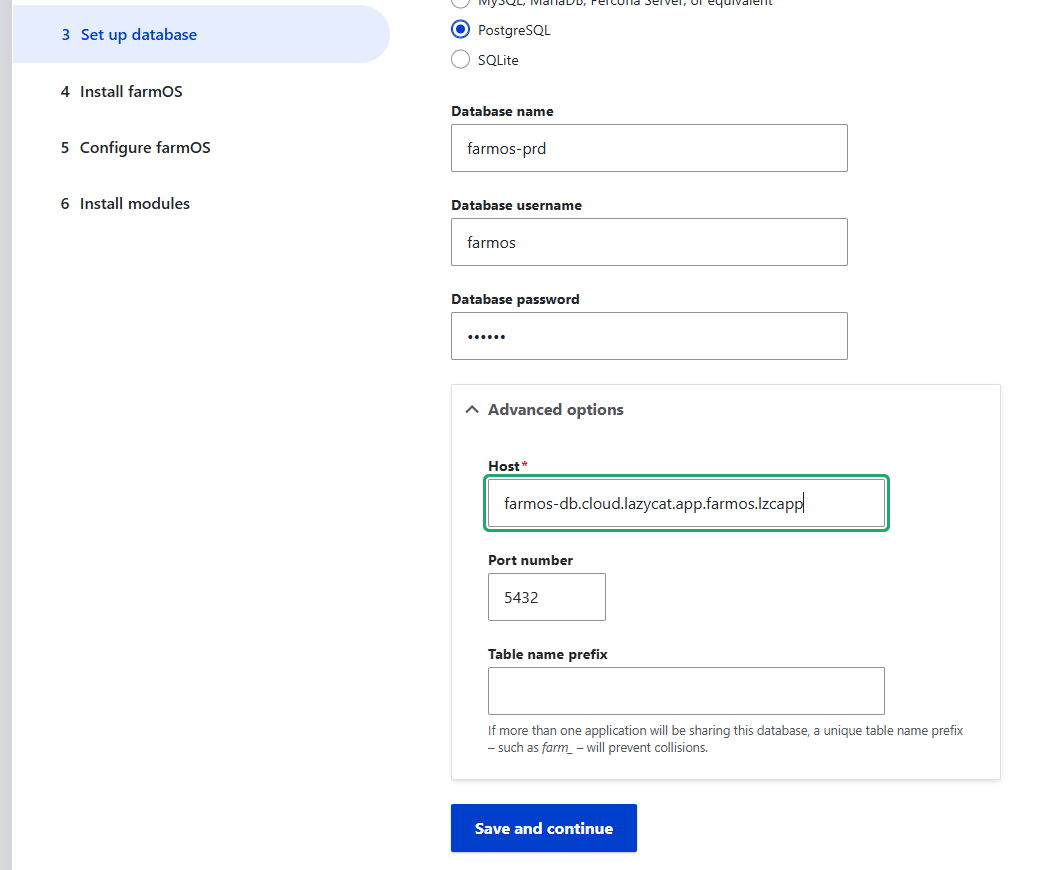
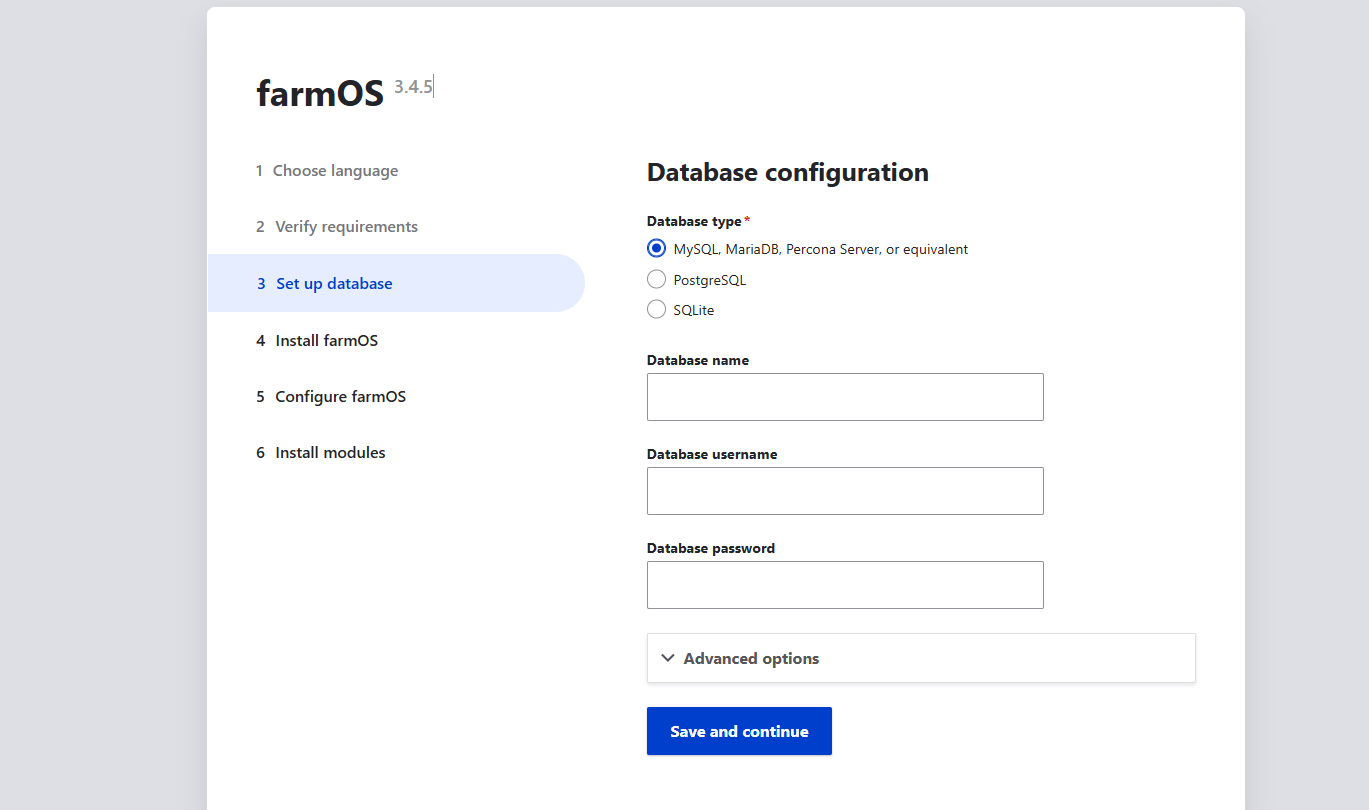 Select PostgreSQL for the database.
database name: farmos-prd
database username: farmos
database password: 123456
In the advanced settings, configure the hostname: farmos-db.cloud.lazycat.app.farmos.lzcapp
Port: 5432
table name prefix: Leave empty.
Select PostgreSQL for the database.
database name: farmos-prd
database username: farmos
database password: 123456
In the advanced settings, configure the hostname: farmos-db.cloud.lazycat.app.farmos.lzcapp
Port: 5432
table name prefix: Leave empty.
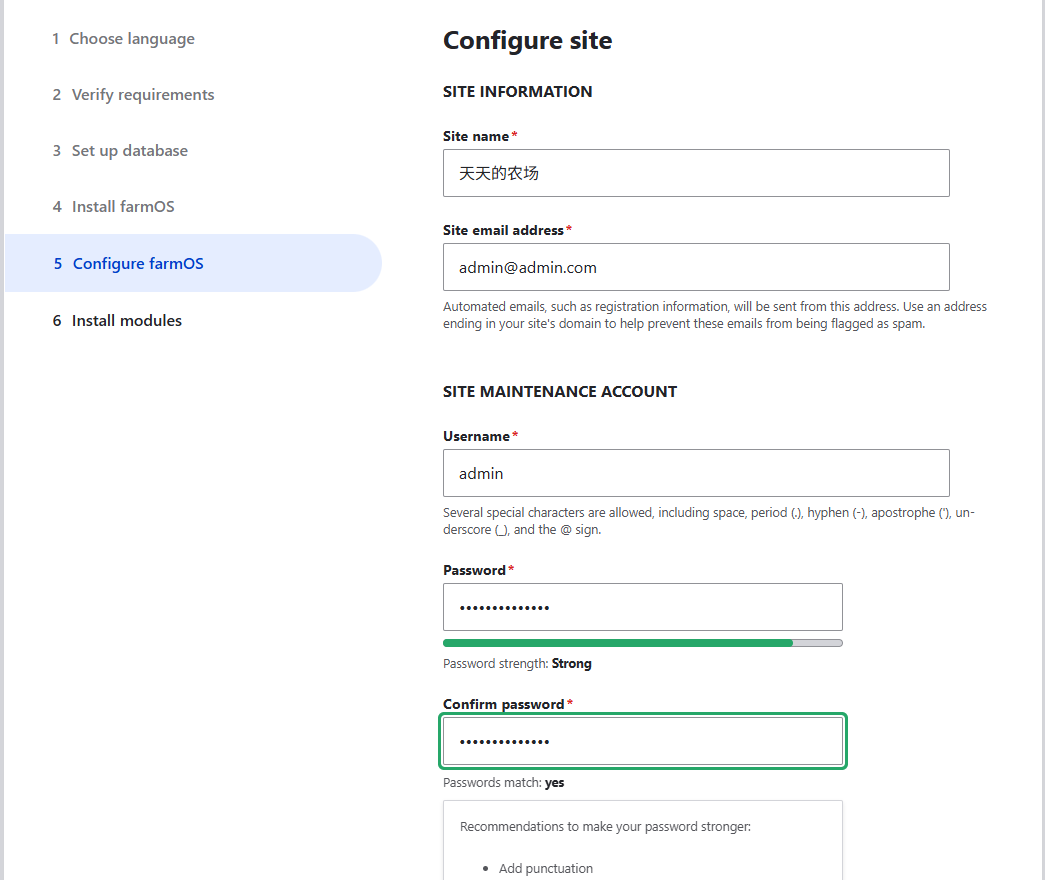
 Continue configuring the website domain, user, and password.
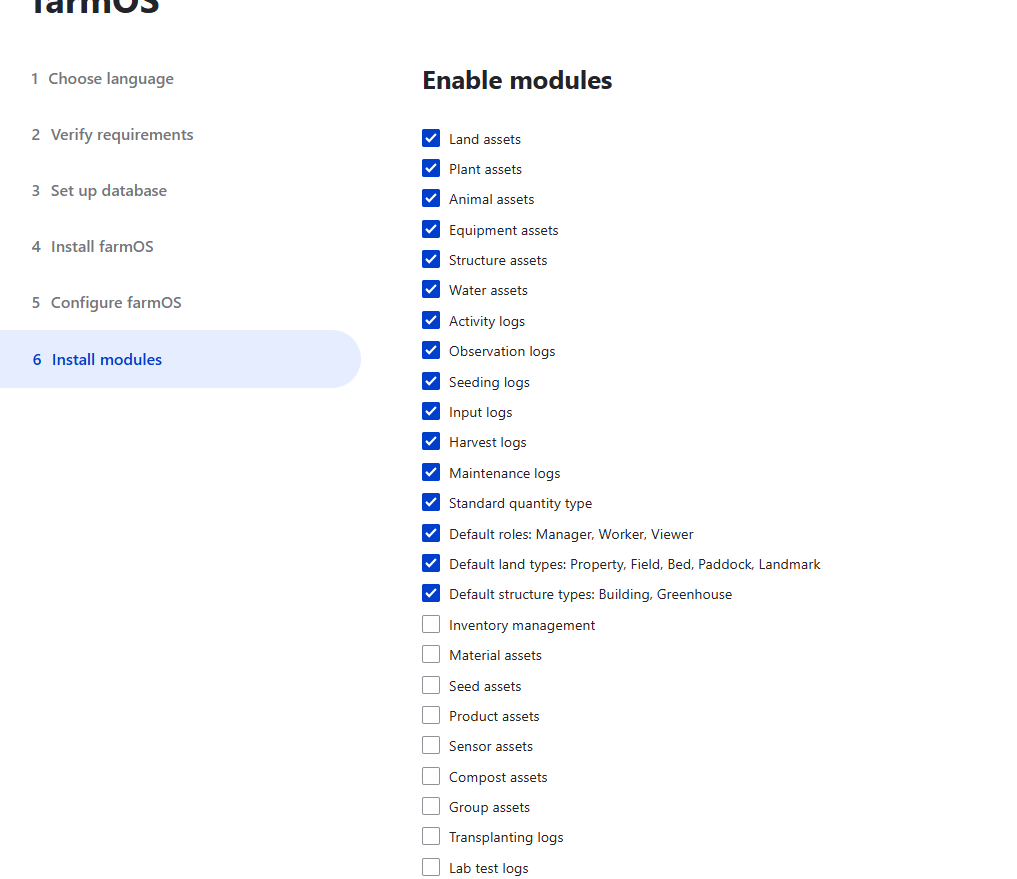
You can select the default options in this step.
Then wait for the installation.
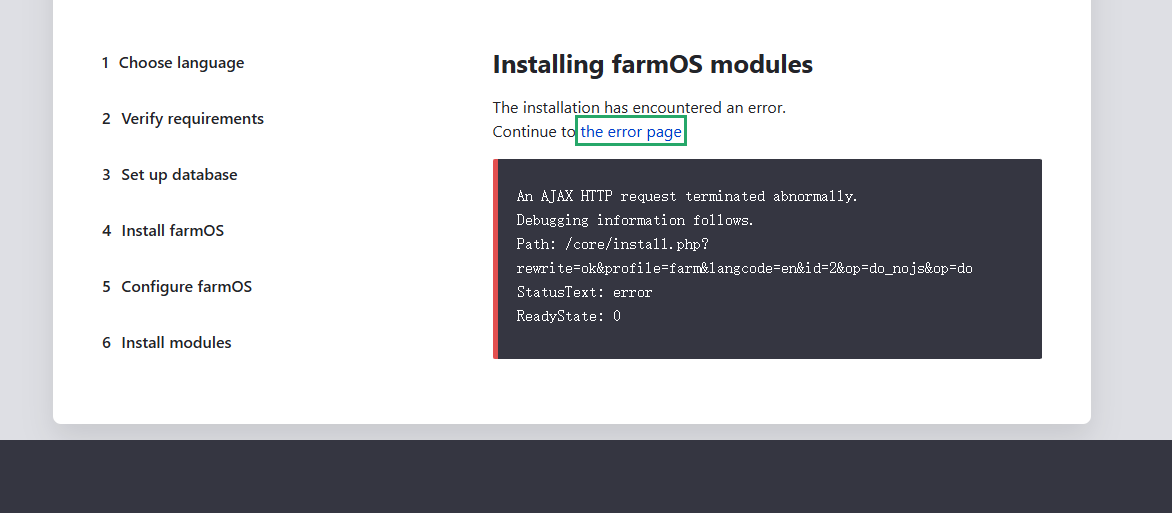
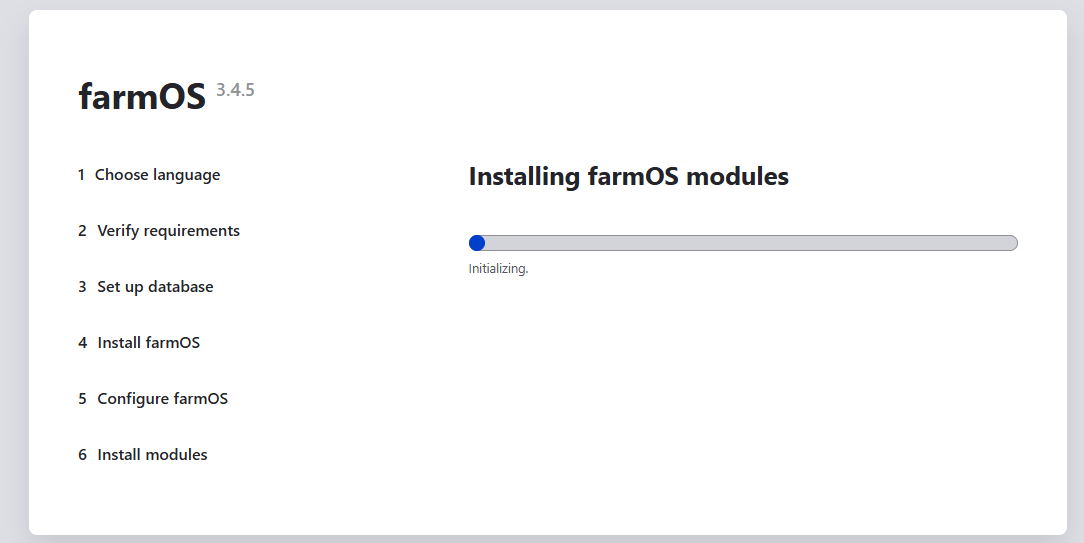 I encountered an error.
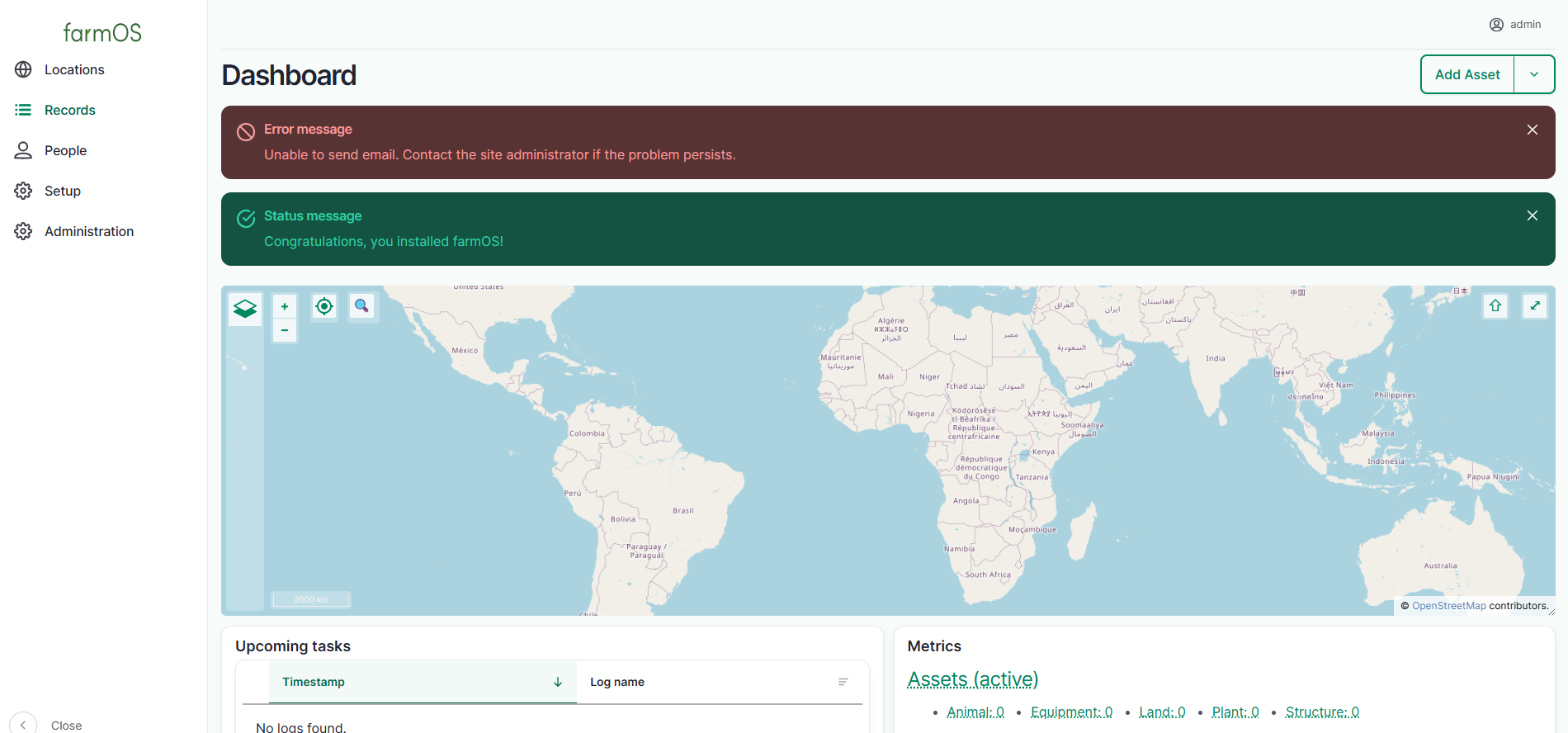
 After refreshing, I found it was actually successful. There was a prompt about being unable to send emails, which can be ignored for now.
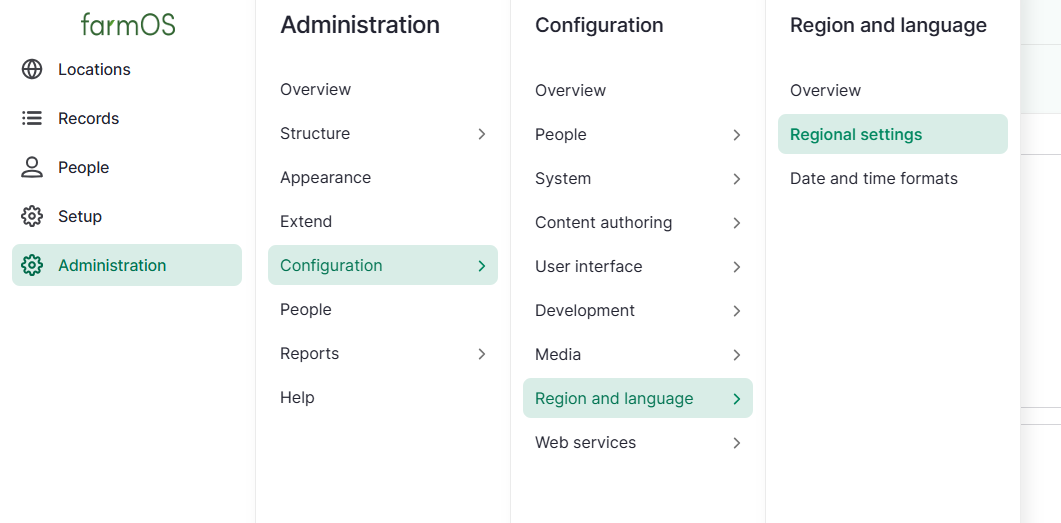
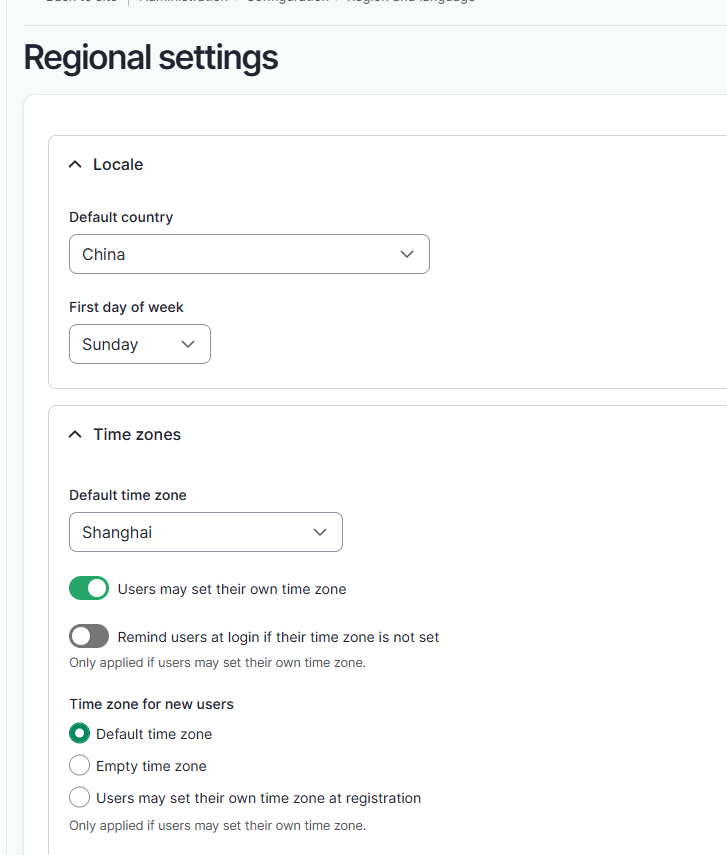
First, go here to change the region, but I couldn't find where to set the language.
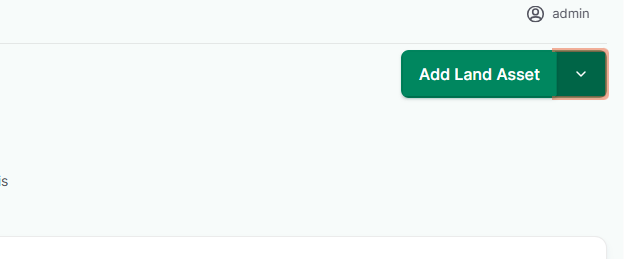
Click "Add Farm" on the homepage.
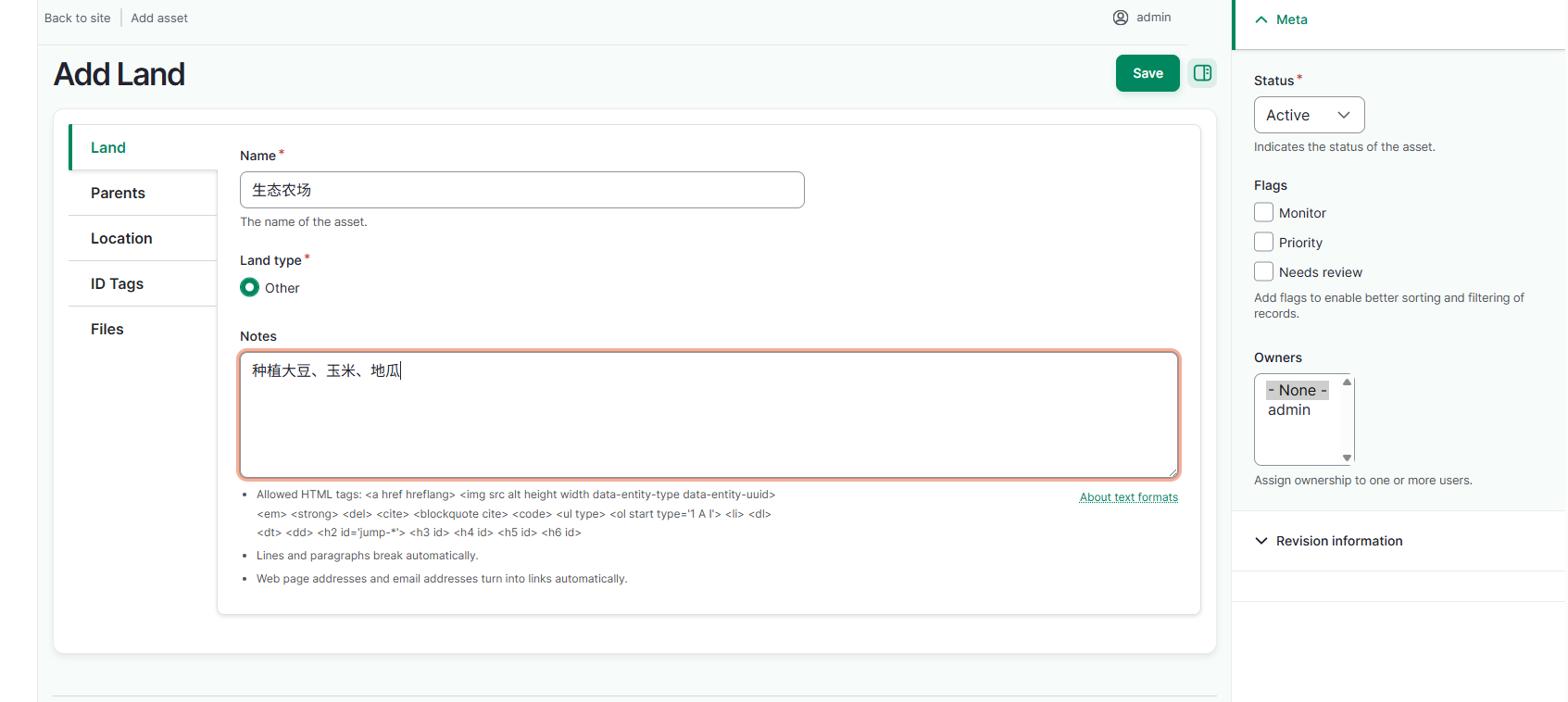
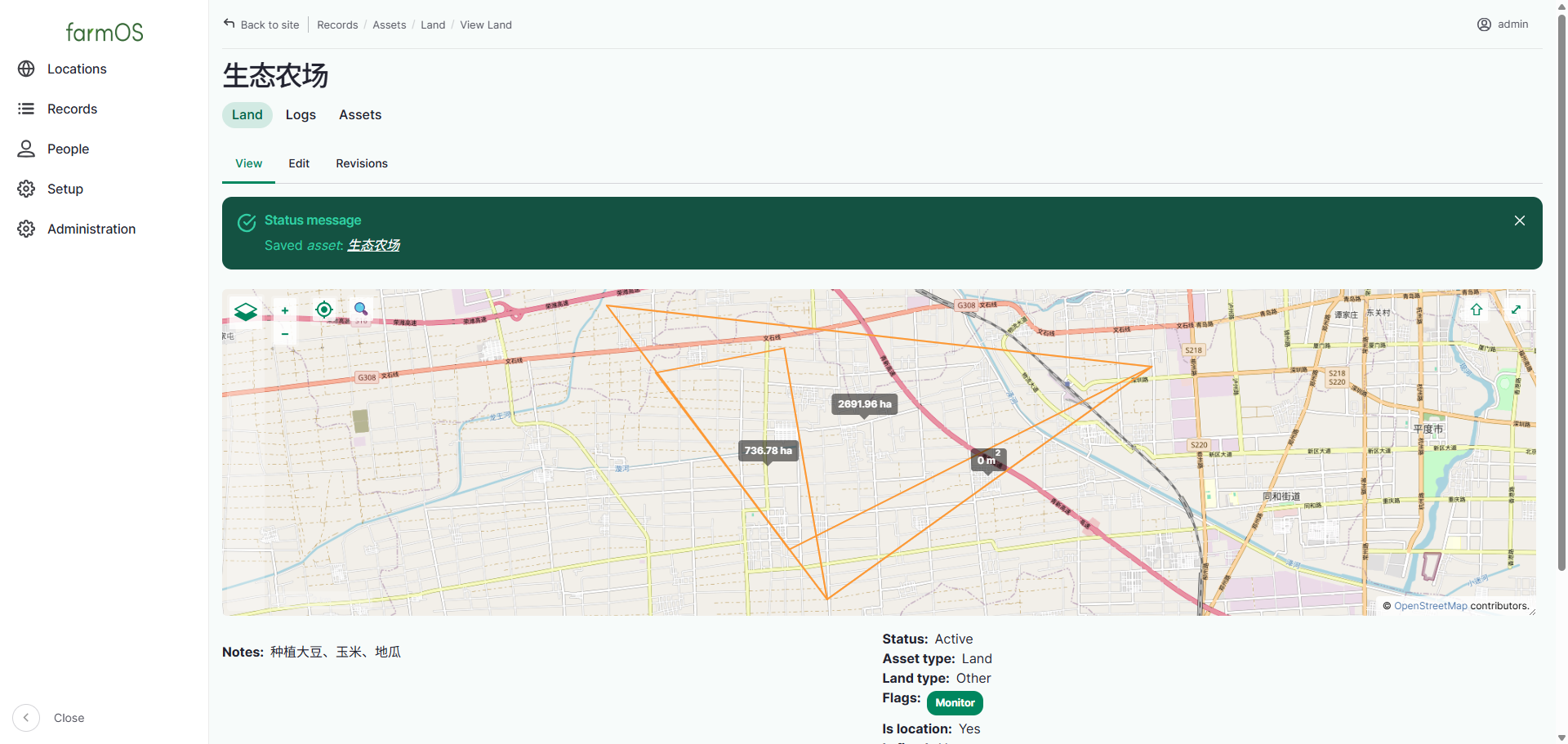
Drag on the map to delineate an area and select a plot of land.
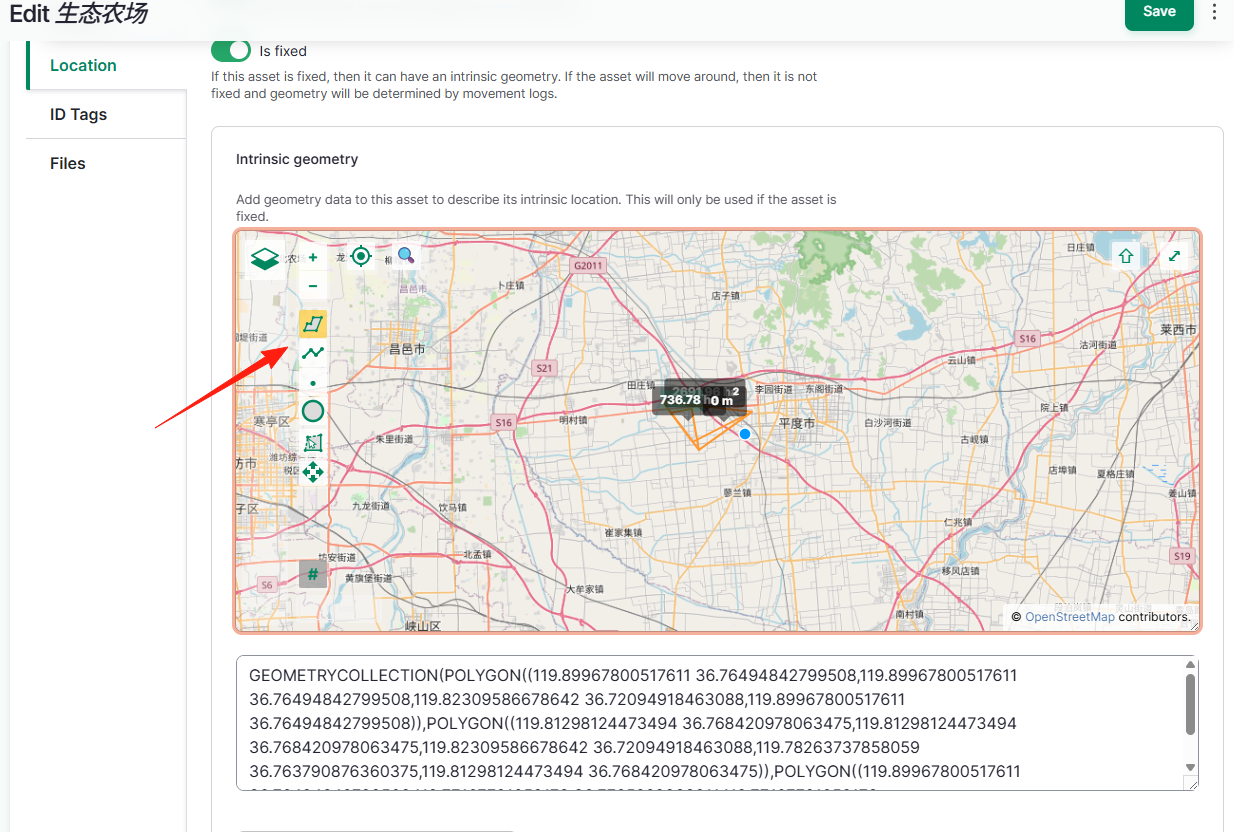 After saving, you can see the result.
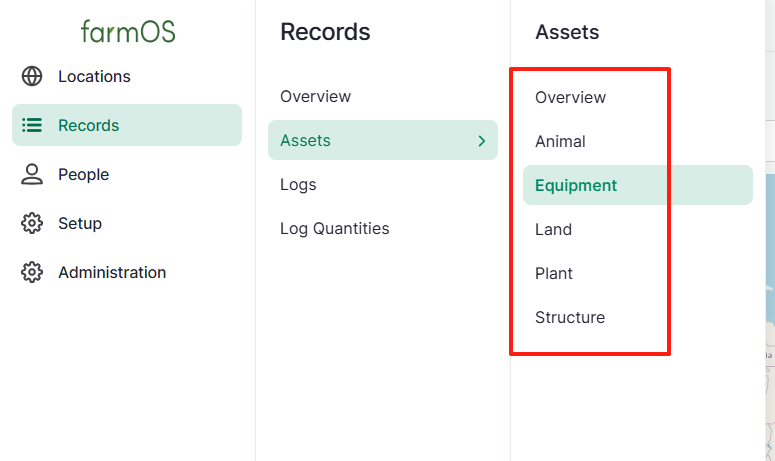
You can also add more information: plants, minerals, animals, etc.
Summary
This tool might not be useful for most people, but for those with mines or farms at home, it can be a good option.