
DumbAssets: A Simple Asset Tracking Tool
What is DumbAssets?
DumbAssets is a simple and easy-to-use asset tracker designed to help users manage and record their physical assets, including asset components, warranty information, and routine maintenance.
This project offers a convenient user interface and features suitable for individuals and small teams.
Key Features
🚀 Asset Tracking: Record detailed asset information, including model, serial number, warranty period, etc. 🧩 Component Management: Supports adding components and sub-components for each asset, making it easy to manage complex assets. 🖼️ File Upload: Users can upload photos and receipts for easy recording and retrieval. 🔍 Search Functionality: Provides search capabilities by name, model, serial number, or description. 📅 Notification System: Configure notifications for warranty expiration and maintenance events to ensure timely action. 🏷️ Flexible Tagging System: Supports adding tags to assets for easy organization and categorization. 🛡️ User Authentication: Provides PIN authentication and brute-force protection to ensure data security. 🌗 Multi-Theme Support: Supports both light and dark themes, allowing users to choose based on preference.
https://appstore.lazycat.cloud/#/shop/detail/cloud.lazycat.app.dumb-assets
Usage Guide
After installing the app, you need to enter a PIN to use it. The default PIN is 1234.
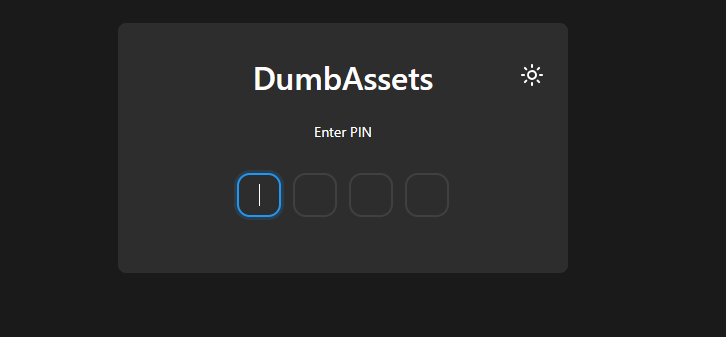
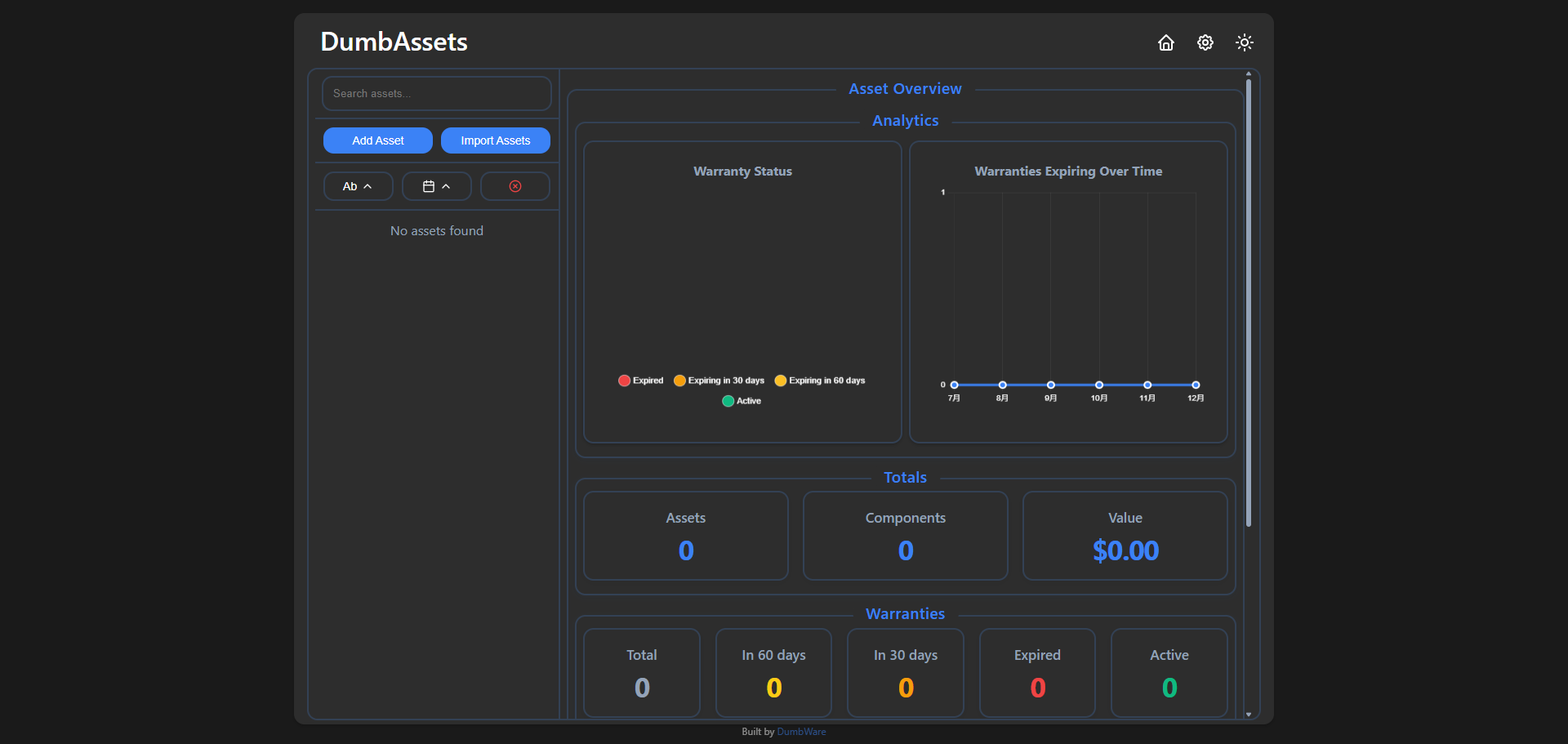
You will then enter the home page.
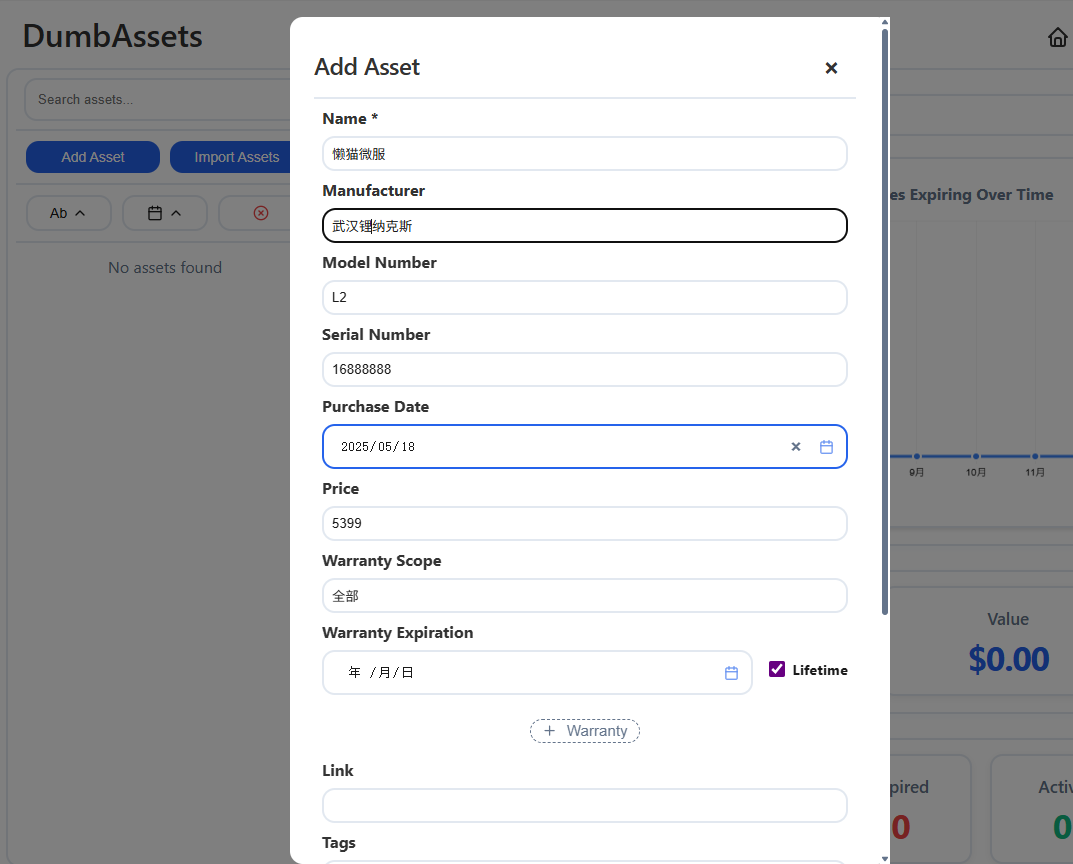
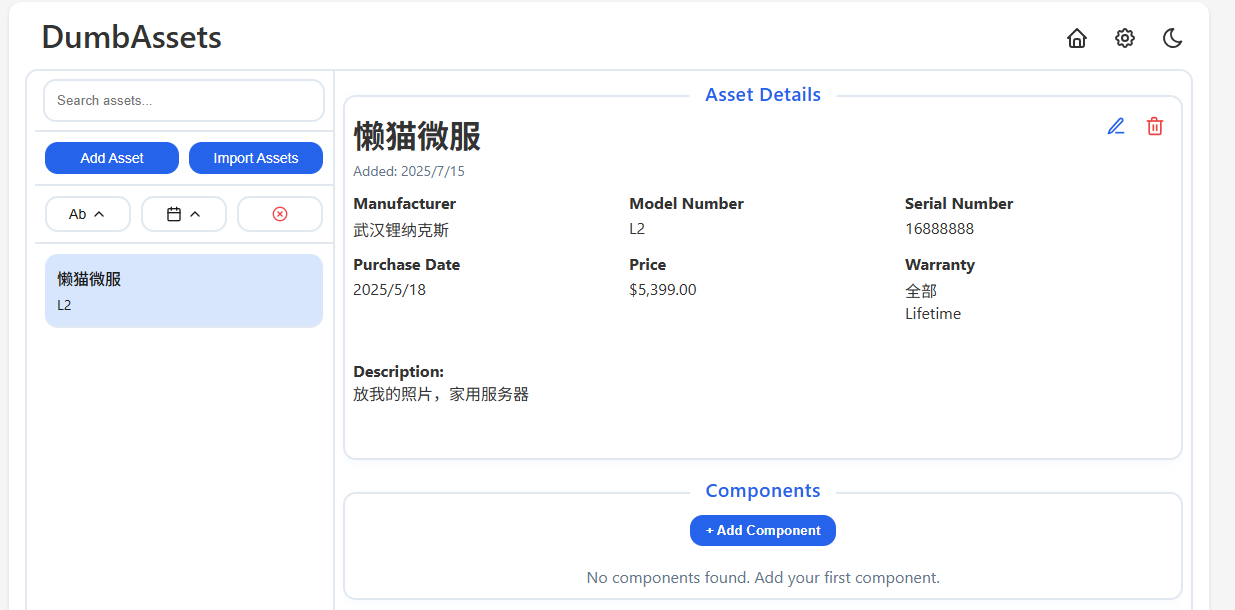
Click "Add Asset" to add an asset. This project does not support Chinese. The corresponding field meanings are:
- Name: Name
- Manufacturer: Manufacturer
- Model Number: Model Number
- Serial Number: Serial Number
- Purchase Date: Purchase Date
- Price: Price
- Warranty Scope: Warranty Scope
- Warranty Expiration: Warranty Expiration
- Link: Link
- Tags: Tags
- Notes: Notes
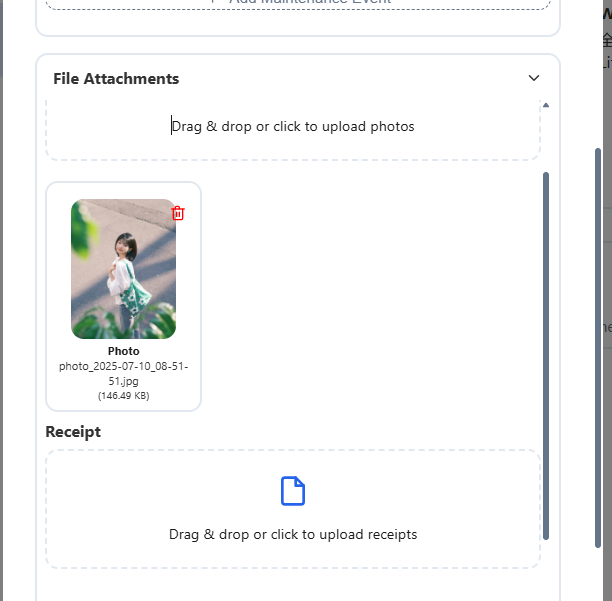
You can add pictures and upload invoice information.
After successful addition, it will be visible on the home page.
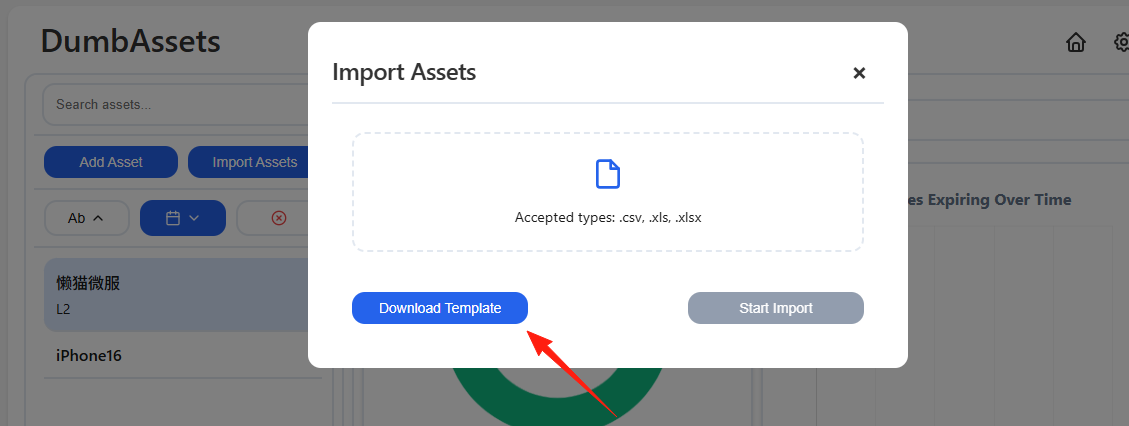
The top-left corner supports importing information. First, download the import template, fill in the information according to the template, and then import the file.
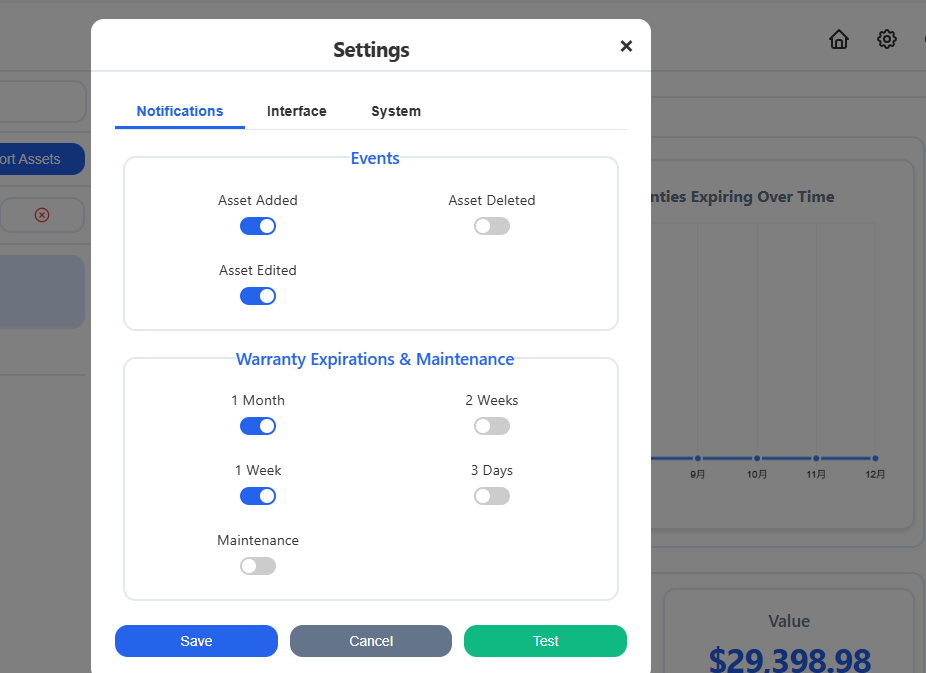
In the settings, you can modify the reminder time (e.g., XX days before the warranty expires), which will be displayed on the home page.
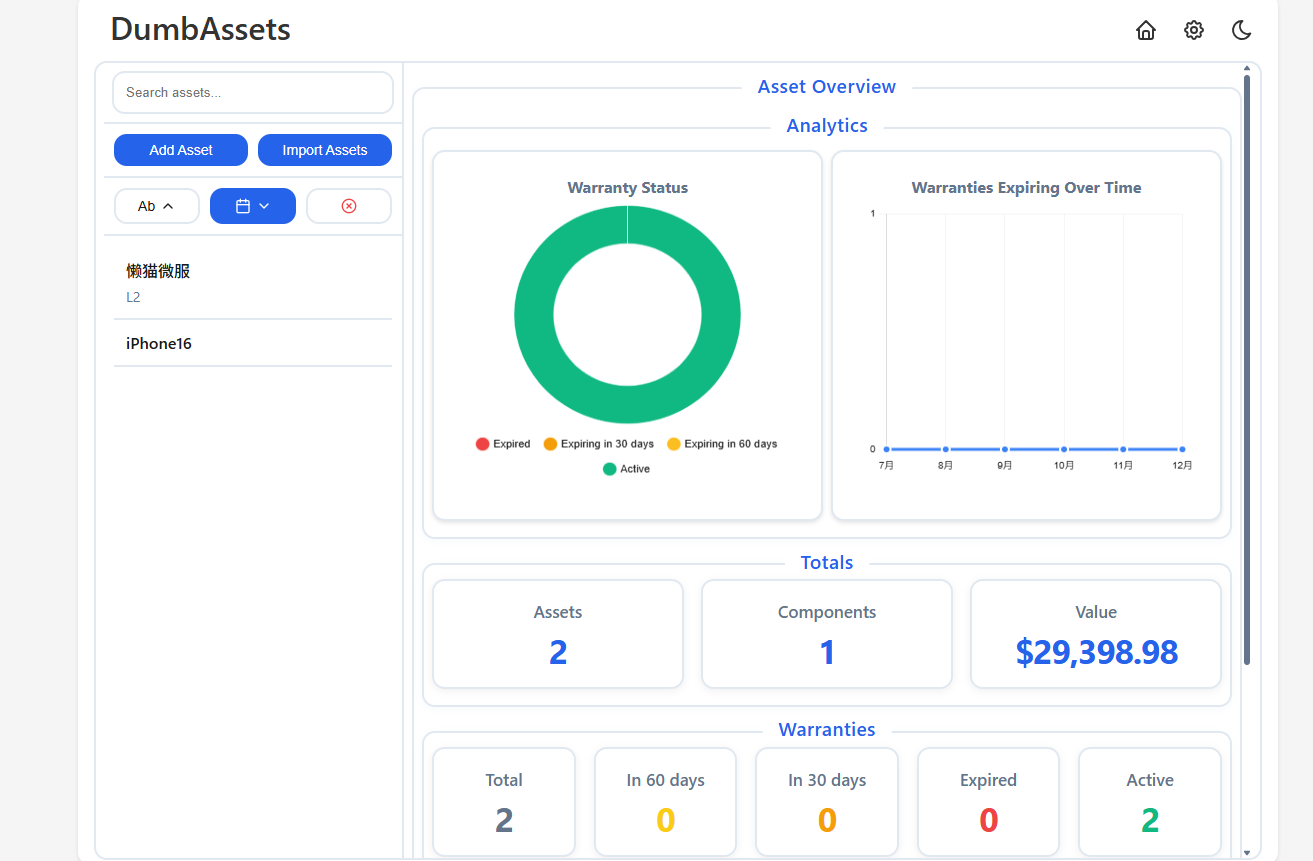
Click on the home page to see statistical information; the visual design is quite appealing.
Summary
It's a decent, simple, and convenient asset tracking tool.
It would be great if it supported Chinese in the future. Currently, the dollar sign $ on the home page always gives me the feeling of being wealthy.