
Focalboard Practical Guide: A Simple and Powerful Project Management Tool
What is Focalboard?
Focalboard is an open-source project management tool developed by Mattermost, positioned as an open-source alternative to Trello, Asana, and Notion. It uses Kanban views to help individuals and teams organize, track, and manage tasks.
Simply put, it lets you manage tasks using the Kanban method, which is as intuitive as using sticky notes.
https://appstore.lazycat.cloud/#/shop/detail/wcloud.gblw.app.focalboard
How to Use
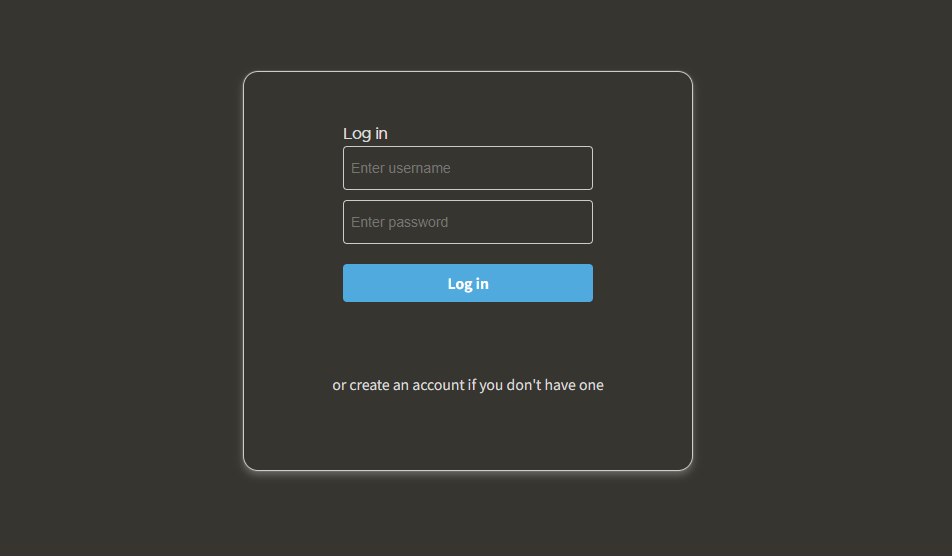
After installing the application, the login page appears when you first open it.
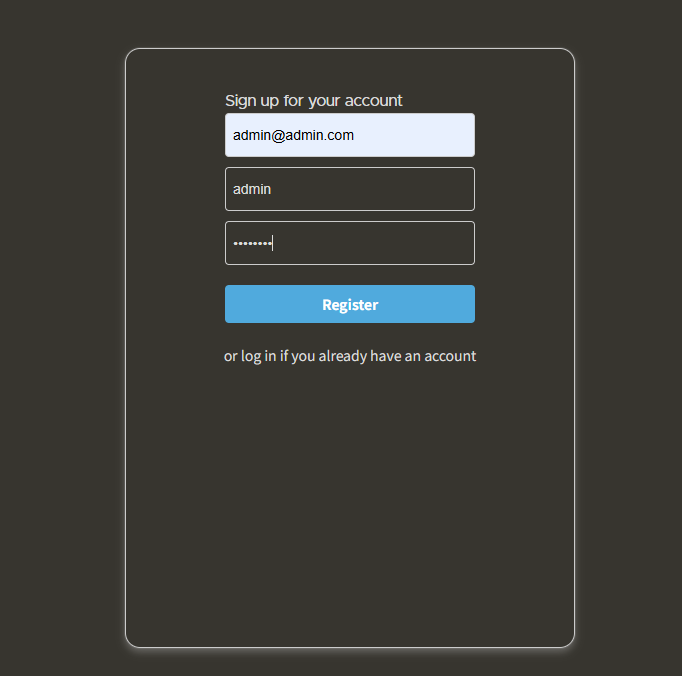
You need to register a user first.
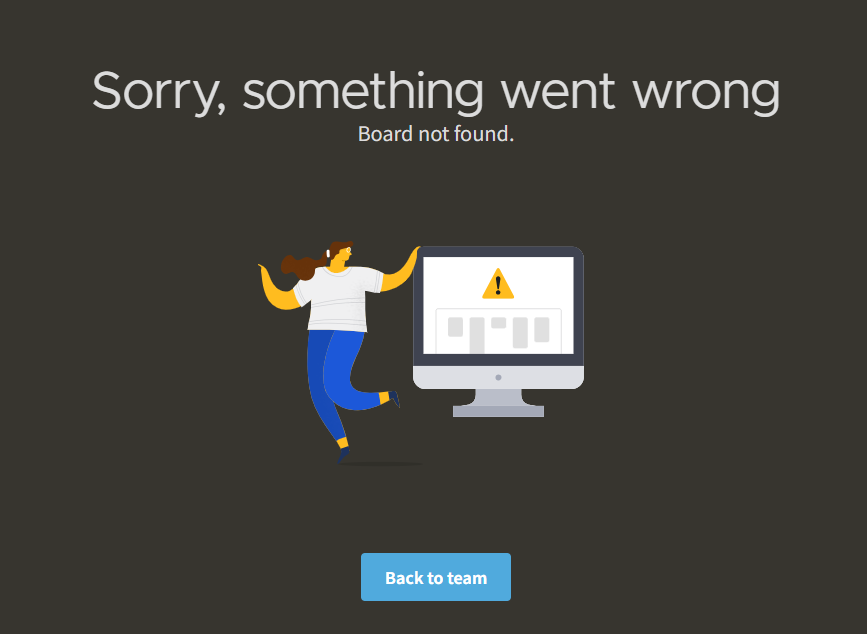
An error appears after successful registration; click "back to team".
This is the normal homepage interface.
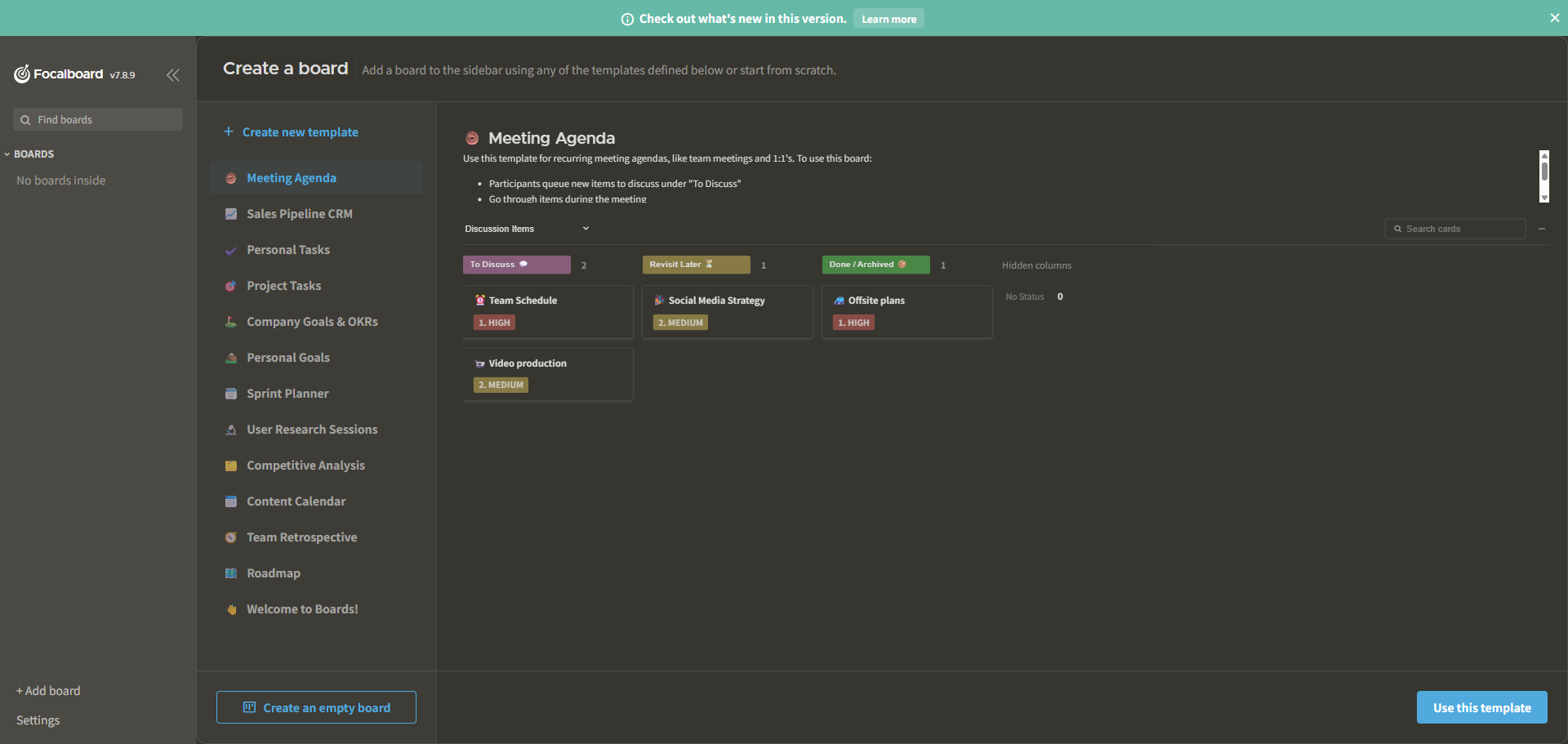
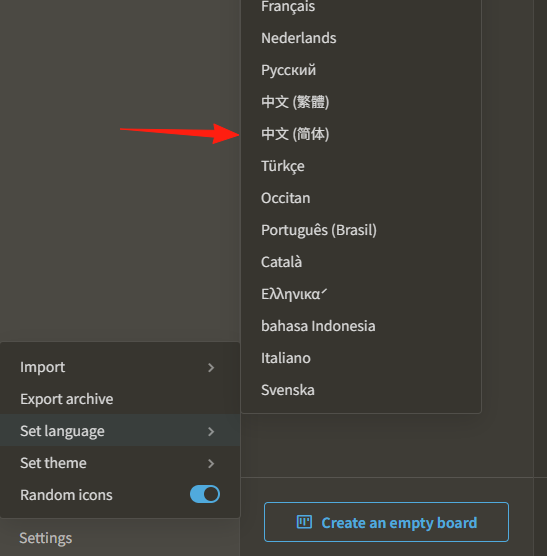
First, go to "Setting" in the bottom left corner and switch the language to Chinese.
The project includes some built-in templates; you can create a new one directly using a template.
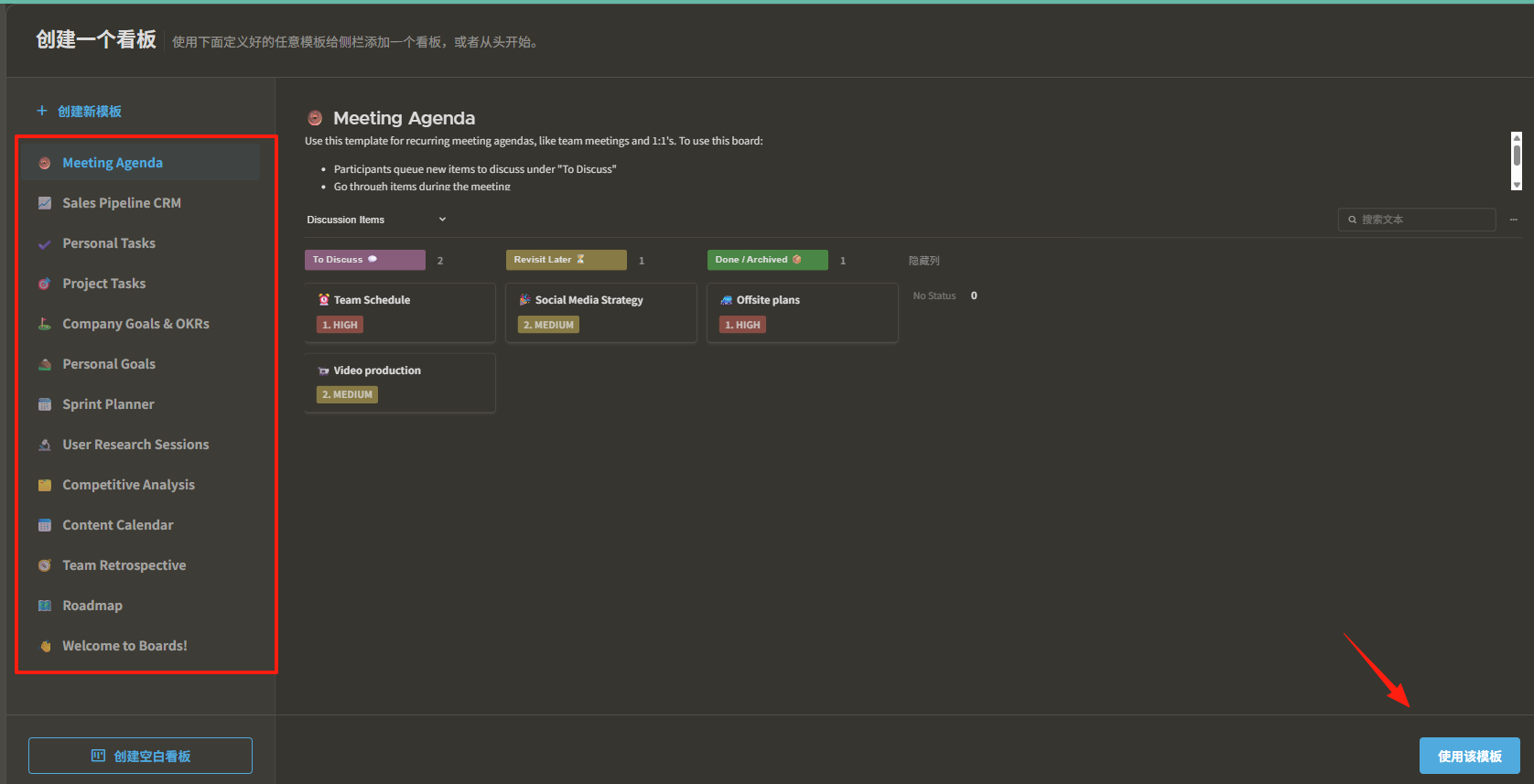
I selected the first template, "Meeting Agenda," which appears on the left side.
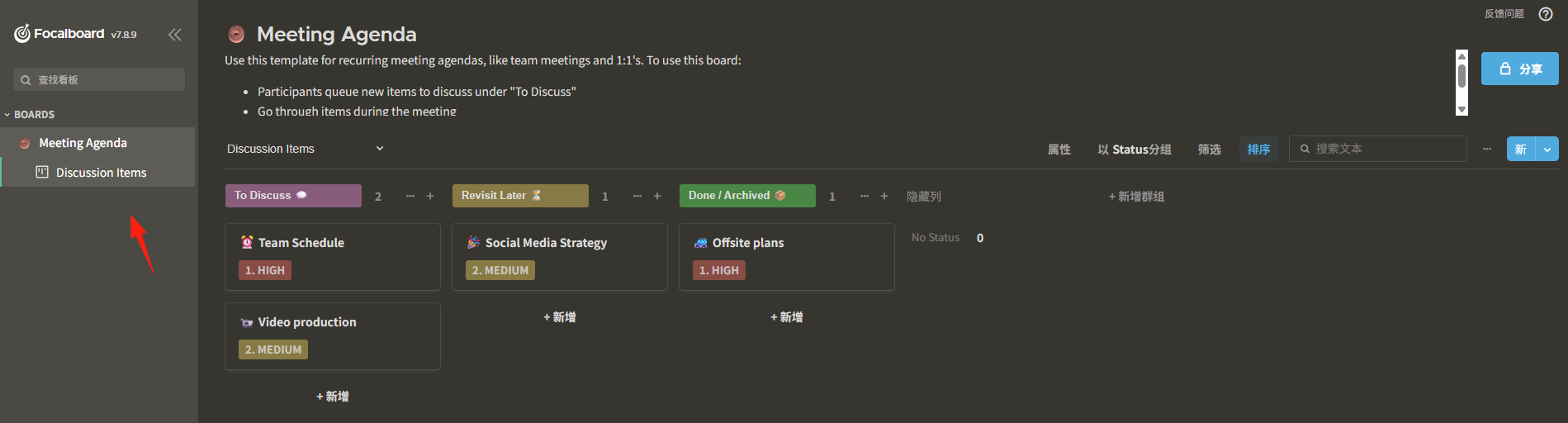
The right side shows the standard three-column layout, supporting drag-and-drop functionality.
- 📋 To Do: Place all new tasks here.
- 🔄 In Progress: Tasks currently being worked on.
- ✅ Done: Completed tasks. Each item can have content added, icons set, themes applied, priorities defined, and attachments added.
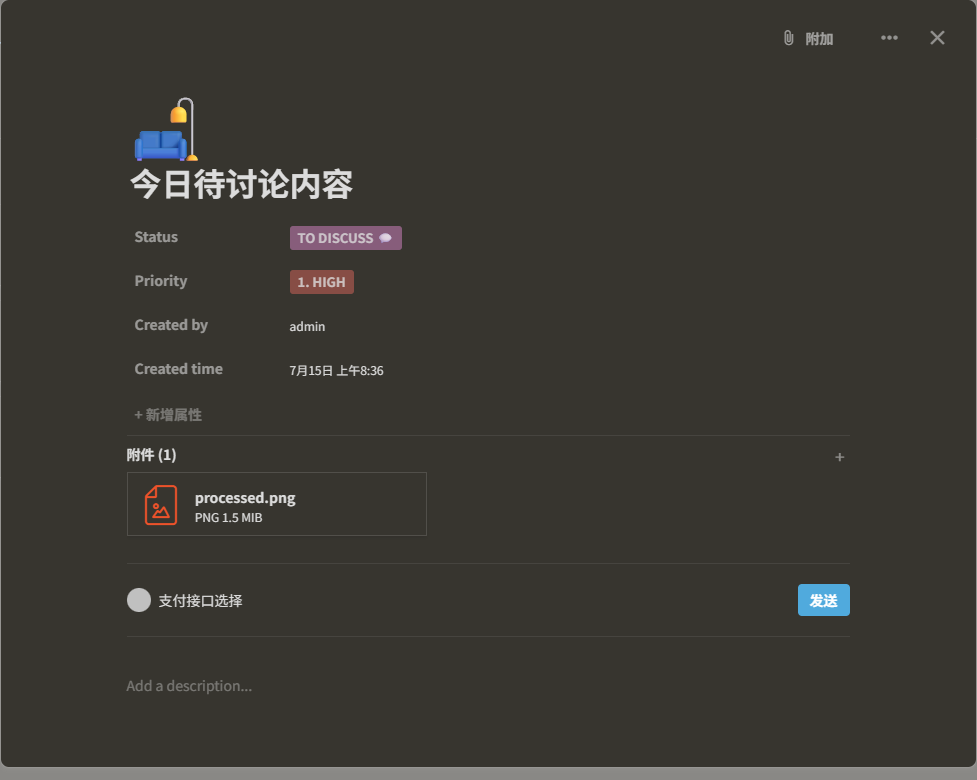
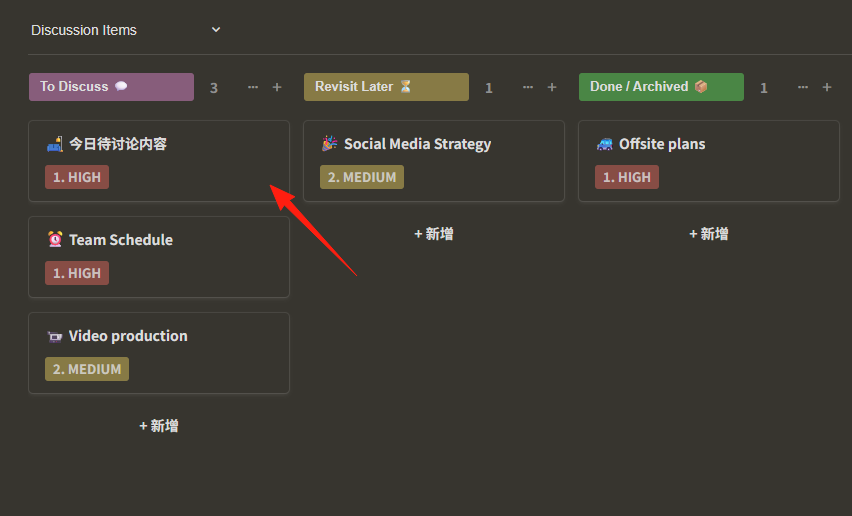
After creation, it appears on the homepage.
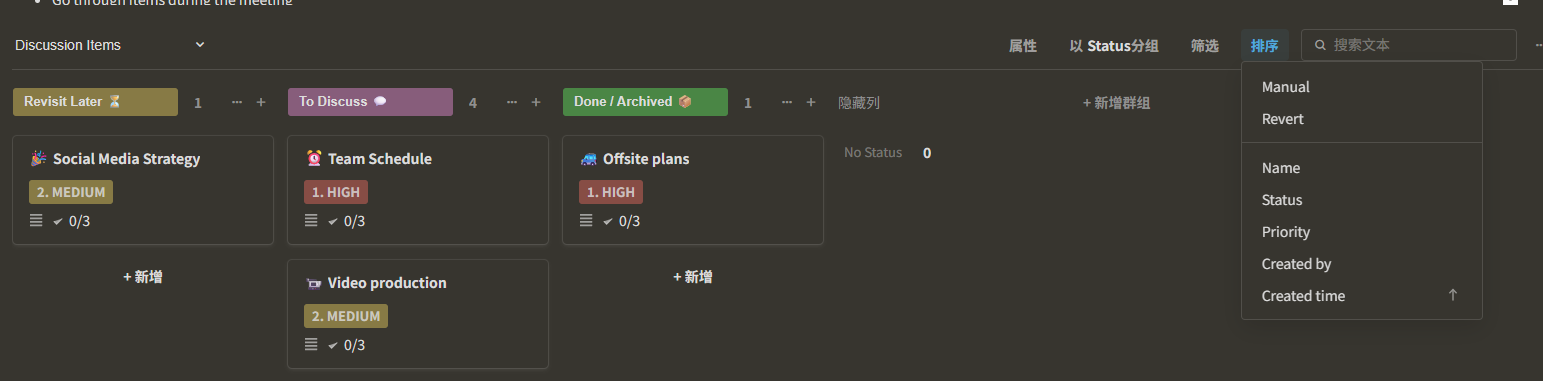
Supports multiple sorting options.
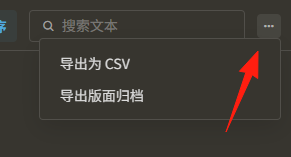
Can be exported to CSV format.
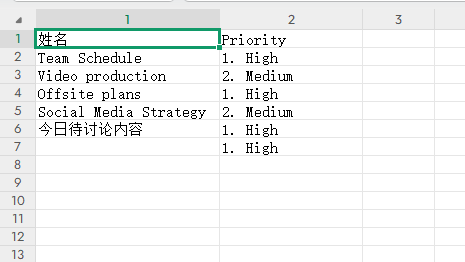
 However, only the title and priority are exported.
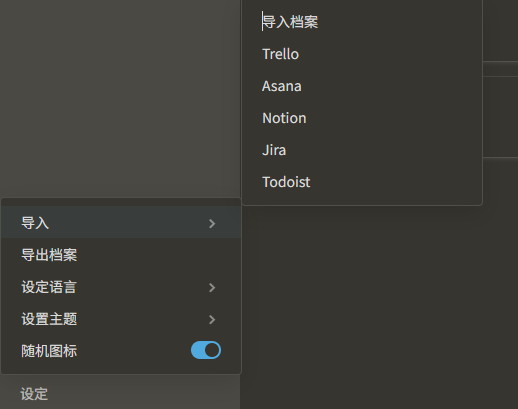
 It supports importing data from the following sources via JSON files, making migration relatively convenient.
Summary
Focalboard's biggest advantage is its simplicity and directness. There's no steep learning curve; it's ready to use out-of-the-box.
It focuses more on project management, whereas Notion offers more comprehensive features but is also more complex. Choose based on your needs.