
WikiDocs: The Simplest Markdown Knowledge Base - A Database-Free Documentation Tool
What is WikiDocs?
WikiDocs is a flat-file Wiki engine that requires no database. What does this mean? You don't need to set up any complex database environment; all documents are stored as Markdown files in folders.
It is a Markdown-based flat-file Wiki engine that provides features like a WYSIWYG editor, built-in sitemap generator, image upload, syntax highlighting, and page version control.
https://appstore.lazycat.cloud/#/shop/detail/wcloud.gblw.app.wikidocs
Usage Guide
When the app is first opened, an operational guide is displayed.
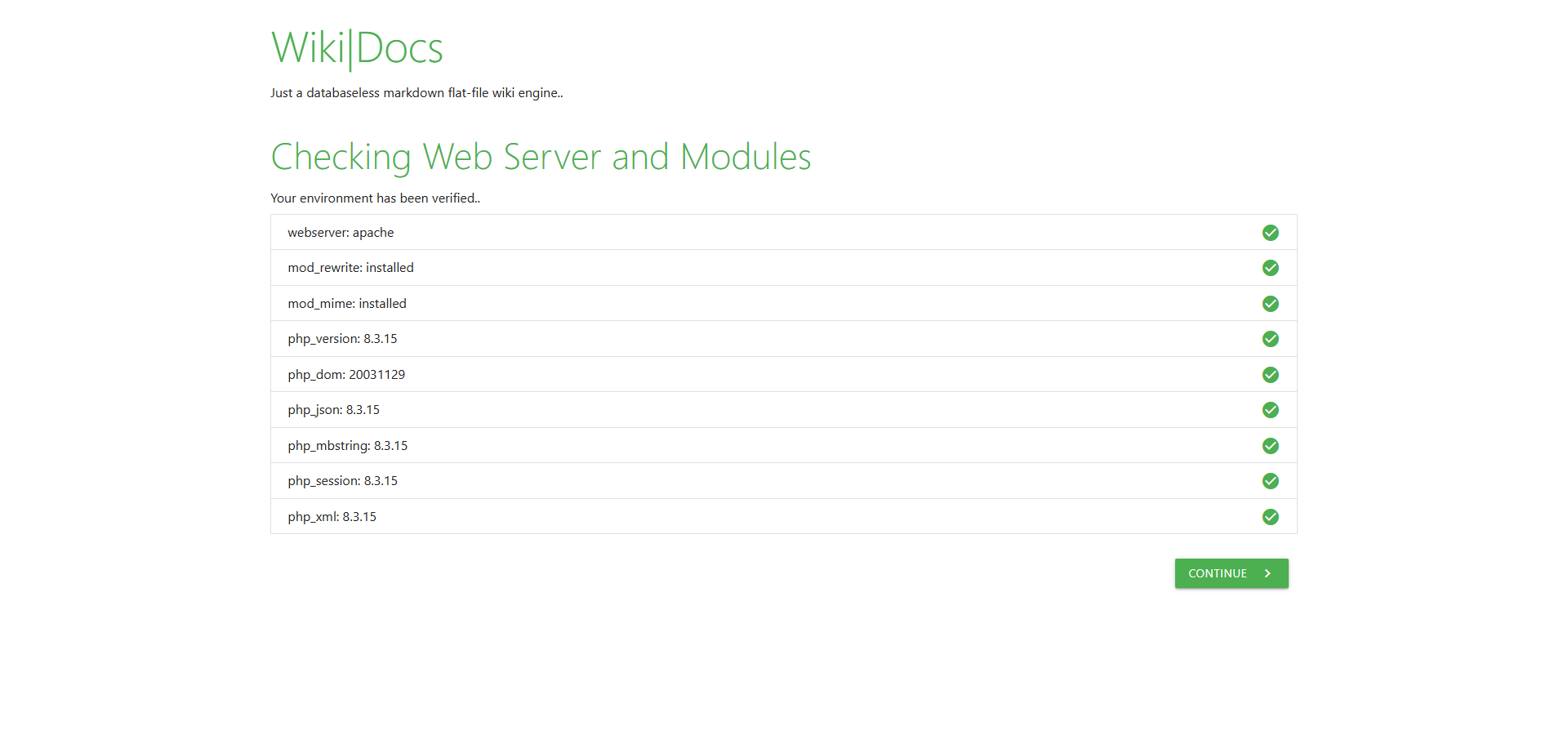
- Owner: The owner of the content
- Notice: Content copyright notice, e.g., Copyright © All rights reserved
- Edit authentication code: The verification code, i.e., the password
- Repeat edit authentication code: Repeat the verification code
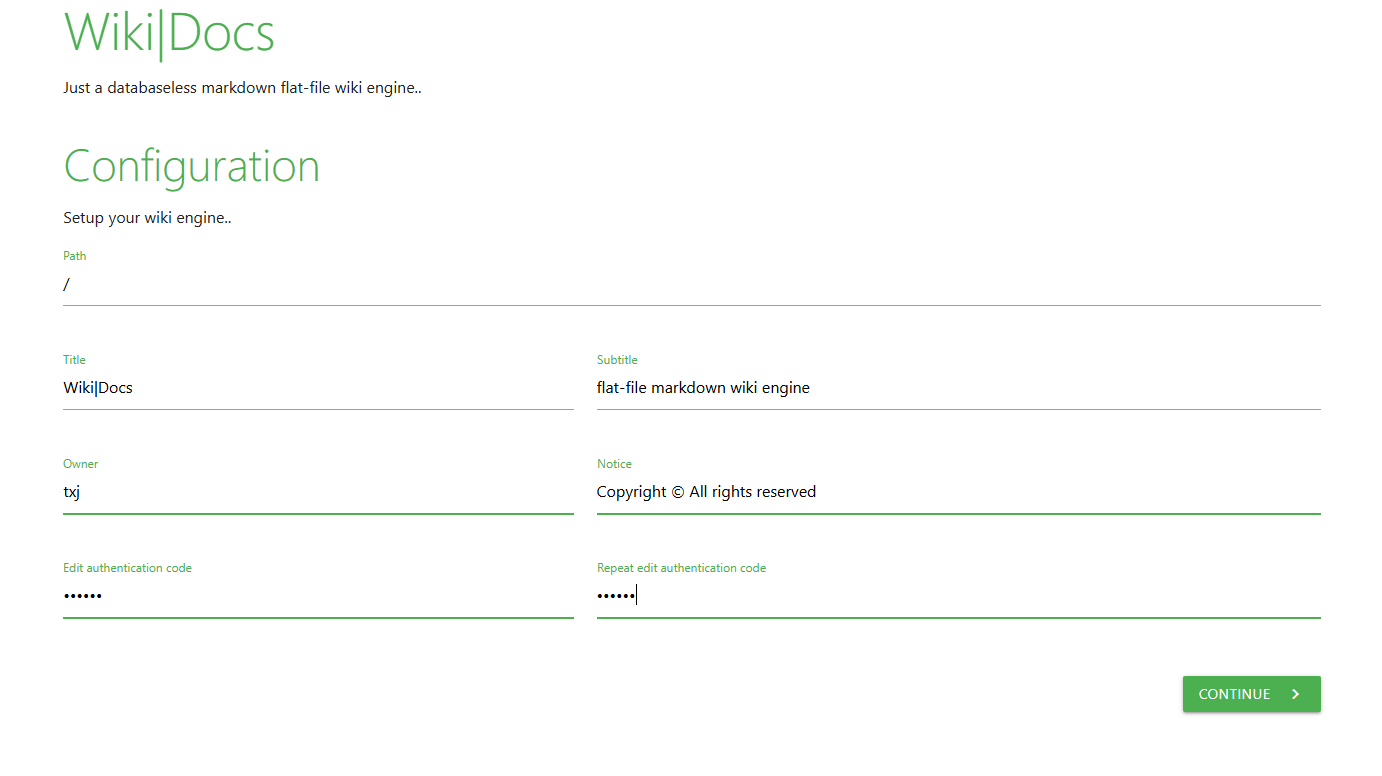
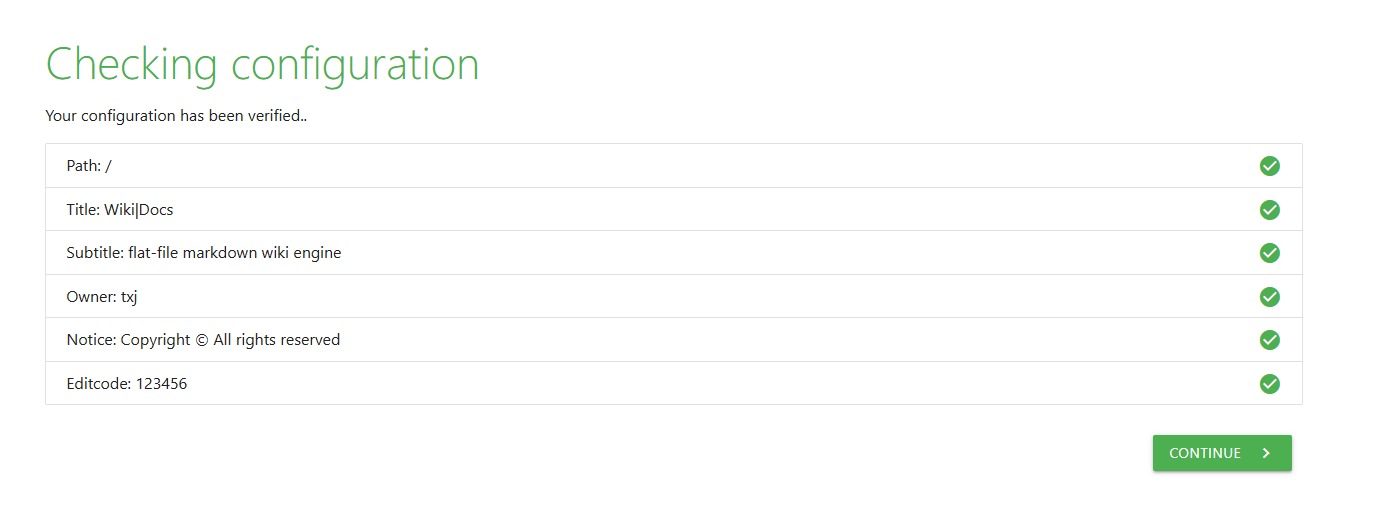 After completing the setup, click Continue.
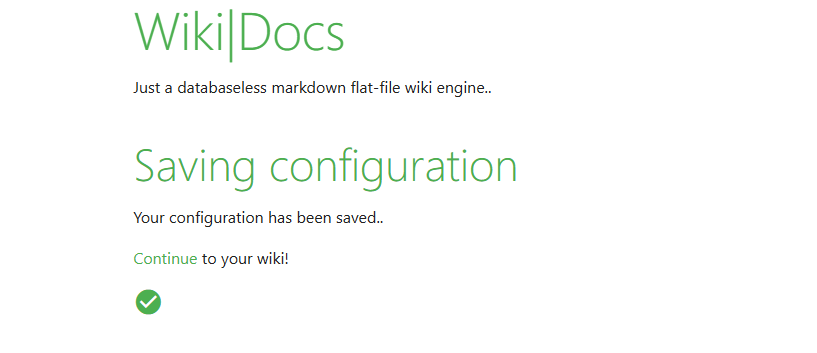
Enter the main page.
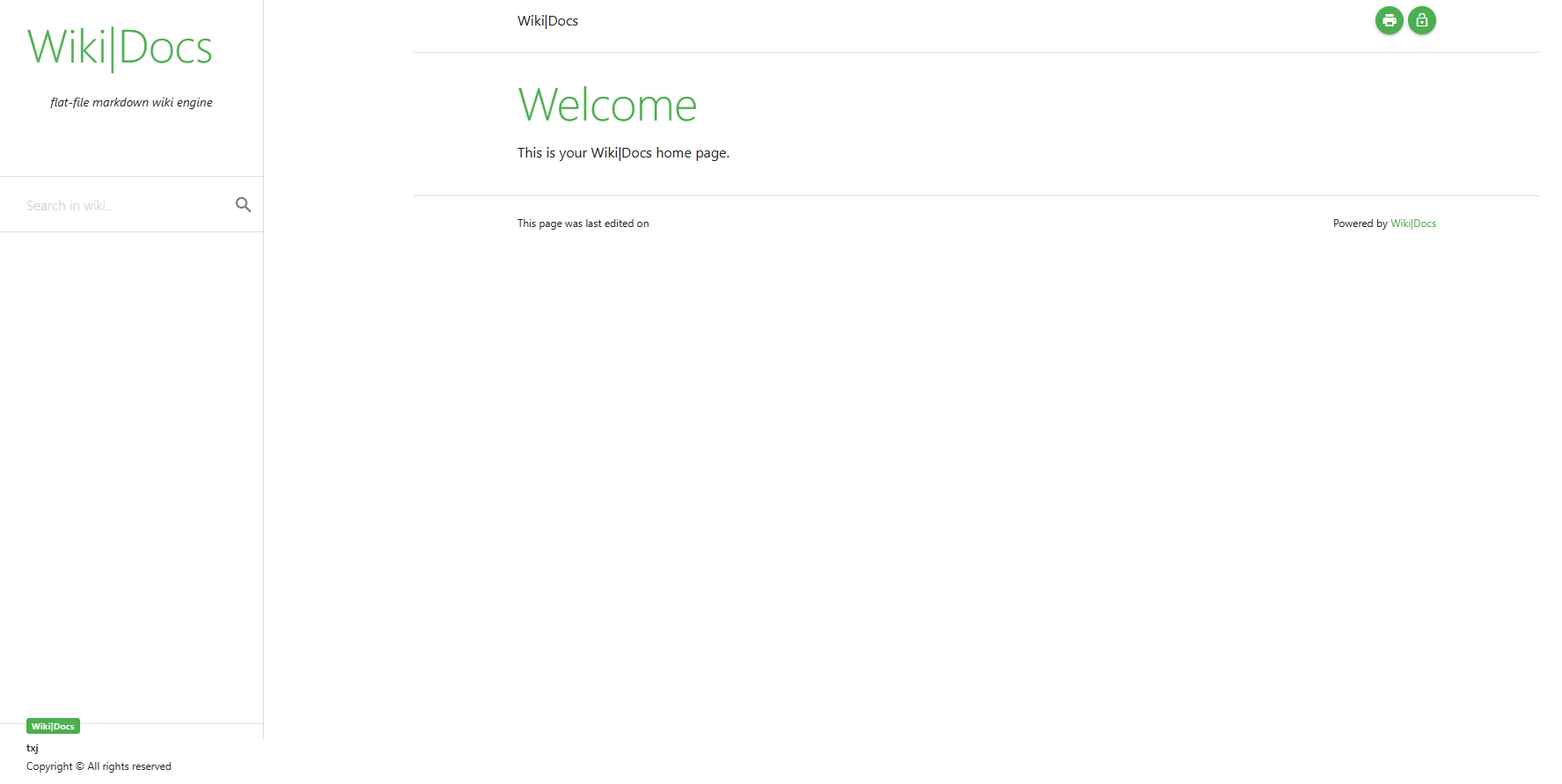
Click the lock icon in the upper right corner.
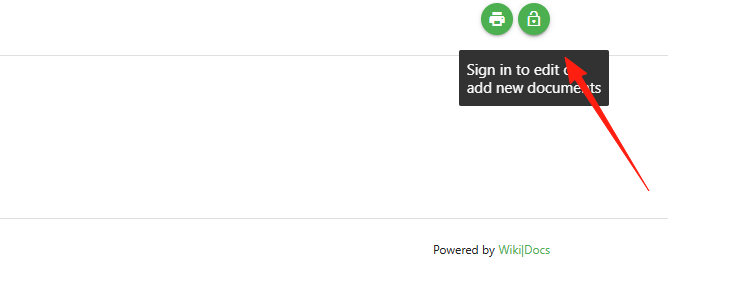
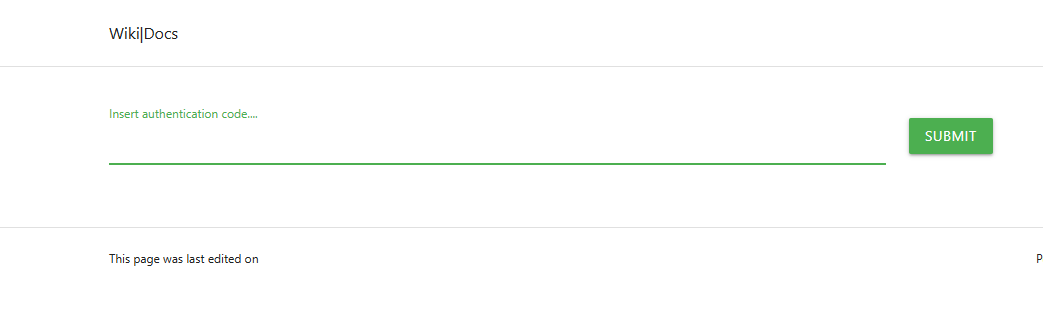
Enter the verification code you set earlier.
This indicates success.
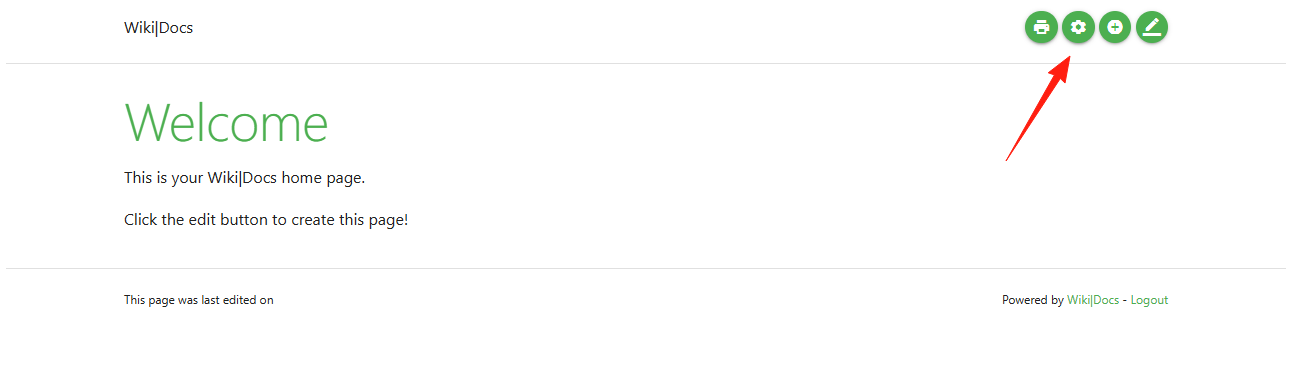
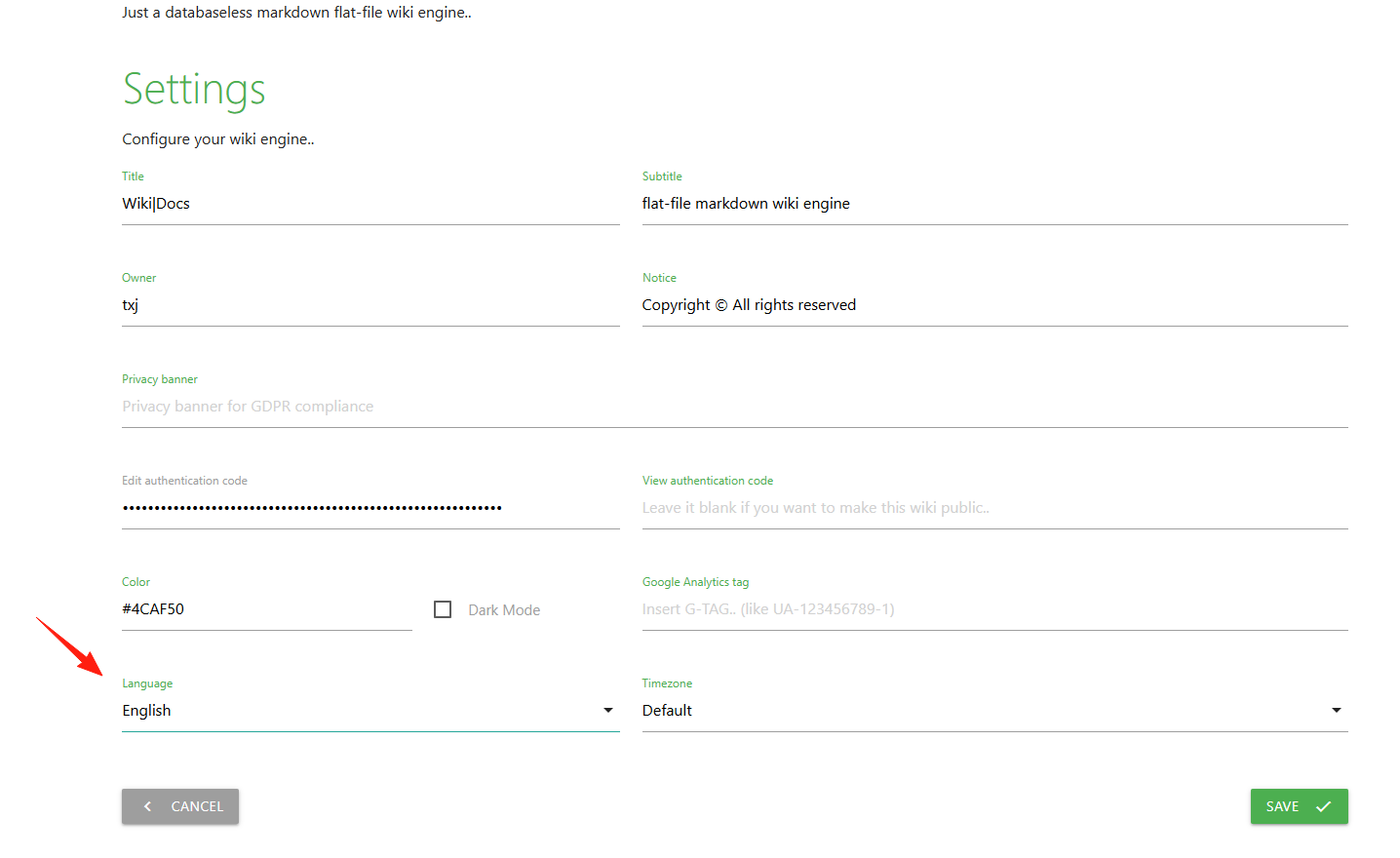
In Settings, you can change the language to Chinese and the timezone to Shanghai.

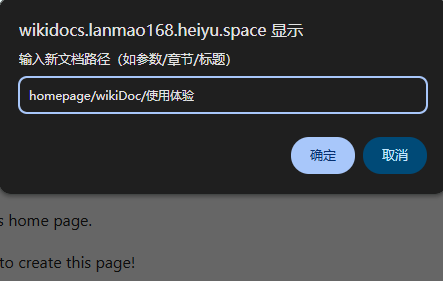
Click Add New Document.

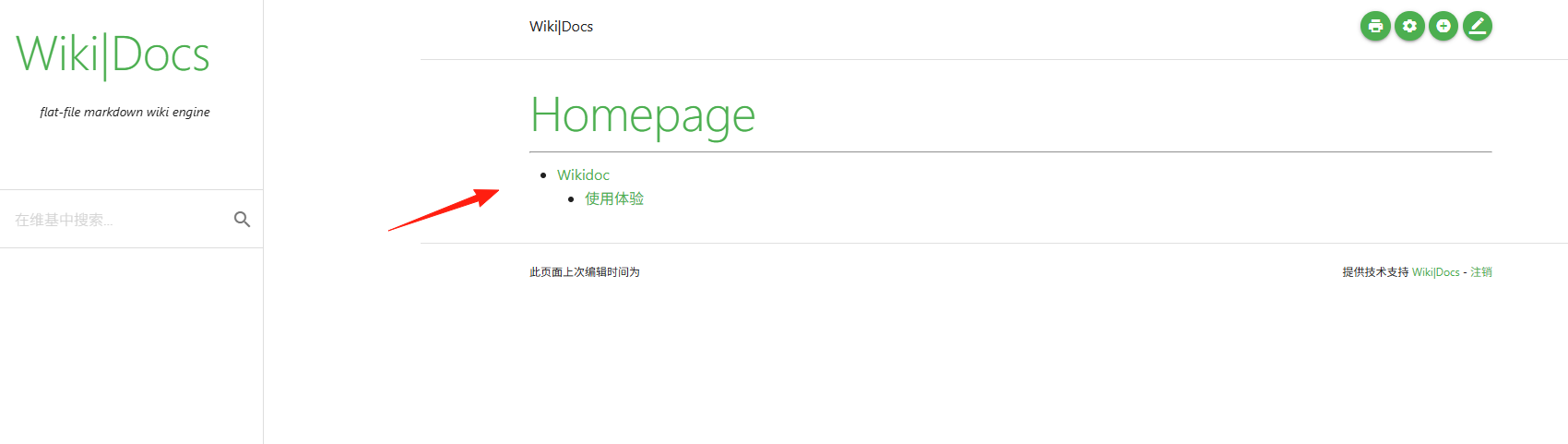
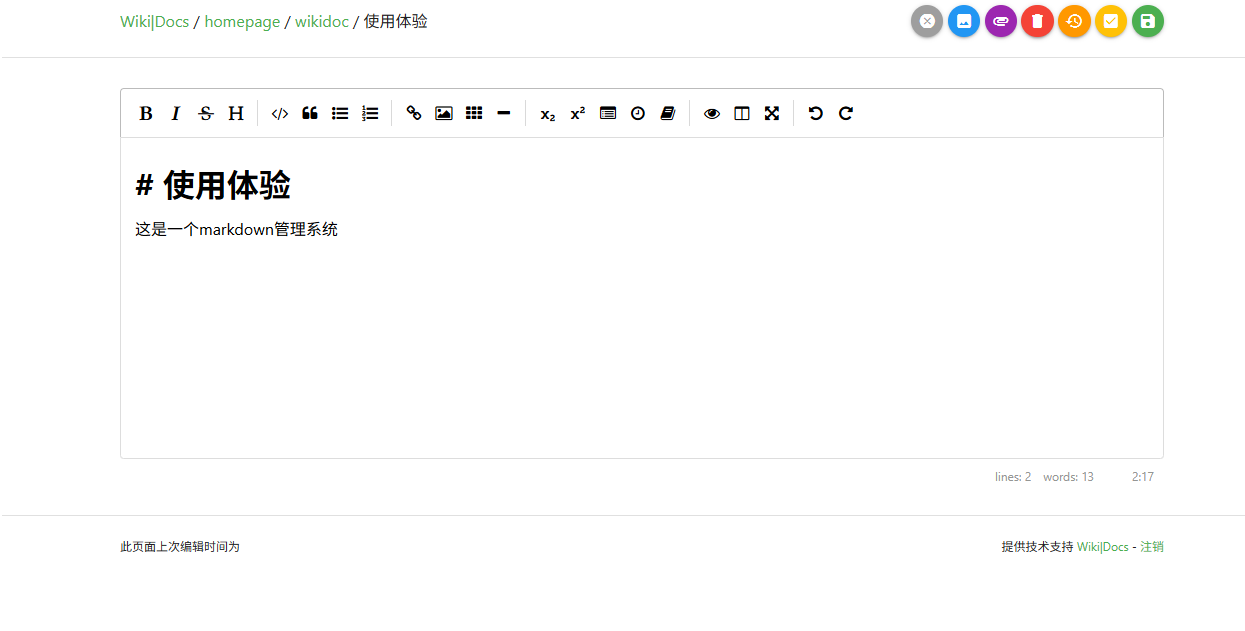 After saving, switch to the root directory to see the document.
In LazyCat Cloud Drive - App Data, you can see the storage location of the documents.
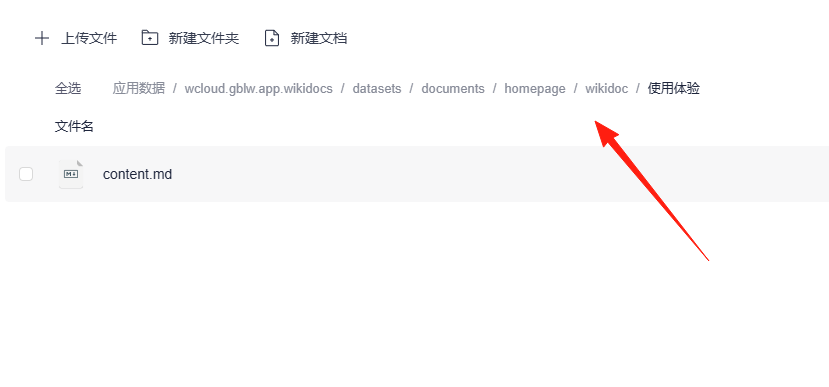
For future backups, just back up this folder.
Summary
WikiDocs is the kind of tool that is "small but complete." It is particularly suitable for:
- Programmers who prefer simplicity and directness
- Small teams needing to quickly set up a documentation site
- Writers already accustomed to Markdown syntax
If you are looking for a simple, reliable, and easy-to-maintain documentation management solution, WikiDocs is worth a try.