
TillyWork User Experience: A Simple and User-Friendly Project Management Tool
What is TillyWork?
TillyWork is an all-in-one work operating system that integrates project management, CRM, and issue tracking.
Simply put, you might have used Trello for managing tasks and other tools for managing customers before, but now TillyWork alone is sufficient.
Key Features:
Open Source: Users can customize and extend Tillywork according to their specific needs. Comprehensive Toolset: Includes various tools such as project oversight, sales management, and issue resolution. Intuitive User Interface: Features a clean and user-friendly design, enabling users to get started easily.
https://appstore.lazycat.cloud/#/shop/detail/xyz.mxue.tillywork
Practical Guide
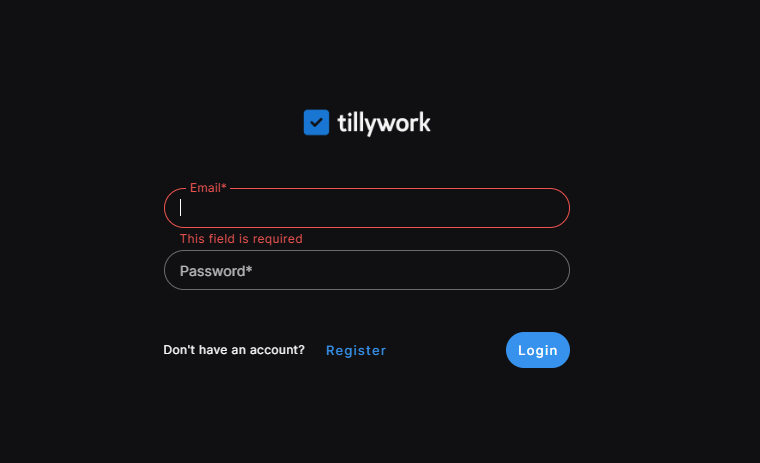
After the application is installed, you can open the login page.
First-time users need to register an account.
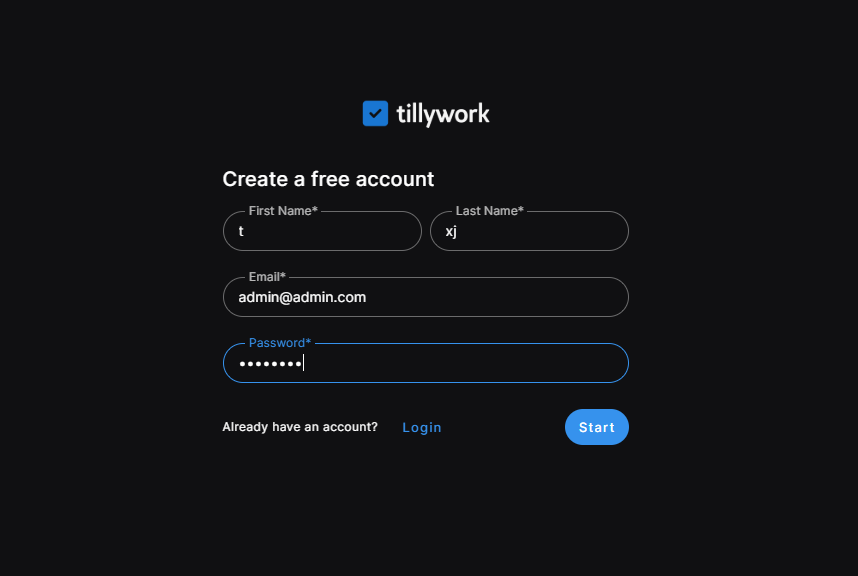
After successful registration, click start to launch the wizard.
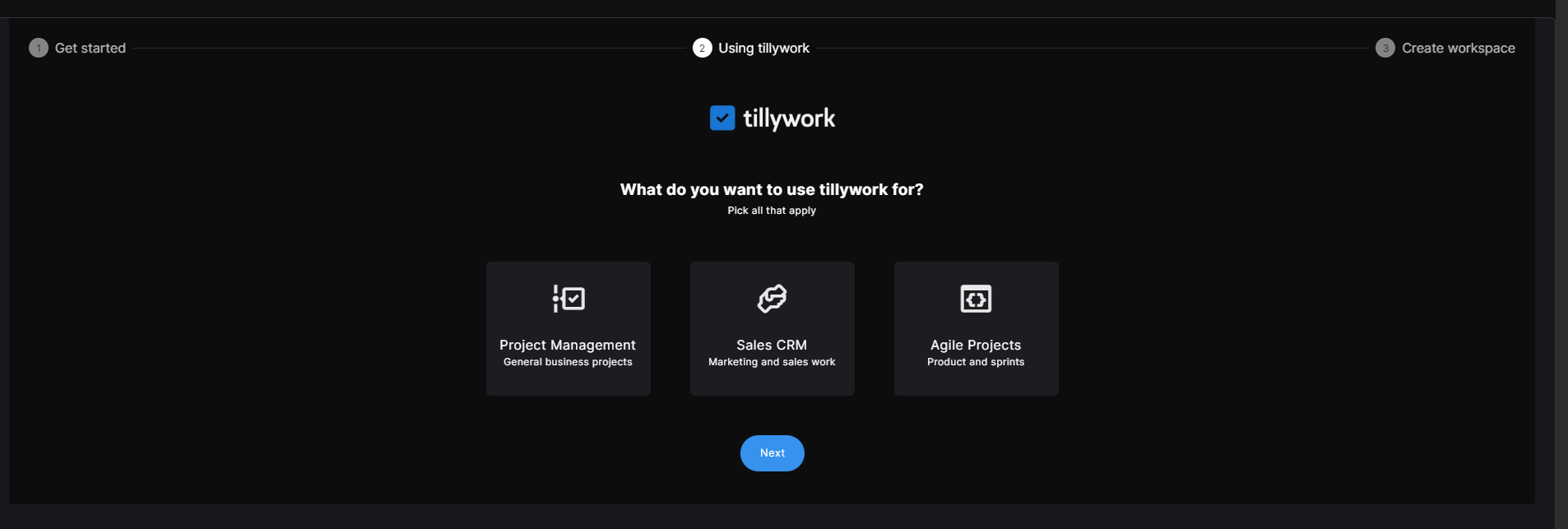
This step is for selecting the intended use case.
Project Management: Project Management Sales CRM: Sales CRM Agile Projects: Agile Projects
Next, create a workspace.
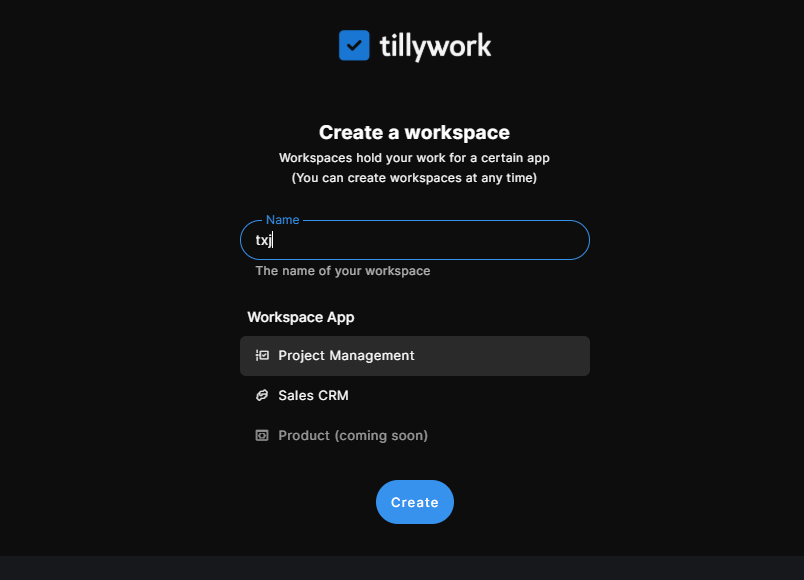
Enter the workspace.
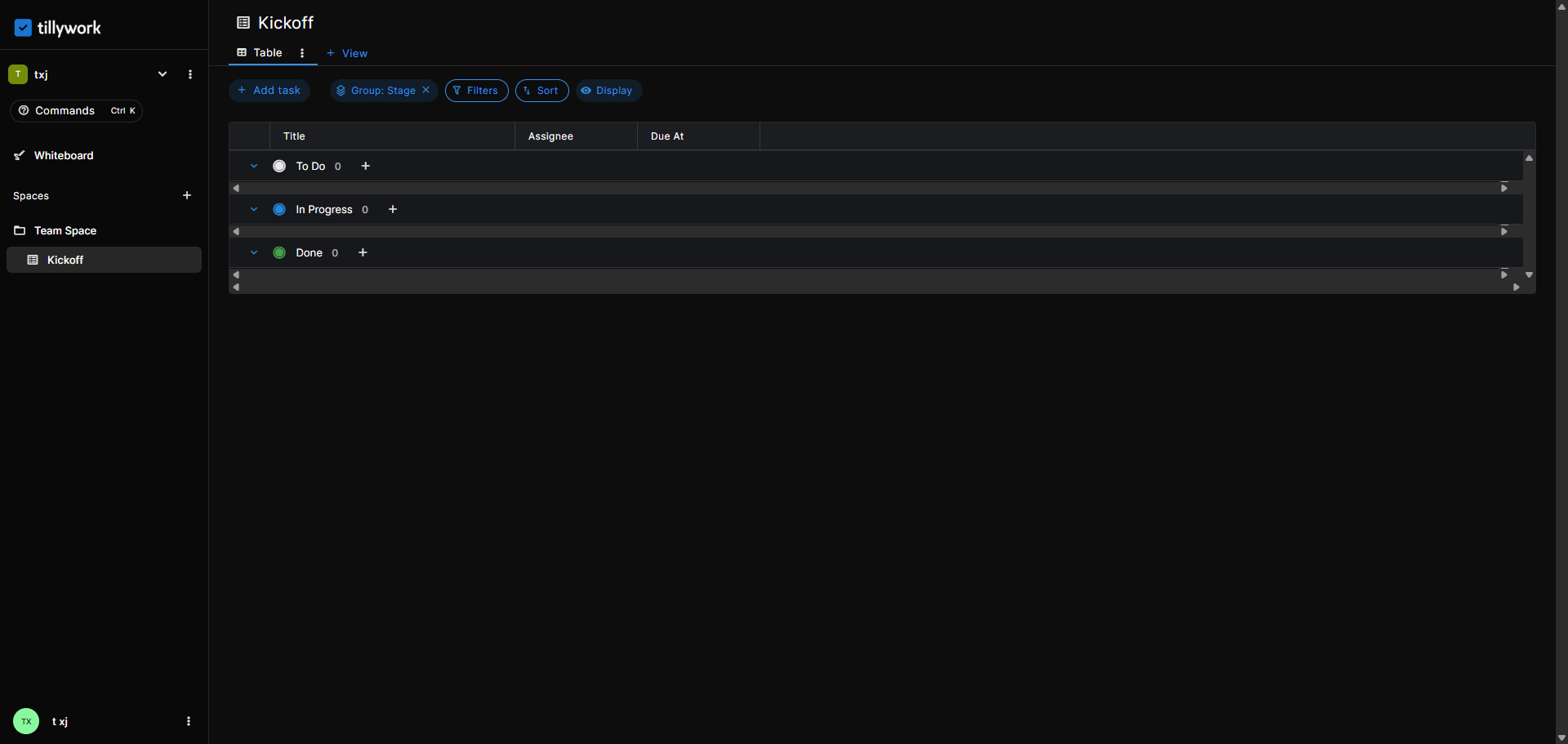
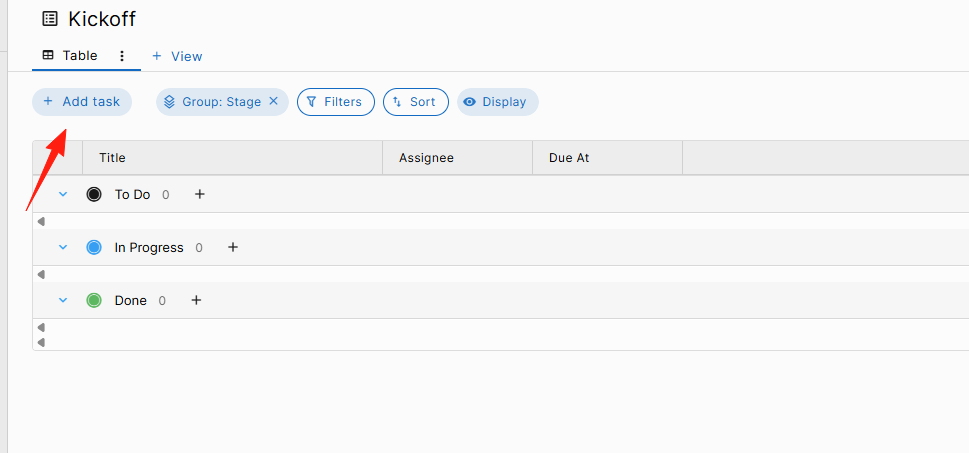
Click Add Task to create a task. Projects are divided into three types: To Do, In Progress, and Completed.
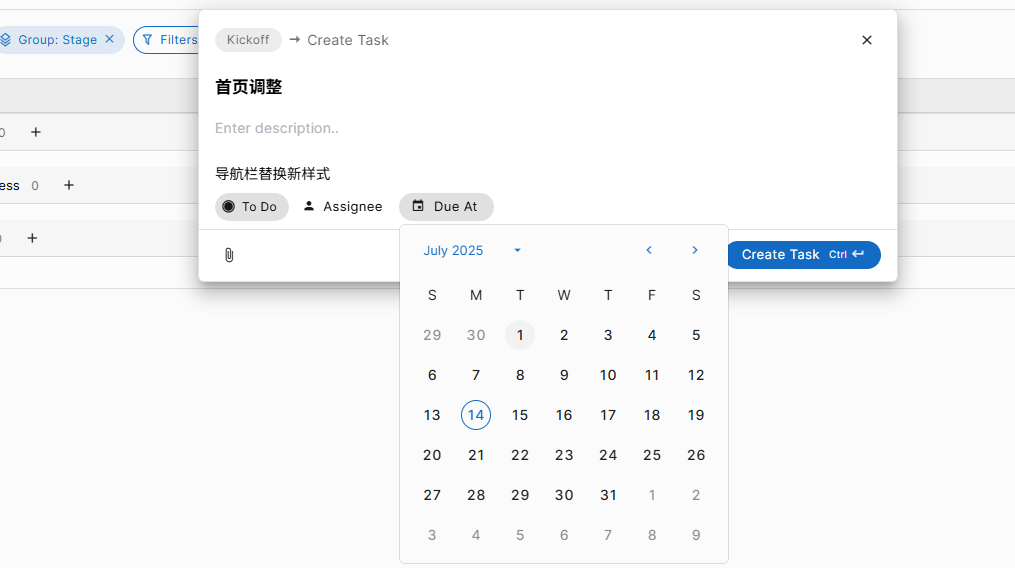
You can set the task description, attachments, and due date.
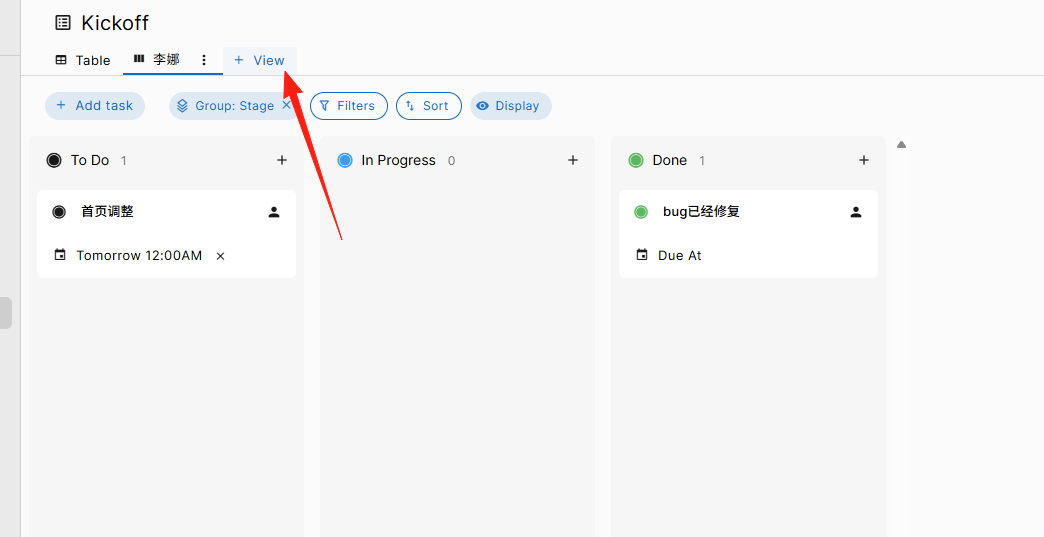
You can add a Kanban board here.
- Each task card should clearly state what needs to be done.
- Set due dates and priorities.
- Use labels to distinguish different types of tasks (e.g., Urgent, Design, Development).
- Add checklists under tasks to break down large tasks into smaller steps.
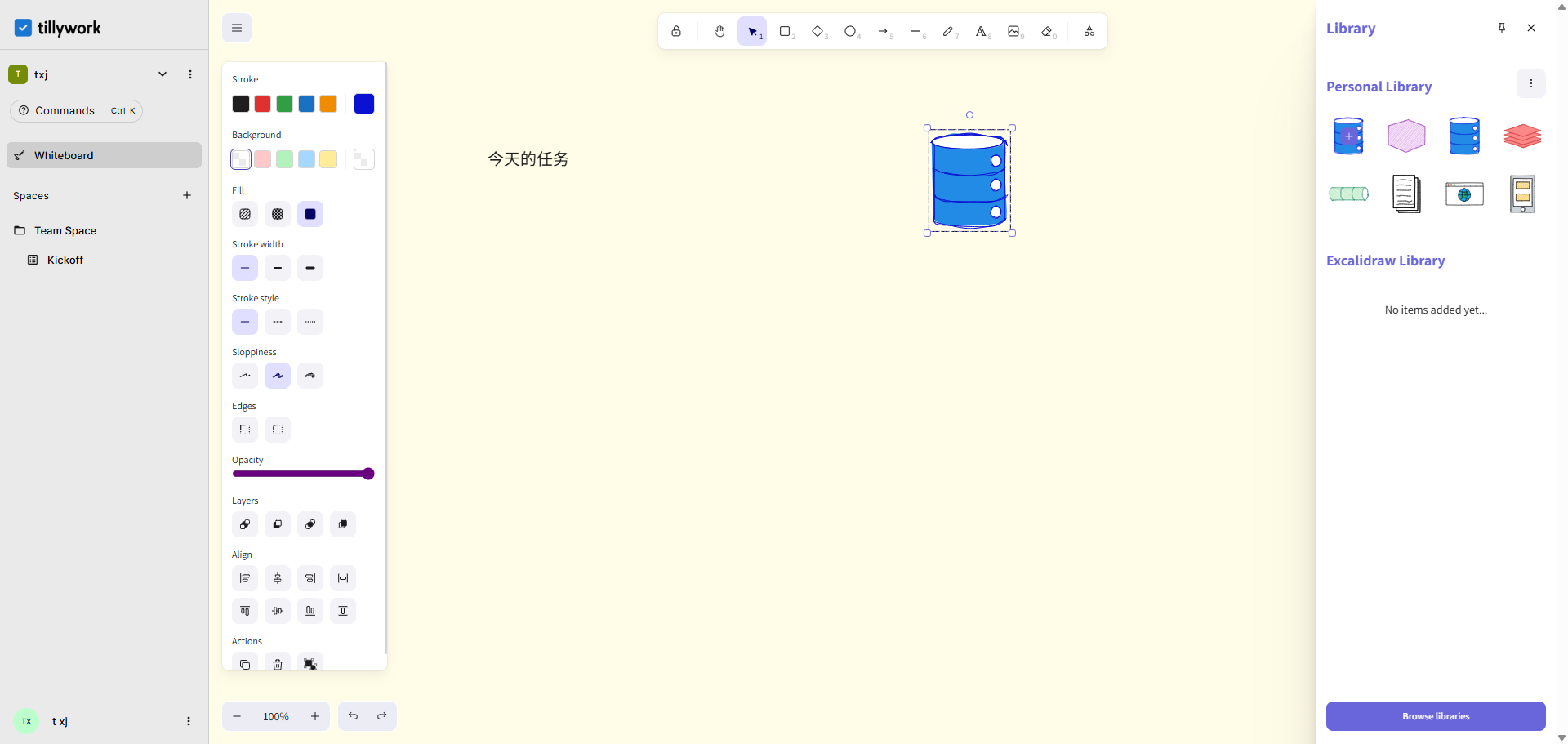
The whiteboard on the left is well-suited for projecting and assigning tasks during project meetings.
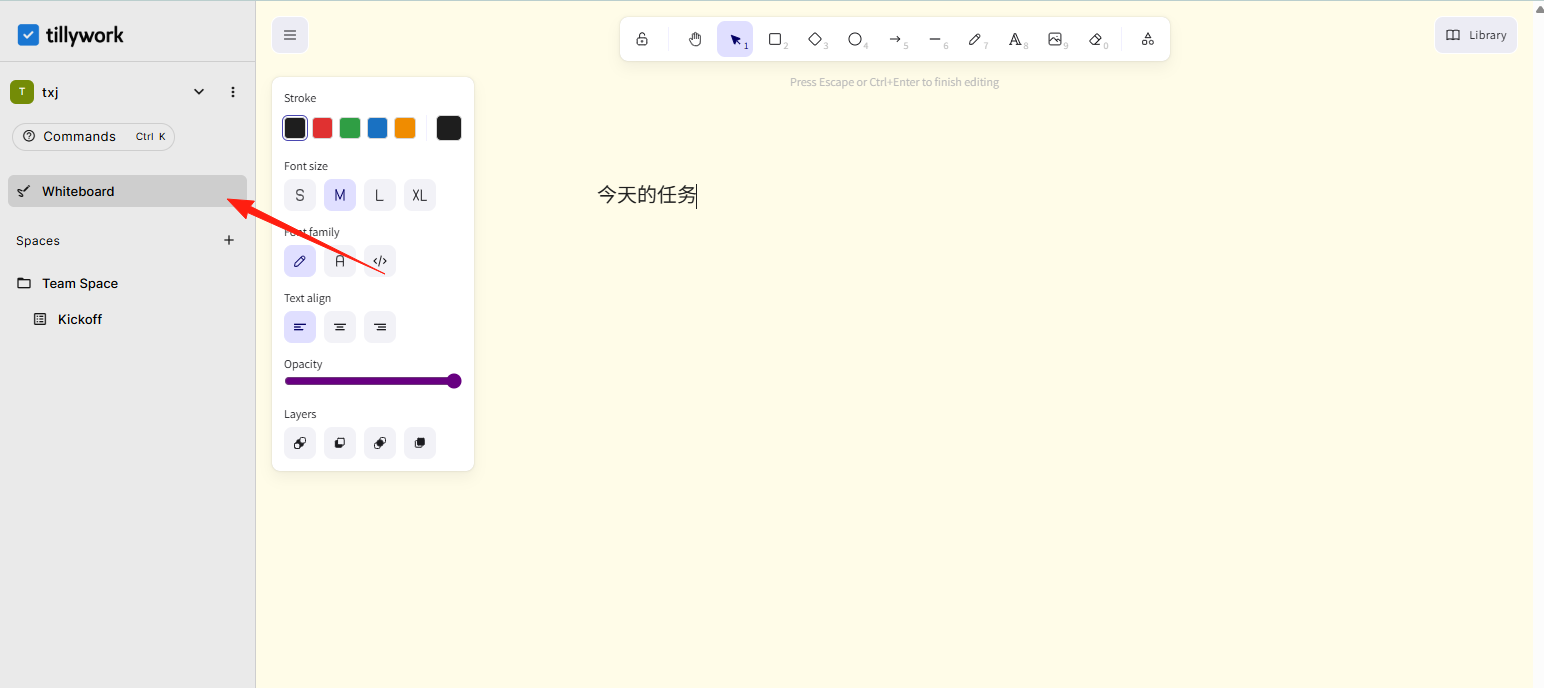
There is also a plugin repository on the right.
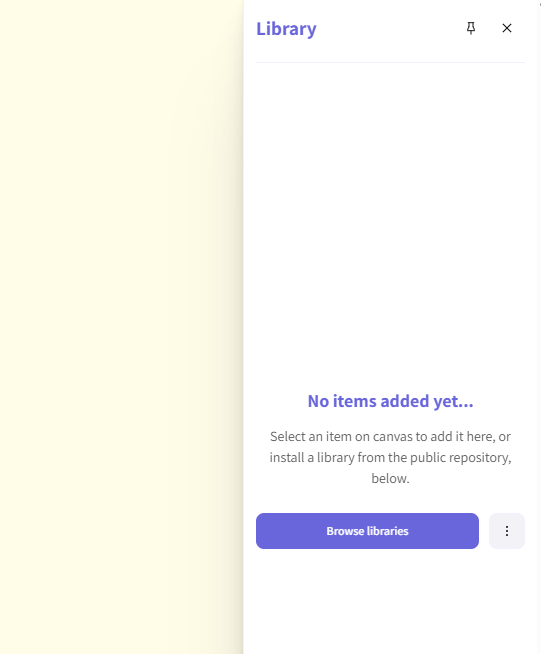
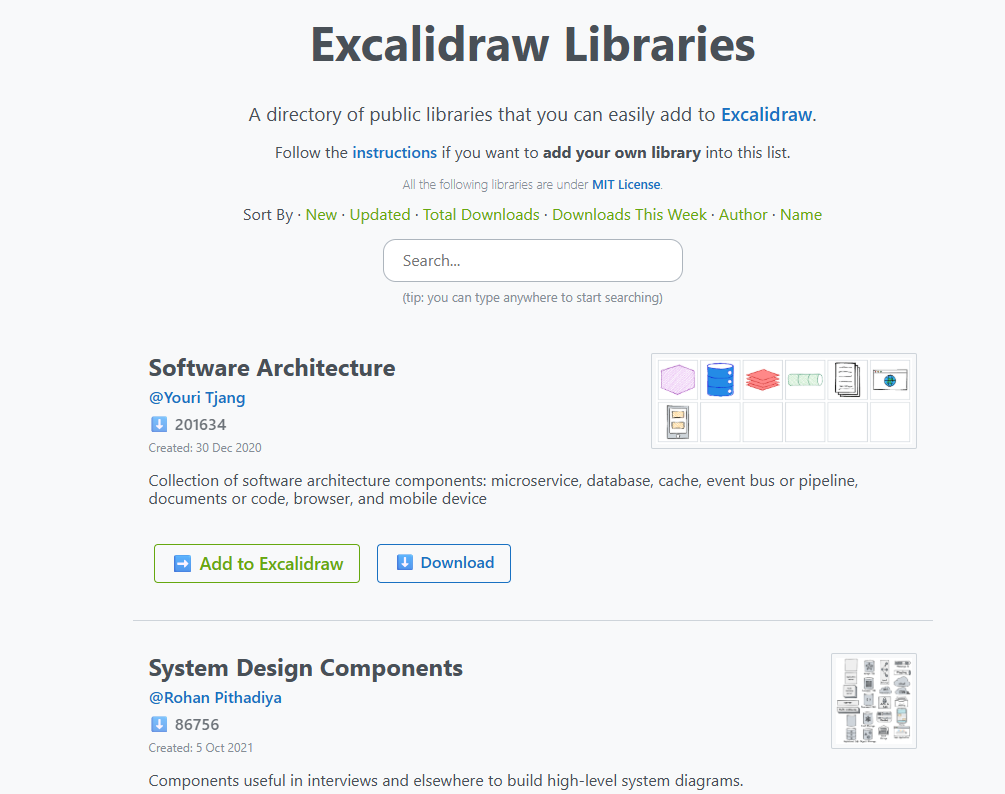
Download the repository you prefer.
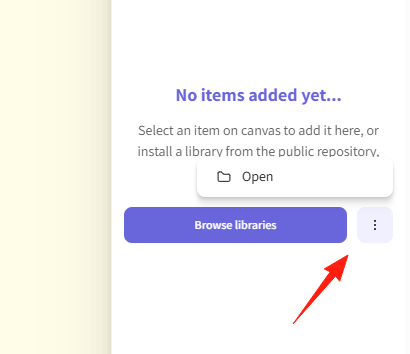
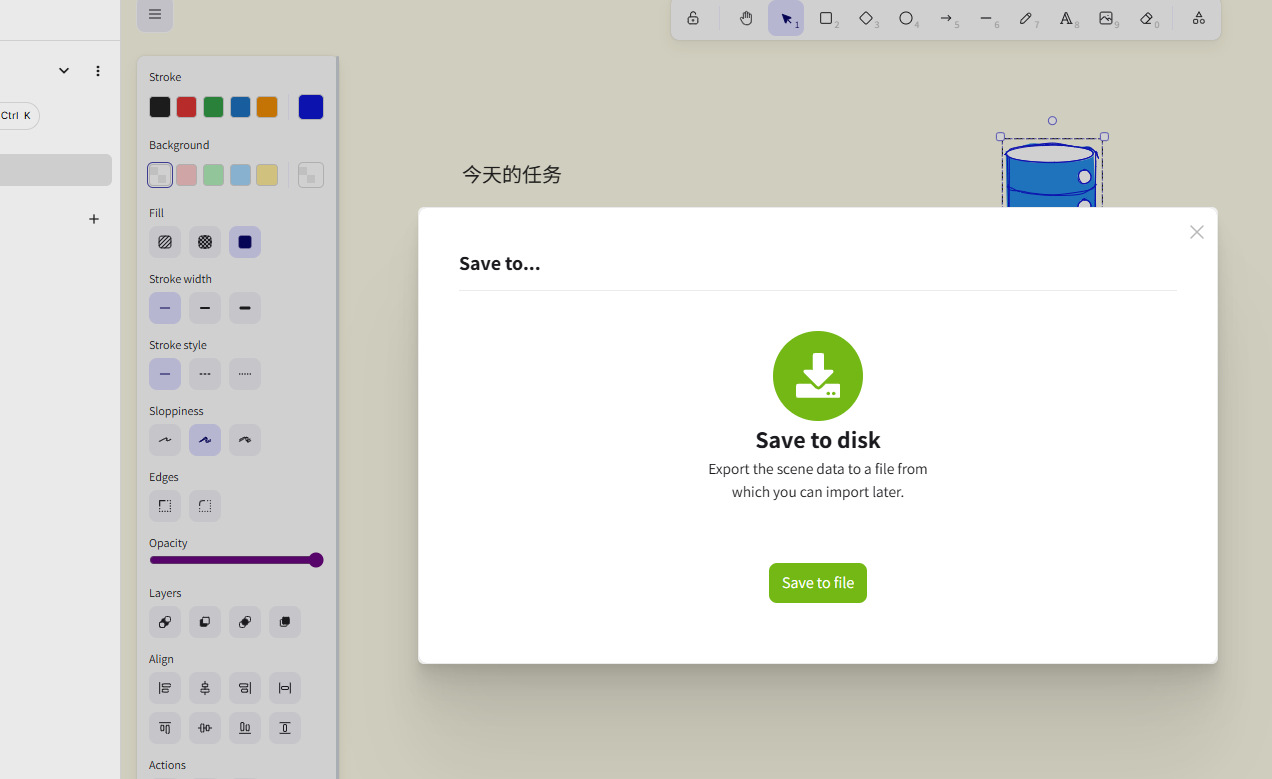
After downloading, import it from here.
You can then see it on the right and drag it directly to the left for convenient drawing and editing.
If you frequently work on similar projects, it is recommended to create project templates. For example, the standard process for a website development project: Requirements Analysis → Prototype Design → Frontend Development → Backend Development → Testing → Launch. Save these steps as a template and reuse it directly for the next new project.
Summary
TillyWork is a project management tool worth trying, especially for small teams with limited budgets. It's not the kind of tool with flashy but impractical features; instead, it's a practical tool that genuinely helps you get things done.
If you are looking for a reliable project management solution, why not give TillyWork a try.