
Papra User Guide: The Tool That Makes Document Management Headache-Free
What is Papra?
Papra is an open-source document management platform specifically designed for ease of use, making it accessible to everyone.
Simply put, it's a digital filing cabinet, but much smarter than an ordinary one.
Key Features
Document Management: Supports uploading, storing, and managing documents. Organization Feature: Allows creating organizations to manage documents collaboratively with family, friends, or colleagues. Search Functionality: Provides full-text search for quickly finding documents. User Authentication: Supports user accounts and identity verification.
https://appstore.lazycat.cloud/#/shop/detail/xyz.mxue.papra
Quick Start Guide
After installing the application, open it to see the interface.
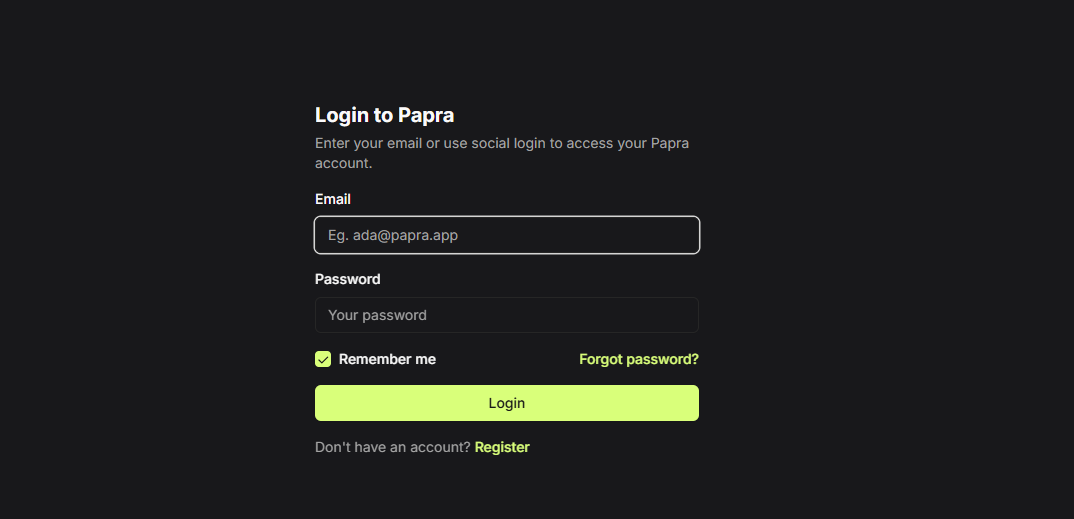
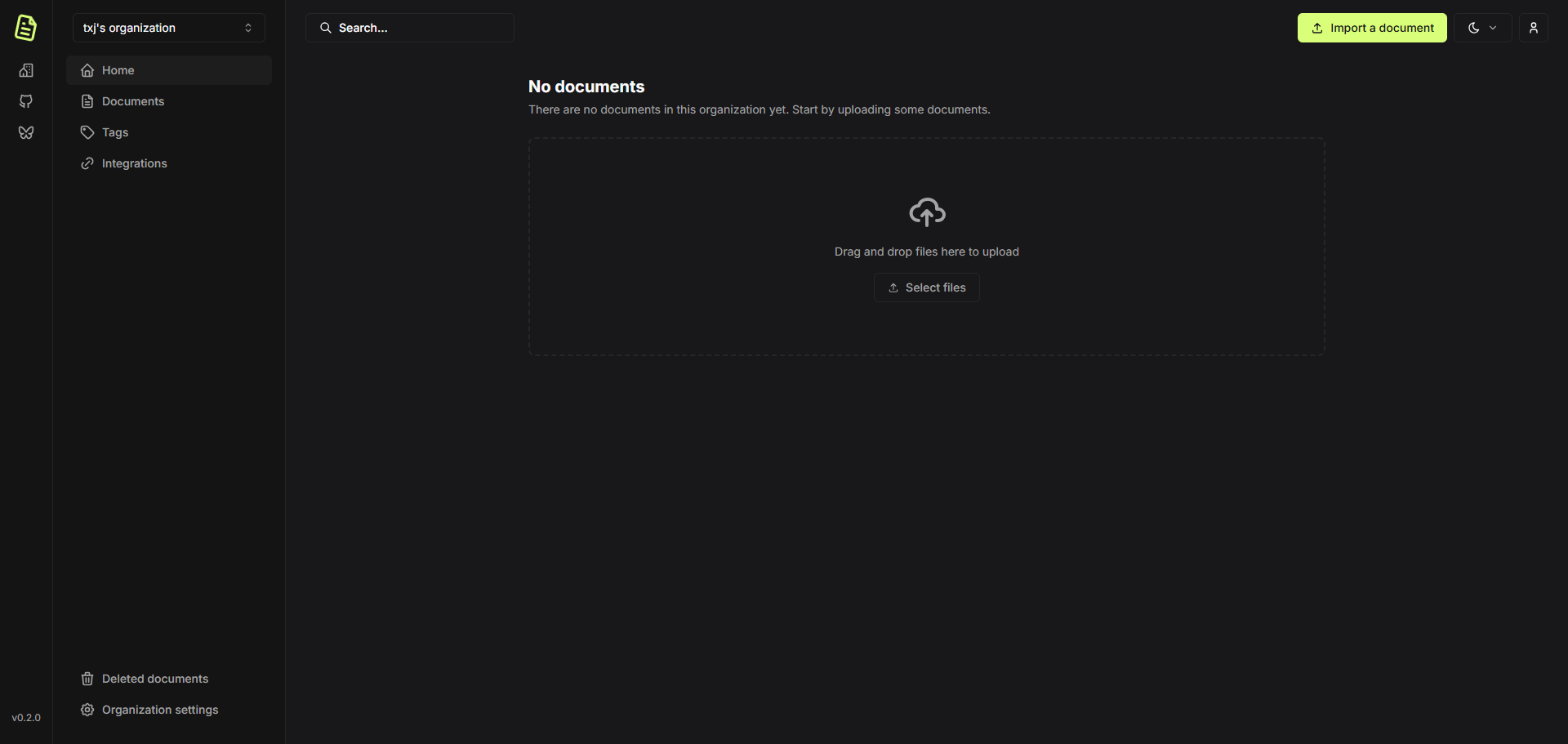
First-time use requires registering an account. After successful registration, you will enter the homepage.
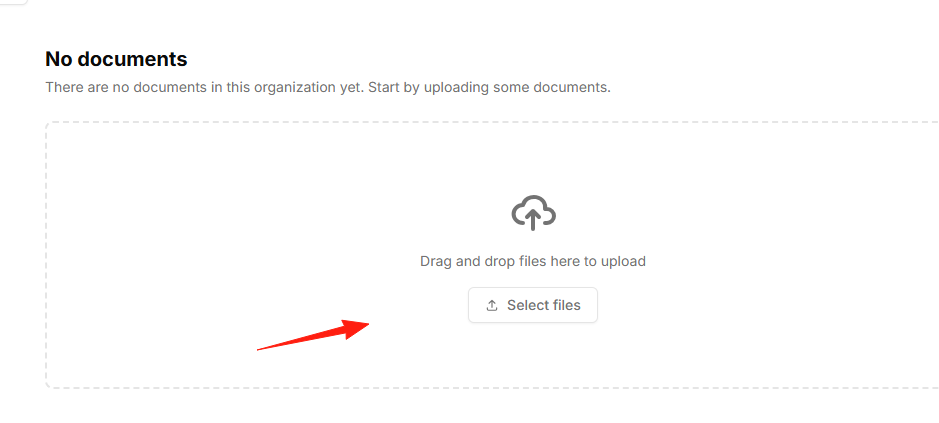
Click to upload a few files.
The effect is as shown, but there is no progress indicator, making the waiting experience less than ideal.
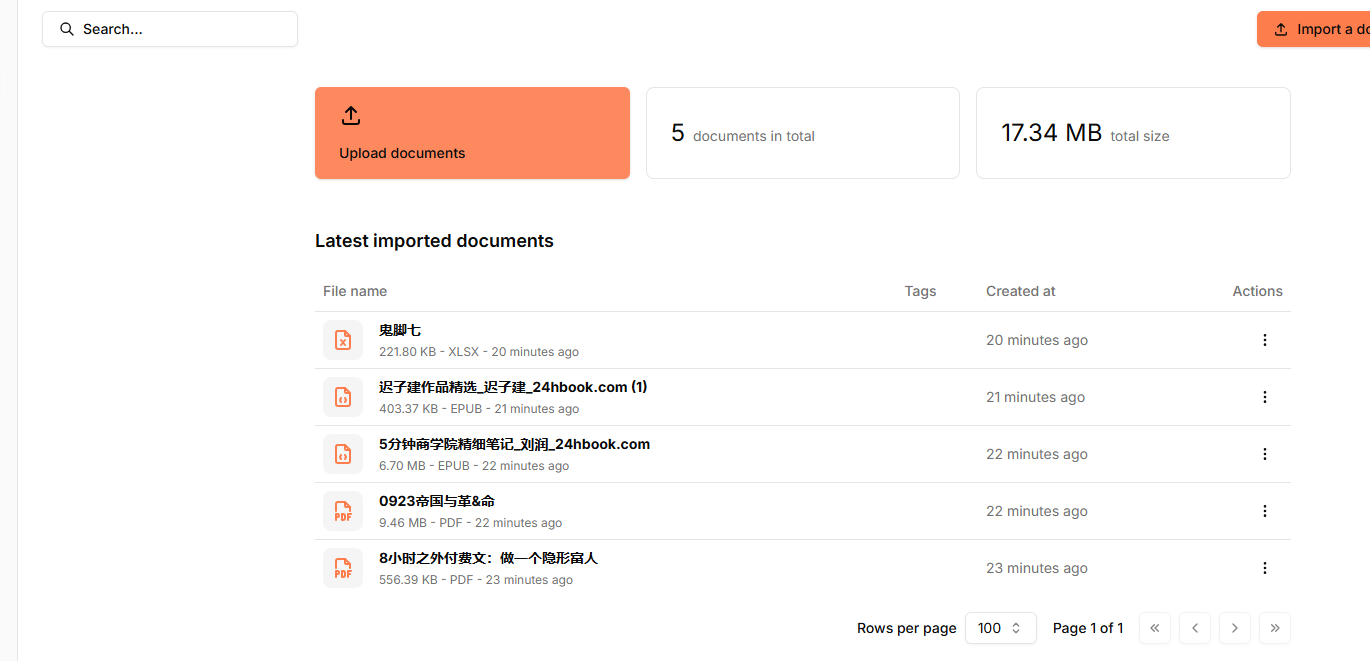
Files can be downloaded and deleted, but clicking "open in new tab" results in a blank page, which is likely a bug.
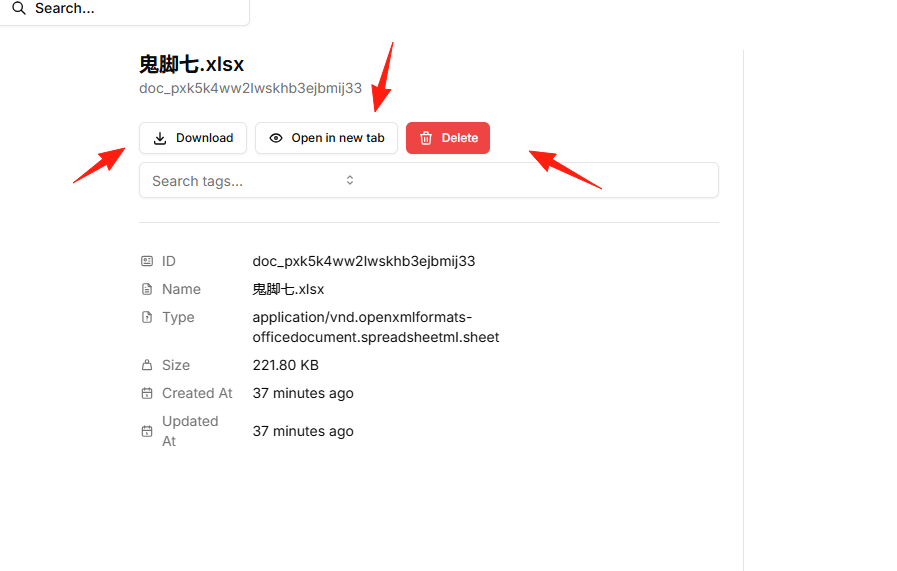
You can distinguish between different files using tags.
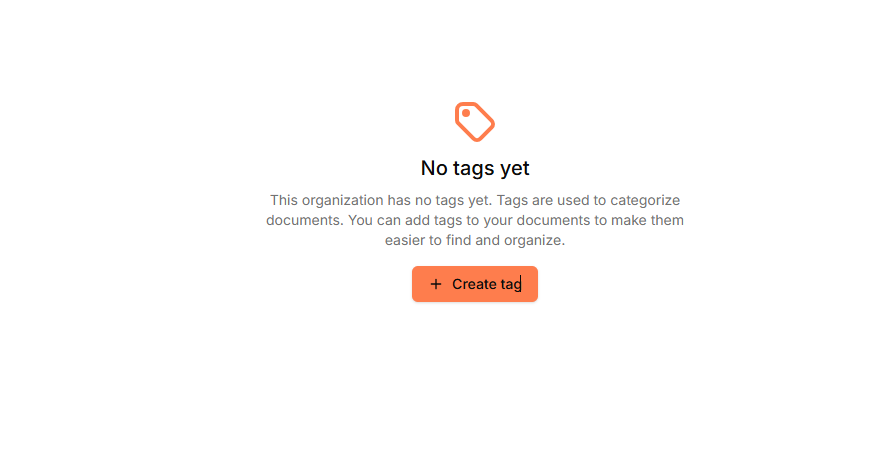
Set up automatic tagging rules, for example:
- Files whose names contain "Invoice" are automatically tagged with "Finance" and "Reimbursement".
- Files whose names contain "Warranty" are automatically tagged with "Warranty" and "Appliance".
- PDF files are automatically tagged with "Important Documents".
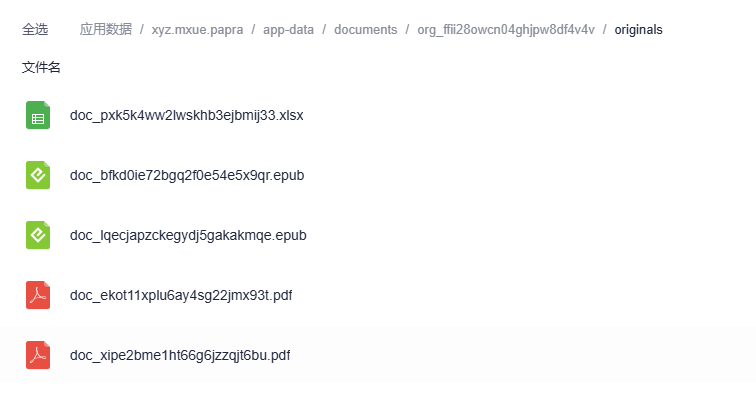
Uploaded files are located in the application data directory; remember to perform regular backups.
Summary
Papra is a very practical document management tool.
The project is under active development, with many new features continuously being added. If you are also troubled by document management issues, why not give this tool a try.
Related Links:
- Official Website: https://papra.app
- GitHub: https://github.com/papra-hq/papra
- Online Demo: https://demo.papra.app
- Documentation: https://docs.papra.app
- Discord Community: https://papra.app/discord