
ntfy Basic Usage Guide: Set Up Your Personal Push Notification Service
Why Choose ntfy?
ntfy is a simple HTTP-based publish-subscribe notification service. With ntfy, you can send notifications from any computer via scripts to your phone or desktop.
In plain English: This tool allows your servers, scripts, or any programs to send messages to your phone, and it's completely free!
https://appstore.lazycat.cloud/#/shop/detail/cloud.lazycat.app.ntfy
Quick Experience
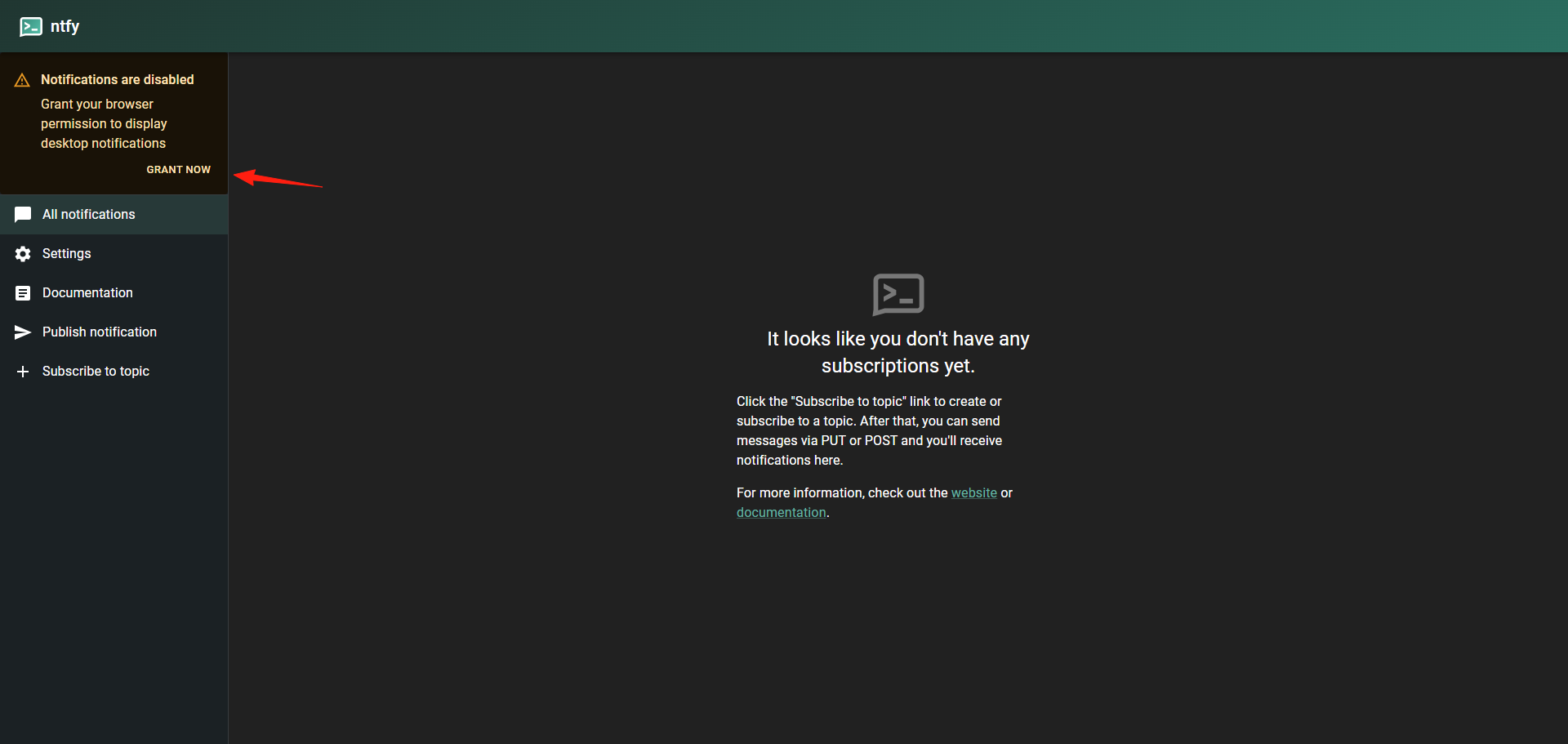
After installing the app, you'll see a notification in the upper left corner. Click to authorize it.
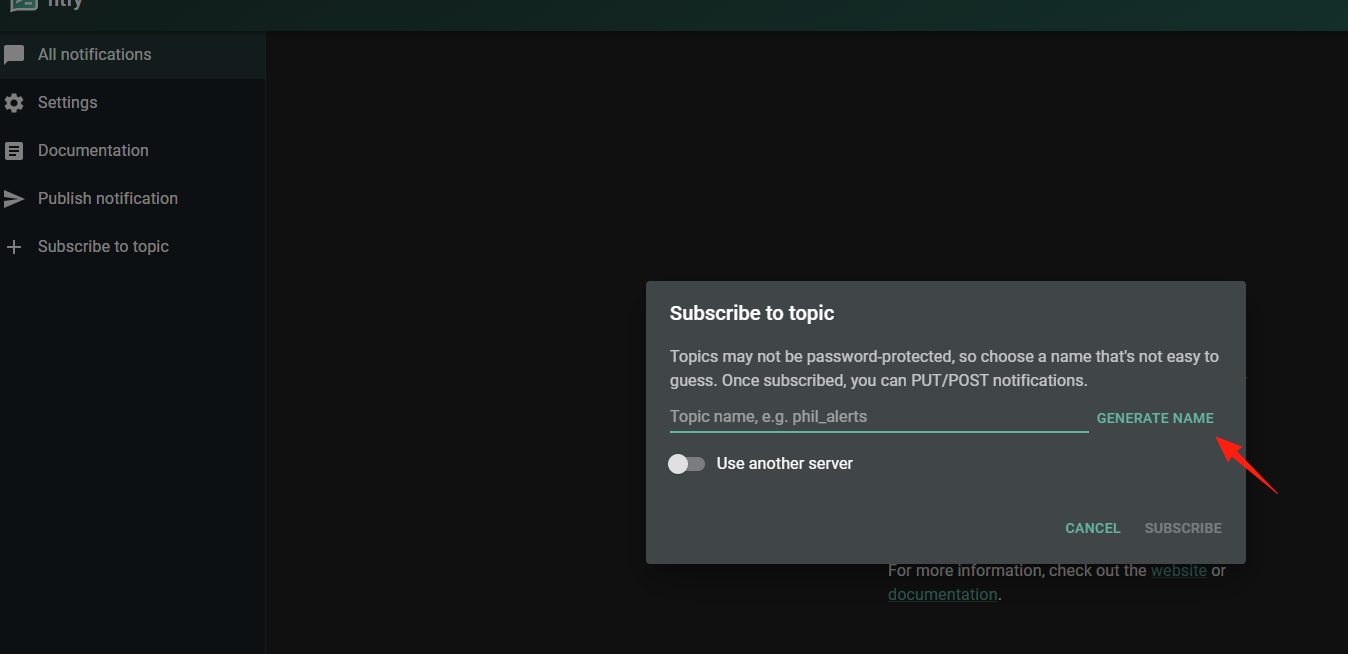
Click on the left side to add a subscription. A name can be automatically generated.
You can see the subscription you just added on the left side.
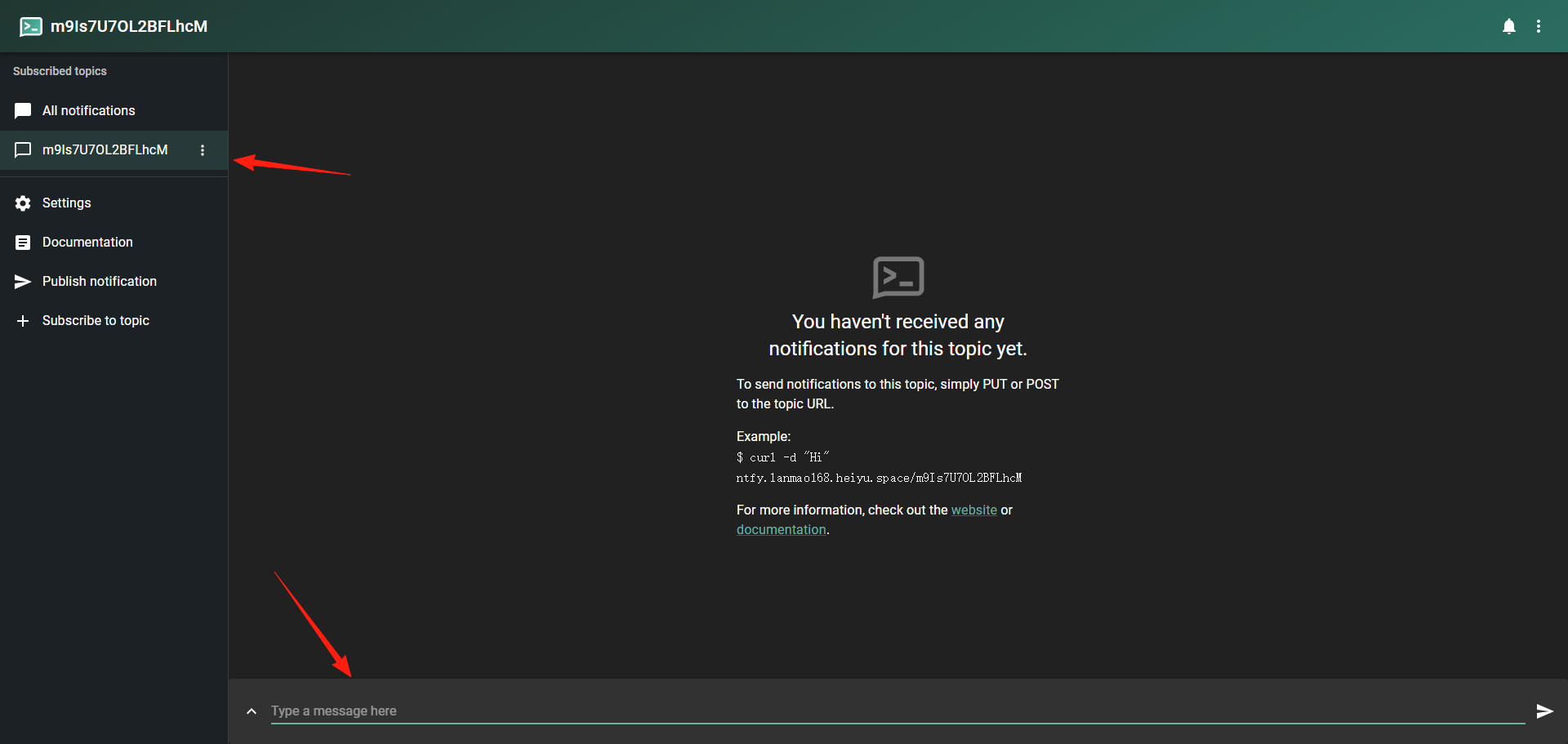
You can test the connection below.

I'm using a Windows PC. Enter this in PowerShell:
Invoke-WebRequest -Uri "https://ntfy.lanmao168.heiyu.space/m9Is7U7OL2BFLhcM" -Method POST -Body "hello world" -ContentType "text/plain"
Afterward, I heard a notification sound and saw the "hello world" message on the web interface.

For Mac users, you can do this:
Open Terminal and enter:
curl -d "Hello from ntfy!" https://ntfy.lanmao168.heiyu.space/m9Is7U7OL2BFLhcM
You can also set notification priority, title, and tags. Here's an example using some of these features together:
Invoke-WebRequest -Uri "https://ntfy.lanmao168.heiyu.space/m9Is7U7OL2BFLhcM" -Method POST -Headers @{"Title"="Unauthorized access detected"; "Priority"="urgent"; "Tags"="warning,skull"} -Body "Remote access to $($env:COMPUTERNAME) detected. Act right away." -ContentType "text/plain"
The effect looks like this:

This application also has an official app, which can be found in the app store.
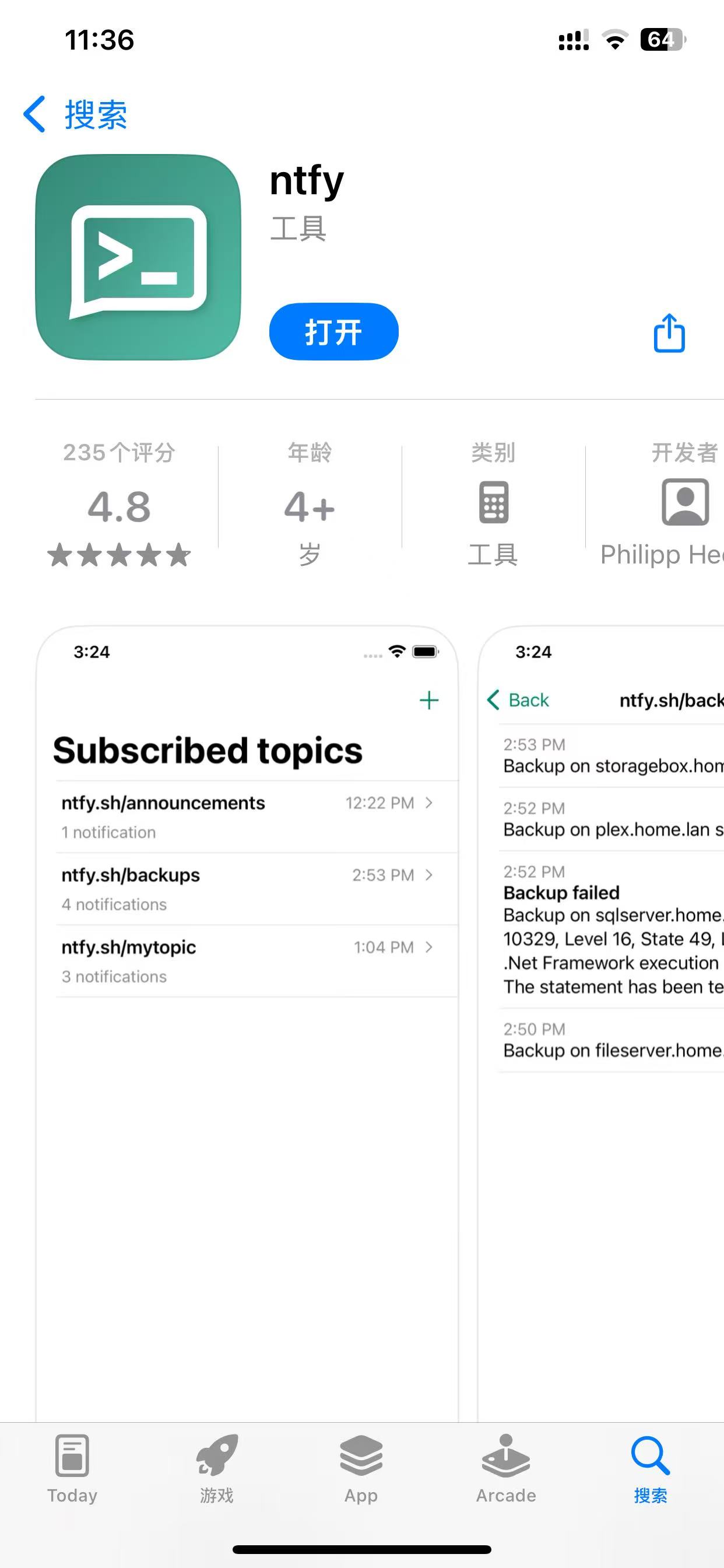
The usage method is similar to the desktop version.
Summary
ntfy is a very practical tool, especially suitable for:
- Ops Personnel: Ideal for operations staff or developers setting up message push services.
- Developers: Simple API, easy to integrate.
No complex configuration needed, no need to register a bunch of accounts – it's as simple as sending an HTTP request.