
Wiki.js Practical Guide: Building Your Personal Knowledge Base
What is Wiki.js?
Wiki.js is an open-source project built on Node.js technology. It features a clean and elegant interface, flexible permission management, and supports multiple editors, various user authentication methods, diverse backup storage options, and multiple search engines. It also offers internationalization, custom themes, traffic analytics, and more, making it particularly well-suited for small team knowledge bases.
Whether you want to build a personal note-taking system, set up a knowledge base for your team, or simply experiment with something new, Wiki.js can meet your needs. It supports Markdown editing, which is a great boon for programmers and documentation enthusiasts.
https://appstore.lazycat.cloud/#/shop/detail/lazycat.app.wikijs
How to Use
After the application is installed, the first visit will prompt you to set up the administrator account and basic configuration. Here are some suggestions:
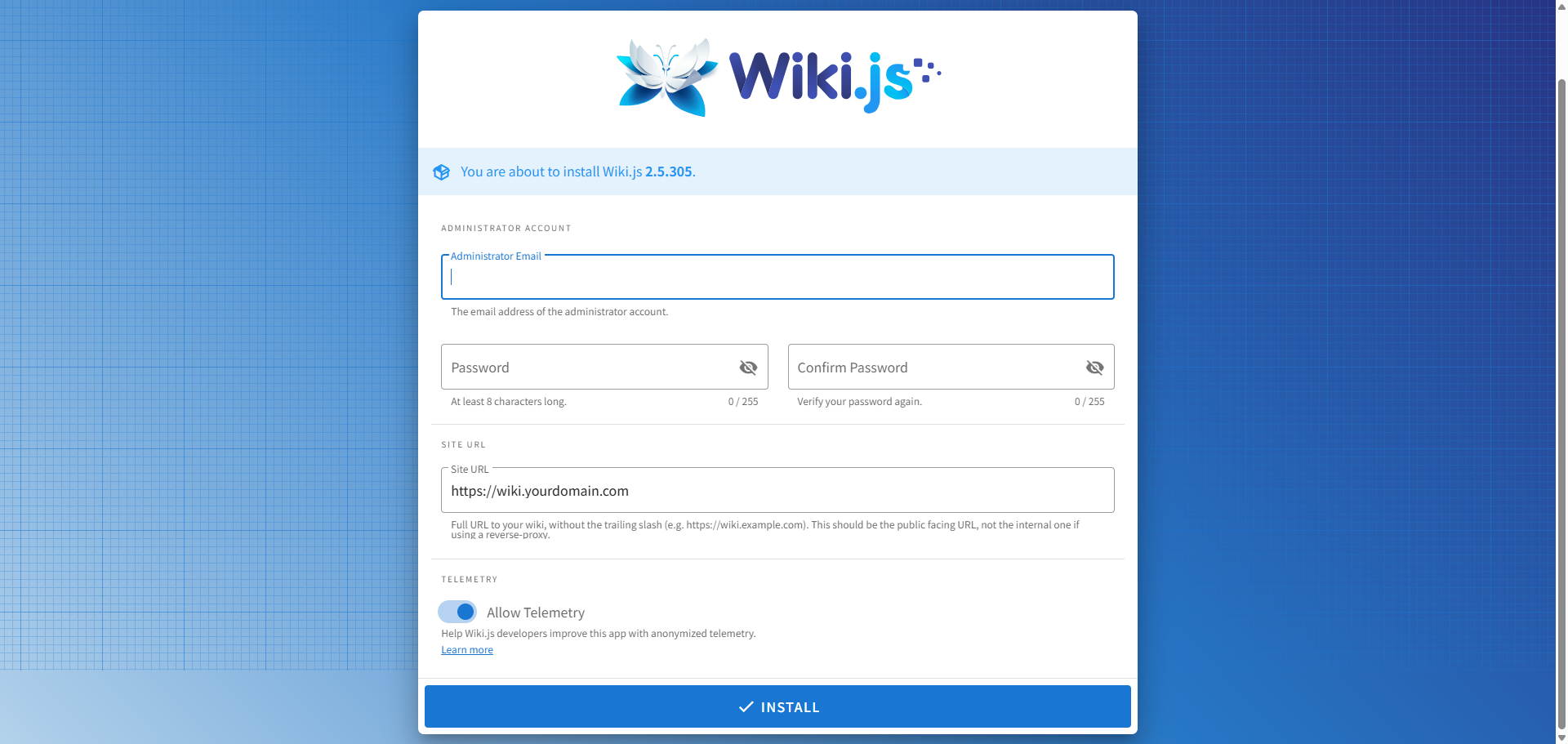
- Administrator Email: Use your commonly used email address, as it will be needed for password recovery.
- Site URL: You can use the default setting for now; it can be modified later.
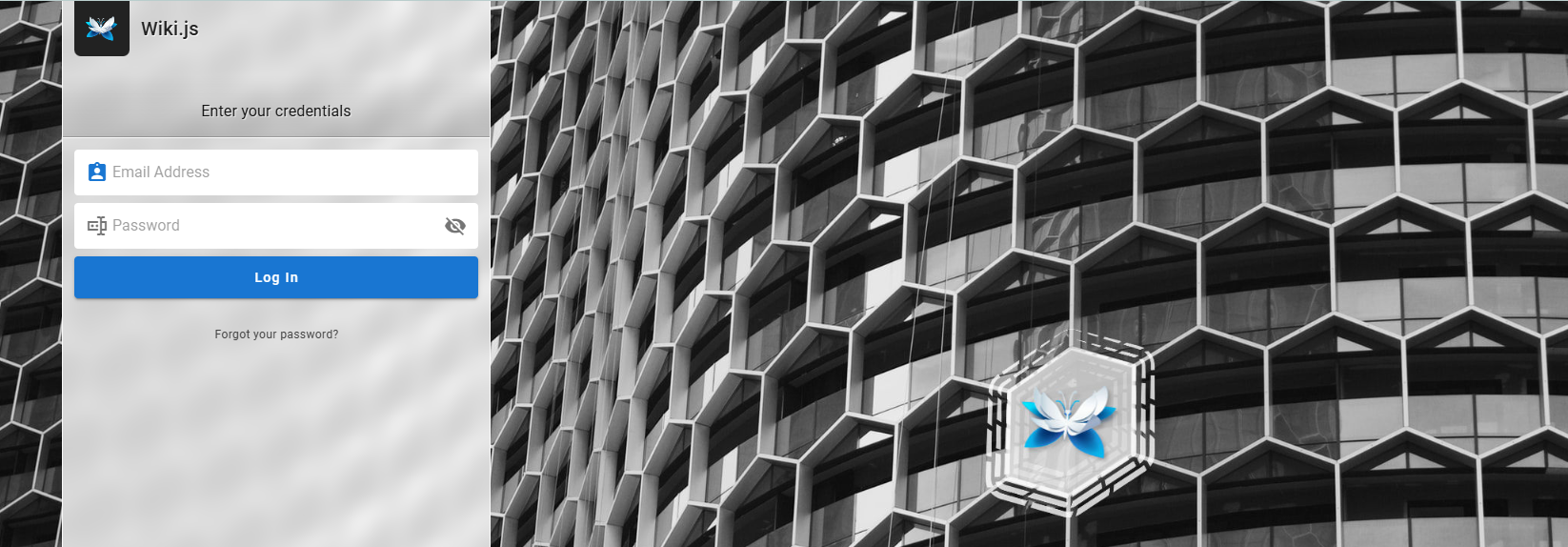
After initialization, you will be directed to the login page.
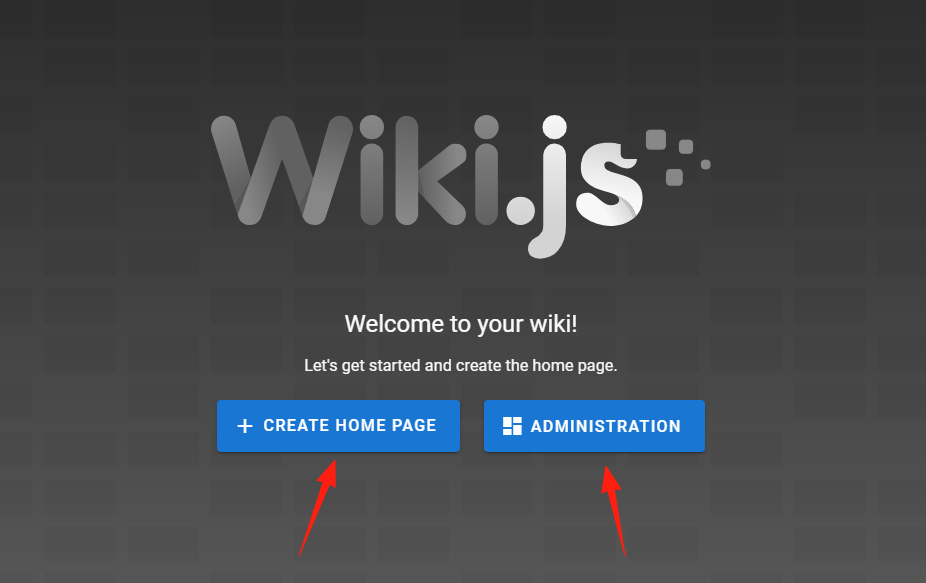
Once logged in, you can choose to create a homepage or enter the administration area. Let's click the left button first to create a new homepage.
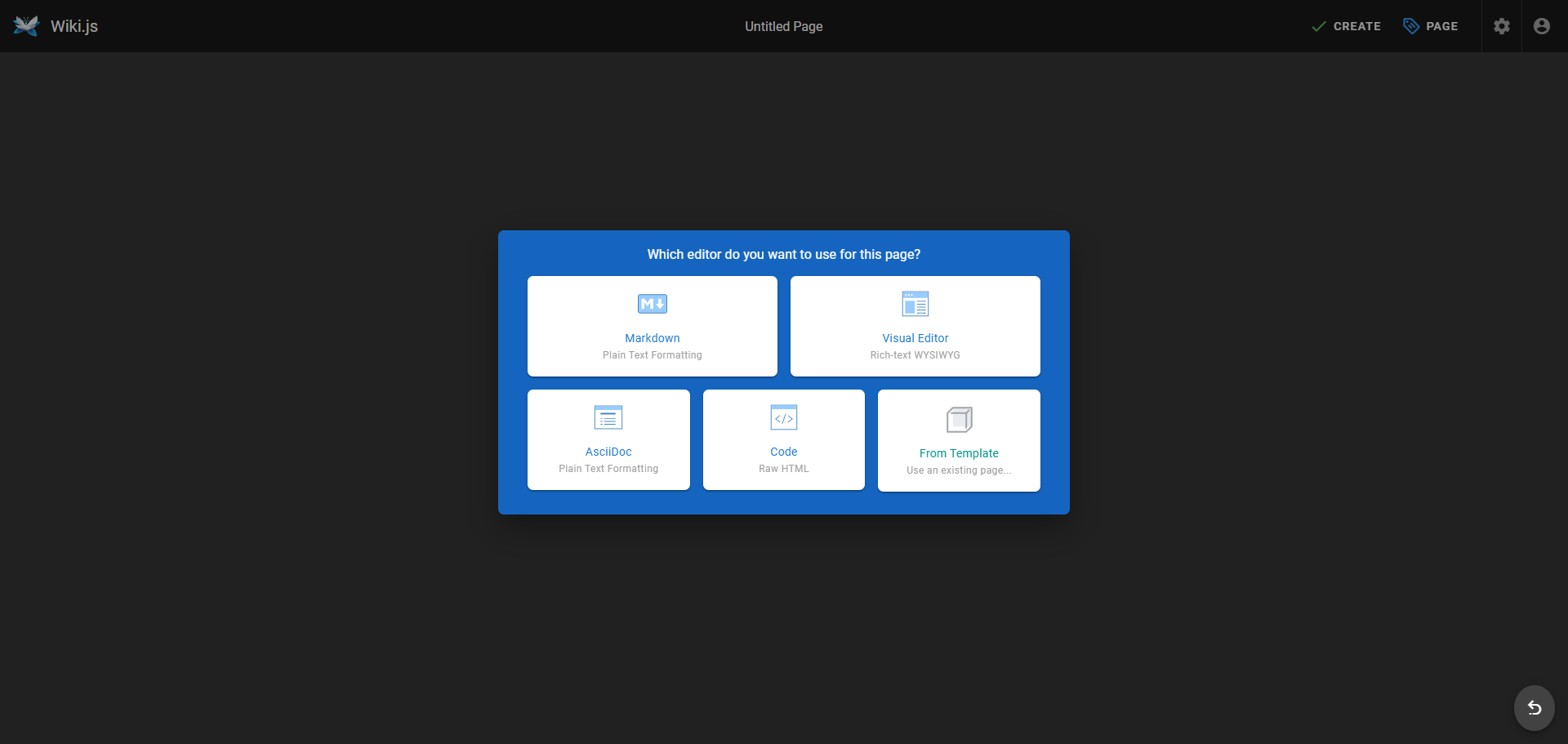
This step involves selecting an editor. I chose Markdown.
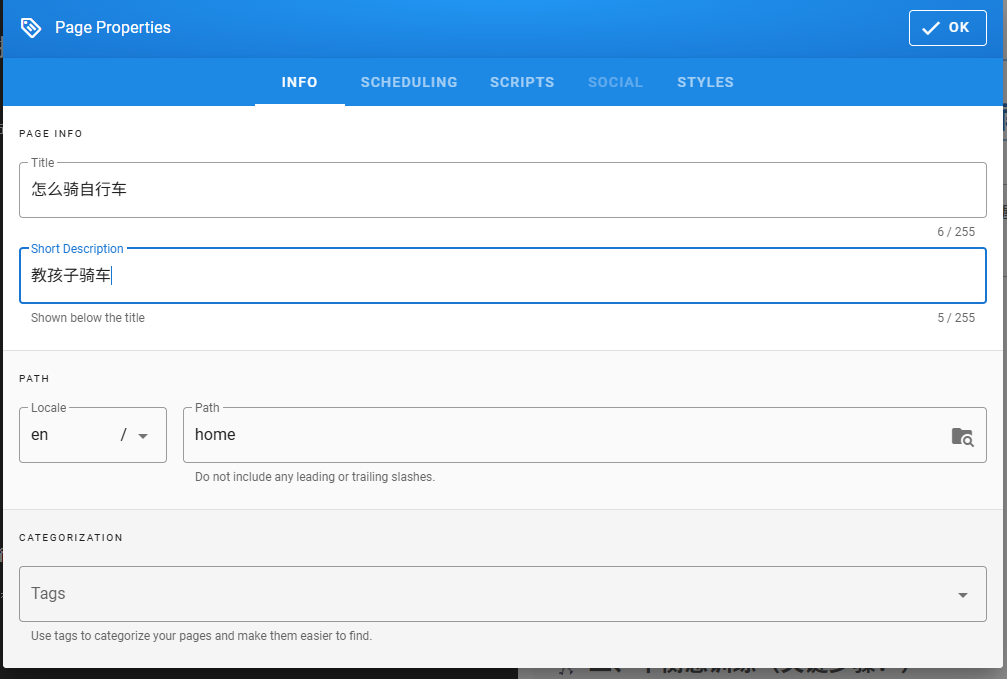
Set the page properties.
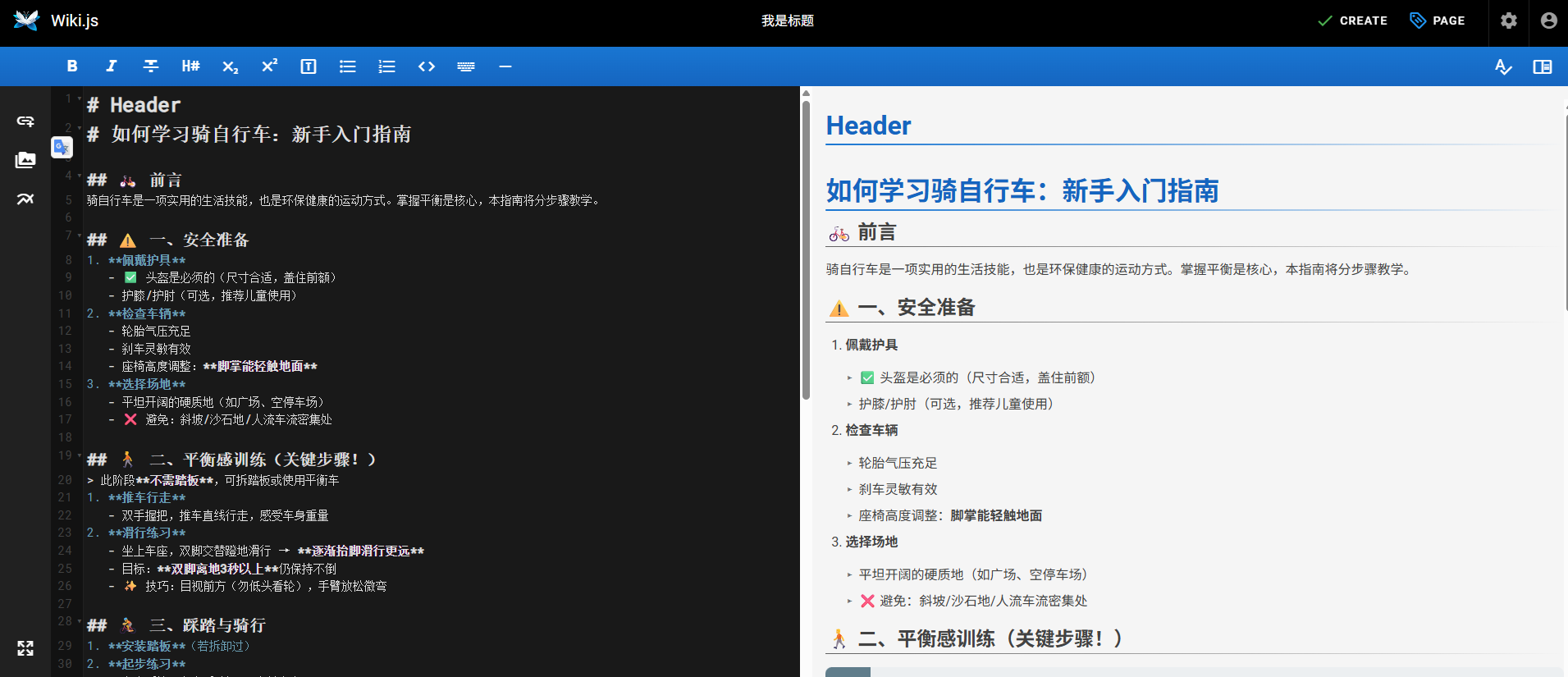
Enter your content on the left side, and preview the results on the right.
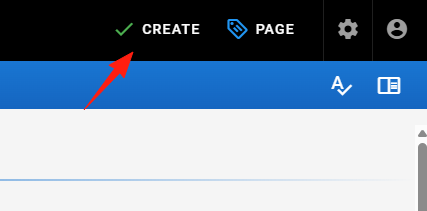
Click the "Create" button in the upper right corner to save.
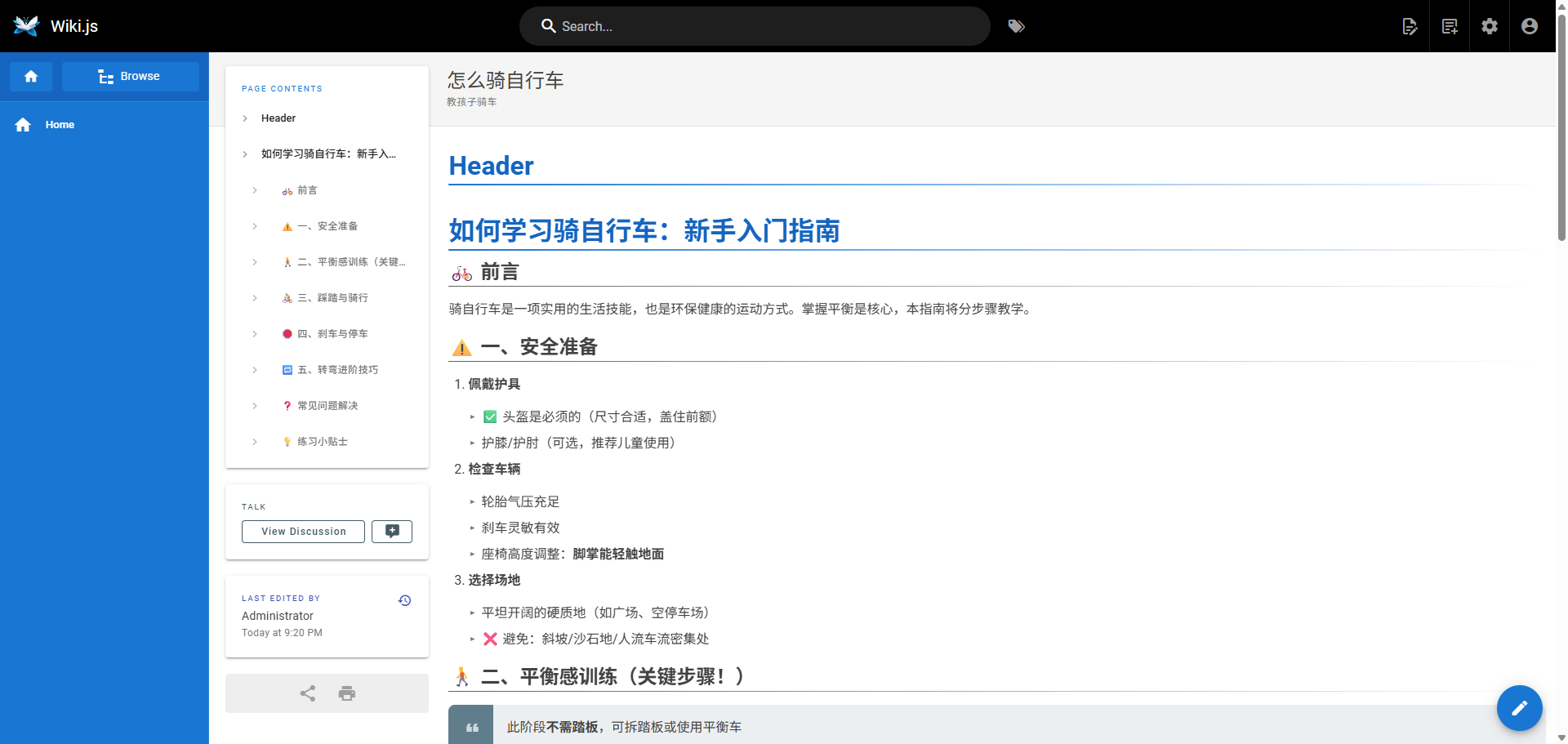
Final result:
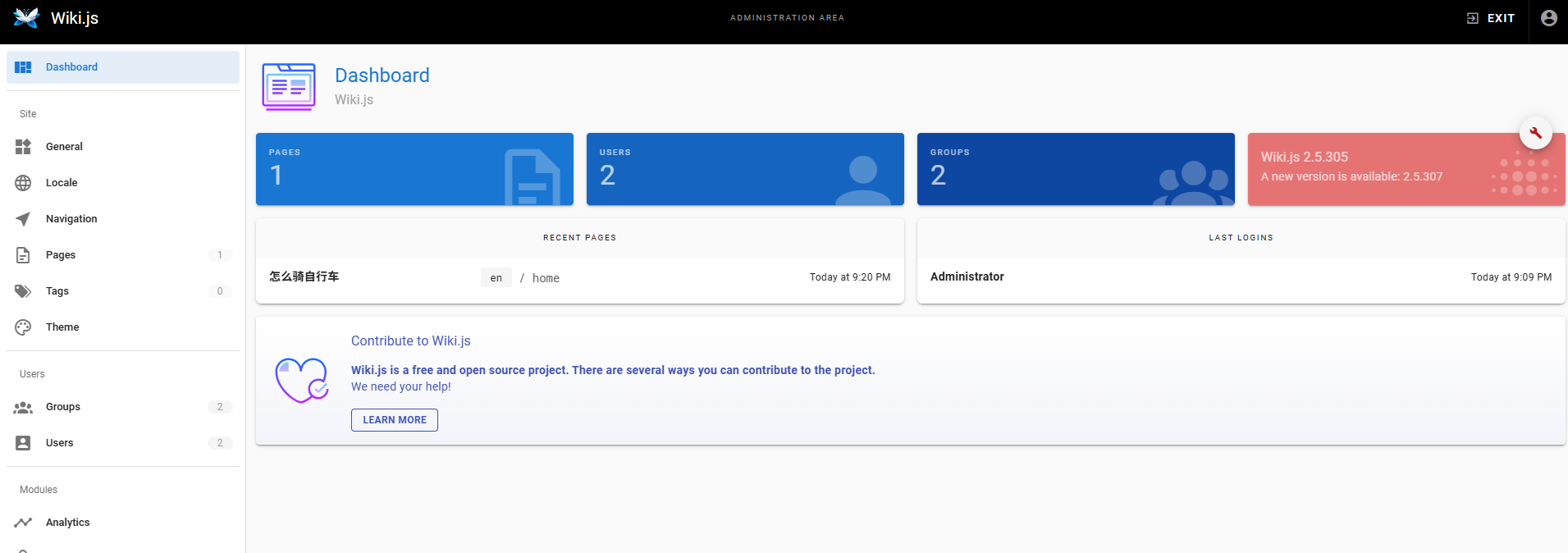
Click the settings icon in the upper right corner to enter the administration area.
Go to "Local" and find "Simplified Chinese".
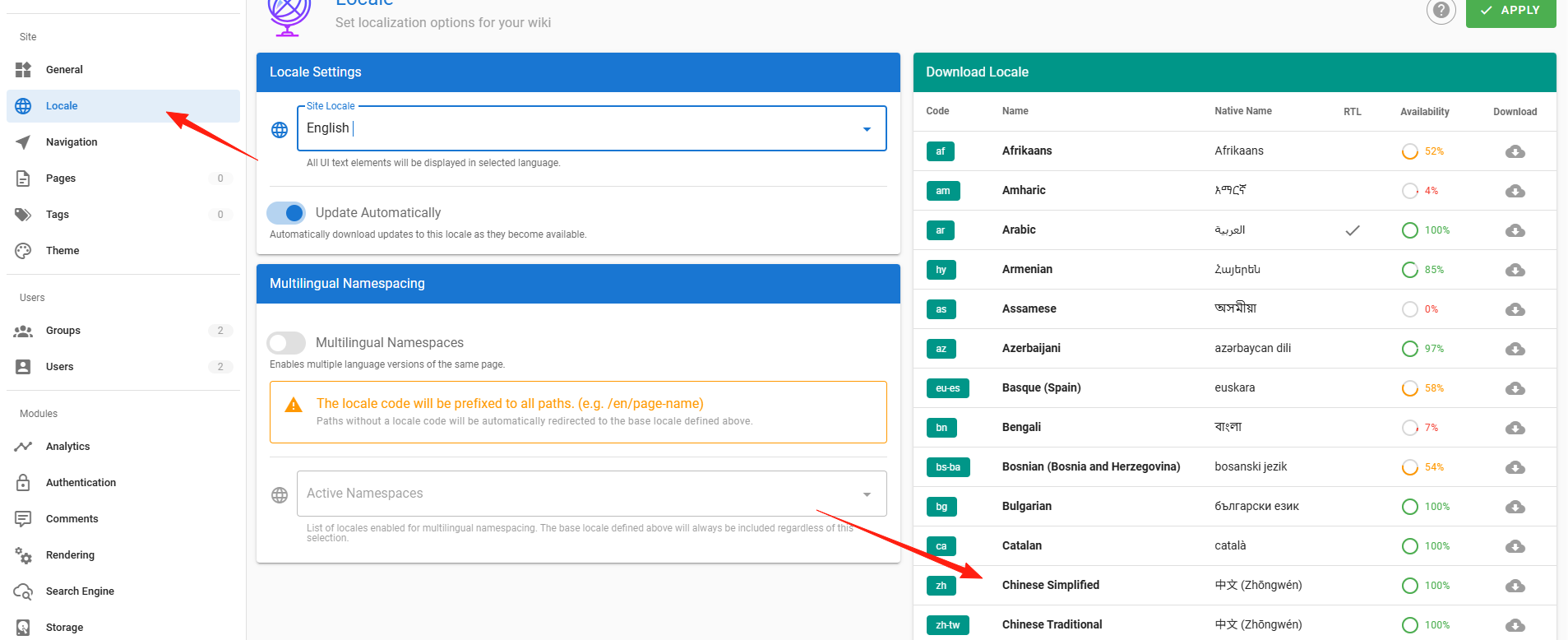
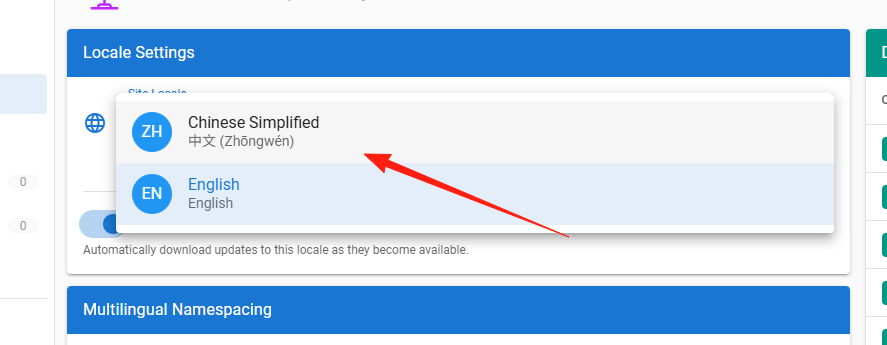
Click the cloud download button on the right. After the download is complete, you can switch the language in the language settings.
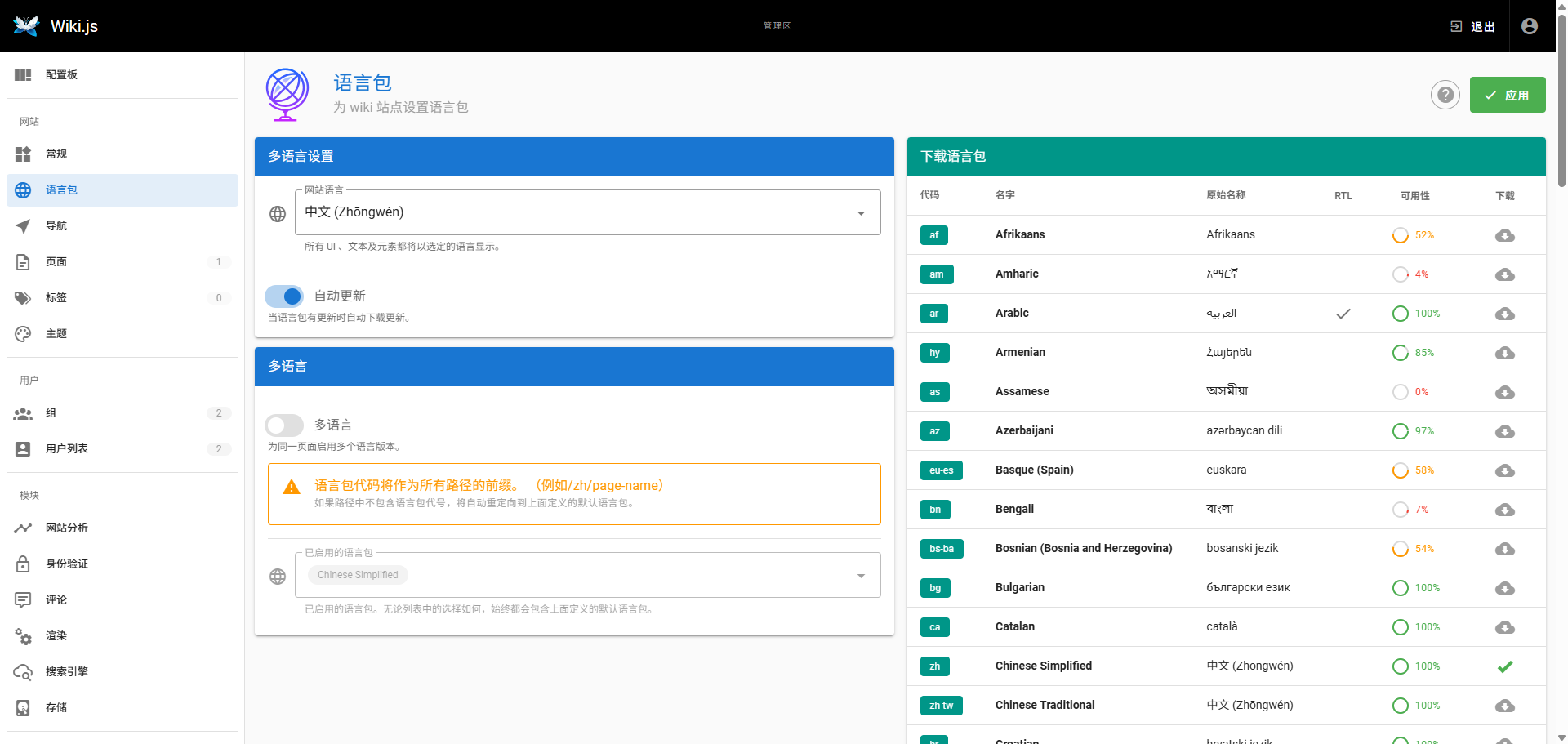
After clicking "Apply", the page will refresh and display in Chinese.
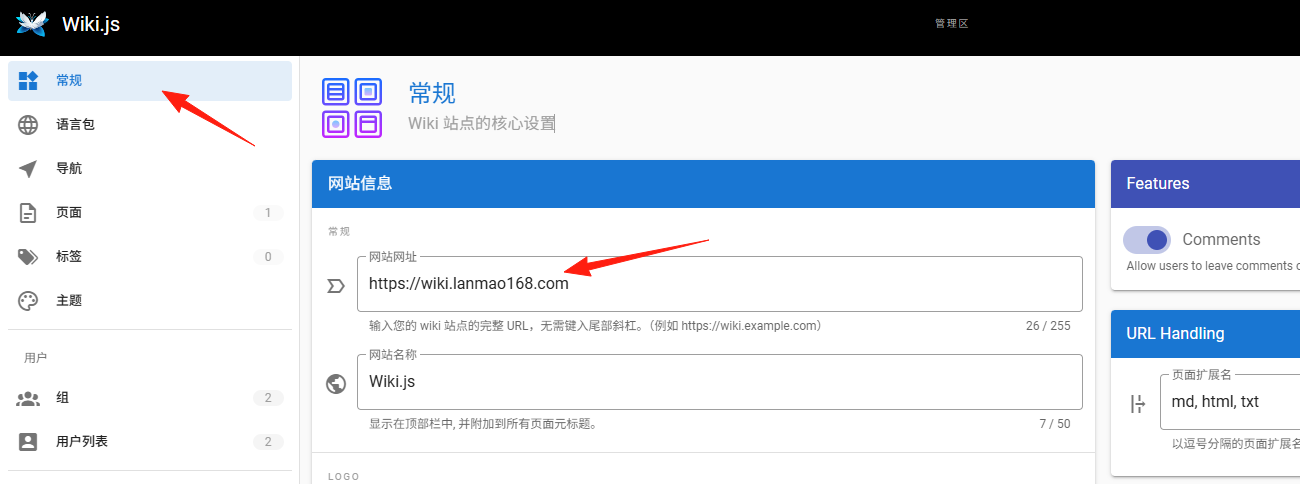
In the "General" settings, you can modify the domain name you set in the first step. If you want public network access, you need to configure port forwarding.
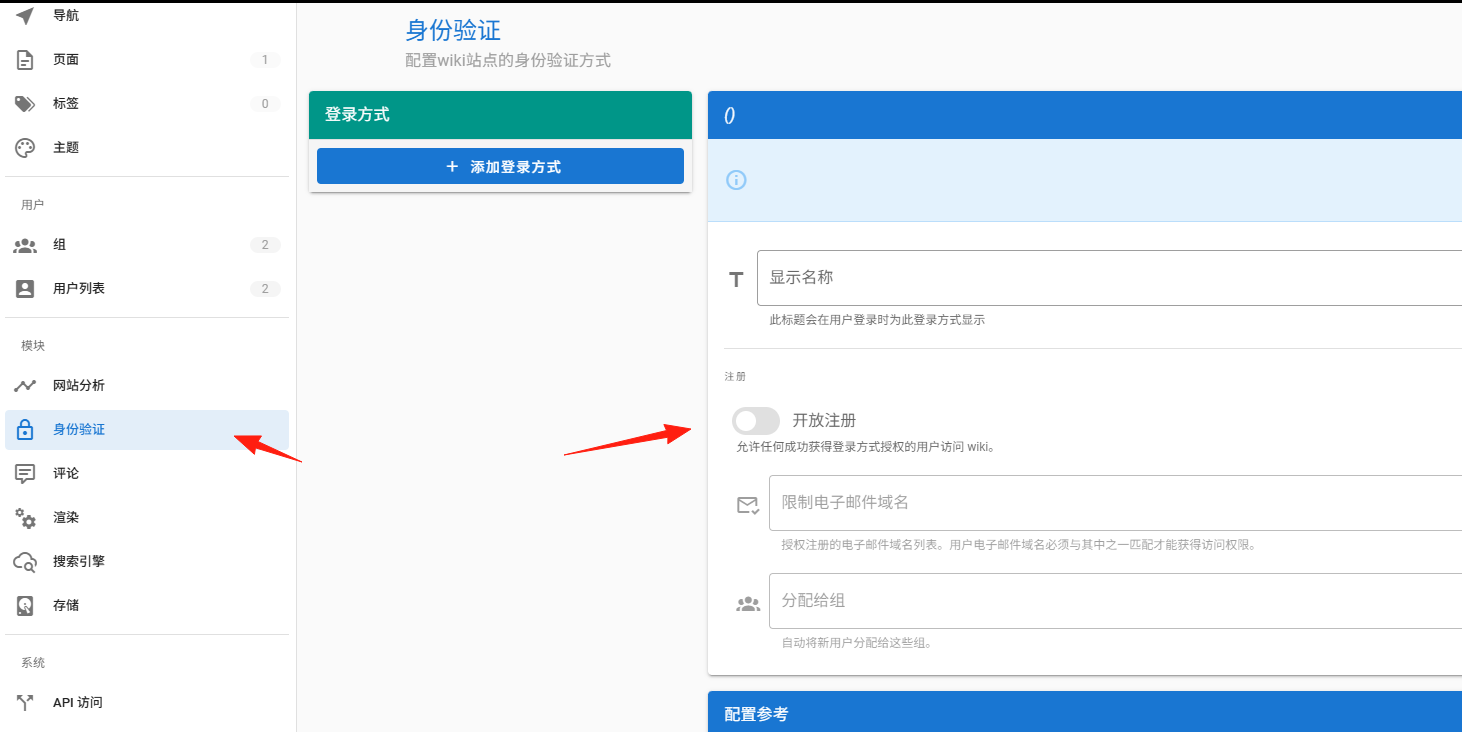
If you want team members to use it, you can enable the switch here.
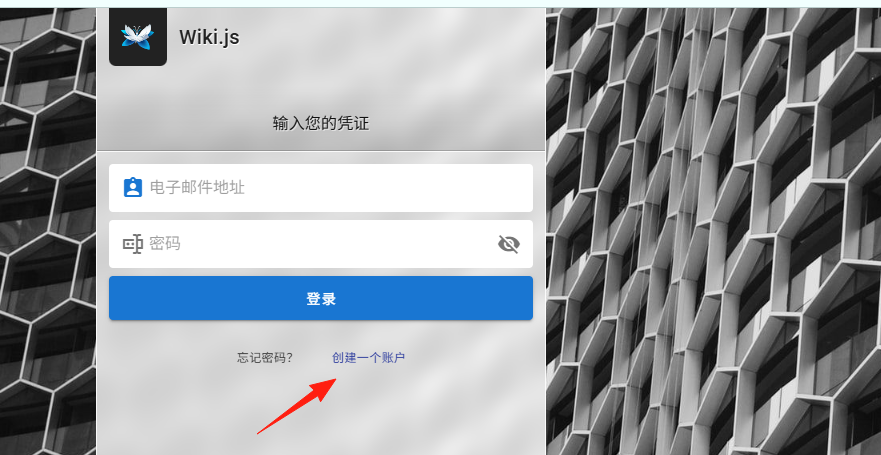
After enabling the switch, a "Create Account" option will appear on the login page.
Summary
Wiki.js is an excellent choice for:
- Personal knowledge management
- Small team collaboration
- Technical documentation organization
- Project documentation management
The above covers the basic usage of Wiki.js. Feel free to explore more features on your own.