
SPlayer User Guide: A Minimalist NetEase Cloud Music Player
What is SPlayer?
SPlayer is a minimalist music player that supports NetEase Cloud Music account login, word-by-word lyrics, song downloads, comment section display, music cloud storage, and playlist management. Basic mobile adaptation has also been implemented.
https://appstore.lazycat.cloud/#/shop/detail/iamxiaoe.lzcapp.splayer
🚀 SPlayer Features ✨ Supports QR code login ➕ Create new playlists and edit existing ones ❤️ Favorite / Unfavorite playlists or artists 🎶 Daily recommended songs 📻 Personal FM
User Guide
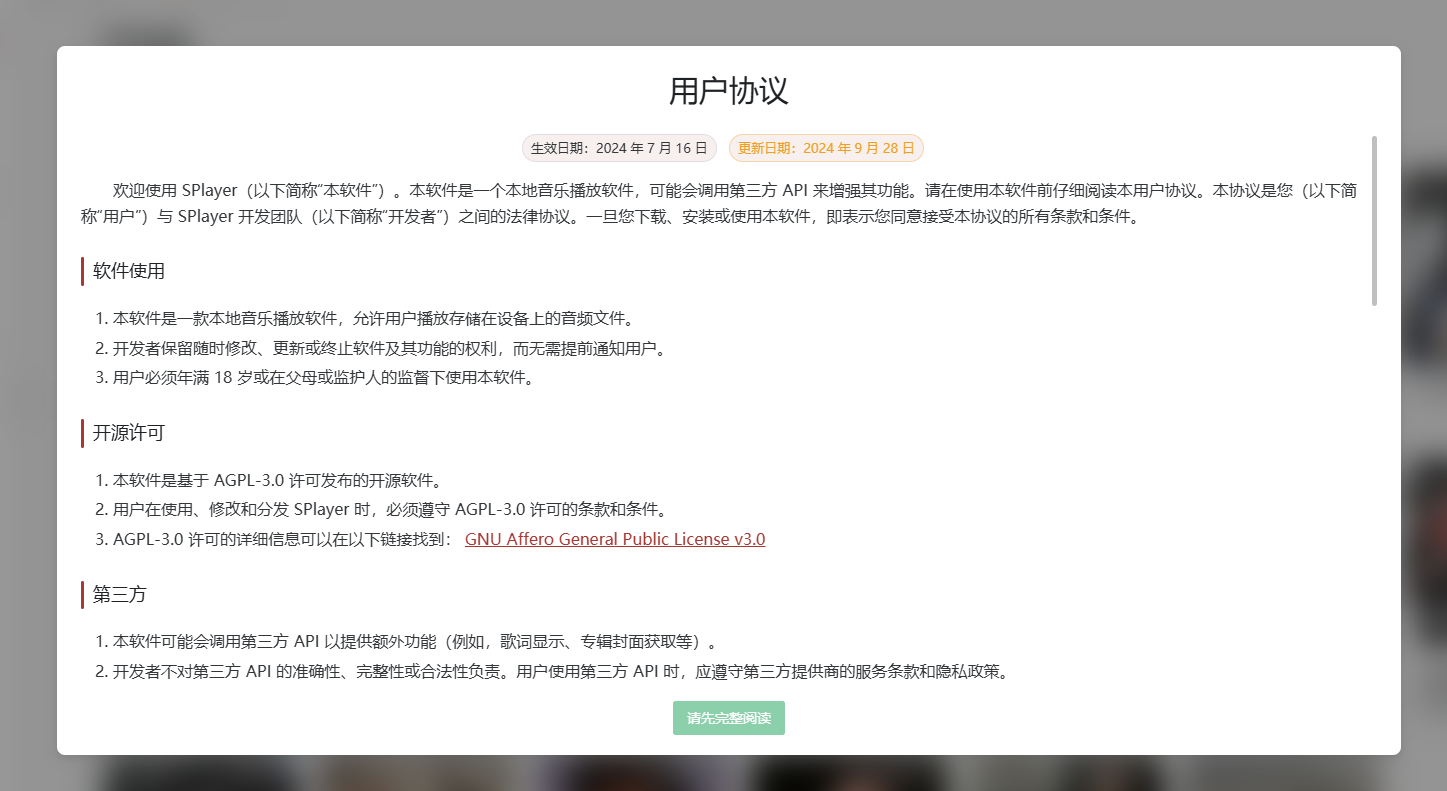
After installing the application, you will see a user agreement. Scroll to the bottom and click the [Agree & Use] button.
You will then see the home page content.
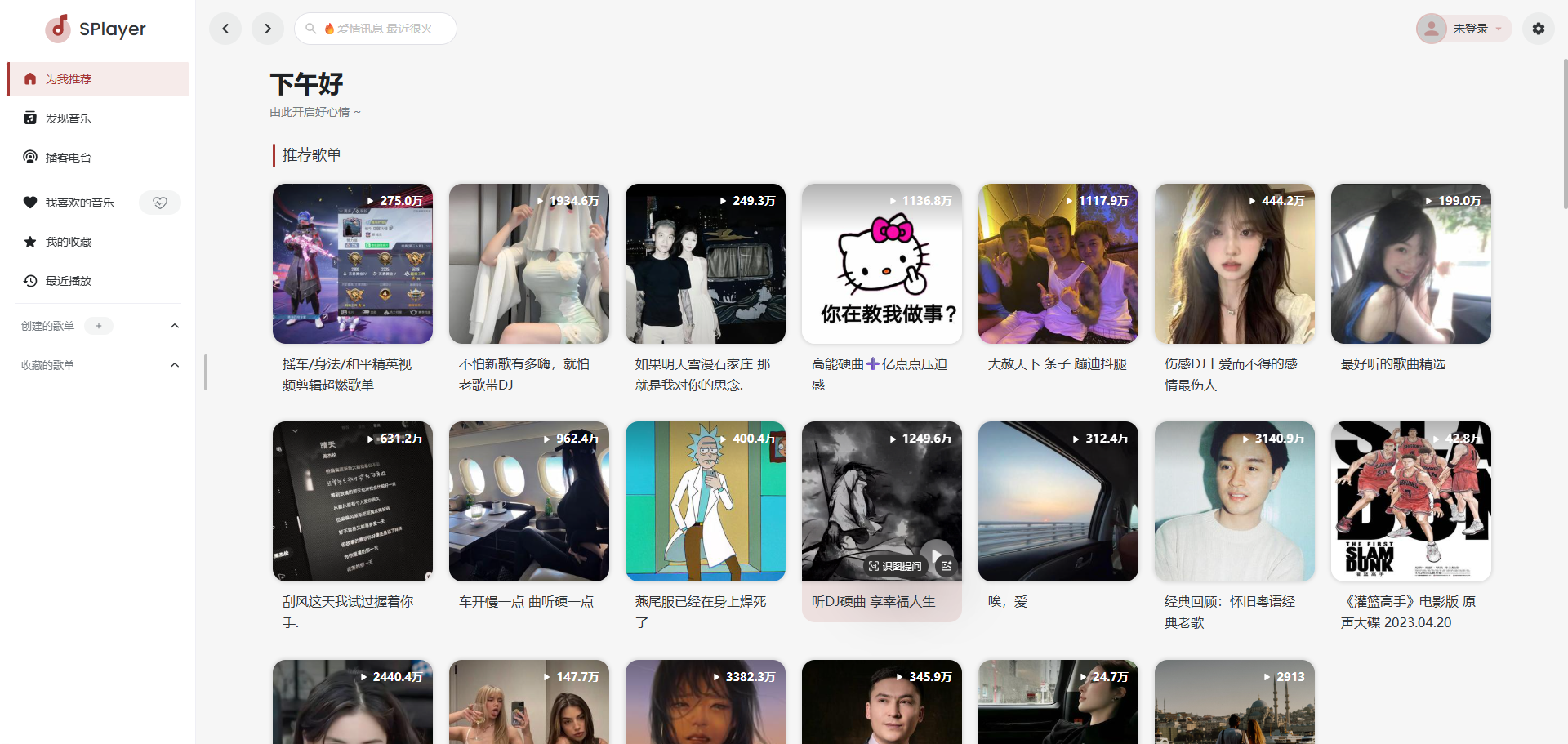
First, click the login function in the top right corner.
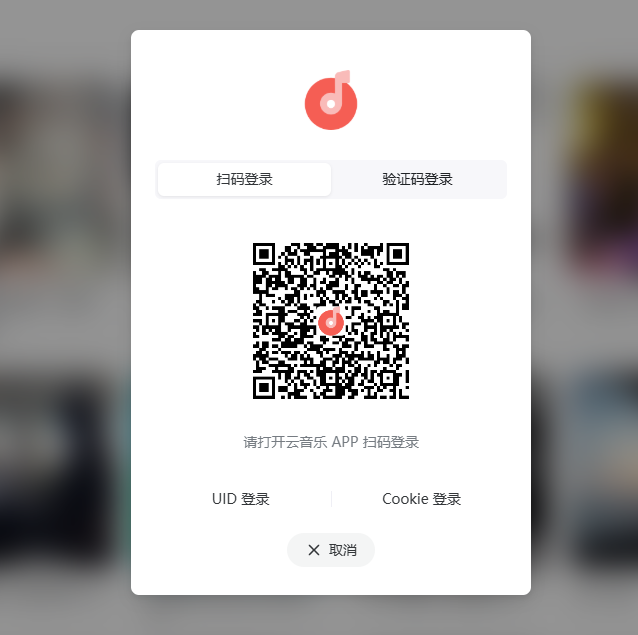
Scan the QR code with the NetEase Cloud Music app on your phone. Login might fail due to network issues; I retried twice and successfully logged in.
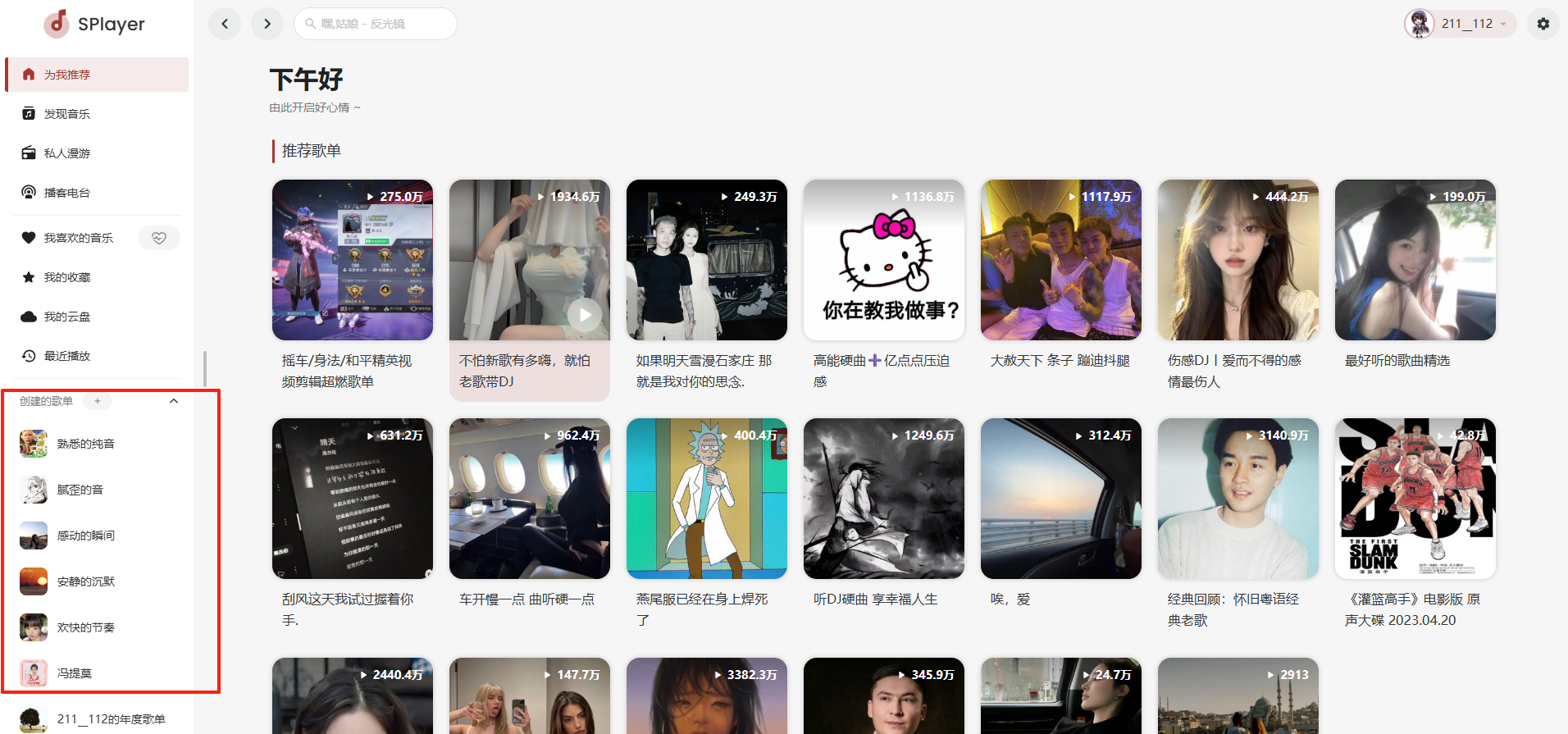
The left side shows my previously created playlists.
Click on a song from the home page. You might find it cannot be played, and there's an error in the console.
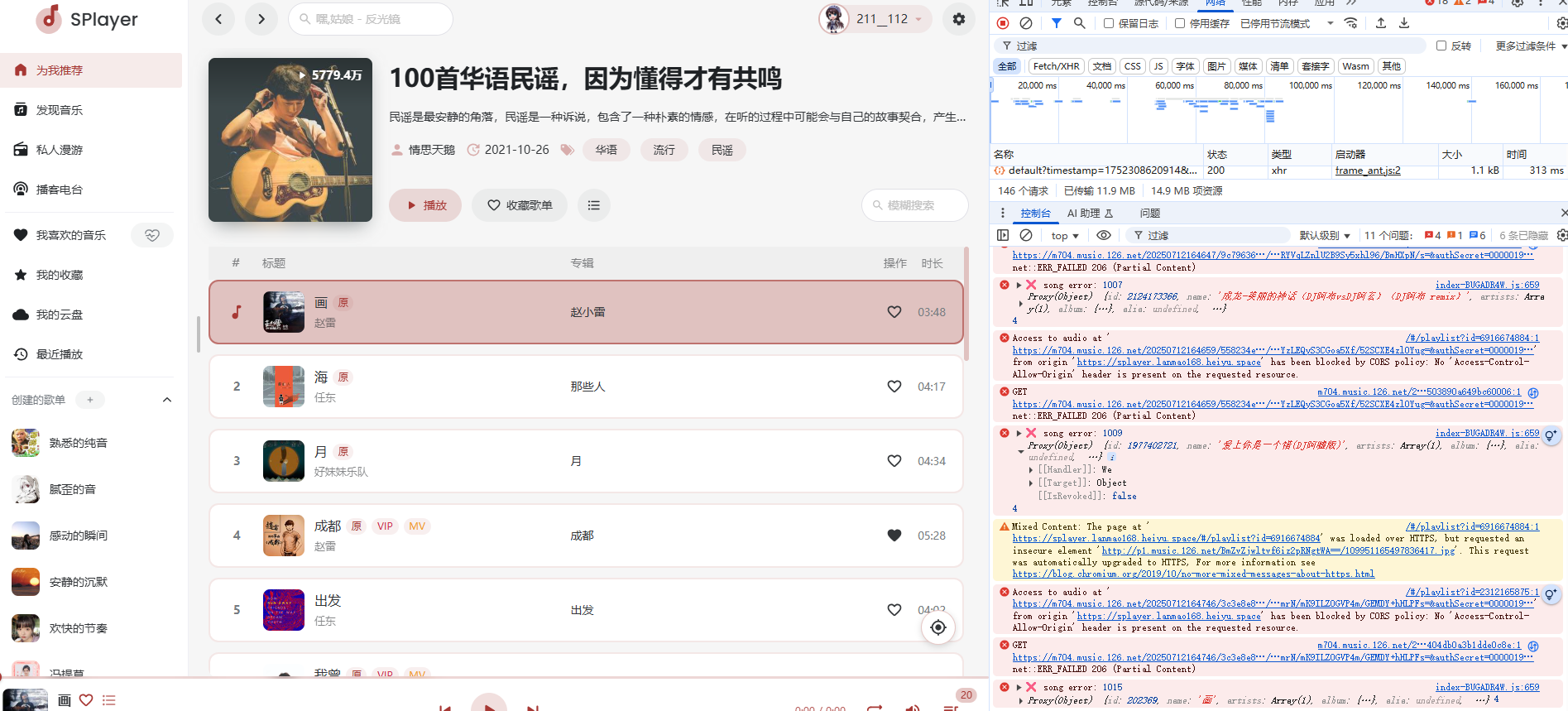
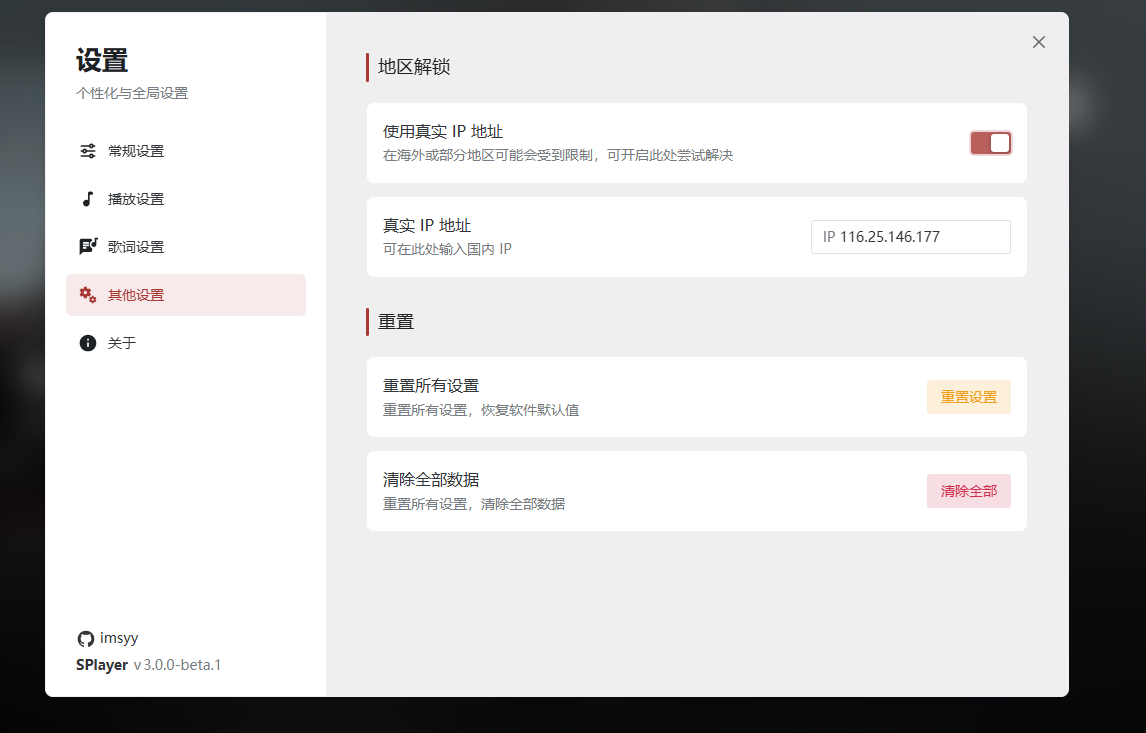
This was likely because I had a proxy enabled. Go to [Settings] and turn this switch on.
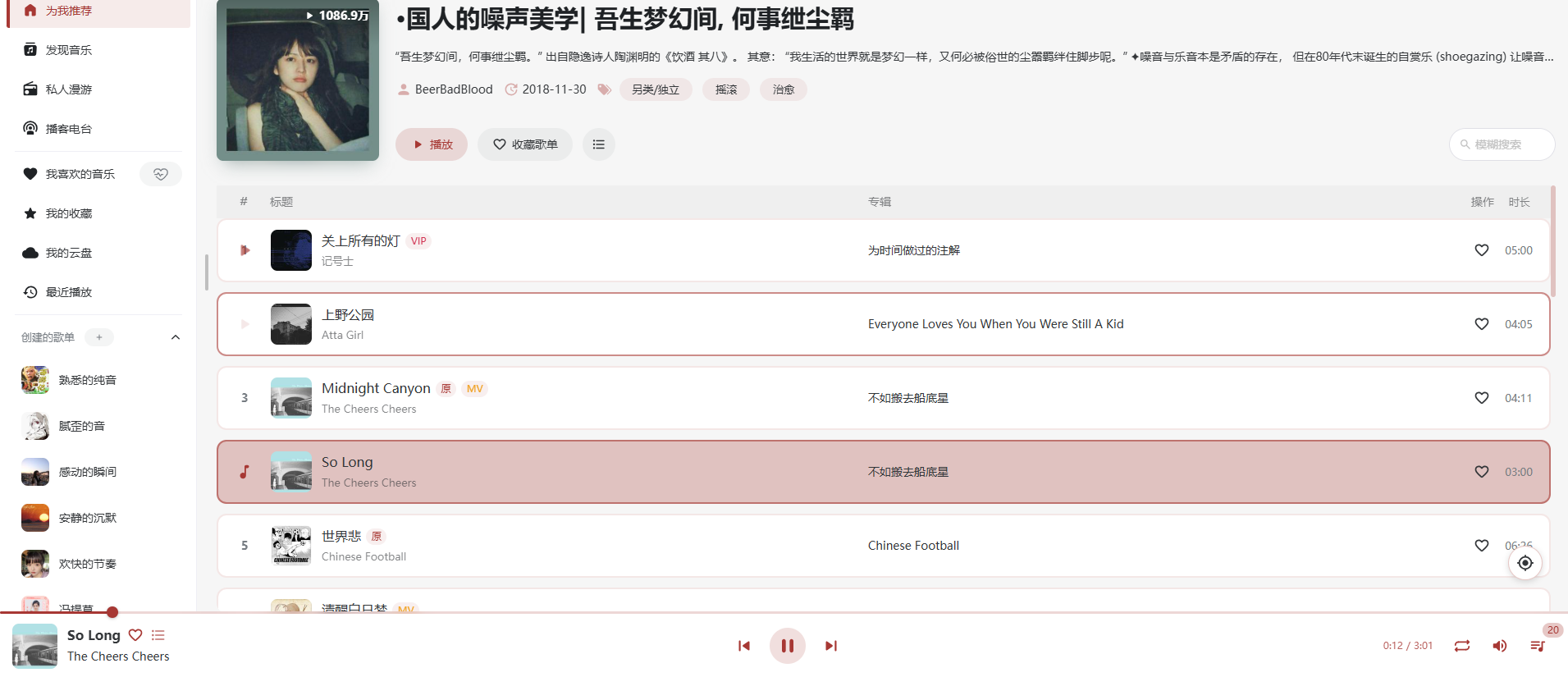
Return to the music page, and you'll find it plays normally now.
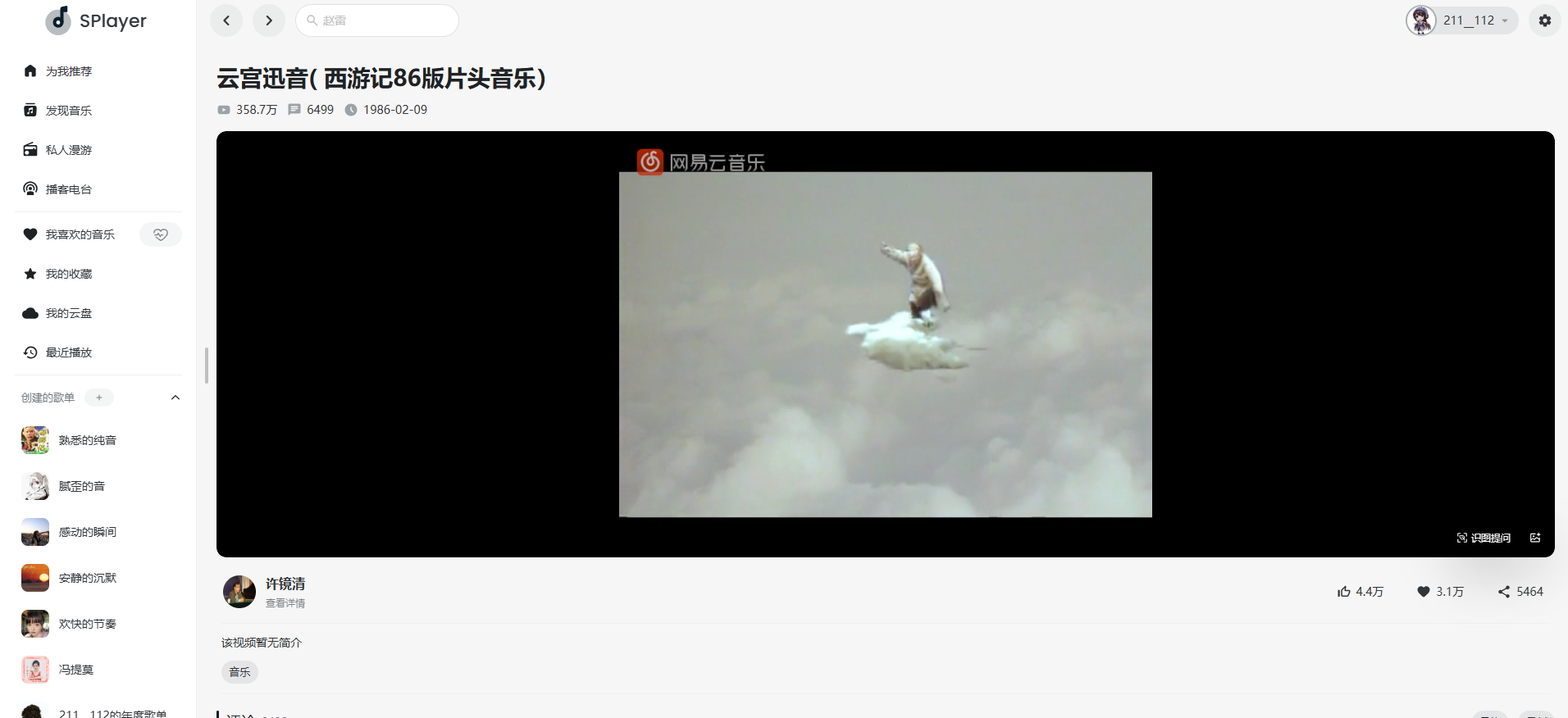
Some songs have MVs that can be watched in full screen.
The [Personal Roaming] feature on the left recommends songs similar to ones you like, and it works quite well.
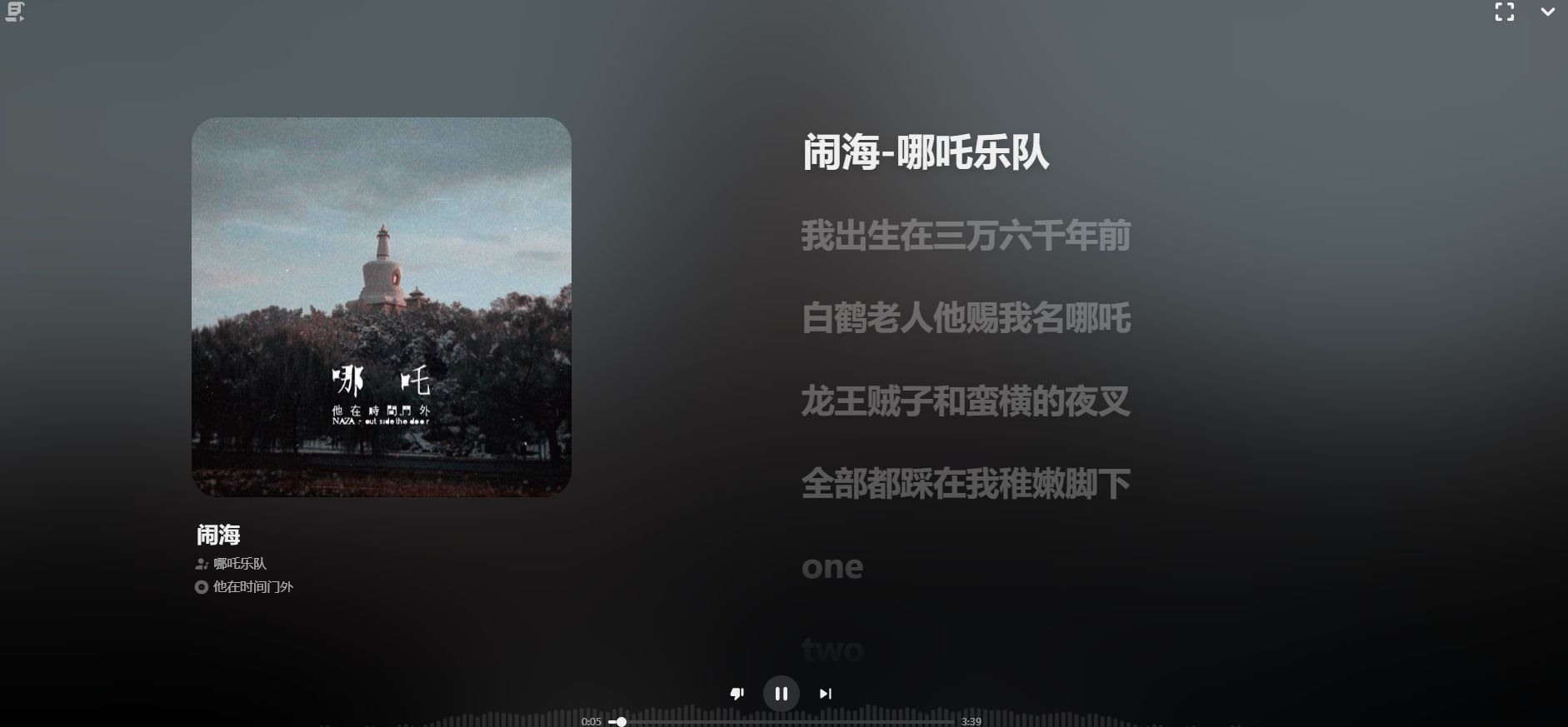
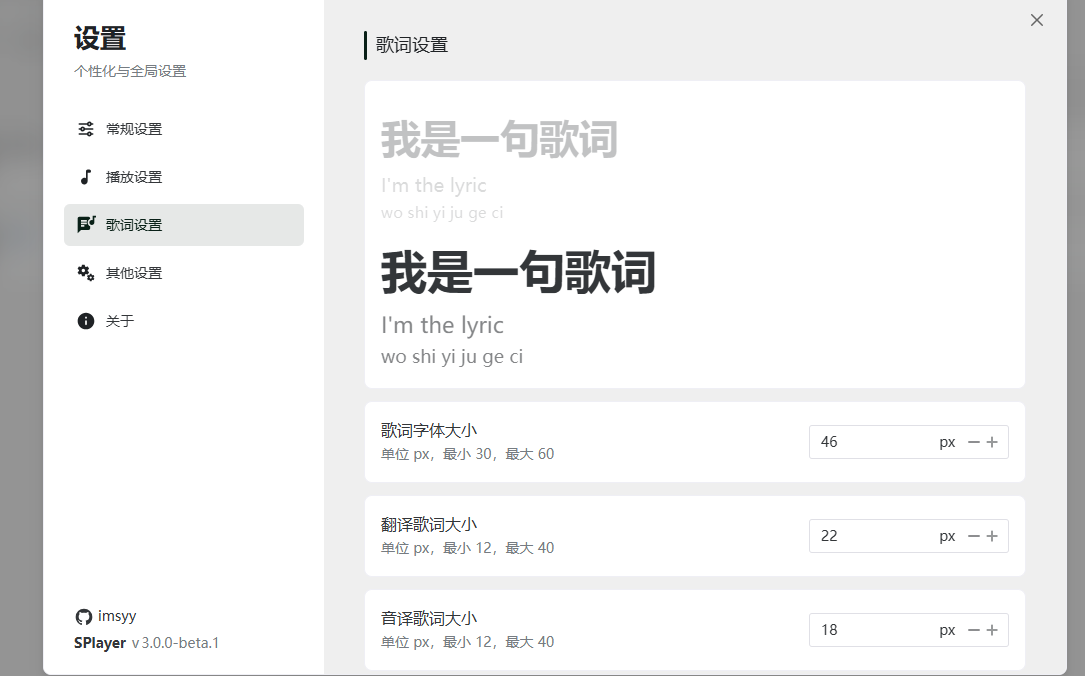
In the settings, you can also adjust lyrics and daily playback effects.
Summary
You can think of it as a minimalist version of the NetEase Cloud Music player, with all the basic features included.
However, since the data comes from the official source, features like importing local music are not yet available. Downloading music is also restricted based on account level.