
Online DOS Games: Relive Your Childhood Joy in the Browser
What is it?
This application integrates many games from our childhood, including "The Legend of Sword and Fairy" and "Red Alert," among others. Seeing these once-familiar scenes, although their level of refinement can't compare to today's games, it's truly excellent for occasional relaxation and nostalgia.
https://appstore.lazycat.cloud/#/shop/detail/dev.beiyu.webdosgame
How to Use
After installing the application, open the home page.

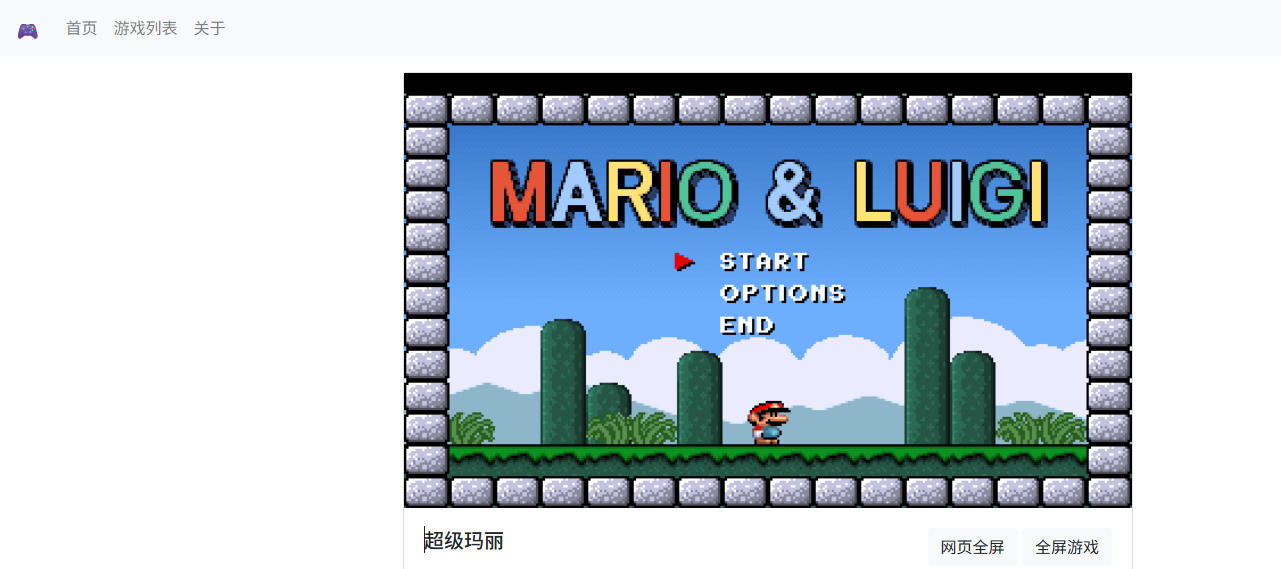
Running the games is very simple; just click on the software you like. Some games not only have shortcut key hints but also thoughtfully link to game guides.
Click on "The Legend of Sword and Fairy," and you might encounter an error.
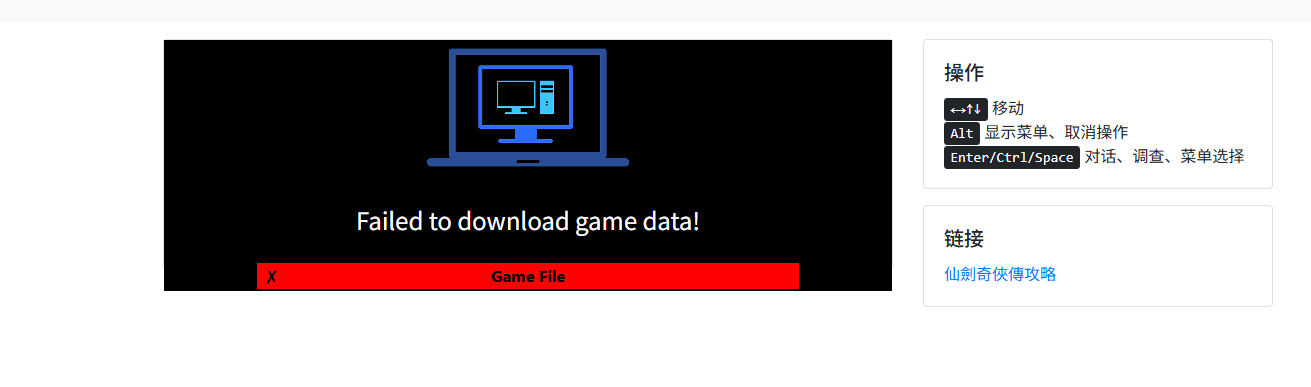
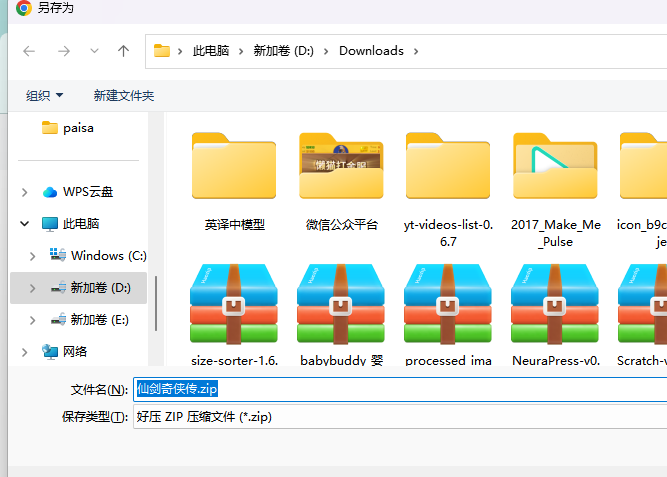
Click on [Game List]. According to the instructions, first click on [Direct Download].

After clicking, I found the page kept spinning without any response, so I clicked on [Manual Download] instead.
In the Lazy Cat network drive, I found a dos_game_roms folder, which was likely created automatically when the application was installed.
Upload the previously downloaded file to this directory.

Return to the page and refresh it. You'll notice it has changed to [Downloaded].

Go back to the home page, click on the game again, wait for it to load, and you can start playing.
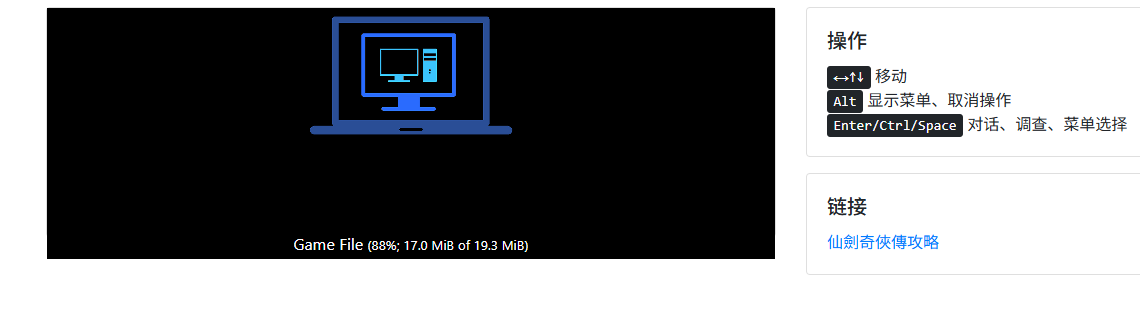

Other games operate similarly. However, some games lack instructions, and the shortcut keys might not work well, requiring you to figure them out yourself.
Summary
With this application, you can experience all the games you missed in your childhood.
Sigh, those who have played these games are probably 35 or older.
My lost childhood...