
Etherpad Experience: A Powerful Real-time Collaboration Markdown Tool
What is Etherpad?
Etherpad is a real-time collaborative editor that scales to thousands of simultaneous real-time users.
It provides full data export capabilities and runs on your server under your control.
Etherpad can be used for various scenarios such as collaborative document editing, meeting minute recording, code writing, and more.
https://appstore.lazycat.cloud/#/shop/detail/cloud.lazycat.app.etherpad1
How to Use
After the application is installed, open the home page.
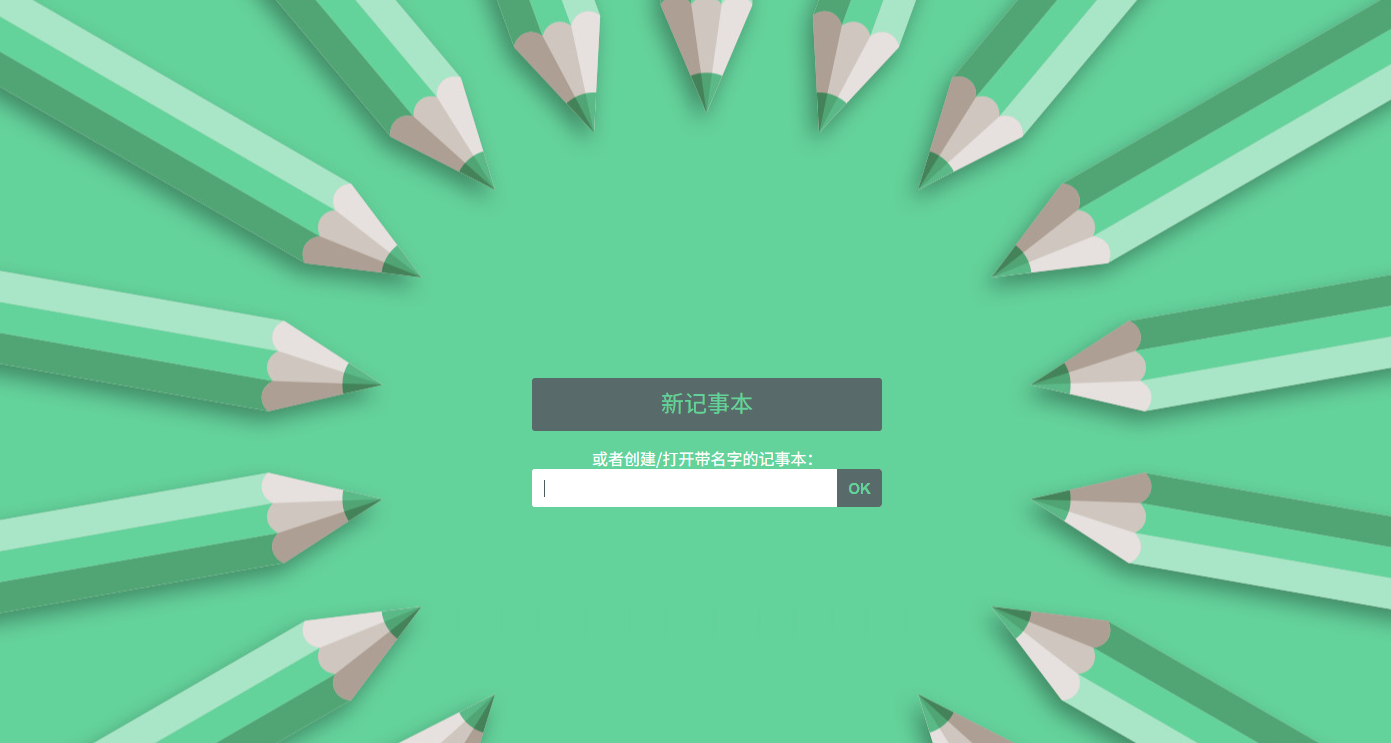
For first-time use, click on 【New Pad】
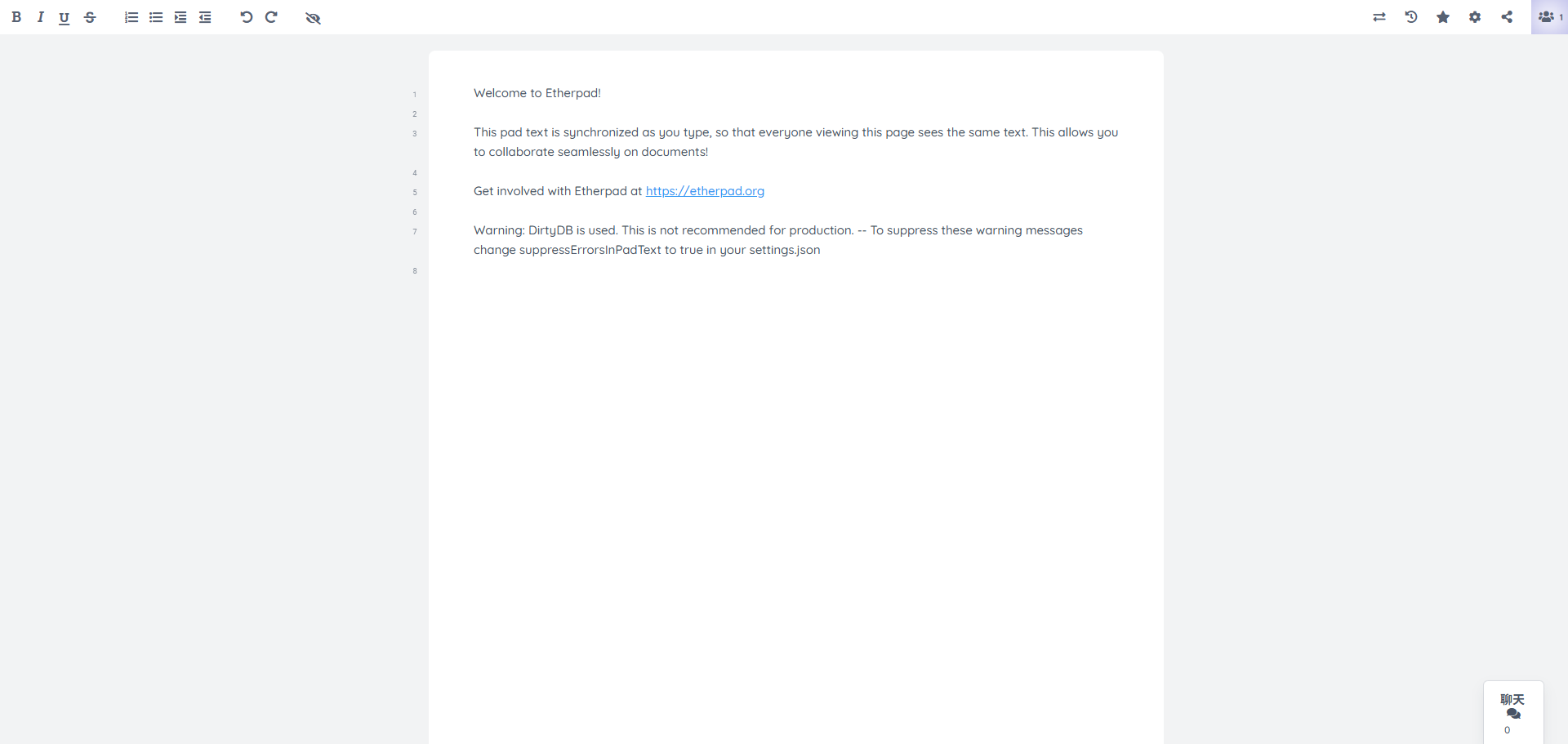
The top-left area is the common text editing region.
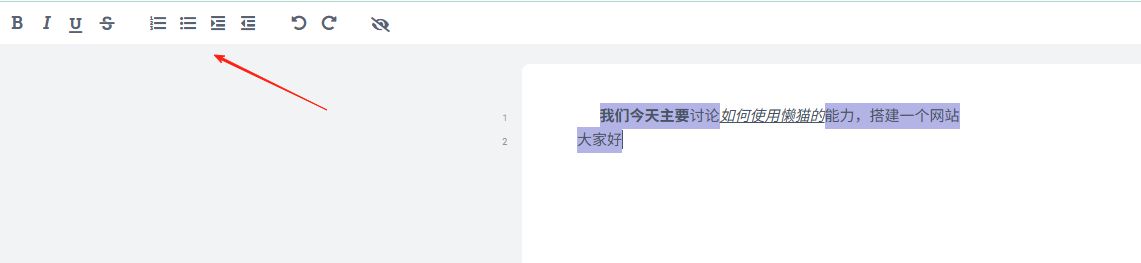
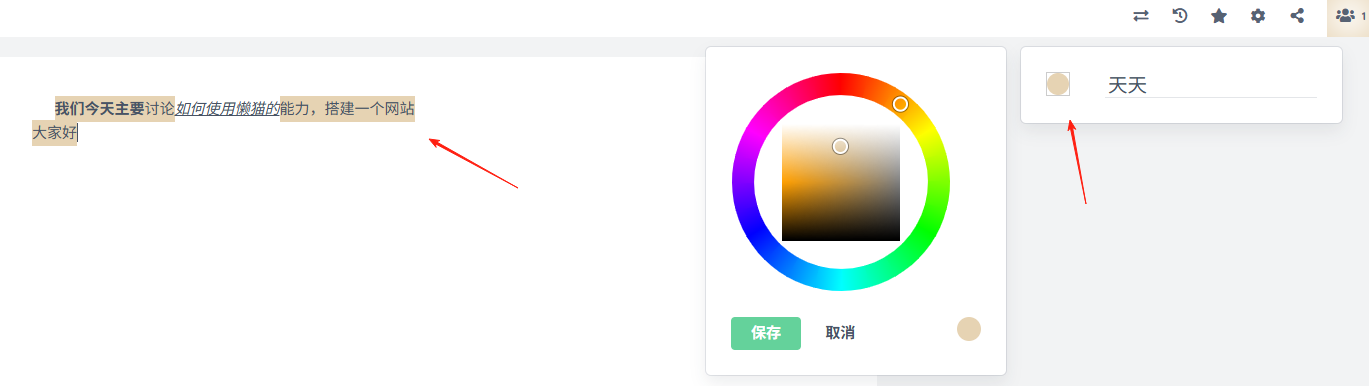
The top-right corner features functions like Import, Timeline, Users, etc., primarily used for real-time collaboration.
Click here to change the background color of the text on the left. This is used to distinguish the edits made by different users, e.g., User A uses red, User B uses yellow...
Click the Share button to share the document link with friends. Of course, this assumes your domain name is configured for forwarding and is accessible from the public internet.
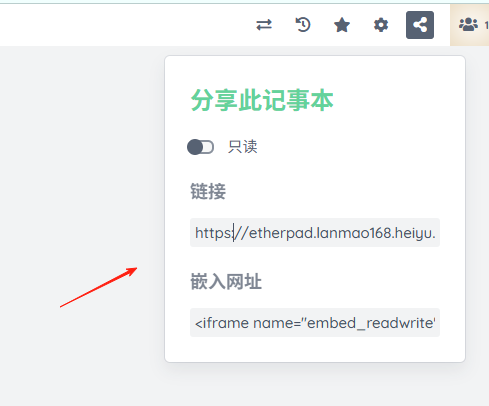
My link is: https://etherpad.lanmao168.heiyu.space/p/fkfdJIH3HBVZhTsTd_Jx
The other party can open it directly and start editing. For a demonstration using a mobile device, simply enter the filename part: fkfdJIH3HBVZhTsTd_Jx
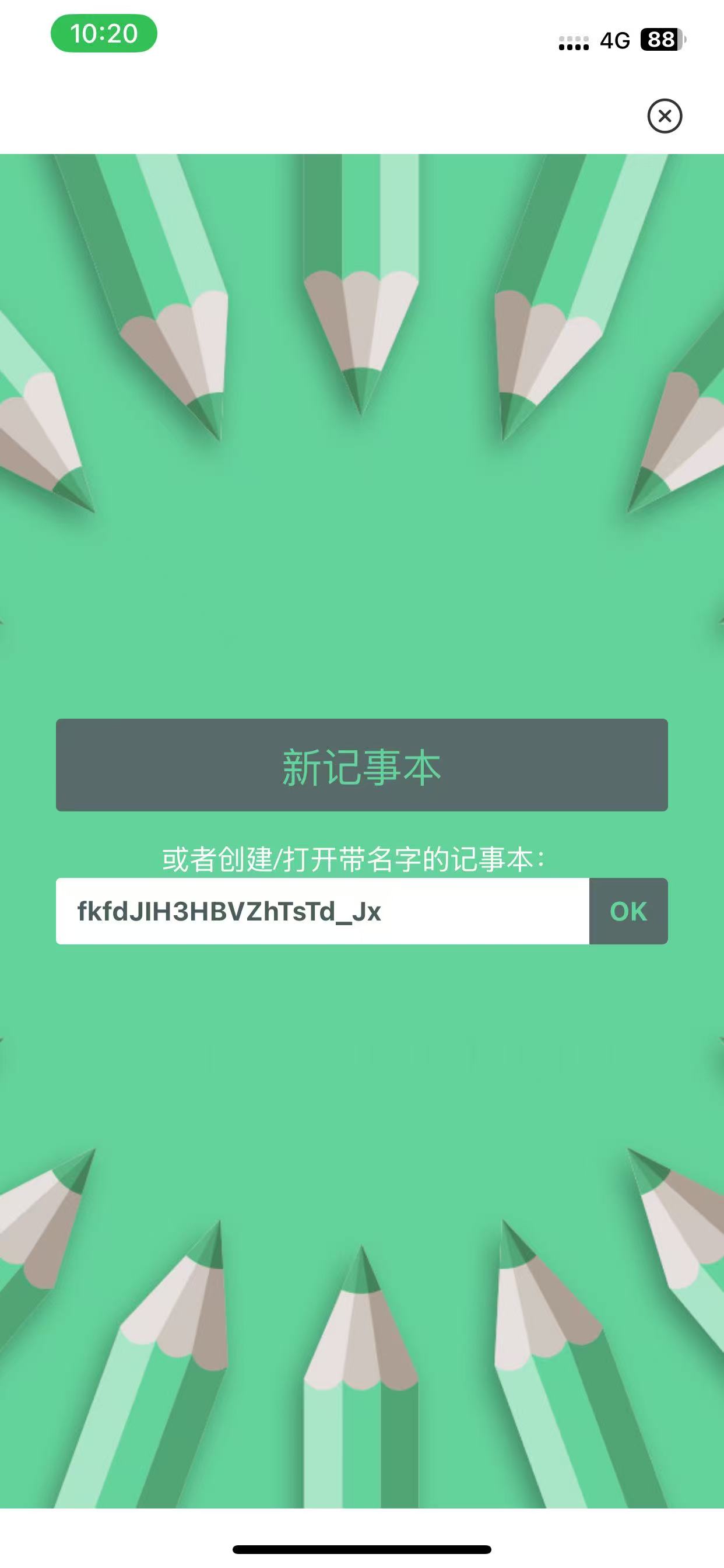
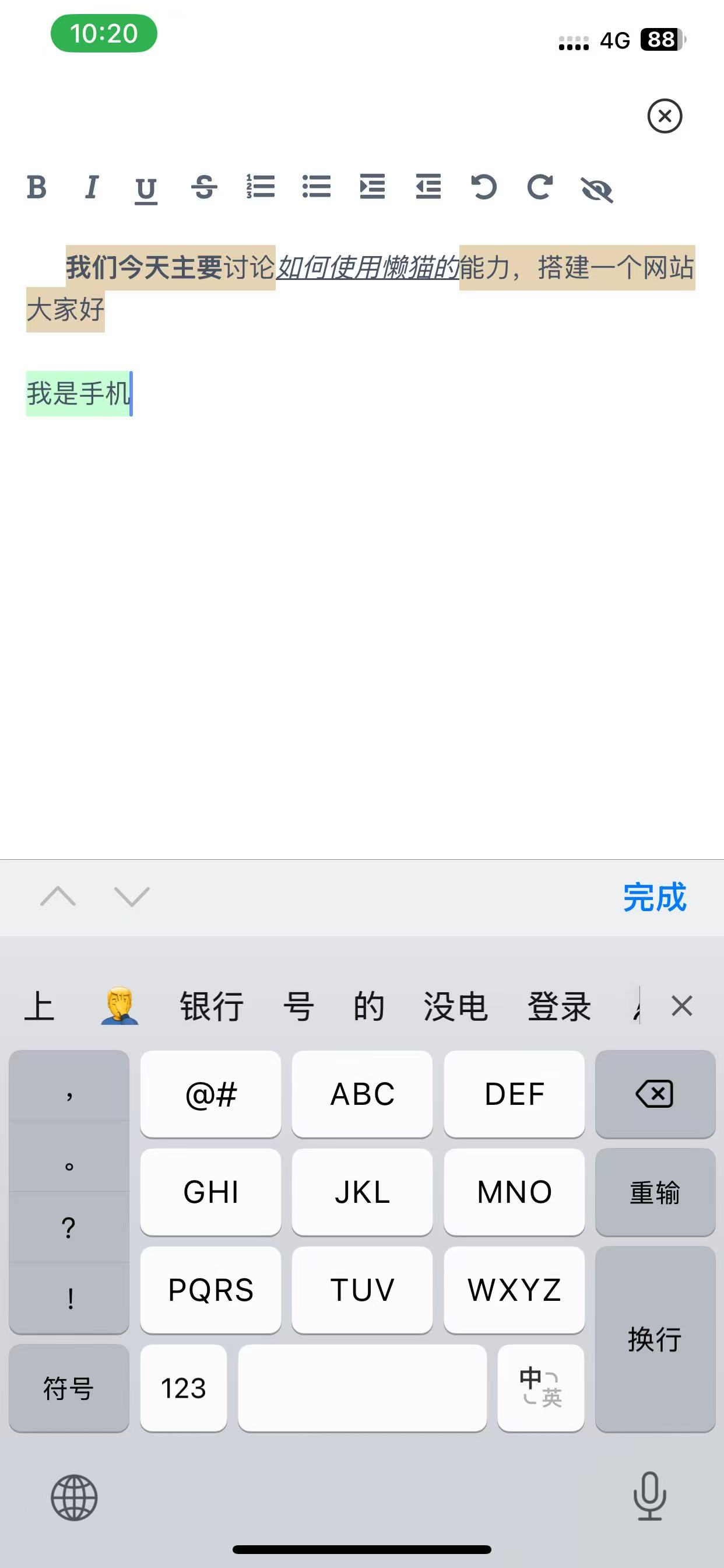
You can then enter and see the result.
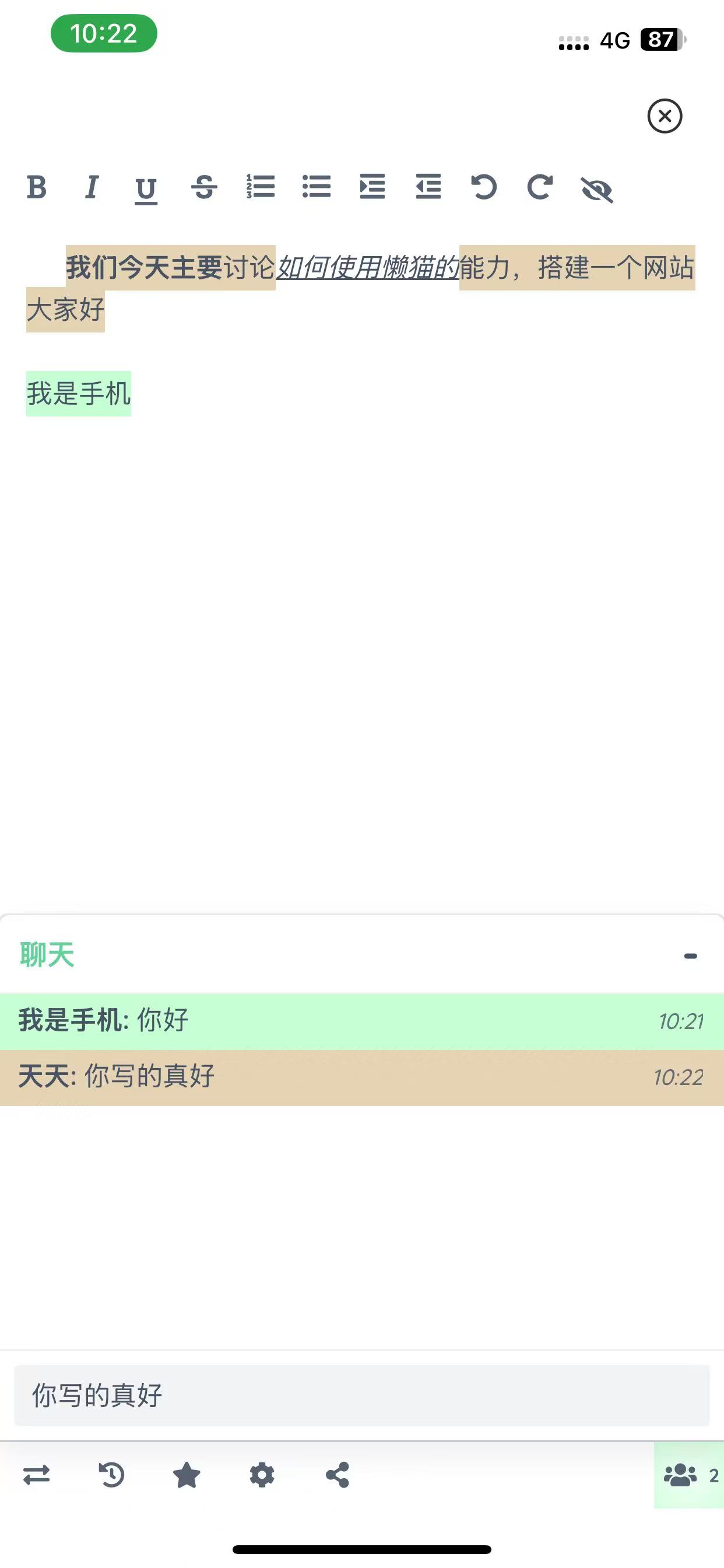
On the right side, you can chat in real-time to discuss the document content.
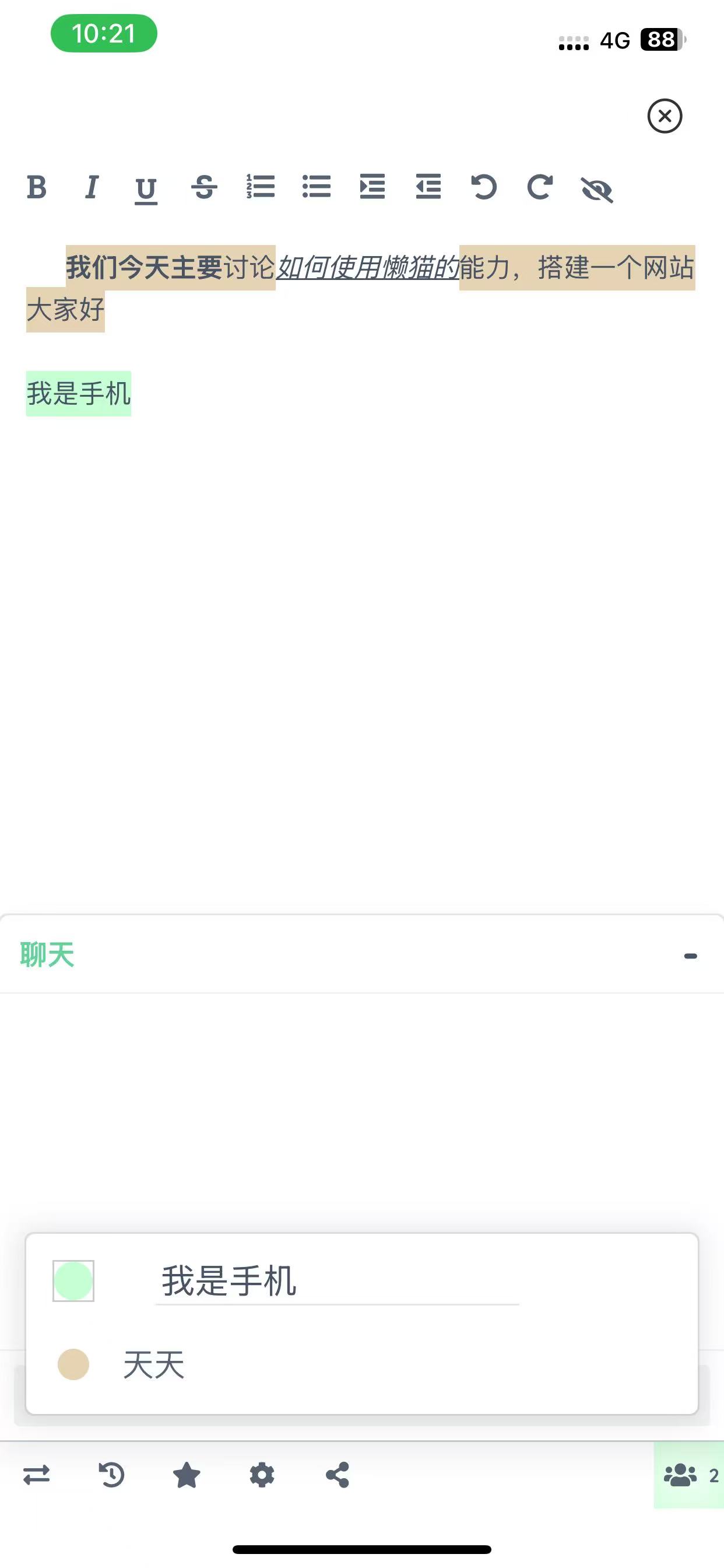
On the desktop, you can see the effects in real-time. The top-right corner shows the number of people collaborating in real-time.
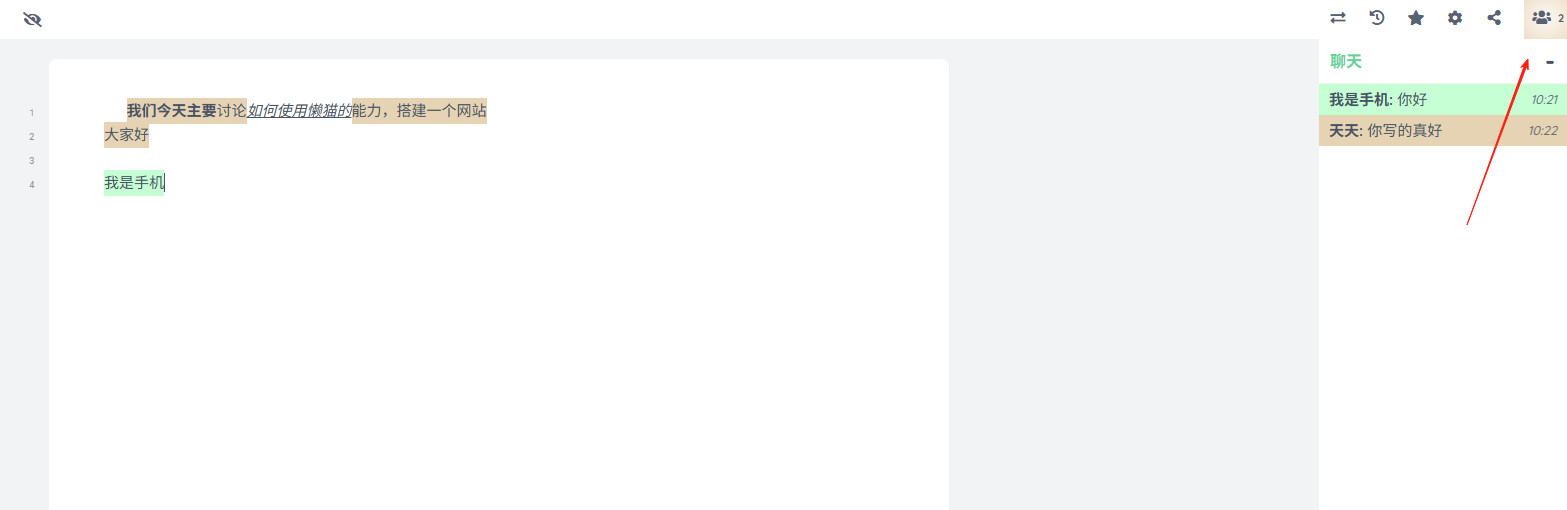
The mobile experience is also good.
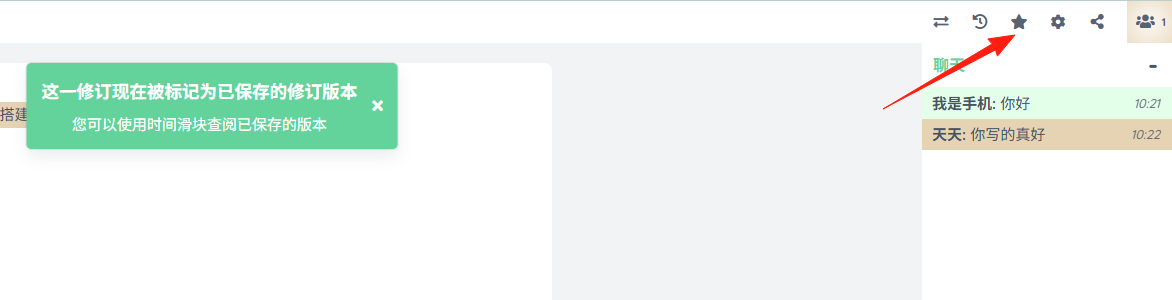
The star ⭐️ button is for saving a version.
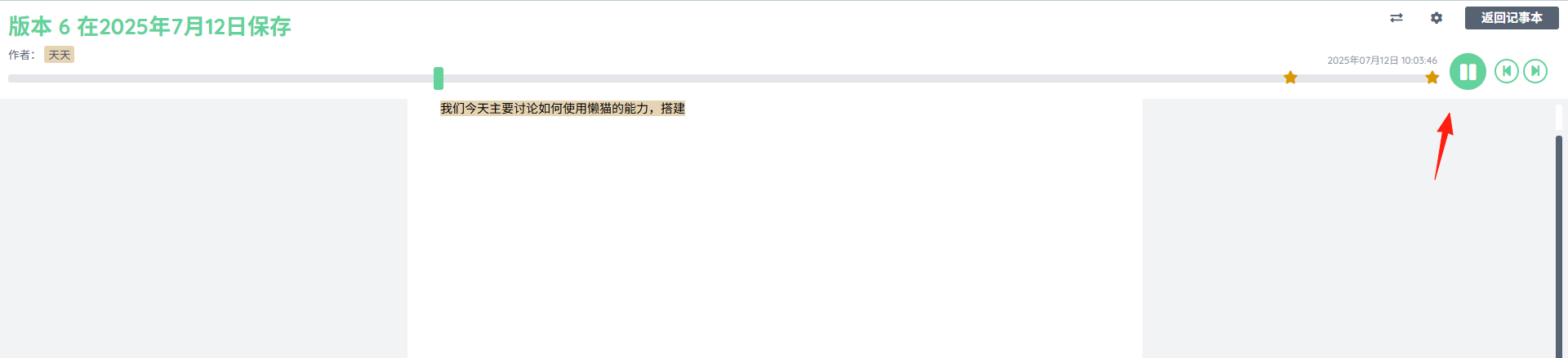
The Timeline feature is also excellent.
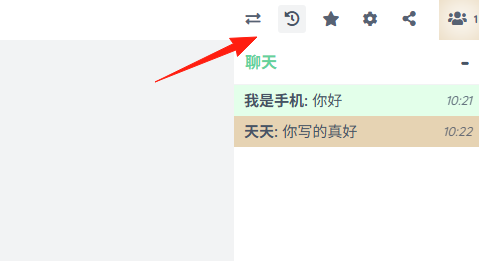
Click the play button to see the process of document edits. The locations marked with ⭐️ indicate when versions were saved.
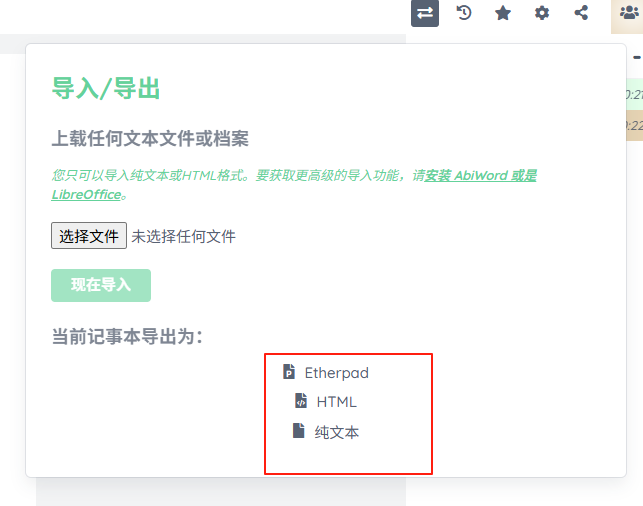
The Import/Export function supports these 3 formats.
💎 Summary: Who is Etherpad Best For?
Remote Teams: Handle meeting notes + task assignment in one click.
Students: Say goodbye to flooded WeChat groups for group projects.
The real-time chat feature is excellent, allowing you to communicate with others while editing, discuss changes, without needing to switch to WeChat.
Give it a try now