
FileBrowser User Experience: A Lightweight File Management Powerhouse
🔍 What is FileBrowser?
File Browser is a web-based file manager. Key features:
🚀 Simple, practical, lightweight, and fast ⏰ Easy deployment with low system requirements 🔌 Visual interface, clean and user-friendly 🔍 File/folder operations, online file preview, shareable links 👤 User authentication, user management, permission & scope settings 🌐 Open-source, cross-platform, supports Chinese
https://appstore.lazycat.cloud/#/shop/detail/wcloud.gblw.app.filebrowser
🛠️ How to Use
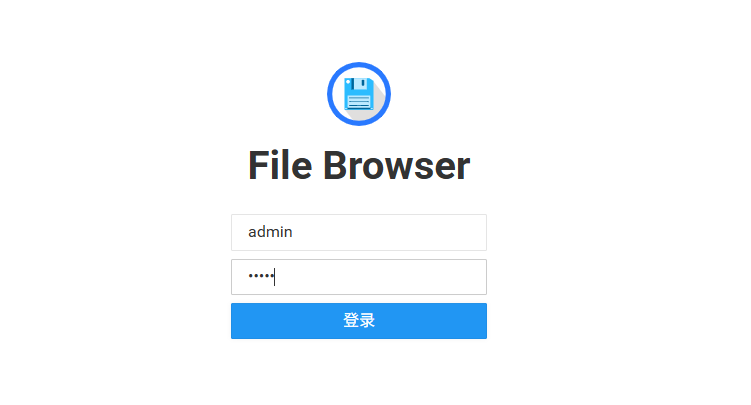
After installing the app, open the login page and use the credentials admin/admin.
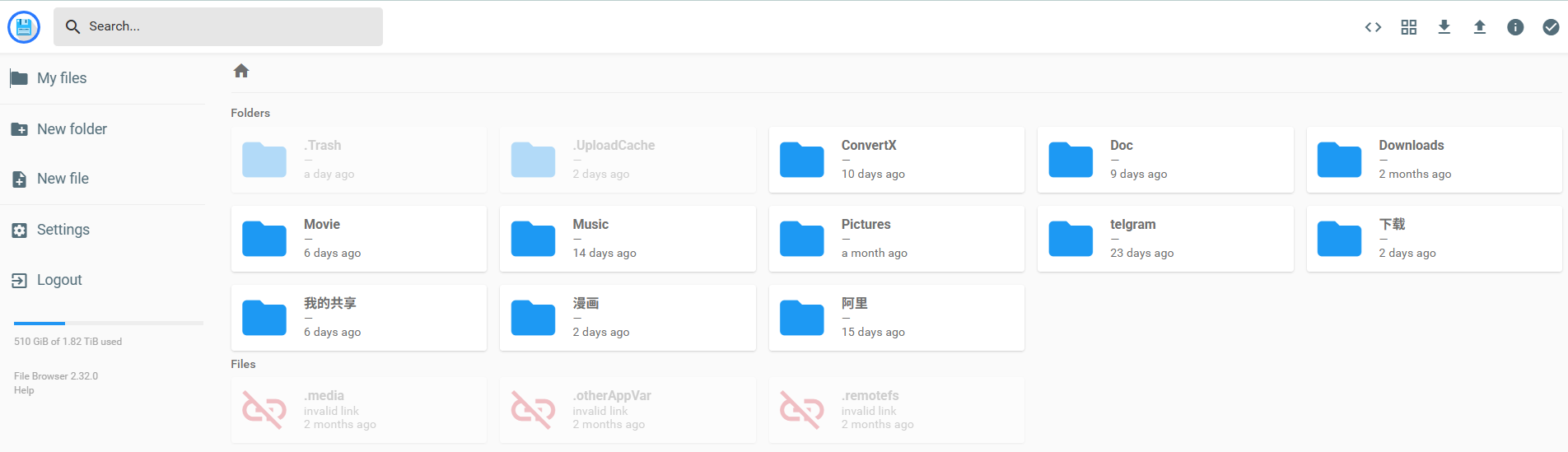
After logging in, you can see the files in your network drive.
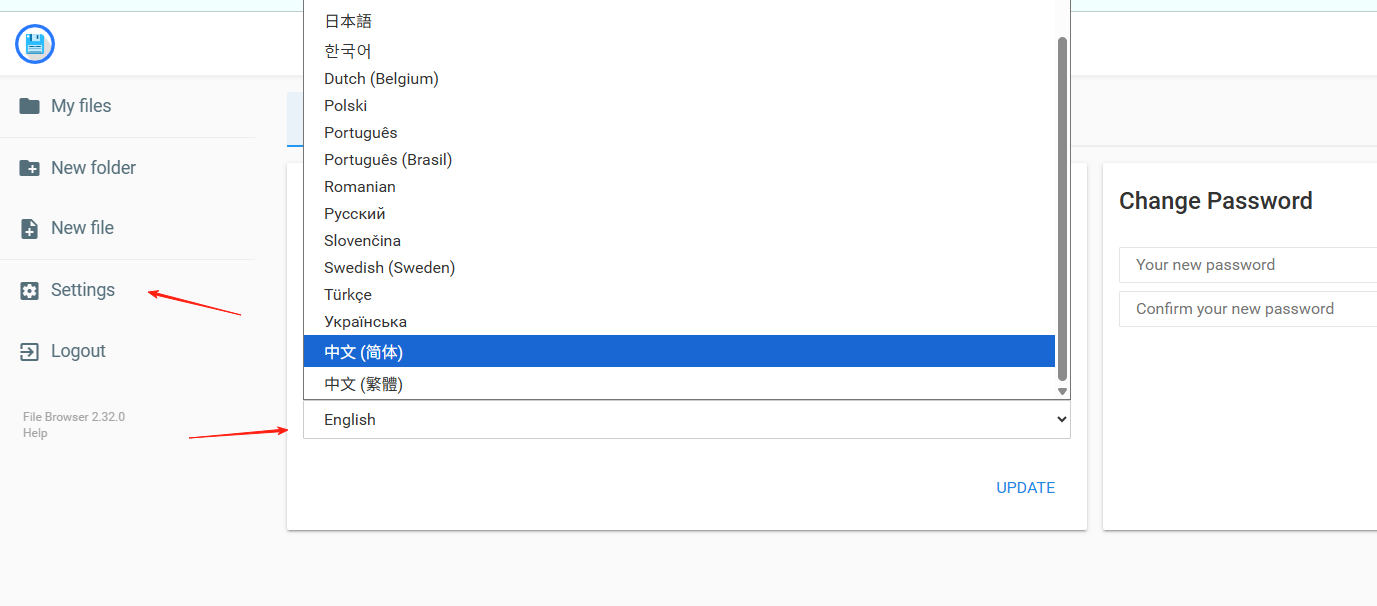
First, go to Settings and change the language to Chinese.
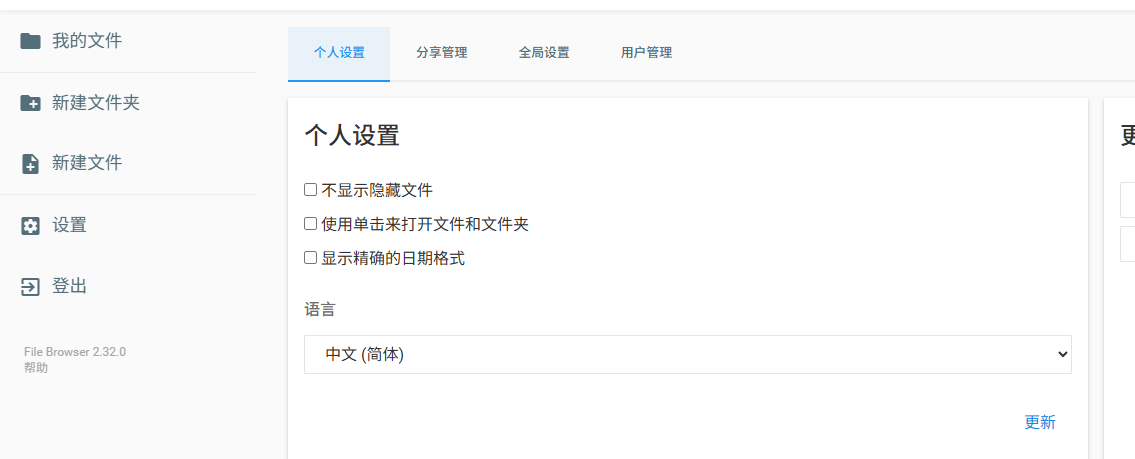
Click 'update', and the interface will refresh to Chinese.
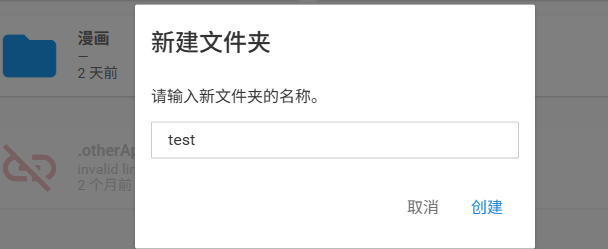
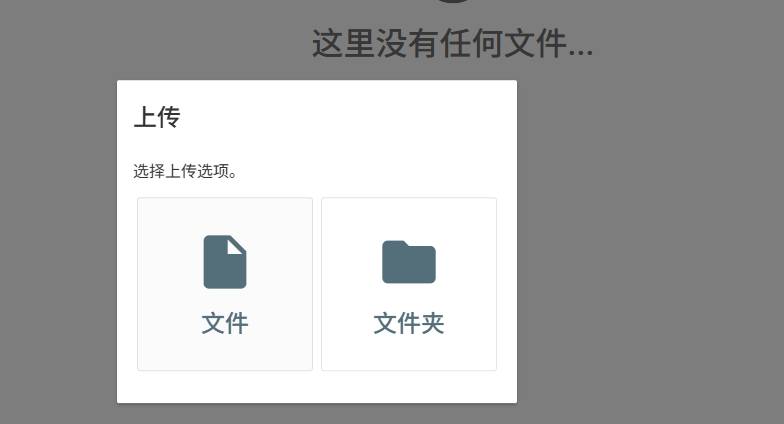
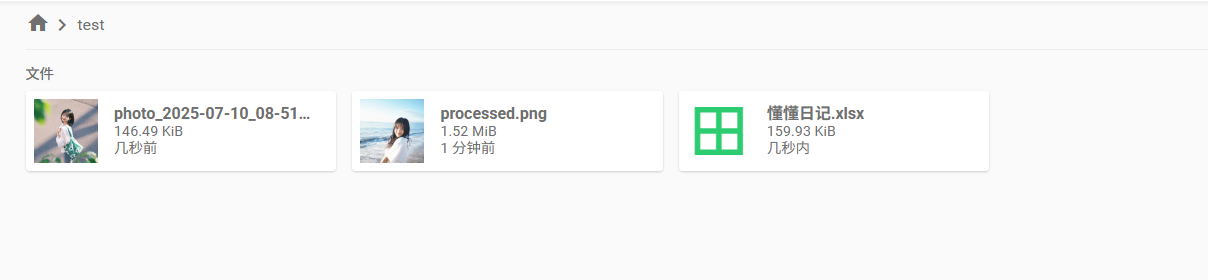
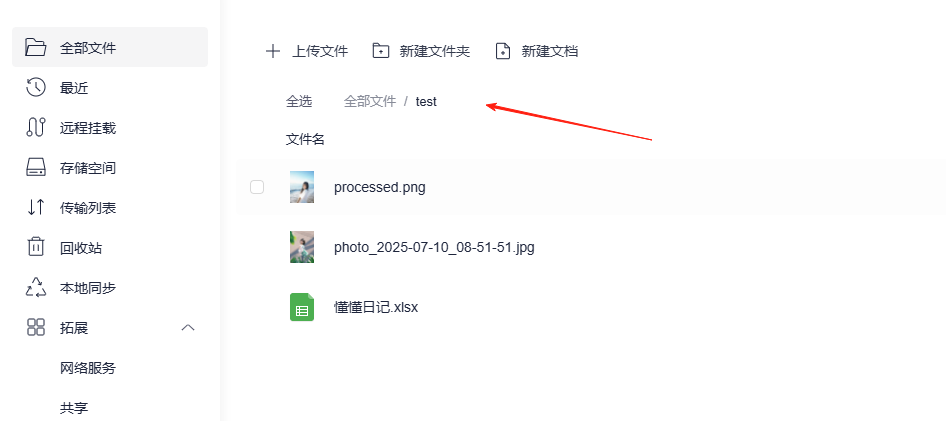
Create a 'test' directory to try out file upload ⏫, download ⏬, and sharing.
Select any file to share it. You can send the link directly to others for download.
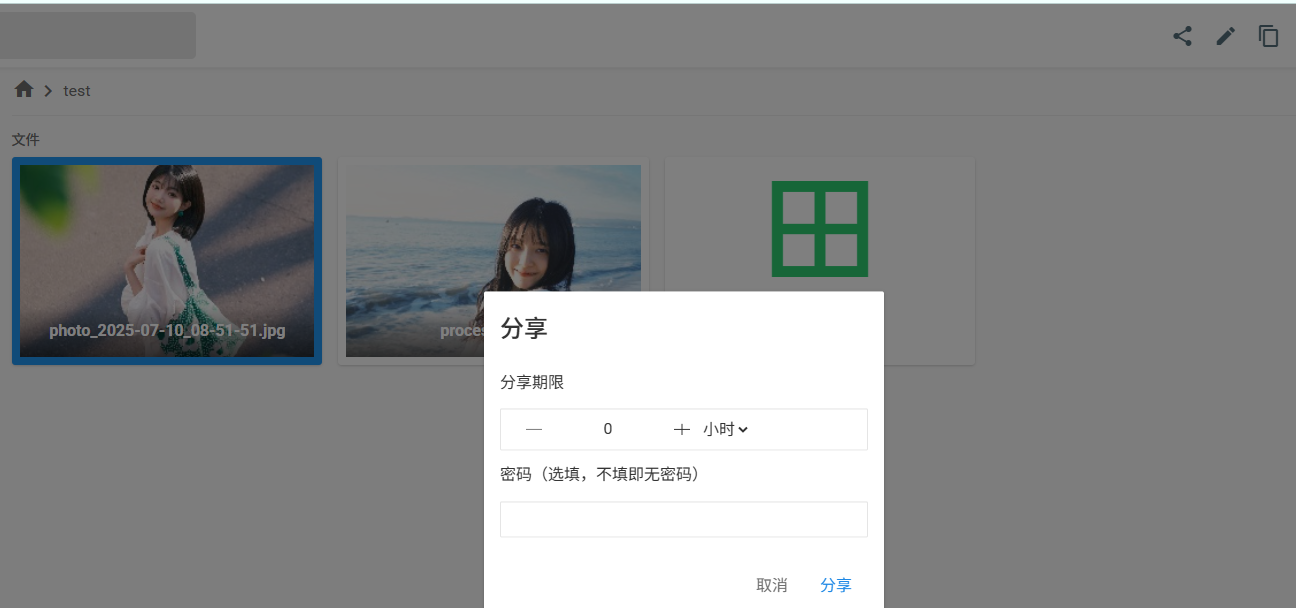 Set an expiration time + password (e.g., "24 hours + password 123")
Copy the link and send it → the recipient can download directly from their browser.
You can verify in the Lazycat Network Drive that it's indeed managing your drive files.
In Settings, you can create new users.
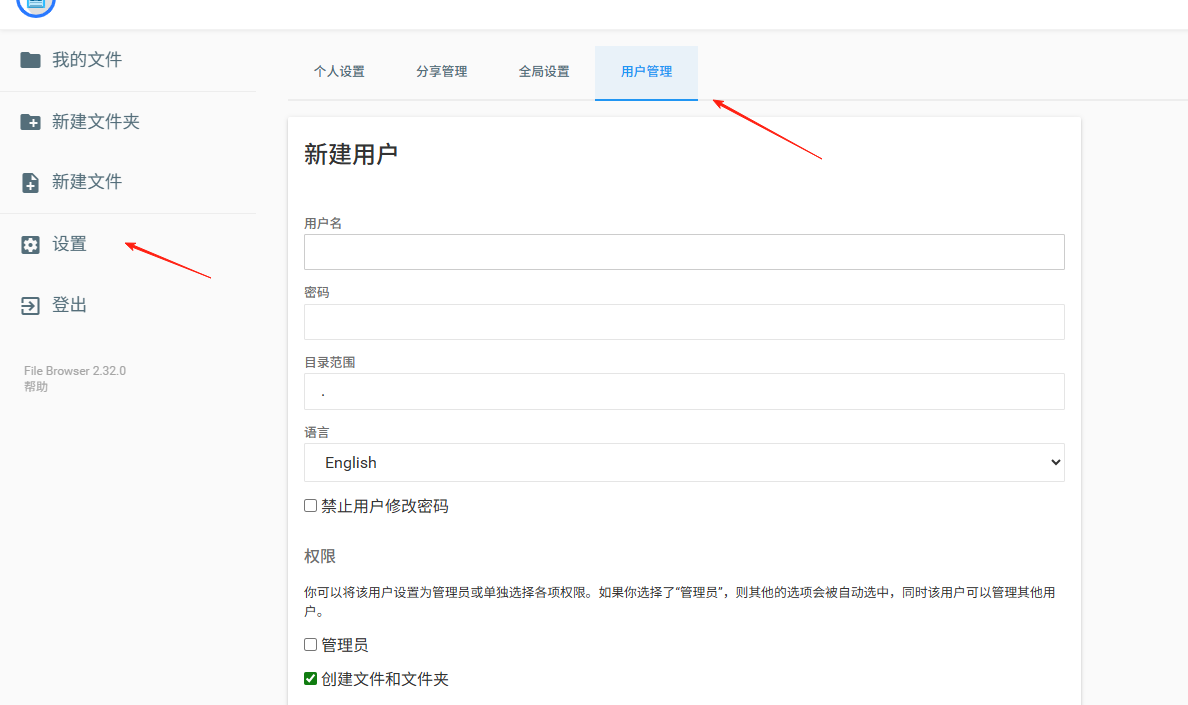
Manage files by assigning different permissions to users. This allows them to manage files conveniently even without direct access to Lazycat.
💎 Conclusion
The best part about FileBrowser isn't just its powerful features, but how it gives you complete data sovereignty:
- No speed limit anxiety (Speed = Your home broadband)
- No privacy leaks (Your data never leaves your home)
Quick Tip: For first-time use, it's recommended to disable the Command Runner (Settings → Global Settings → Uncheck the option) to prevent accidental operations. Explore advanced features once you're more familiar!