
UniBoard User Guide - Build Your Personal Homepage
What is UniBoard?
UniBoard is an all-in-one platform that integrates a personal homepage, navigation page, notes, short links, and file sharing functionalities. Simply put, it consolidates several tools you typically need into one place.
Imagine no longer needing:
- A separate bookmark manager
- A standalone notes application
- A dedicated short link service
- Complex file-sharing tools
Everything is handled, offering a one-stop solution.
https://appstore.lazycat.cloud/#/shop/detail/app.tx1ee.uniboard
Feature Usage
After installing the application, initialize the user first.
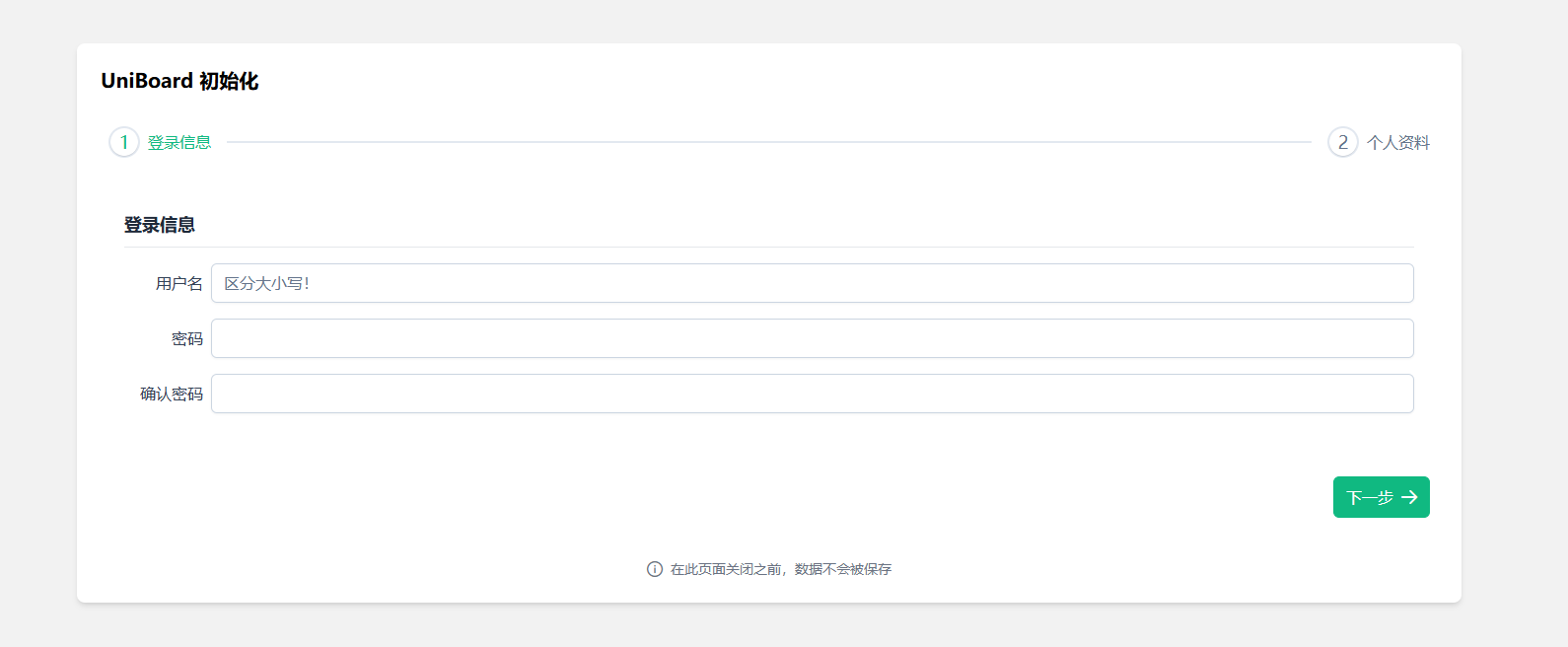
Fill in the basic information.
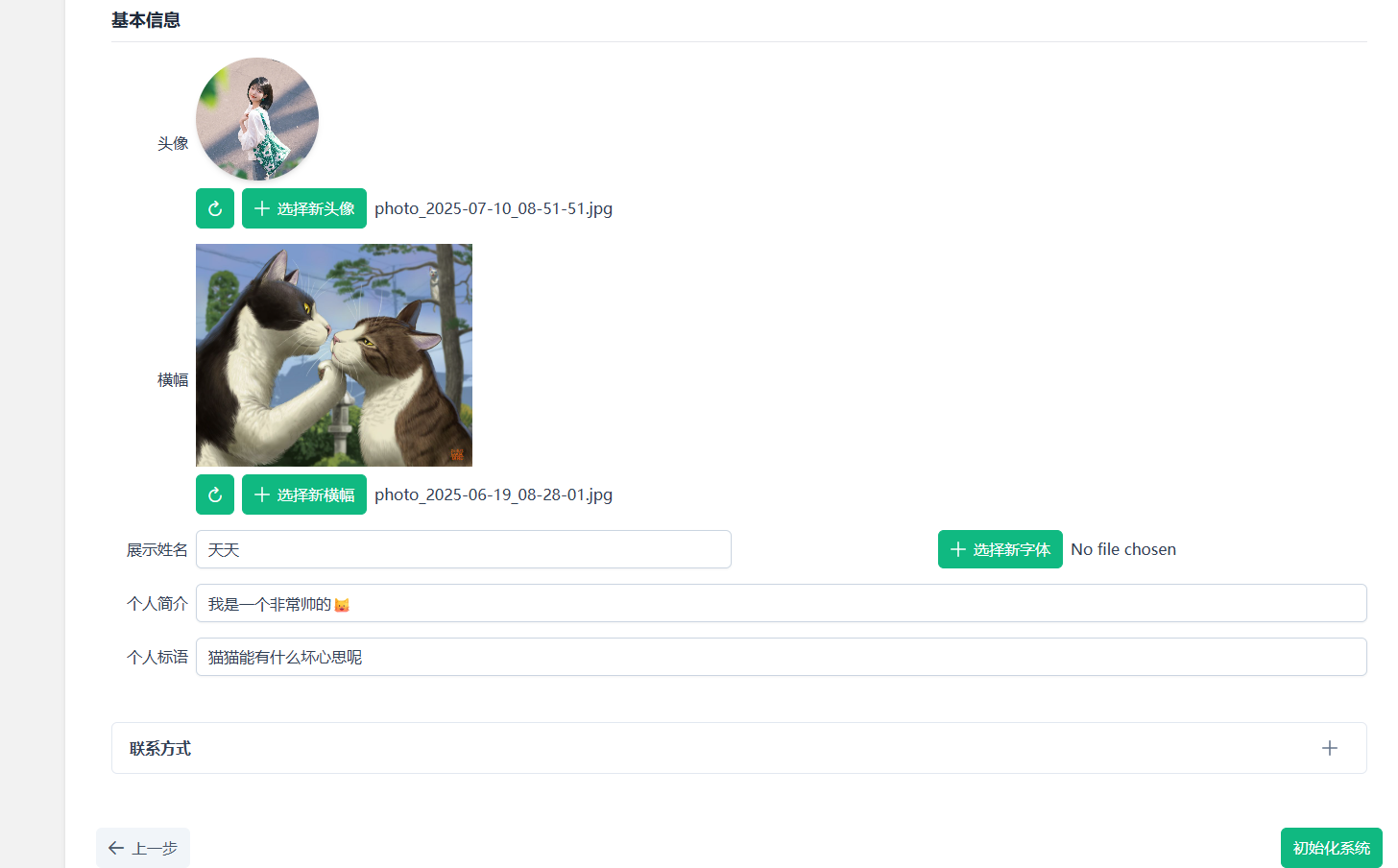
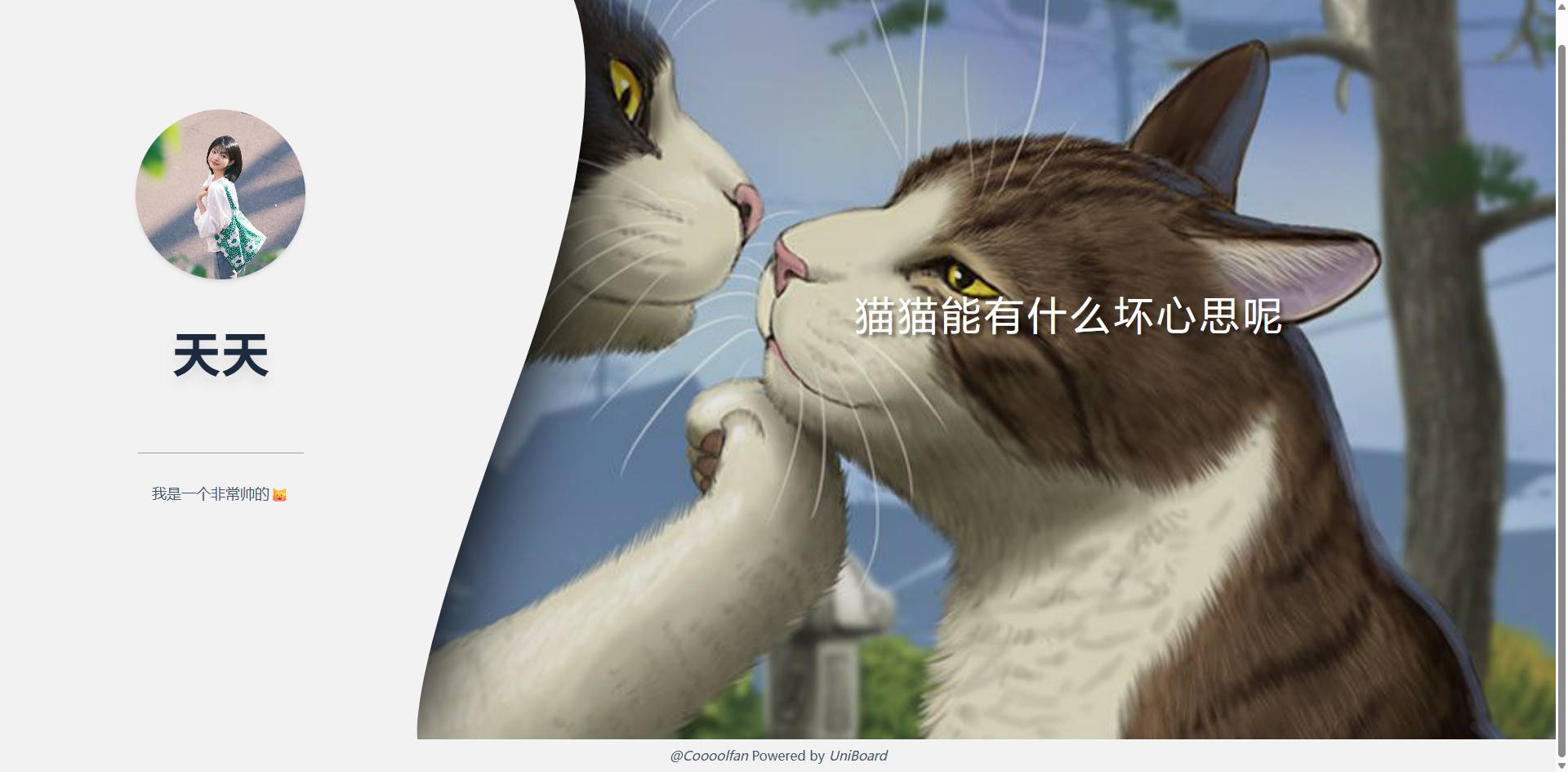
After that, you can see the result—this is your personal homepage.
The login feature is designed uniquely. Click on your name, and two horizontal lines will appear on the right. Enter the username and password you set earlier.
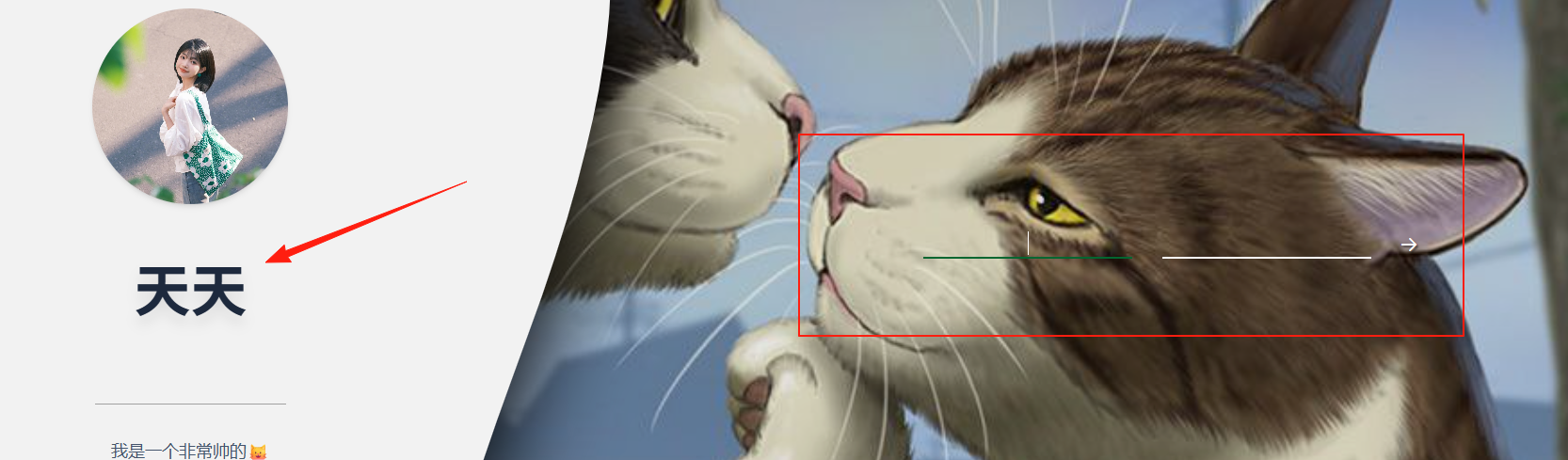
After logging in, the interface is relatively simple, with a time display at the top.

The options correspond to Notes, Links, Files, Settings, and Logout.
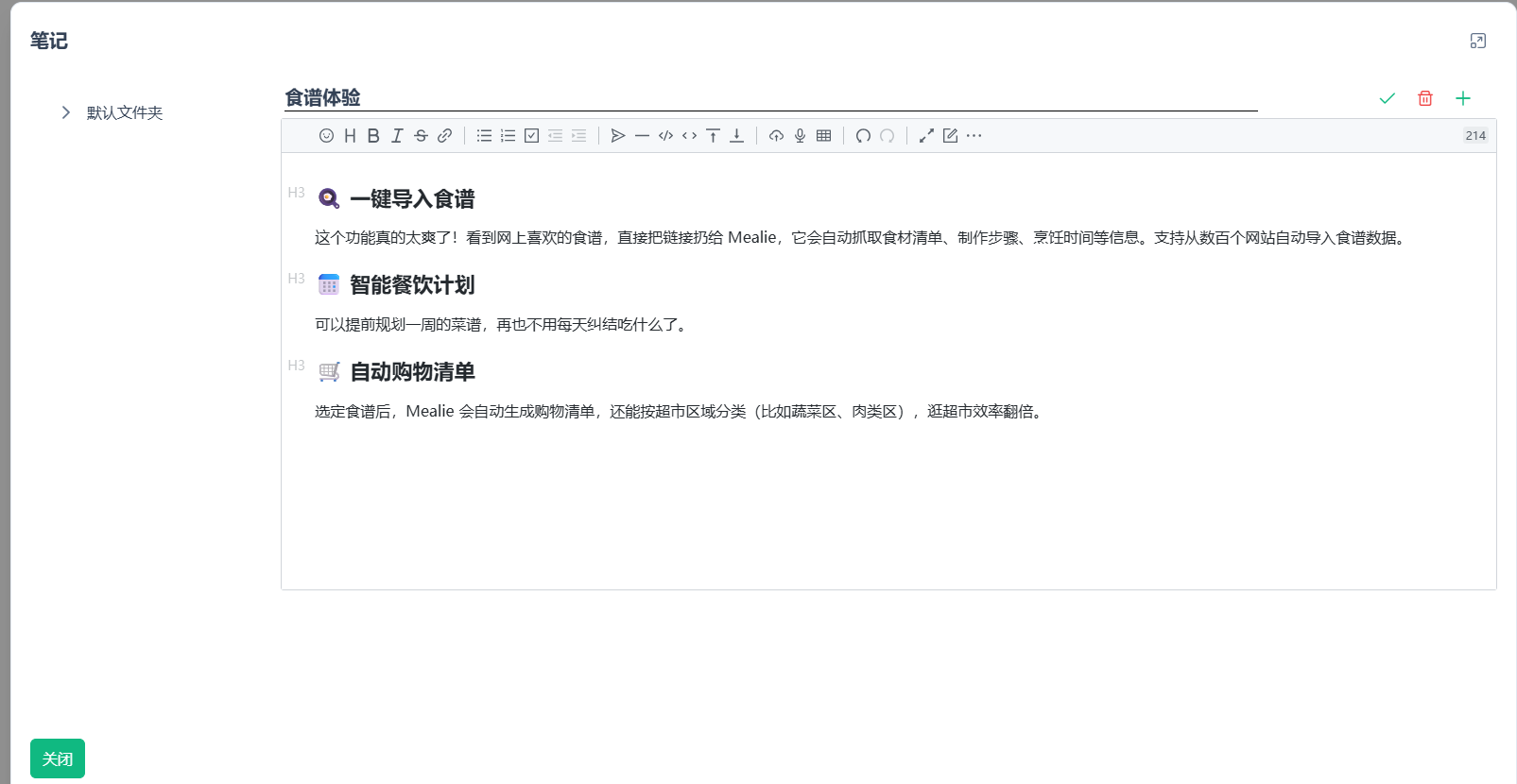
Notes support Markdown format.
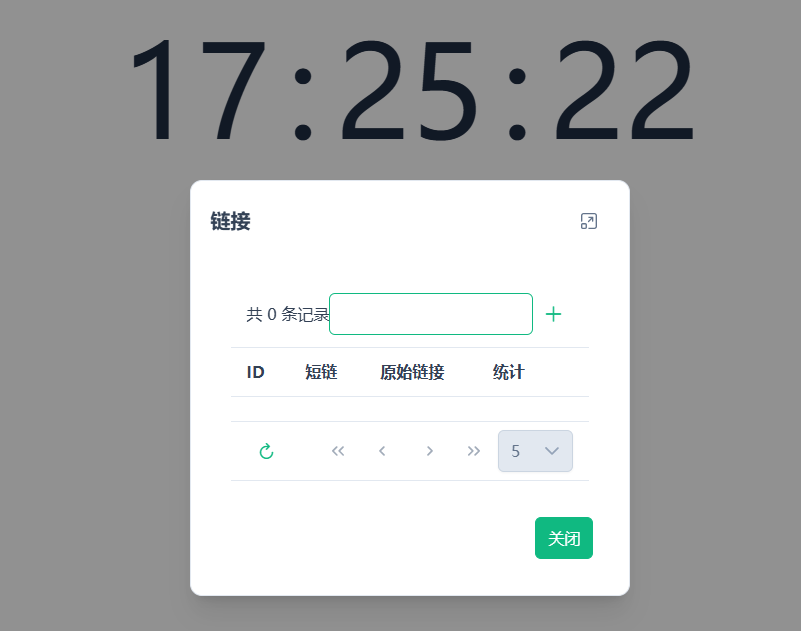
Links are for adding bookmark URLs you frequently visit.
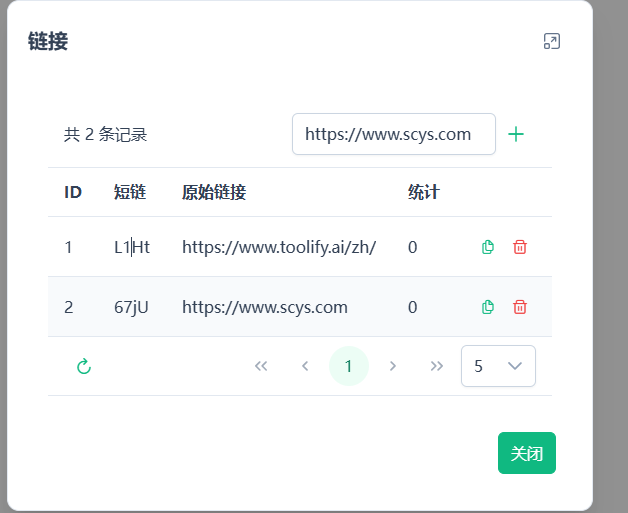
It automatically generates short links. Click the copy button, and you can directly use the short link address to access the webpage.
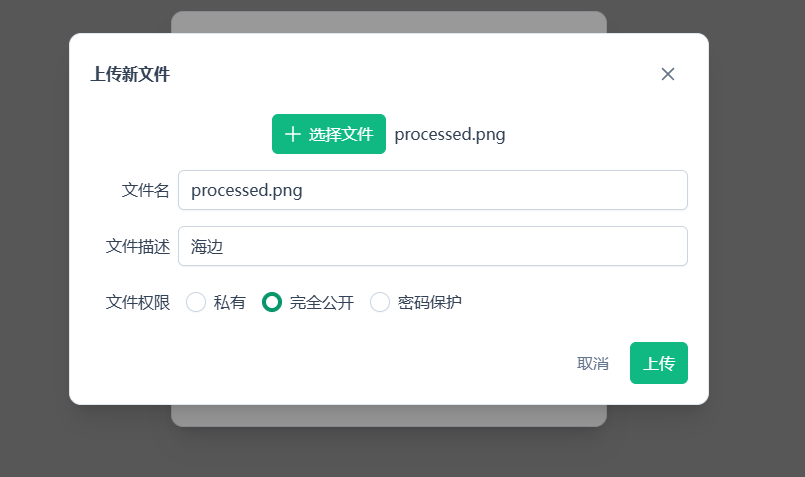
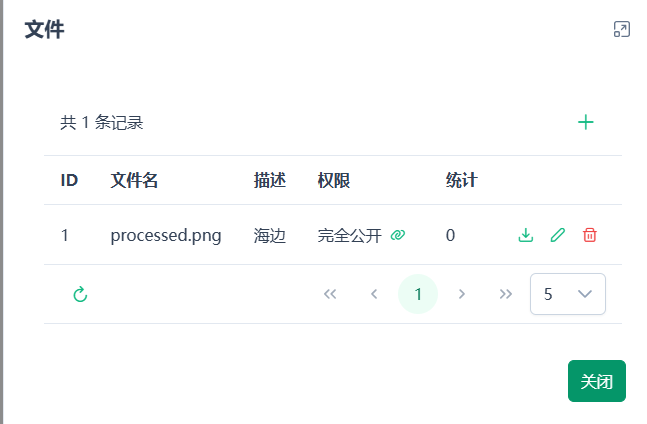
For the Files feature, you can set whether they are public or not.
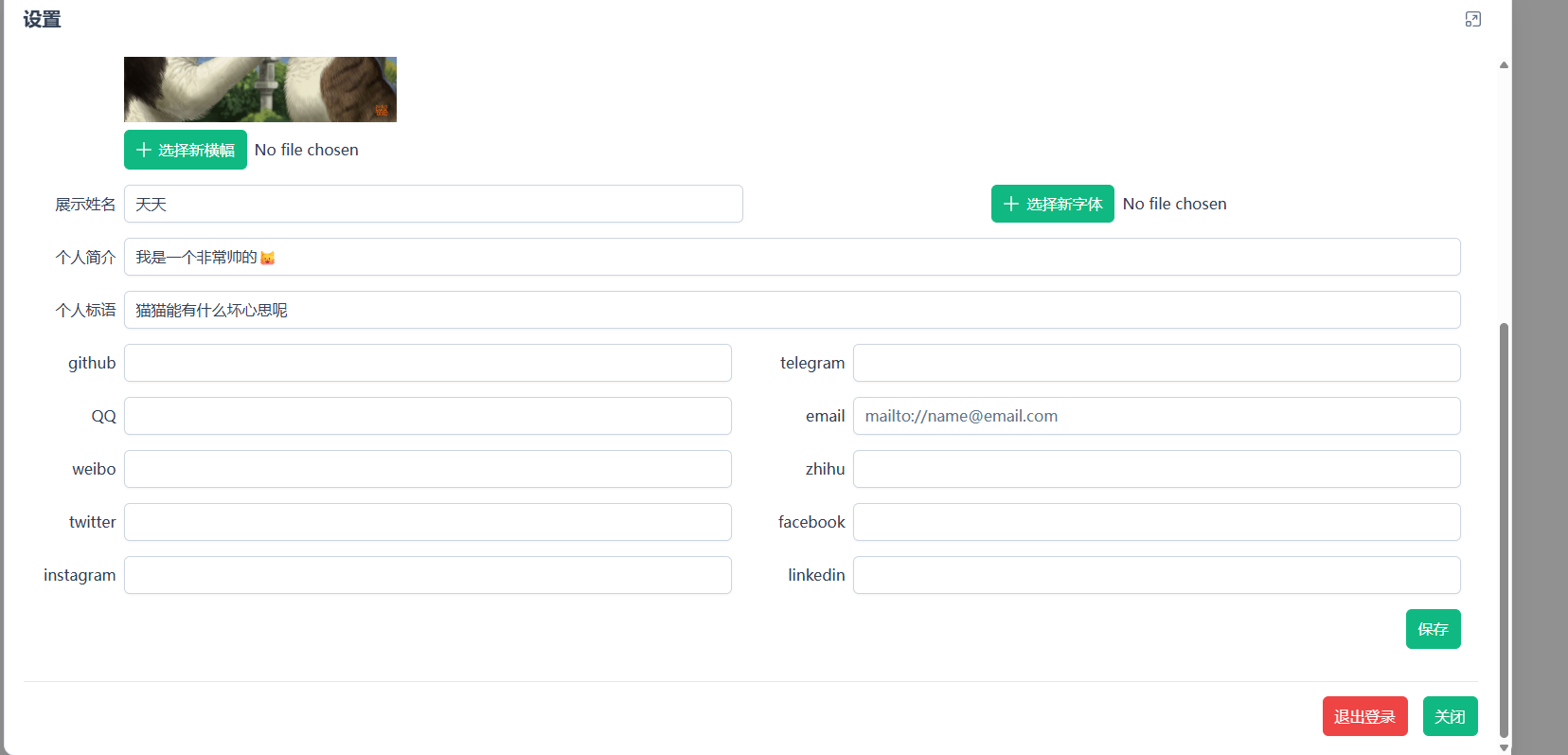
In Settings, you can modify your profile information, maintain contact details, etc.
Summary
UniBoard is a highly practical personal digital workstation solution.
Most people's workflow looks like this:
- Open a browser and find websites from bookmarks.
- Switch to a notes app to record ideas.
- Use a short link tool to generate shareable links.
- Use cloud storage to share files.
UniBoard merges all these steps. You only need one page to complete all these operations.