
FileGator Practical Guide - Building Your Private Cloud Storage
What is FileGator?
In simple terms, FileGator is a file manager that you can deploy on your server, allowing you to manage files through a web interface.
Imagine you have a server or NAS. After installing FileGator, you can manage the files on your server from anywhere with an internet connection, just as if you were handling local files.
https://appstore.lazycat.cloud/#/shop/detail/cloud.lzaycat.app.filegator
Quick Start Guide
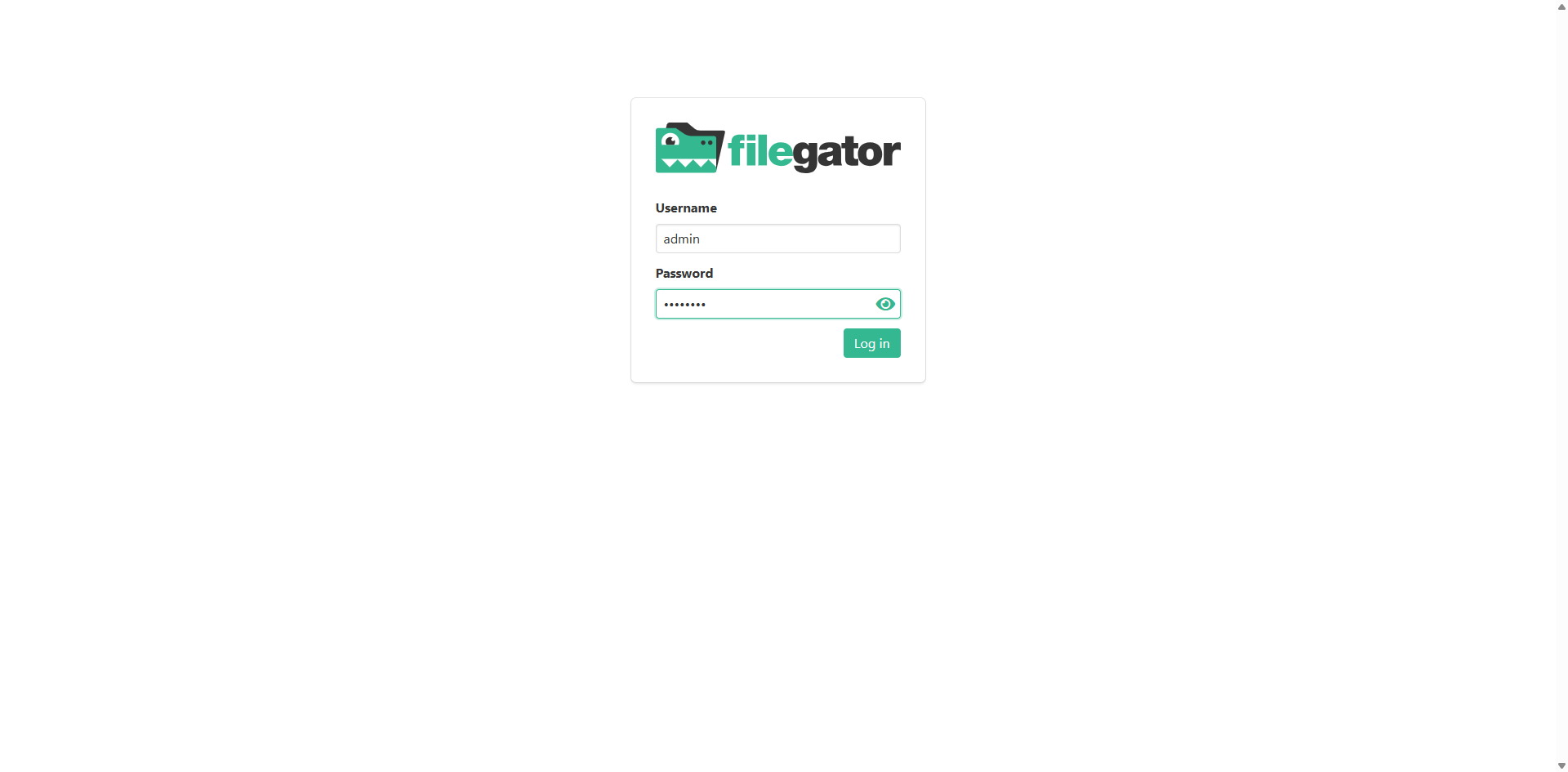
After installation, open the login page. Use the following credentials: admin / admin123
Homepage after login
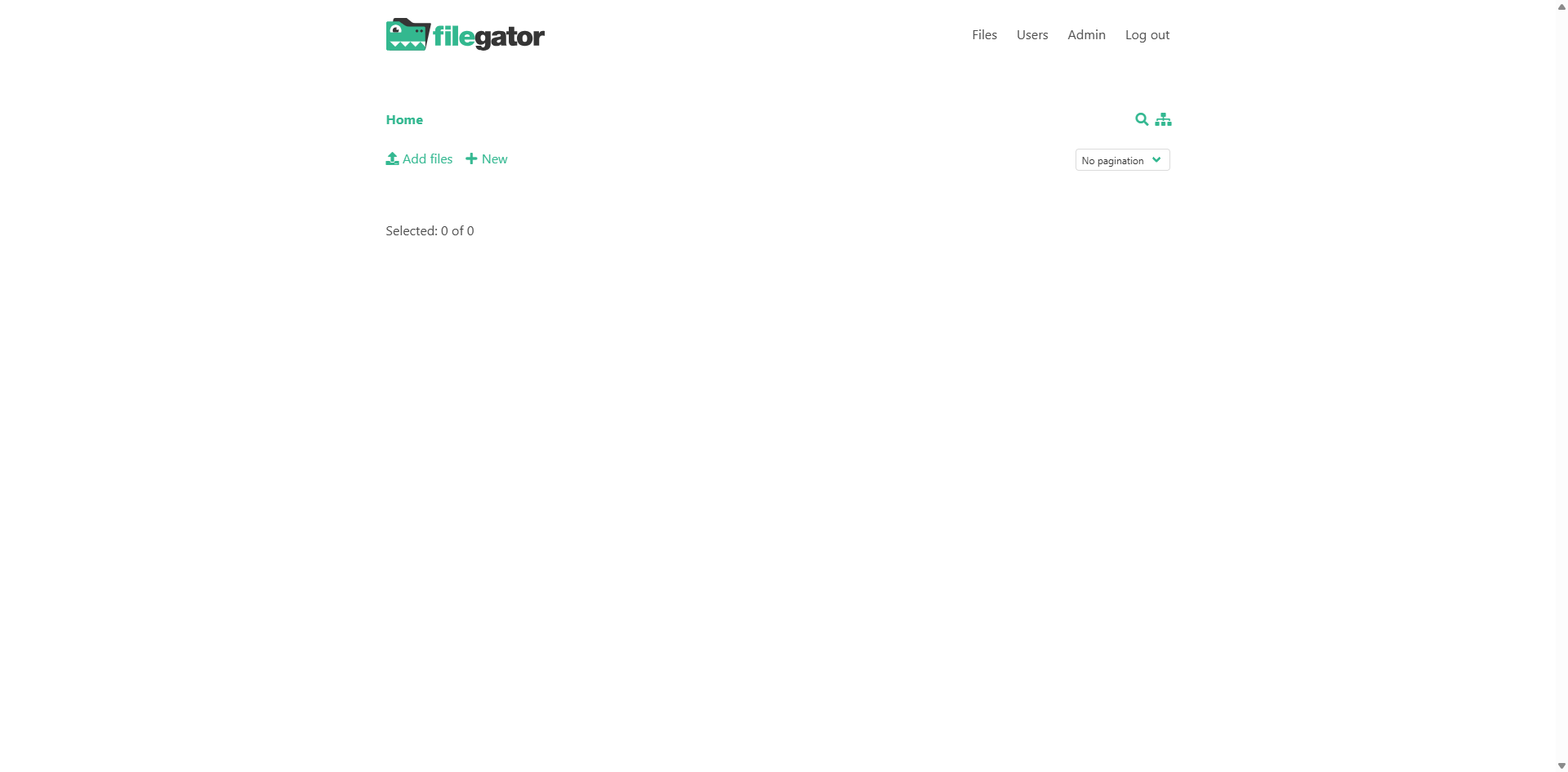
Basic operations are very intuitive:
- Upload Files: Click the "Upload" button
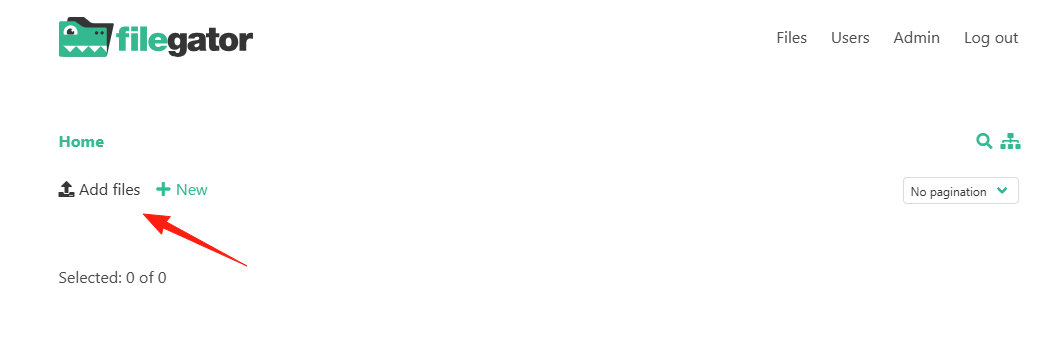 Supports multiple file selection.
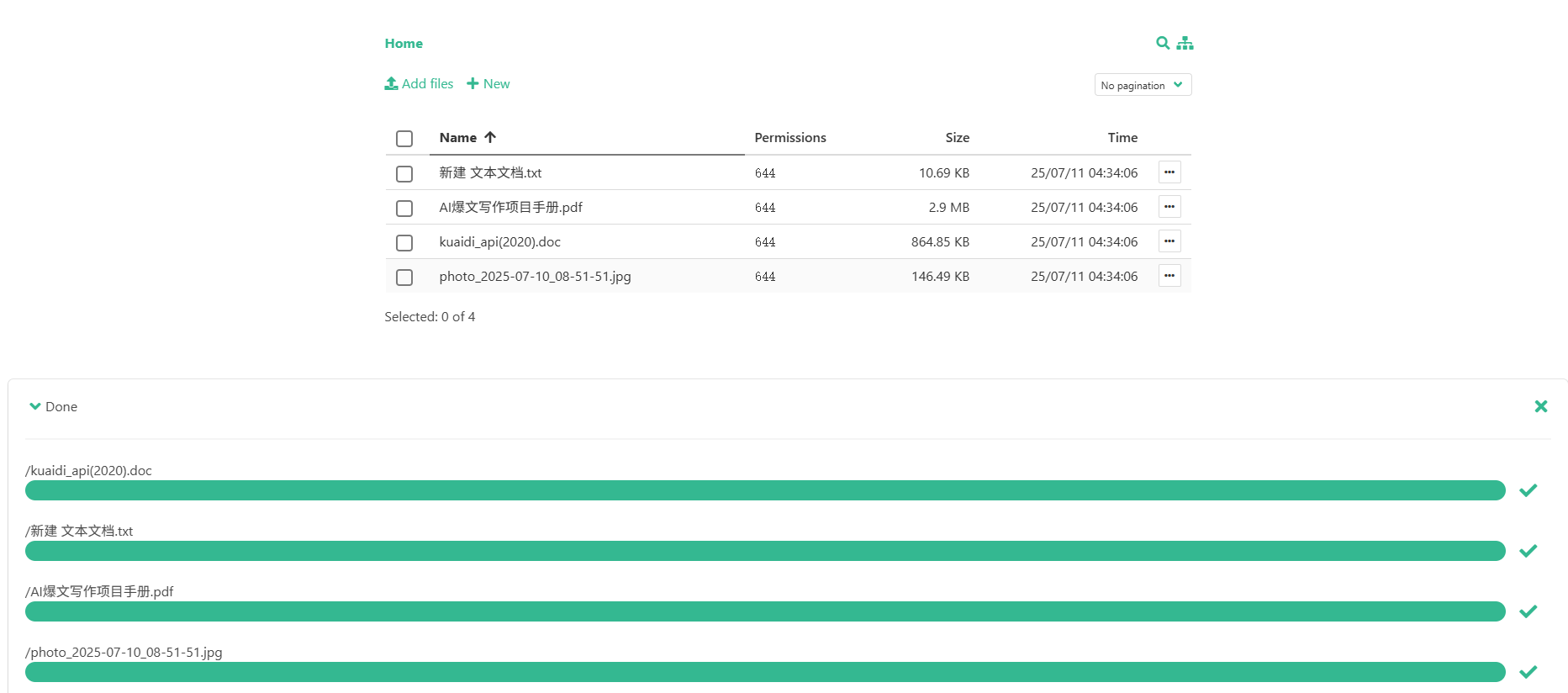
Click directly on a file to preview it.

- Download File: Right-click a file and select "Download"
- Create Folder: Click the "New Folder" button
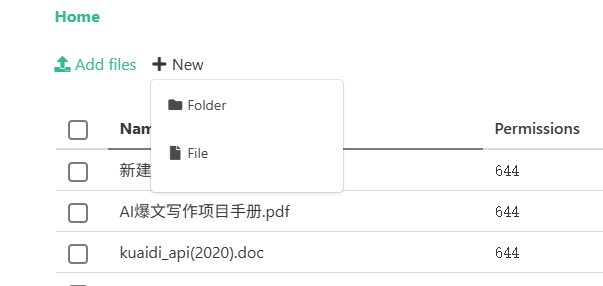
- Rename: Rename
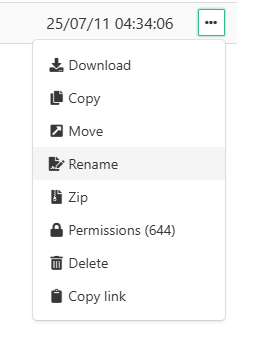
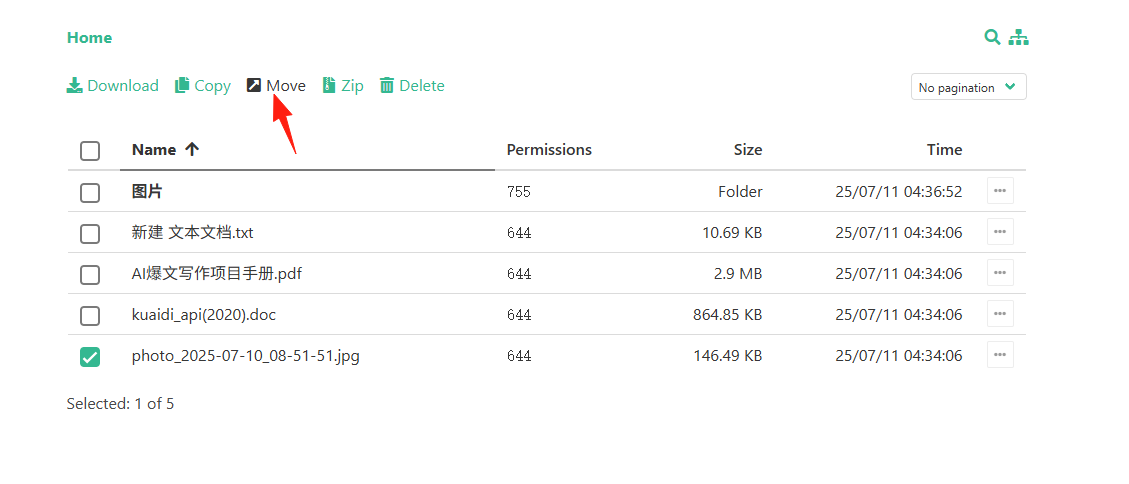
- Move Files: Drag and drop to the target folder, or use cut and paste
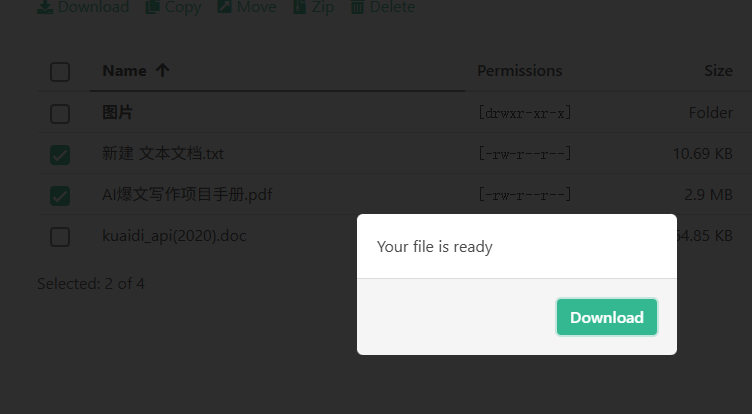
- Batch Download: After selecting multiple files, they are automatically packaged into a zip file for download
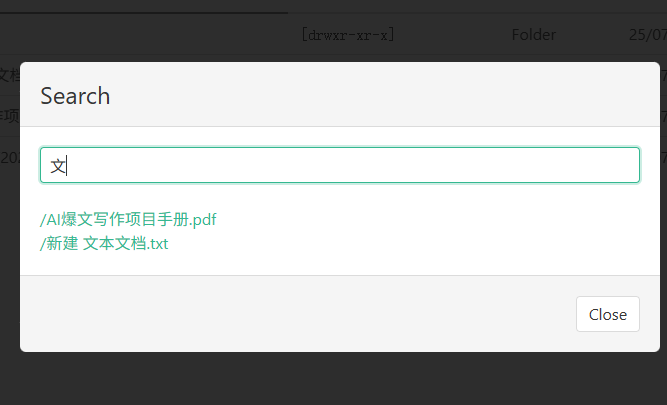
Search Functionality
- Use the search box at the top
- Supports searching by filename
- Supports filtering by file type
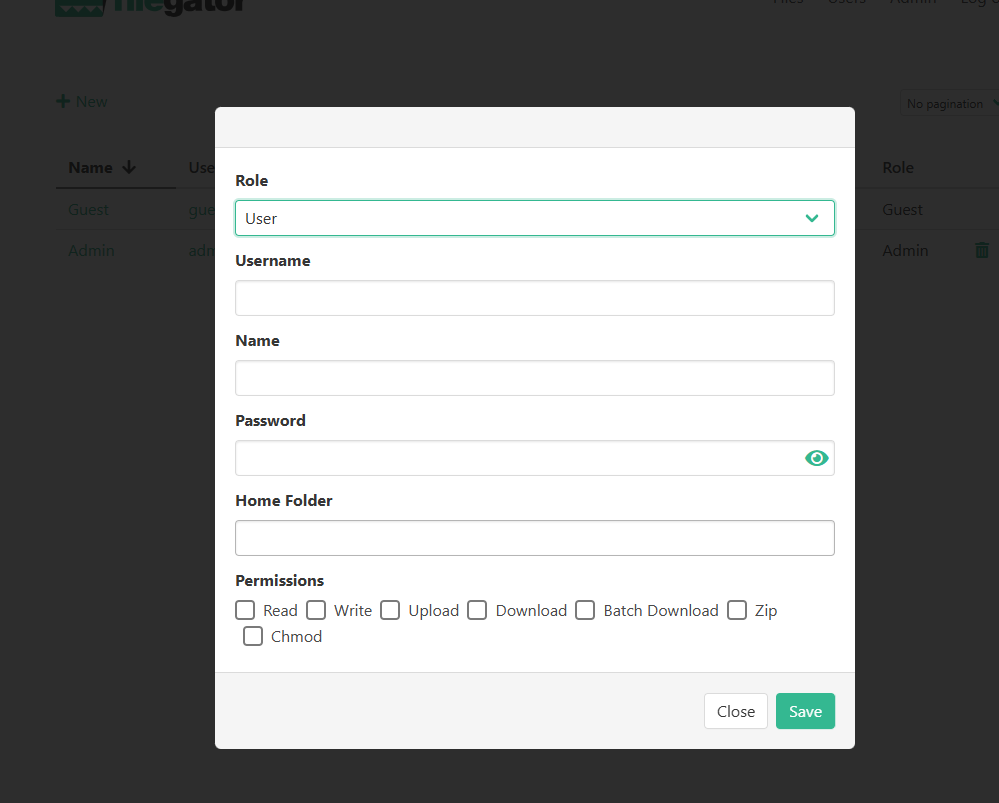
- Multi-user Support: Assign different permissions to different users. For example, family members can only view photos, while friends can only upload files.
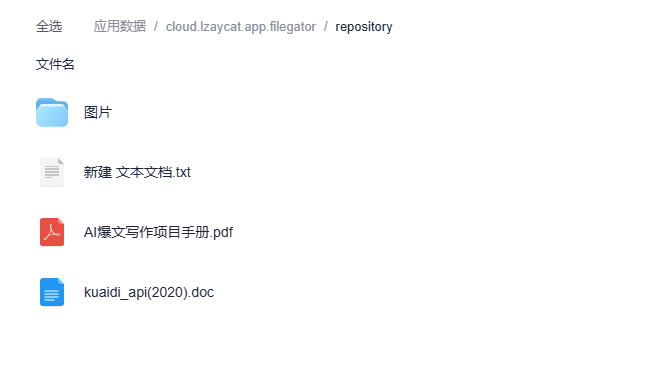
Regularly Back Up Configuration Files
All data is located under App Data/repository.
Summary
FileGator is a very practical file manager, especially suitable for these scenarios:
- You need a simple file management solution.
- You don't want overly complex features.
If you are looking for a reliable file management solution, why not give FileGator a try.