
FileCodeBox: A File Transfer Tool Even Better Than Parcel Lockers
What Exactly Is This Thing?
FileCodeBox is a lightweight file transfer locker that allows users to share text and files anonymously via passcodes, much like picking up a package from a parcel locker. Simply put, it's a web-based "file transfer station."
Imagine this: You need to send a file to a friend, but it's too large for WeChat. Or you want to transfer something between different devices but don't want to download sketchy software?
You upload the file, and the system gives you an extraction code. Share this code with the recipient, who can then enter it to retrieve the file. It's as simple and straightforward as using a parcel locker!
https://appstore.lazycat.cloud/#/shop/detail/lazycat.app.filecodebox
Practical Usage
After installing the application, open the home page.
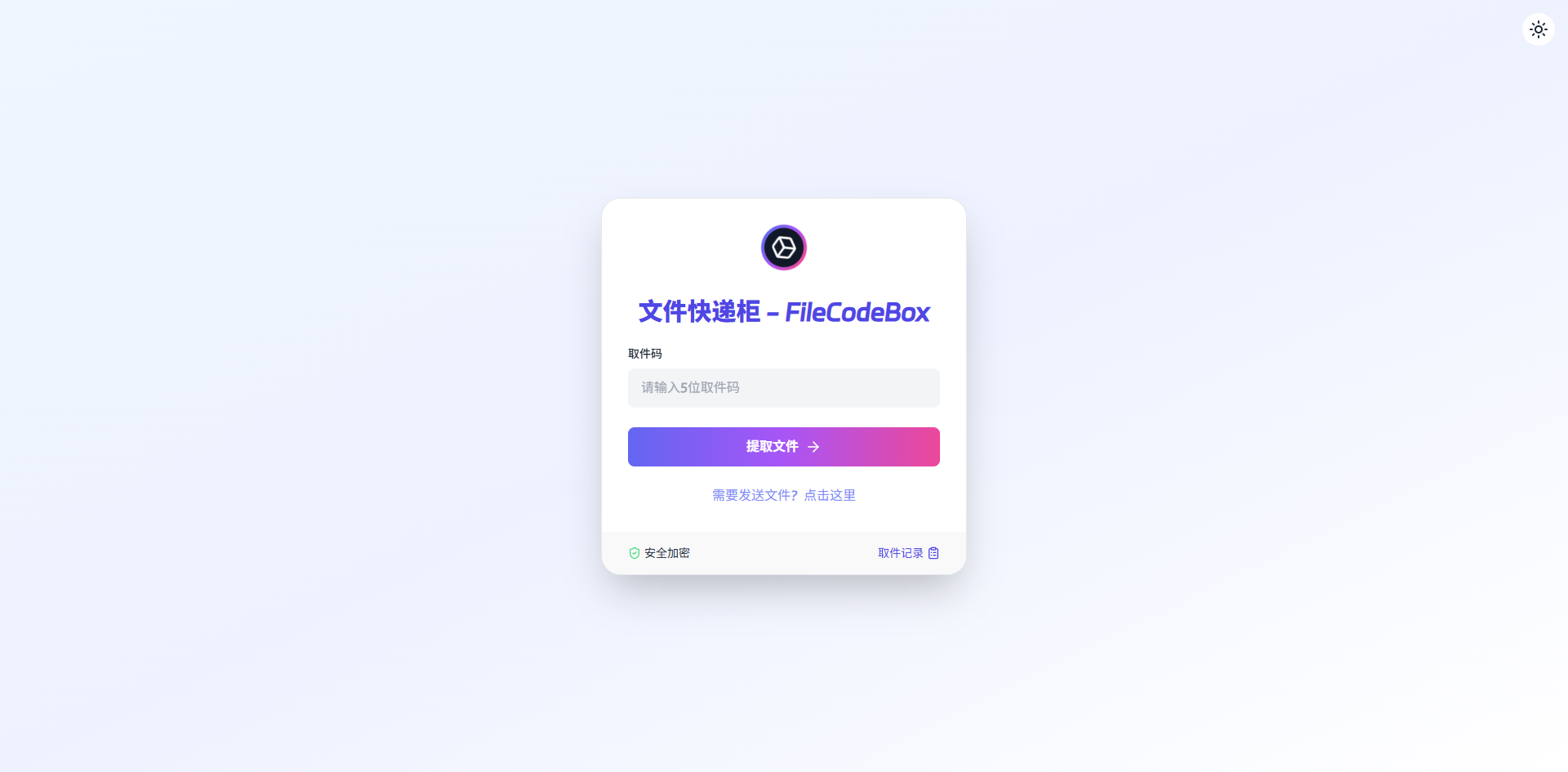
Let's start by sending a file.
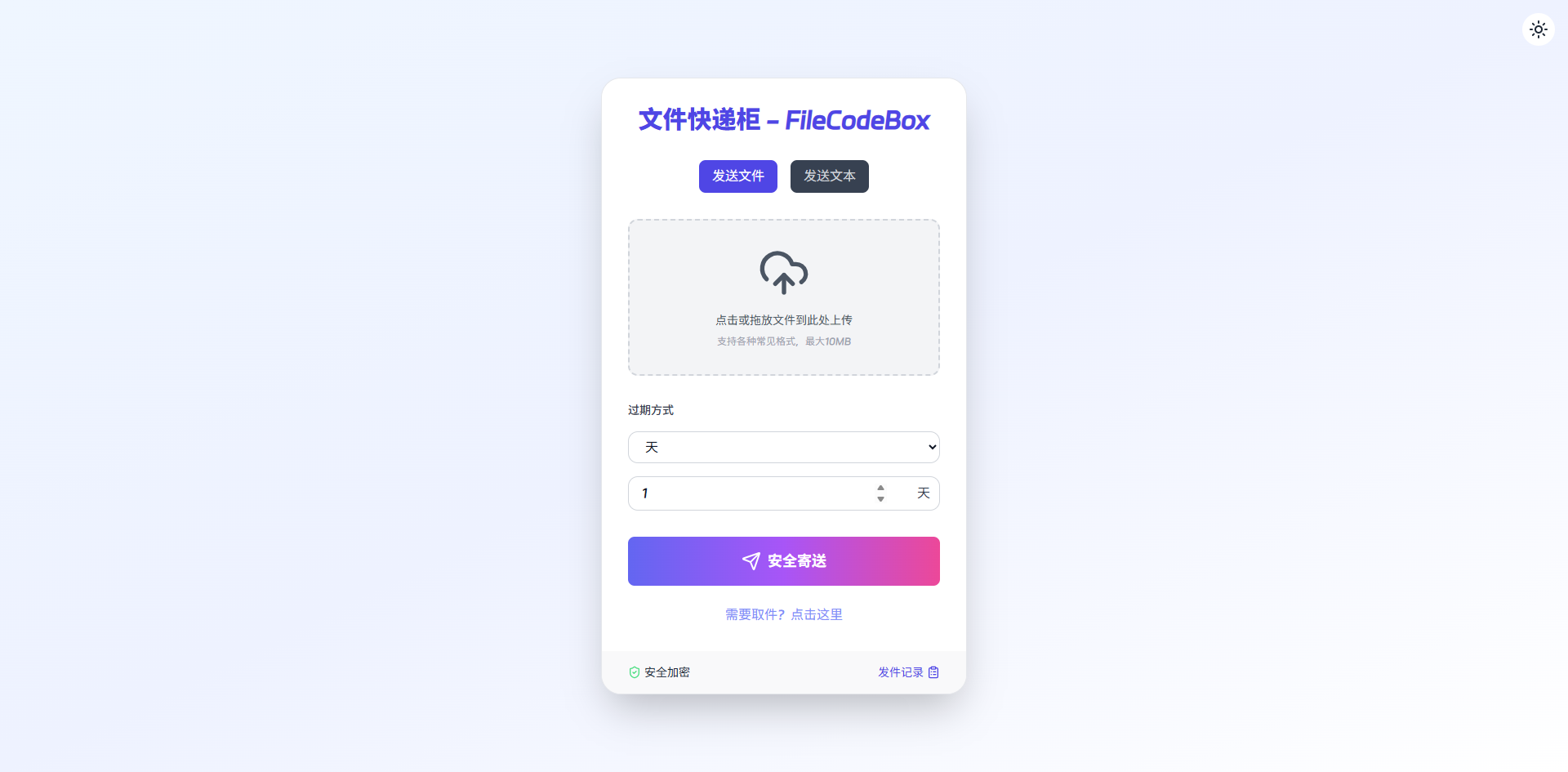
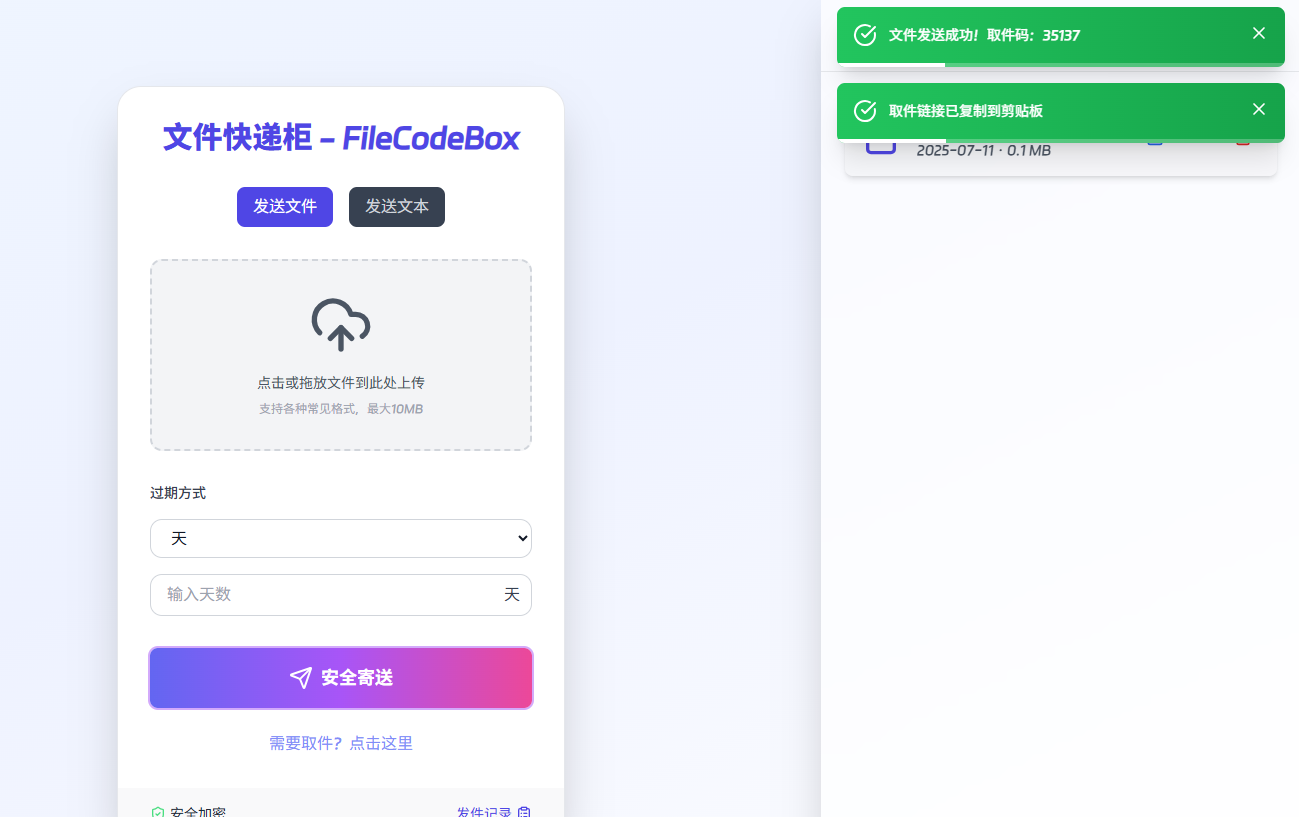
Click "Secure Send," and a pickup code and address will pop up.
Enter the pickup code.
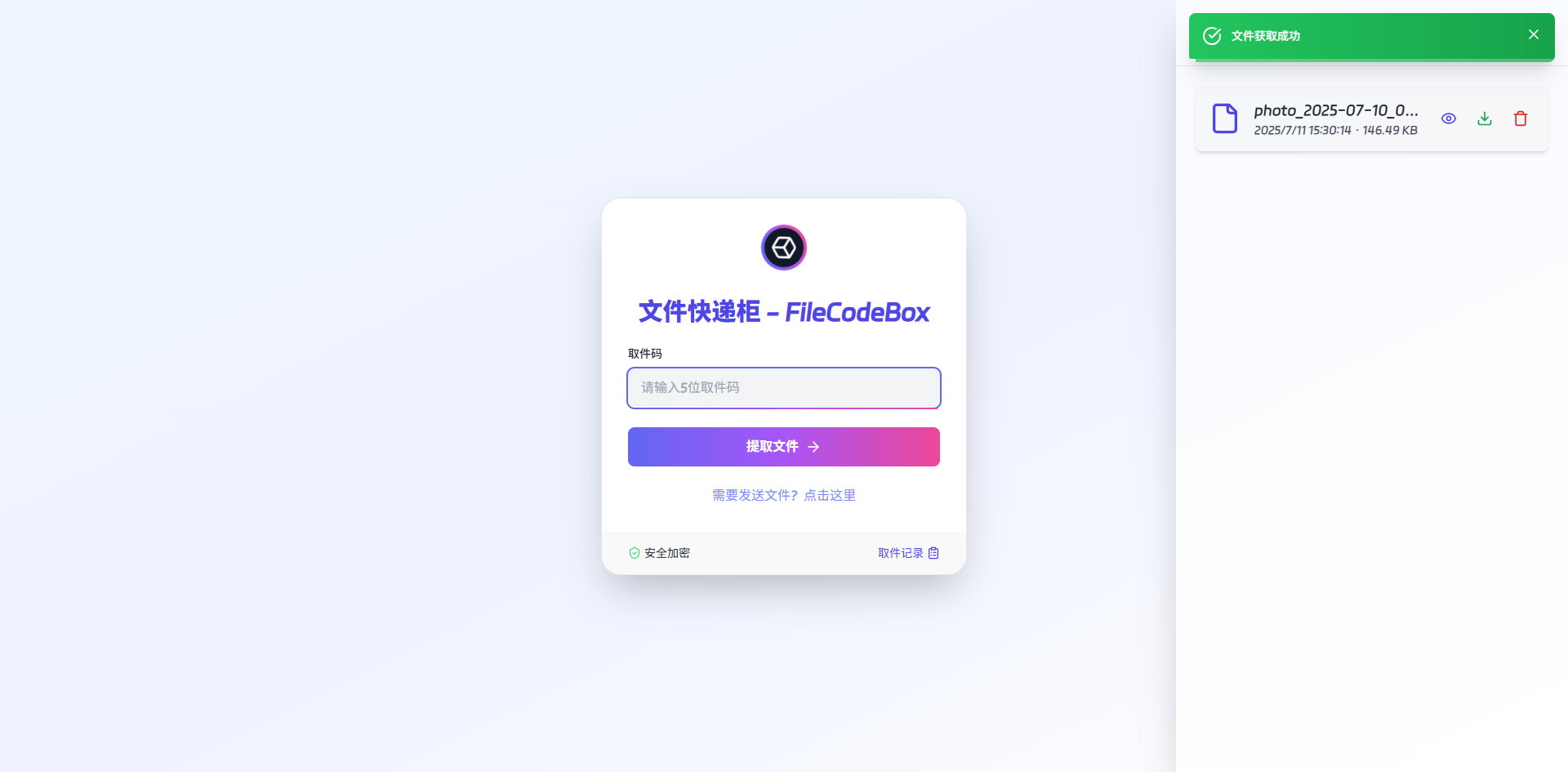
On the file details page, click "Download" to directly download the file.
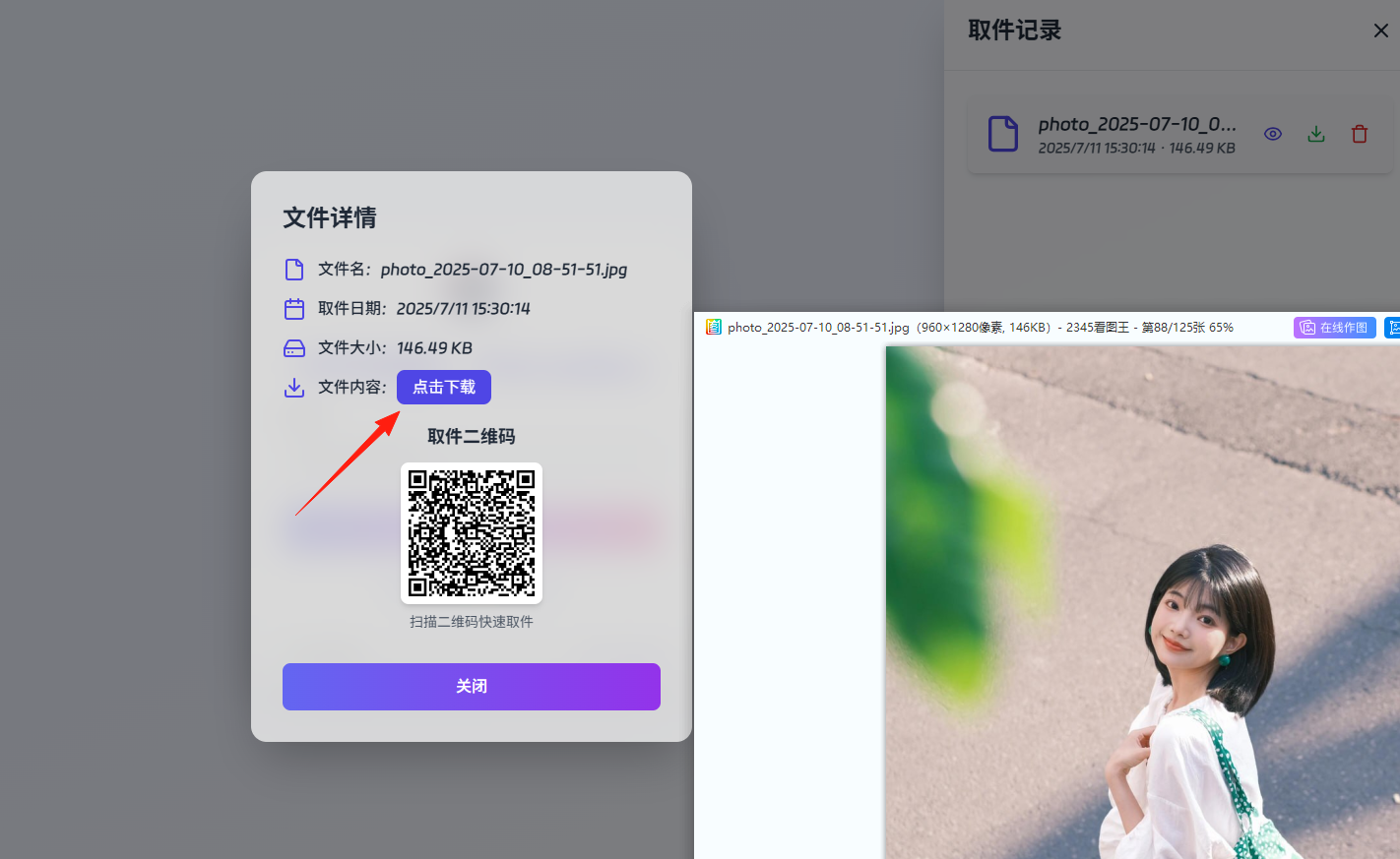
Now, let's check the admin panel. Access it via your-domain/admin. You'll need to log in first; the password is FileCodeBox2023.

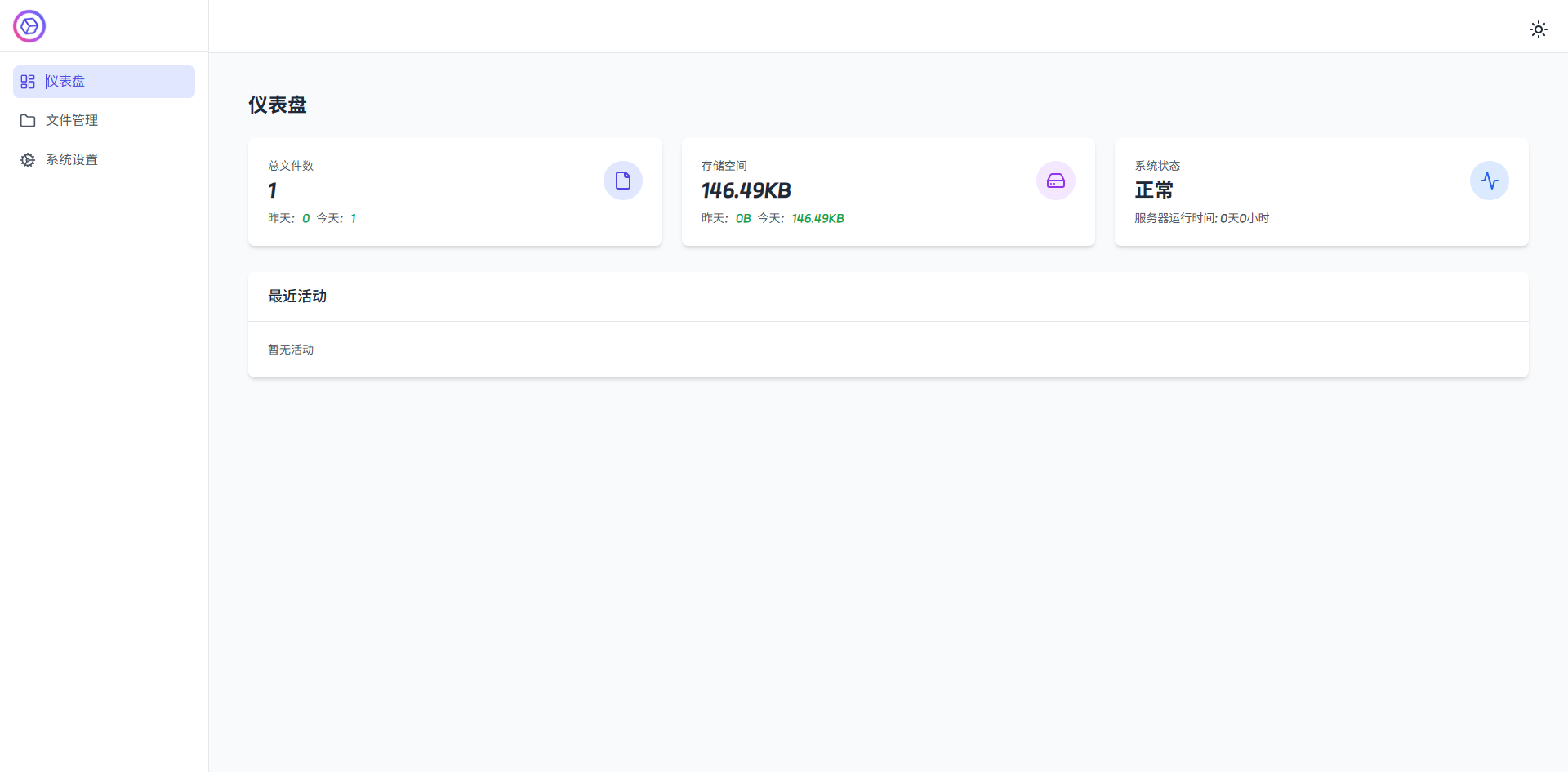
After logging in, you'll see the admin dashboard.
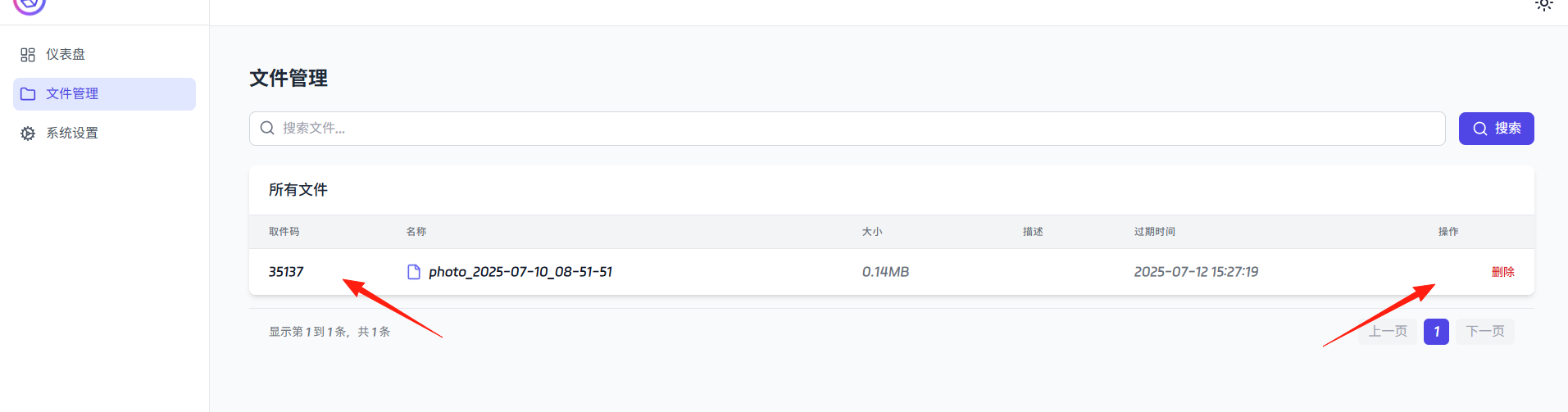
The admin panel displays the file we just uploaded and allows you to delete it.
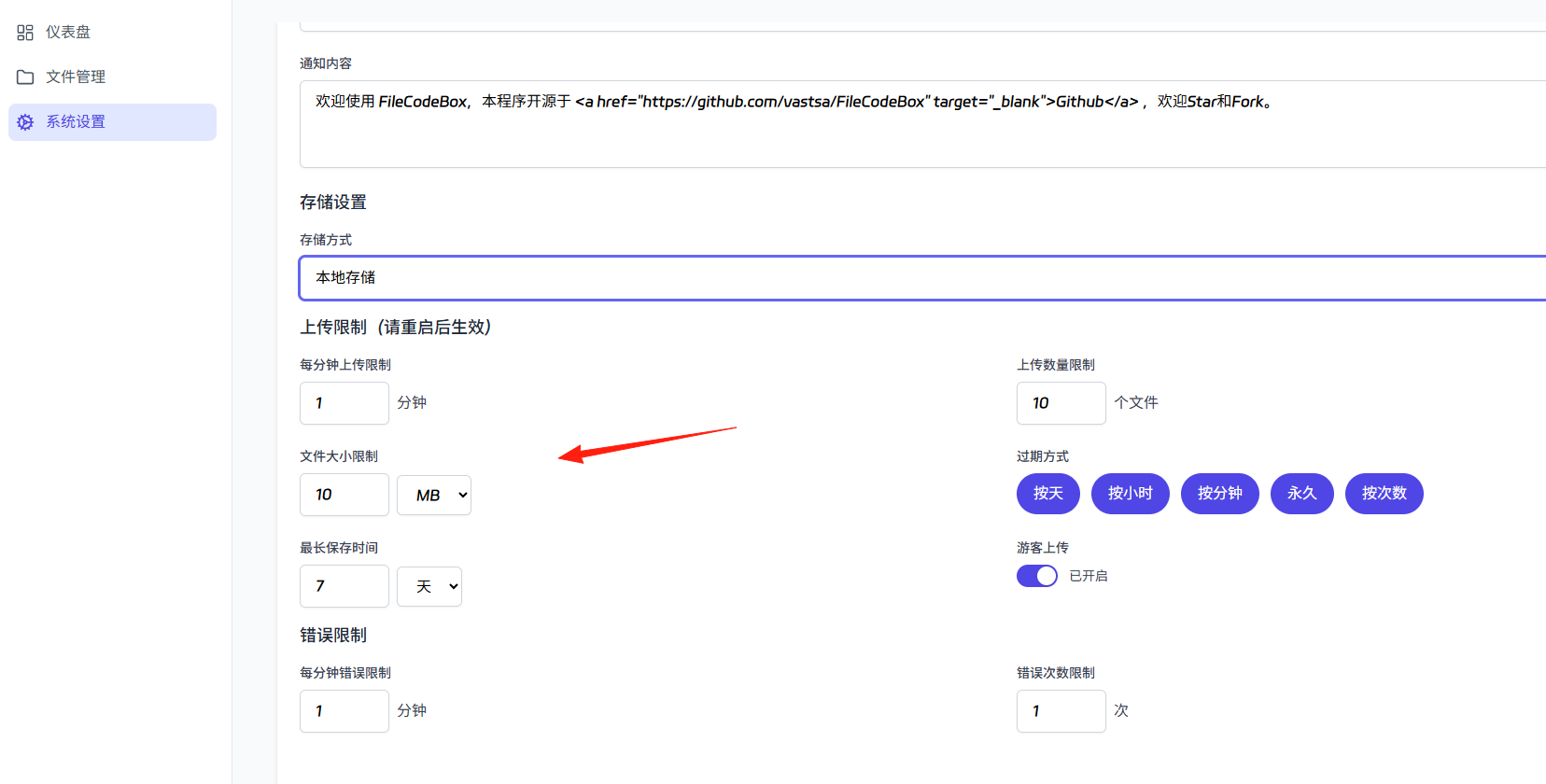
In the System Settings, you can modify the maximum allowed file upload size, expiration time, and other parameters.
Summary
FileCodeBox is a simple and practical tool that gets the job done without requiring you to download various questionable software for this basic functionality.
For those who frequently need to transfer files between different devices, it's genuinely fantastic!