
Moodist: A Simple and User-Friendly White Noise App
What Is This?
Moodist is a free online white noise generator offering over 84 ambient sounds to choose from.
What is white noise? Simply put, it's background noise that helps you focus and relax, such as the sound of rain, ocean waves, the ambient noise of a coffee shop, and so on.
https://appstore.lazycat.cloud/#/shop/detail/cloud.lazycat.app.moodist
Why Use White Noise?
Some might ask: Can't I just listen to music?
It's actually quite different. When you play music, even if it's just instrumental, you might subconsciously find yourself humming along to the melody in your mind, which distracts your attention.
White noise, on the other hand, is a type of sound that can block out distractions without competing for your focus.
Hands-On Experience
After installing the app and opening the home page:
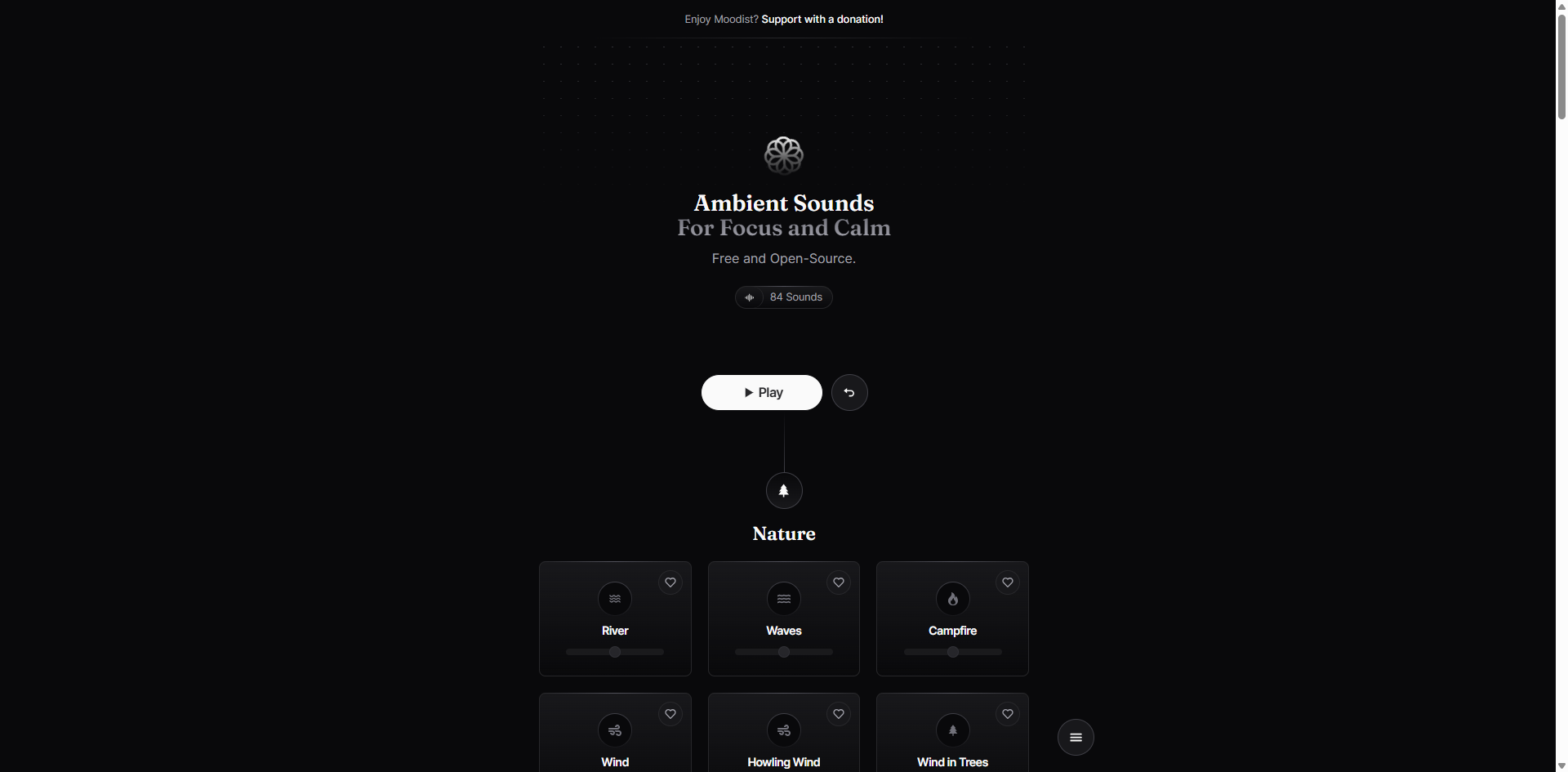
Clicking 'Play' at this point will result in an error. You need to click the icon below, and the sound will start playing automatically.
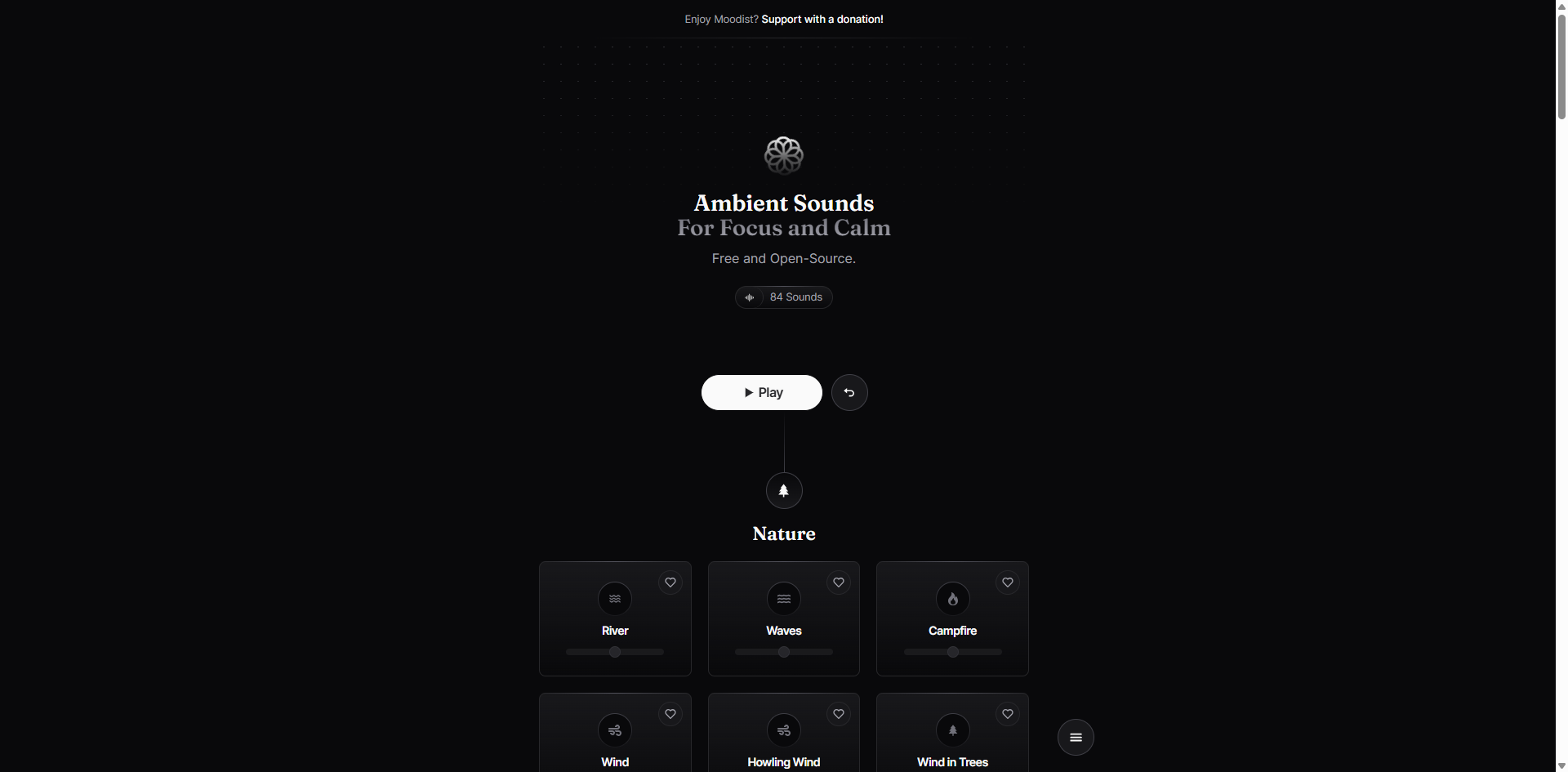
The great thing about Moodist is its ability to mix multiple sounds together. It offers 84 different sounds across categories like Nature, Rain, City, Animals, Scenes, Vehicles, Typewriter, and more.
My Recommended Mixes:
- For Studying: Light rain + Subtle coffee shop ambiance
- For Coding/Work: Keyboard typing sounds + Subtle office background noise
- For Pre-Sleep Relaxation: Ocean waves + Bird sounds
- For Anxiety Relief: Forest wind + Babbling brook
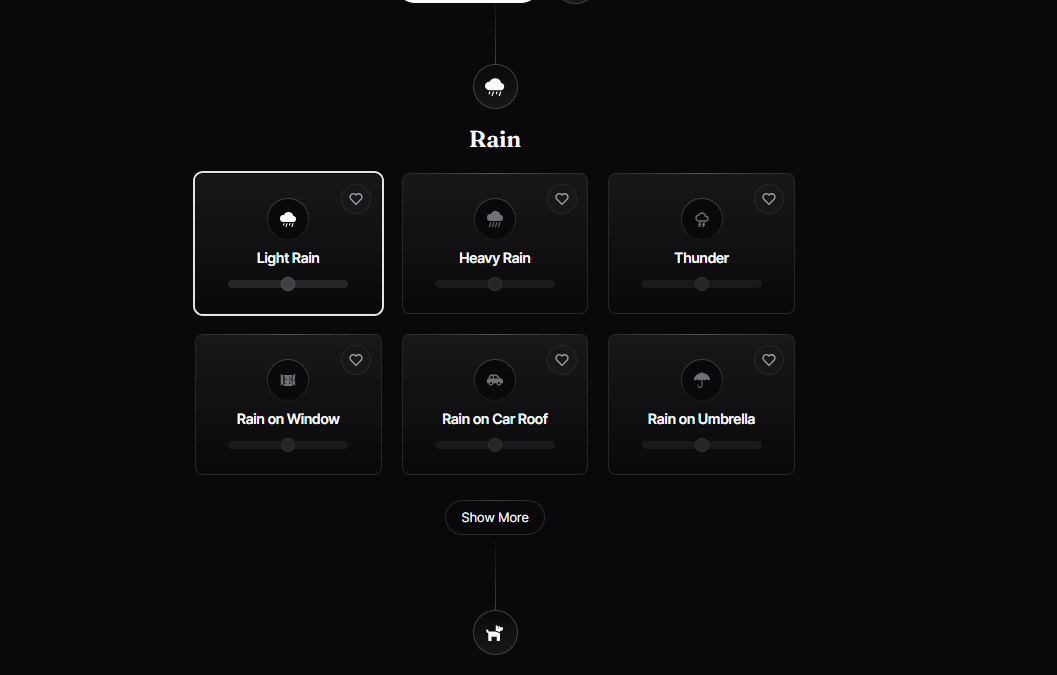
You can individually adjust the volume for each sound, which is a really thoughtful design. However, because the background is black, the drag button can be easy to miss.
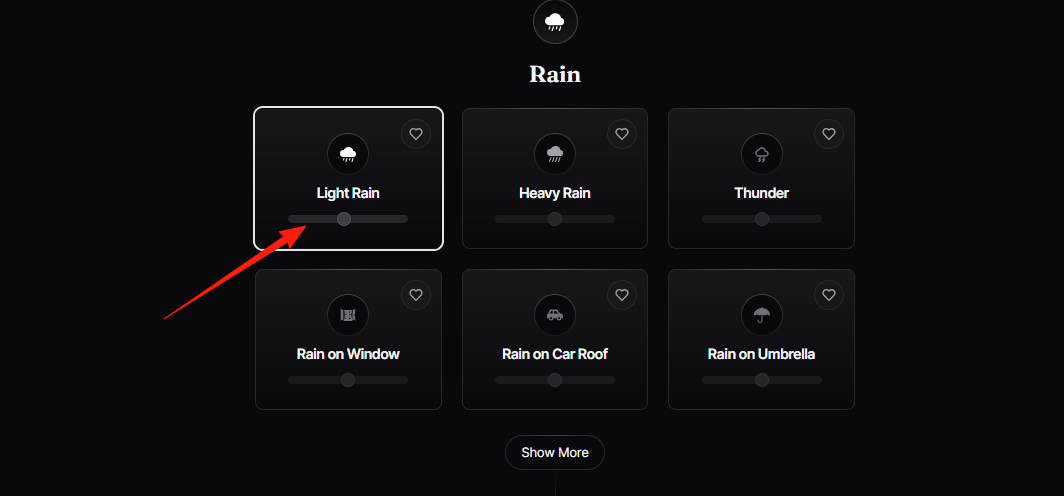
Make Good Use of the Timer Feature
The website includes a sleep timer function. Click the button in the lower right corner and select:
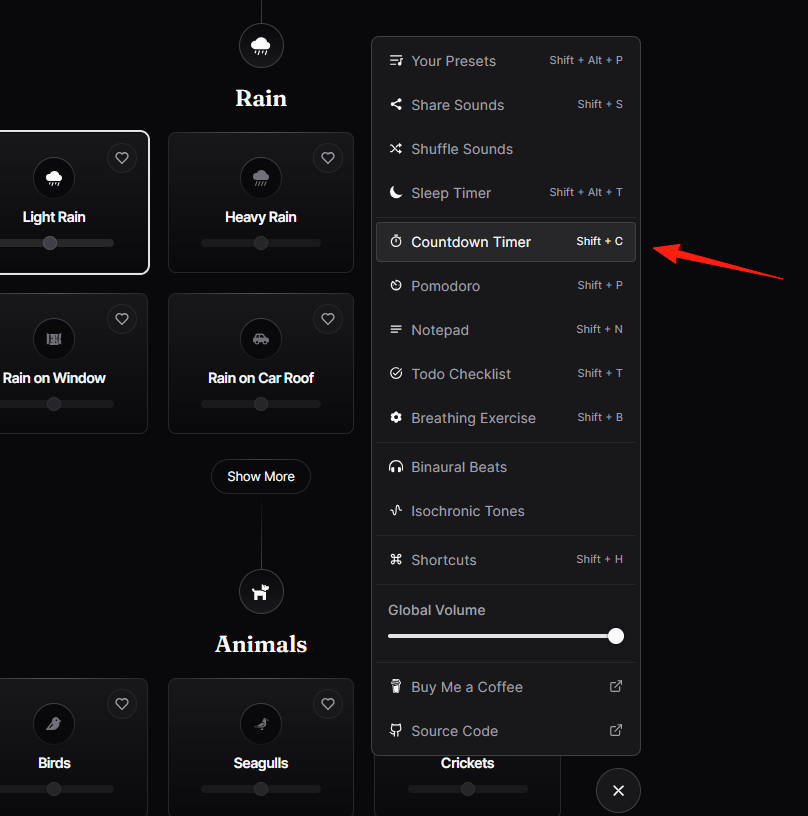
You can set the playback duration. Here's how I typically use it:
- Set for 25 minutes during study sessions (aligned with the Pomodoro Technique)
- Set for 20 minutes during lunch breaks
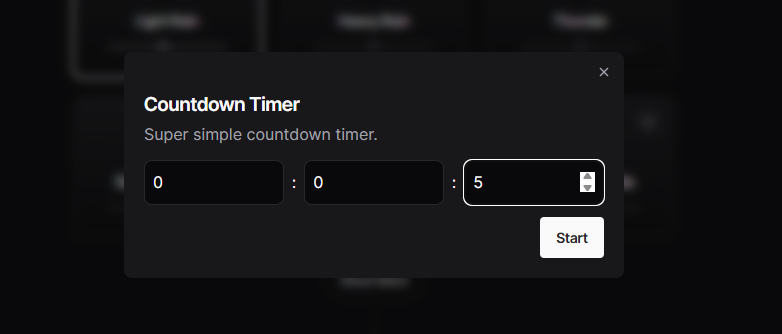
When the time is up, a "BBB" alarm sound plays. The first time I used it, it gave me quite a start.
For sleeping, choose 'Sleep time'. Set it for 30 minutes before going to bed at night, and the sound will automatically turn off when the time elapses.
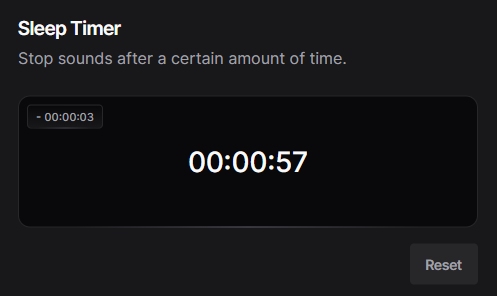
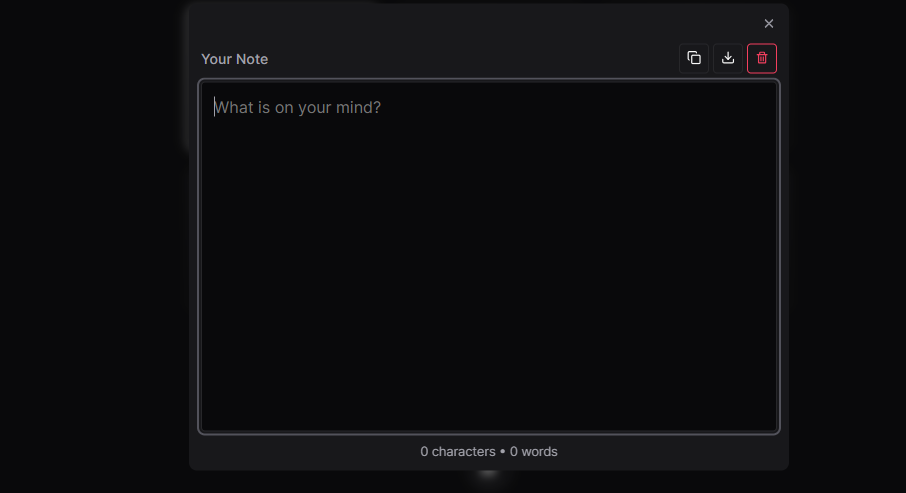
Moodist isn't just about playing sounds; it also includes some handy utilities:
- Notepad: For jotting down ideas or to-do items
- Pomodoro Technique Timer: Focus for 25 minutes, break for 5 minutes
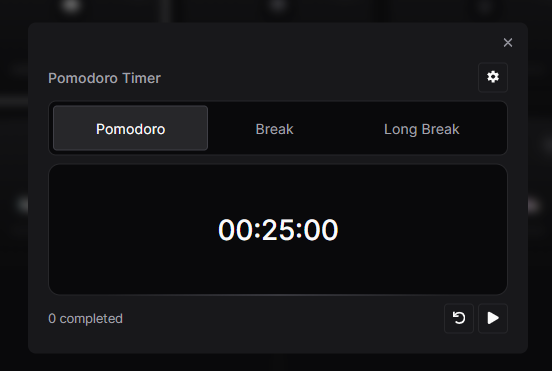
- To-Do List: For task management

These tools are simple but very convenient to use, eliminating the need to open other apps.
Summary
Moodist is one of the best white noise tools I've used. Whether you're a student, an office worker, or a freelancer, it's worth trying.
If I had to mention a drawback, it would be that while the variety of sounds is extensive, the quality of some sounds can be inconsistent.
If you also struggle with focus and noise interference, why not give Moodist a try.