
Blinko Practical Guide: Never Let Your Ideas Slip Away Again
What is Blinko?
Blinko is an innovative open-source project designed for individuals who want to quickly capture and organize fleeting thoughts. Blinko allows users to seamlessly record ideas the moment inspiration strikes, ensuring no creative spark is missed.
Blinko was designed from the ground up to make note-taking simpler, allowing users to focus on the content itself without being bogged down by cumbersome management tasks.
Its design is divided into two core parts: "Sparks" and "Notes".
"Sparks" is specifically crafted for capturing sudden inspirations. Users can jot down spontaneous ideas instantly without worrying about formatting or complex operations. These records can be set to auto-clear at regular intervals, preventing content overload and maintaining the section's cleanliness and efficiency.
The "Notes" section provides a more structured management system. Users can categorize notes using tags and utilize batch operations to easily organize and sort large volumes of notes.
https://appstore.lazycat.cloud/#/shop/detail/dev.beiyu.blinko
Core Features Guide
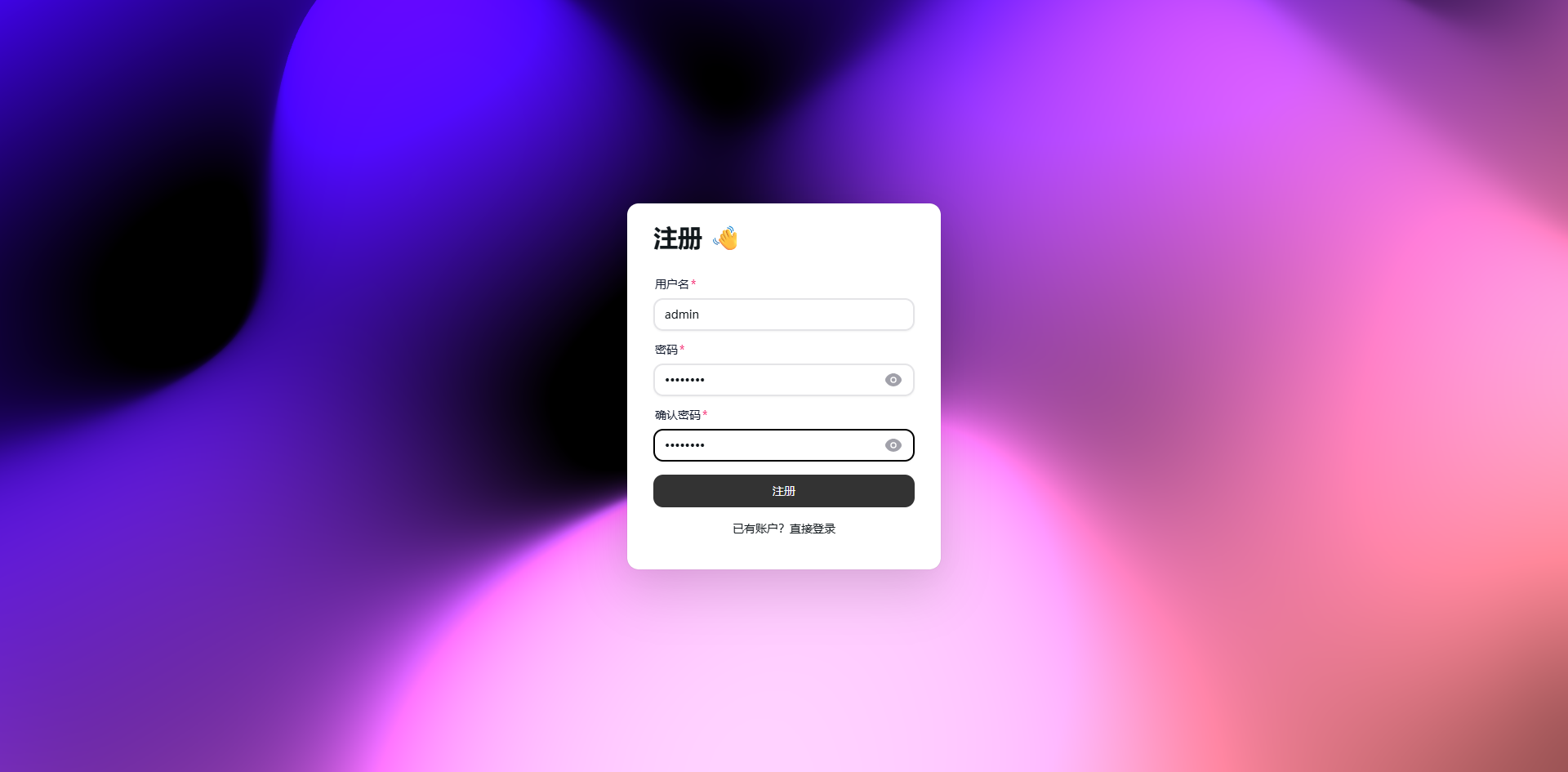
After initial installation, open the login page.

First, register a user.
After logging in, you will enter the home page.
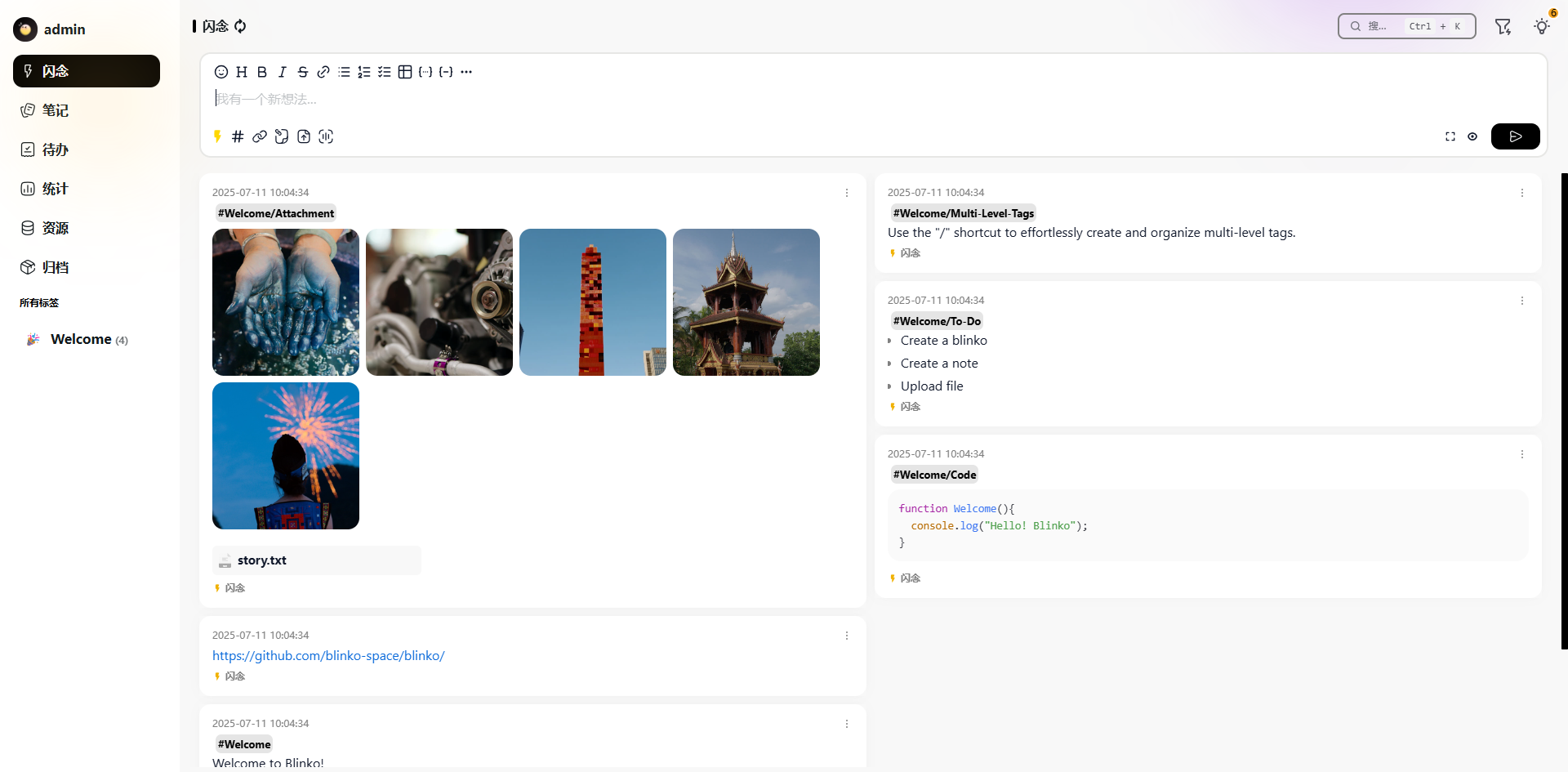
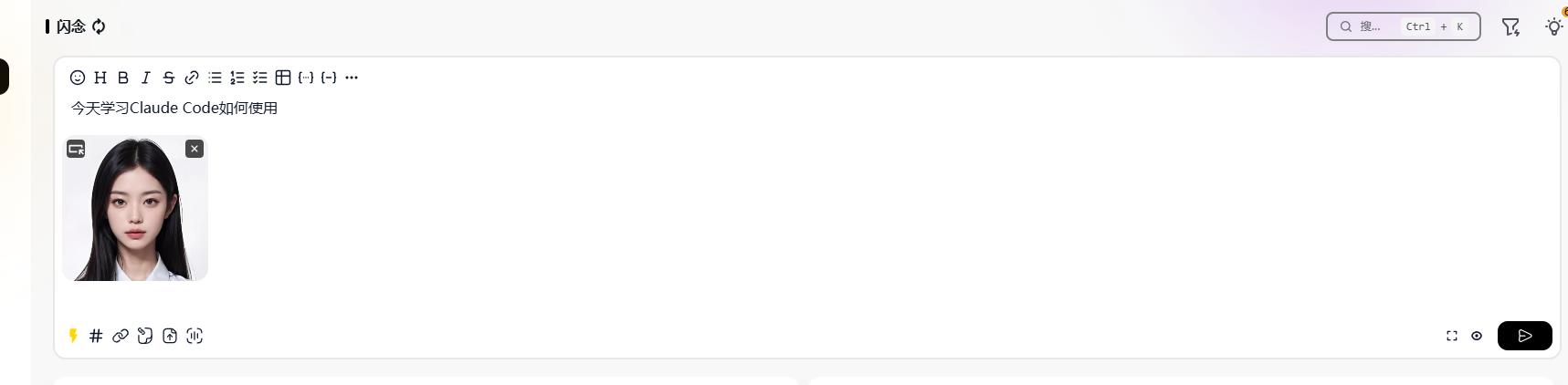
By default, you are in "Sparks" mode. Record an idea; it also supports directly pasting images.
- Jot down whatever comes to mind, no need to consider formatting.
- Can be set for timed cleanup to avoid information overload.
- Suitable for recording temporary thoughts, to-do items, and quick notes.
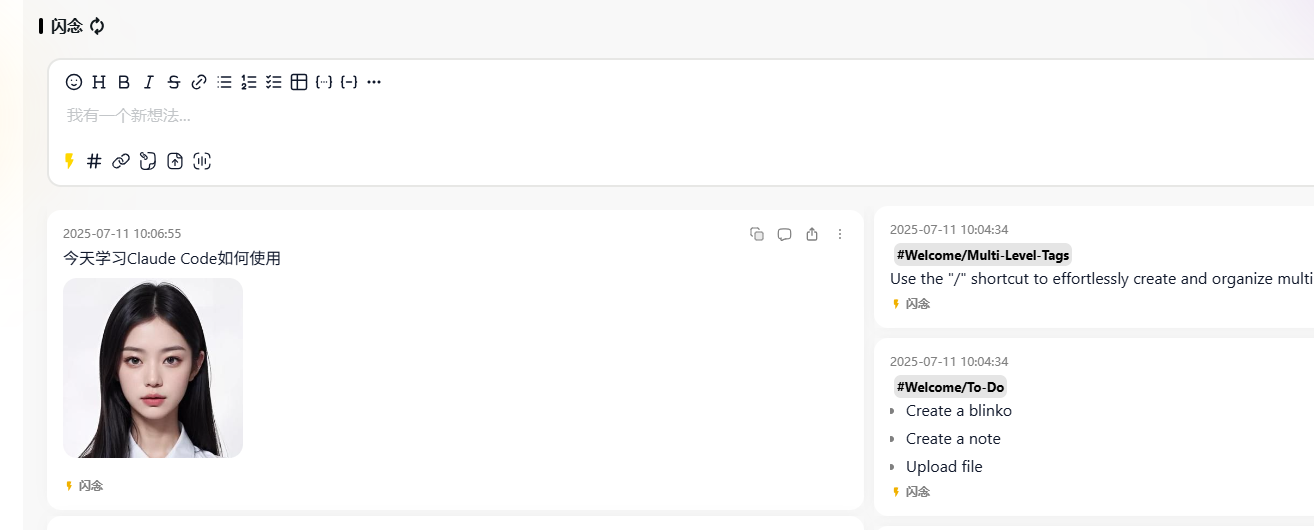
After clicking publish:
Notes Mode:
- For formal note content, supports Markdown format.
- Can add tags for categorical management.
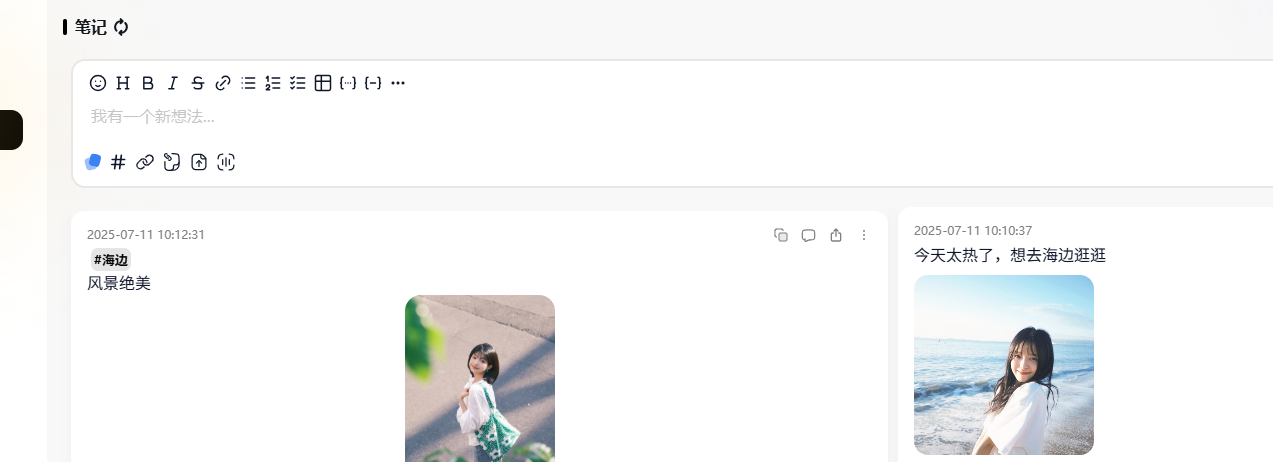
- Supports batch operations, making organization very convenient.
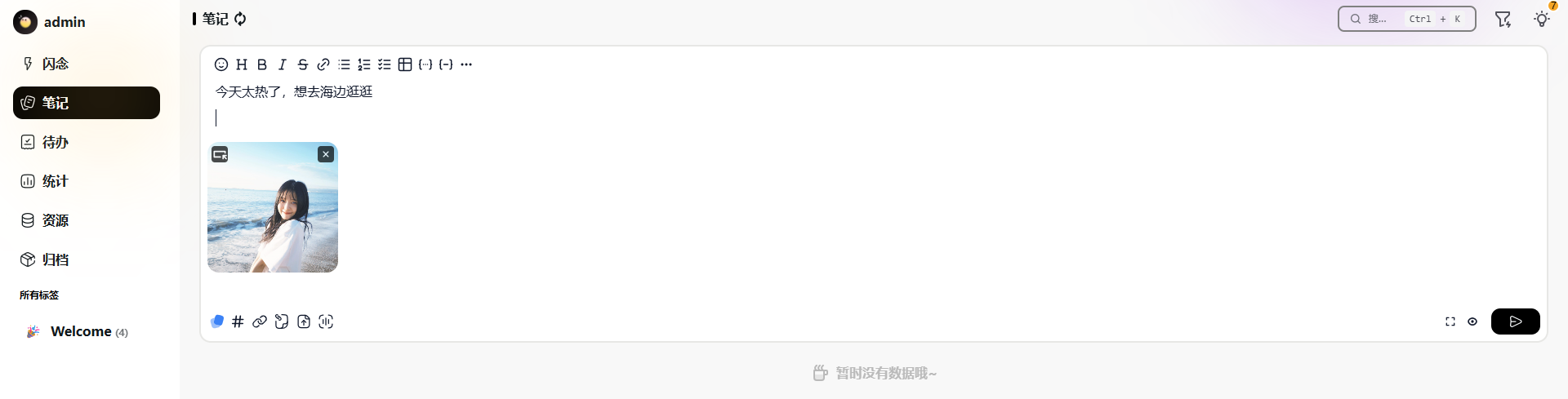
Pro Tip: Use Sparks for quick capture first, then regularly organize them into formal Notes. For example, jot down key points in Sparks during a meeting, then organize them into a complete meeting record afterward.
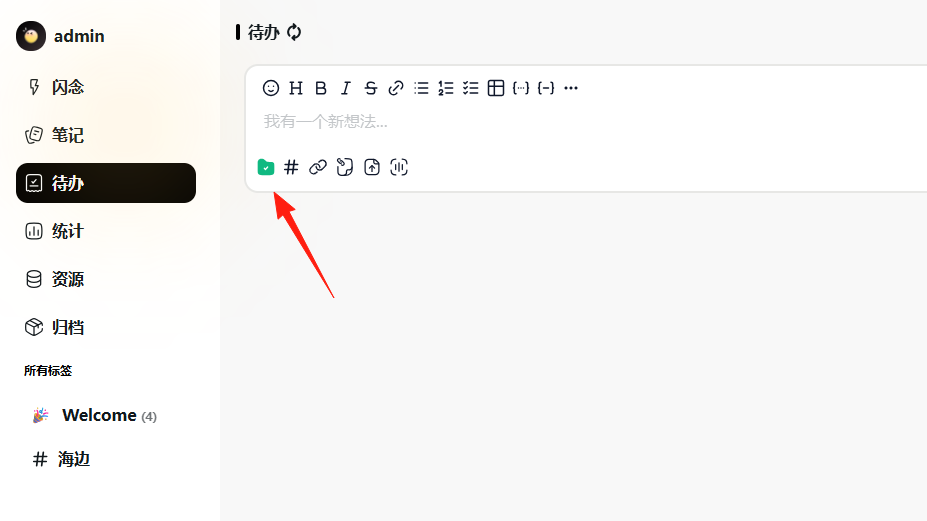
In reality, most people find it difficult to strictly distinguish between the concepts of [Sparks], [Notes], and [To-dos] – their essence is all about recording. Therefore, a button is designed allowing you to freely switch between these 3 types.
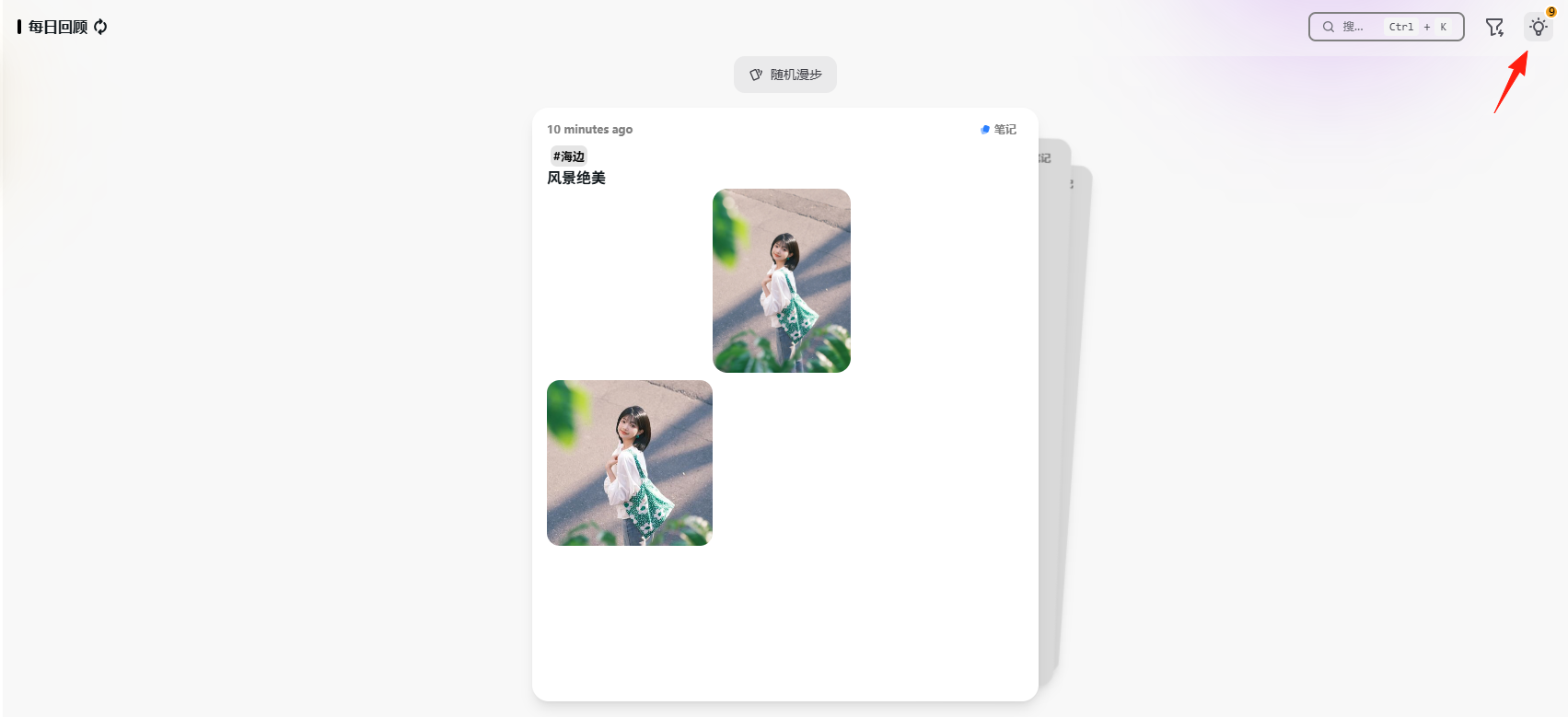
The light bulb 💡 in the top right corner is the [Daily Review] feature.
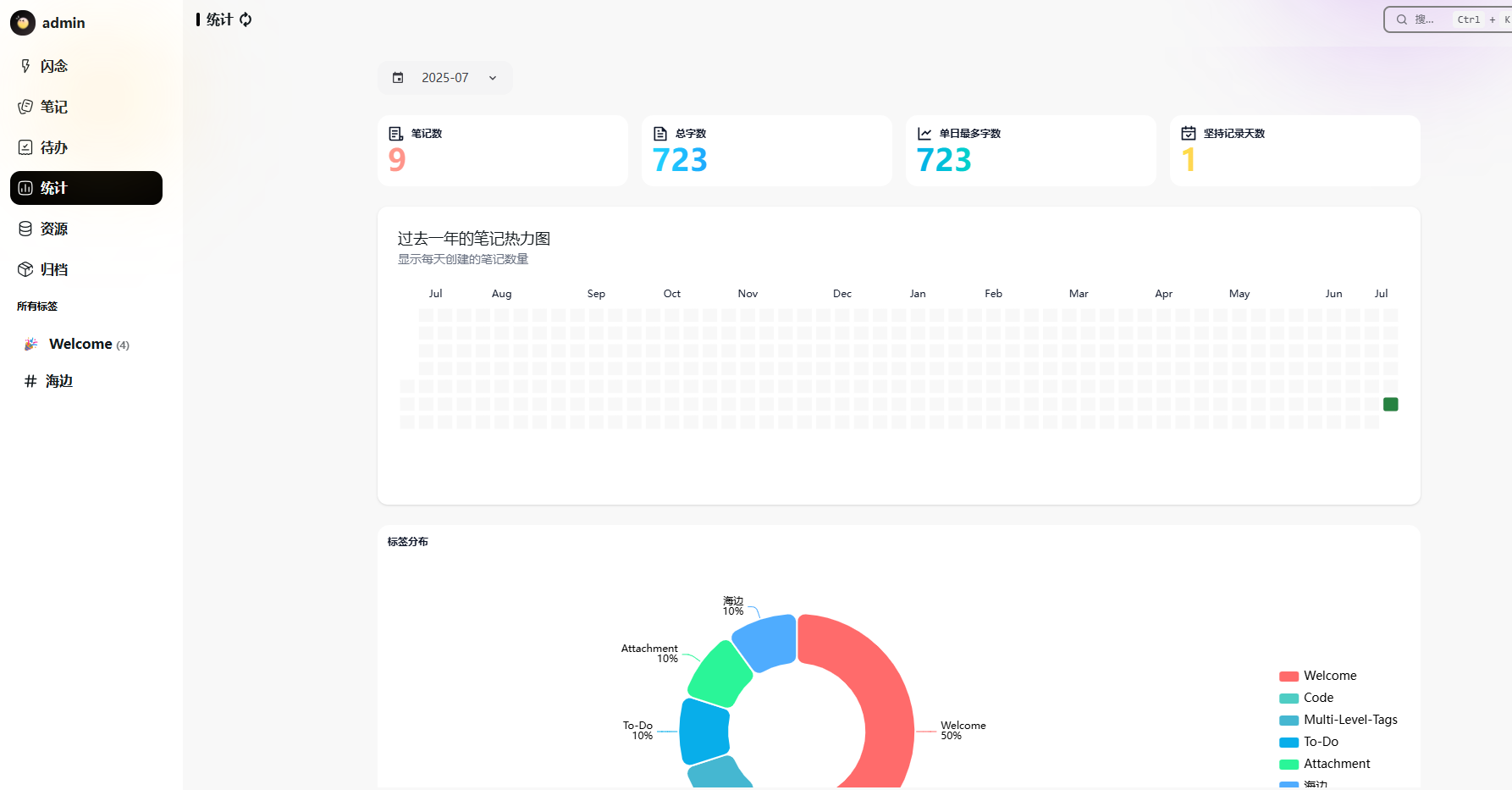
The statistics feature is also pretty great, giving a real sense of accomplishment.
Summary
Blinko's greatest strength is that it's simple but not simplistic.
It avoids complex feature bloat but includes all the essentials: quick capture, smart search, and data security.
It's especially suitable for users who want a lightweight, intelligent note-taking tool.