
Mealie User Guide: A Practical Recipe Management Tool
What is Mealie?
Mealie is a self-hosted recipe management and meal planning application featuring a RestAPI backend and a responsive frontend built with Vue, delivering an enjoyable user experience for the entire family. You can easily add recipes to the database by providing a URL, and Mealie will automatically import the relevant data; alternatively, use the UI editor to add family recipes.
Simply put, it's a self-hosted recipe management system that digitizes your kitchen management.
https://appstore.lazycat.cloud/#/shop/detail/io.zeroc.app.mealie
How to Use
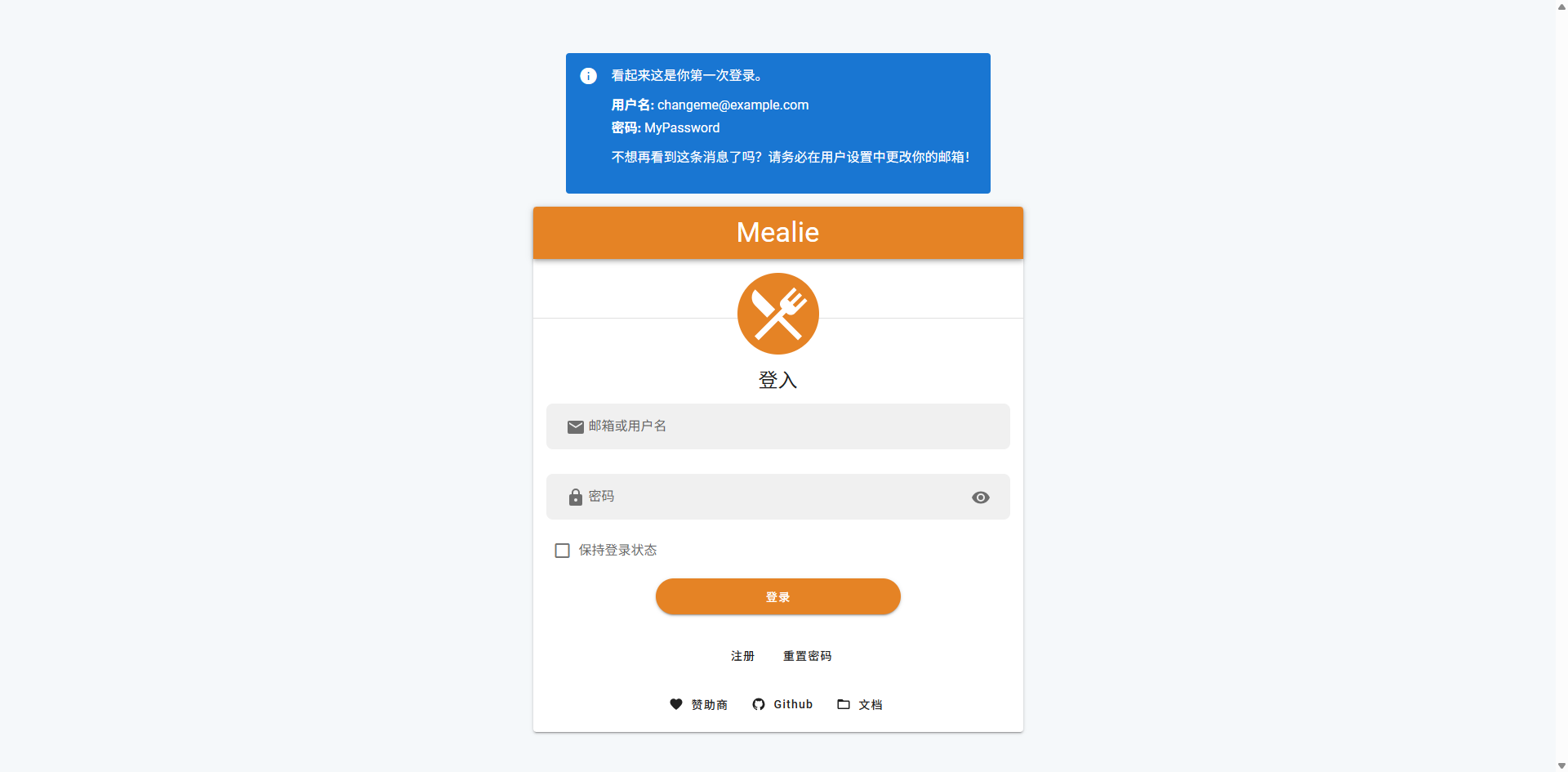
After installing the application, when you open it for the first time, you can use the provided account credentials or register a new user yourself.
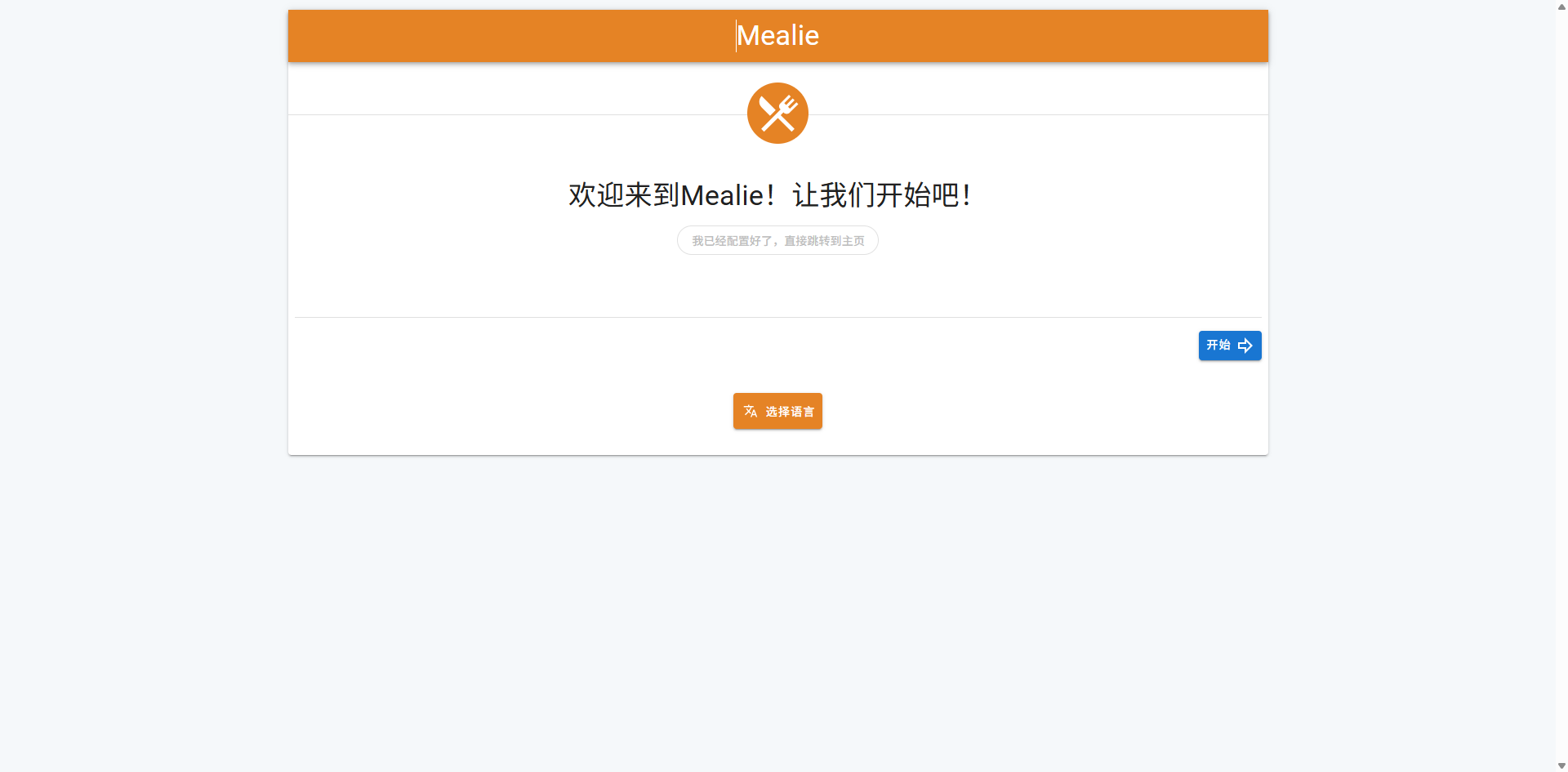
Click Start
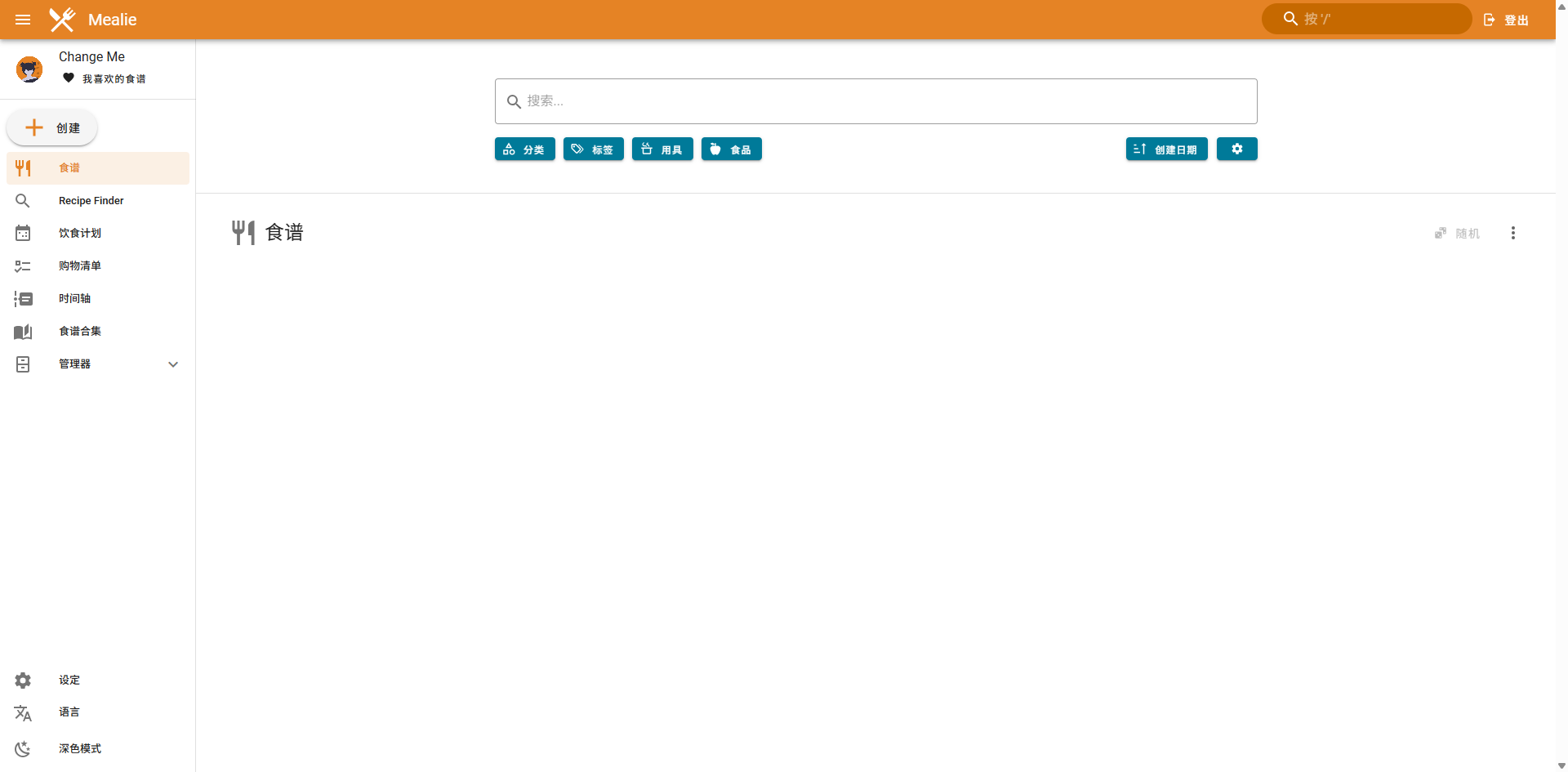
Enter the homepage
Click on the left side to create a recipe
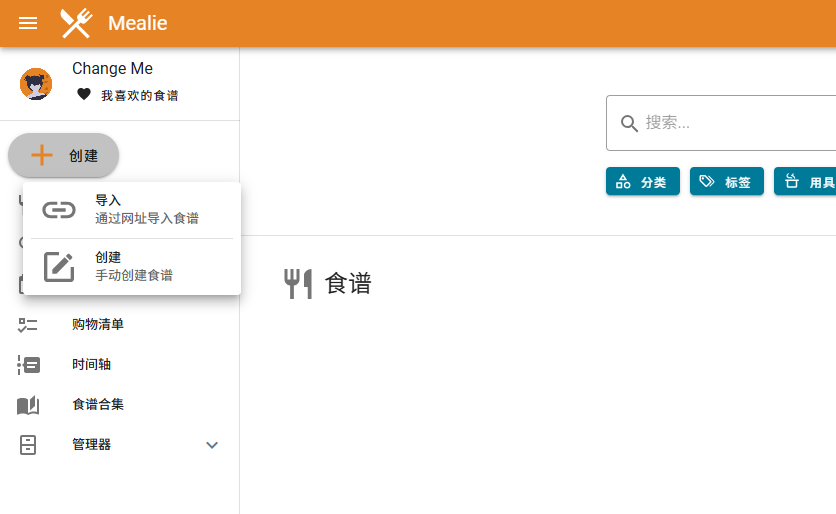
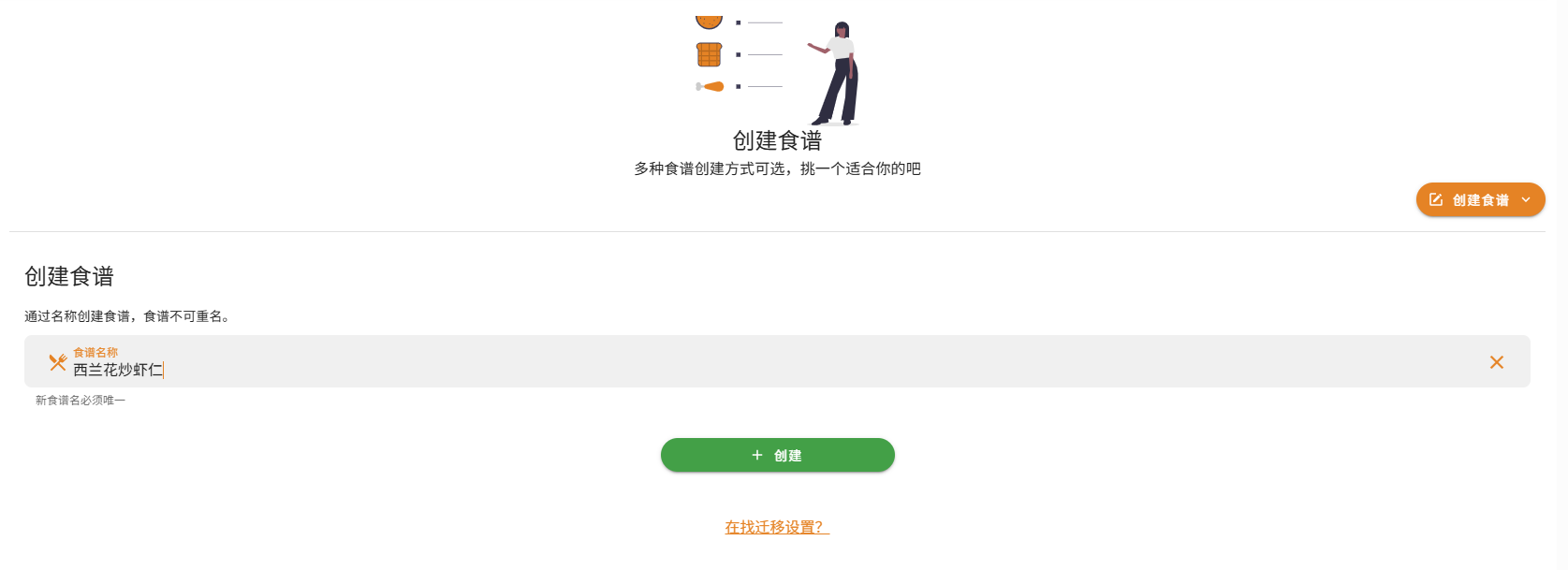
Let's create one manually first
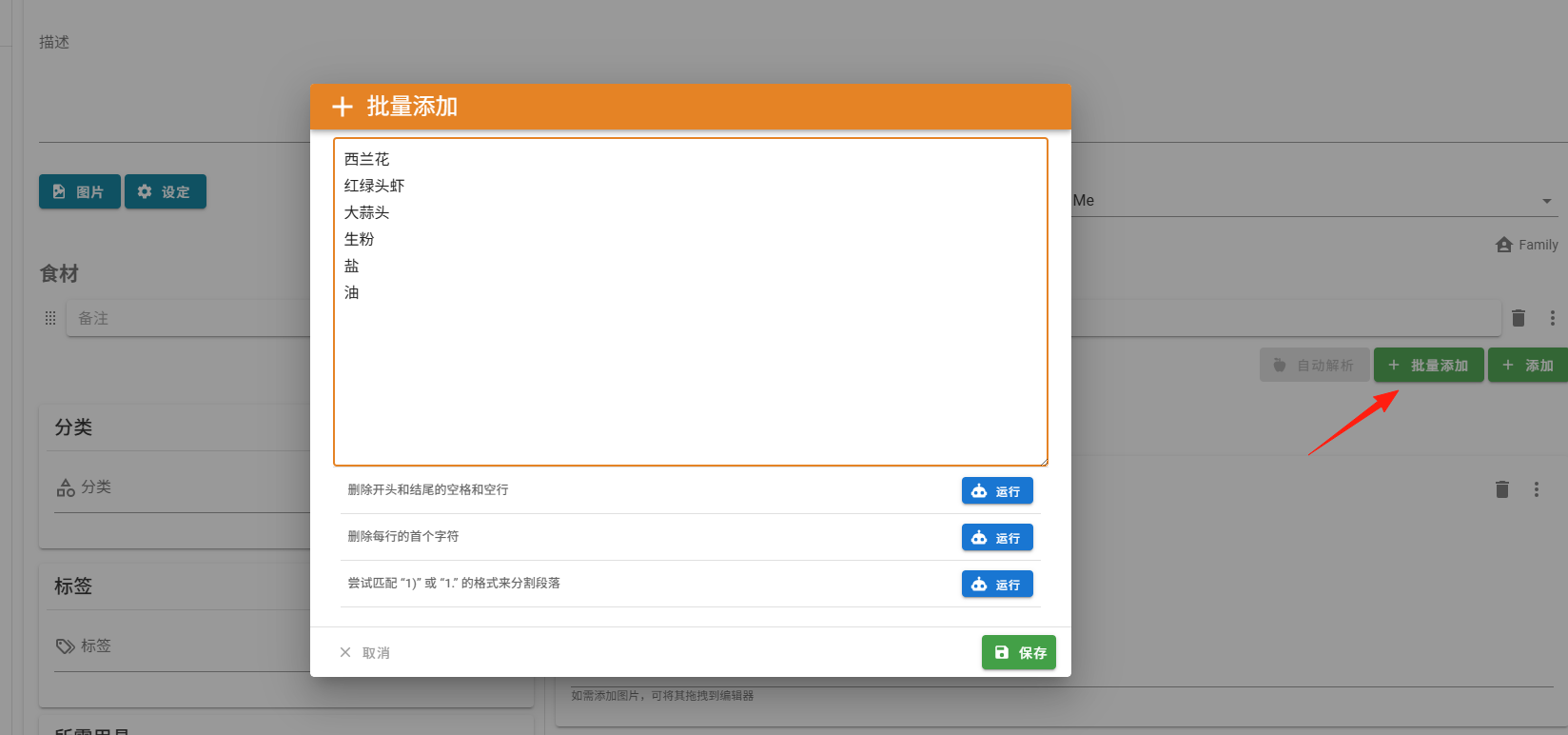
For ingredients, select Batch Add
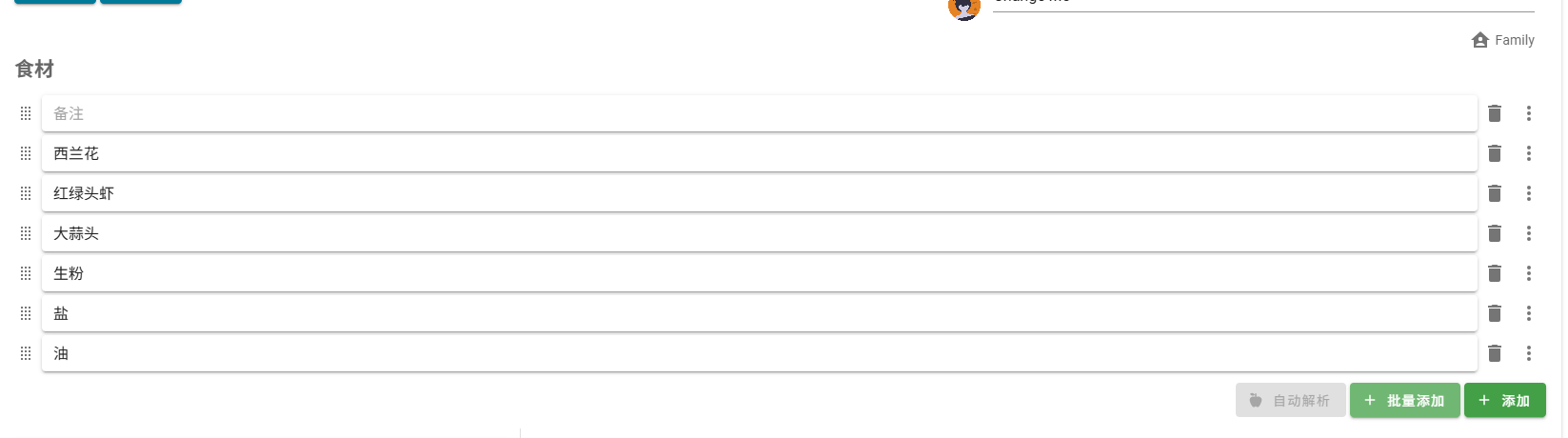
 Effect after saving:
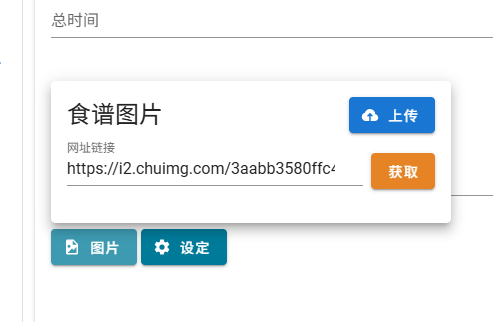
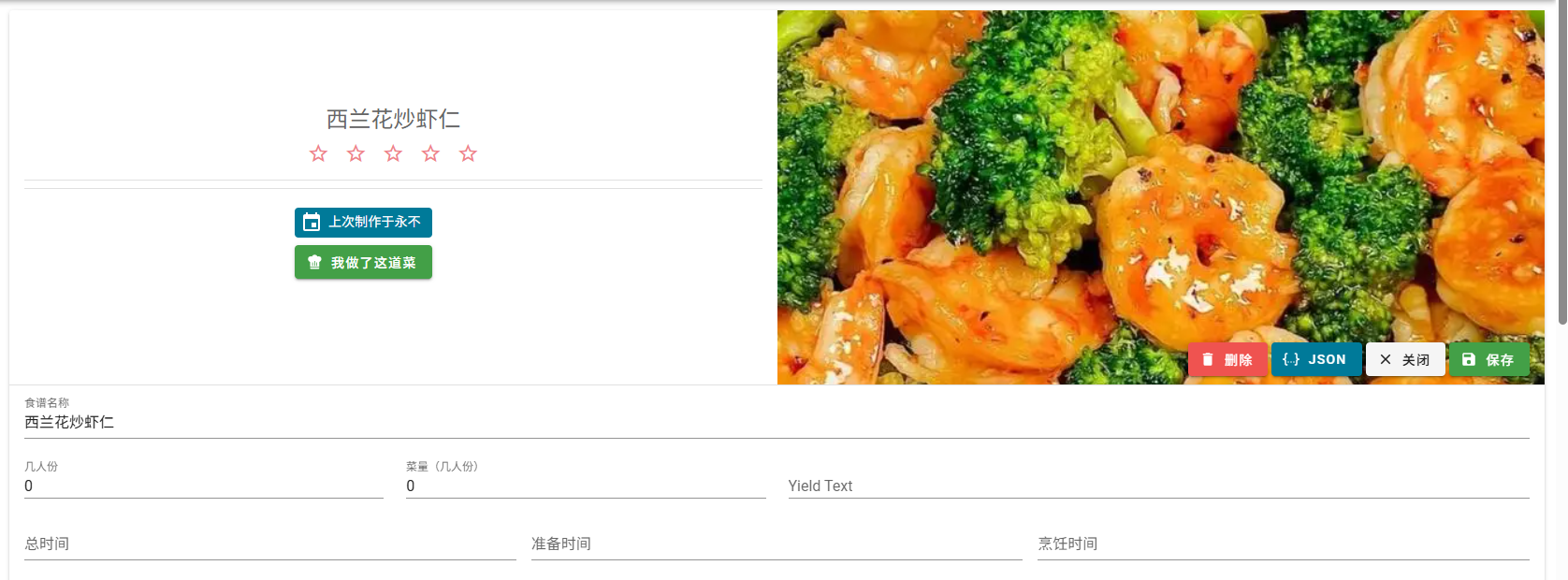
Images can be uploaded manually or selected from the web. I'll enter a URL and click the Fetch button.
The effect is as shown
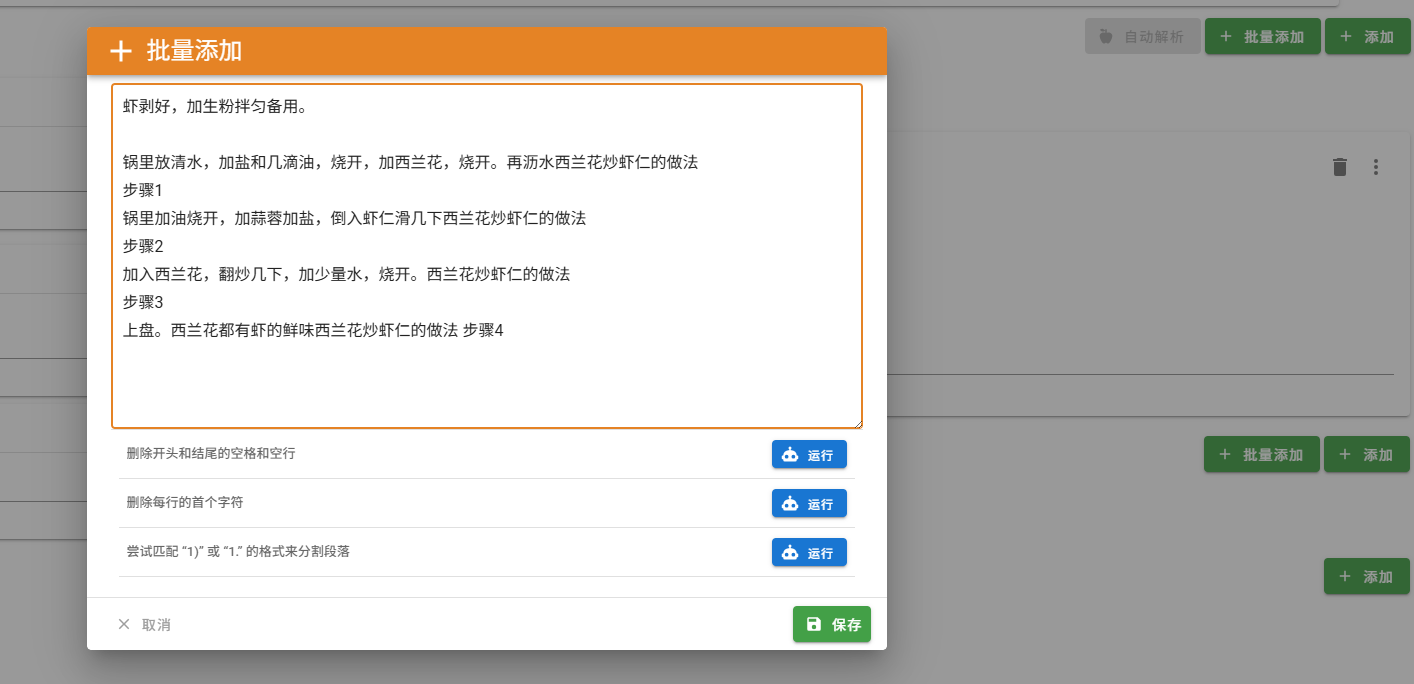
In the Instructions section, also select Batch Add
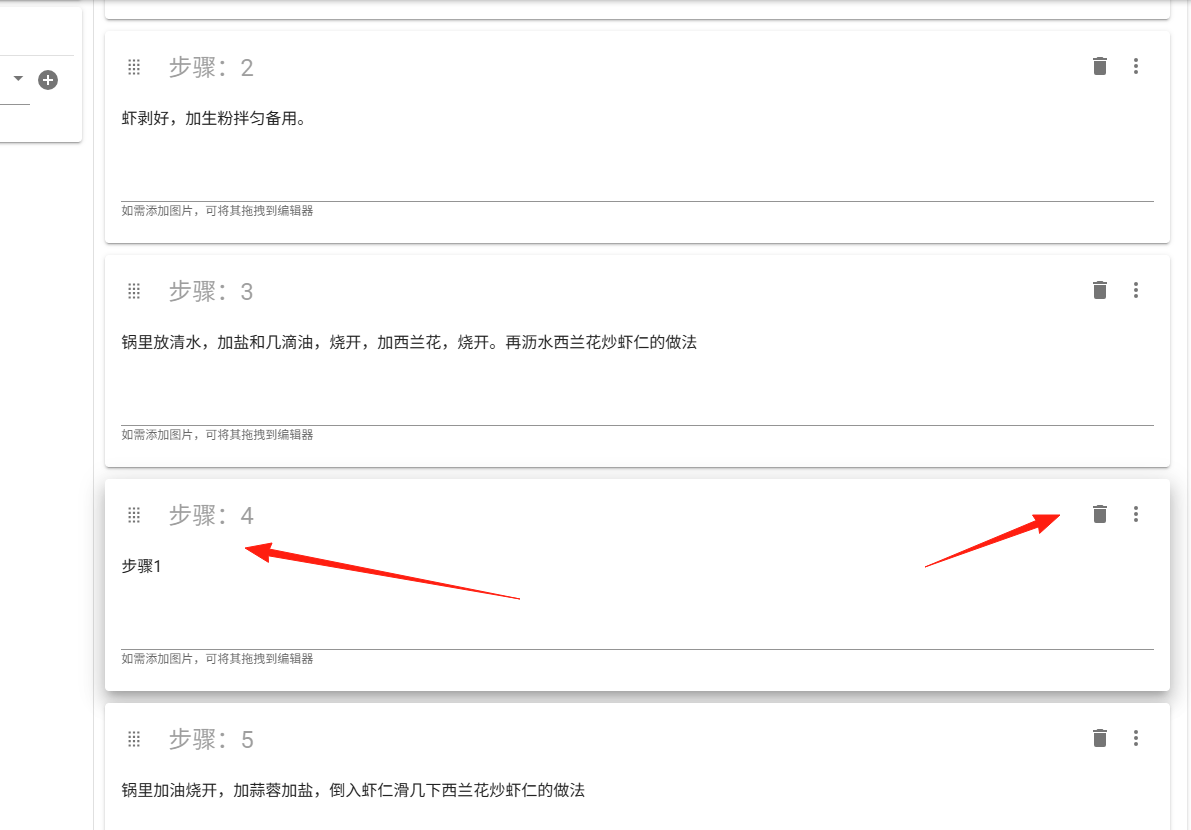
Unwanted items can be deleted directly
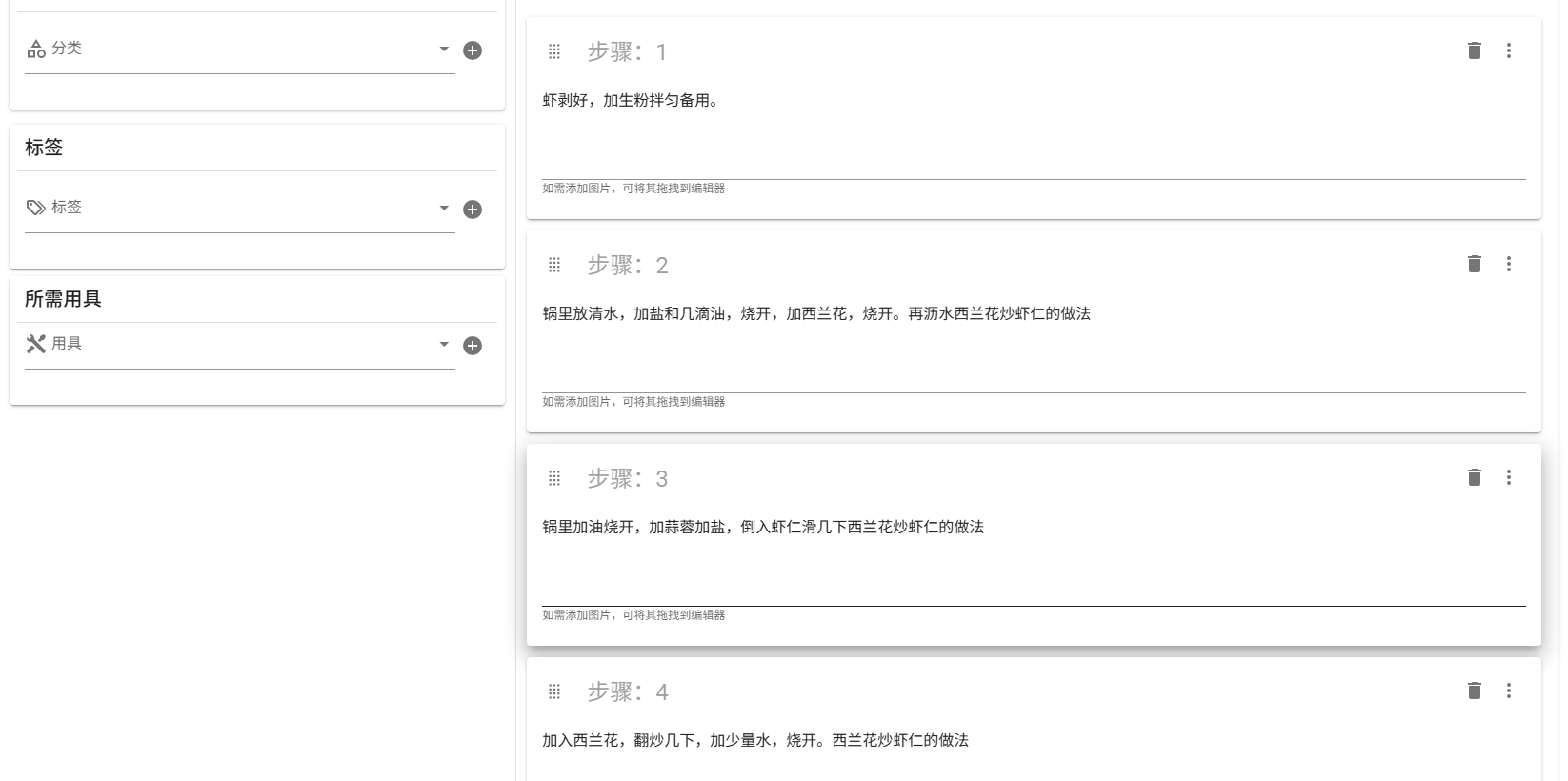
The processed result
Finally, click Save, and the recipe is created.
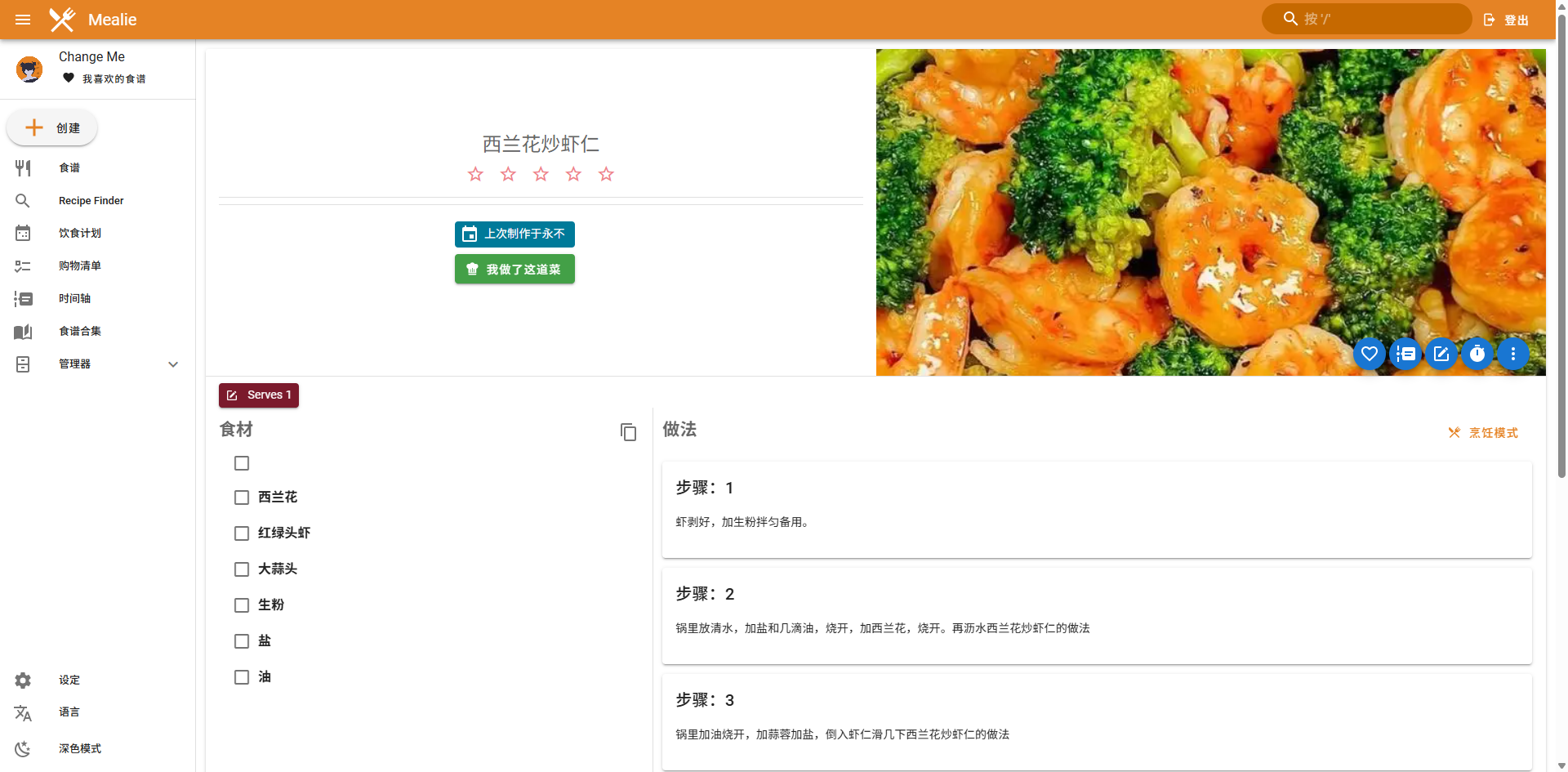
Now let's look at the recipe import feature
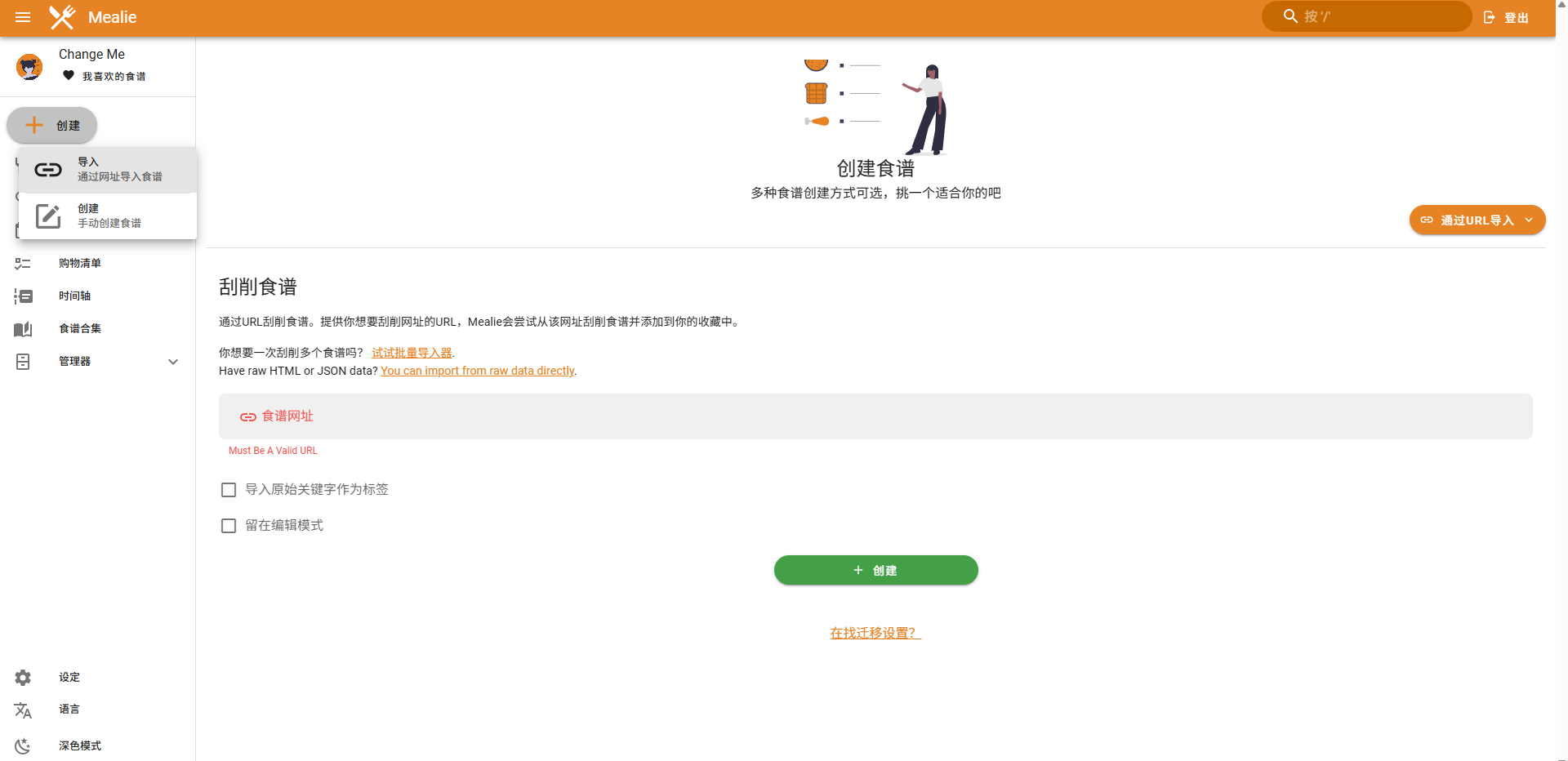
Enter a recipe URL, for example: https://www.xiachufang.com/recipe/104457432/
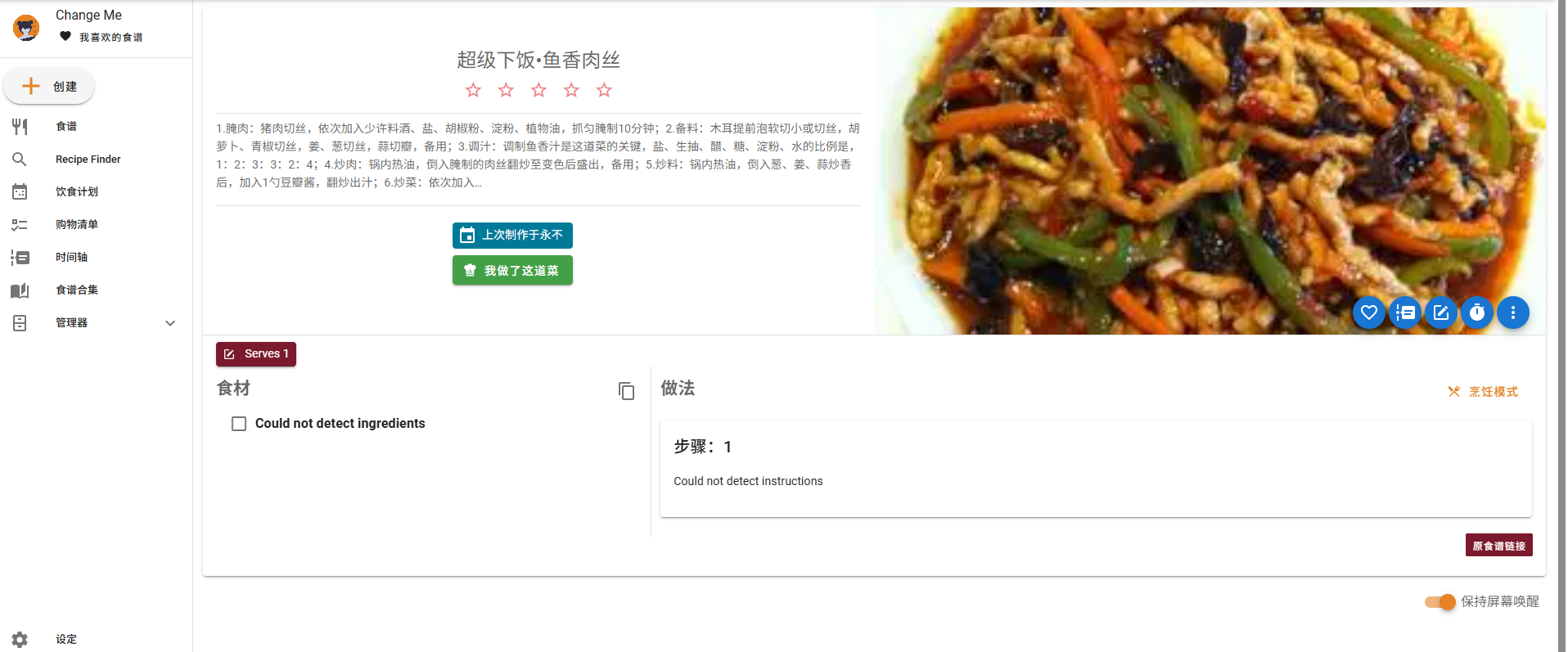
This is much faster than manual entry. Here are some recommended websites: Xiachufang: https://www.xiachufang.com/ Meishichina: https://www.meishichina.com/ Meishiq: https://www.meishiq.com/ Douguo: https://www.douguo.com/
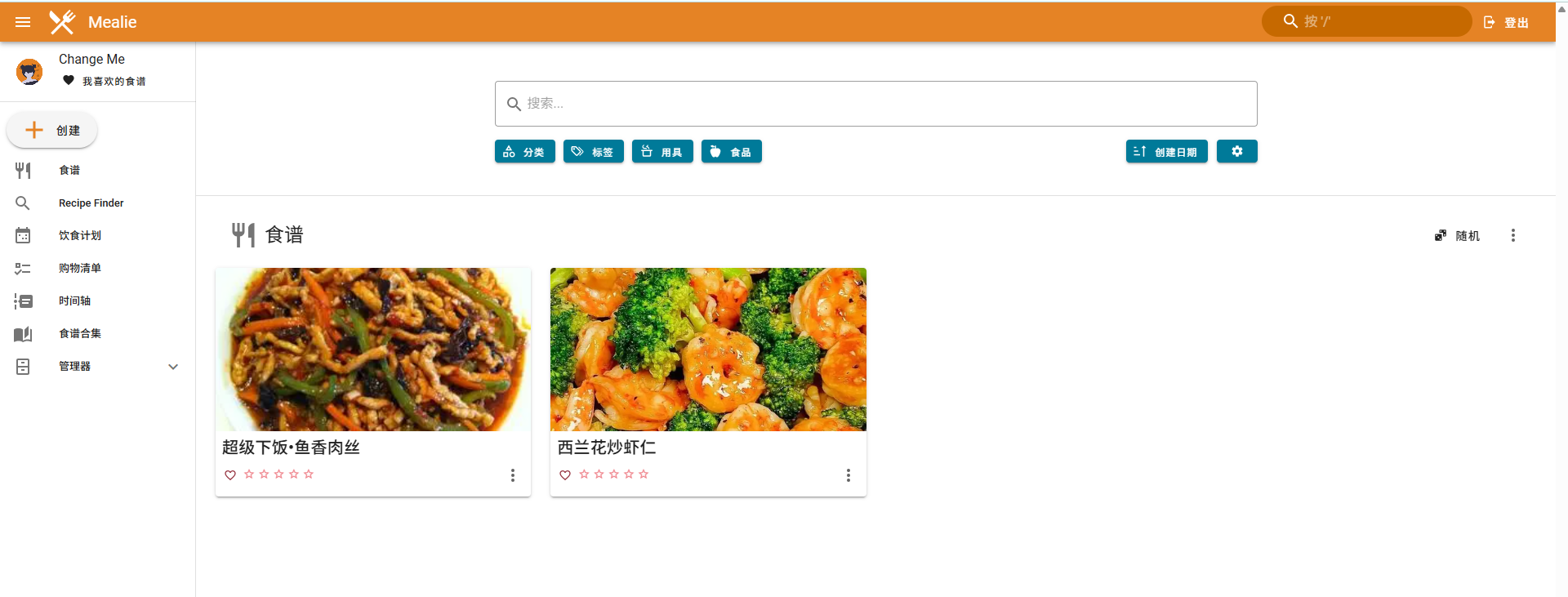
You can see the result in the Recipes section
Summary
The greatest value of Mealie lies in systematizing kitchen management.
If you also want to escape the daily dilemma of "what to eat today," why not give Mealie a try.