
Markmap: Instantly Transform Your Markdown into Mind Maps
What is Markmap?
Do you usually write documents in Markdown? Do you find it enjoyable while writing, but feel that the dense text isn't intuitive enough when showing it to others?
Simply put, Markmap turns your Markdown documents into visual mind maps.
You just need to write your content using standard Markdown syntax, and it automatically generates an interactive mind map that you can click, expand, and collapse.
https://appstore.lazycat.cloud/#/shop/detail/cloud.lazycat.app.markmap
How to Use
After installing the app, open the home page.
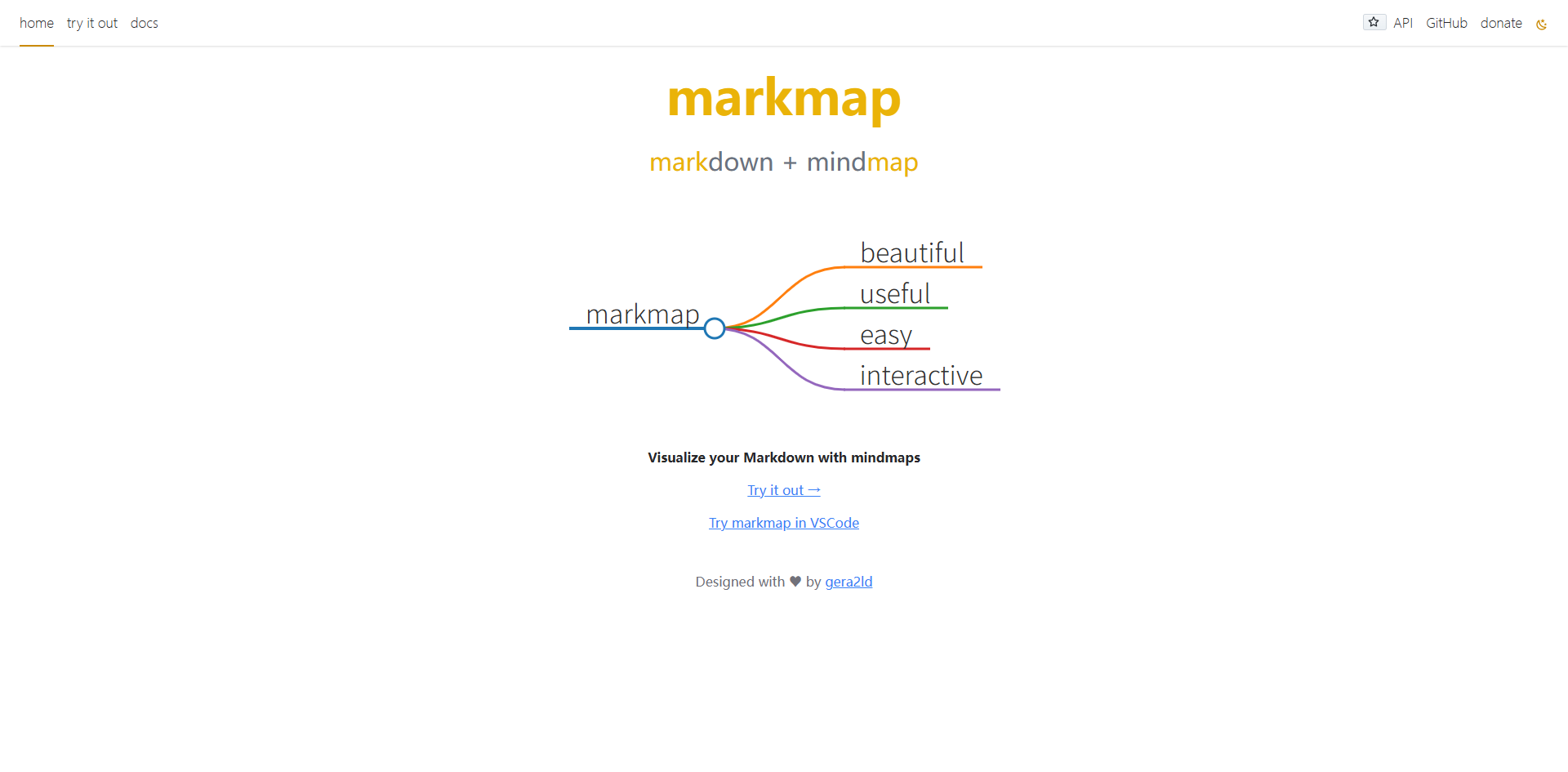
Click "try it out", write Markdown on the left, and see the mind map in real-time on the right.
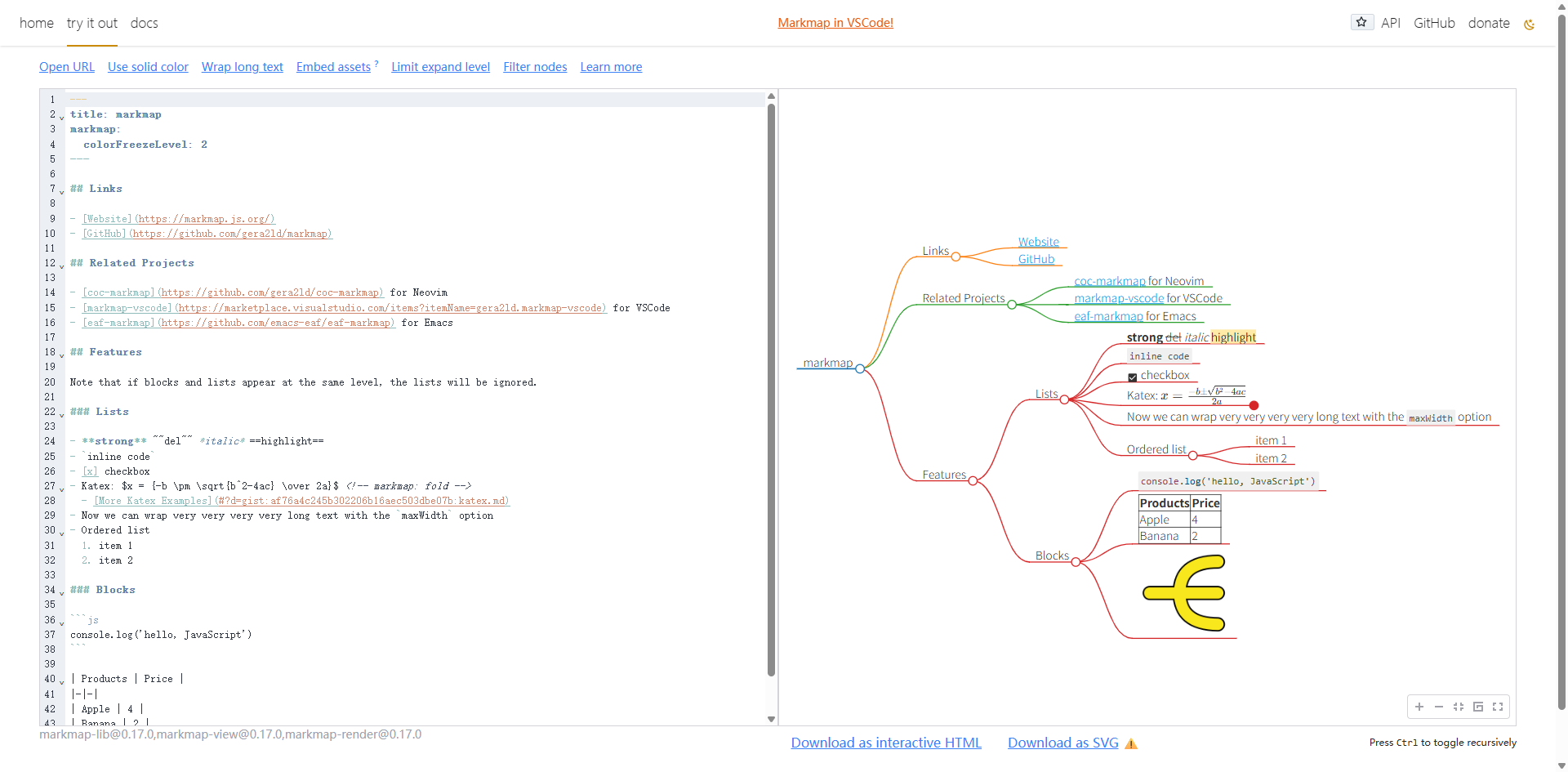
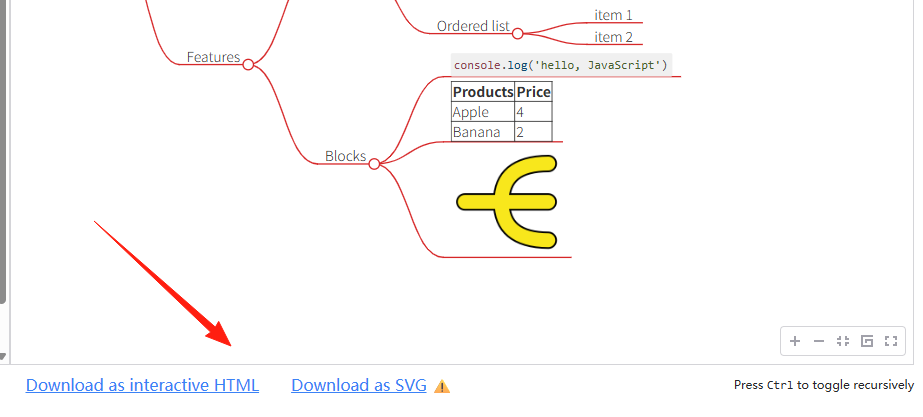
After writing, directly export to HTML or SVG.
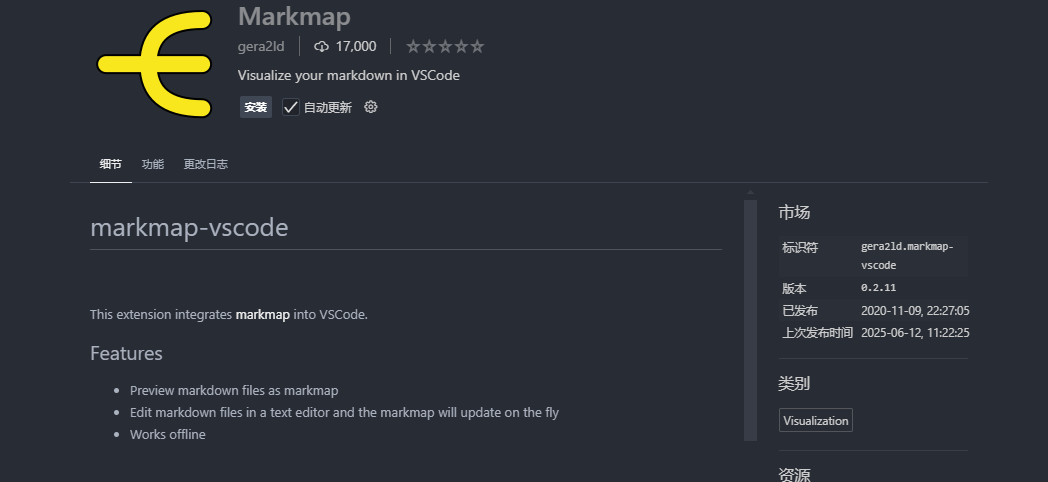
Supports VSCode Plugin
Open VSCode, search for the "Markmap" plugin and install it.
Create a new .md file and write your content.
Press Ctrl+Shift+P (Cmd+Shift+P on Mac), type "Markmap: Open".
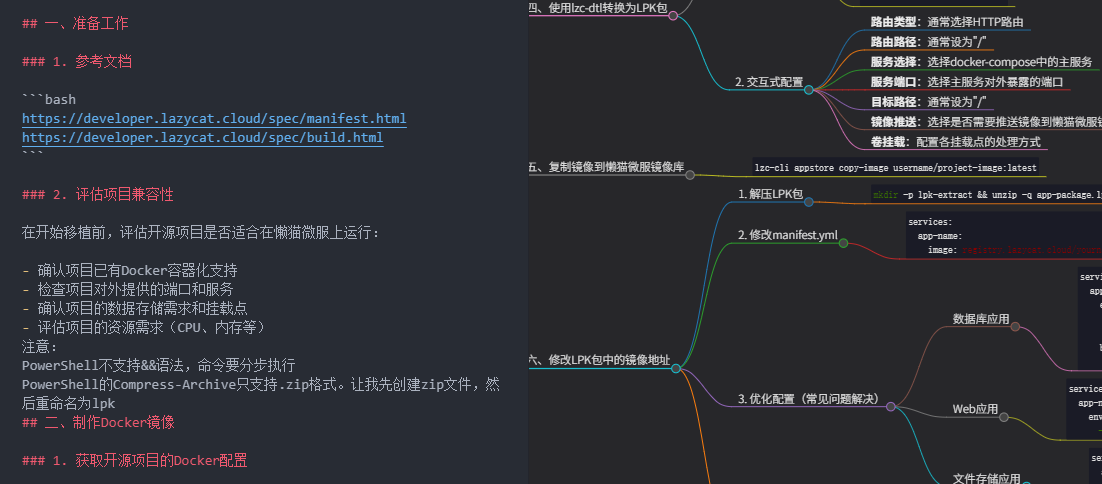
Done! Preview your mind map in real-time.
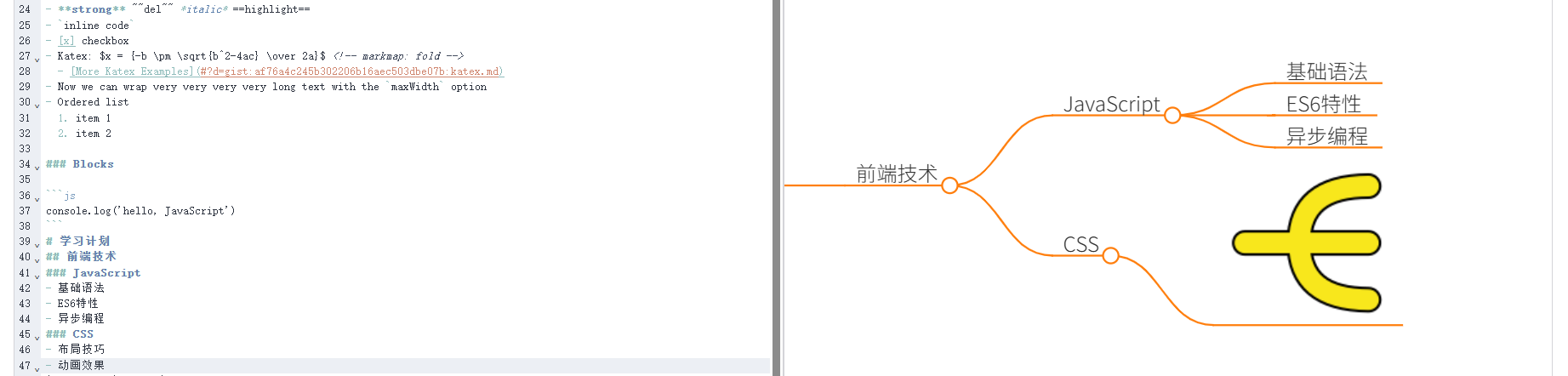
# Learning Plan
## Frontend Technology
### JavaScript
- Basic Syntax
- ES6 Features
- Asynchronous Programming
### CSS
- Layout Techniques
- Animation Effects
Unordered lists display very well in the mind map, much clearer than plain text.
Tip: Add Some Color and Icons
# 🎯 2024 Goals
## 📚 Learning Plan
### 💻 Technical Improvement
### 🎨 Design Skills
## 🏃♂️ Fitness Plan
### 🏋️♂️ Strength Training
### 🏃♂️ Cardio
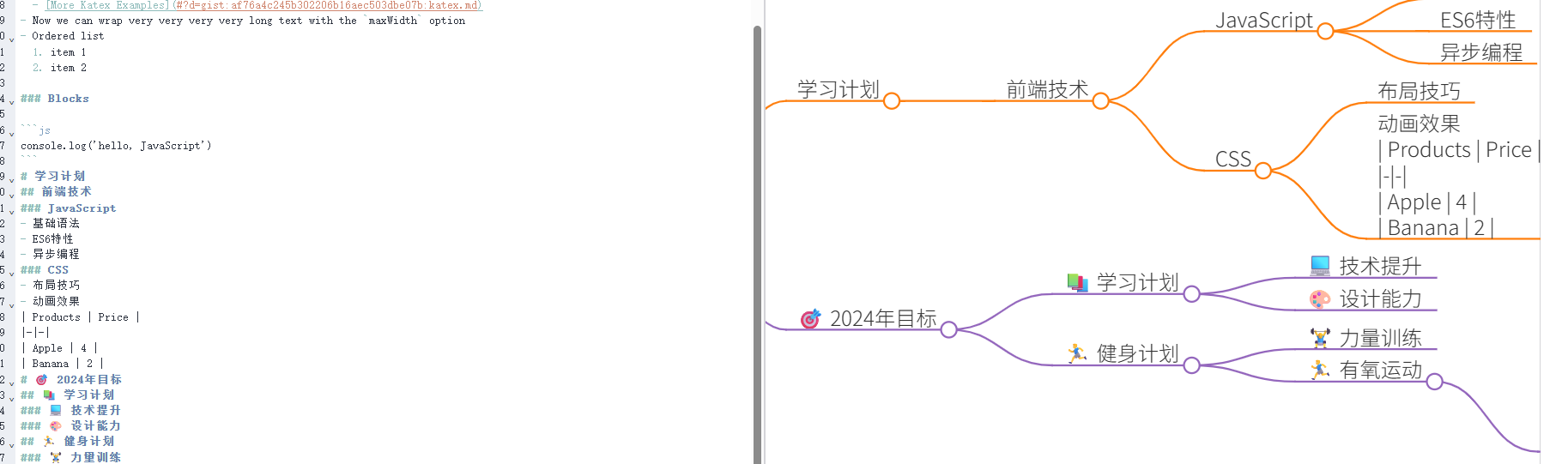
Emojis make the mind map more vivid, allowing you to see the key points at a glance.
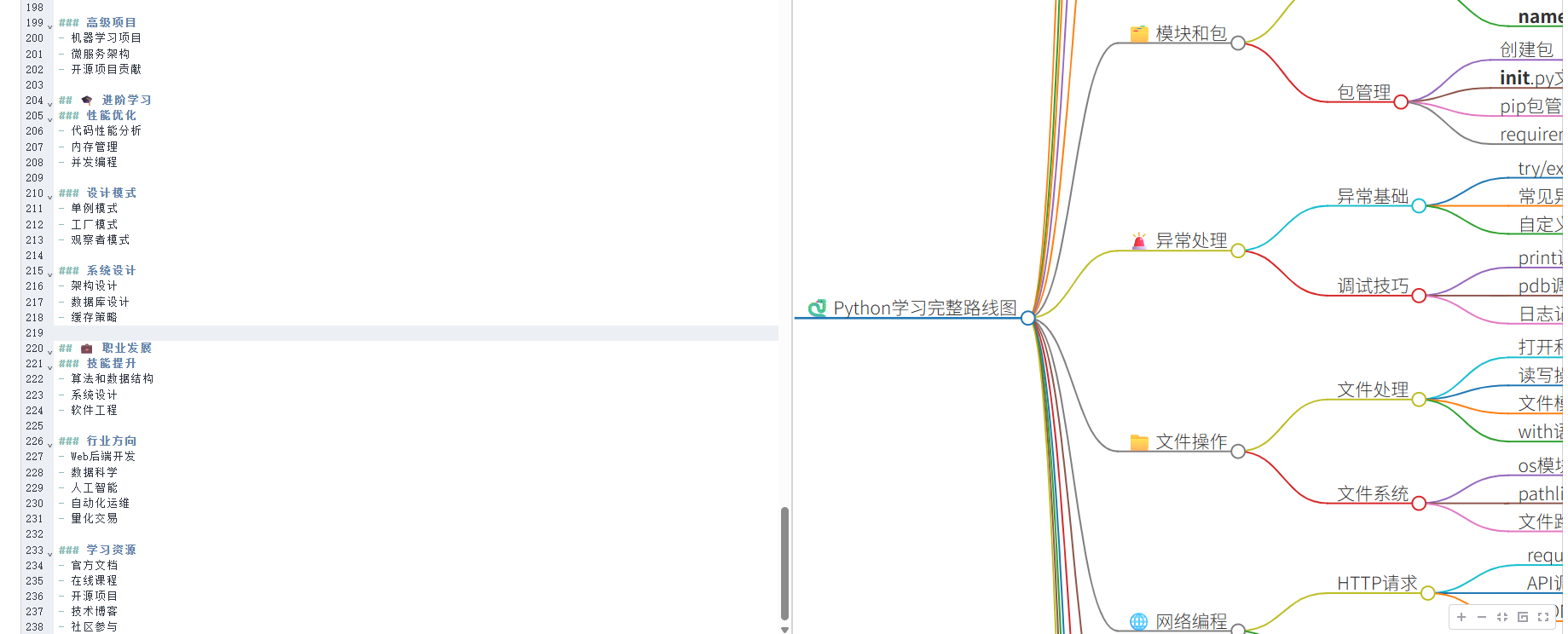
Now that AI is very popular, you can have ChatGPT or Claude generate a Markdown-formatted outline for you, and then use Markmap to directly generate the mind map. For example:
"Please generate a mind map outline for learning Python, in Markdown format"
Summary
Markmap is especially suitable for people who like writing things in Markdown.
The only drawback is that you can't freely adjust the layout like in traditional mind mapping software, but for most use cases, this drawback is negligible.