
Multi-Scrobbler: The Ultimate Music Scrobbling Tool That Works Across All Platforms
Do you also face this problem when listening to music: you use NetEase Cloud Music on your phone, Spotify on your computer, and listen to vinyl records at home, resulting in your play history being scattered across different places? Trying to manage it all in one place is a nightmare.
Today, I want to recommend a super practical tool – Multi-Scrobbler. In simple terms, it's a magical tool that can record the songs you listen to on various platforms into one central location.
https://appstore.lazycat.cloud/#/shop/detail/com.foxxmd.multiscrobbler
Why Use Multi-Scrobbler?
Solves a Real Pain Point
Multi-Scrobbler is a JavaScript application that can scrobble the music you've listened to to multiple platforms like Maloja, Last.fm, and ListenBrainz. It is platform-agnostic because it communicates directly with service APIs, recording everything you play no matter where you listen to music.
Imagine this scenario:
- Listening to NetEase Cloud Music on your phone during your commute
- Using Spotify on your computer at the office
- Listening to Apple Music at home in the evening
- Playing vinyl records on the weekend
Previously, you needed a scrobbler for each platform and had to worry about some platforms not having a corresponding tool at all. Now, with Multi-Scrobbler, one tool is enough. It automatically captures your play history from various platforms and uniformly syncs it to Last.fm or other music statistics services.
Supported Platforms and Services
Music Sources (Platforms that can be scrobbled from)
- Spotify: The most commonly used streaming platform
- Apple Music: Essential for Apple ecosystem users
- YouTube Music: Google's music service
- Plex: Home media server
- Jellyfin: Open-source media server
- Tautulli: Plex statistics tool
- Subsonic: Music server
- Airsonic: Subsonic fork
- Navidrome: Modern music server
- Funkwhale: Decentralized music platform
- Kodi: Multimedia center
- VLC: Universal media player
Target Services (Platforms to sync to)
- Last.fm: The most established music statistics service
- ListenBrainz: Open-source music statistics platform
- Maloja: Self-hosted music statistics service
Practical Configuration Guide
Basic Configuration Steps
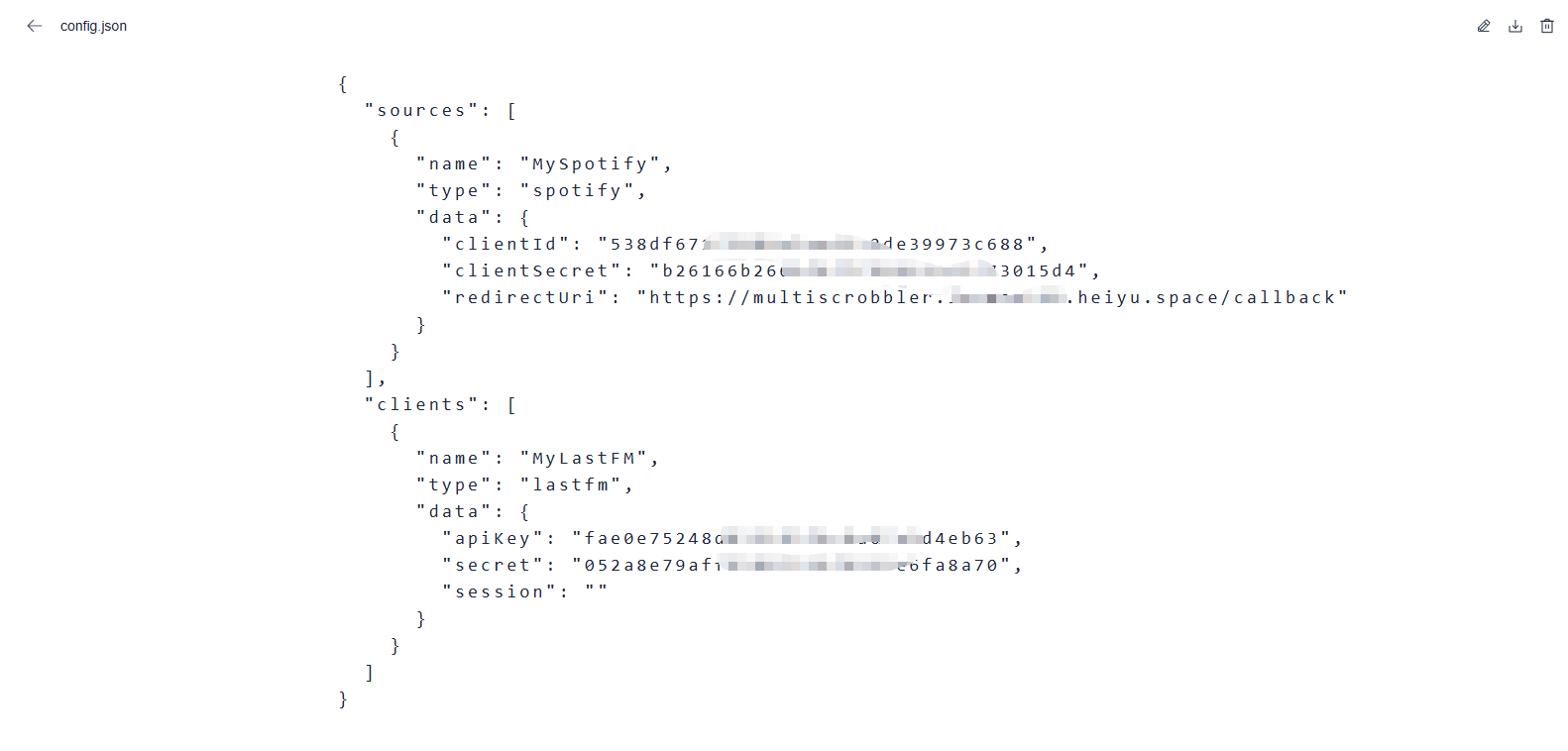
- Create Configuration File
In the Lazycat Netdisk, within the application data, create a
config.jsonfile in the configuration directory:
{
  "sources": [
    {
      "name": "MySpotify",
      "type": "spotify",
      "data": {
        "clientId": "your_spotify_client_id",
        "clientSecret": "your_spotify_client_secret",
        "redirectUri": "https://multiscrobbler.your-lazycat-name.heiyu.space/callback"
      }
    }
  ],
  "clients": [
    {
      "name": "MyLastFM",
      "type": "lastfm",
      "data": {
        "apiKey": "your_lastfm_api_key",
        "secret": "your_lastfm_secret",
        "session": "your_lastfm_session_key"
      }
    }
  ]
}
https://file.your-lazycat-name.heiyu.space/#/file/appdata?path=/com.foxxmd.multiscrobbler/config
- Obtain API Keys
Spotify API Setup:
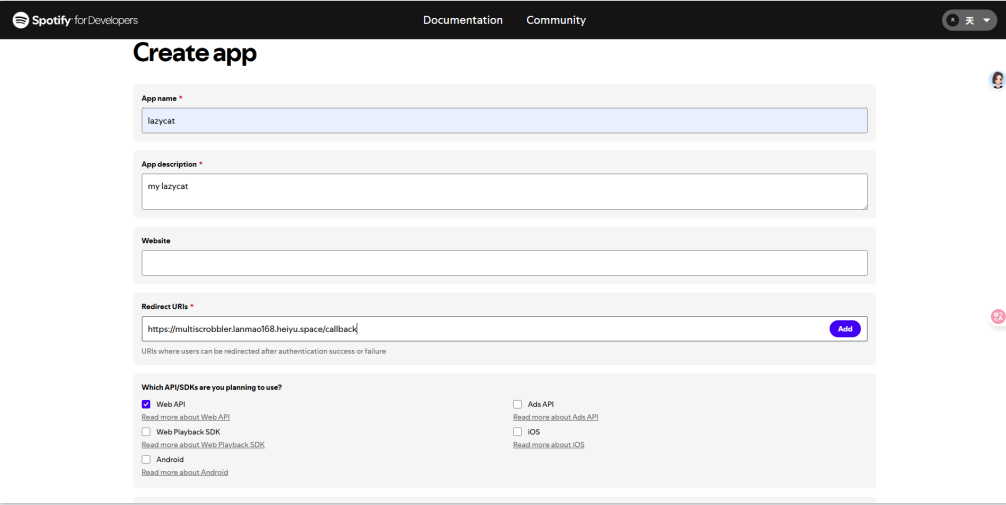
- Visit https://developer.spotify.com/dashboard to create a new app
-
Add
https://multiscrobbler.your-lazycat-name.heiyu.space/callbackto the Redirect URIs -
Obtain the Client ID and Client Secret
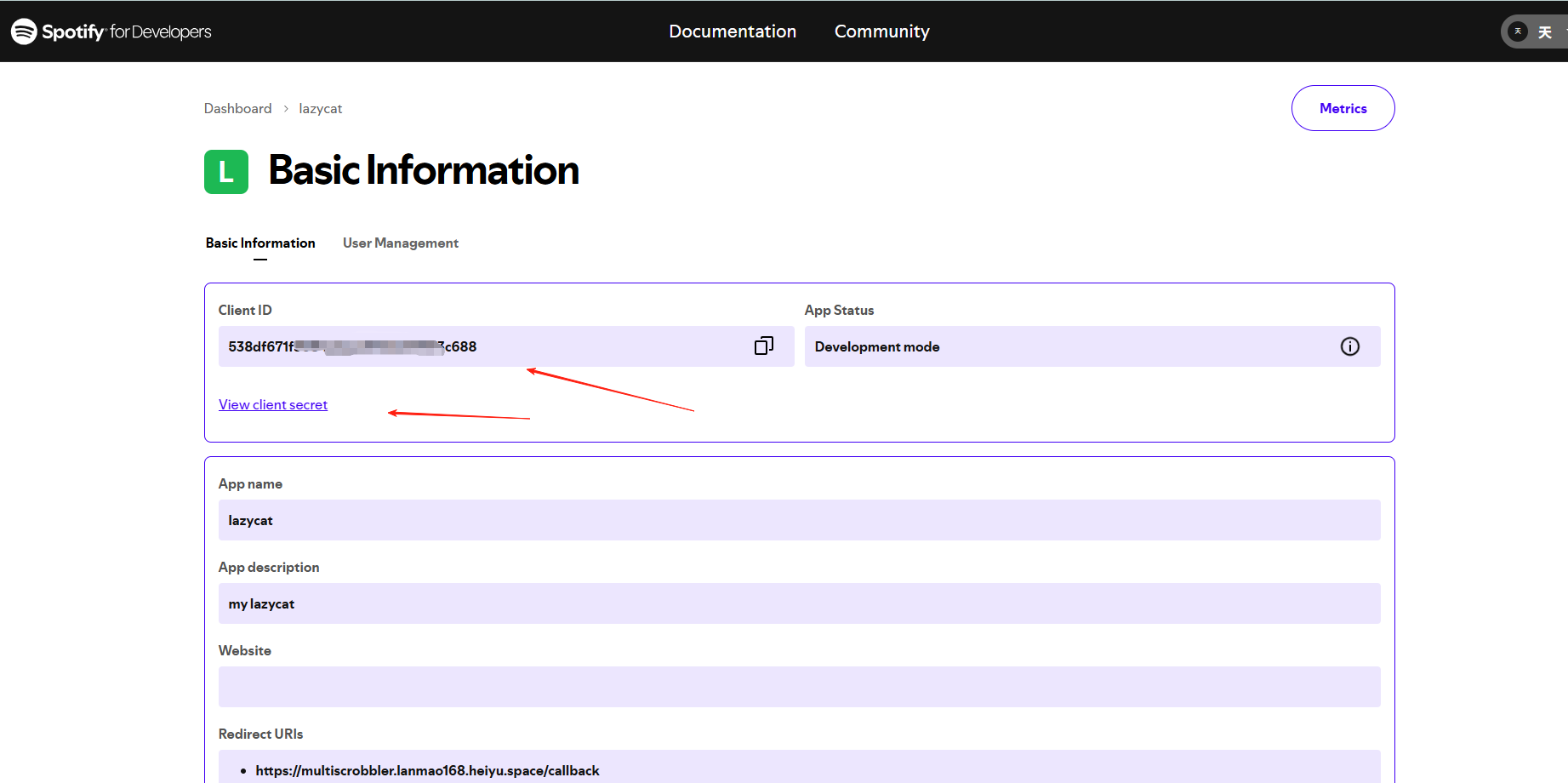
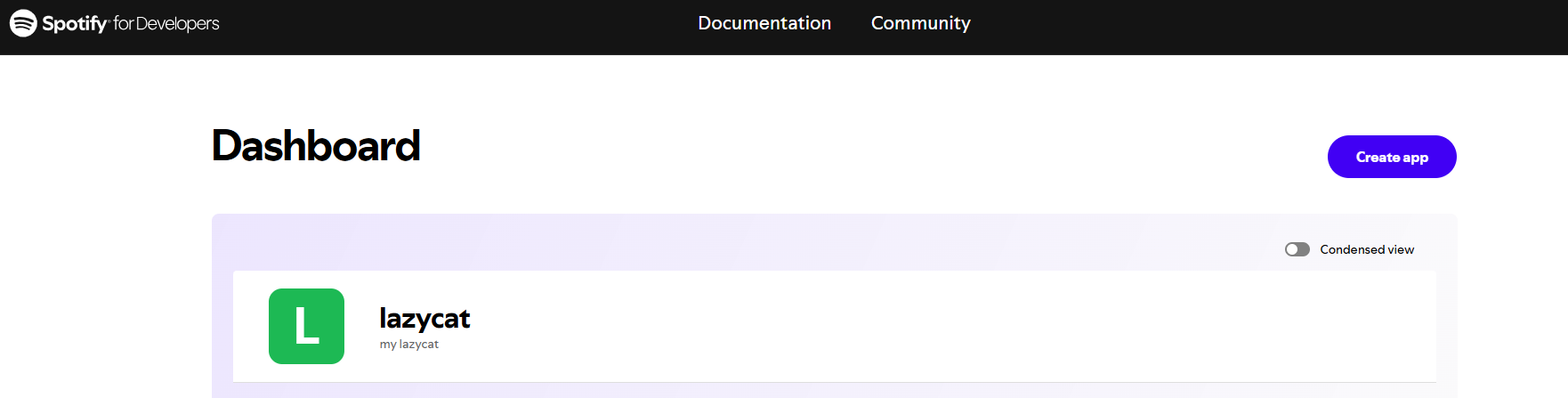
At this point, the source is set up.
Last.fm API Setup:
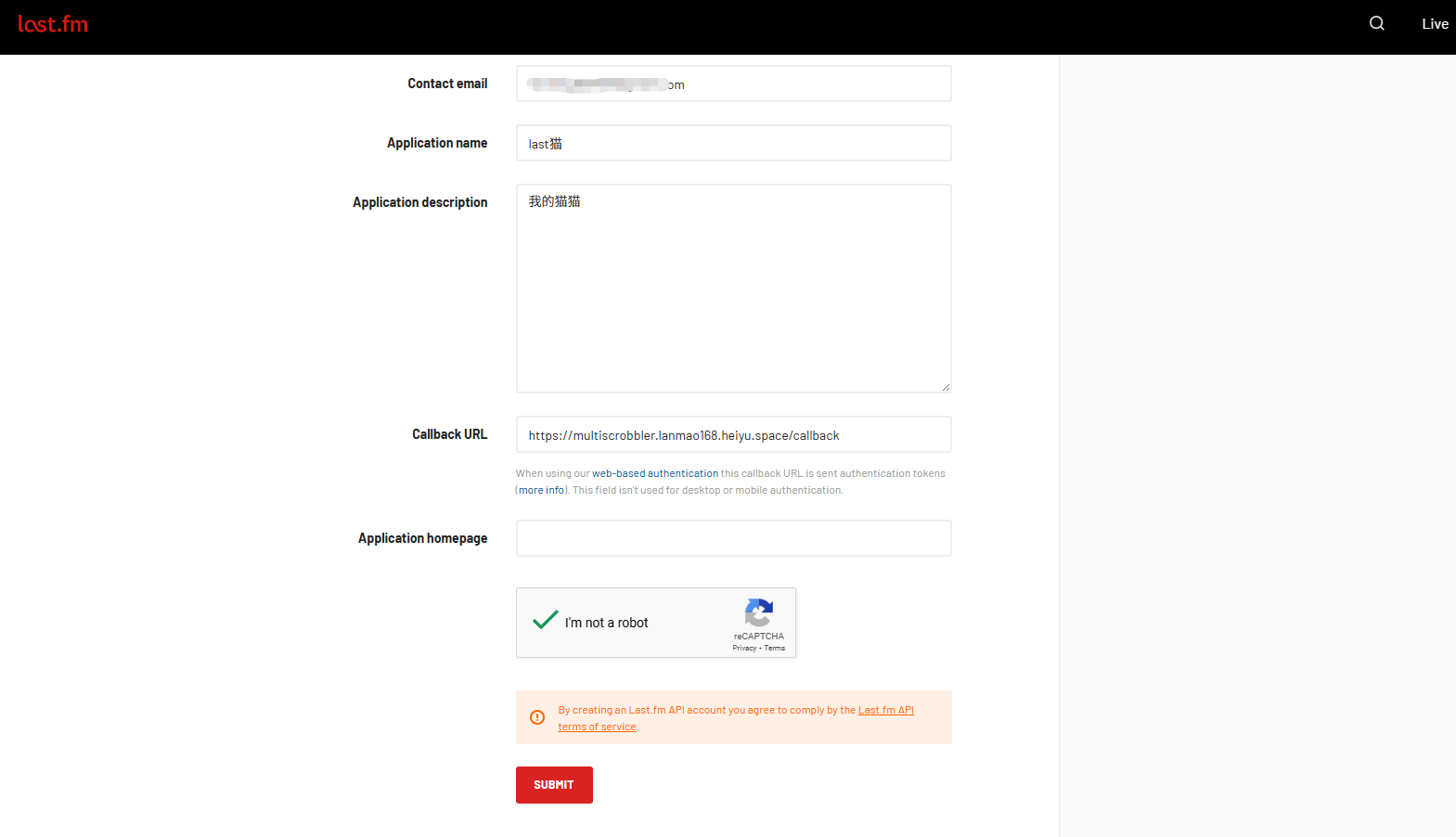
- Create an application to get the API Key and Secret
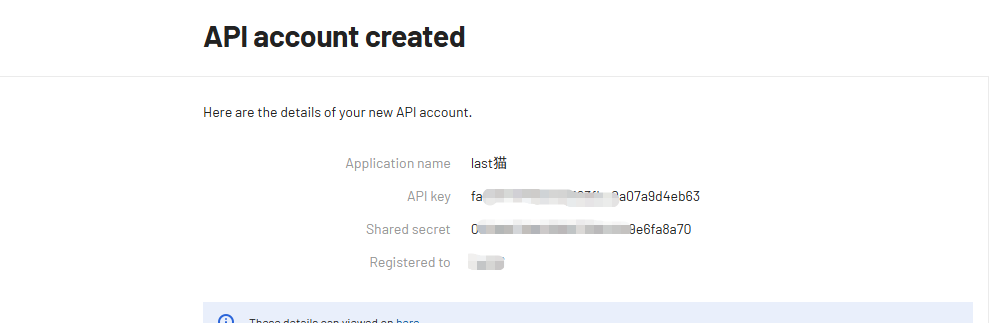
- Obtain the Session Key through the authentication flow.
After configuration, stop the application and restart it. You should now see the music source has been added.
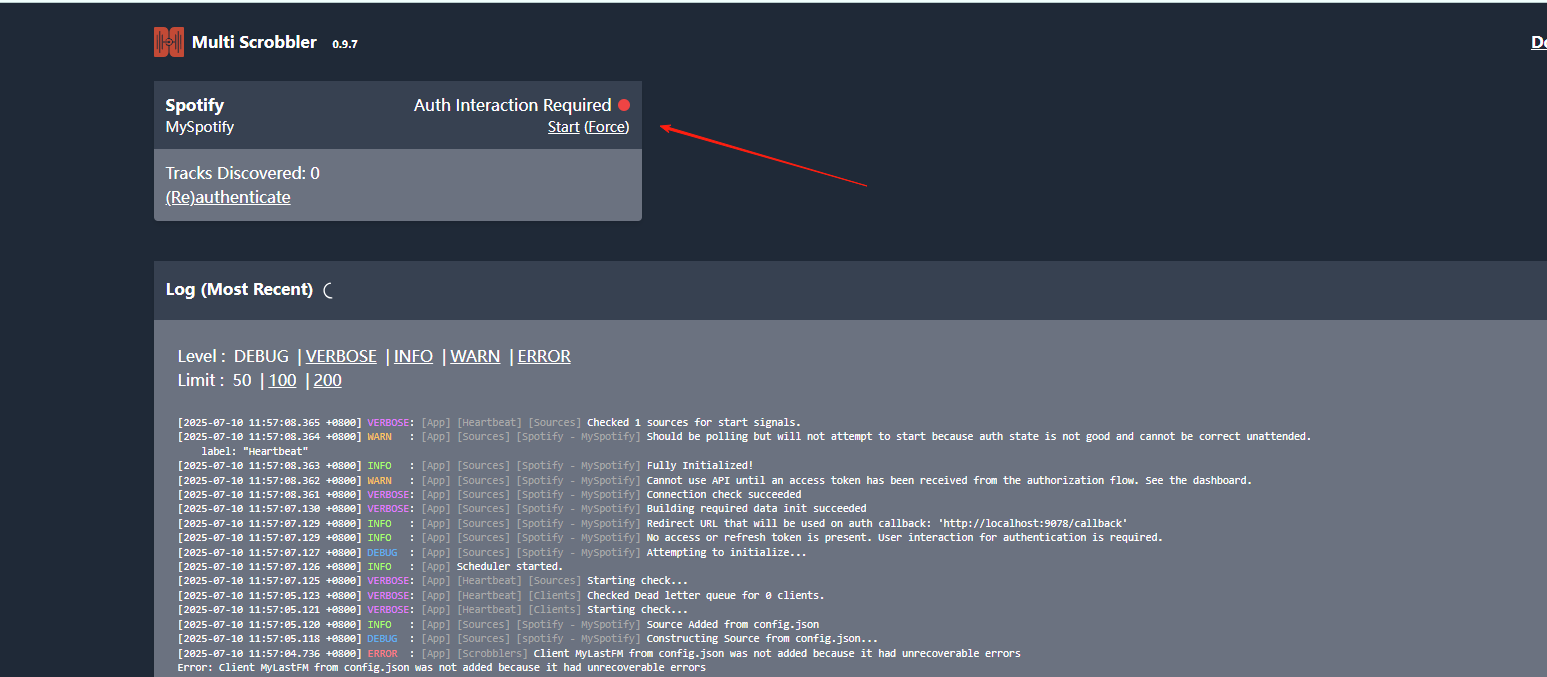
Click to authorize.
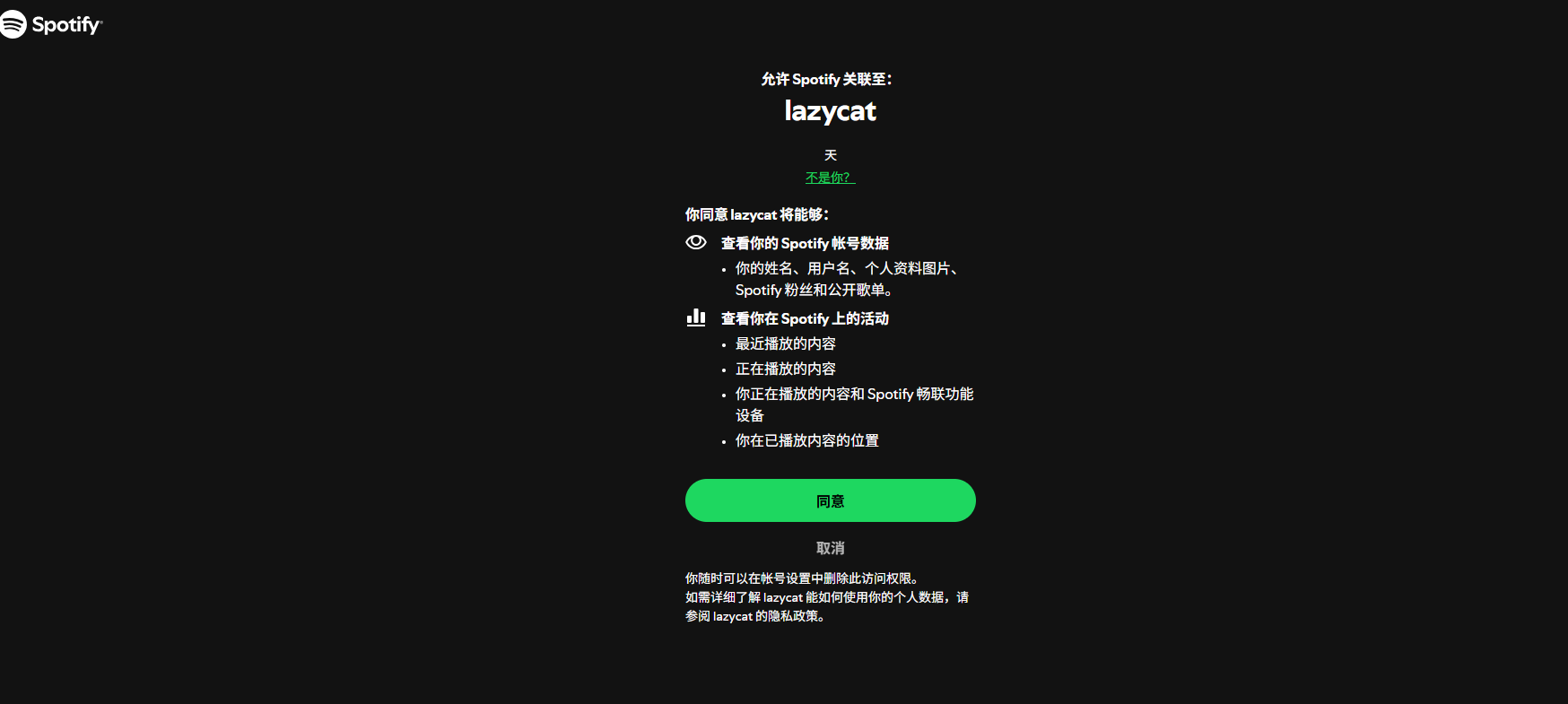
Authorization successful, it will return 'ok'.

Return to the homepage to find it was successful.
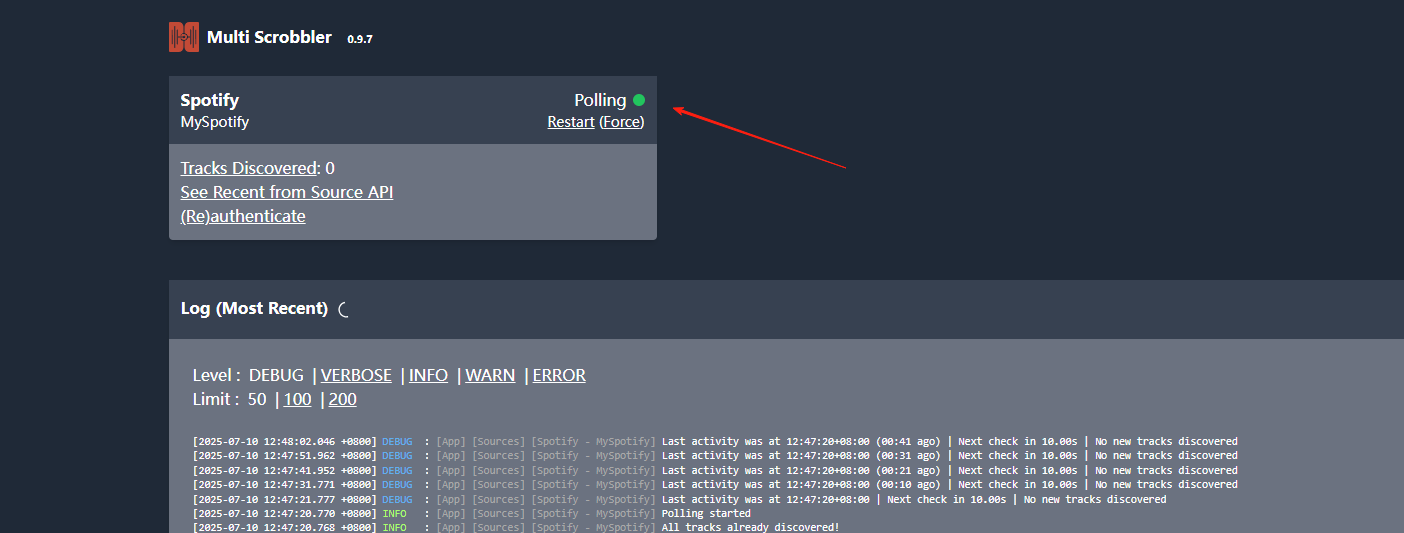
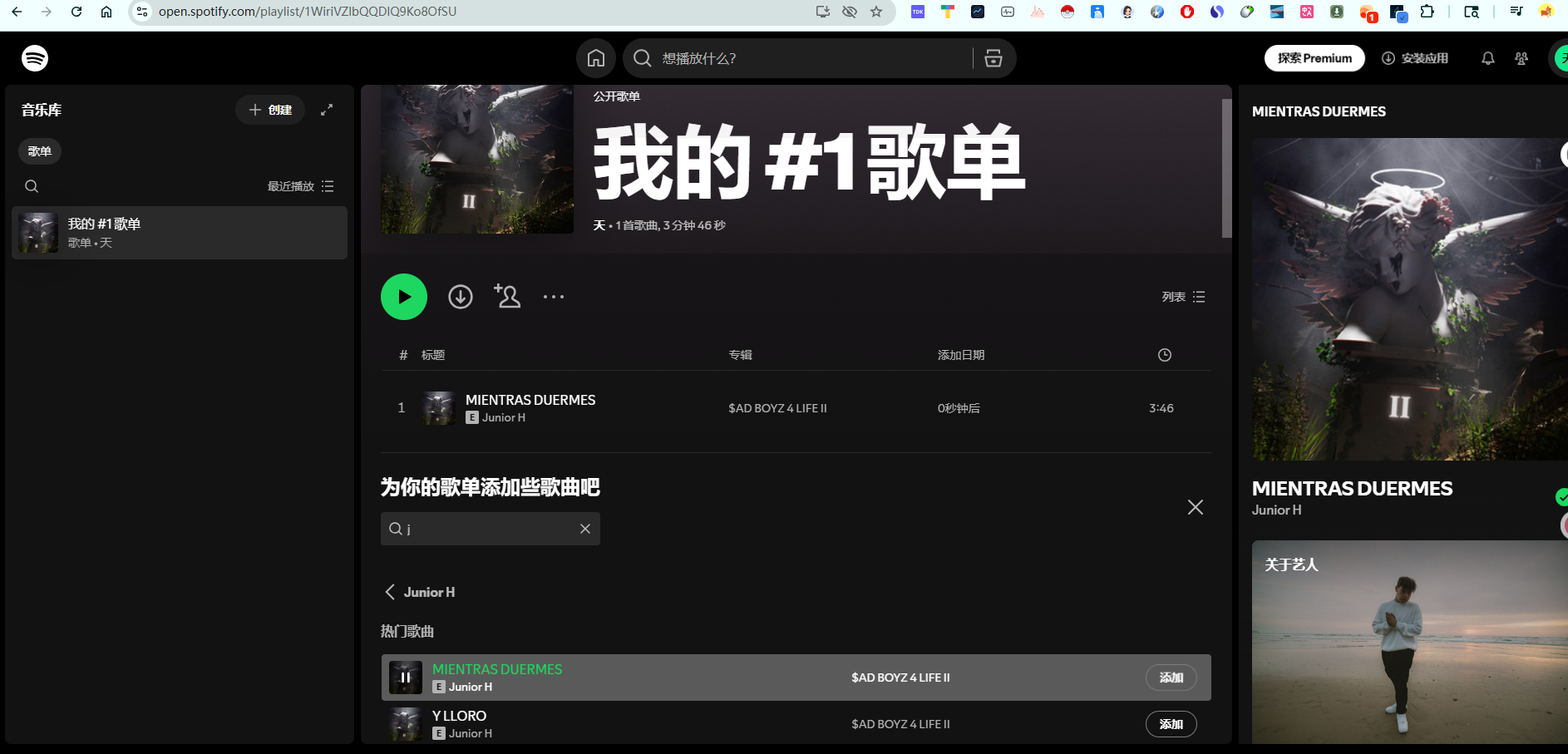
Now, play a song on Spotify.
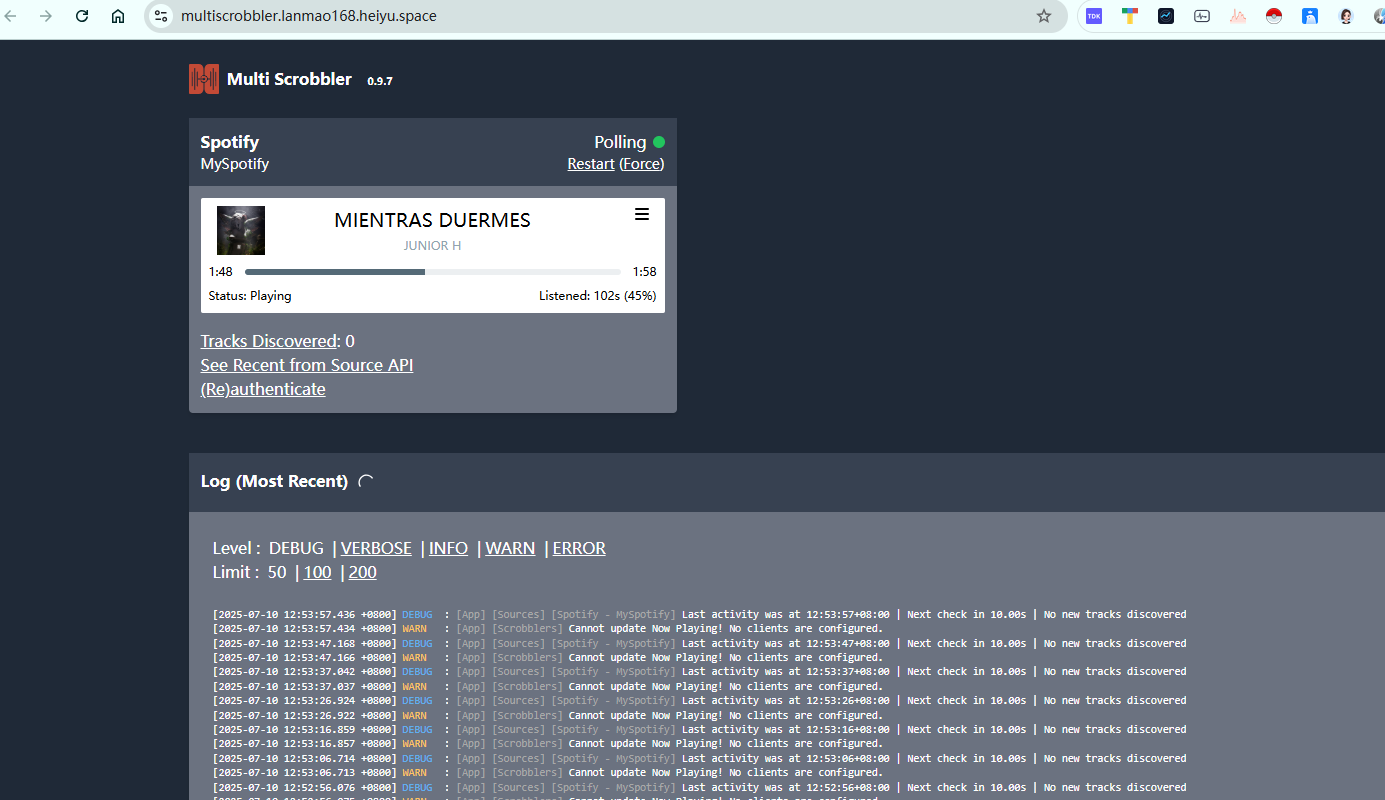
Check Multi-Scrobbler and see that it has already detected the play.
Summary
Multi-Scrobbler is a very practical tool, especially for those who listen to music across multiple platforms. It solves the problem of scattered music records, allowing you to manage your listening history uniformly.
If you are a music enthusiast who frequently listens on different platforms, or if you want to better manage your family's music listening records, Multi-Scrobbler is worth trying.
Relevant Links
- Project Address: https://github.com/FoxxMD/multi-scrobbler
- Official Documentation: https://foxxmd.github.io/multi-scrobbler/
- Flathub Download: https://flathub.org/apps/io.github.foxxmd.multiscrobbler