
Komga: Build Your Private Comic Book Library
What is Komga?
In simple terms, Komga is an open-source project specifically designed for managing comics. Hailed as the Netflix of the comic world, it allows users to organize their comics and picture books in an easy-to-browse interface, supporting various formats such as CBZ, CBR, PDF, etc. You can access your comic library from any device, as conveniently as watching movies at home.
https://appstore.lazycat.cloud/#/shop/detail/in.zhaoj.komga
Usage Tips
After installing the application, open the home page. You first need to register a user. I also switched the language to Chinese.
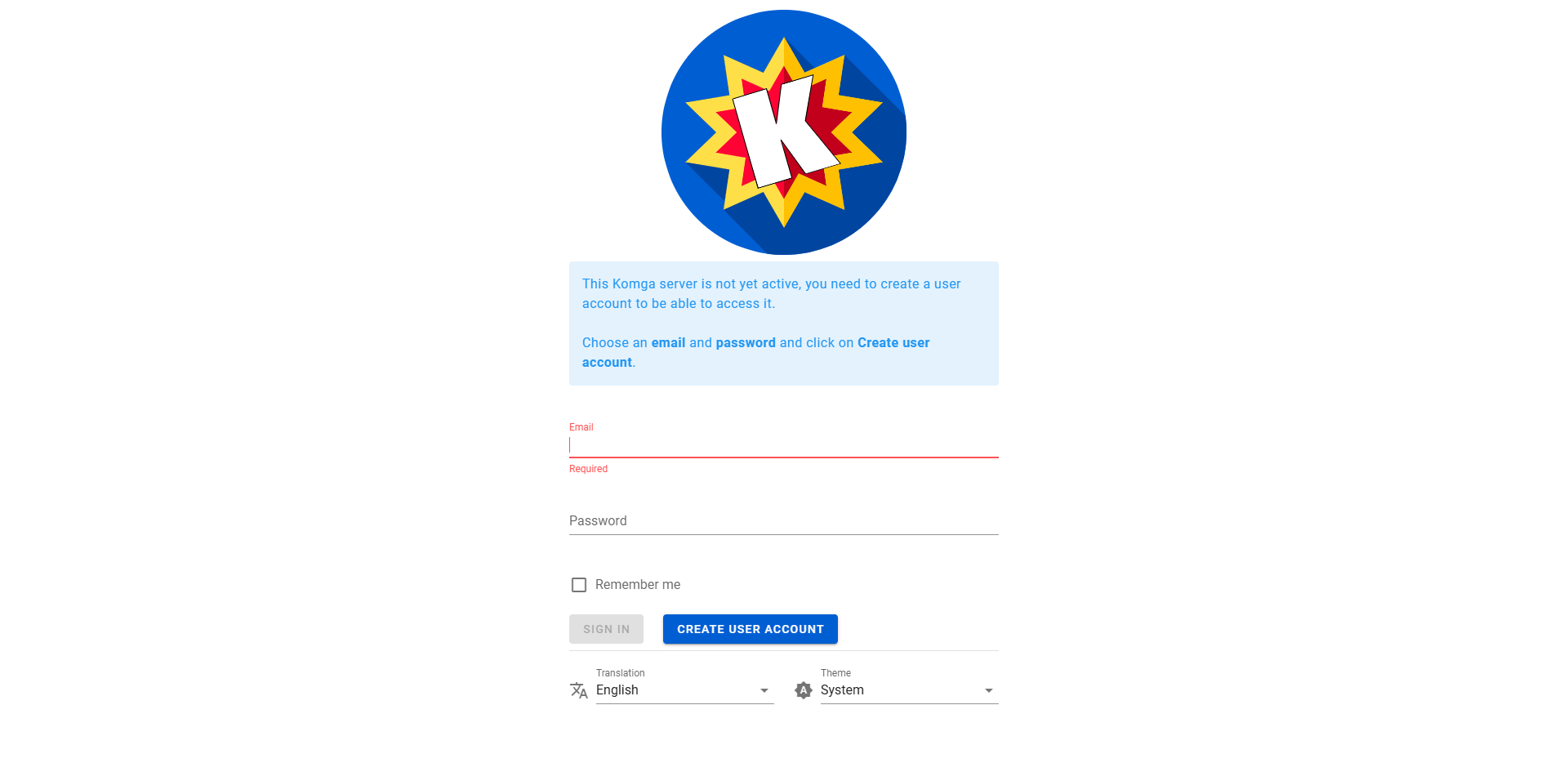
Enter the home page.
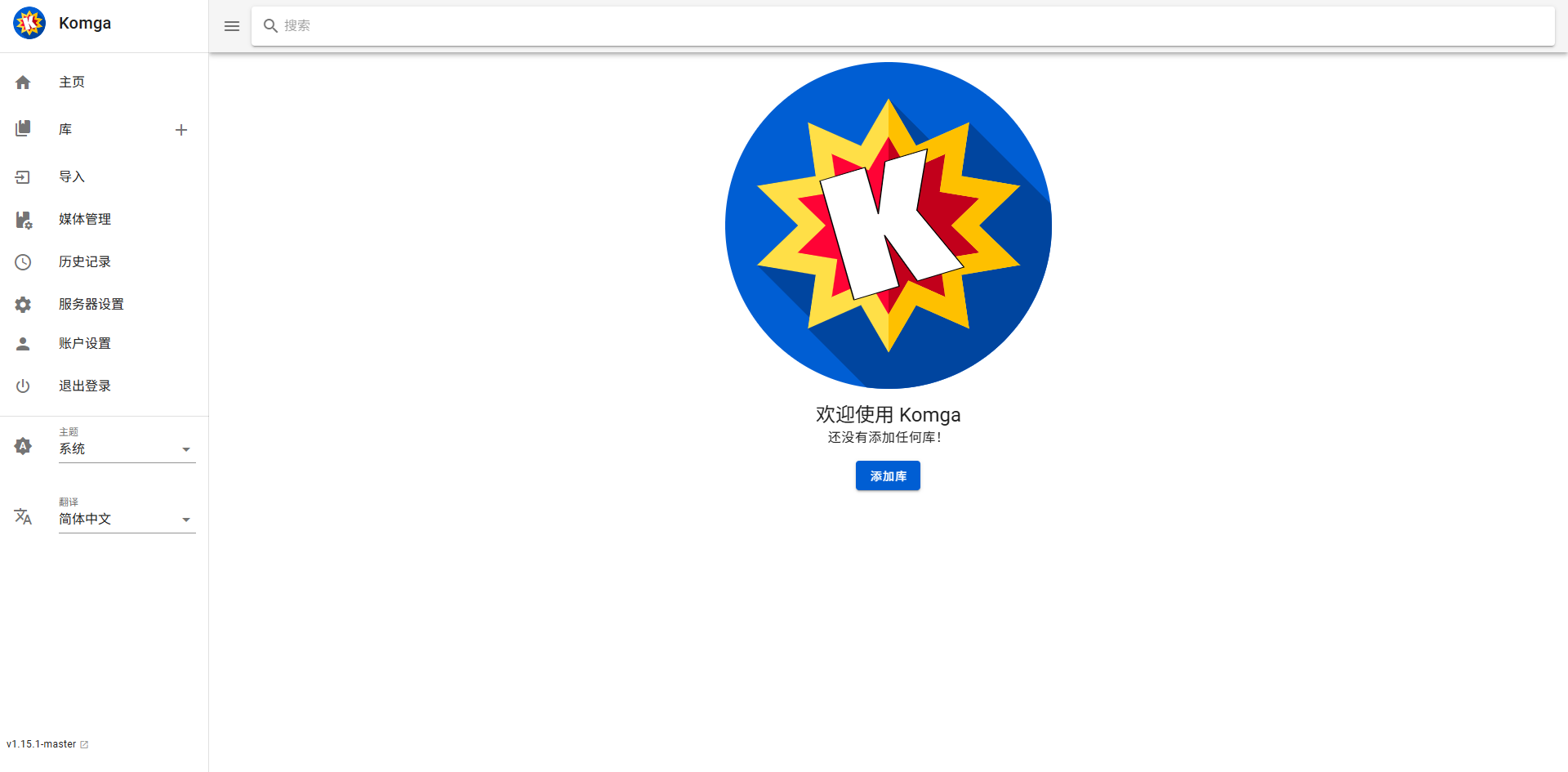
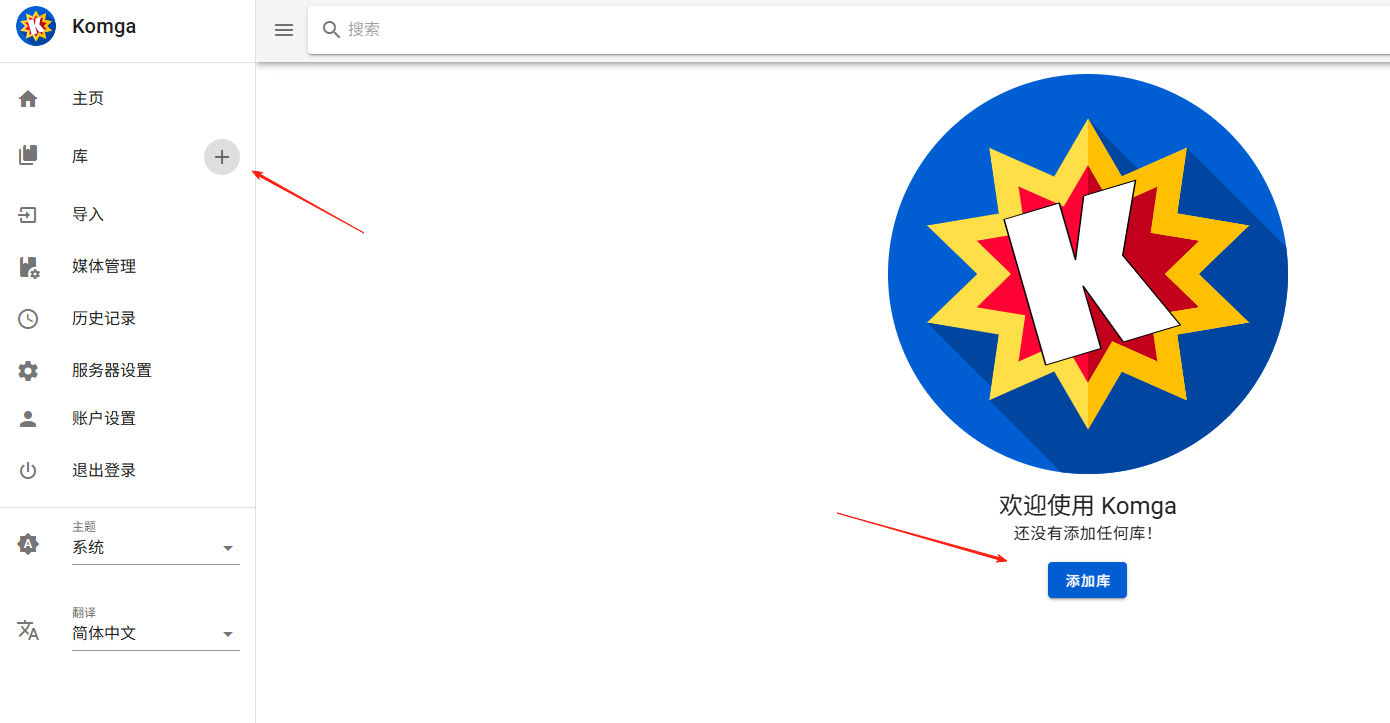
Add a comic library.
For the root folder, select the folder where you store your comics in the Lazy Cat Netdisk.
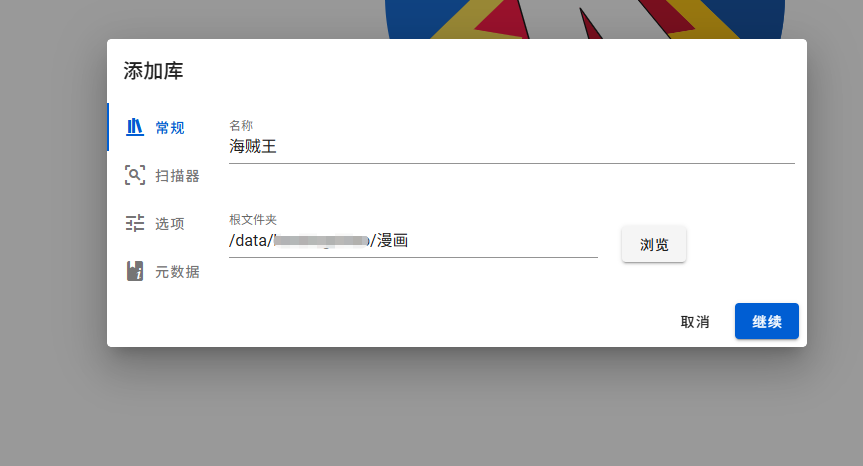
The scanner on the left allows you to set the scan interval.
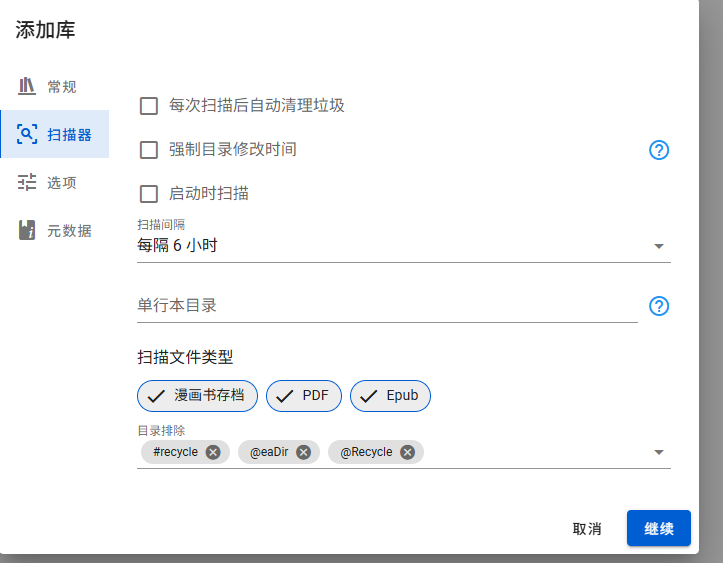
For other options, just proceed with the defaults, and then you will see the files.
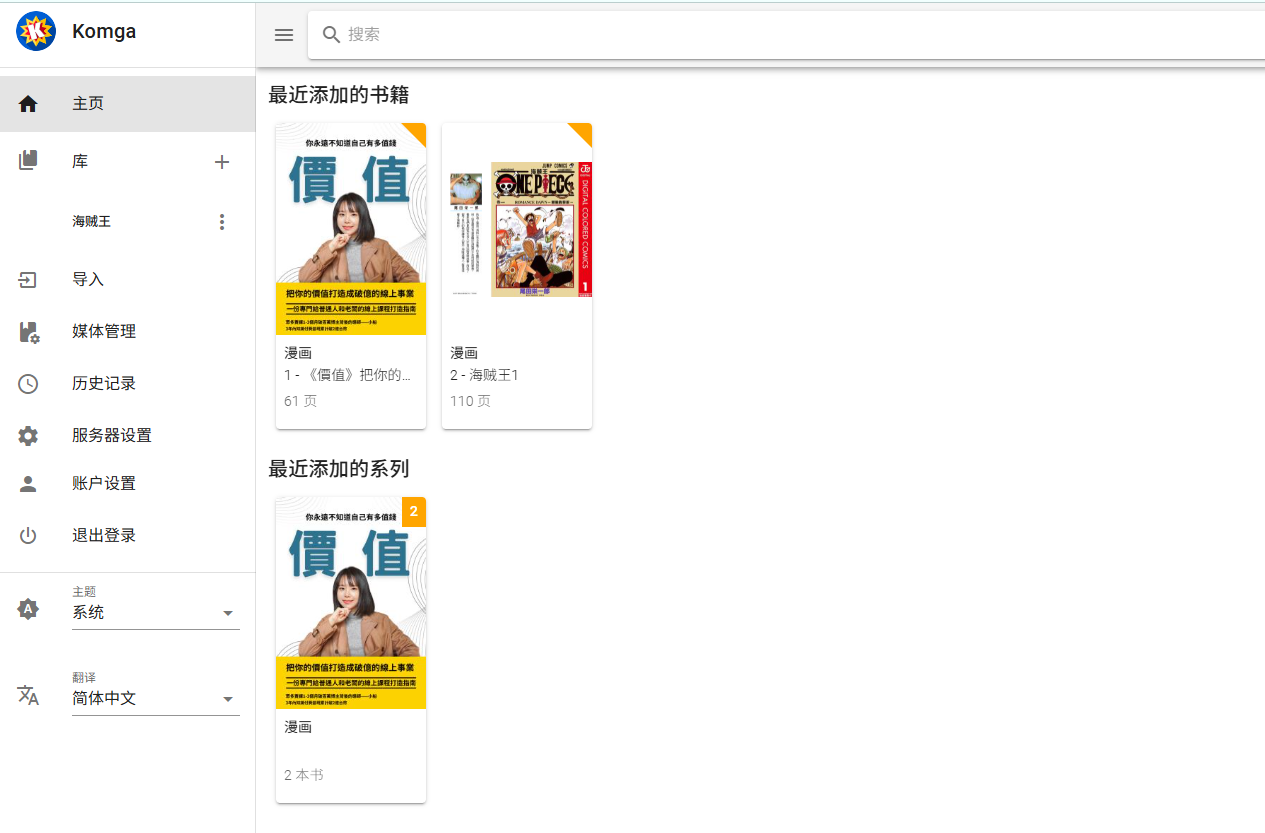
Click on a comic to start reading.

Use the arrow keys to turn pages. The settings in the top right corner allow you to change the reading mode.
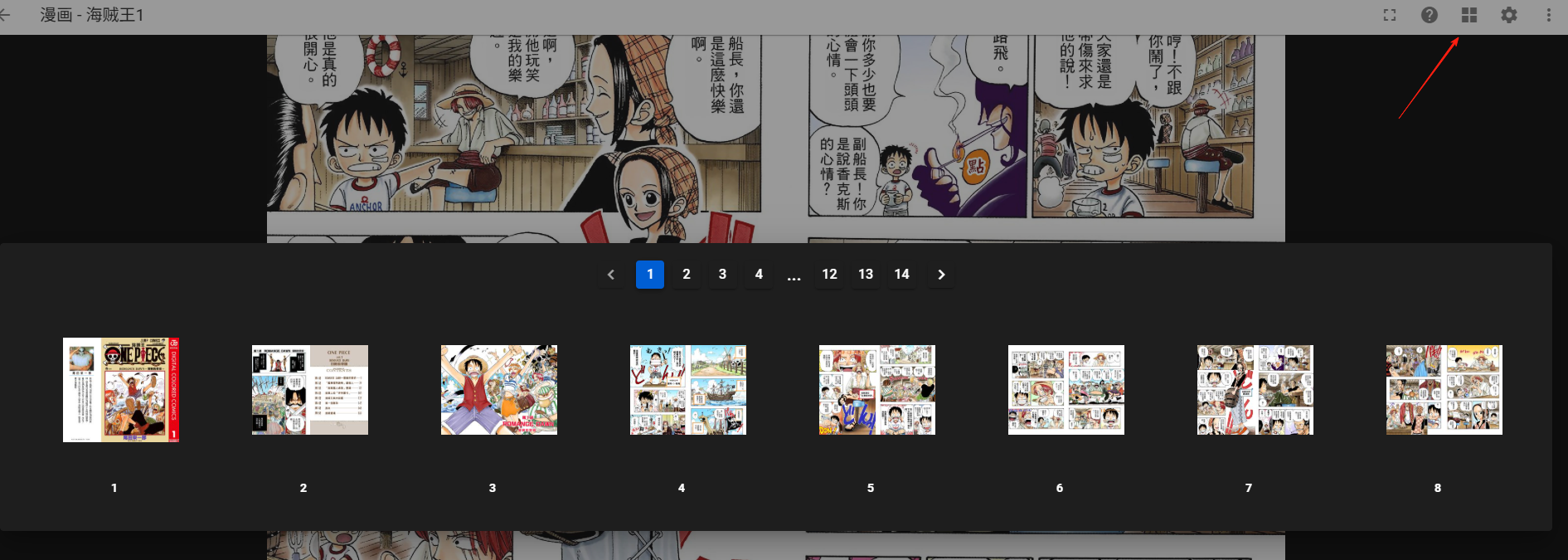
It is recommended to organize comics by series, for example:
Comics Folder/
├── One Piece/
│   ├── Volume 1.cbz
│   ├── Volume 2.cbz
│   └── ...
├── Naruto/
│   ├── Volume 1.cbz
│   └── ...
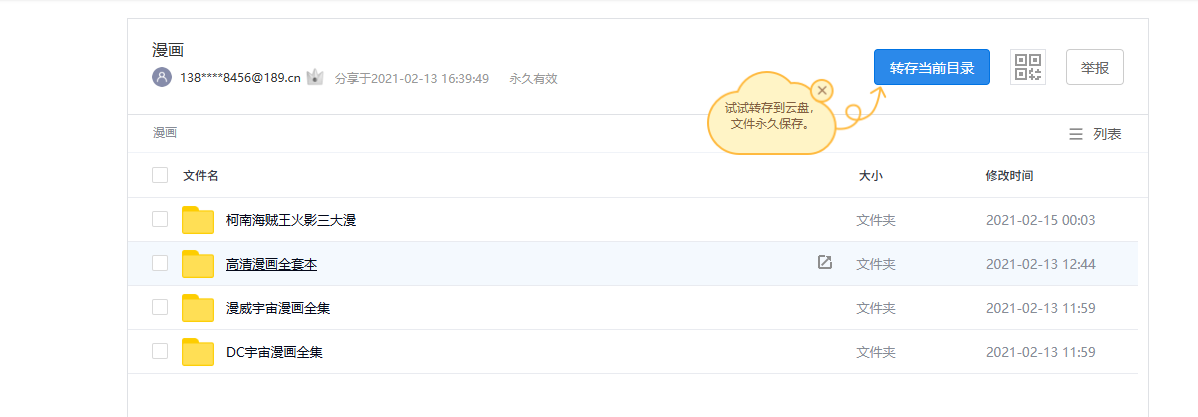
Here is a comic resource; those who enjoy reading comics can bookmark this: https://cloud.189.cn/web/share?code=YneInurYfuMz#e1ri
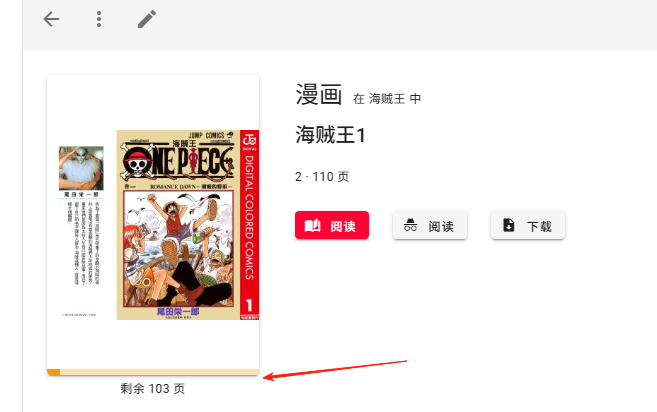
There is a progress bar below the comic. The next time you open it, it will start directly from your progress, so you don't have to flip through the pages again.
Komga supports many formats, but some points to note:
- CBZ/CBR formats: Most recommended, fast loading speed.
- PDF, epub formats: Also supported, but may be slower.
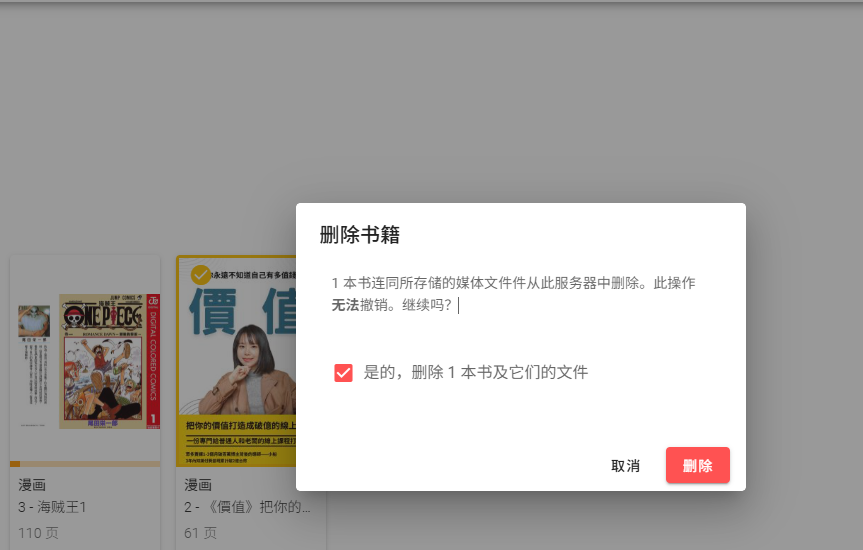
If you don't want to read a particular comic anymore, you can select and delete it. However, note that this deletes the source file, meaning the file in your netdisk will also be deleted.
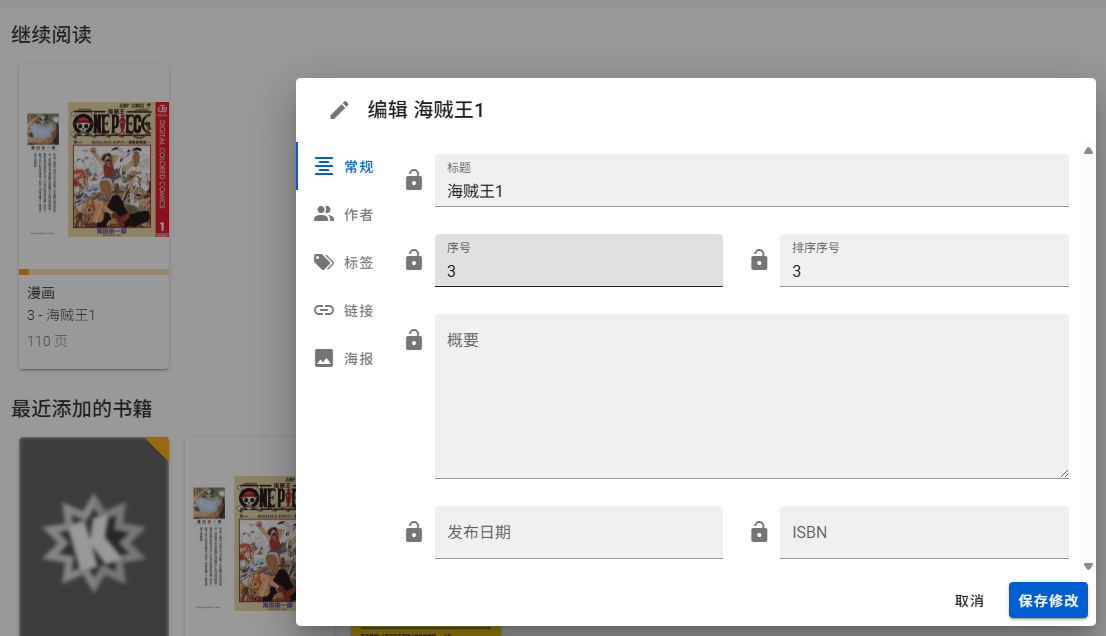
- Click "Edit" on the comic details page.
- You can modify the title, author, summary, etc.
- You can also upload a cover image.
Although the web version is already very useful, there are dedicated apps for mobile phones:
- Panels: Recommended for iOS users.
- Tachiyomi: Android users can use this (requires installing the Komga plugin).
Summary
Komga is a really practical tool. Hundreds or thousands of comic volumes, paired with complete metadata and neatly organized into categories, displayed together, are like works of art.
For friends who enjoy collecting comics, Komga can bring order to your collection.