
Cobalt: The Video Downloading Tool You Deserve
What is Cobalt?
Cobalt is a tool you won't want to live without once you've tried it. Its concept is simple: paste a link, get your file, and get on with your life.
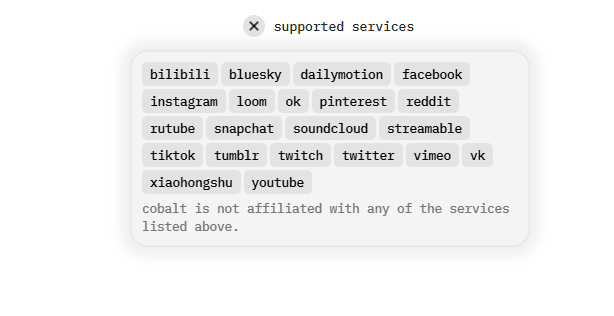
It supports 20+ online video websites including Bilibili, Xiaohongshu, Tiktok, VK, YouTube, and more. Essentially, it covers all the mainstream platforms you can think of, including:
- Video Platforms: YouTube, Bilibili, TikTok, Instagram, Twitter(X)
- Music Platforms: SoundCloud, Spotify, Apple Music
- Social Media: Facebook, Reddit, Pinterest
- Live Streaming Platforms: Douyin, Kuaishou
https://appstore.lazycat.cloud/#/shop/detail/wcloud.gblw.app.cobalt
Practical Usage Guide
Basic Operation (3 Simple Steps)
Install the application and open the home page:
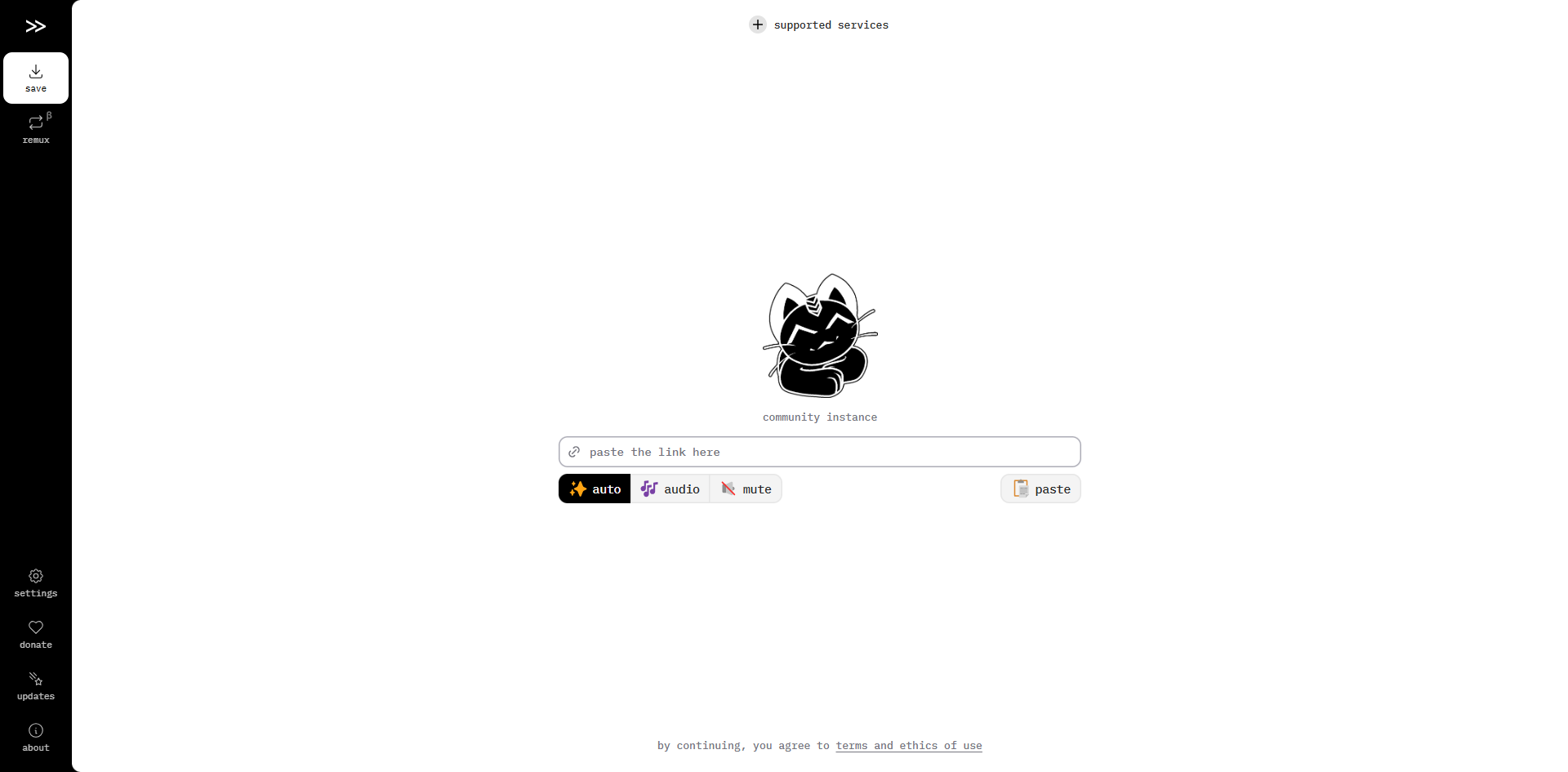 Paste the link: Copy and paste the video link you want to download into the input box.
I'm entering a Bilibili link: https://www.bilibili.com/video/BV1Z5MMzWEsg/?spm_id_from=333.1007.tianma.1-1-1.click
Paste the link: Copy and paste the video link you want to download into the input box.
I'm entering a Bilibili link: https://www.bilibili.com/video/BV1Z5MMzWEsg/?spm_id_from=333.1007.tianma.1-1-1.click
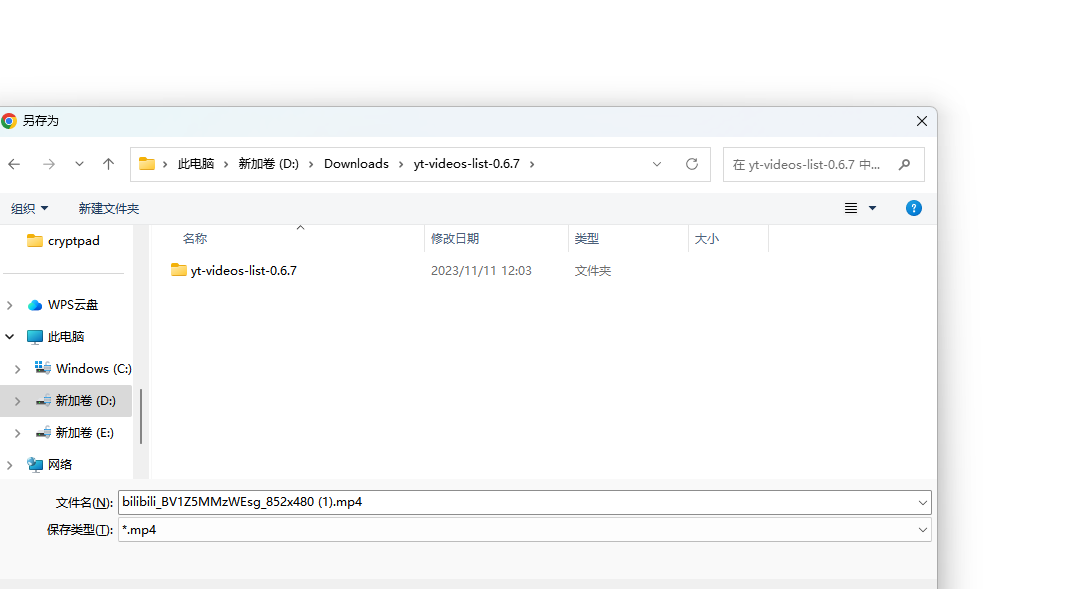 Automatic Download: I'm using a Windows PC, and it automatically prompts me to select a save path.
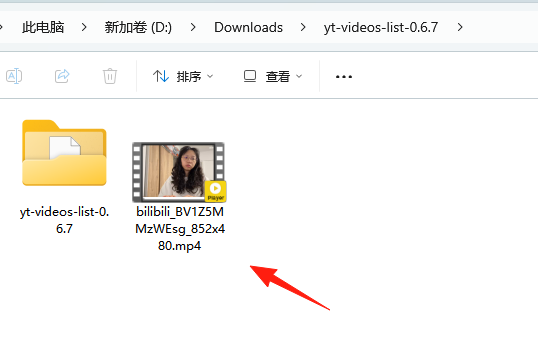
Set Personalized Options
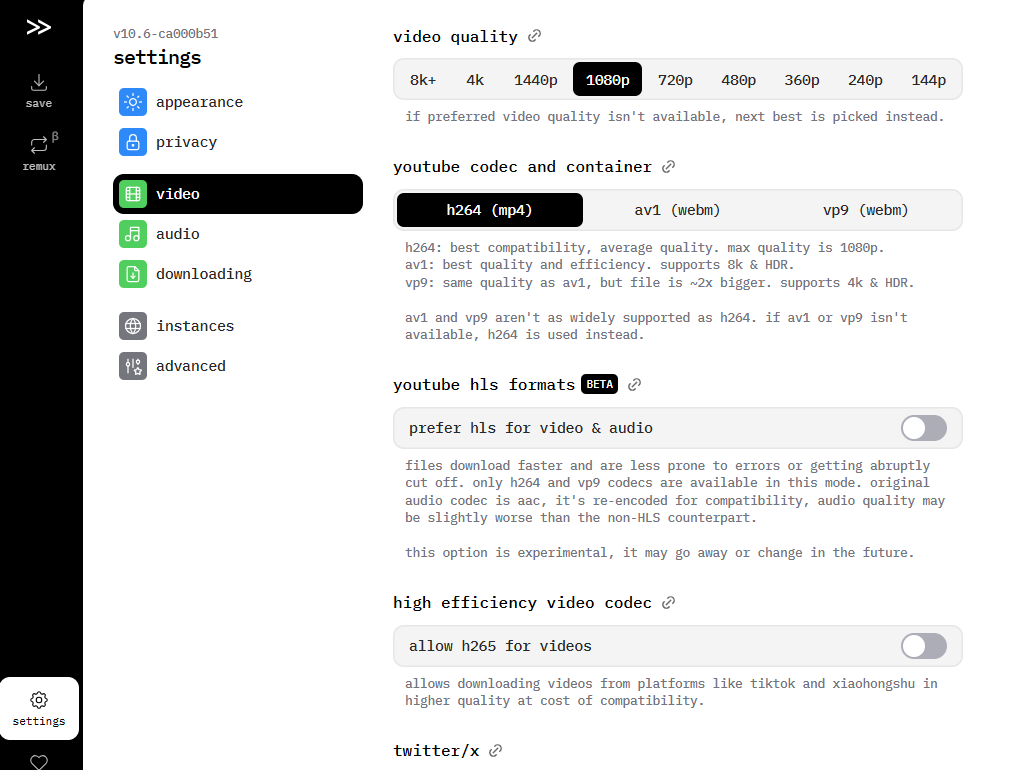
Before downloading, you can click the settings button to adjust:
- Video Quality: Choose from 360p to 8K
- Audio Quality: Options range from standard to lossless
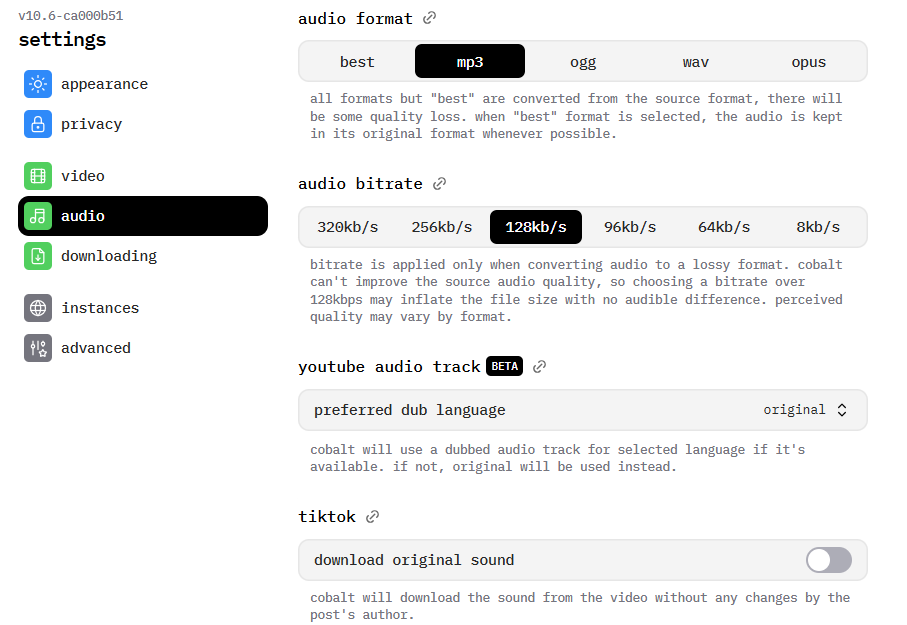
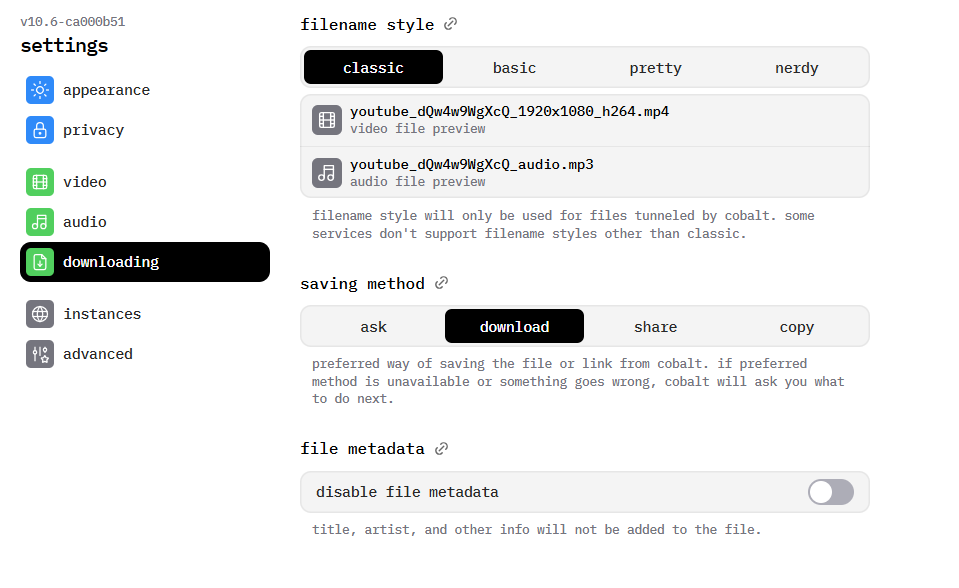
- File Format: Choose from MP4, MP3, WAV, and other formats
- Download Mode: Audio only, video only, or both
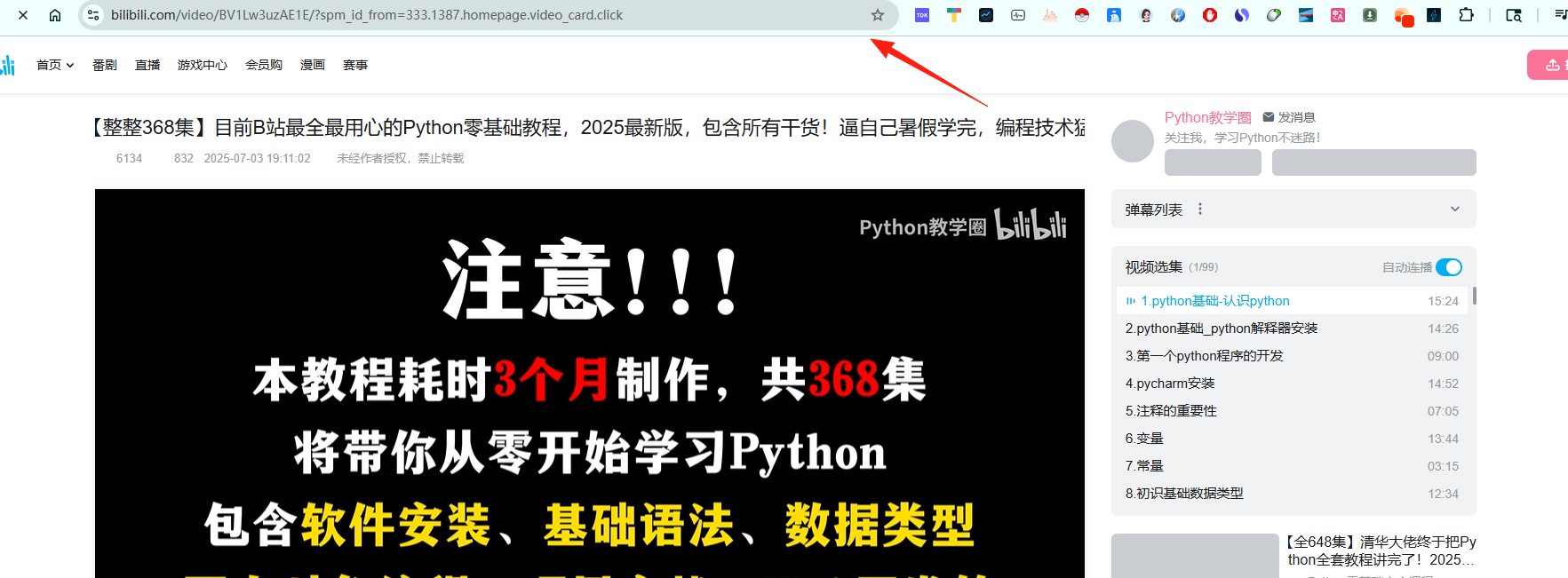
For Bilibili Playlists:
- Directly paste the playlist link
- Cobalt will automatically recognize it and provide batch download options
- You can choose to download all videos or a specified range
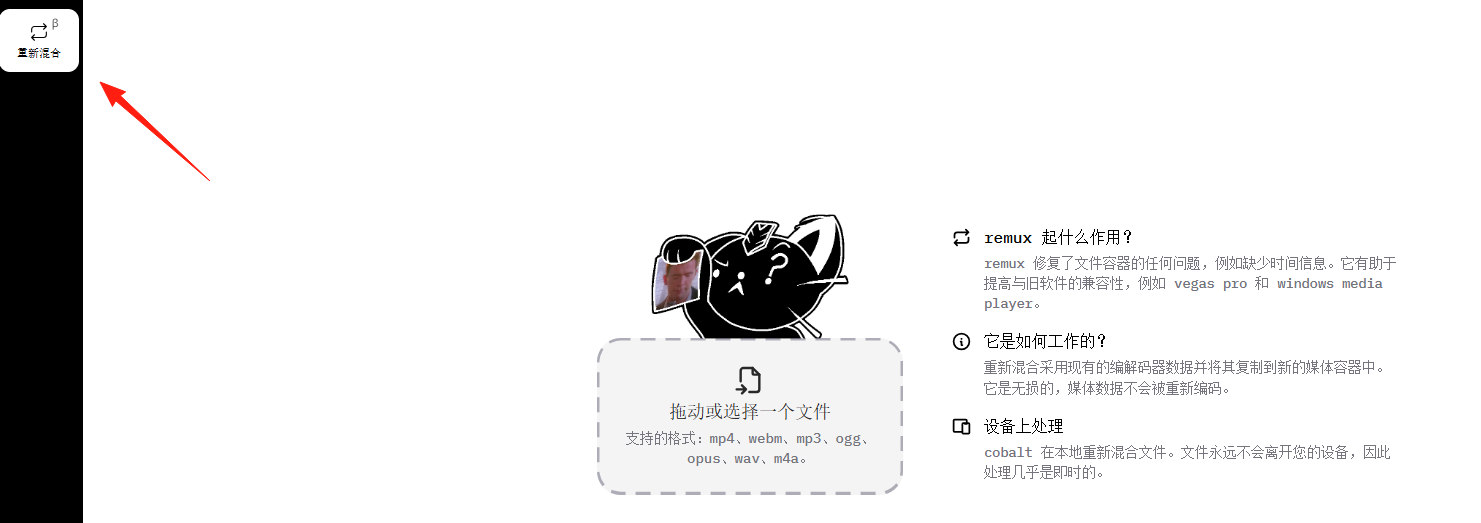
The feature on the left is said to fix some file errors and supports formats like mp4, mp3, etc.
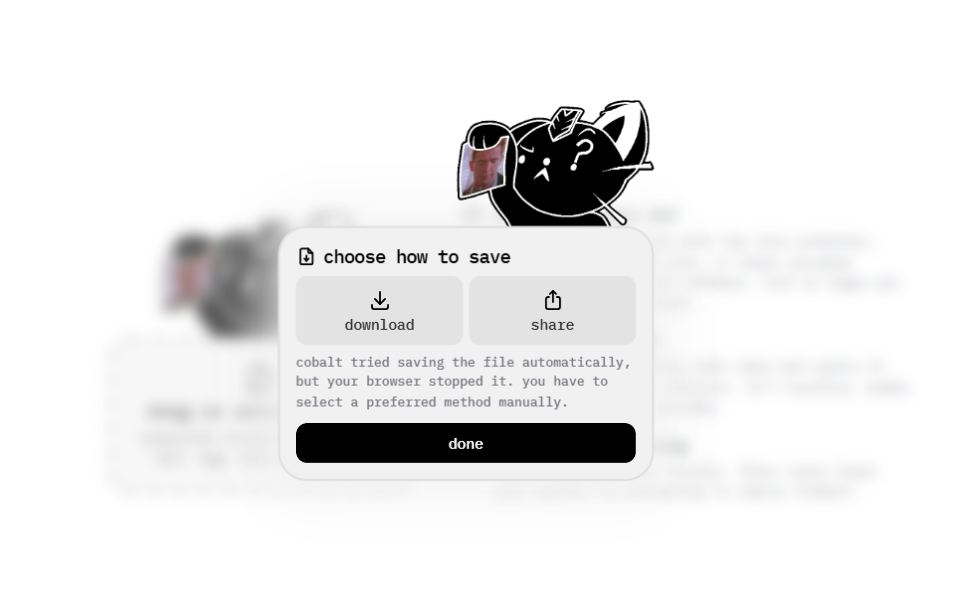
After automatic repair, you can download the file to your computer.
Summary
Some YouTube videos can't be downloaded successfully.
If you frequently need to download online videos, whether for learning, archiving, or offline viewing, Cobalt is worth a try.