
Tldraw Practical Guide - A Convenient Online Drawing Tool
What is Tldraw?
Have you ever encountered these situations:
- Wanting to draw a flowchart during a meeting, but finding pen and paper too slow, and computer tools too complex?
- Wanting to collaborate and discuss designs with colleagues, but everyone is in different locations?
- Having a product idea and wanting to quickly sketch a prototype, but not knowing how to code?
If you've faced these challenges, then the tool recommended today can definitely help - Tldraw.
Tldraw is an open-source infinite canvas whiteboard tool. Simply put, it's an online drawing board.
https://appstore.lazycat.cloud/#/shop/detail/wcloud.gblw.app.tldraw
Quick Start Guide
Basic Usage
After installing it from the store, you can open and use it immediately—no registration required.
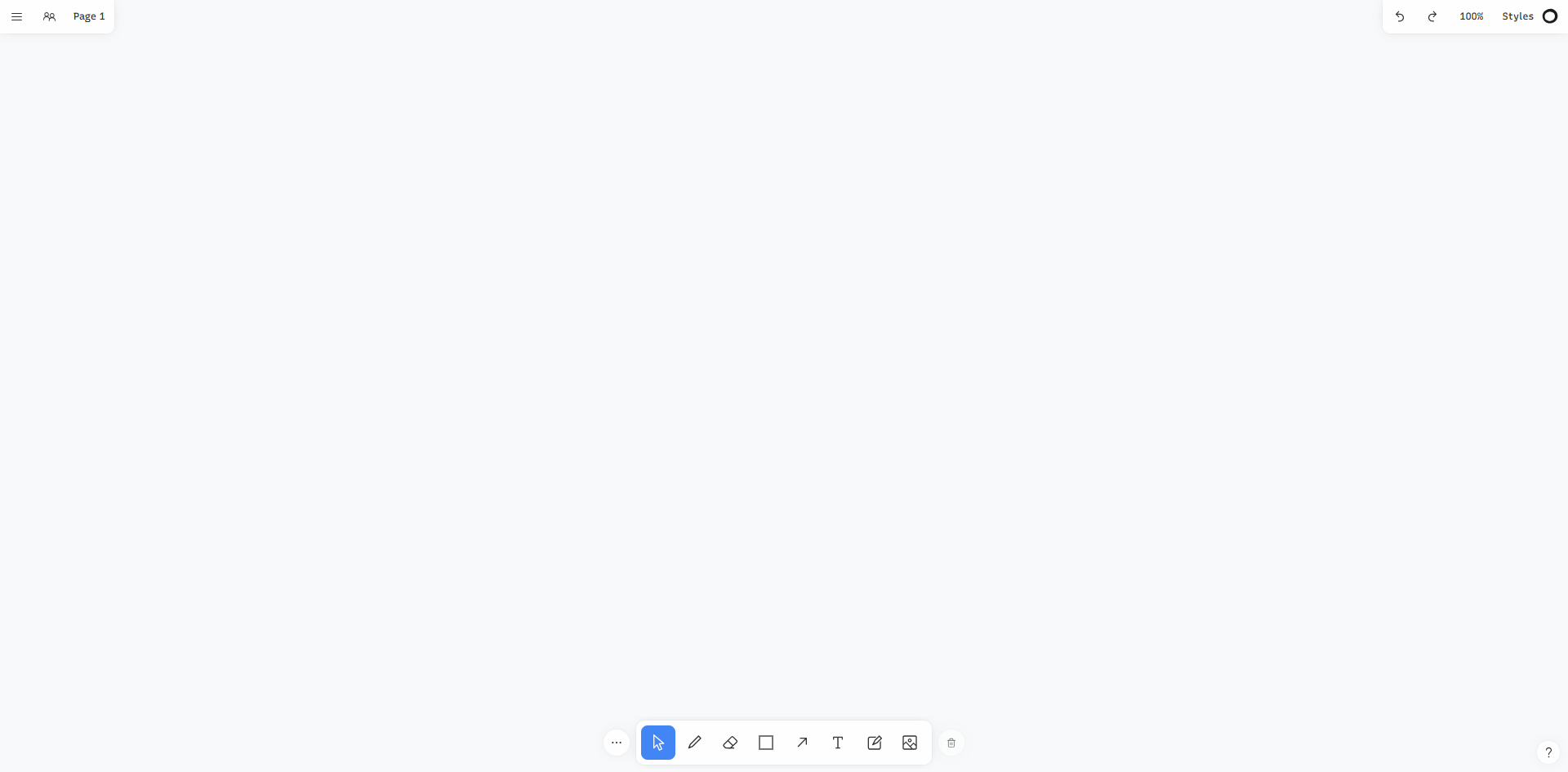
Basic Tools:
- 🖊️ Pen - Freehand drawing with a sketch-like effect
- 📦 Shapes - Rectangles, circles, arrows, etc.
- 📝 Text - Add text annotations
- 🗒️ Sticky Note - Similar to Post-it notes
- 🖼️ Image - Upload images to the canvas
- ✋ Select - Select, move, and resize elements
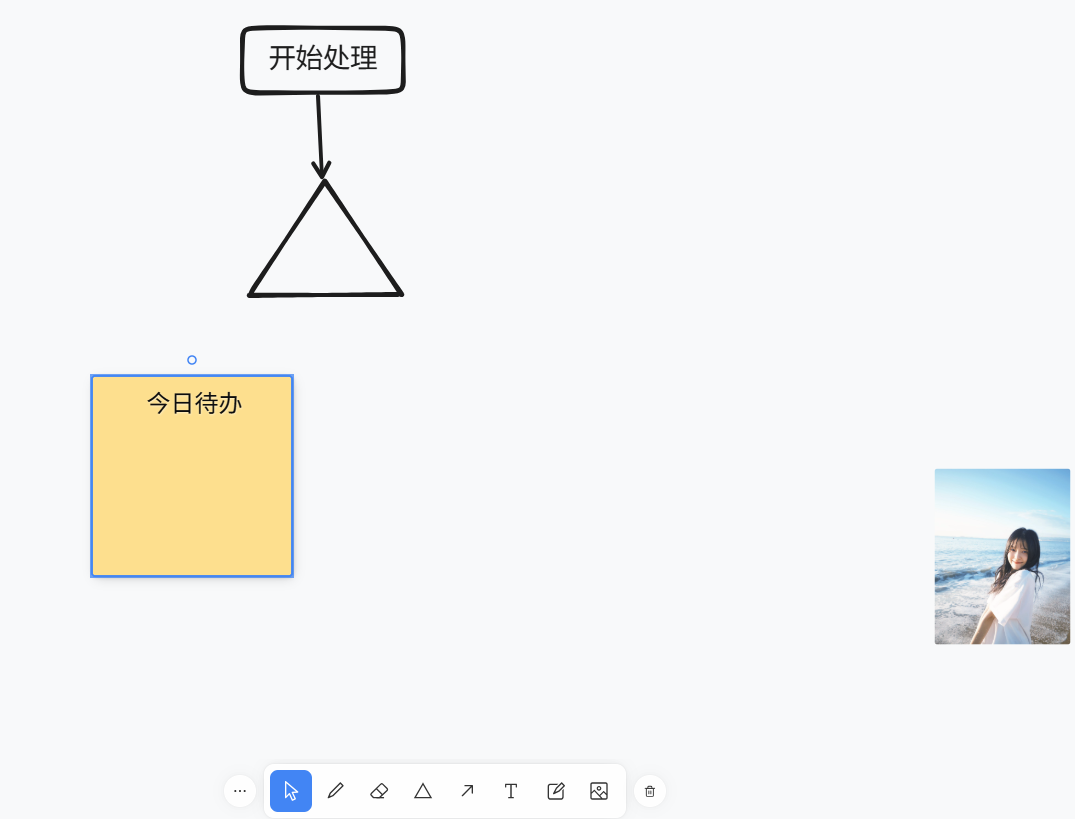
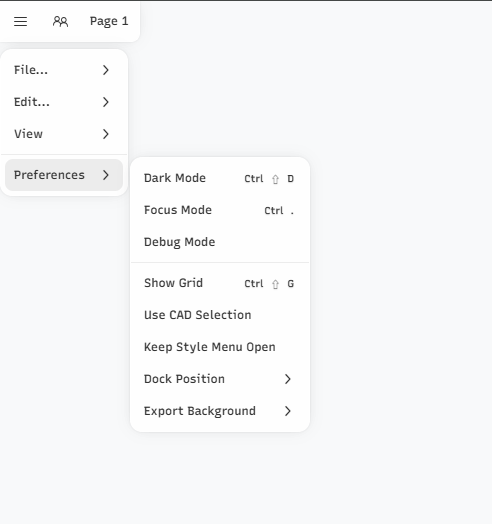
The left side contains the standard menu.
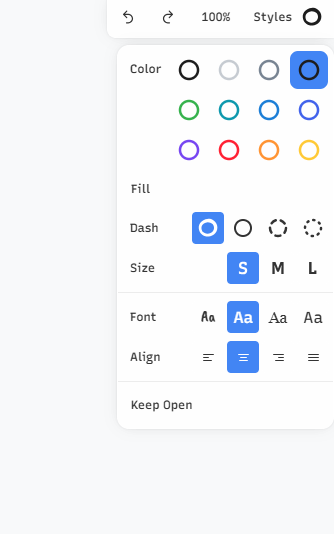
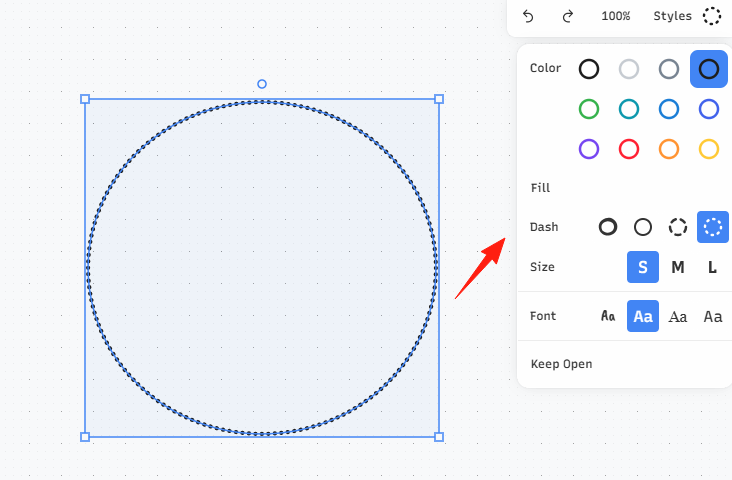
The right side allows you to configure colors, fonts, etc.
Saving and Exporting
- Auto-save - Content is automatically saved locally in your browser
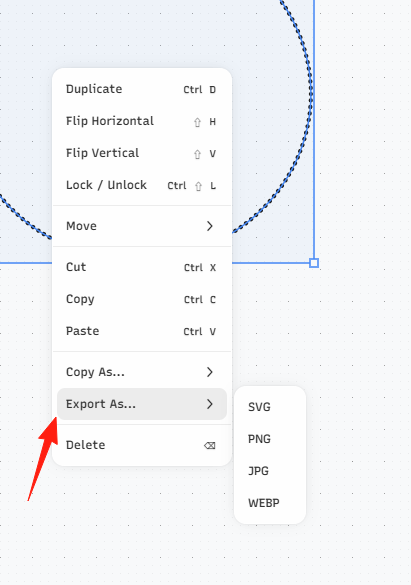
- Export Image - Supports PNG and SVG formats
- Export Data - Can export .tldr files for easy backup
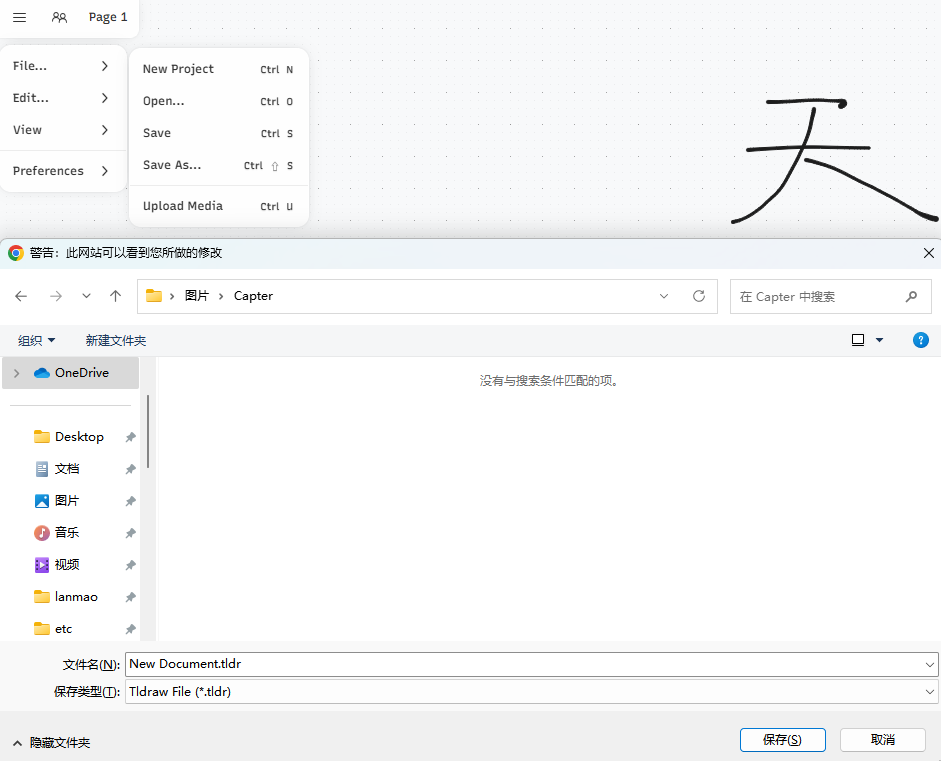
Tldraw's hand-drawn style is one of its features, but you can adjust it:
- After selecting an element, use the right panel to adjust its style
- You can choose solid, dashed, or dotted lines
- You can adjust thickness and color
- You can select fill styles
Export Tips
Exporting High-Quality Images:
- Select the area you want to export
- Right-click and choose "Export as PNG"
- You can set the background color and resolution
Exporting Vector Graphics:
- Select "Export as SVG"
- Can be further edited in other design software
VS Code Integration
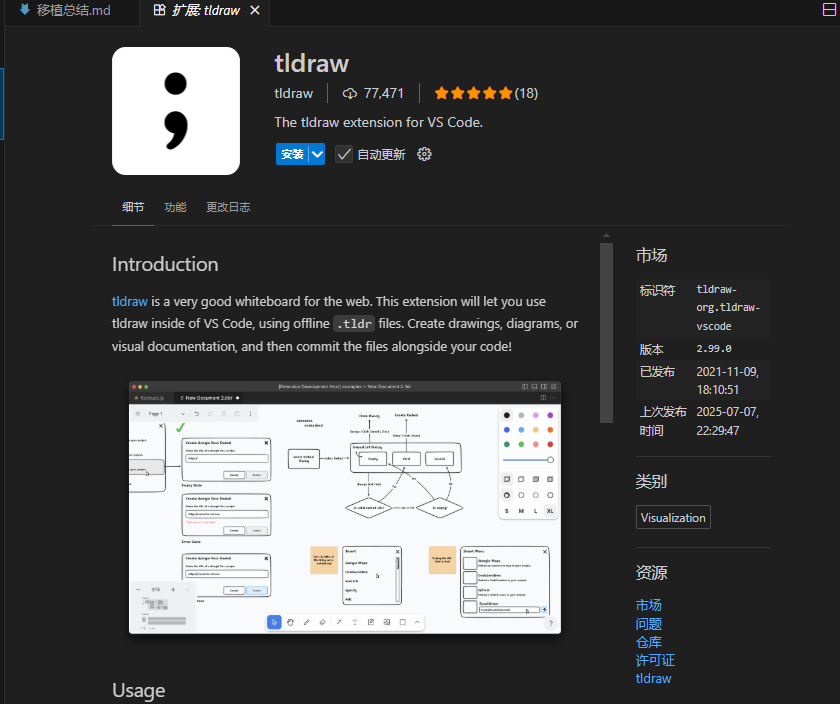
Tldraw also has a VS Code extension, allowing you to use it directly within the editor:
- Search for the "tldraw" extension in VS Code
- After installation, you can create .tldr files
- Draw and take notes directly in the editor
- Particularly suitable for technical documentation and design drafts
Summary
Tldraw makes drawing simple and fun, eliminating the need for complex tools and cumbersome operations. Just draw whatever comes to mind.
Related Resources
- Official Website: https://www.tldraw.com/
- GitHub Repository: https://github.com/tldraw/tldraw
- Make It Real: https://makereal.tldraw.com/
- Developer Documentation: https://tldraw.dev/
- VS Code Extension: Search for "tldraw"