
DataEase Getting Started Guide - Making Data Visualization No Longer a Challenge
Introduction
When it comes to data visualization, your first thought might be: "Isn't that a programmer's job?" Or you might think of those expensive commercial software with annual licensing fees costing tens of thousands.
But today, I want to recommend a treasure tool - DataEase. It requires no coding; you can create stunning data dashboards simply by dragging and dropping.
https://appstore.lazycat.cloud/#/shop/detail/cloud.lazycat.app.dataease
Quick Start Guide
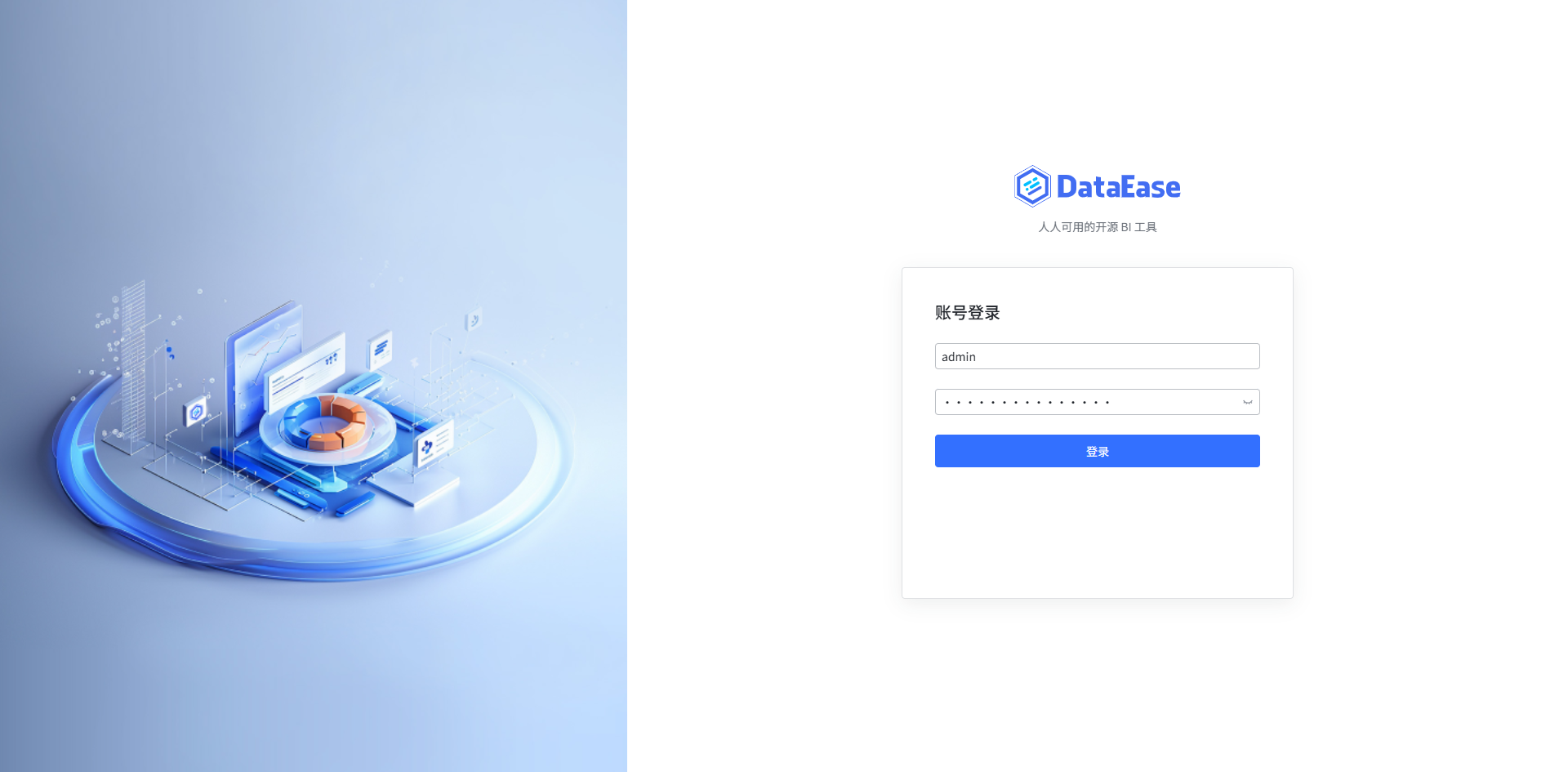
After installation, the system login credentials are: Username: admin Password: DataEase@123456
Homepage Features:
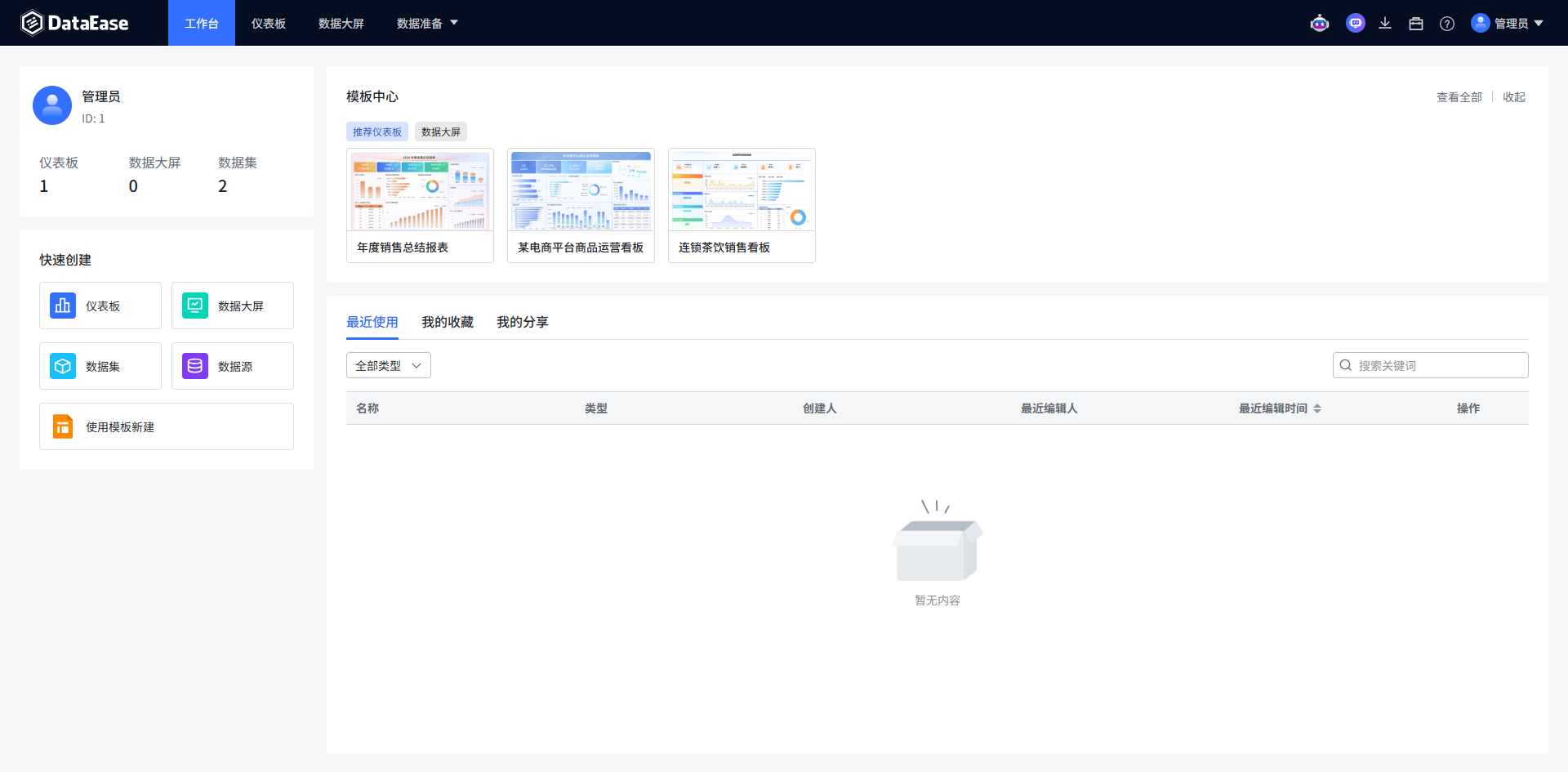
Hands-on Guide - Creating Your First Data Dashboard
Step 1: Prepare Data
Assume you have an Excel sheet containing LazyCat App Store data with the following fields:
- App Name
- Download Count
- Description
- Creation Time
Step 2: Create Data Source
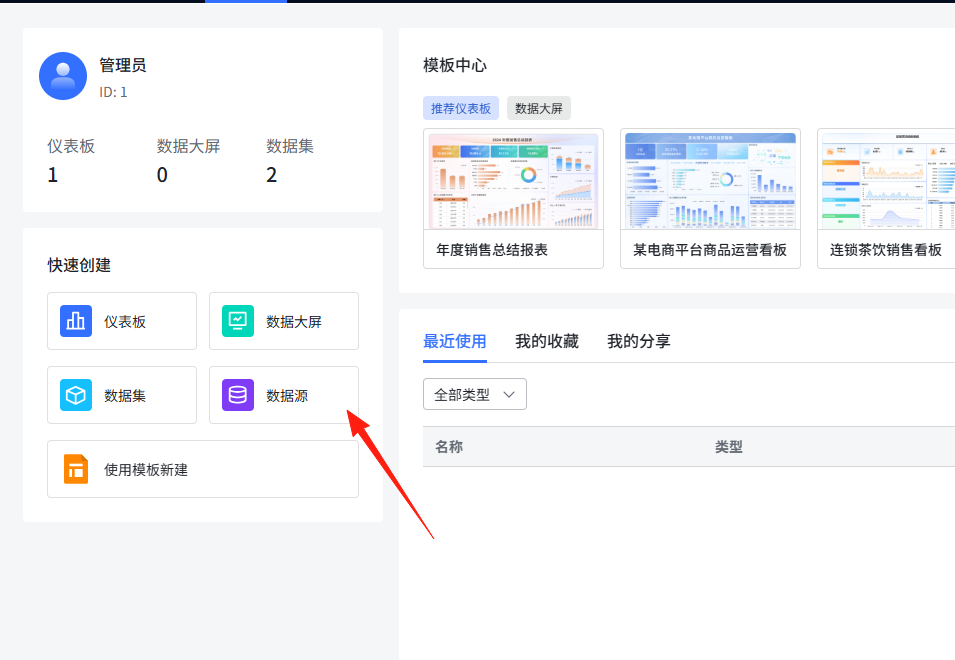
Click the "Data Source" option in the left menu
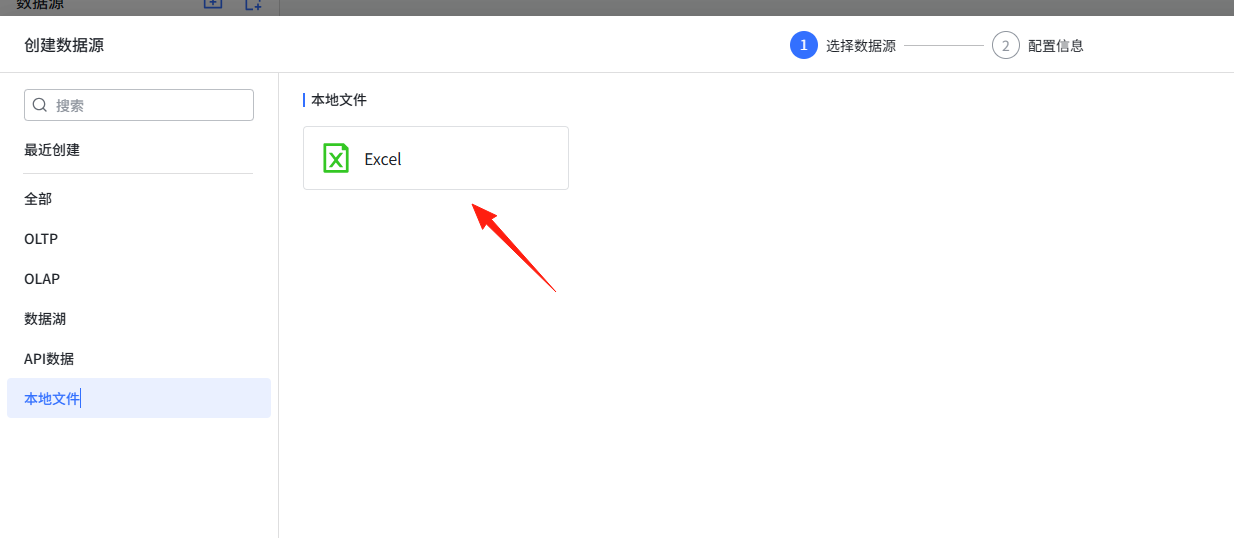
 Select the "Excel" type
 Upload your Excel file
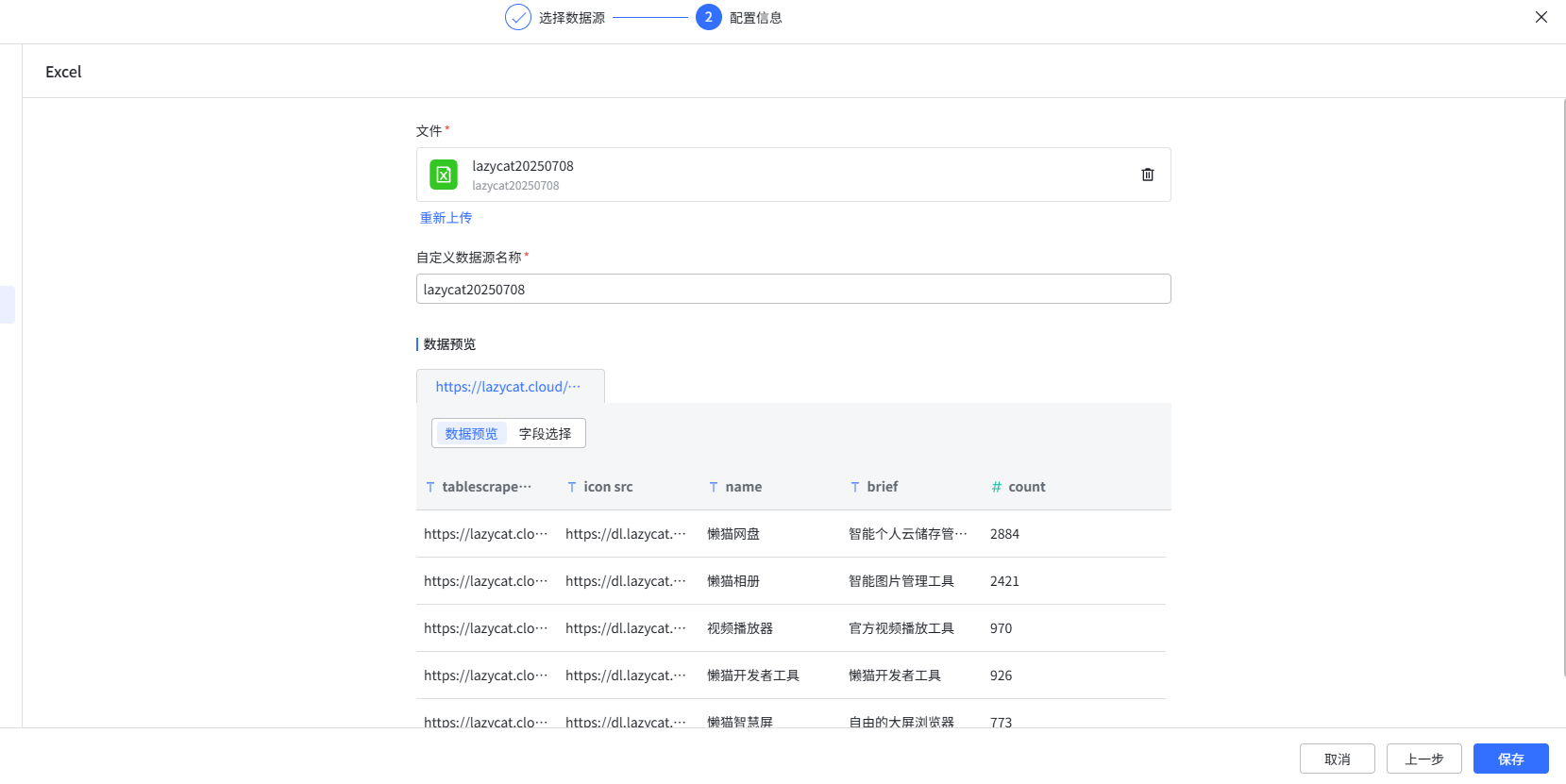 The system will automatically recognize headers and data types
Step 3: Create Dataset
Go to the "Dataset" page and click "New Dataset"
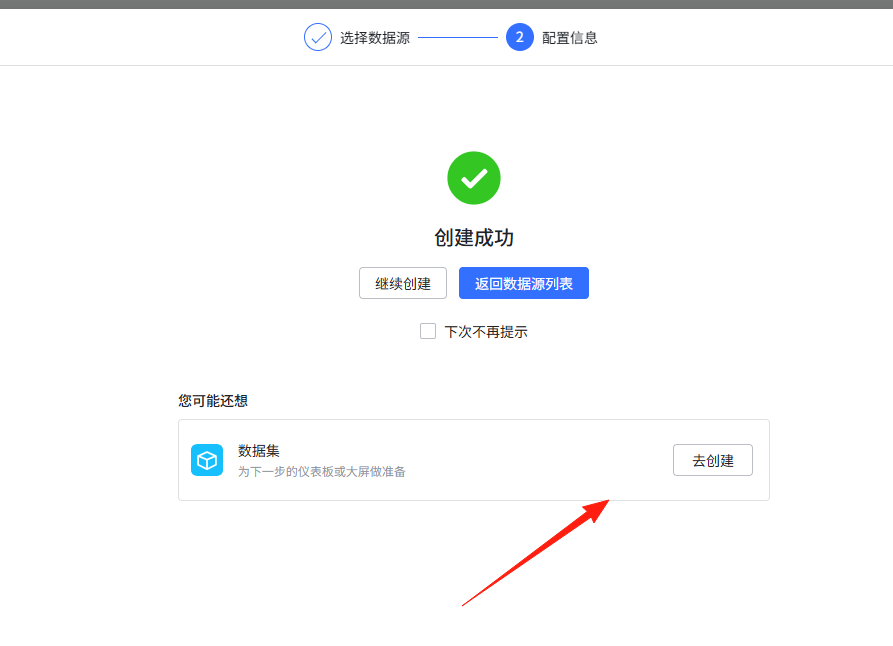 Select the data source you just created
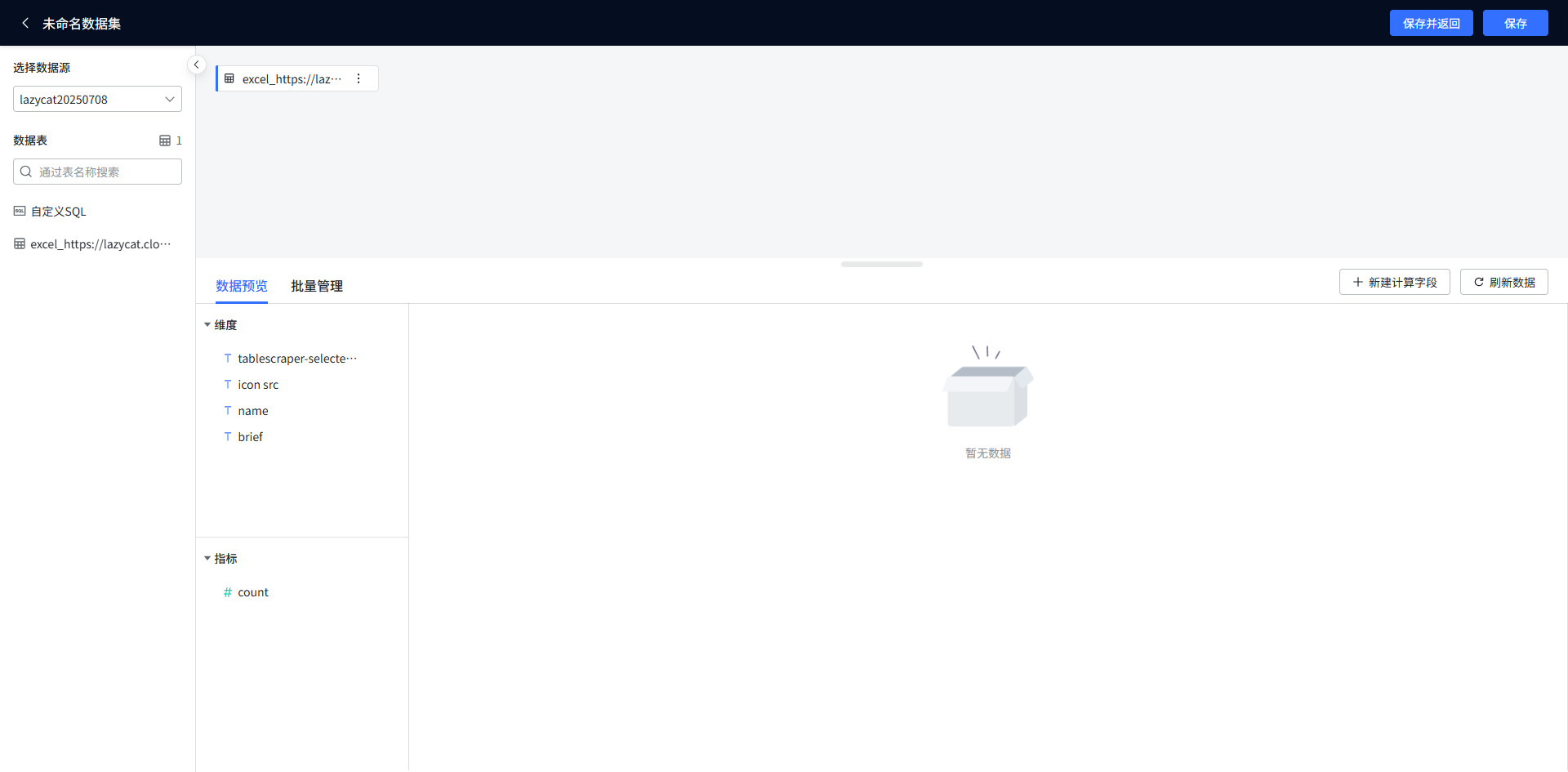 You can perform simple filtering and processing on the data
Step 4: Create Charts (Here comes the key part)
Create a new "Dashboard"
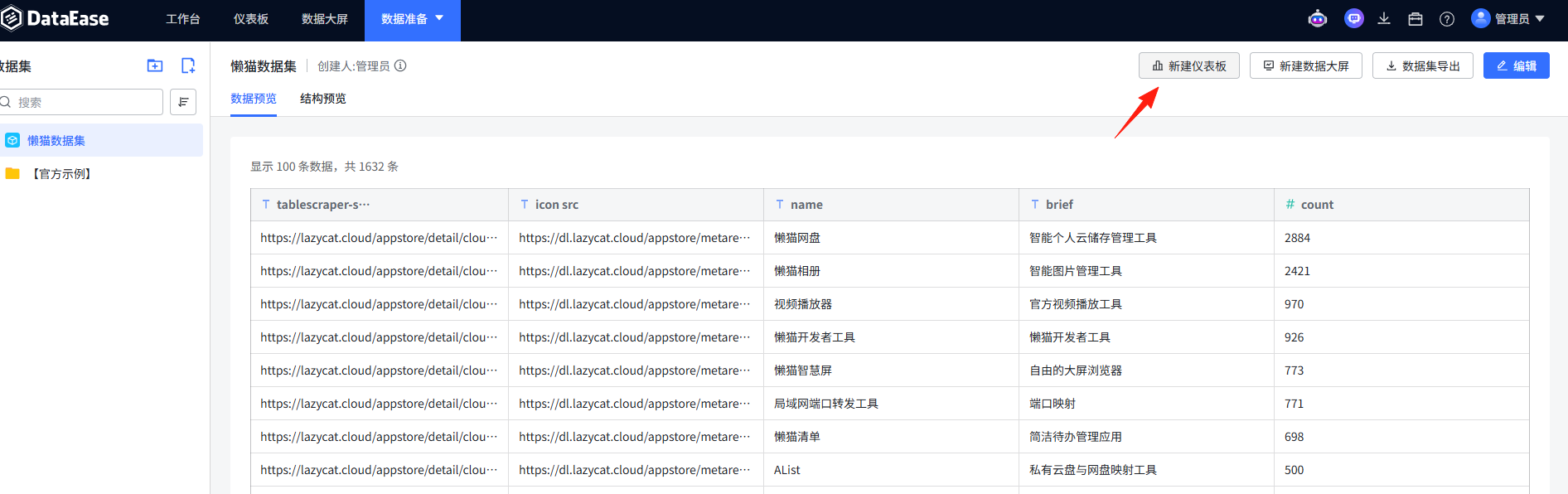
Select an appropriate chart type
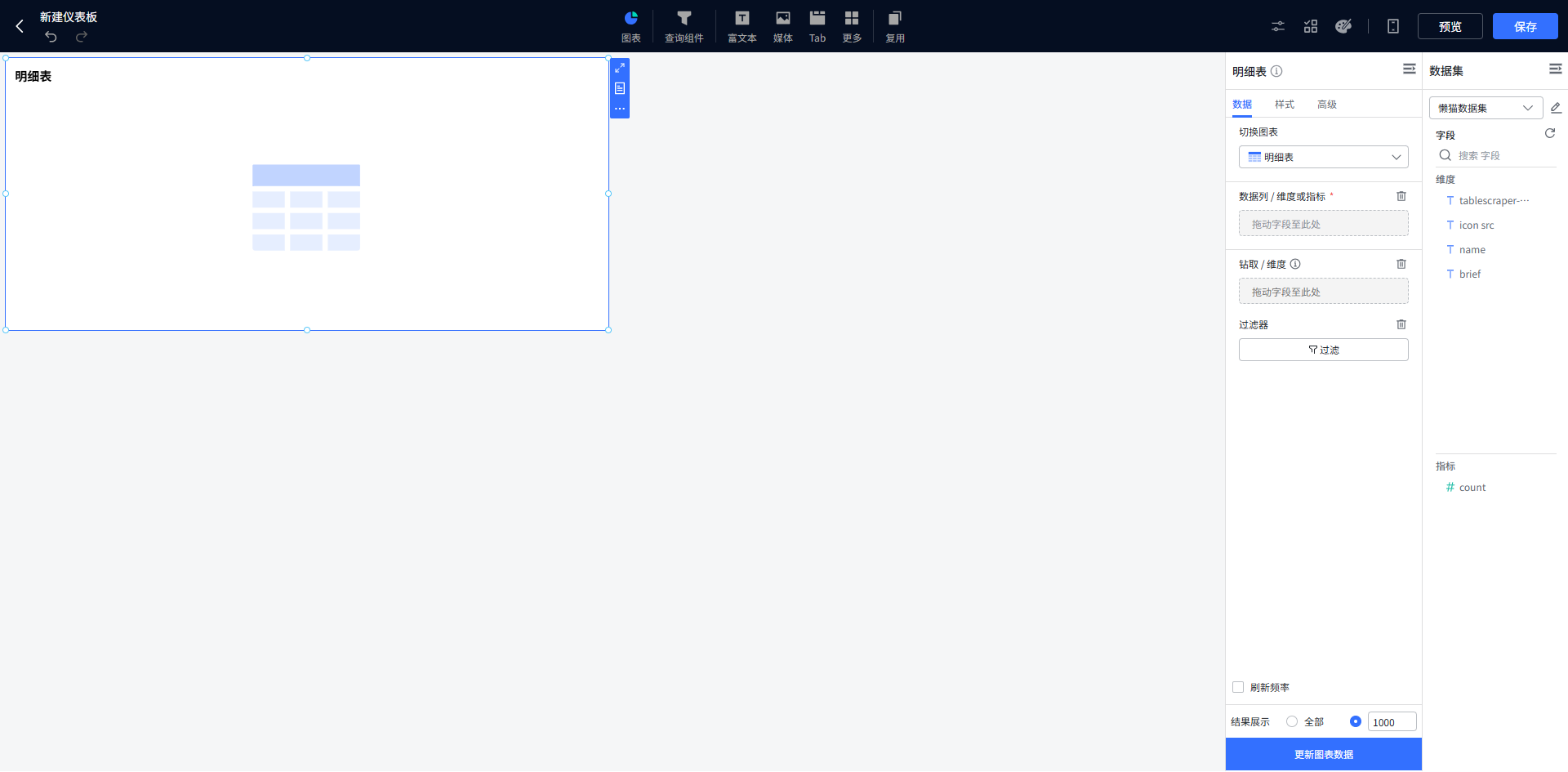
Drag the fields you want to process to the left side
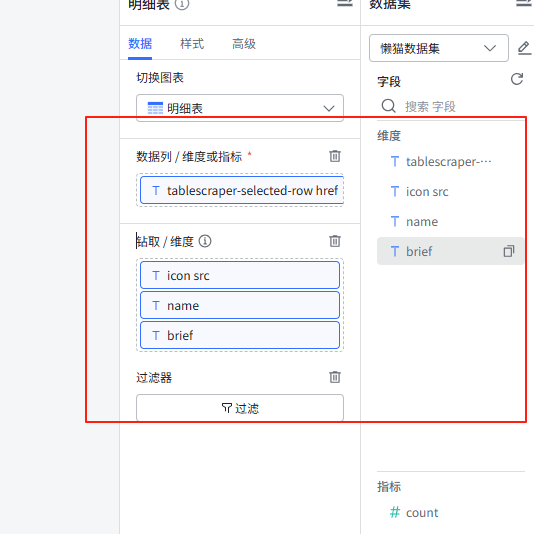
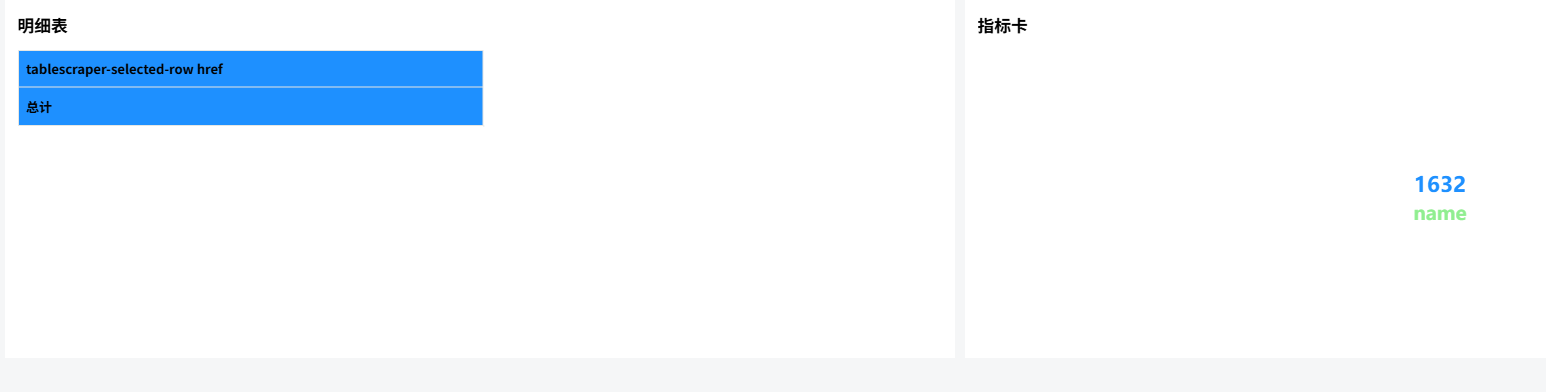
After saving, you can see the result
If you want to make it look better, you can use official templates
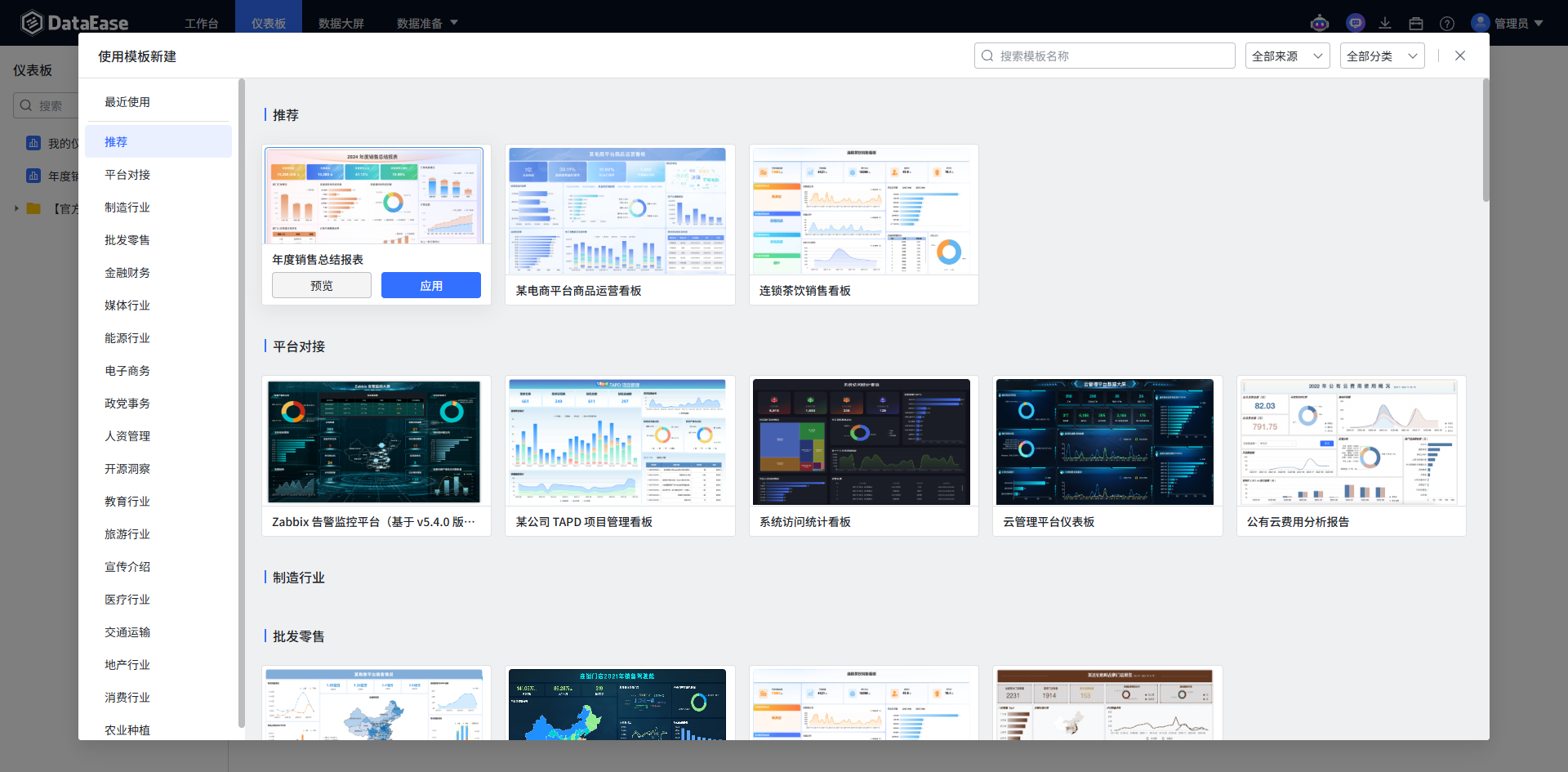
For specific data display, as long as you have the corresponding data, it can be applied to the template.
Summary
DataEase makes data visualization simple and easy to use.
Stop envying others' cool data dashboards and try creating your own.
Resource Links
- Official Website: https://dataease.io/
- GitHub Repository: https://github.com/dataease/dataease
- Official Documentation: https://dataease.io/docs/
- Community Forum: https://bbs.fit2cloud.com/
Final reminder: This article is just a beginner's guide. DataEase's features are far more extensive than these. It is recommended that you follow this guide to practice first, and then delve into advanced features once you have the basics.