
Monica User Guide: Managing Your Contacts Effectively
What is Monica?
Monica is an open-source web application for managing personal relationships. Built on PHP and MySQL, it serves as a personal CRM system, helping you remember everything about your friends, family, and business contacts.
Monica allows you to quickly and easily record information about your contacts, enabling you to become a better friend, family member, or spouse.
https://appstore.lazycat.cloud/#/shop/detail/io.zeroc.app.monica
How to Use?
After installing from the store, the initial startup may be slow. If it fails to start, simply restart the application.
Chinese is supported by default. You need to register an account first:
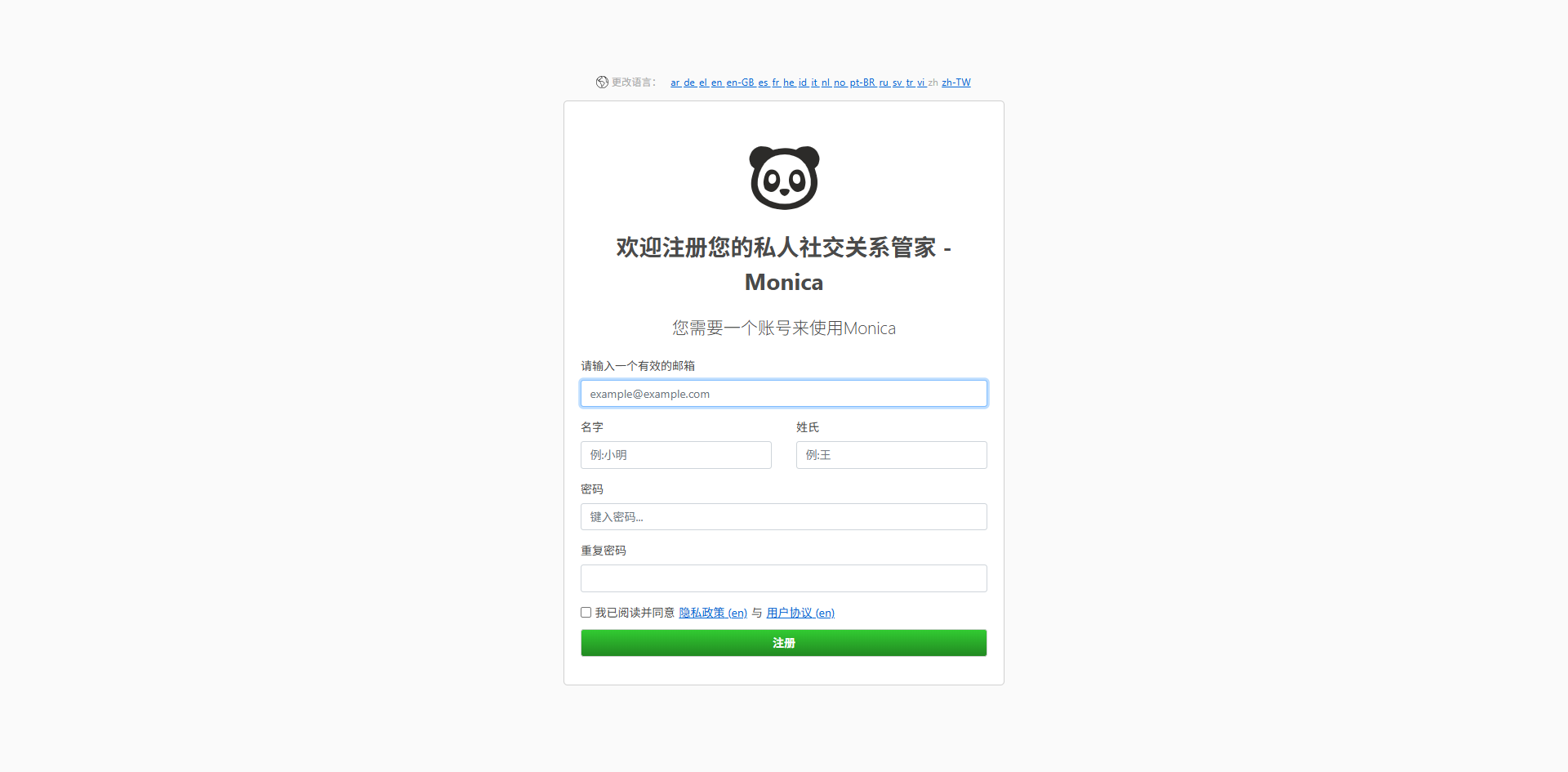
The password must be complex, requiring symbols and an 8-character alphanumeric combination.
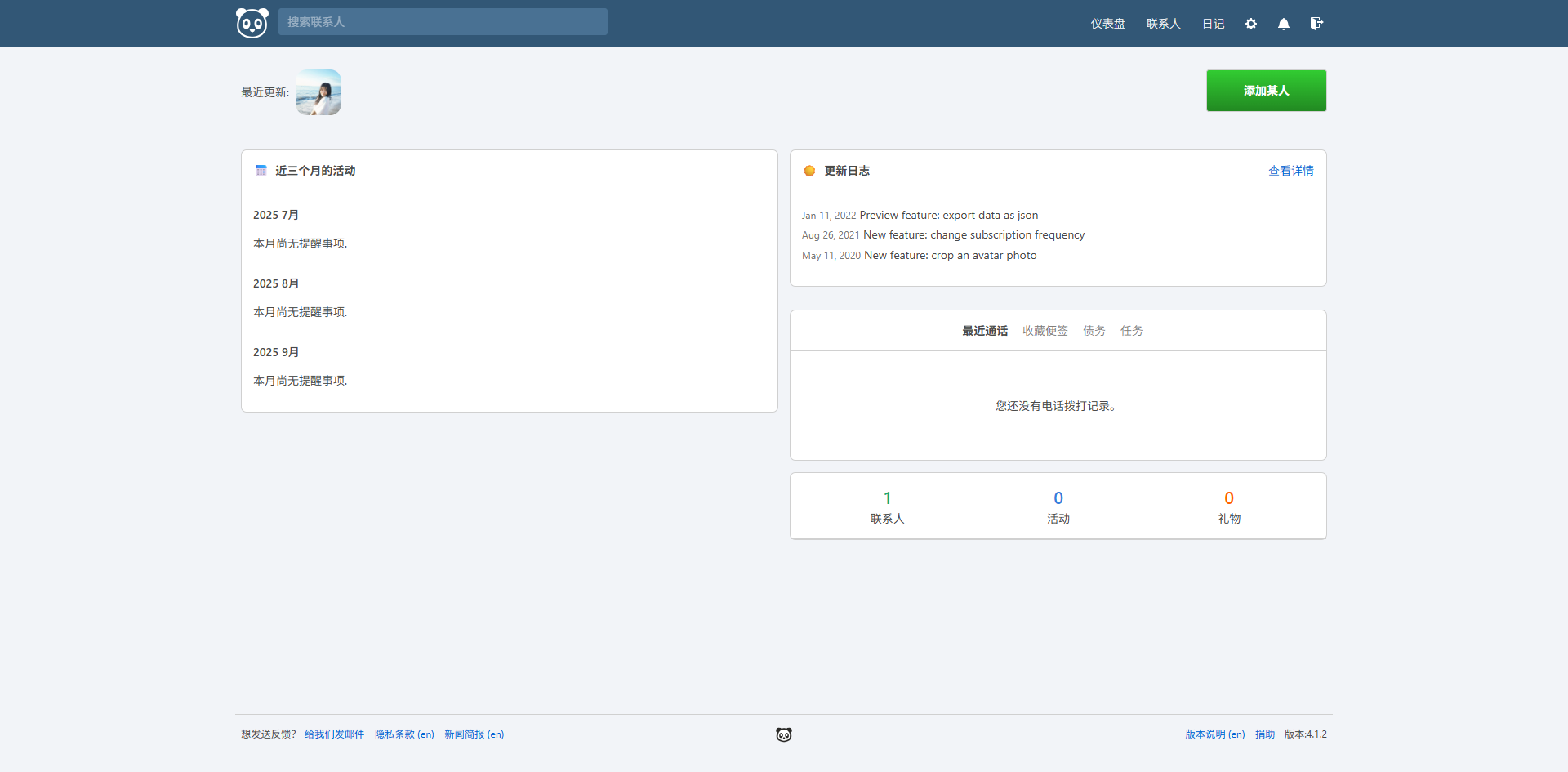
After successful registration, you will enter the homepage.
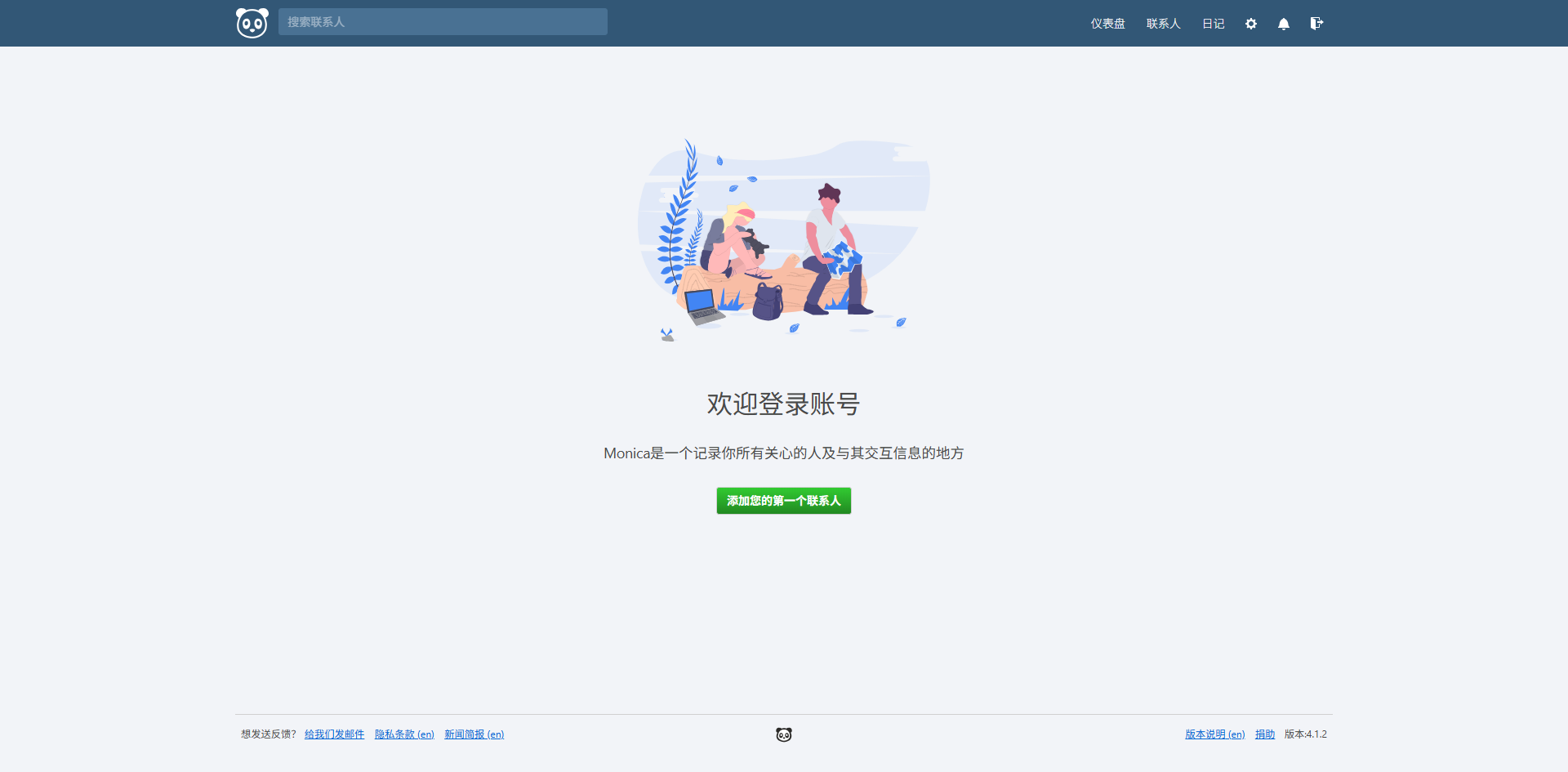
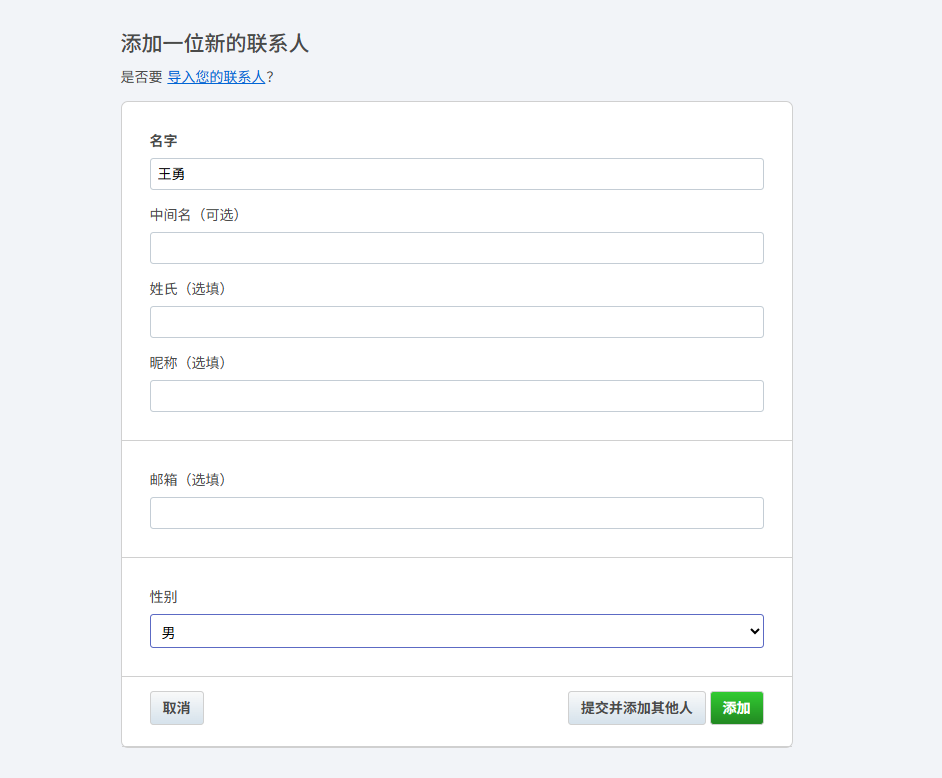
Add a contact.
You can then maintain more of their information.
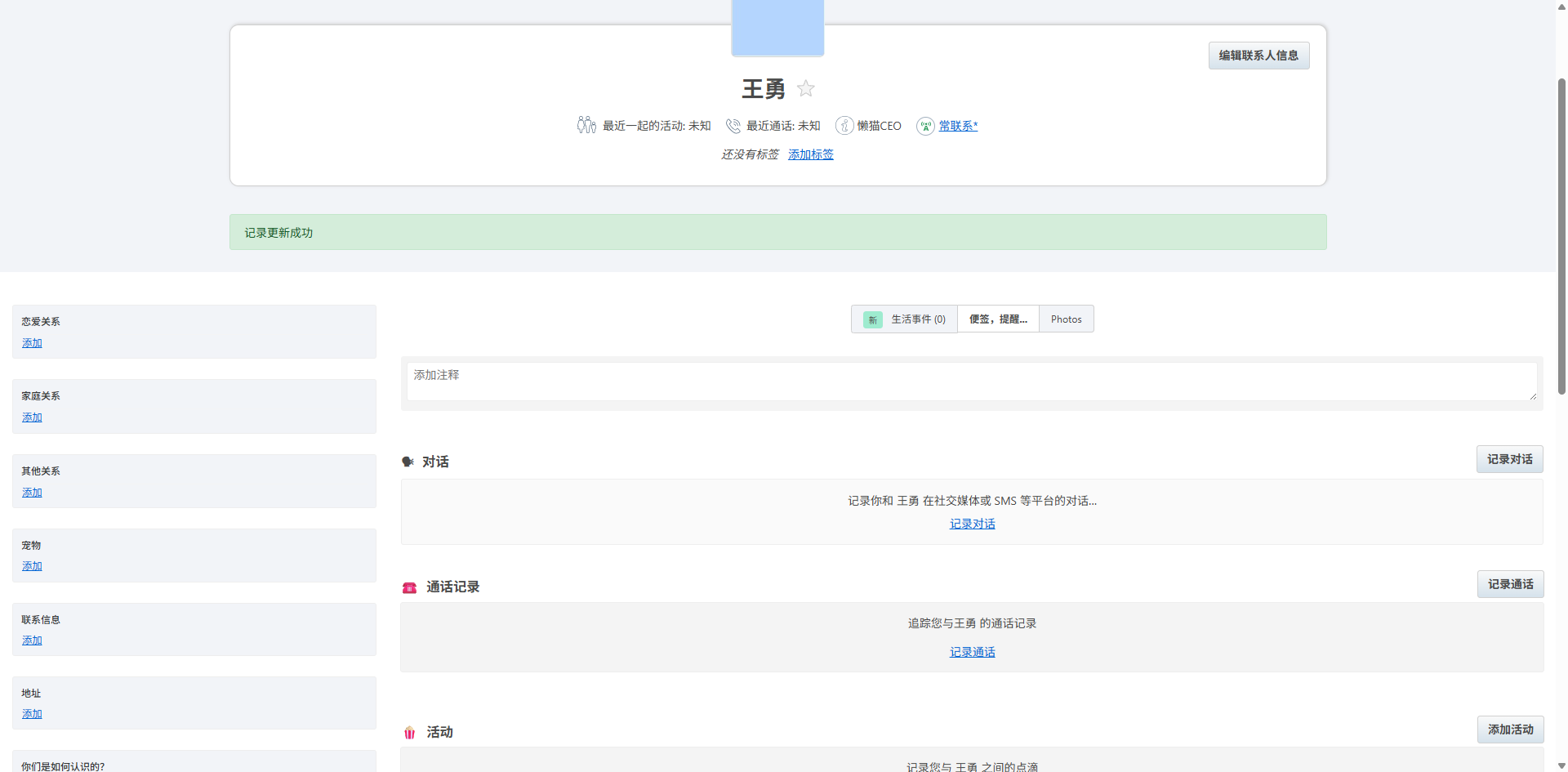
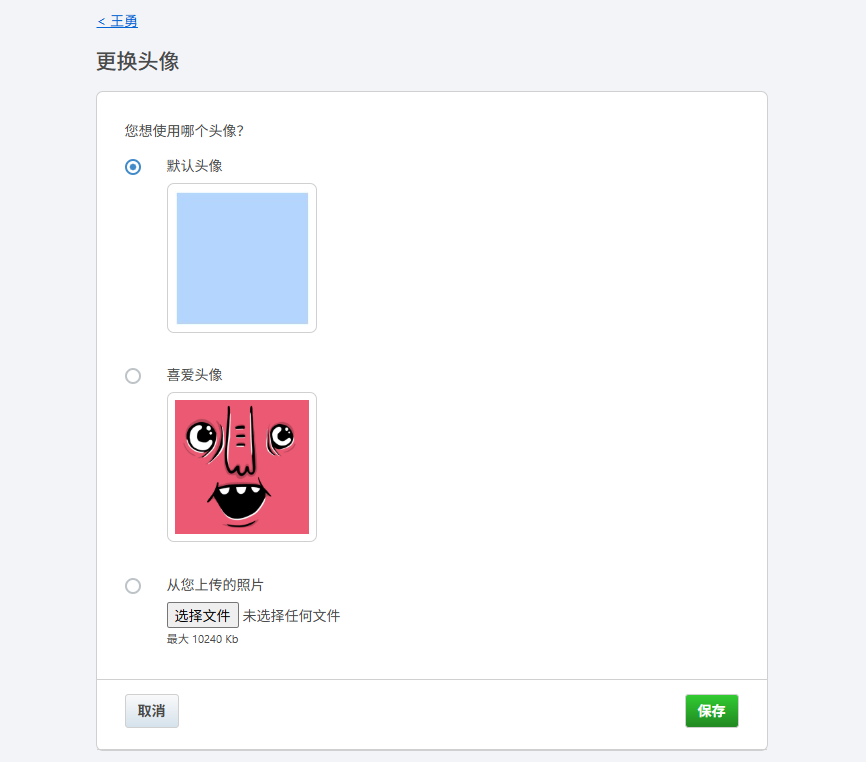
Click the avatar to change it.
For example, add some conversations.
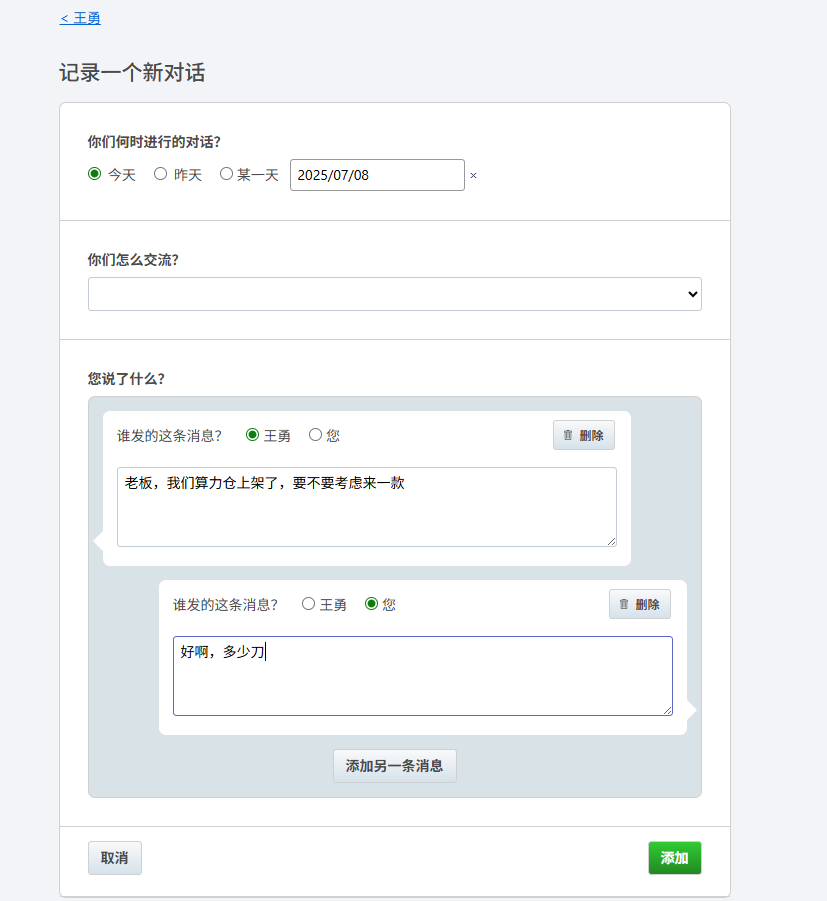
Unfortunately, there is no feature to import chat histories. Adding them one by one means you can only include key conversations.
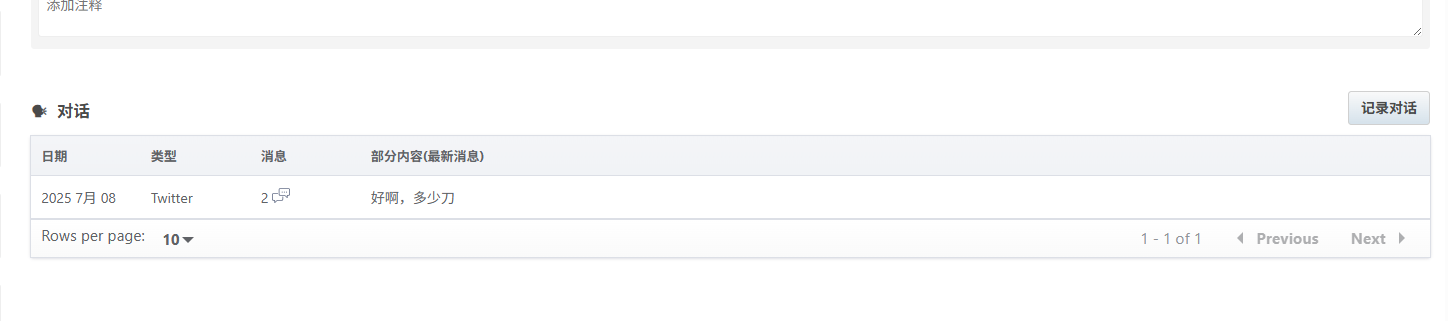
You can then view them in the Conversations section.
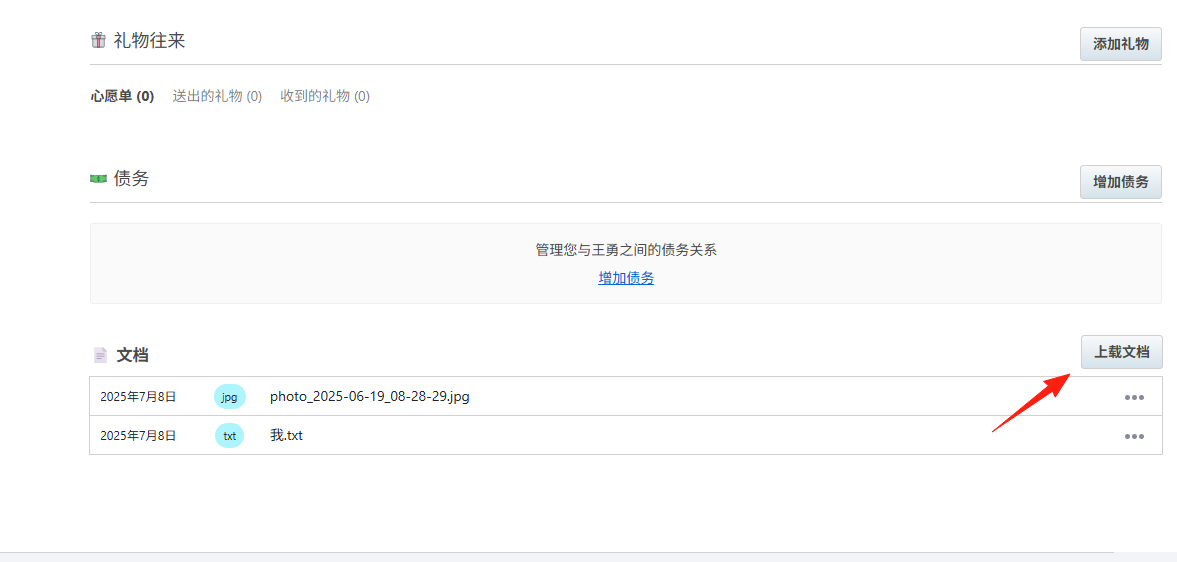
However, there is an [Upload Document] feature at the bottom. You can export your chat history as a document and upload it there. It supports common image and document types.
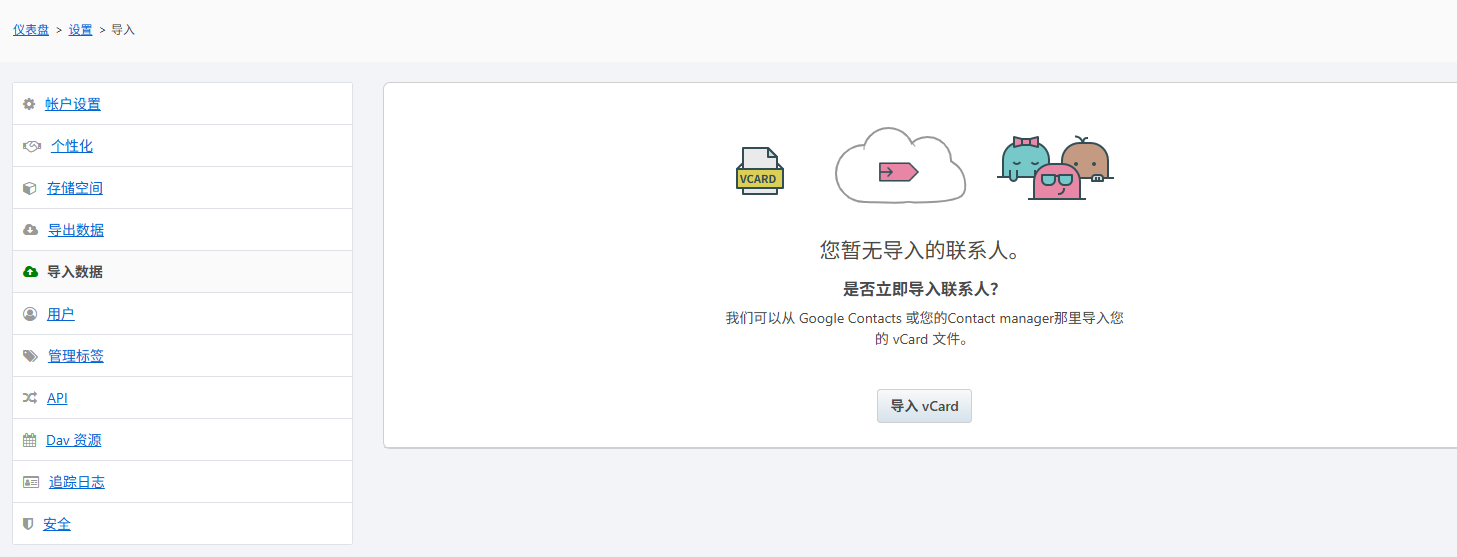
If you want to import contacts in bulk, it supports importing from Google Contacts.
The dashboard homepage displays contacts and some reminders.
Summary
For those who value interpersonal relationships, Monica is a very practical tool. It not only helps you remember important information but also makes you a more thoughtful person.
No more worrying about forgetting your girlfriend's birthday or various anniversaries...