
WallOS User Guide: Personal Finance Tracker
What is Wallos?
Wallos is a powerful, open-source, self-hosted web application designed to help you manage your finances with ease.
Say goodbye to complicated spreadsheets and expensive financial software – Wallos simplifies expense tracking and helps you gain better control over your financial life.
Key Features
- Subscription Management: Track your recurring subscriptions and payments to ensure you never miss a due date.
- Category Management: Organize your spending into customizable categories to better understand your spending habits.
- Multi-Currency Support: Wallos supports multiple currencies, allowing you to manage your finances in your preferred currency.
- Currency Conversion: Integrated with the Fixer API to fetch exchange rates and view all subscriptions in a primary currency.
- Data Privacy: As a self-hosted application, Wallos ensures your financial data remains private and secure on your own server.
- Customization: Tailor Wallos to your needs with customizable categories, currencies, themes, and other display options.
- Sorting Options: View your subscriptions from different perspectives.
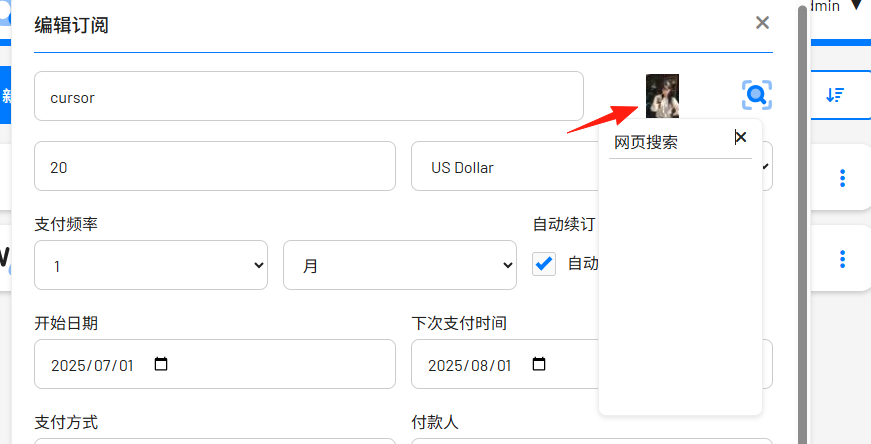
- Logo Search: If you don't have a logo ready to upload, Wallos can search the web for your subscription's logo.
- Mobile View: Use Wallos on the go.
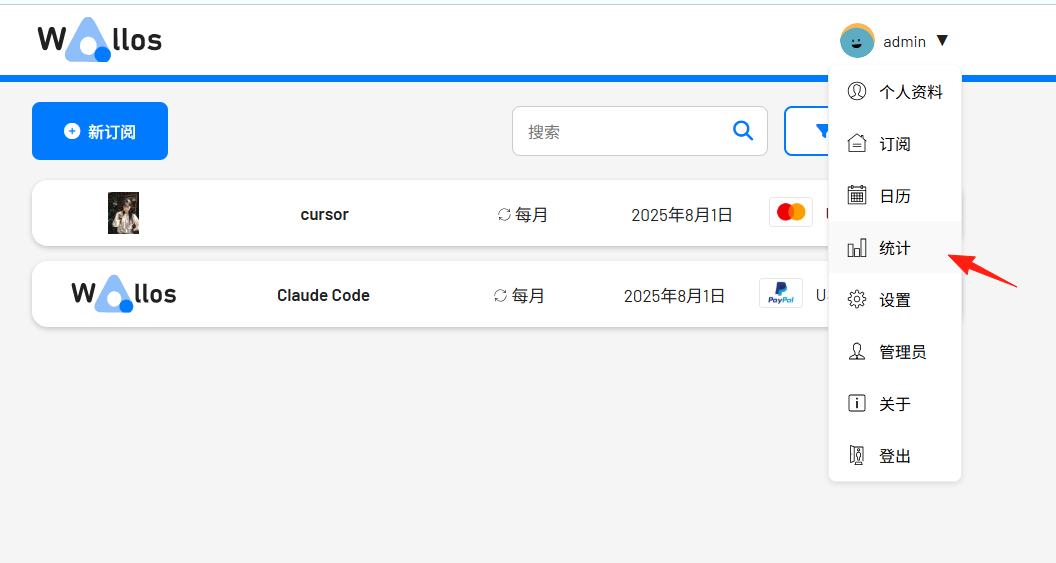
- Statistics: Gain another perspective on your spending.
- Notifications: Receive email notifications for upcoming payments.
https://appstore.lazycat.cloud/#/shop/detail/in.zhaoj.wallos
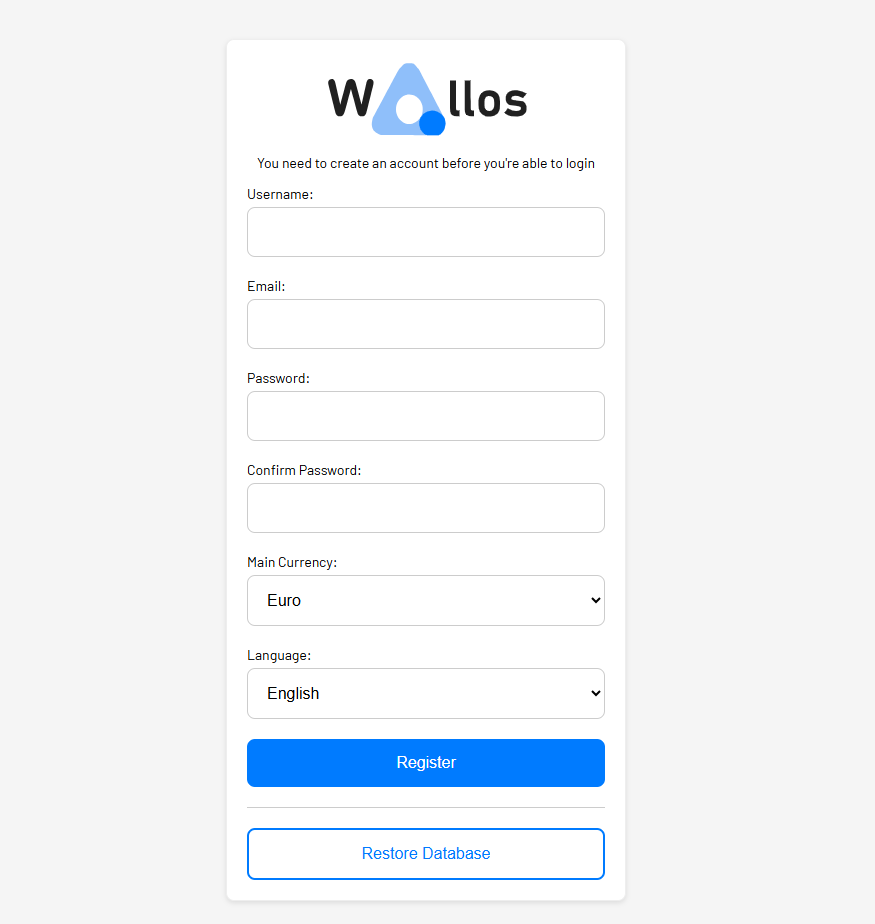
After installation, you need to register a user first.
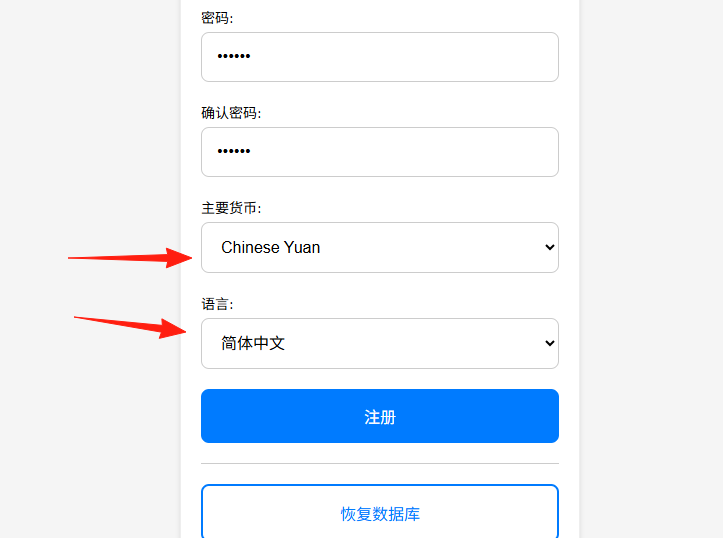
If using it in China, you can change the currency to Yuan and the language to Simplified Chinese.
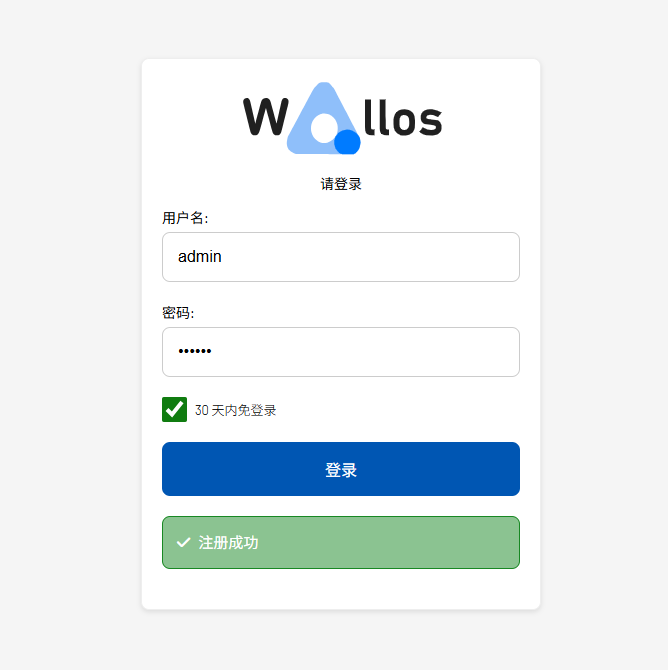
After successful registration, you can log in.
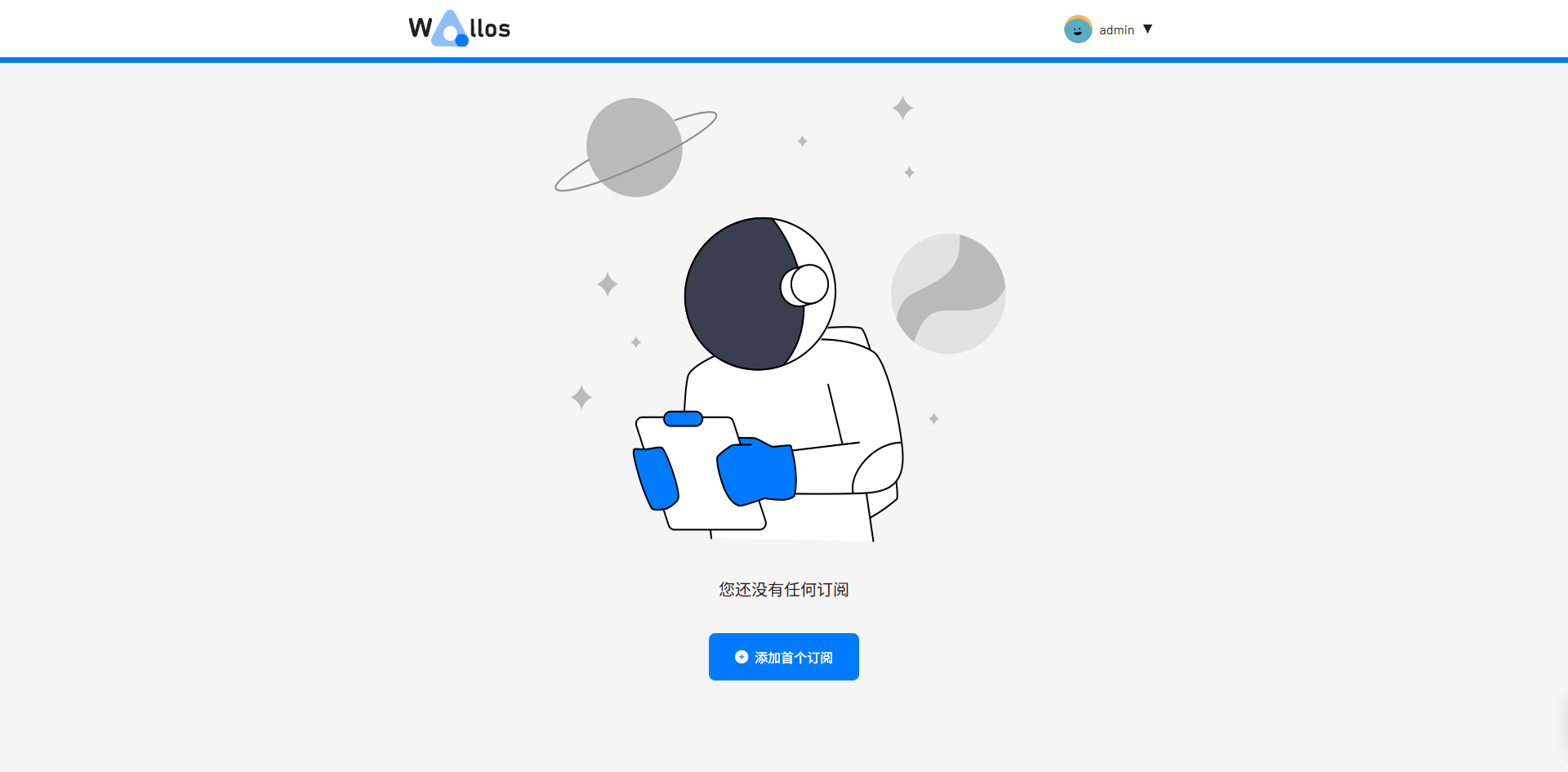
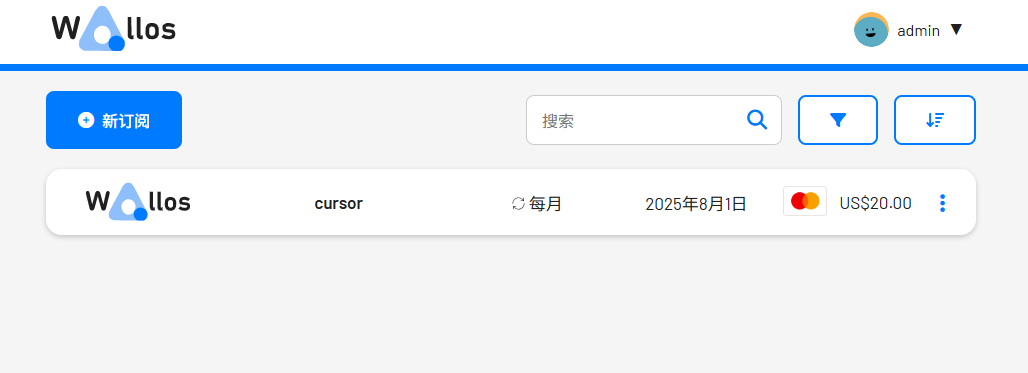
Enter the home page.
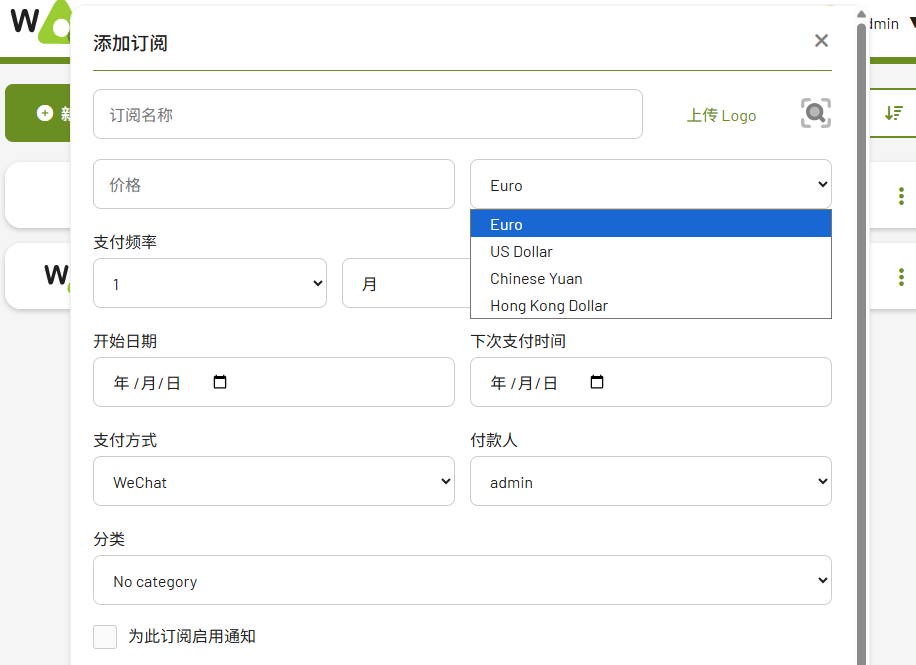
Add a subscription:
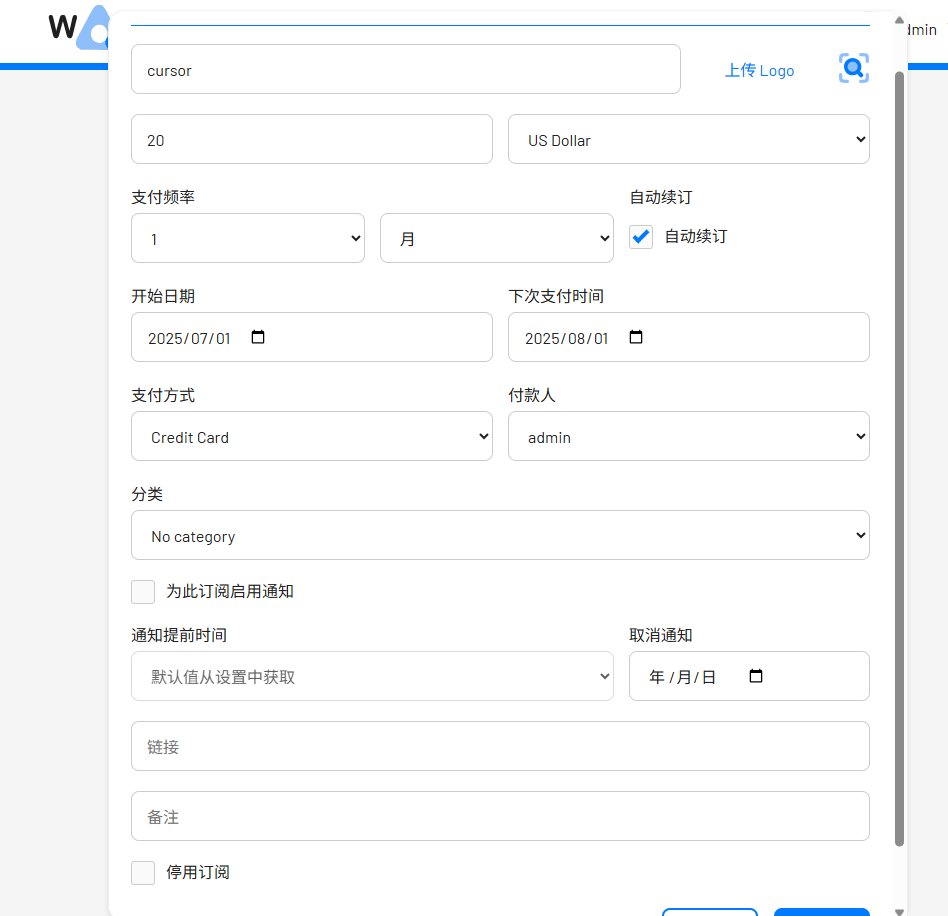
You can manually upload a logo here; the web search feature didn't work well when I tried it.
Afterwards, you can see it from the home page.
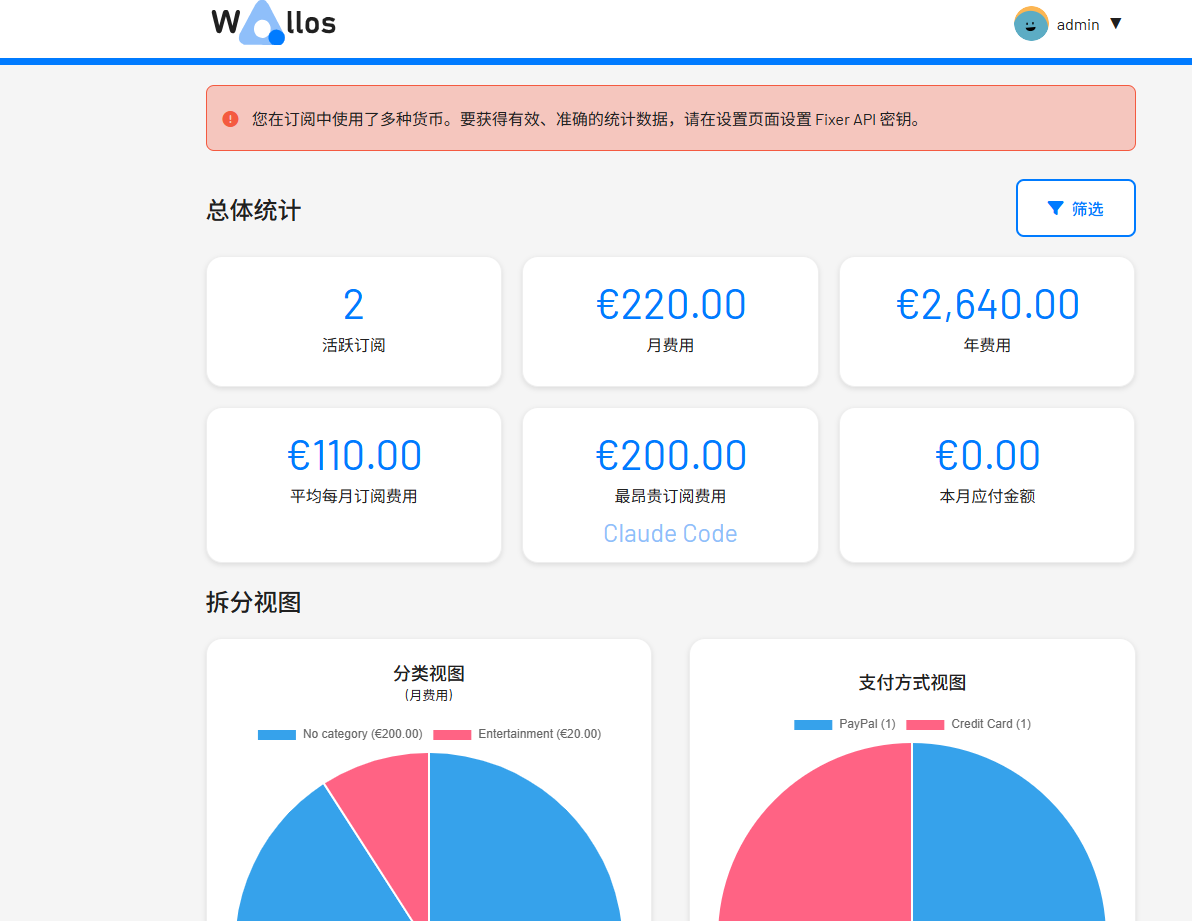
You can access the statistics feature from here.
Open the settings to modify or delete categories.
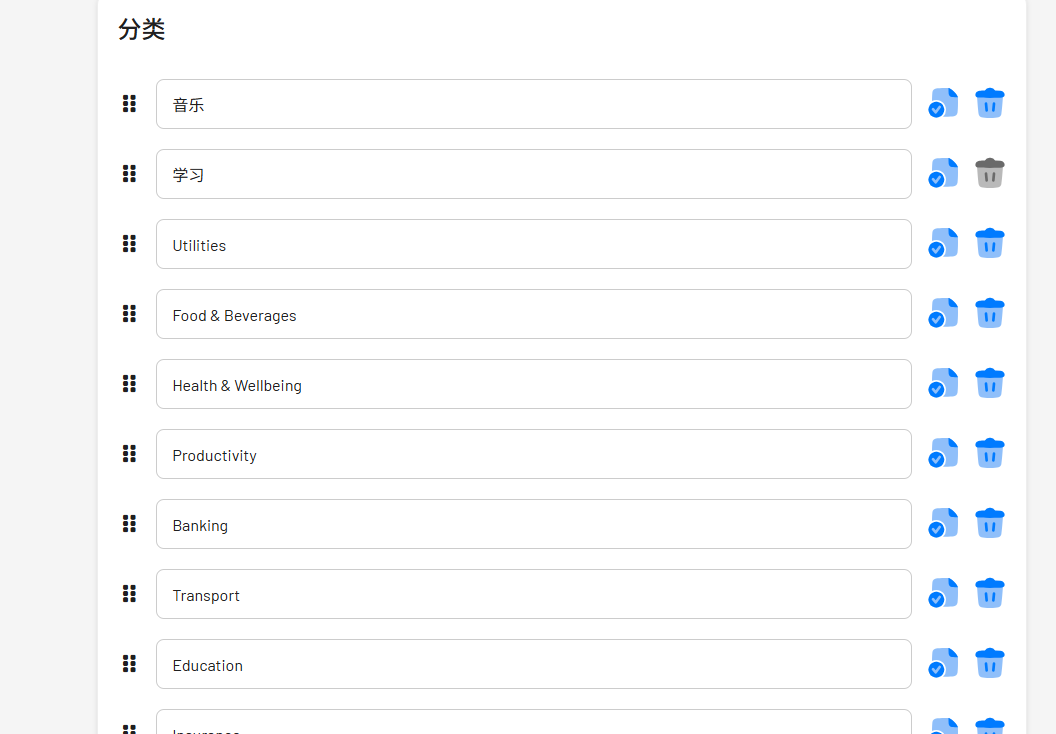
Note: After making changes, you must click the save button. You can drag and sort items on the left.
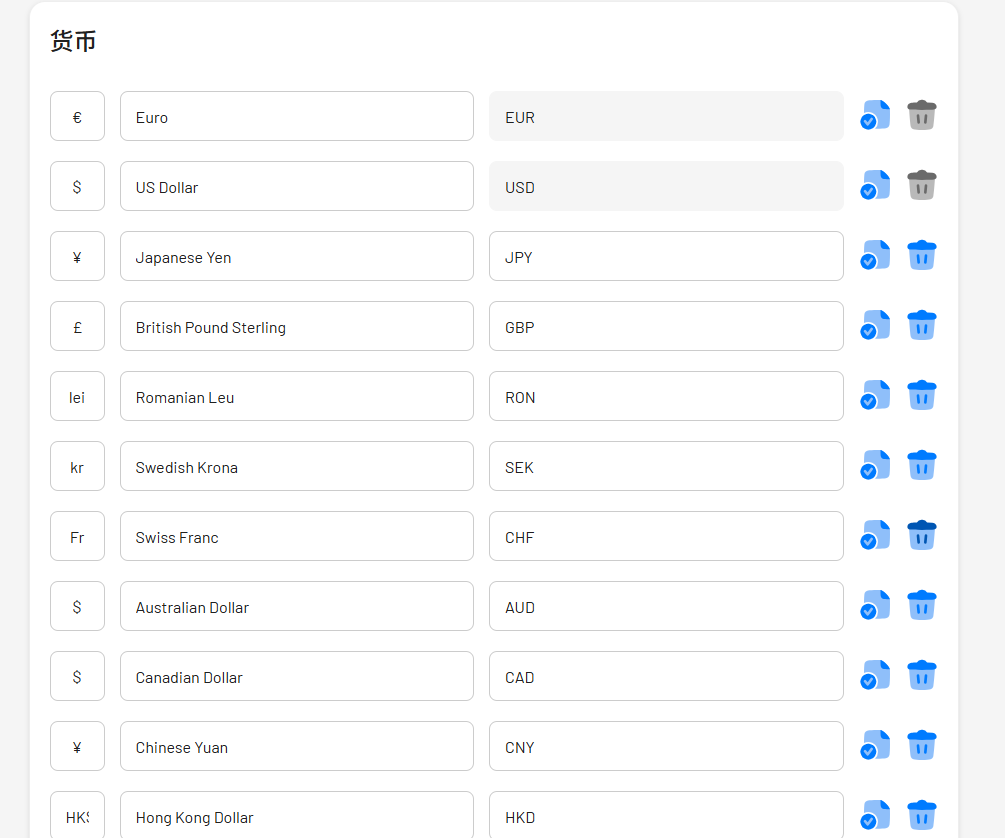
You can keep only the commonly used currencies and delete the others.
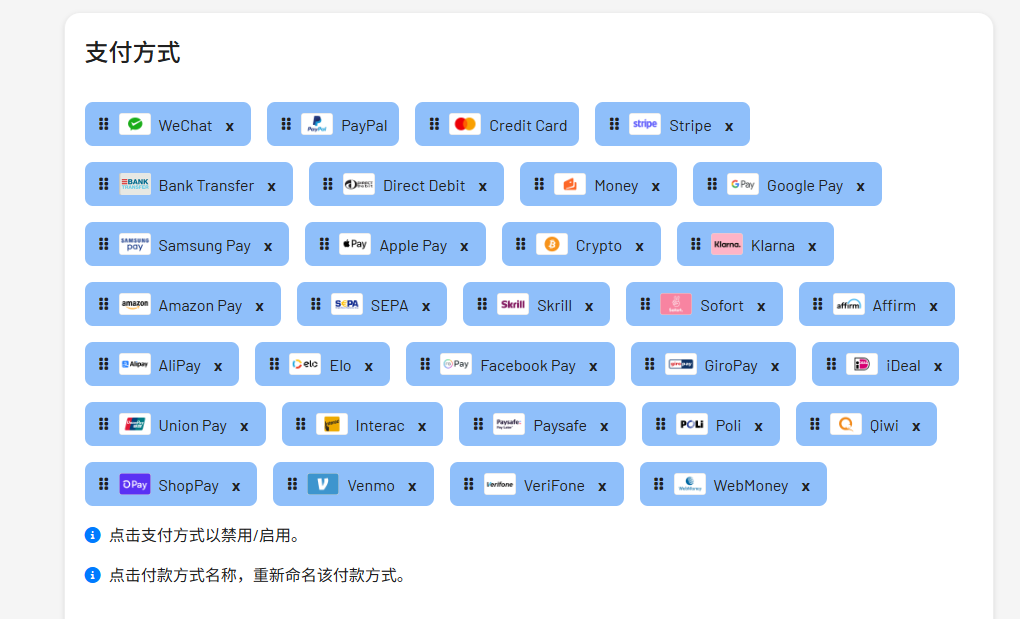
Payment methods also support drag-and-drop sorting; you can move WeChat Pay and Alipay to the front for convenience.
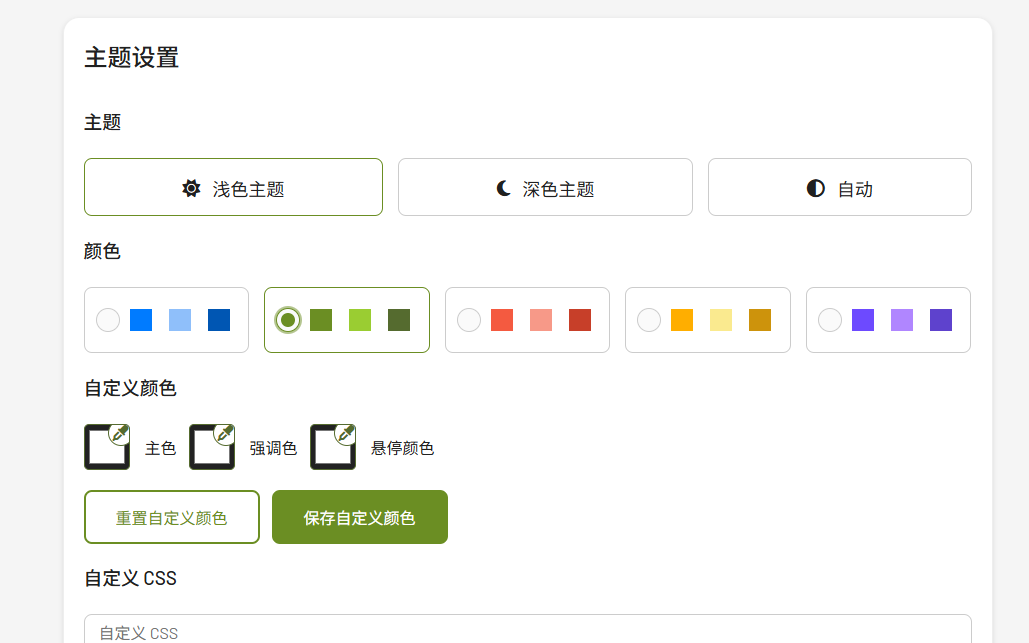
You can also adjust the theme style.
After making the adjustments above, adding a subscription becomes much more user-friendly.
Summary
If you often forget which tools you've subscribed to, miss renewal dates, or forget credit card payments... you can use this software to manage everything, so you don't have to worry anxiously every month.